
Anime Editorial Fashion Film
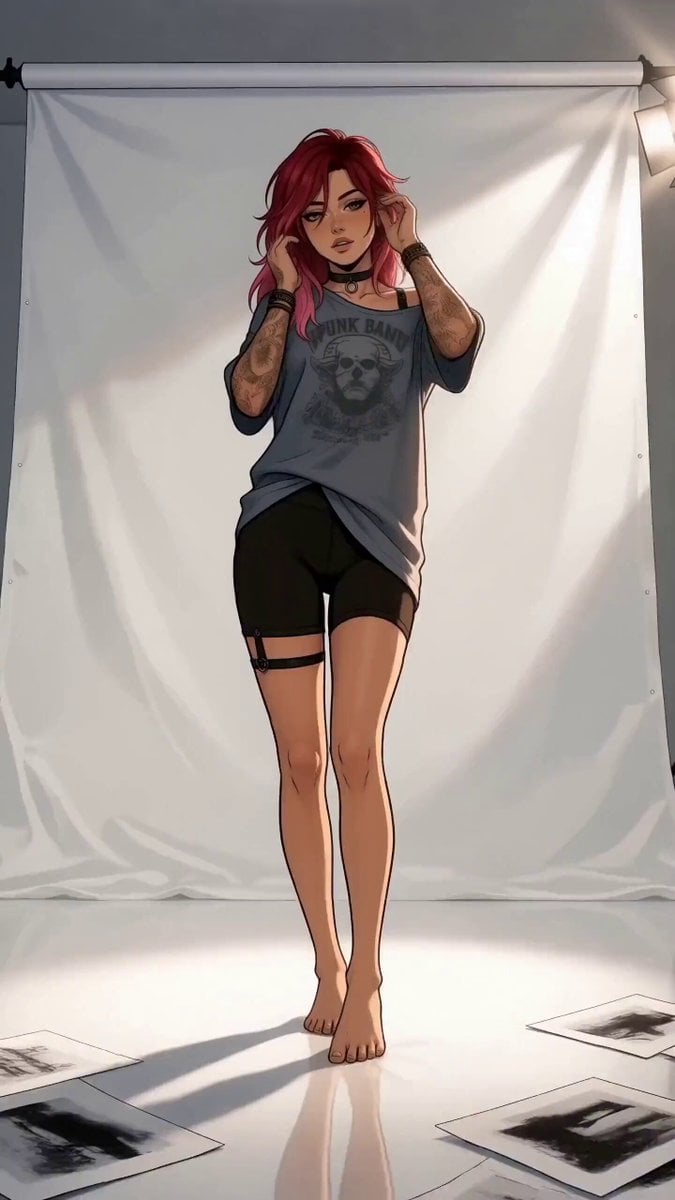
A sophisticated video prompt for an anime-style fashion editorial featuring a character named Aria.
- Prompt included
- Model and format preset
- Free template
The prompt behind this video
Copy the exact prompt behind Anime Editorial Fashion Film, or open it in the studio and make it yours.
A high-fashion anime editorial film follows a woman flowing through ten precise poses. aria defines her face, hair, freckles and identity; ariaoutfit defines her full outfit, accessories and proportions. Ignore both reference backgrounds and add no new accessories. She has layered red-to-pink hair held by a claw clip, amber eyes, light freckles, a thin black choker, ink tattoos on her arms and right shoulder, an oversized grey band tee worn off one shoulder, black biker shorts, a thin thigh strap, and bare feet. Render as cel-shaded anime illustration with clean ink linework and flat shadow blocks. The film unfolds in one uninterrupted 15-second shot at 128 BPM inside a minimal white cyclorama with hard strobes, faint haze, glossy floor reflections, a satin sheet, and scattered proof sheets. The camera follows one physically continuous path, accelerating between poses and braking sharply on every lock. 0:00-0:01.5: Pose 1, centered frontal MCU, one hand brushing the hair beside her ear, restrained push-in. 0:01.5-0:03.0: Pose 2, three-quarter with lifted chin; Pose 3, lowered gaze with both hands near collar and hair; camera descends in a fast arc and pauses on her eyes. 0:03.0-0:04.5: Pose 4, strict left profile; Pose 5, one shoulder rolled forward while the off-shoulder edge of the tee catches a sharp side light; camera whips past her cheek. 0:04.5-0:06.0: Pose 6, she gathers a fold of the tee at her waist; Pose 7, over-the-shoulder look; camera dives to torso level and rises into a close facial pass. 0:06.0-0:07.5: Pose 8, she lowers onto the satin sheet with one knee raised; Pose 9, one bare foot extended toward the lens dominating the foreground; camera rockets forward at floor level. 0:07.5-0:09.0: Pose 10, three-quarter stance, one hand at the collarbone, the tee hem skimming her thigh; camera slides across the waistline into a portrait hold. 0:09-0:11.0: she folds inward, closes her eyes for one breath, then opens into a long upward stretch; tight orbit. 0:11.0-0:13.0: rear three-quarter shoulder silhouette turning just enough for jawline and tee neckline to catch the same flash. 0:13.0-0:15.0: the camera grazes past her eyes, arcs outward and lowers as she lands in a dominant full-body pose looking down into the lens, ending on a clean wide hold under a final white flash bloom. Use a smooth 24-85mm zoom feel, hard frontal flashes, sharp side rim light, shutter clicks, breath, hair movement, and fabric rustle. Keep one continuous character with stable identity, anatomy, hairstyle, outfit, accessories, tattoo placement, and anime style throughout.
How to use Anime Editorial Fashion Film in 3 steps
- 1
Open
The prompt is already in the box next to the preview, with the template's model and format selected.
- 2…a portrait of your subject in softgolden-hour light, 85mm…
Personalize
Edit the subject and creative details for your destination.
- 3Generate
Generate
Press Generate — your video is created in PicX Studio, so you can compare it with the original and refine one variable at a time.
More like this
Templates with the same subject, style or setup. Open one to see its prompt.
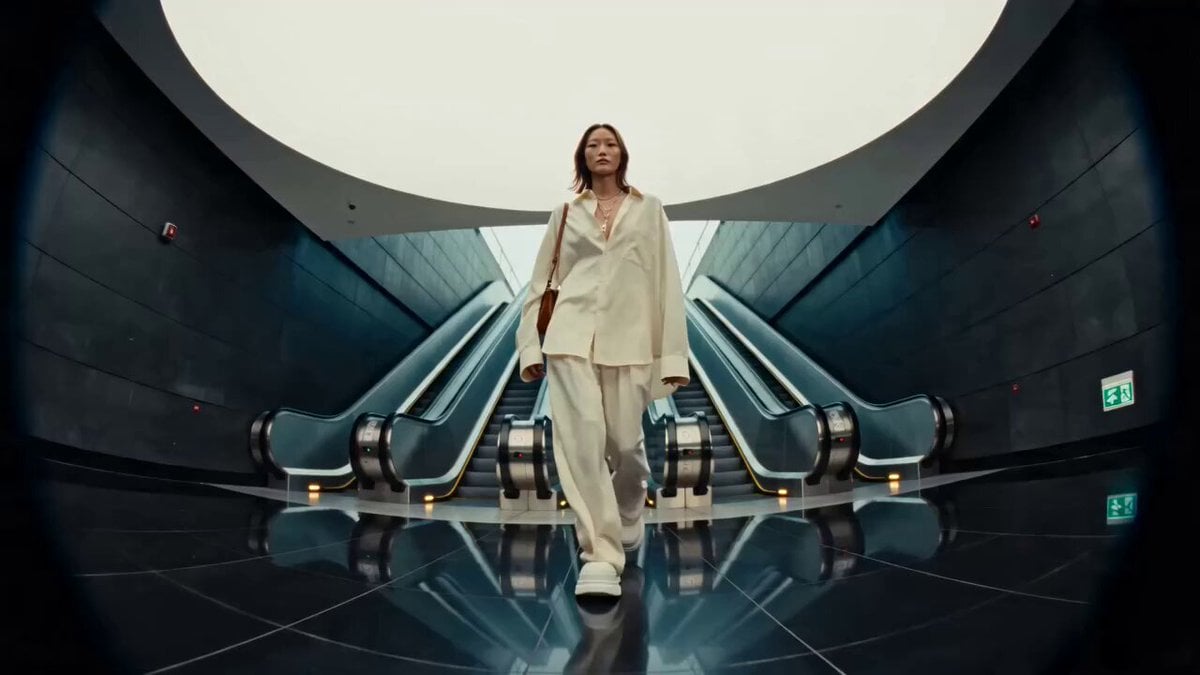
Editorial Street Fashion Cinema Film
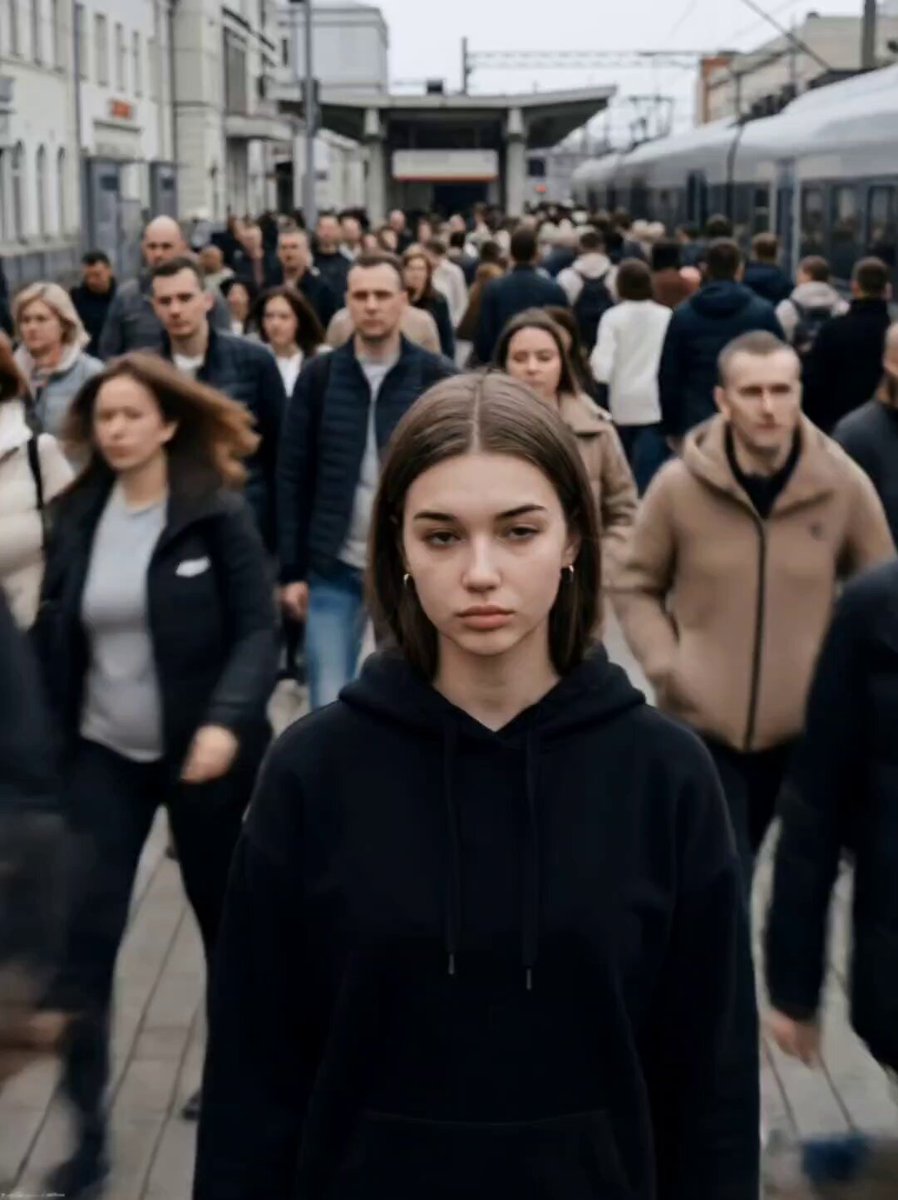
Cinematic Short Film Scene
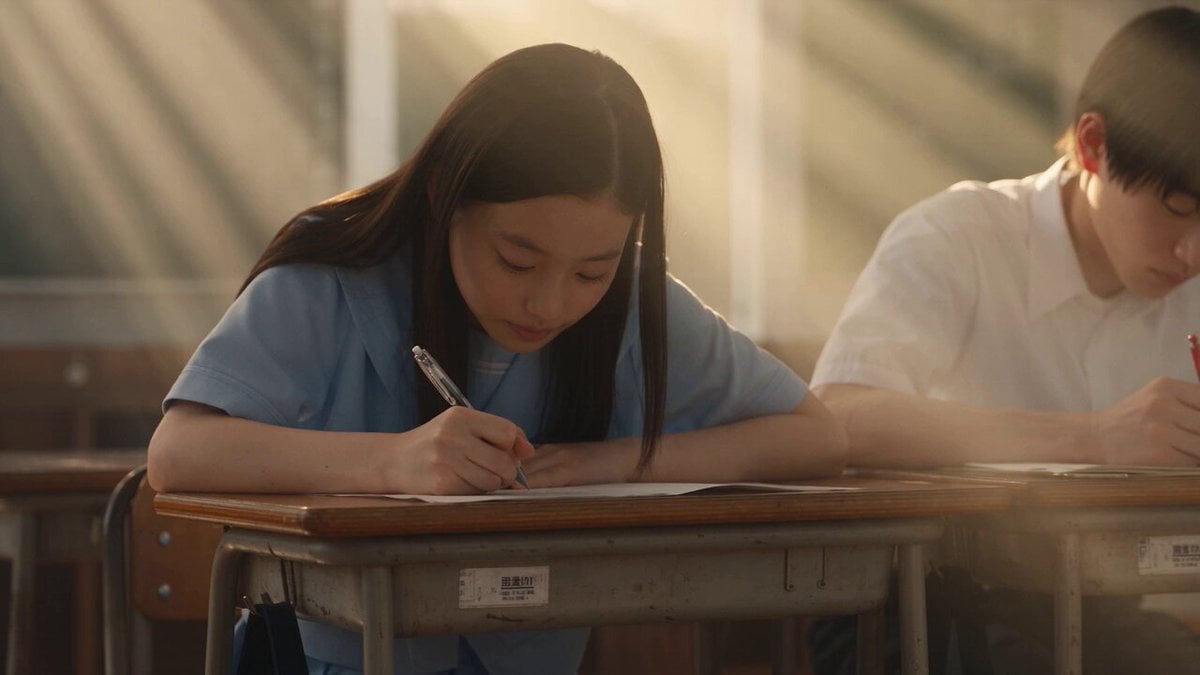
Japanese Pure Love Short Film
High Fashion Editorial Video
Parisian Fashion Campaign Streetwear Editorial
Industrial Loft Fashion Performance Film
Industrial Underground Fashion Film
Hospital Car Park Dialogue Lip Sync

MiniMax H3 Character Introduction
Global Flower Thank-You Film
Youth Racing Short Film
Mechanical Flower Bloom Brand Film
Make it yours
Anime Editorial Fashion Film works as-is. These are the safest ways to change it without losing the look.
Change one field
Copy a single group, rewrite it, and generate again so you can see what that field is doing.
Keep the frame, change the subject
Hold the composition and light of Anime Editorial Fashion Film, then swap wardrobe, props or the person for a new take.
| If the result… | Why | Fix |
|---|---|---|
| The result drifts from the preview | Too many fields changed at once. | Reuse Anime Editorial Fashion Film as-is first, then change one group — subject, light, or setting. |
| The model over-stylizes the scene | The prose prompt leaves finish and camera underspecified. | Add one camera or lighting sentence and stay on Seedance 2.0. |
More Seedance 2.0 templates
Other prompts made for Seedance 2.0.

Comical Martial Arts Punch Scene

Maglev Train Action Sequence

Martial Arts Fight Sequence

Wuxia Protection and Trust Script

Vintage Korean Arcade MiniDV Vlog

Mercedes 190 SL Luxury Ad

Rainy Night Supernatural Reverse Comedy Video Script

Amazon Civilization Discovery

Futuristic South Asian City Transformation

Cozy Luxury Cafe Commercial
More video prompts
Fresh picks from across the catalog.

Dissolving Rope Bridge Canyon
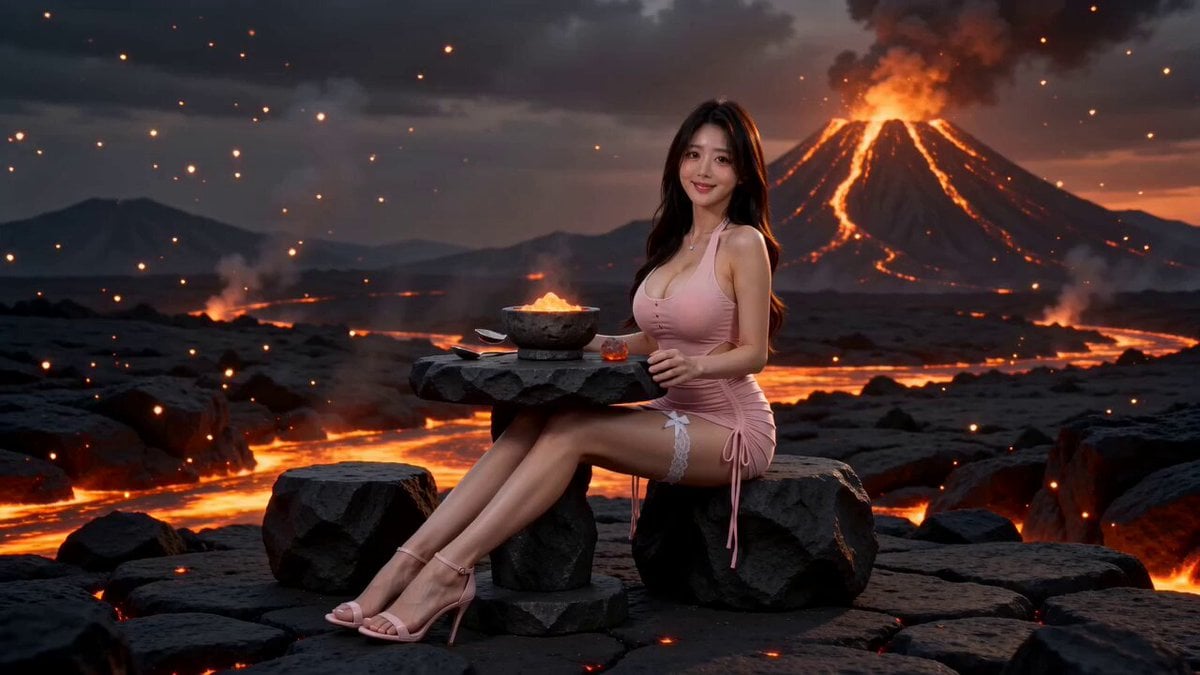
Surreal Volcano Lava Mukbang ASMR
Warhorse Sprint on Cliff Aqueduct
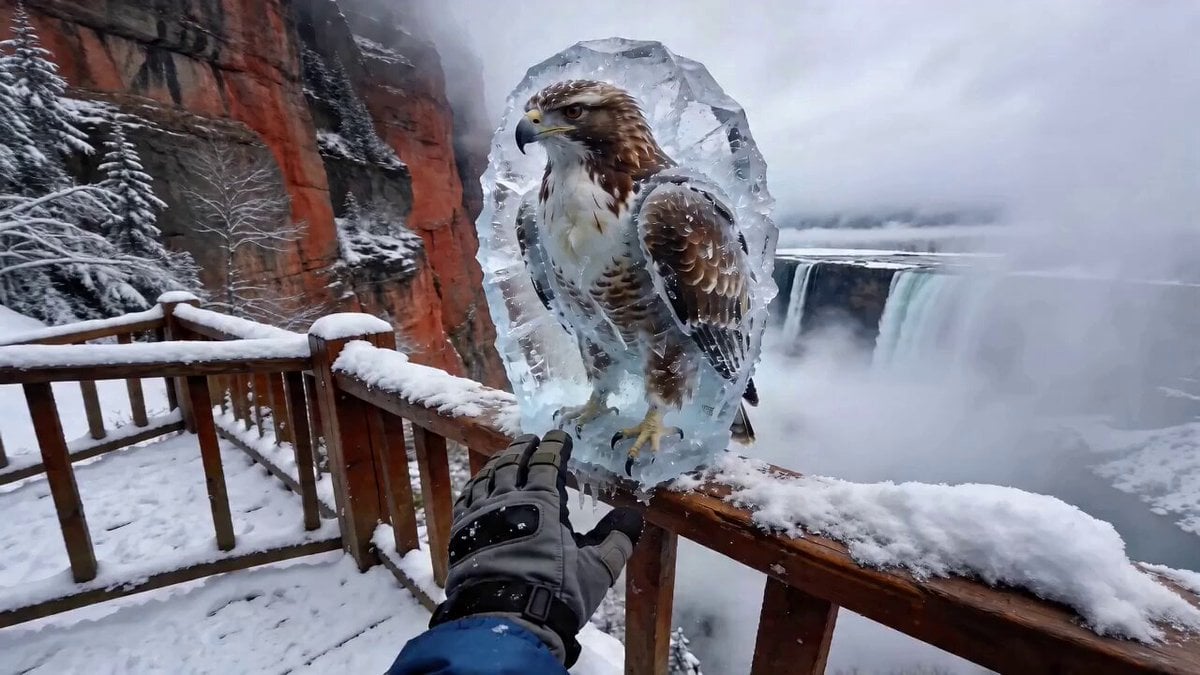
POV Eagle Rescue from Ice
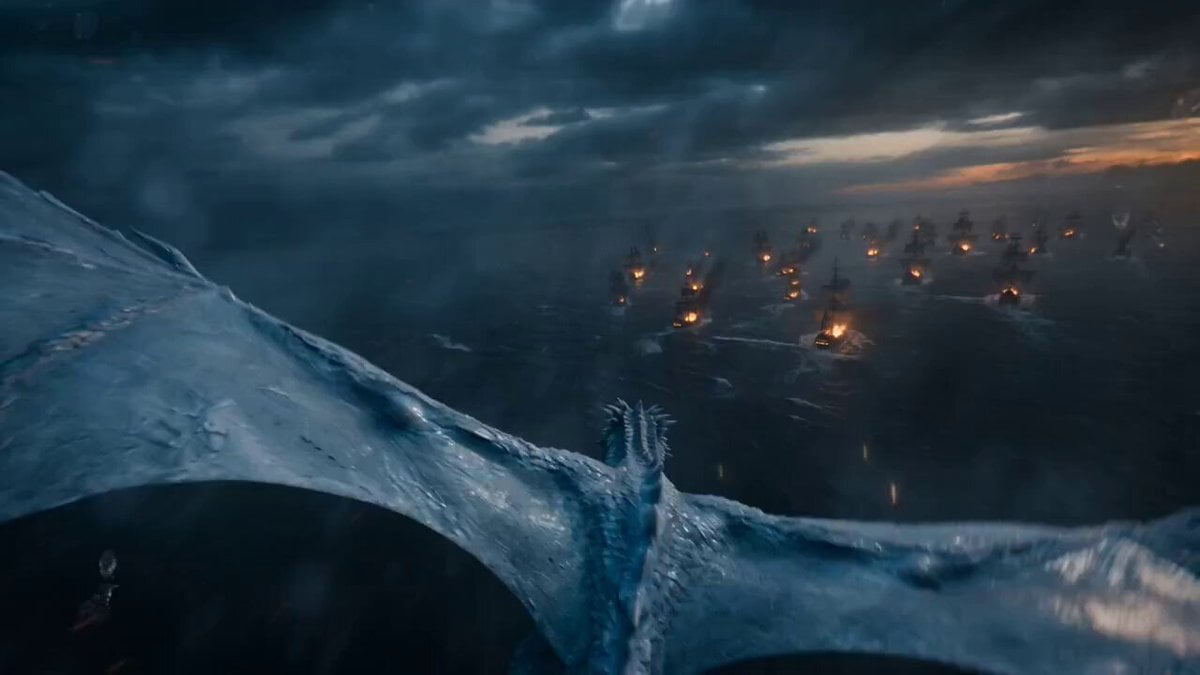
POV Ice Dragon Naval Battle Trailer
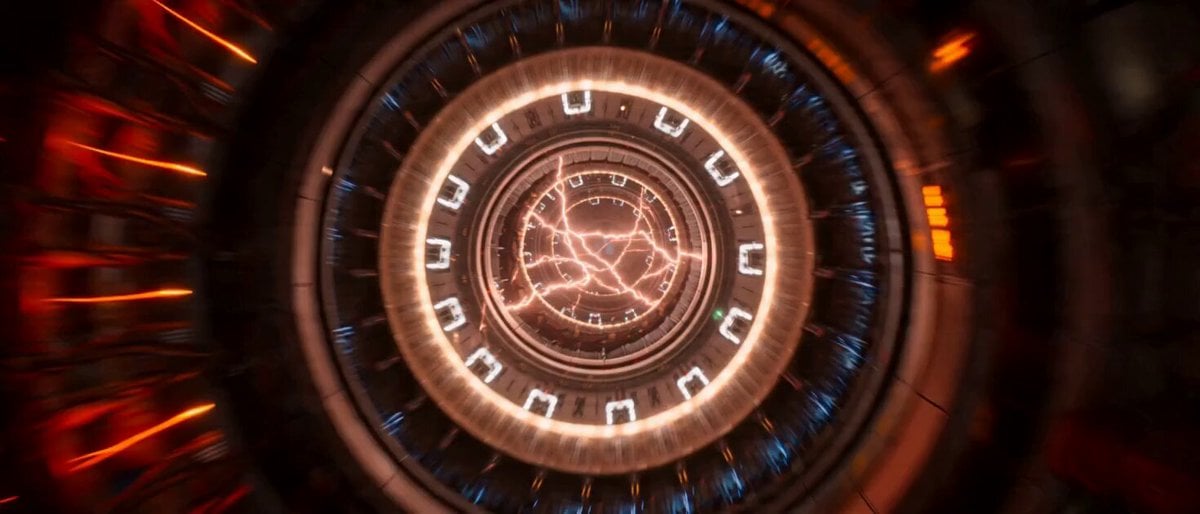
Impossible Single-Take Sci-Fi Ship Tour
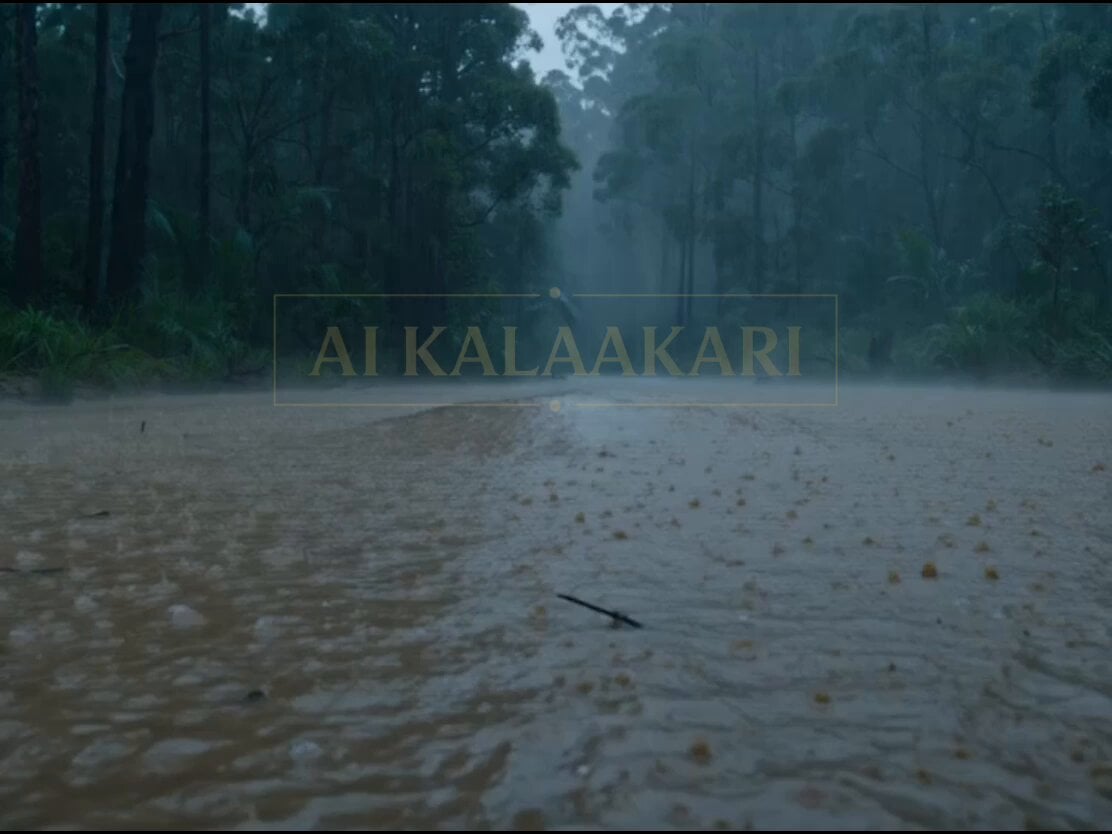
Giant Crocodile Rainforest Survival
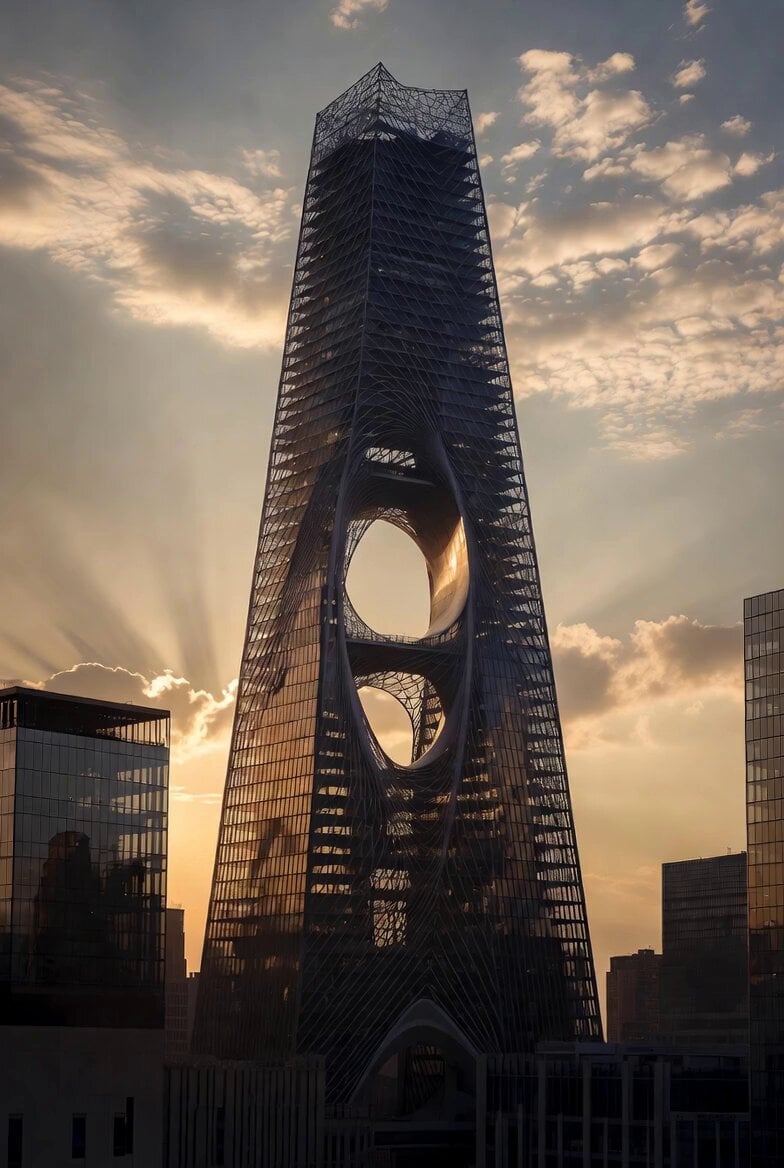
Computational Subtraction Manhattan Tower
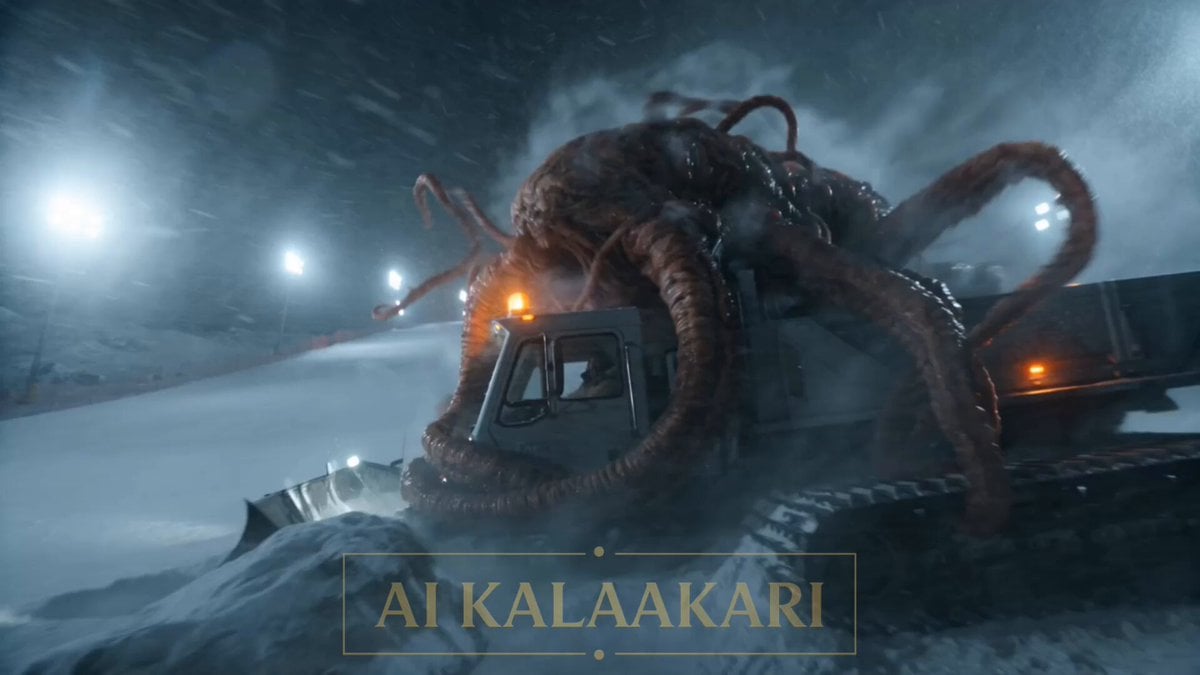
Alien Ski Station Night Ambush
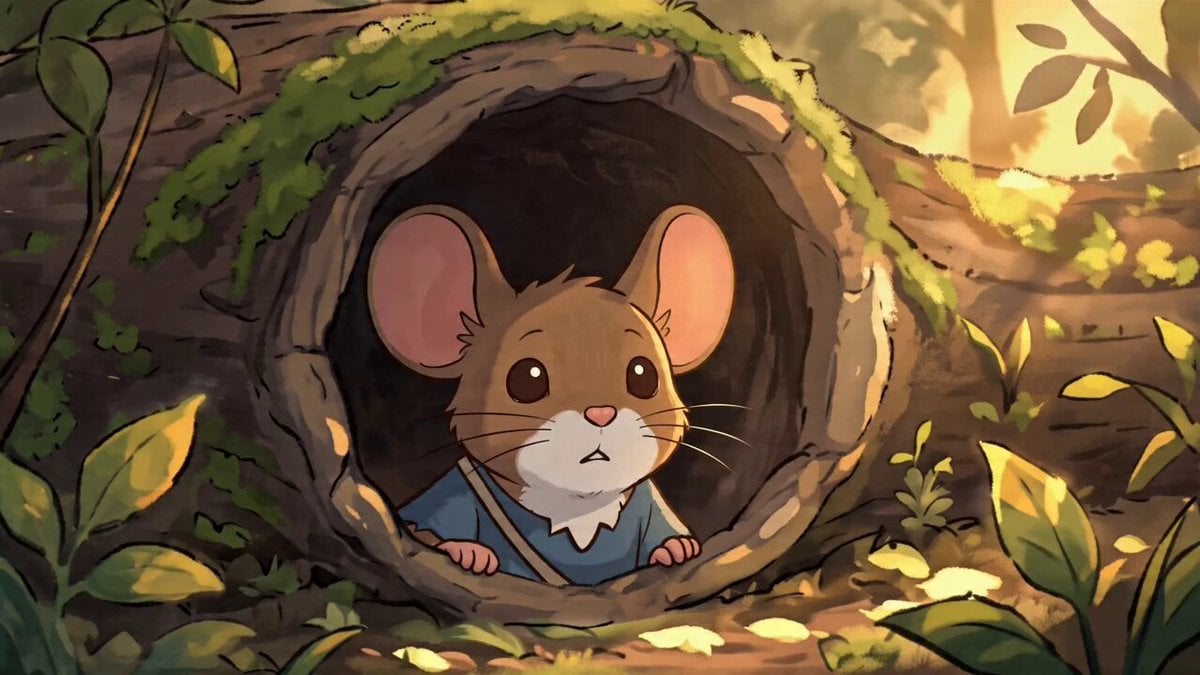
Studio Ghibli Style Animation Scene
Browse template categories
Anime Editorial Fashion Film questions
How do I use the Anime Editorial Fashion Film template?
Add your photo if the template asks for one, edit the prompt if you like — the template's model and format are already selected — and press Generate. Your version opens in PicX Studio.
Can I customize the Anime Editorial Fashion Film template?
Yes. You can change the subject, setting, lighting, mood, format, and available model controls before creating your video.
Is the Anime Editorial Fashion Film template free?
Opening and editing this template is free. Generating uses credits, shown on the Generate button when you are signed in.
Which AI model should I use?
Start with Seedance 2.0, which is the model associated with this template. You can compare another compatible model for a different finish.
Looking for something else? Browse all templates.

Your photo, any look
Thousands of ready templates for every top image and video model, from one credit balance.