
Giant Crocodile Rainforest Survival
A terrifying survival horror prompt featuring a giant saltwater crocodile attacking hikers on a log in a misty rainforest.
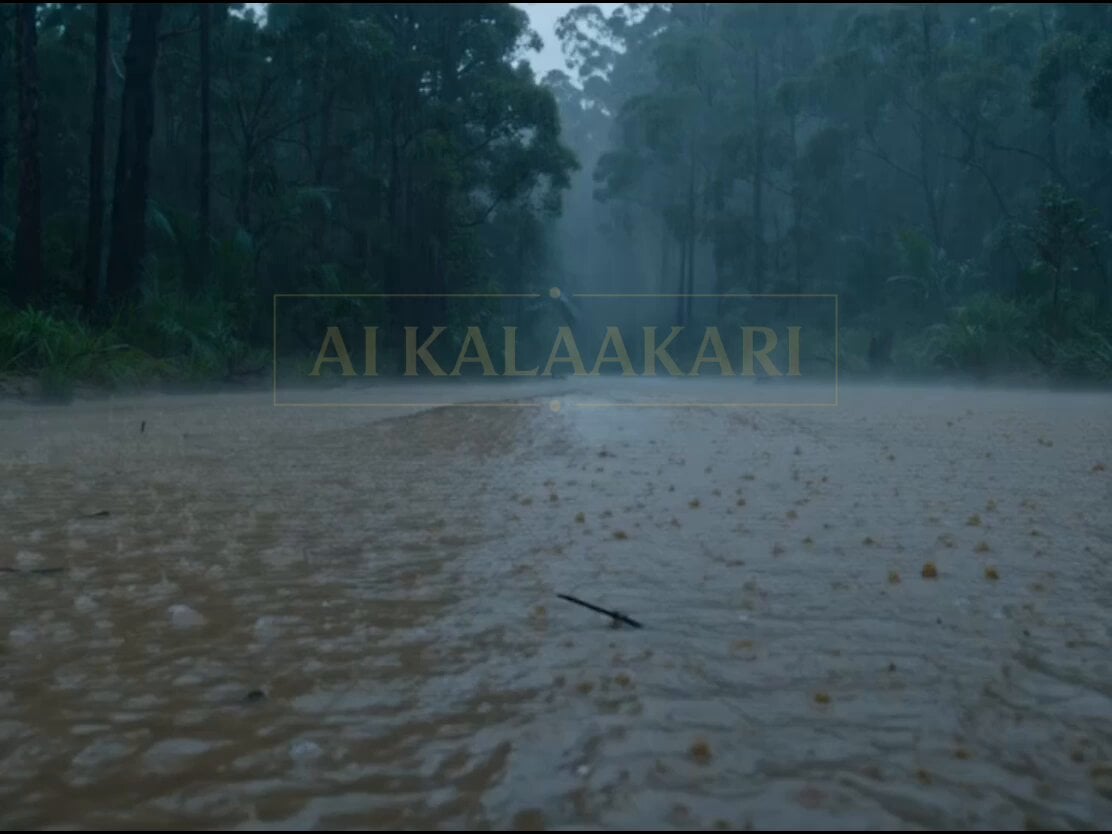
- Prompt included
- Model and format preset
- Premium template
The prompt behind this video
Copy the exact prompt behind Giant Crocodile Rainforest Survival, or open it in the studio and make it yours.
Cinematic action horror scene in a dark, misty Australian rainforest during heavy rain. A massive, hyper-realistic giant saltwater crocodile, over 40 feet long with dark armored scales and enormous jaws, emerges aggressively from murky brown swamp water with its mouth wide open, revealing massive sharp teeth. The terrifying creature lunges repeatedly toward two hikers desperately trying to escape. A man in a green jacket with a backpack and a woman in a blue rain jacket carefully balance and crawl across a large, wet fallen tree log bridging over the dangerous floodwater. The woman looks back in panic while the man helps guide her forward. The giant crocodile thrashes violently in the water below, snapping its powerful jaws just beneath them, creating huge splashes and sending water flying. Atmospheric foggy jungle environment with dense green foliage, pouring rain, dramatic overcast lighting, and cinematic tension. Dynamic camera angles include close-ups of the crocodile’s terrifying open mouth, low-angle shots from the water looking up at the hikers, and intense tracking shots following their desperate escape across the slippery log. Highly detailed photorealistic visuals, realistic water physics, emotional fear on the characters' faces, intense Hollywood movie style survival horror, 11-second dramatic action sequence.
How to use Giant Crocodile Rainforest Survival in 3 steps
- 1
Open
The prompt is already in the box next to the preview, with the template's model and format selected.
- 2…a portrait of your subject in softgolden-hour light, 85mm…
Personalize
Edit the subject and creative details for your destination.
- 3Generate
Generate
Press Generate — your video is created in PicX Studio, so you can compare it with the original and refine one variable at a time.
More like this
Templates with the same subject, style or setup. Open one to see its prompt.
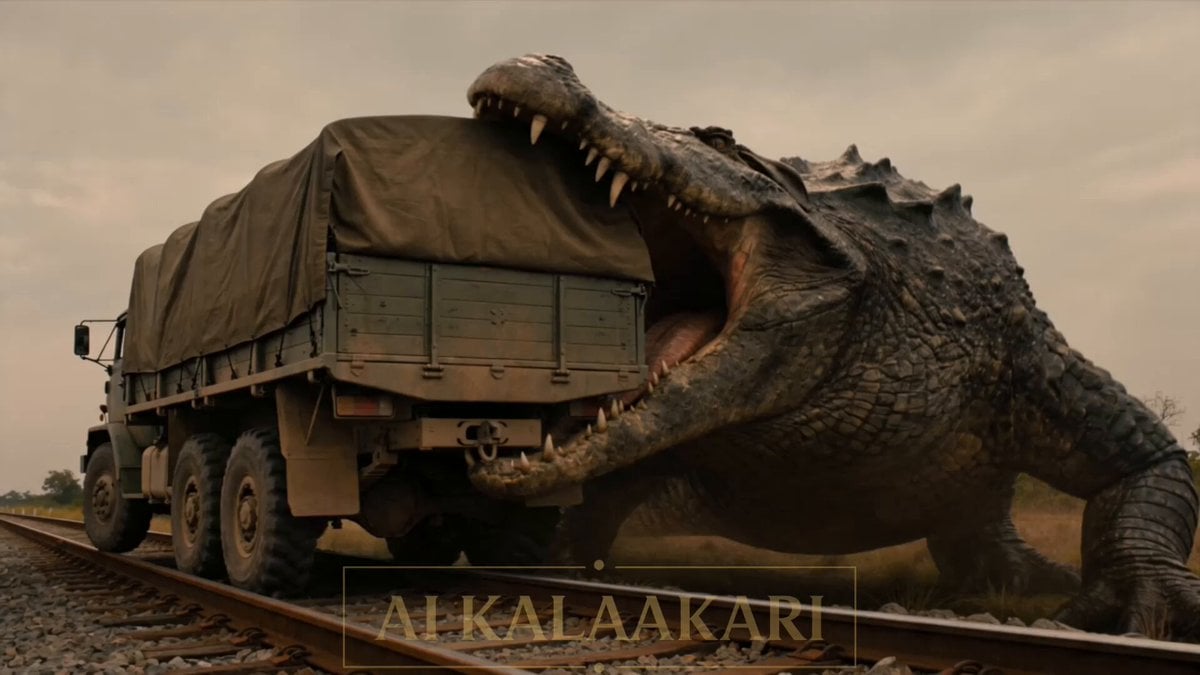
Cinematic Train and Giant Crocodile Collision
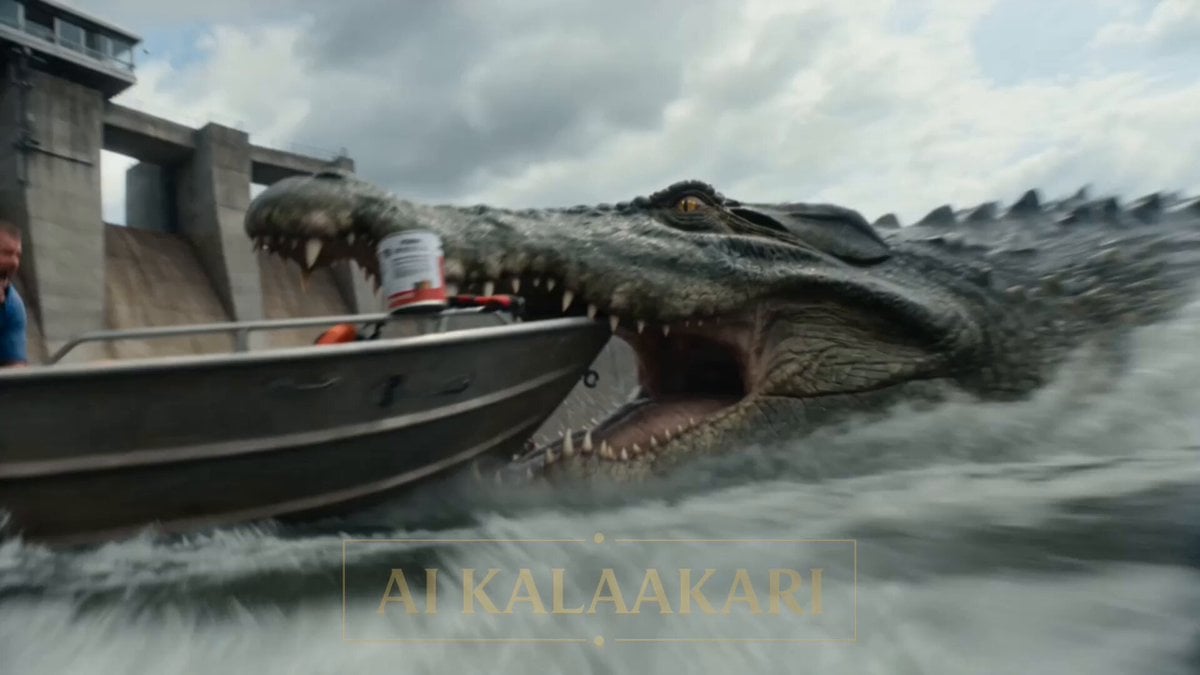
Giant Crocodile Dam Breach Sequence
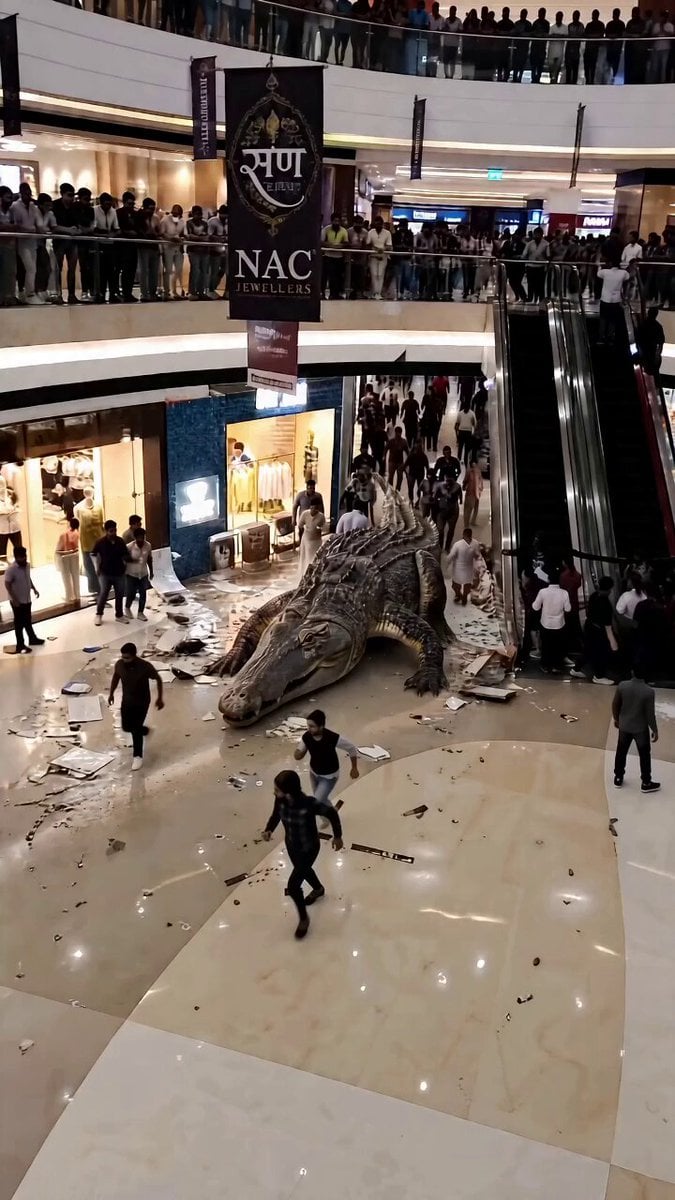
Giant Crocodile Mall Attack
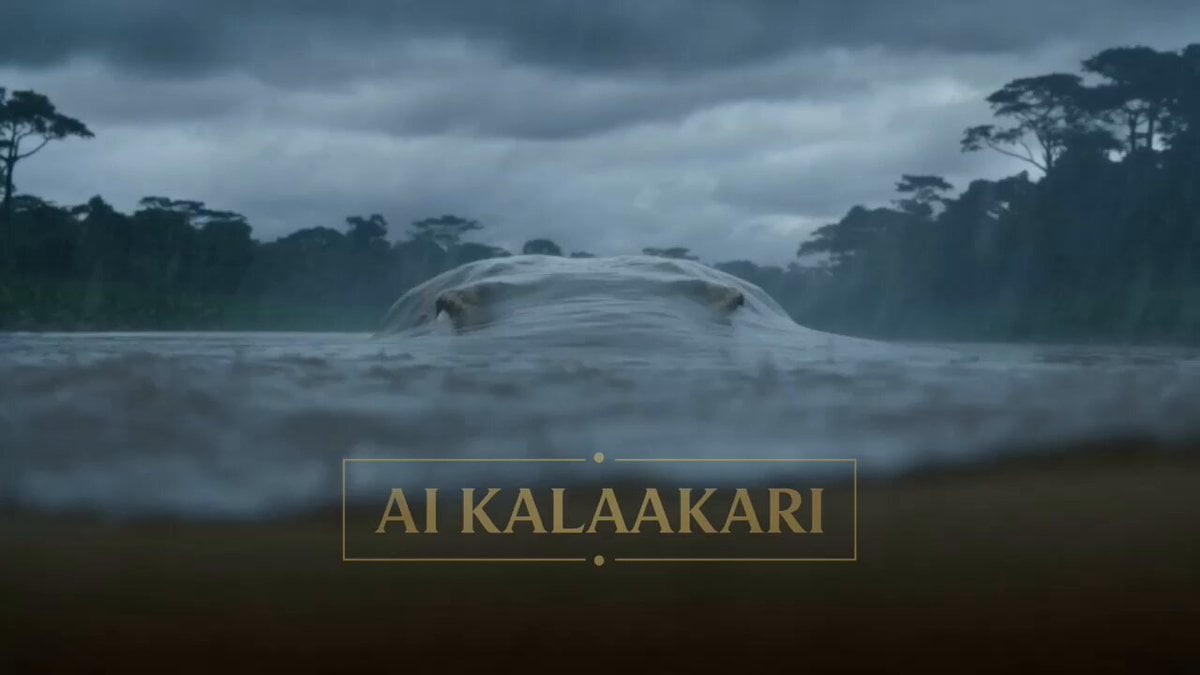
Giant Crocodile River Attack
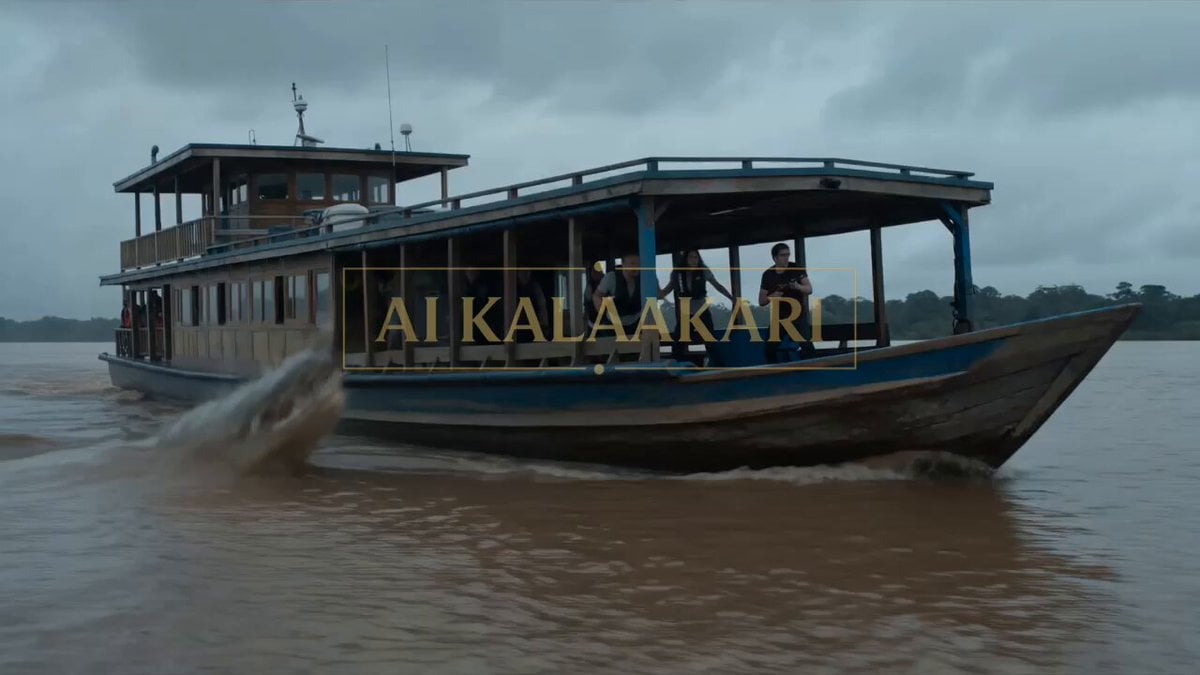
Giant Crocodile Houseboat Attack
Rainforest Thriller — Searching the Unseen
Tiny Figure Climbing a Giant — Low Angle Seedance
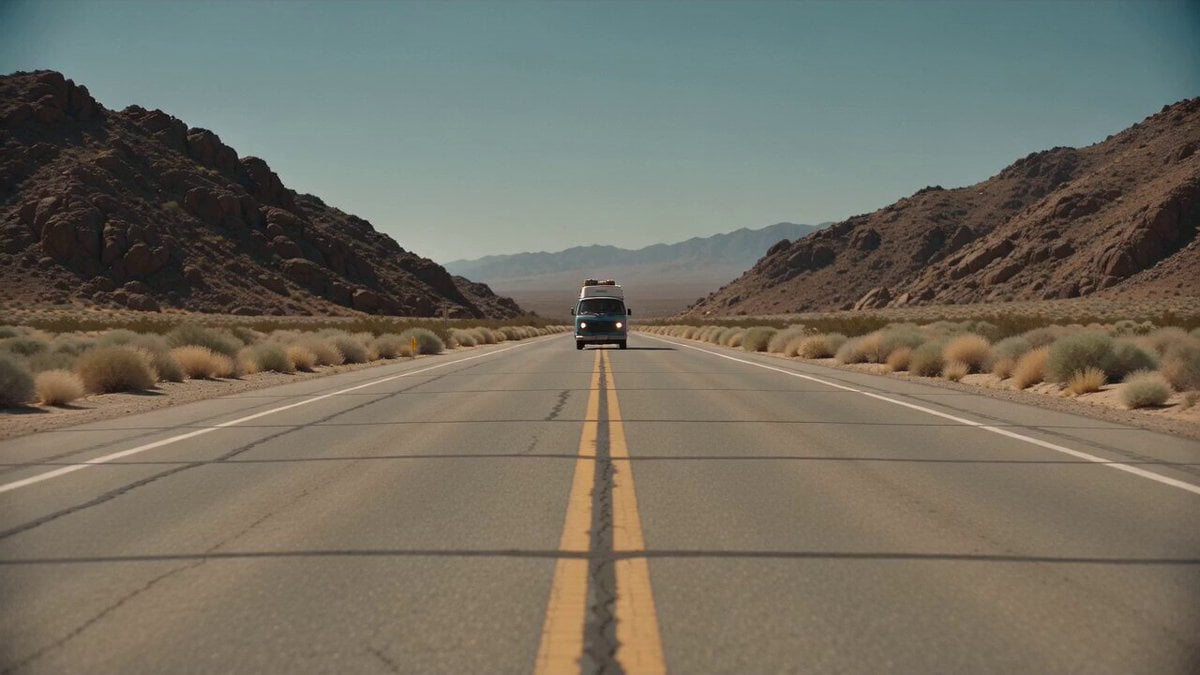
Desert Survival Alien Encounter

Asha and Arjun Bridge Survival
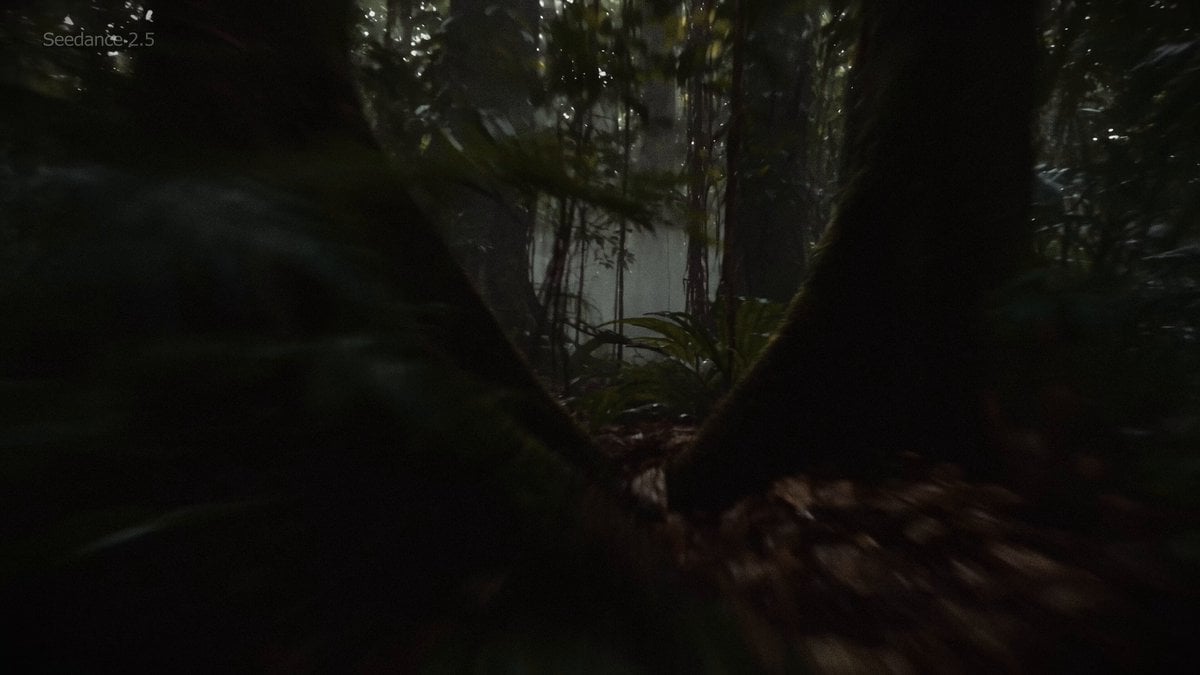
Amazon Rainforest Horror Monster Encounter
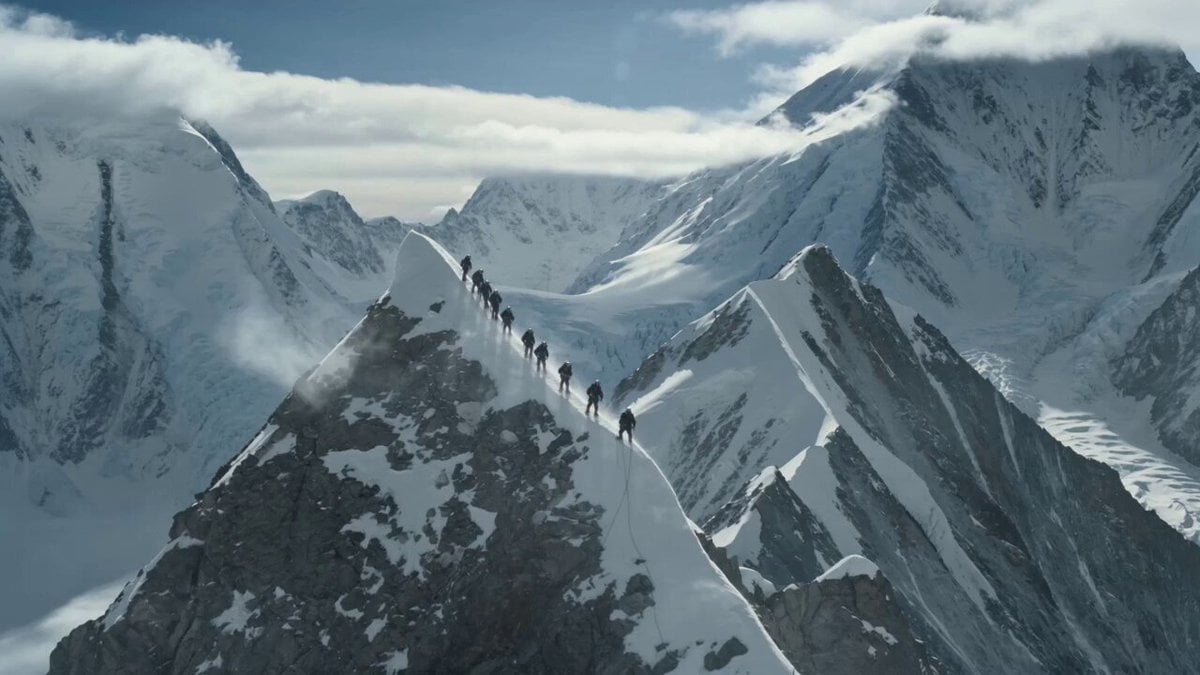
K2 Mountaineering Survival Drama
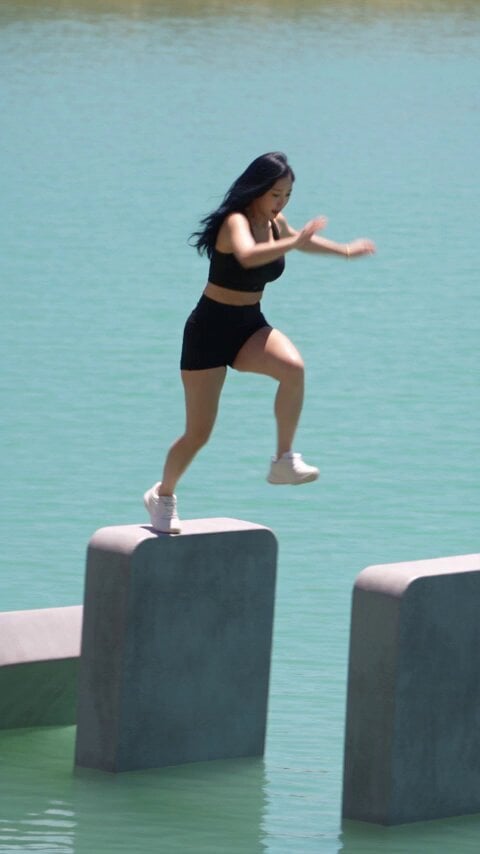
Giant Domino Water Parkour Challenge
Make it yours
Giant Crocodile Rainforest Survival works as-is. These are the safest ways to change it without losing the look.
Change one field
Copy a single group, rewrite it, and generate again so you can see what that field is doing.
Keep the frame, change the subject
Hold the composition and light of Giant Crocodile Rainforest Survival, then swap wardrobe, props or the person for a new take.
| If the result… | Why | Fix |
|---|---|---|
| The result drifts from the preview | Too many fields changed at once. | Reuse Giant Crocodile Rainforest Survival as-is first, then change one group — subject, light, or setting. |
| The model over-stylizes the scene | The prose prompt leaves finish and camera underspecified. | Add one camera or lighting sentence and stay on Seedance 2.0. |
More Seedance 2.0 templates
Other prompts made for Seedance 2.0.

Comical Martial Arts Punch Scene

Maglev Train Action Sequence

Martial Arts Fight Sequence

Wuxia Protection and Trust Script

Vintage Korean Arcade MiniDV Vlog

Mercedes 190 SL Luxury Ad

Rainy Night Supernatural Reverse Comedy Video Script

Amazon Civilization Discovery

Futuristic South Asian City Transformation

Cozy Luxury Cafe Commercial
More video prompts
Fresh picks from across the catalog.
90s Nostalgic One-Take Video
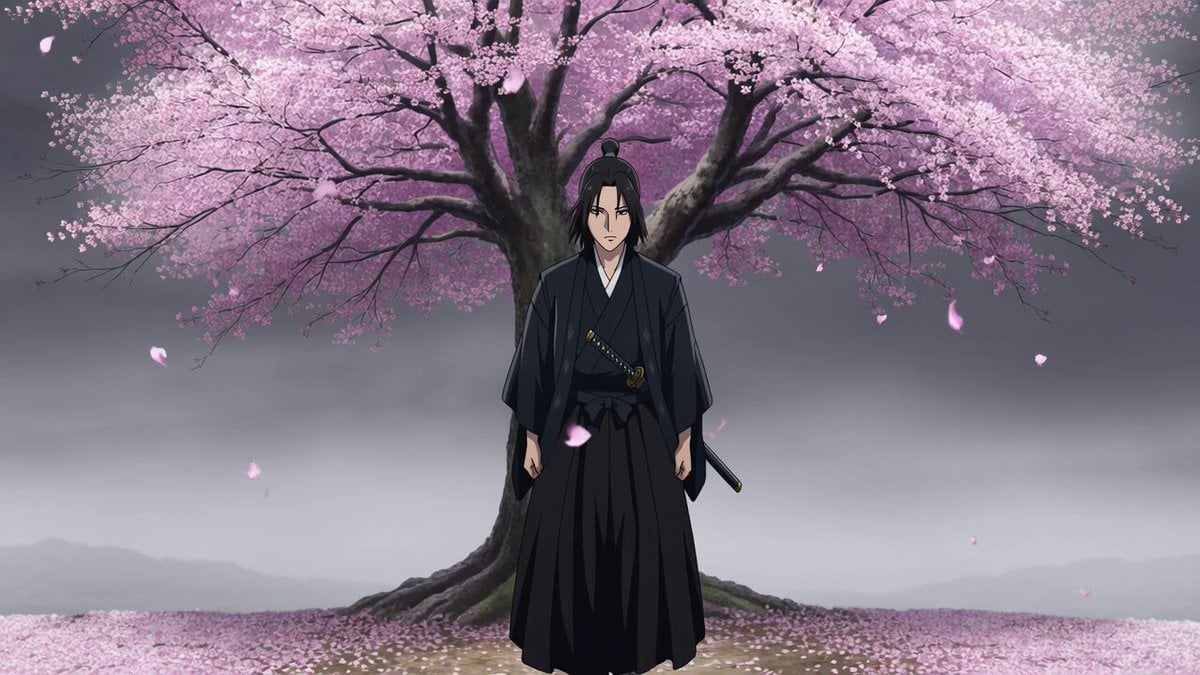
Atmospheric Anime Samurai Video Prompt
Epic White Tiger Summoning Prompt
Endless Runner Mobile Game Video Prompt
Gothic City Detective

Jane Austen Transformation
Japanese City Street Photography Video Prompt
Knight vs Dragon Dark Fantasy Battle
Prehistoric Titan Dinosaur Battle
Bayou Hippo Surge Attack
Browse template categories
Giant Crocodile Rainforest Survival questions
How do I use the Giant Crocodile Rainforest Survival template?
Add your photo if the template asks for one, edit the prompt if you like — the template's model and format are already selected — and press Generate. Your version opens in PicX Studio.
Can I customize the Giant Crocodile Rainforest Survival template?
Yes. You can change the subject, setting, lighting, mood, format, and available model controls before creating your video.
Is the Giant Crocodile Rainforest Survival template free?
Opening and editing this template is free. Generating uses credits, shown on the Generate button when you are signed in.
Which AI model should I use?
Start with Seedance 2.0, which is the model associated with this template. You can compare another compatible model for a different finish.
Looking for something else? Browse all templates.

Your photo, any look
Thousands of ready templates for every top image and video model, from one credit balance.