How do I use the Giant Crocodile Mall Attack template?
Edit the prompt in the box under the preview — the template's model and format are already selected — and press Generate. Your version appears right on this page.
A detailed multi-scene chronological prompt for a chaotic action sequence involving a giant crocodile attacking a shopping mall.
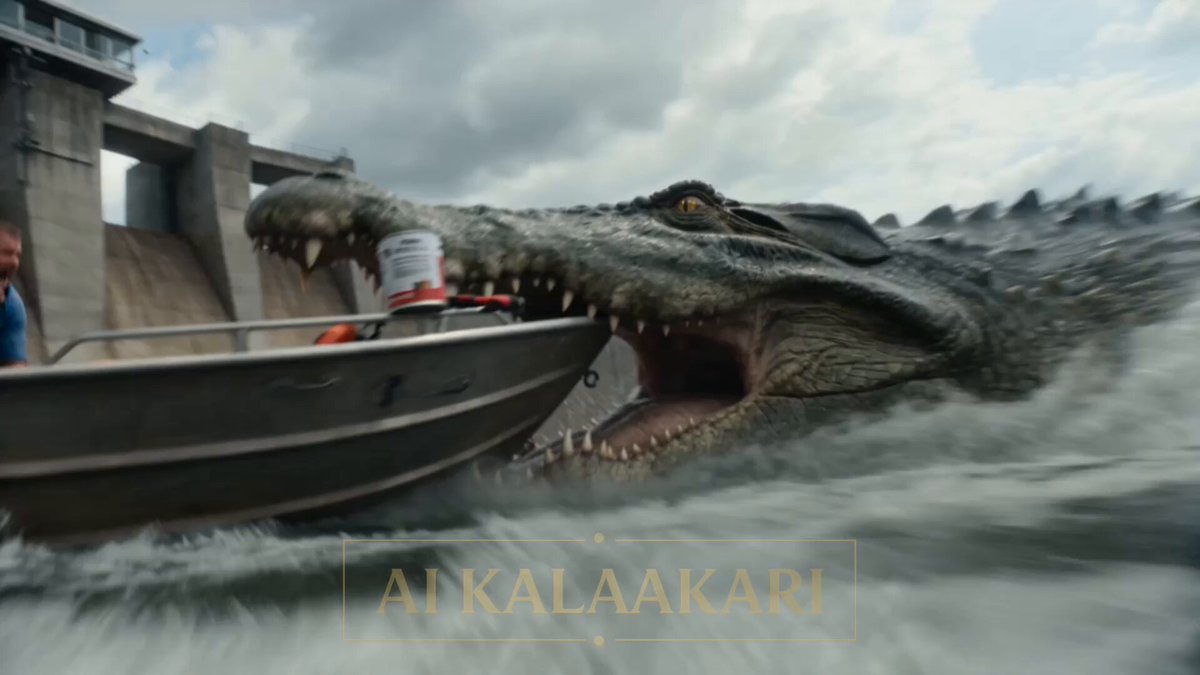
00:00 – 00:02 The camera pans across the crowded mall atrium. People are shopping normally when loud crashing sounds echo through the building. The cameraman quickly zooms toward the opposite side of the ground floor where a giant crocodile, far larger than a normal crocodile, bursts into view, smashing through decorative displays and storefront entrances. Glass panels shatter realistically while people immediately begin running in every direction. Audio: Crowd gasps, breaking glass, terrified screams, footsteps, crocodile growls. 00:02 – 00:05 The crocodile charges through the mall at high speed, smashing display counters, toppling kiosks, knocking over mannequins, and tearing through store entrances. It lunges toward a clothing store, grabs a store mannequin in its powerful jaws, bites through it, and throws the broken pieces aside while continuing forward. Dust, shattered glass, and debris scatter across the polished floor. The camera shakes as the operator instinctively steps backward while continuing to zoom. Audio: People screaming: "Bhago!" "Arre bhaago!" Children crying. Loud crashing. Crocodile breathing and growling. 00:05 – 00:08 Hundreds of shoppers sprint toward escalators and exits. Some stumble while helping others escape. The crocodile accelerates through the atrium, weaving around pillars and broken kiosks, continuing to pursue the fleeing crowd without showing graphic injuries. Decorative walls crack as the animal's tail swings through storefronts, sending signs and merchandise flying. The camera operator struggles to keep the crocodile in frame while using digital zoom. Audio: Continuous panic. Someone shouting: "Security! Security!" "Neeche mat jao!" Echoing footsteps. Alarm sirens beginning. 00:08 – 00:10 The crocodile races toward another section of the mall as the crowd disappears into corridors and staircases. The camera zooms in one final time while shaking heavily. Broken glass, collapsed display racks, scattered shopping bags, and damaged storefronts fill the atrium. Dust hangs in the air as the crocodile roars and disappears around a corner, leaving the scene in complete chaos. Audio: People screaming. Store alarms. Glass continuing to fall. Heavy crocodile footsteps. Echoing roars. The cameraman breathing heavily in shock.
00:00 – 00:02 The camera pans across the crowded mall atrium. People are shopping normally when loud crashing sounds echo through the building. The cameraman quickly zooms toward the opposite side of the ground floor where a giant crocodile, far larger than a normal crocodile, bursts into view, smashing through decorative displays and storefront entrances. Glass panels shatter realistically while people immediately begin running in every direction. Audio: Crowd gasps, breaking glass, terrified screams, footsteps, crocodile growls. 00:02 – 00:05 The crocodile charges through the mall at high speed, smashing display counters, toppling kiosks, knocking over mannequins, and tearing through store entrances. It lunges toward a clothing store, grabs a store mannequin in its powerful jaws, bites through it, and throws the broken pieces aside while continuing forward. Dust, shattered glass, and debris scatter across the polished floor. The camera shakes as the operator instinctively steps backward while continuing to zoom. Audio: People screaming: "Bhago!" "Arre bhaago!" Children crying. Loud crashing. Crocodile breathing and growling. 00:05 – 00:08 Hundreds of shoppers sprint toward escalators and exits. Some stumble while helping others escape. The crocodile accelerates through the atrium, weaving around pillars and broken kiosks, continuing to pursue the fleeing crowd without showing graphic injuries. Decorative walls crack as the animal's tail swings through storefronts, sending signs and merchandise flying. The camera operator struggles to keep the crocodile in frame while using digital zoom. Audio: Continuous panic. Someone shouting: "Security! Security!" "Neeche mat jao!" Echoing footsteps. Alarm sirens beginning. 00:08 – 00:10 The crocodile races toward another section of the mall as the crowd disappears into corridors and staircases. The camera zooms in one final time while shaking heavily. Broken glass, collapsed display racks, scattered shopping bags, and damaged storefronts fill the atrium. Dust hangs in the air as the crocodile roars and disappears around a corner, leaving the scene in complete chaos. Audio: People screaming. Store alarms. Glass continuing to fall. Heavy crocodile footsteps. Echoing roars. The cameraman breathing heavily in shock.
Edit the prompt in the box under the preview — the template's model and format are already selected — and press Generate. Your version appears right on this page.
Yes. You can change the subject, setting, lighting, mood, format, and available model controls before creating your video.
Opening and editing this template is free. Generating uses credits, shown on the Generate button when you are signed in.
Start with Seedance 2.0, which is the model associated with this template. You can compare another compatible model for a different finish.
Follow a topic to a crawlable collection of related PicX Studio templates.