How do I use the Giant Crocodile Dam Breach Sequence template?
Edit the prompt in the box under the preview — the template's model and format are already selected — and press Generate. Your version appears right on this page.
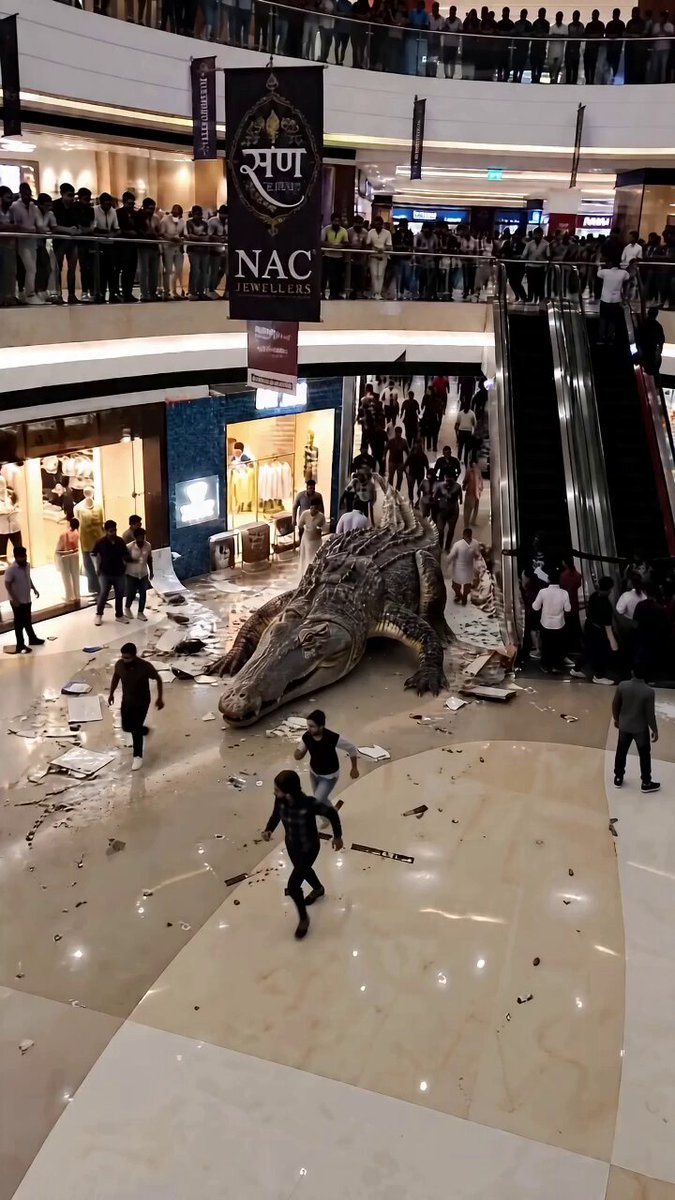
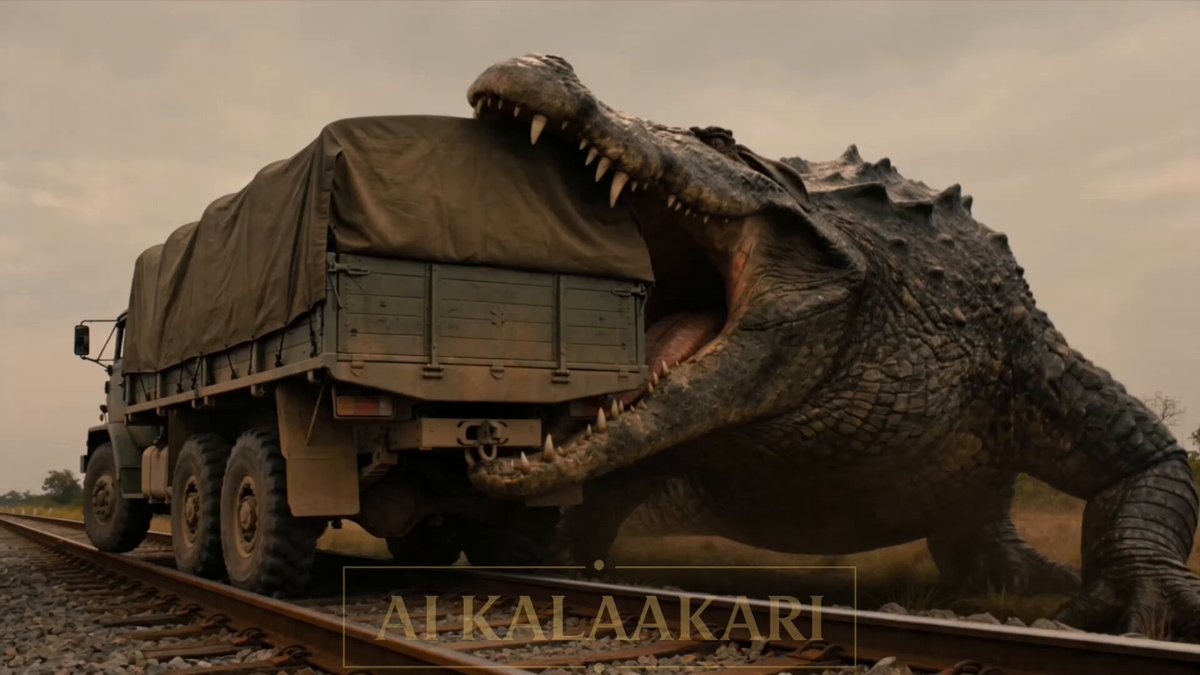
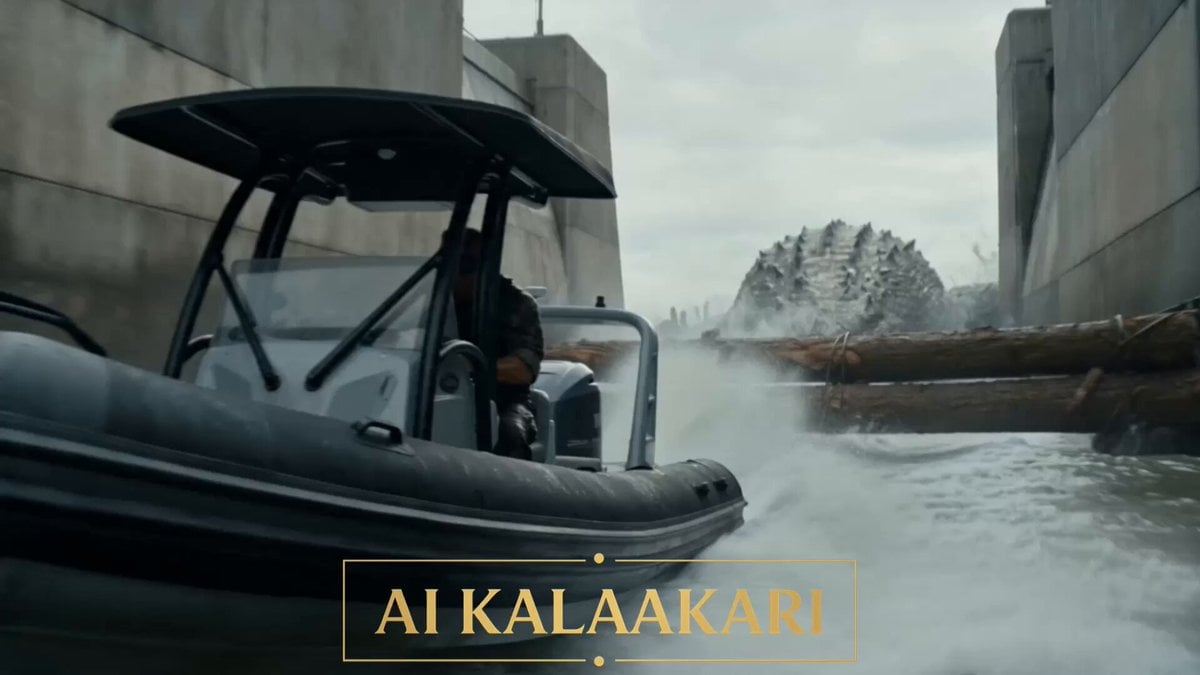
A detailed multi-shot narrative prompt featuring a giant crocodile attacking a boat near a massive dam, culminating in a dramatic spillway release.
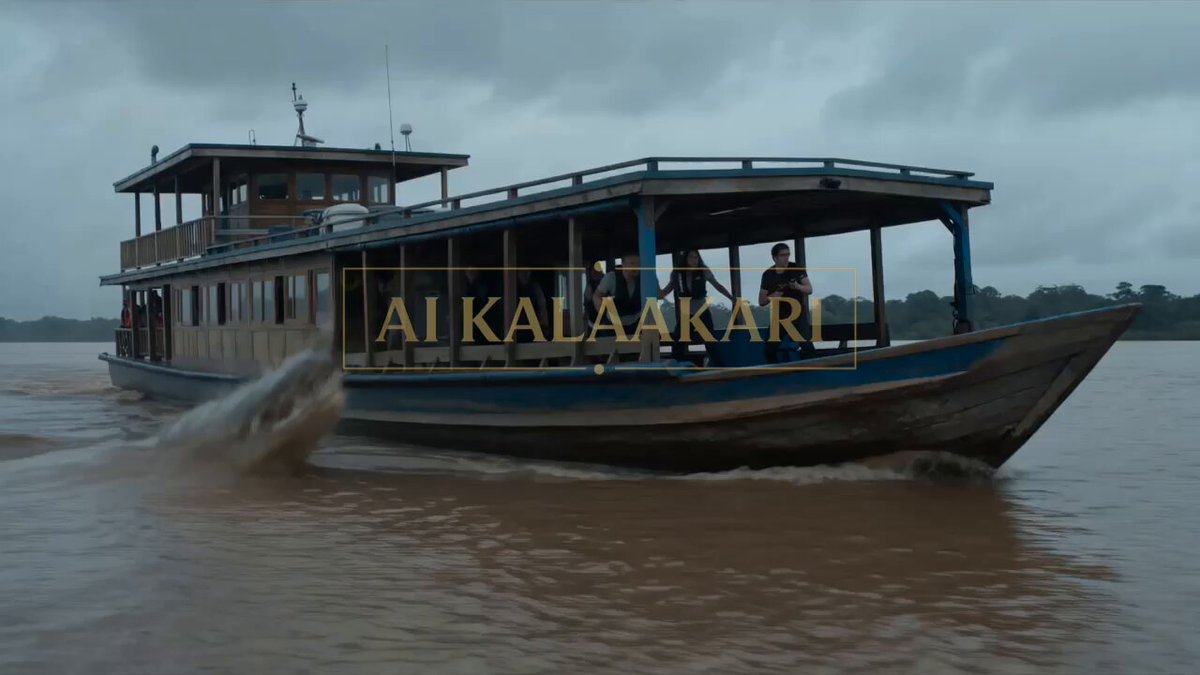
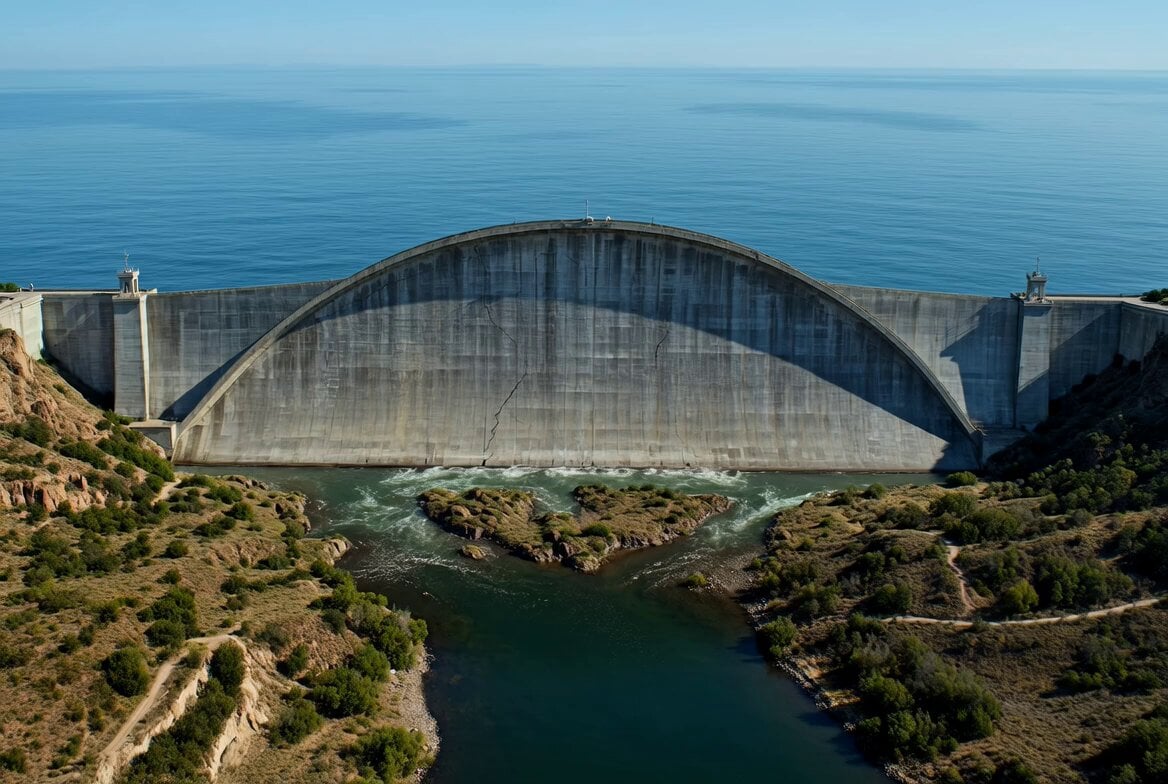
LOCATION: A massive concrete dam in bright stormy daylight, a wide grey-green reservoir behind it, a small maintenance boat on the water near the dam wall, a glass control room perched on top of the dam, the huge dry spillway ramp and turbine house far below.\n\nShot 1 (0–3s) — THE HOOK: Water-level tracking shot. A mega crocodile the size of a bus has its jaws clamped on the maintenance boat's stern, dragging it backward through the reservoir toward the dam wall, the hull groaning, gear sliding off the deck. The lone worker aboard clings to the rail, screaming into his radio: "IT'S PULLING ME INTO THE WALL! I'M JUMPING!"\n\nShot 2 (3–6s): Inside the control room on the dam crest. The control officer, headset on, hands already spread across the floodgate console for the scheduled release, looks down through the glass at the croc hauling the boat toward the gates. His eyes flick to the access ladder on the wall. Into the radio: "JUMP NOW! LADDER'S TEN METERS TO YOUR LEFT! SWIM!"\n\nShot 3 (6–9s): Handheld from the dam wall. The worker dives off the boat and swims hard for the ladder, hauling himself up the rungs as the croc crushes the empty boat flat in its jaws behind him — then turns, gliding straight along the wall, directly over the massive submerged spillway gates.\n\nShot 4 (9–13s) — BULLET TIME PAYOFF: The officer slams every gate lever at once. Bullet time — all the spillway gates blast open together, and the reservoir tears downward in slow motion, a monstrous whirlpool ripping the croc under, its body twisting and dragged through the gates, fired down the concrete spillway inside a white cannon of floodwater — and slammed straight through the turbine house wall below. Impact. The building detonates, water and fire exploding outward together.\n\nShot 5 (13–15s): Time snaps back. The flood thunders down the spillway through the burning wreckage, spray and smoke boiling up the dam face as the worker clings to the ladder above, staring down.
LOCATION: A massive concrete dam in bright stormy daylight, a wide grey-green reservoir behind it, a small maintenance boat on the water near the dam wall, a glass control room perched on top of the dam, the huge dry spillway ramp and turbine house far below.\n\nShot 1 (0–3s) — THE HOOK: Water-level tracking shot. A mega crocodile the size of a bus has its jaws clamped on the maintenance boat's stern, dragging it backward through the reservoir toward the dam wall, the hull groaning, gear sliding off the deck. The lone worker aboard clings to the rail, screaming into his radio: "IT'S PULLING ME INTO THE WALL! I'M JUMPING!"\n\nShot 2 (3–6s): Inside the control room on the dam crest. The control officer, headset on, hands already spread across the floodgate console for the scheduled release, looks down through the glass at the croc hauling the boat toward the gates. His eyes flick to the access ladder on the wall. Into the radio: "JUMP NOW! LADDER'S TEN METERS TO YOUR LEFT! SWIM!"\n\nShot 3 (6–9s): Handheld from the dam wall. The worker dives off the boat and swims hard for the ladder, hauling himself up the rungs as the croc crushes the empty boat flat in its jaws behind him — then turns, gliding straight along the wall, directly over the massive submerged spillway gates.\n\nShot 4 (9–13s) — BULLET TIME PAYOFF: The officer slams every gate lever at once. Bullet time — all the spillway gates blast open together, and the reservoir tears downward in slow motion, a monstrous whirlpool ripping the croc under, its body twisting and dragged through the gates, fired down the concrete spillway inside a white cannon of floodwater — and slammed straight through the turbine house wall below. Impact. The building detonates, water and fire exploding outward together.\n\nShot 5 (13–15s): Time snaps back. The flood thunders down the spillway through the burning wreckage, spray and smoke boiling up the dam face as the worker clings to the ladder above, staring down.
Edit the prompt in the box under the preview — the template's model and format are already selected — and press Generate. Your version appears right on this page.
Yes. You can change the subject, setting, lighting, mood, format, and available model controls before creating your video.
Opening and editing this template is free. Generating uses credits, shown on the Generate button when you are signed in.
Start with Seedance 2.0, which is the model associated with this template. You can compare another compatible model for a different finish.
Follow a topic to a crawlable collection of related PicX Studio templates.