
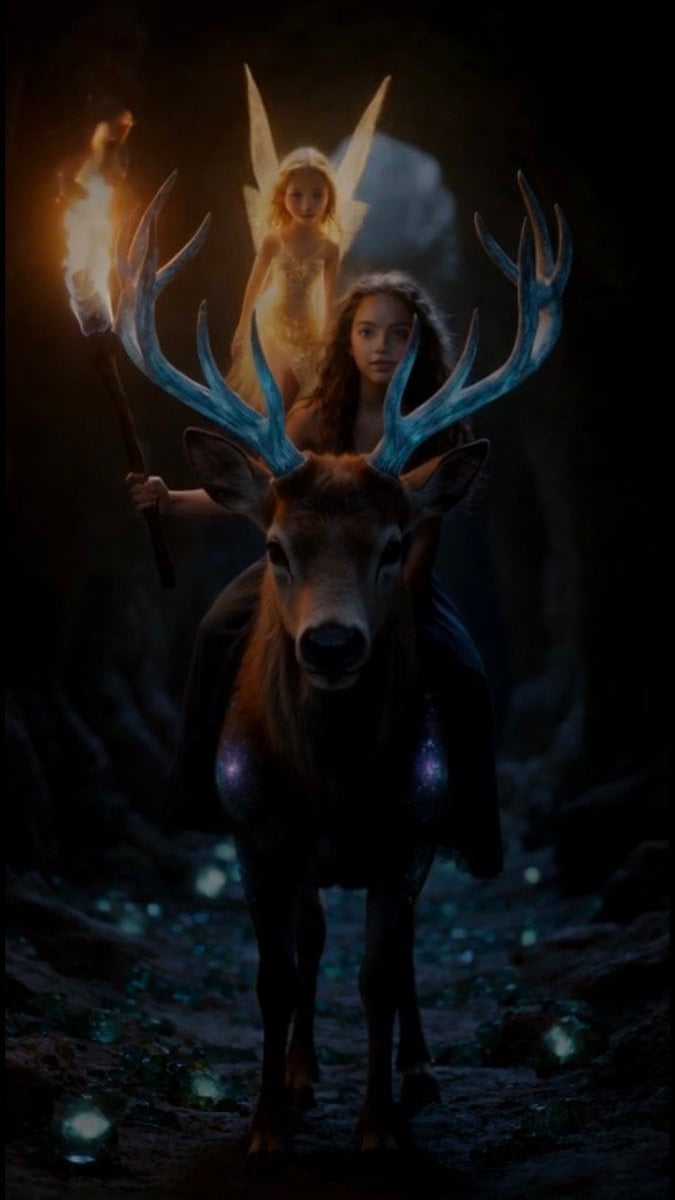
Grok Imagine Video Prompt: Girl, Deer, and Fairy Exiting a Cave
A detailed, multi-part prompt for Grok Imagine to generate a 10-second extended video sequence.
- Prompt included
- Model and format preset
- Free template
The prompt behind this video
Copy the exact prompt behind Grok Imagine Video Prompt: Girl, Deer, and Fairy Exiting a Cave, or open it in the studio and make it yours.
10秒の超臨場感あふれる高精細幻想動画の続き。前回の動画の最後(走行中の少女・鹿・妖精のズームイン状態)からシームレスに接続。鹿は一切止まらず全力疾走を継続。元の静止画と同一のフォトリアリスティック画質・照明・色調を厳密再現。超詳細テクスチャ(毛並み・髪・結晶・肌)、8K~16K相当、フィルムグレインで本物のような質感。動画の最後はフェードアウトせず、走行中のまま完全に終了。 0~2秒:まだ洞窟内部を疾走中。突然前方から強い光の筋が差し込み始め(出口の光が漏れ込む)、松明の暖かいオレンジ炎と青緑結晶の輝きが徐々に競り合う。カメラはオーバーショルダーから前方トラッキングショットへ移行、光の粒子が舞い始め、鹿の毛並みと少女の髪に光が当たり始める。臨場感あるハンドヘルド風の微揺れ。 2~5秒:光が急速に強くなり、洞窟の出口が視界に広がる。鹿が全力で駆け抜け、少女が松明を高く掲げ、妖精が興奮気味に周りを高速旋回。カメラは横からダイナミックなトラッキング→低アングルに切り替え、土煙・結晶片が飛び散りながら出口へ突入。光のコントラストが劇的に変化(洞窟の暗さから外の明るさへ)。 5~8秒:洞窟から一気に外の世界へ飛び出す!明るい森や草原の風景が広がる(柔らかな日光、緑の木々、青空、遠くの山々)。鹿は勢いそのままに外へ飛び出し、地面が変わって草や土の感触が加わる。カメラが素早くパン&上昇(鹿の視点から空を見上げるようなダイナミックな動き)、少女の髪と妖精の羽が風に大きく舞う。魔法の光粒子が太陽光に反射してキラキラ輝く。 8~10秒:外の世界を全力疾走し続ける三人。カメラが前方からゆっくりズームアウトしながら追従(三人をフレームに収めつつ風景を広げていく)。少女は笑顔で前方を見つめ、鹿は力強く、妖精は喜びの軌跡を描きながら飛ぶ。太陽光が三人を優しく照らし、光の粒子が舞う中、動きを一切止めず、走行継続した状態で動画が終了(フェードアウトなし、完全に走っている最中でカットオフ)。 スタイル:極めて臨場感のあるフォトリアリスティック・ファンタジー、多彩なカメラワーク(オーバーショルダートラッキング、低アングル突入、横パン、上昇ショット、ズームアウト追従)を多用。洞窟の暗→外の明るさへの劇的なライティング移行を美しく、DreamWorksの温かみ+現実写真質感融合、60fps、戦略的なスローモーション(出口飛び出し瞬間と光の反射)と高速カットで感動と興奮を両立、自然な魔法粒子、フィルムグレイン+レンズフレアで没入感最大。鹿は最後まで止まらない。動画の終わりはフェードや静止なしで走行中のまま終了
Reference images included
Grok Imagine Video Prompt: Girl, Deer, and Fairy Exiting a Cave needs input media to work. They load alongside the prompt when you open it in the studio.
How to use Grok Imagine Video Prompt: Girl, Deer, and Fairy Exiting a Cave in 3 steps
- 1Upload ImagePNG, JPG or paste
Add your photo
Upload the photo the template builds on. The prompt, model and format are already set.
- 2…a portrait of your subject in softgolden-hour light, 85mm…
Personalize
Edit the subject and creative details for your destination.
- 3Generate
Generate
Press Generate — your video is created in PicX Studio, so you can compare it with the original and refine one variable at a time.
More like this
Templates with the same subject, style or setup. Open one to see its prompt.
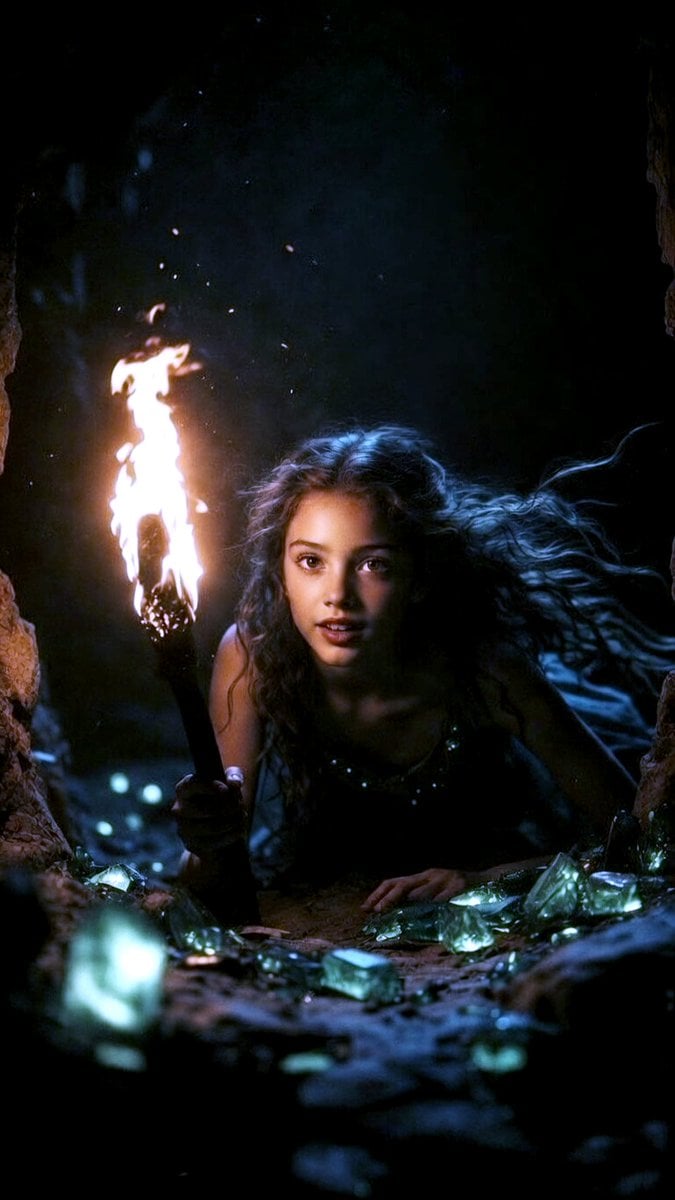
Grok Imagine Multi-Shot Fairy and Girl Cave Animation Prompt
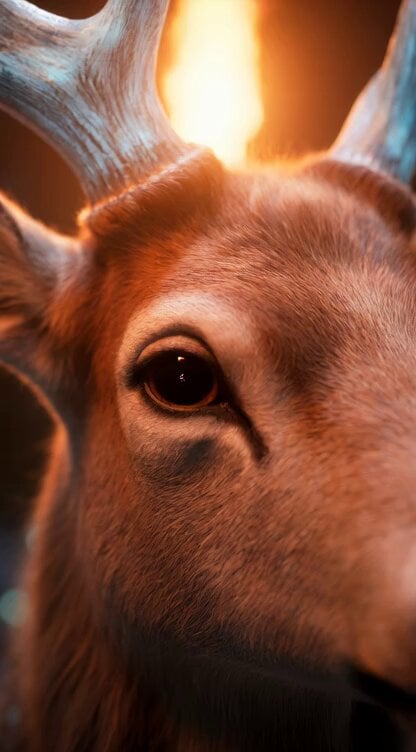
Grok Imagine Video Prompt: Dynamic Fantasy Scene with Deer, Fairy, and Girl
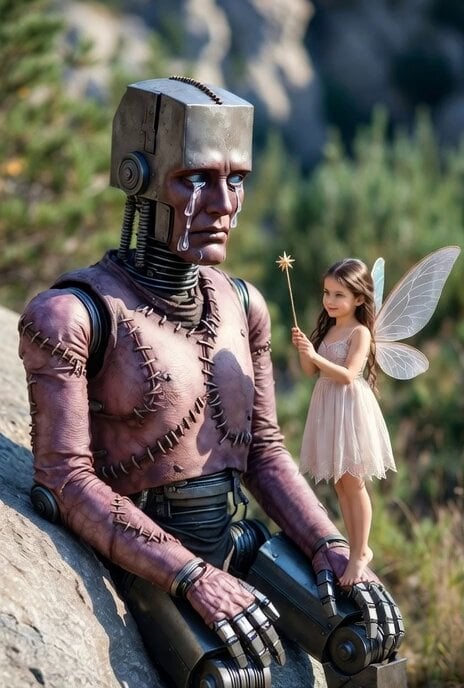
Grok Imagine prompt for a Frankenstein-like robot and a kind fairy
Grok Imagine Prompt: Beautiful Fairy Fantasy Art
Grok-imagine 1.5 Digital Human Video Script
Grok Imagine Mechanical and Ethereal Creature Prompts
Grok Imagine Video of a Graceful Warrior
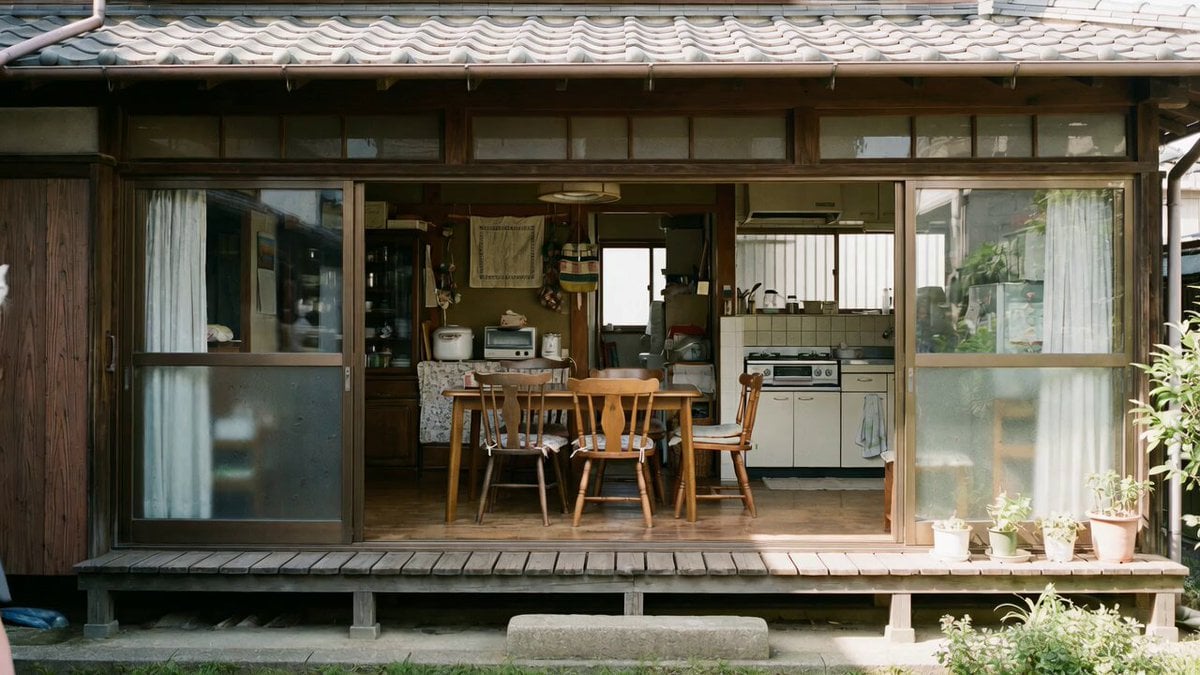
Grok Imagine prompt with negative constraints and scenario

Grok Imagine prompt for cinematic VFX scene (Scene 2 - Landing)
Grok Imagine video prompt part 1: Morning routine
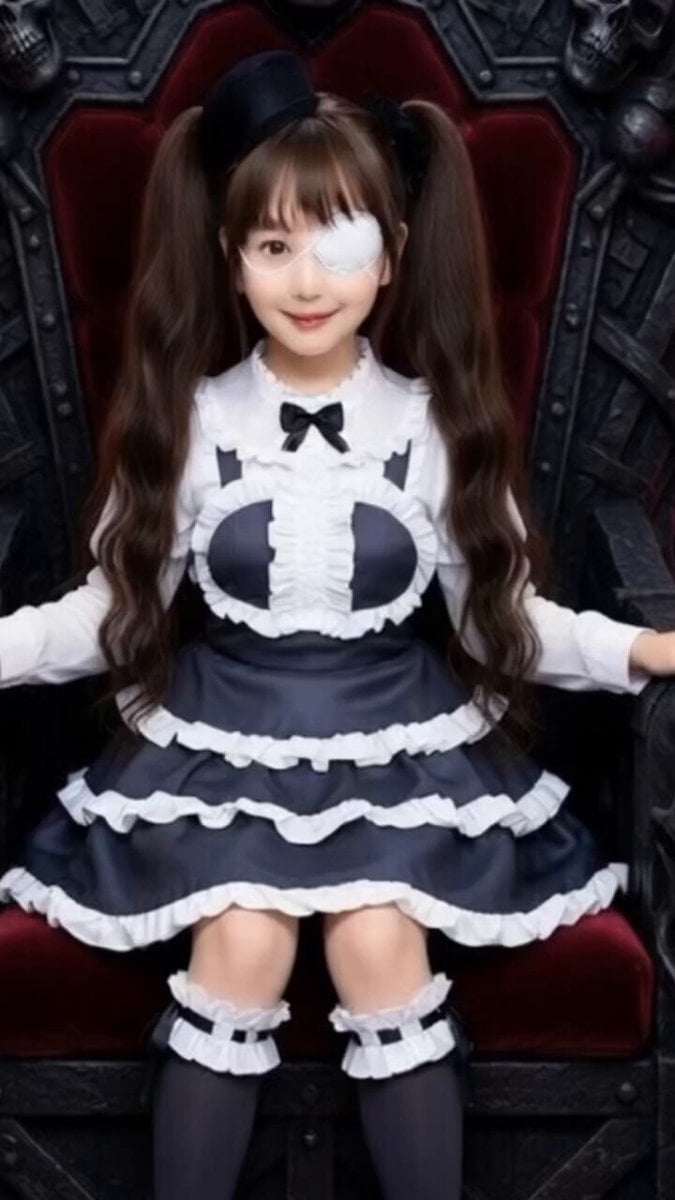
Grok Imagine Prompt: Yurine Kingdom Apocalypse Day
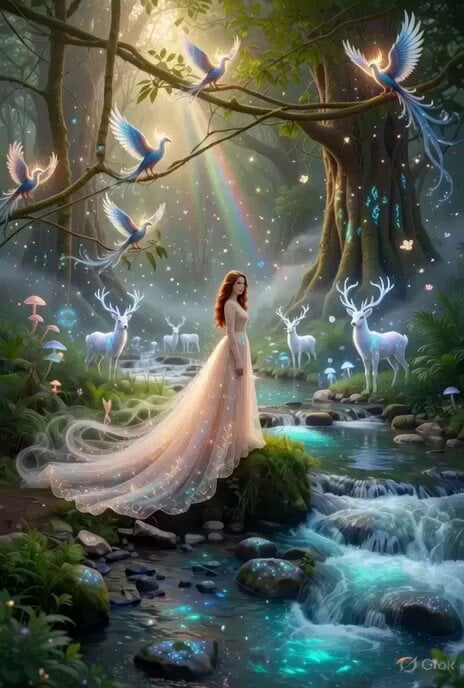
Enchanting Forest Grok Imagine Video Prompt
Make it yours
Grok Imagine Video Prompt: Girl, Deer, and Fairy Exiting a Cave works as-is. These are the safest ways to change it without losing the look.
Change one field
Copy a single group, rewrite it, and generate again so you can see what that field is doing.
Keep the frame, change the subject
Hold the composition and light of Grok Imagine Video Prompt: Girl, Deer, and Fairy Exiting a Cave, then swap wardrobe, props or the person for a new take.
| If the result… | Why | Fix |
|---|---|---|
| The result drifts from the preview | Too many fields changed at once. | Reuse Grok Imagine Video Prompt: Girl, Deer, and Fairy Exiting a Cave as-is first, then change one group — subject, light, or setting. |
| The model over-stylizes the scene | The prose prompt leaves finish and camera underspecified. | Add one camera or lighting sentence and stay on Grok Imagine. |
More Grok Imagine templates
Other prompts made for Grok Imagine.

Kaleidoscopic Cosmic Dolphin Video

Horror Daffy Duck Video Transition

America 250th Anniversary Celebration

Glowing Water Forest Night Prompt

Soft Pink Roses Dreamer Prompt

Ninja Wizard Levitation Jump

Coffee Cup Interaction Motion

Voice Controlled Water Animation

Pterodactyl Transformation Journey

Candle Mandala Mirror Video
More video prompts
Fresh picks from across the catalog.
DV Camcorder POV Gym Montage — Seedance 2.5
Cinematic Cyberpunk Rain Alley Encounter
Elevencreative Time Freeze
Ancient Swordsman Duel Face-off
Grok Imagine Prompt: Flying Truck Explosion
Transformers Barricade Police Chase Video Prompt
Qipao Evolution Short Film Prompt for Seedance 2.0
One-Shot Multiverse Room Transition
iPhone Promotional Video Prompt (Seedance 2.0)
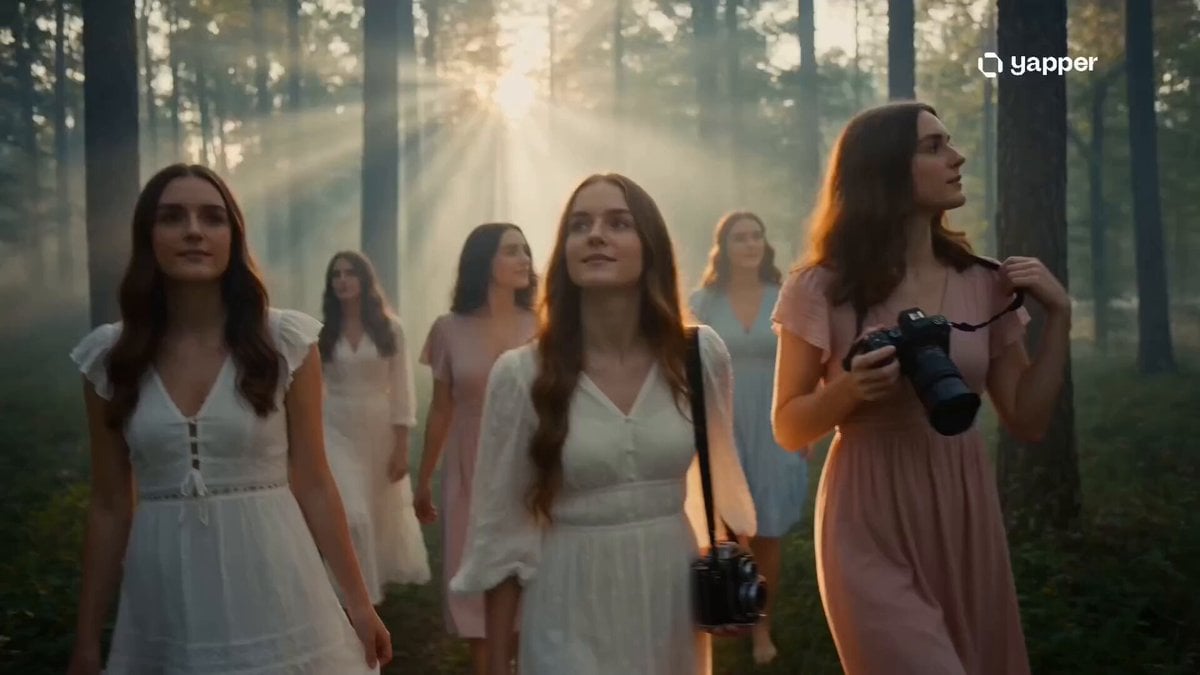
Dreamy Forest Photography Session
Browse template categories
Grok Imagine Video Prompt: Girl, Deer, and Fairy Exiting a Cave questions
How do I use the Grok Imagine Video Prompt: Girl, Deer, and Fairy Exiting a Cave template?
Add your photo if the template asks for one, edit the prompt if you like — the template's model and format are already selected — and press Generate. Your version opens in PicX Studio.
Can I customize the Grok Imagine Video Prompt: Girl, Deer, and Fairy Exiting a Cave template?
Yes. You can change the subject, setting, lighting, mood, format, and available model controls before creating your video.
Is the Grok Imagine Video Prompt: Girl, Deer, and Fairy Exiting a Cave template free?
Opening and editing this template is free. Generating uses credits, shown on the Generate button when you are signed in.
Which AI model should I use?
Start with Grok Imagine, which is the model associated with this template. You can compare another compatible model for a different finish.
Looking for something else? Browse all templates.

Your photo, any look
Thousands of ready templates for every top image and video model, from one credit balance.