
One-Shot Multiverse Room Transition
A complex one-shot video prompt for Seedance 2.5 where a character walks through different themed rooms, transitioning between diverse styles like anime, felt, and underwater.
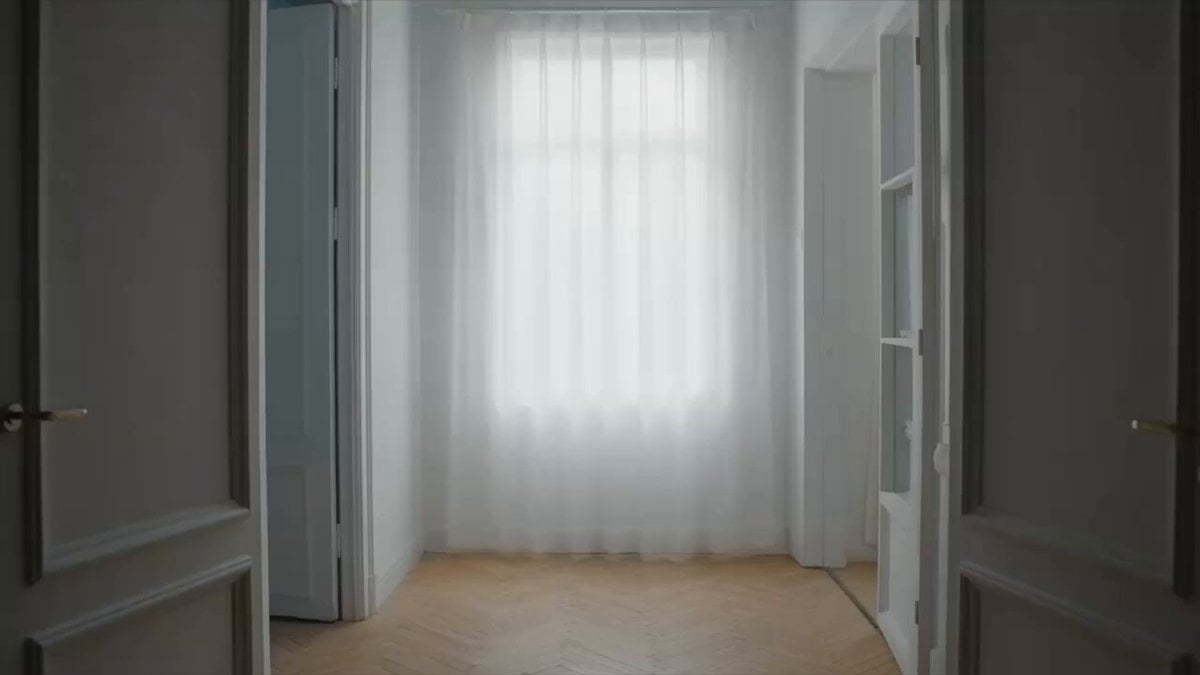
- Prompt included
- Model and format preset
- Free template
The prompt behind this video
Copy the exact prompt behind One-Shot Multiverse Room Transition, or open it in the studio and make it yours.
一镜到底,镜头平稳跟随一个穿黑色大衣的人(参考 @图像1)从左向右穿过六个相连的不同色调、不同氛围的房间。每个房间结构相同:白墙、人字拼浅色木地板、法式双开落地 窗、白纱帘,参考 @图像2但窗外风景 and 室内氛围完全不同。主角全程匀速走动,穿过墙壁上敞开的每一扇门。0-5秒,第一个房间,主题为美漫打斗,主角进入屋内与人物 @图像3 )打斗,人物落败;5-10秒,第二个房间,主题为温暖,毛毡风格,窗外场景为向日葵田 @图像4),室内光线暖橙柔光,有一个画家正在画向日葵 @图像5)。主角进入后也变成 毛毡风格;10-15秒,第三个房间,主题为悲伤,整个画面为黑白漫画定格动画风格,窗外阴雨,室内光线冷灰低沉,一个人独自坐在空房间中央地板上,低头抱膝,身旁一只手机亮着无人接听 的通话界面。主角进入房间后关上房间的灯,马上开灯,房间内变为彩色,瞬间生长出满屋鲜花;15-20秒,第四个房间,主题为欢乐,整个场景为浸泡在海里的房间,参考 @图像6,主角 游进房间,身旁有美丽的珊瑚礁 and 鱼群;20-25秒,第五个房间,主题为惊喜,窗外场景漫天烟花夜空,参考 @图像7,室内光线彩色闪烁映射,主角被卷入欢呼气氛。25-30秒,最后主角 来到一个空白房间,站在中央打了个响指,同时音效为响指声,画面整体黑屏,中间出现\"seedance\"字样,参考 @图像8 。整体电影质感,高级时装广告风格,光线完全由窗外场景决定形 成强烈情绪反差,画面无文字。
How to use One-Shot Multiverse Room Transition in 3 steps
- 1
Open
The prompt is already in the box next to the preview, with the template's model and format selected.
- 2…a portrait of your subject in softgolden-hour light, 85mm…
Personalize
Edit the subject and creative details for your destination.
- 3Generate
Generate
Press Generate — your video is created in PicX Studio, so you can compare it with the original and refine one variable at a time.
More like this
Templates with the same subject, style or setup. Open one to see its prompt.

Magical Room Transformation - Seedance 2.5
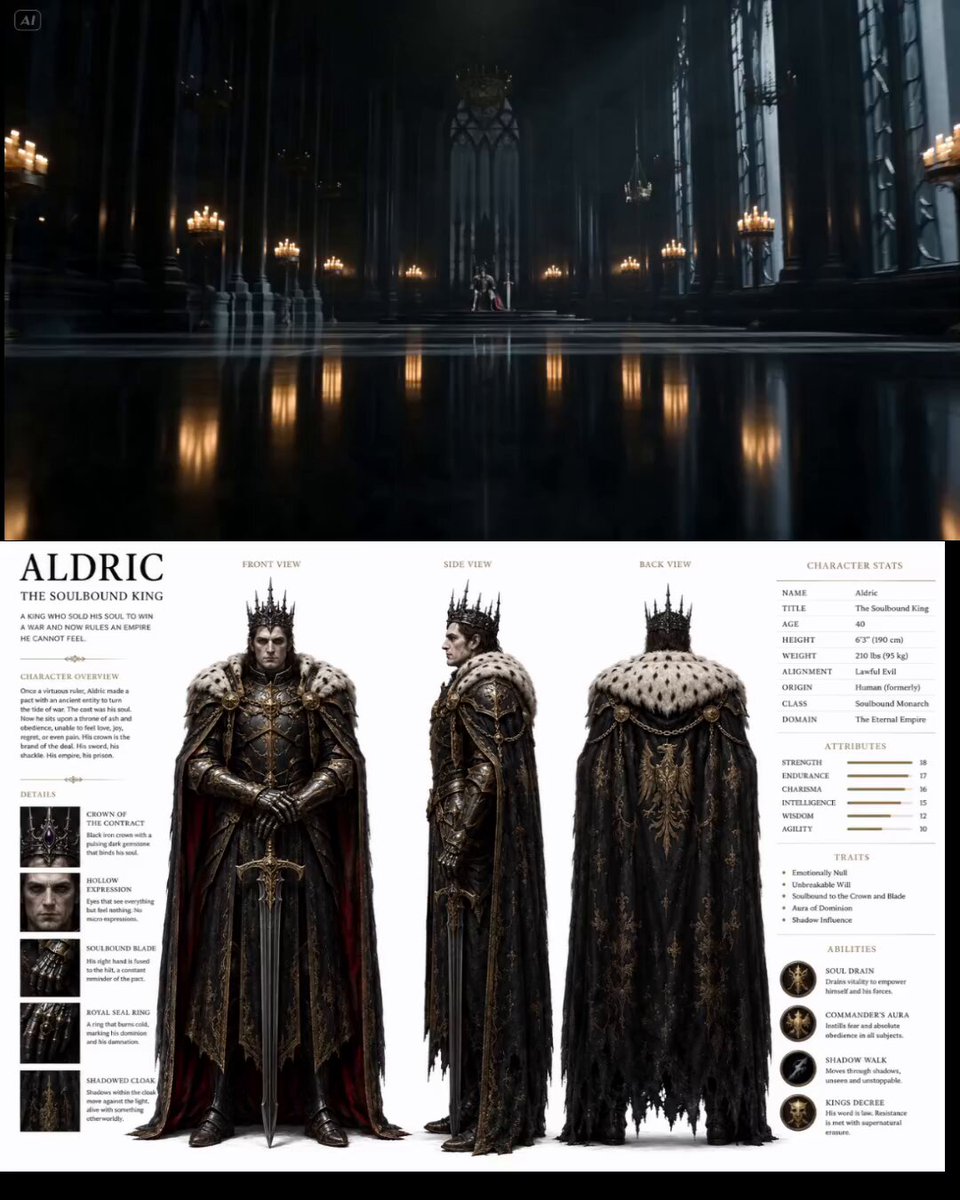
Cinematic Throne Room Sequence
Drone News to Cinematic Transition
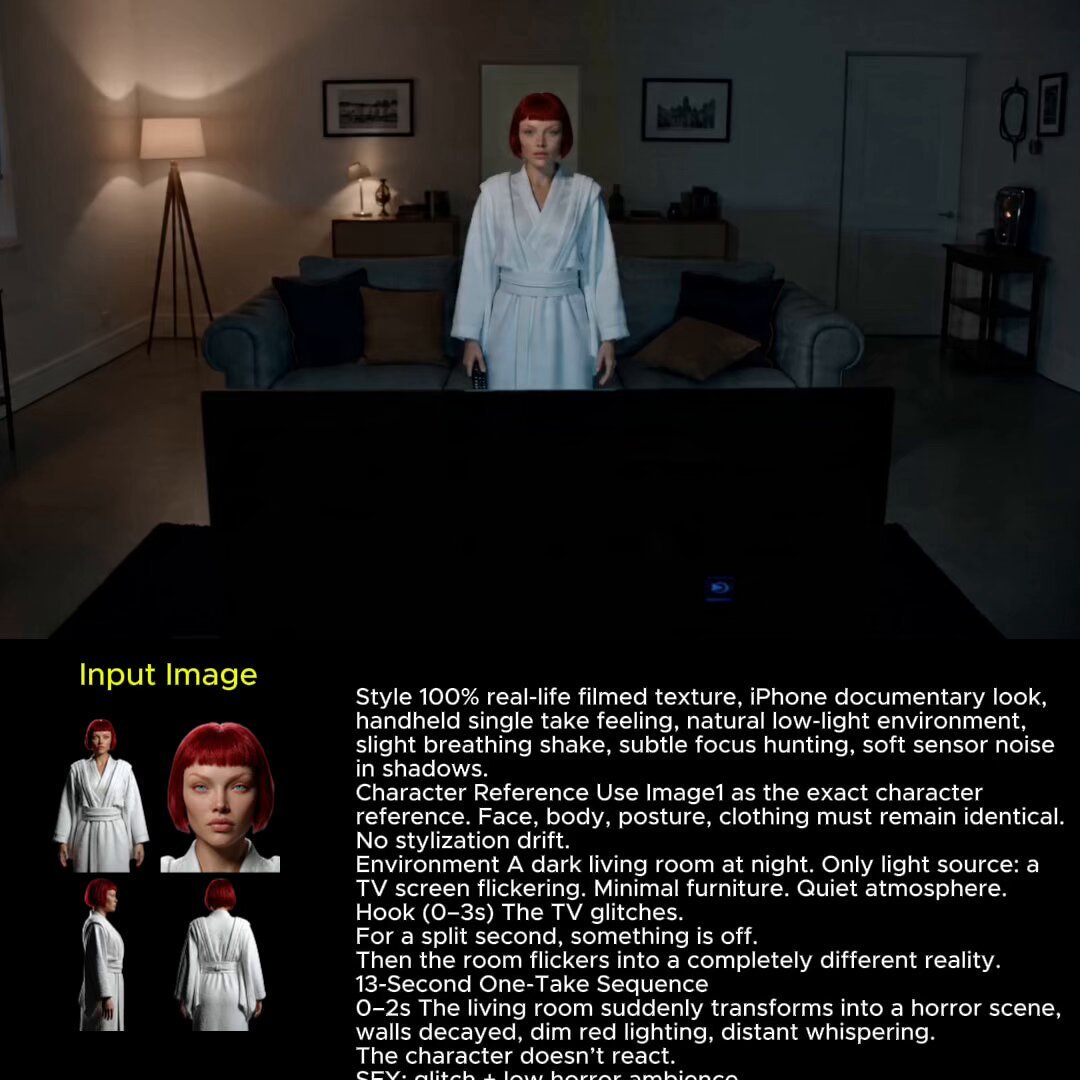
Glitch Reality Living Room Transition
Cinematic Storyboard Sequence Transition
Deadpan Alien Bedroom Comedy
Cinematic One-Shot Biography of Su Shi
Hidden Cam Bedroom Dance
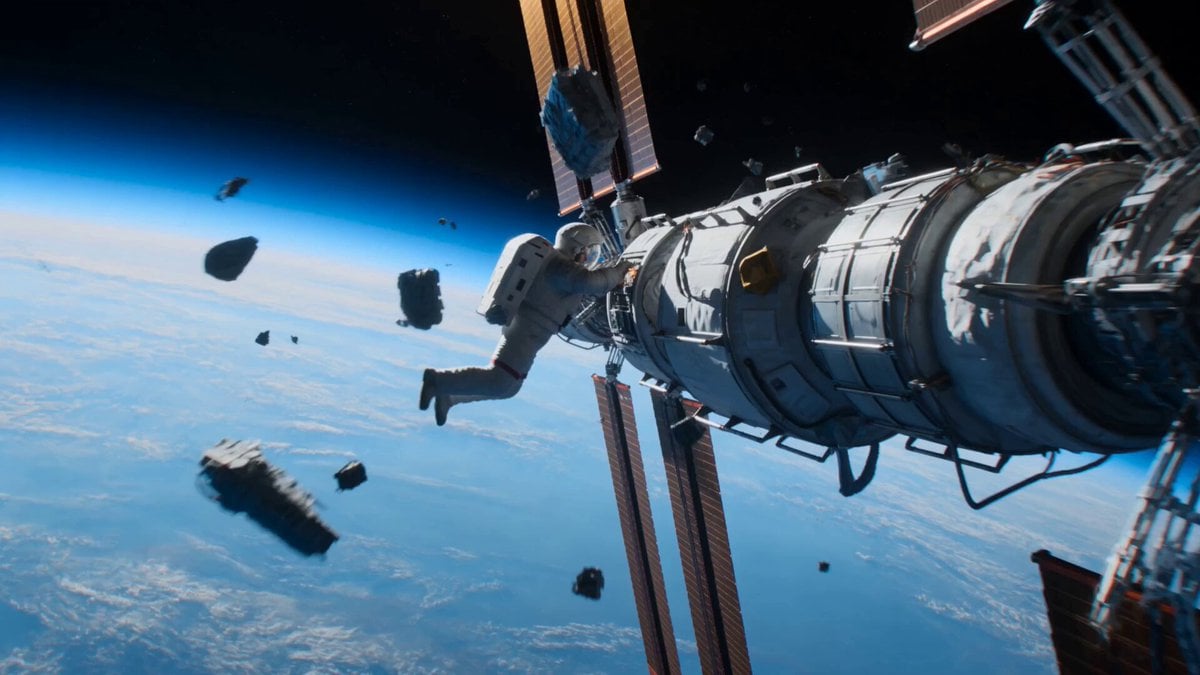
Astronaut to Apartment Match Cut Transition
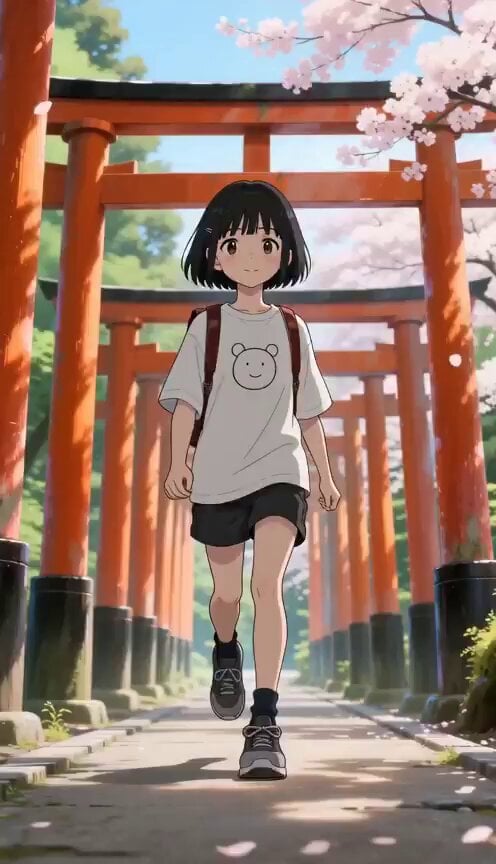
Seasonal Path Transition Animation
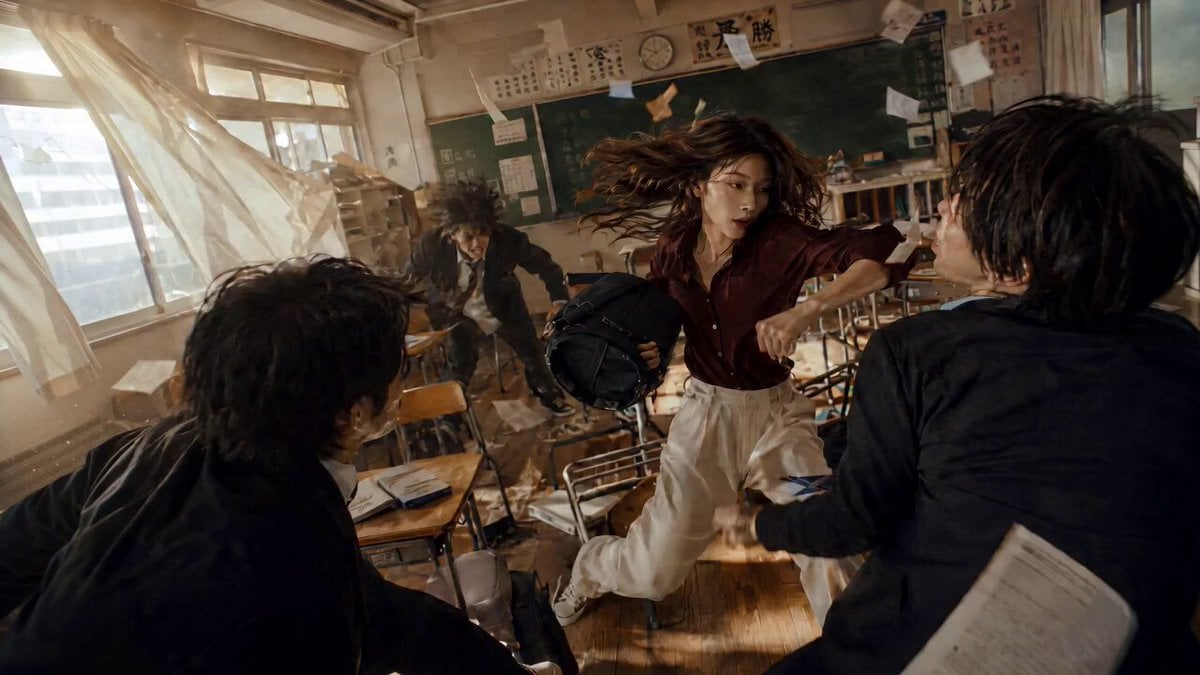
High School Martial Arts One-Shot
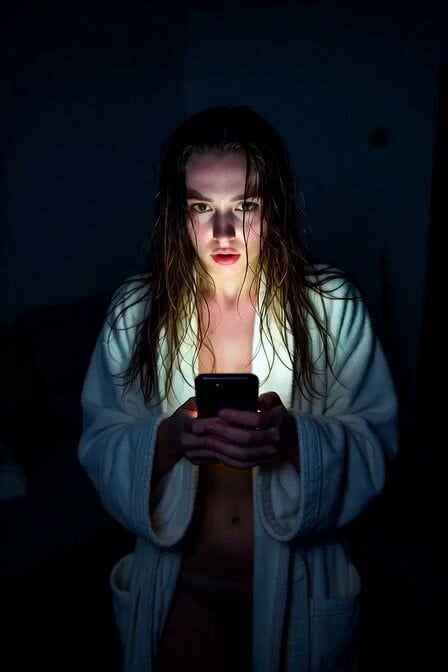
Horror Daffy Duck Video Transition
Make it yours
One-Shot Multiverse Room Transition works as-is. These are the safest ways to change it without losing the look.
Change one field
Copy a single group, rewrite it, and generate again so you can see what that field is doing.
Keep the frame, change the subject
Hold the composition and light of One-Shot Multiverse Room Transition, then swap wardrobe, props or the person for a new take.
| If the result… | Why | Fix |
|---|---|---|
| The result drifts from the preview | Too many fields changed at once. | Reuse One-Shot Multiverse Room Transition as-is first, then change one group — subject, light, or setting. |
| The model over-stylizes the scene | The prose prompt leaves finish and camera underspecified. | Add one camera or lighting sentence and stay on Seedance 2.0. |
More Seedance 2.0 templates
Other prompts made for Seedance 2.0.

Comical Martial Arts Punch Scene

Maglev Train Action Sequence

Martial Arts Fight Sequence

Wuxia Protection and Trust Script

Vintage Korean Arcade MiniDV Vlog

Mercedes 190 SL Luxury Ad

Rainy Night Supernatural Reverse Comedy Video Script

Amazon Civilization Discovery

Futuristic South Asian City Transformation

Cozy Luxury Cafe Commercial
More video prompts
Fresh picks from across the catalog.

Walking Factory with Rebel on Hoverbike - Wasteland
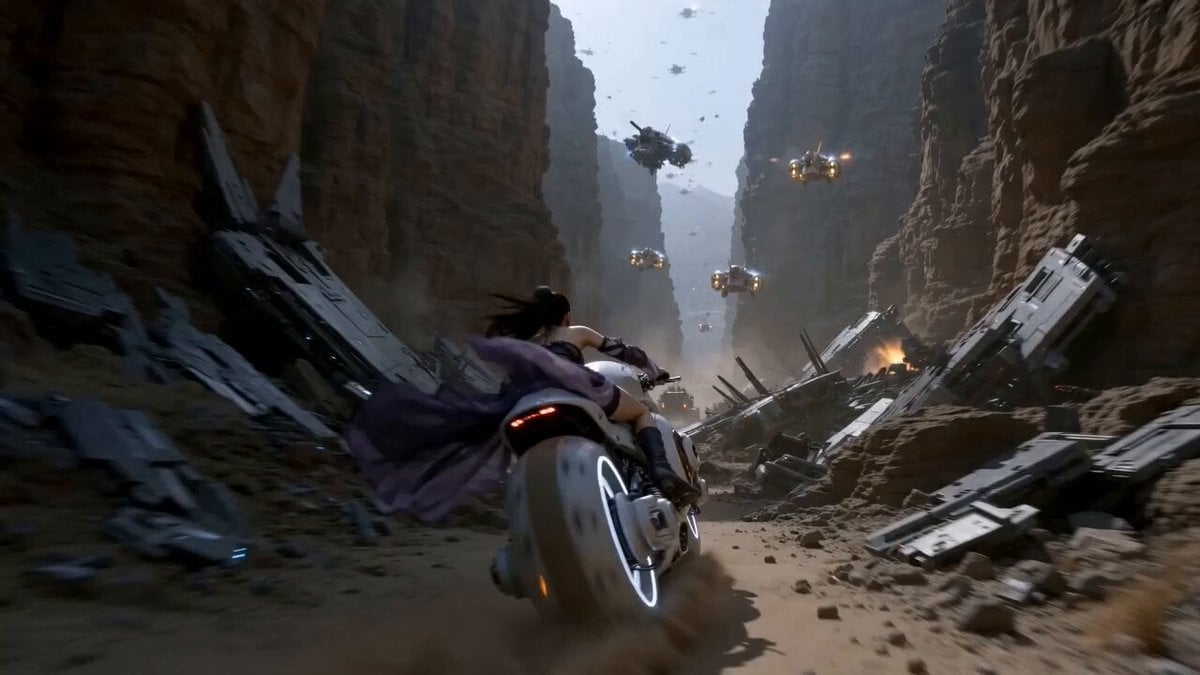
Futuristic Desert Starport Motorcycle Chase
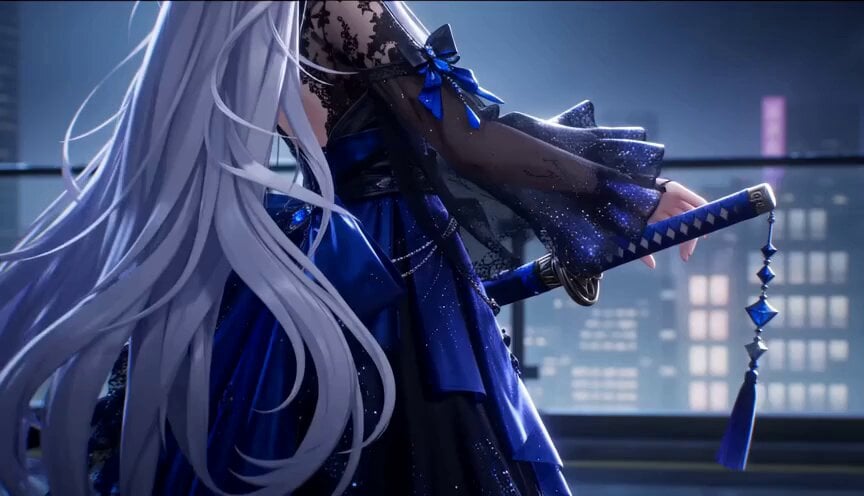
Gothic Anime Sword Slash
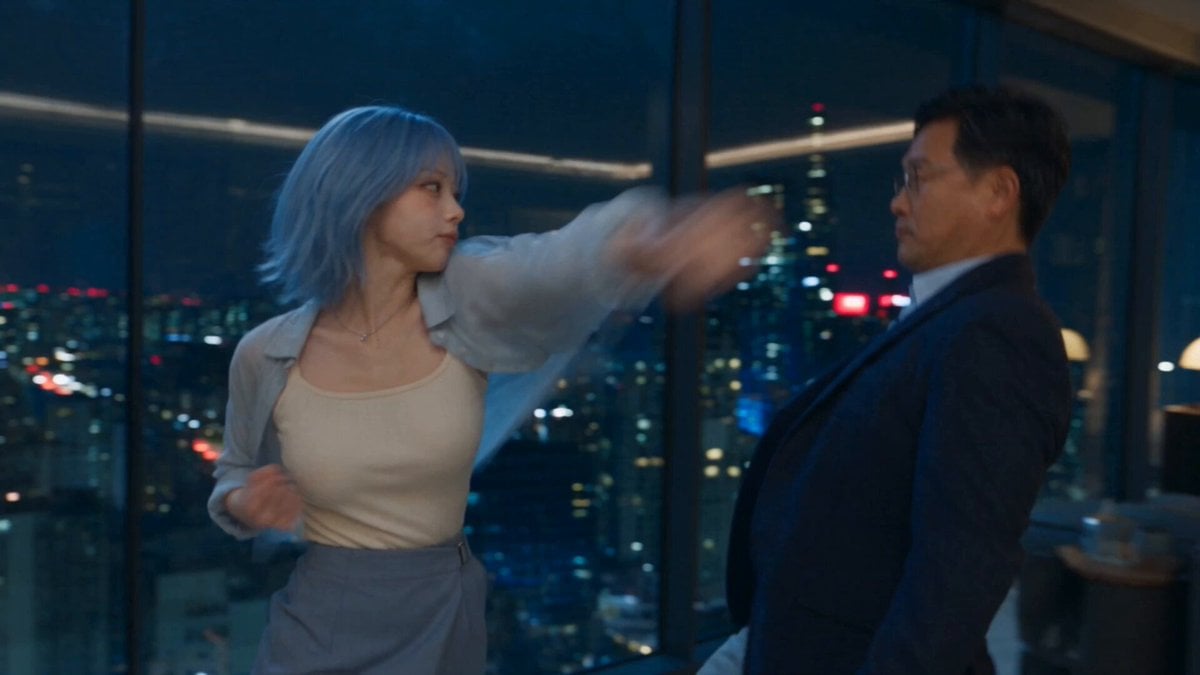
Romantic Action Comedy Office Scene
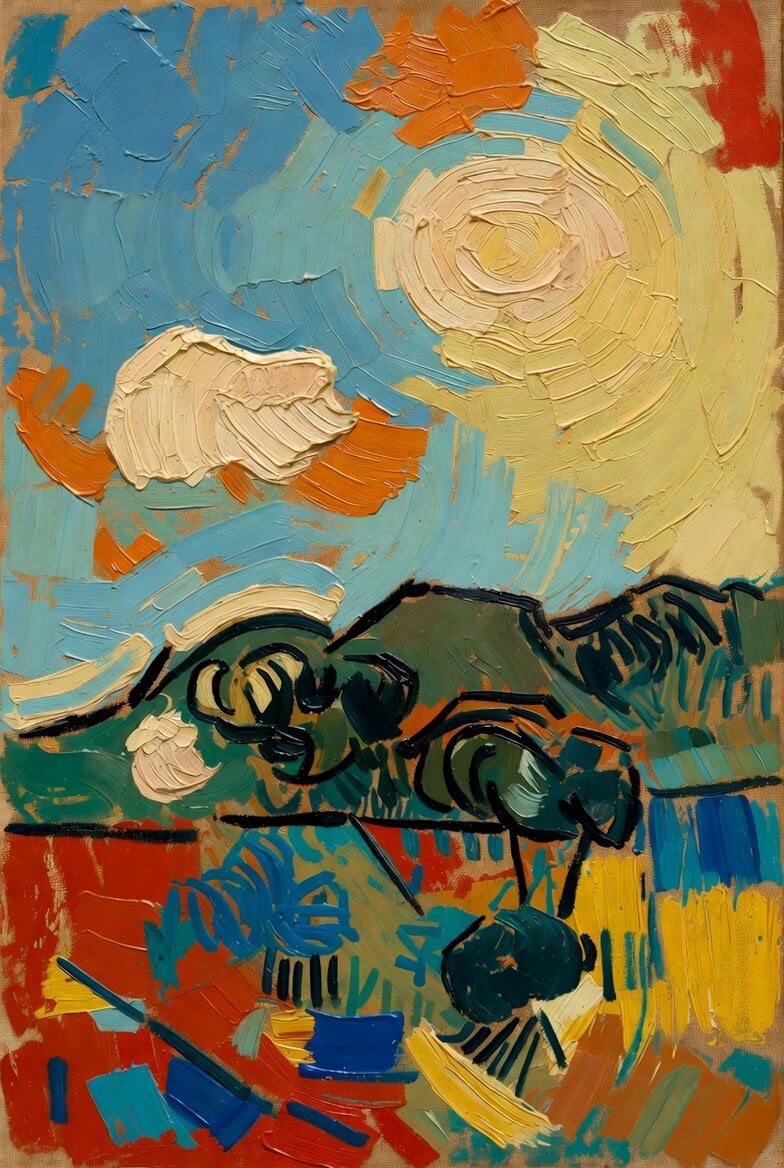
Picasso Imitating Van Gogh
Nostalgic MiniDV Korean Bakery
Close-up of a parrot getting a haircut, scene 1
Fashion Glow-Up Transformation Story
Biotech Alien Suit Metamorphosis
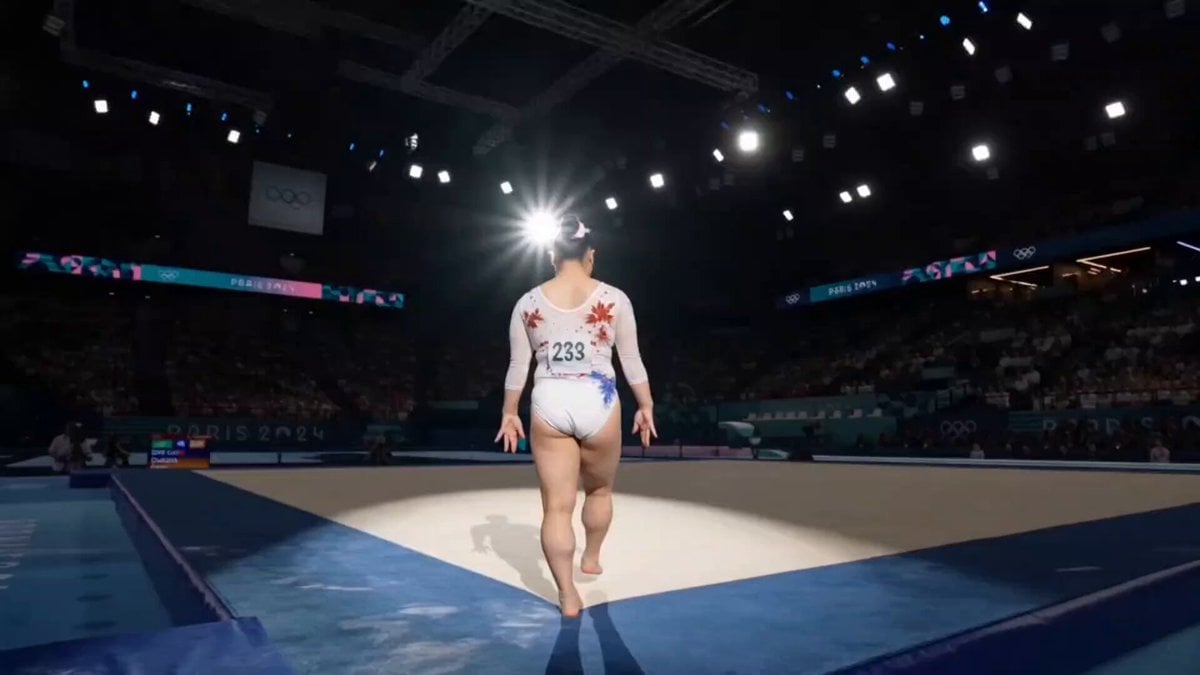
Olympic Gymnast Floor Routine
Browse template categories
One-Shot Multiverse Room Transition questions
How do I use the One-Shot Multiverse Room Transition template?
Add your photo if the template asks for one, edit the prompt if you like — the template's model and format are already selected — and press Generate. Your version opens in PicX Studio.
Can I customize the One-Shot Multiverse Room Transition template?
Yes. You can change the subject, setting, lighting, mood, format, and available model controls before creating your video.
Is the One-Shot Multiverse Room Transition template free?
Opening and editing this template is free. Generating uses credits, shown on the Generate button when you are signed in.
Which AI model should I use?
Start with Seedance 2.0, which is the model associated with this template. You can compare another compatible model for a different finish.
Looking for something else? Browse all templates.

Your photo, any look
Thousands of ready templates for every top image and video model, from one credit balance.