
Astronaut to Apartment Match Cut Transition
A sophisticated 15-second video prompt featuring a continuous motion match cut from an astronaut in space to a person in a VR headset.
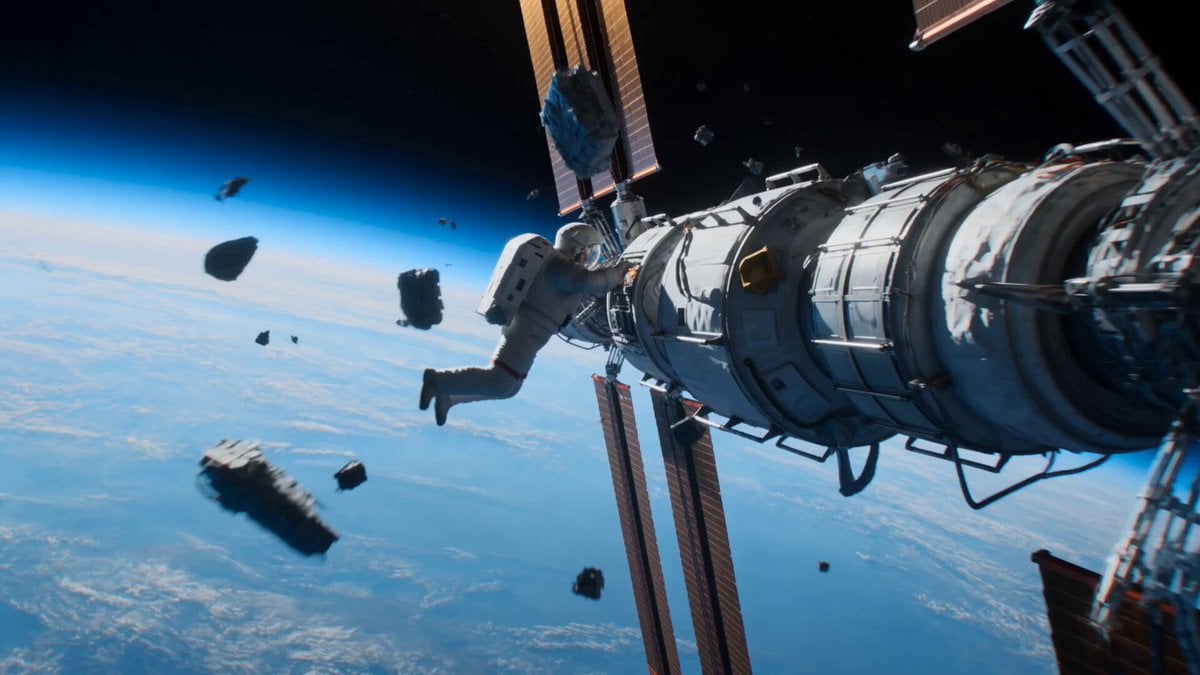
- Prompt included
- Model and format preset
- Free template
The prompt behind this video
Copy the exact prompt behind Astronaut to Apartment Match Cut Transition, or open it in the studio and make it yours.
FORMAT 15s / free rhythm / 1 MATCH CUT / CONTINUOUS MOVE UNTIL MATCH CUT + IMMEDIATE ACTION FROM FIRST FRAME SUBJECTS: A lone astronaut in a damaged EVA suit desperately repairs a failing spacecraft while floating above Earth. The same person is later revealed sitting in a small apartment wearing casual clothes, where a VR headset appears only after the match cut and is removed in one uninterrupted motion. ENVIRONMENT: Outer space above Earth’s glowing blue atmosphere, drifting debris, blinking warning lights, frozen silence broken by suit alarms. Transition into a dim but cozy apartment filled with scattered electronics, coffee mugs, and soft morning light spilling through curtains. MOOD: High-stakes survival dissolves into everyday reality without breaking movement or spatial continuity. COLOR LOGIC: Naturalistic Film Print Emulation. ⸻ TIMELINE 0:00–0:07 One continuous handheld-style zero-gravity camera move, WS gradually collapsing into MCU. The astronaut tumbles toward a damaged satellite panel as warning lights flash across the visor. One gloved hand desperately reaches for a sparking cable while the other stabilizes against the hull. Loose debris slowly spins past the lens. The Earth fills half the background, slowly rotating beneath. The camera floats with the subject, maintaining believable inertia and subtle drift while slowly shifting from a 24mm to 35mm perspective. SFX: (oxygen warning beeps, suit breathing, metallic creaks, distant electrical crackle, gloved impacts against metal, radio static) Cold sunlight creates sharp highlights across the visor while Earth’s blue glow softly fills the shadows. ⸻ 0:07–0:11 Without cutting, the camera tightens into a dead-on CU. Sparks burst inches from the astronaut’s helmet as a damaged panel begins separating from the spacecraft. Just before impact, a woman’s voice calmly calls, “Alex…” Then louder, “ALEX!” The astronaut exhales in annoyance instead of panic. Everything suddenly enters slow motion. Floating debris nearly freezes. The separating panel hangs motionless. Only the astronaut continues moving at normal speed. The camera slowly orbits clockwise around the helmet while maintaining identical framing and distance. Instead of reaching for the failing equipment, both hands rise toward the helmet in one smooth, deliberate motion. No headset or gaming device is visible anywhere in space. Maintain identical face size, hand position, lens distance, head angle, and clockwise motion until the match cut. SFX: (radio distortion stretching into silence, slowed warning alarms, breathing, woman’s voice echoing “Alex… ALEX…”, ambient hum fading) ⸻ 0:11–0:15 MATCH CUT. CU to MS. The rising hands occupy the exact same screen position as the helmet instantly becomes a VR headset in a modest apartment. The motion never stops. For the first time, the VR headset is visible. The subject grips both sides and smoothly lifts
How to use Astronaut to Apartment Match Cut Transition in 3 steps
- 1
Open
The prompt is already in the box next to the preview, with the template's model and format selected.
- 2…a portrait of your subject in softgolden-hour light, 85mm…
Personalize
Edit the subject and creative details for your destination.
- 3Generate
Generate
Press Generate — your video is created in PicX Studio, so you can compare it with the original and refine one variable at a time.
More like this
Templates with the same subject, style or setup. Open one to see its prompt.
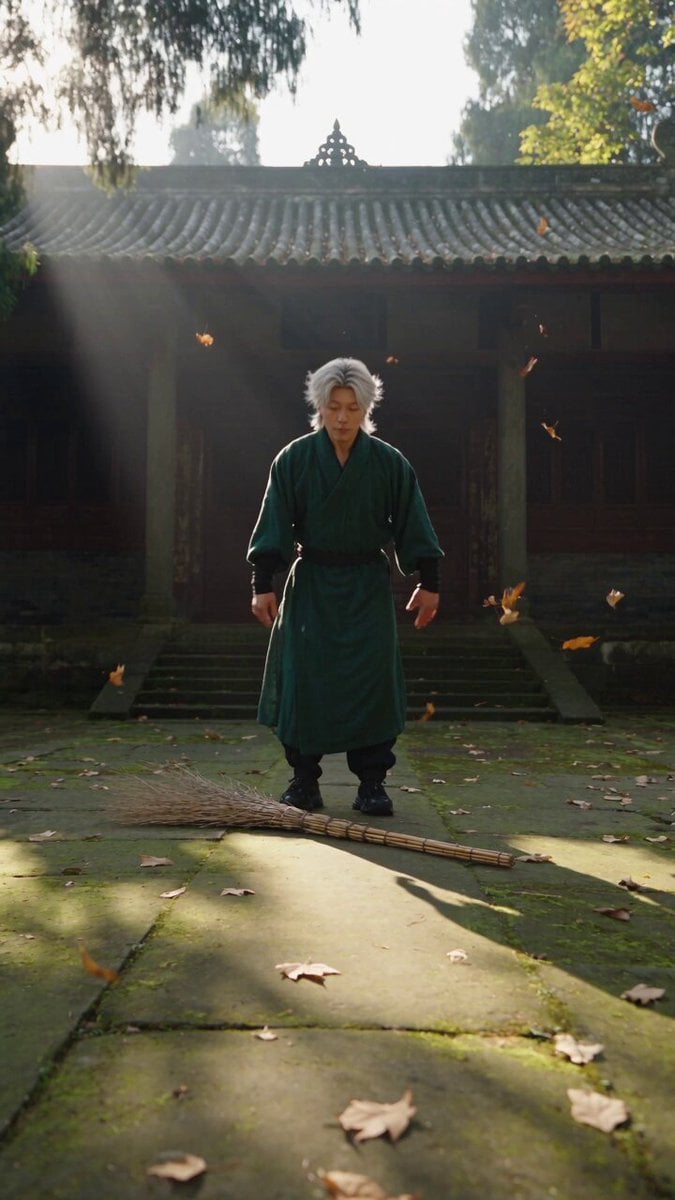
Neo-Wuxia Cinematic Action Match Cut
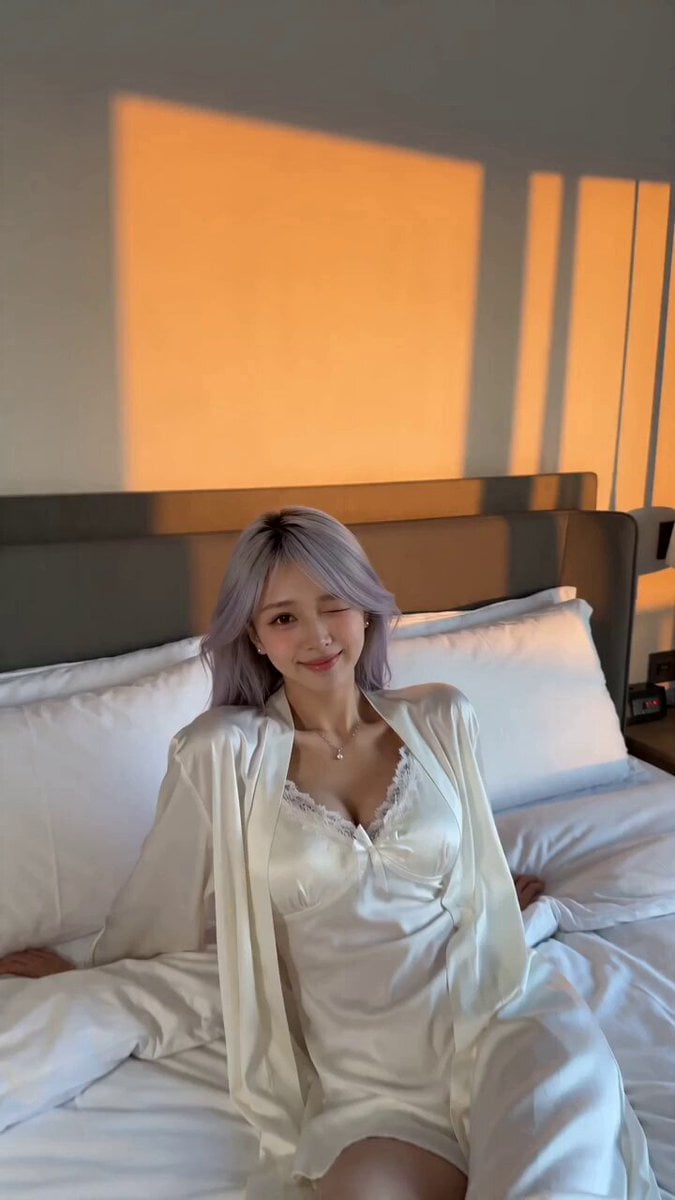
Seamless Invisible Match Transition Video
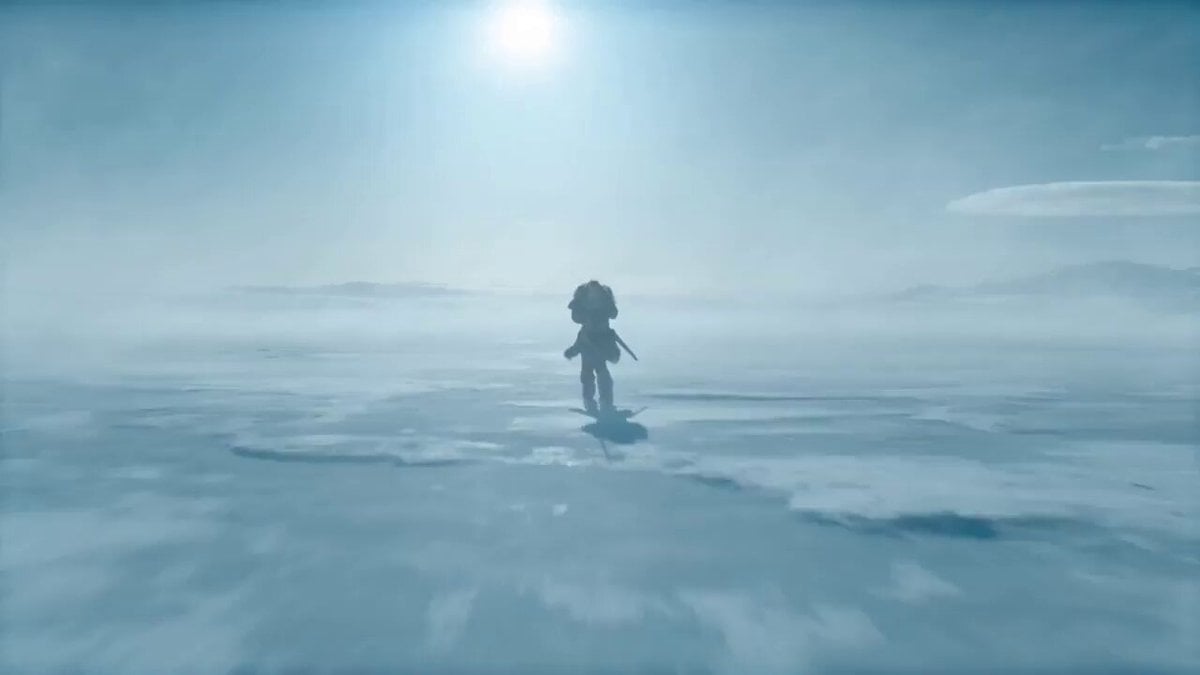
VR Survival Battle Match Cut
Cinematic Match Cut Flashback Sequence
Cinematic video with continuous rotation match cut

Seamless 360° Cinematic Rotation Match-Cut Video Prompt

Cinematic Storyboard Sequence Transition
Apartment Hallway Neighbor Confrontation
Emotional Parisian Apartment Drama
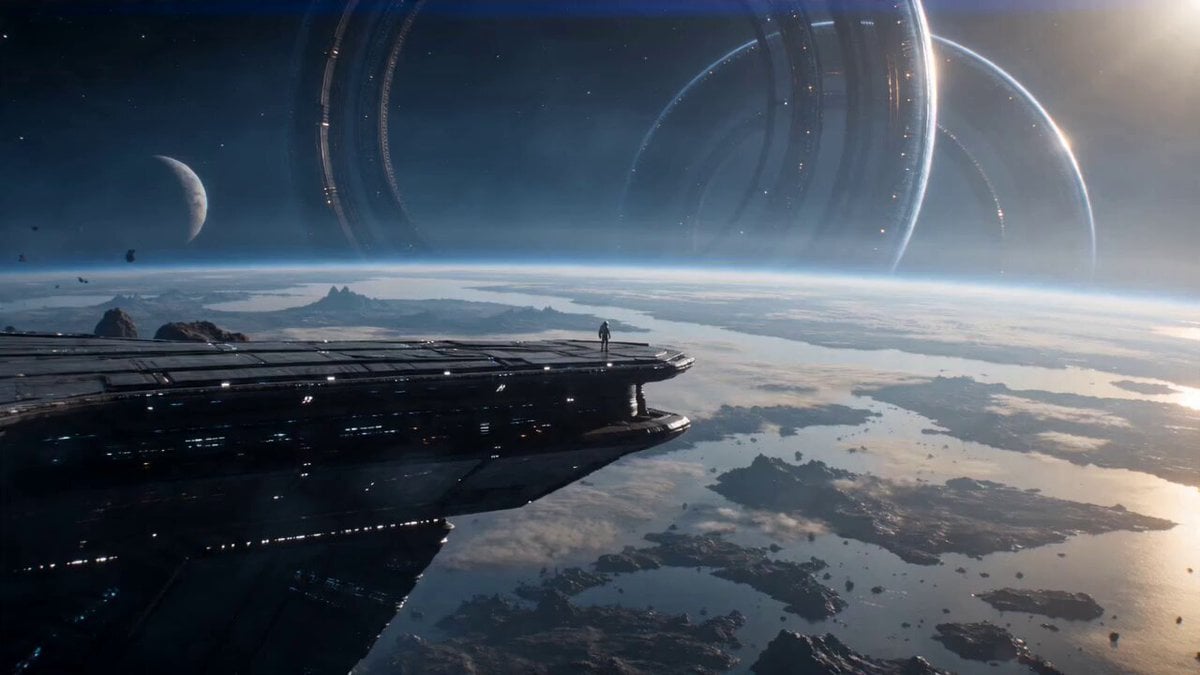
Astronaut and Alien Megastructure
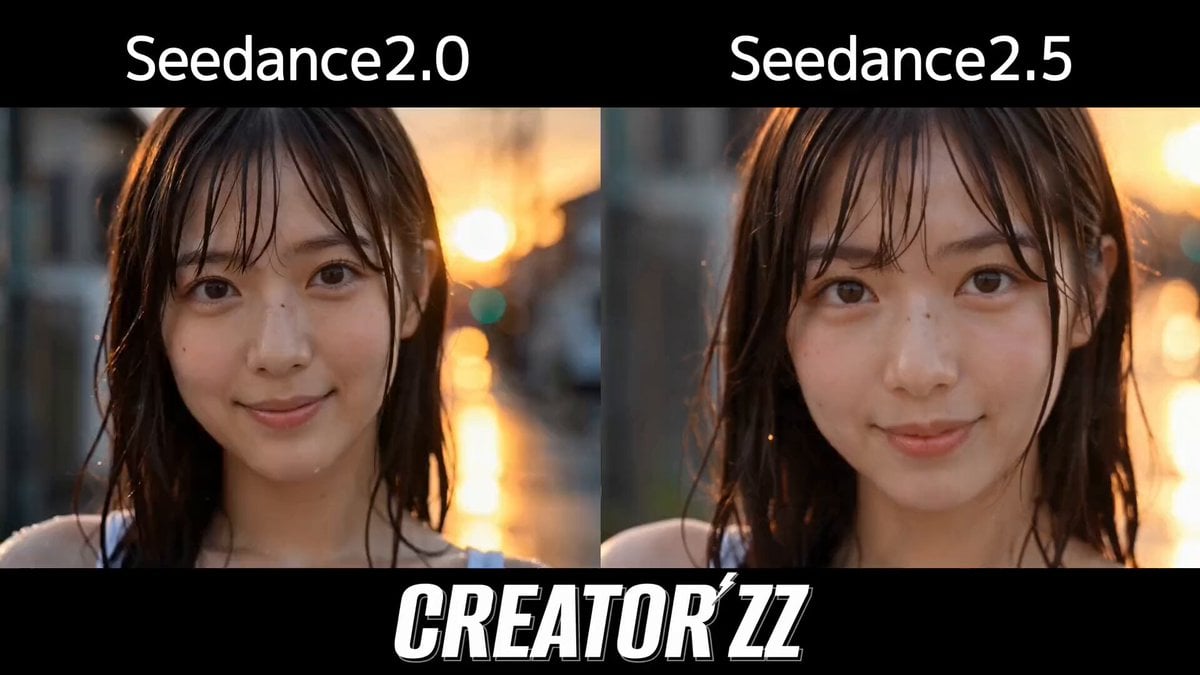
Multi-Cut Cinematic Summer Vlog Composition

Indian Village Zombie Chase Intercut
Make it yours
Astronaut to Apartment Match Cut Transition works as-is. These are the safest ways to change it without losing the look.
Change one field
Copy a single group, rewrite it, and generate again so you can see what that field is doing.
Keep the frame, change the subject
Hold the composition and light of Astronaut to Apartment Match Cut Transition, then swap wardrobe, props or the person for a new take.
| If the result… | Why | Fix |
|---|---|---|
| The result drifts from the preview | Too many fields changed at once. | Reuse Astronaut to Apartment Match Cut Transition as-is first, then change one group — subject, light, or setting. |
| The model over-stylizes the scene | The prose prompt leaves finish and camera underspecified. | Add one camera or lighting sentence and stay on Seedance 2.0. |
More Seedance 2.0 templates
Other prompts made for Seedance 2.0.

Comical Martial Arts Punch Scene

Maglev Train Action Sequence

Martial Arts Fight Sequence

Wuxia Protection and Trust Script

Vintage Korean Arcade MiniDV Vlog

Mercedes 190 SL Luxury Ad

Rainy Night Supernatural Reverse Comedy Video Script

Amazon Civilization Discovery

Futuristic South Asian City Transformation

Cozy Luxury Cafe Commercial
More video prompts
Fresh picks from across the catalog.
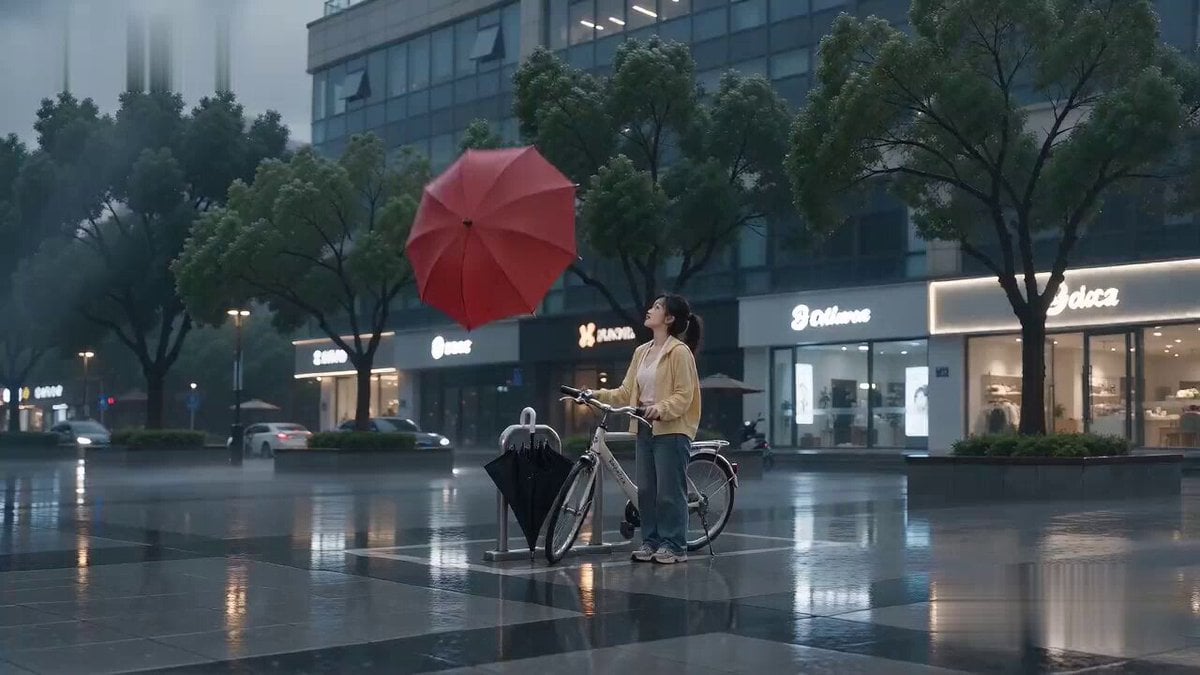
Flying Umbrella Array Cinematic Comedy Prompt

Futuristic Neon Cathedral
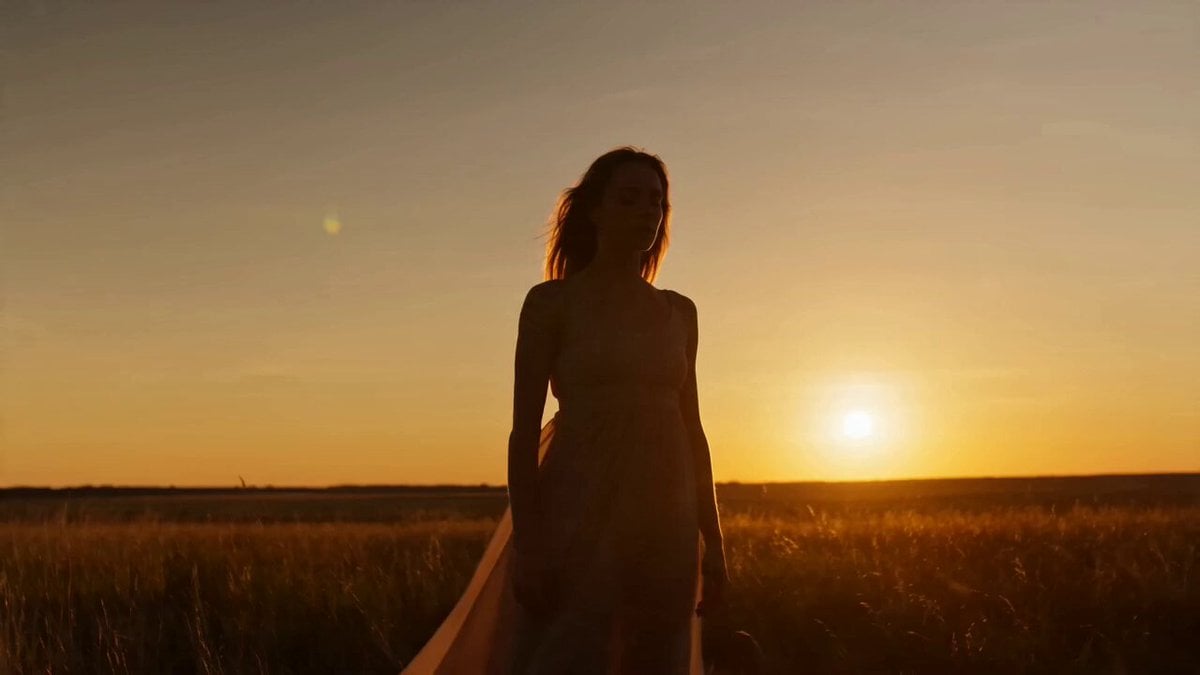
Golden Hour Contemporary Dance

Epic Mammoth Charge Survival Sequence
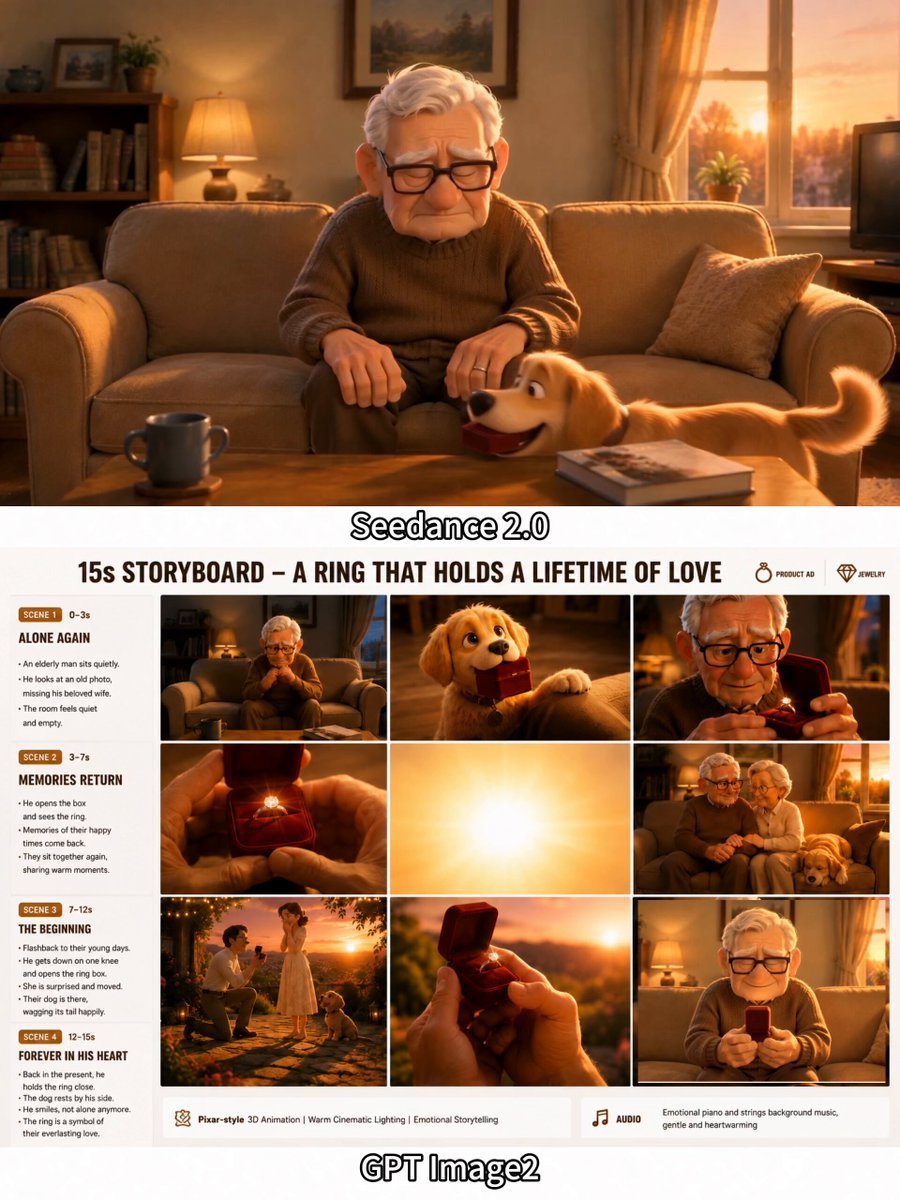
Emotional 3D Animated Puppy and Ring Story
Gym Vlog Continuous Dialogue
Royal Princess Ballroom Dance Sequence

Intricate Fantasy Woman Profile and Cityscape

3D Bakery Animation Sequence
Nostalgic 2010s VHS Anime Cheerleader Meme
Browse template categories
Astronaut to Apartment Match Cut Transition questions
How do I use the Astronaut to Apartment Match Cut Transition template?
Add your photo if the template asks for one, edit the prompt if you like — the template's model and format are already selected — and press Generate. Your version opens in PicX Studio.
Can I customize the Astronaut to Apartment Match Cut Transition template?
Yes. You can change the subject, setting, lighting, mood, format, and available model controls before creating your video.
Is the Astronaut to Apartment Match Cut Transition template free?
Opening and editing this template is free. Generating uses credits, shown on the Generate button when you are signed in.
Which AI model should I use?
Start with Seedance 2.0, which is the model associated with this template. You can compare another compatible model for a different finish.
Looking for something else? Browse all templates.

Your photo, any look
Thousands of ready templates for every top image and video model, from one credit balance.