
Royal Princess Ballroom Dance Sequence
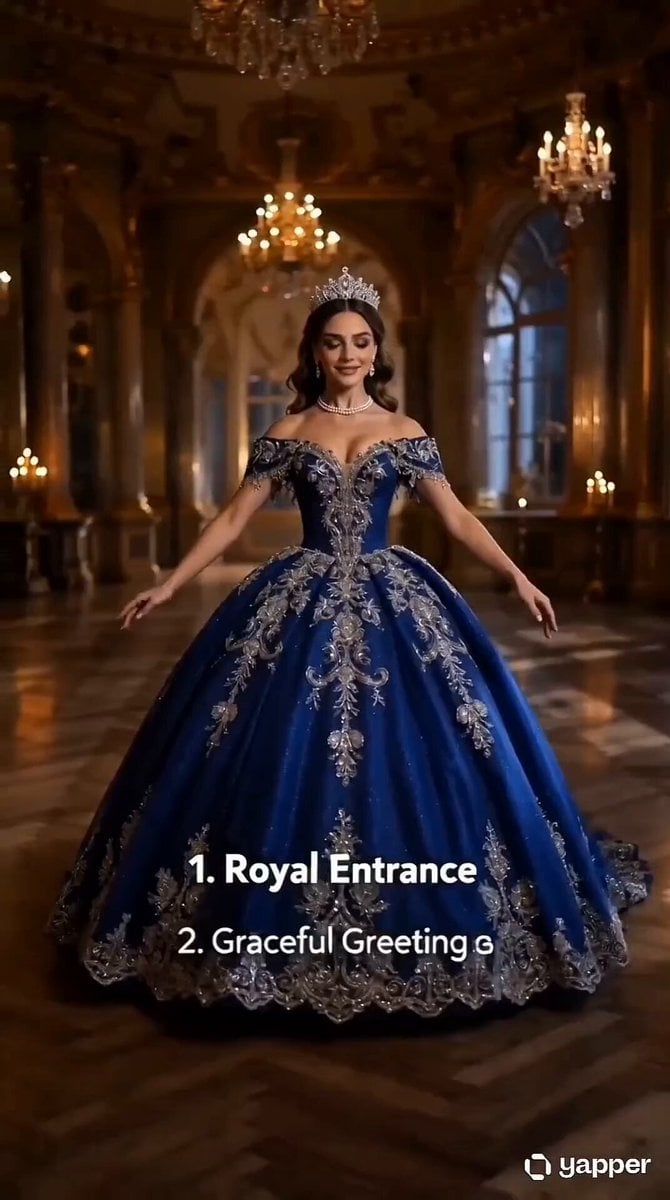
A detailed cinematic animation prompt of a princess in a blue gown performing an elegant ballroom dance inside a moonlit European palace.
- Prompt included
- Model and format preset
- Premium template
The prompt behind this video
Copy the exact prompt behind Royal Princess Ballroom Dance Sequence, or open it in the studio and make it yours.
Create a cinematic fantasy movie sequence based on this 16-panel storyboard poster. A young royal princess is performing an elegant ballroom dance inside a luxurious European palace ballroom at night. Warm golden chandelier light and candlelight glow fill the room, with soft moonlight coming through tall arched windows. The princess wears a royal blue luxury gown with a layered flowing skirt, sparkling embroidery, a crown/tiara, and elegant jewelry. Animate the dance as one continuous sequence: she enters gracefully, opens her arms, begins slow turns, side-steps smoothly, prepares for spinning, then performs faster spins with her skirt expanding dramatically, pauses under chandelier light, performs a low curtsy sweep, rises with a back-arch motion, then reaches the climax with a grand whirl spin, slowly recovers, turns toward the moonlit window, gives a storytelling back glance, and finishes with a powerful final freeze pose. Camera style: cinematic tracking shots, smooth slow-motion moments, soft depth of field, realistic fabric physics, natural hair movement, subtle sparkle reflections on jewelry, elegant motion blur during spins.
How to use Royal Princess Ballroom Dance Sequence in 3 steps
- 1
Open
The prompt is already in the box next to the preview, with the template's model and format selected.
- 2…a portrait of your subject in softgolden-hour light, 85mm…
Personalize
Edit the subject and creative details for your destination.
- 3Generate
Generate
Press Generate — your video is created in PicX Studio, so you can compare it with the original and refine one variable at a time.
More like this
Templates with the same subject, style or setup. Open one to see its prompt.

Cyberpunk Holographic Dance Performance - Seedance 2.5
Ballroom Dance Hand Orientation
Early-2000s Trainee Flashback Film

Luxury Airport Travel Vlog
Royal Indian Wedding Procession Sequence
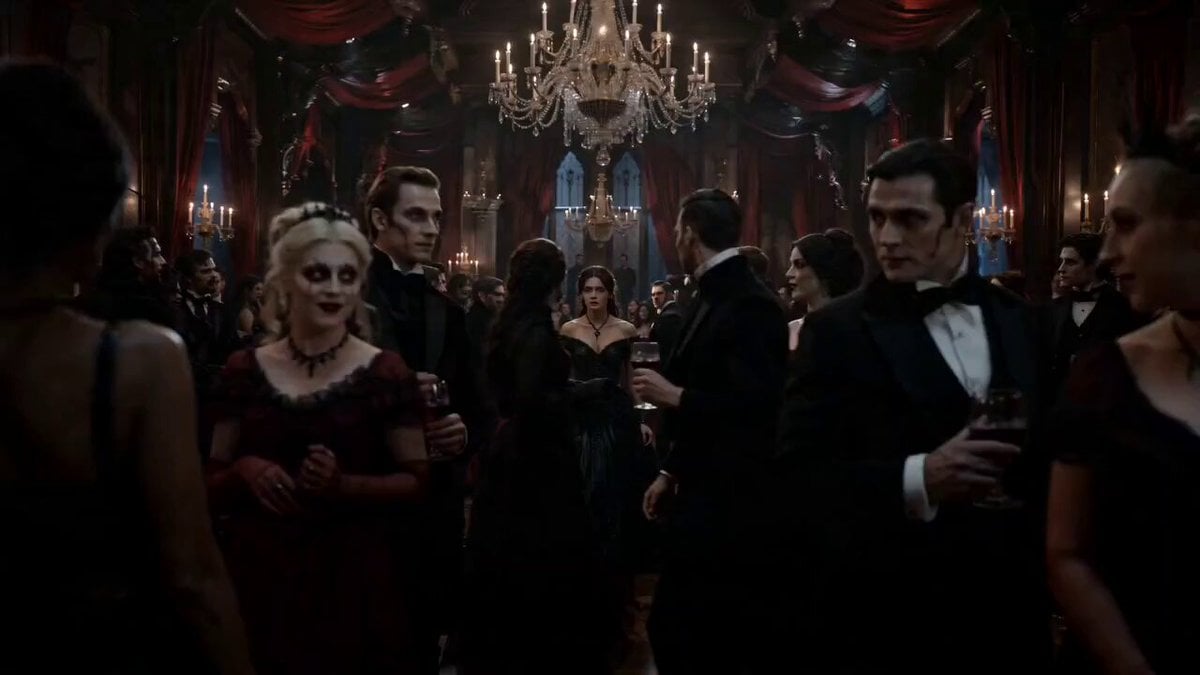
Gothic Vampire Ballroom Dance
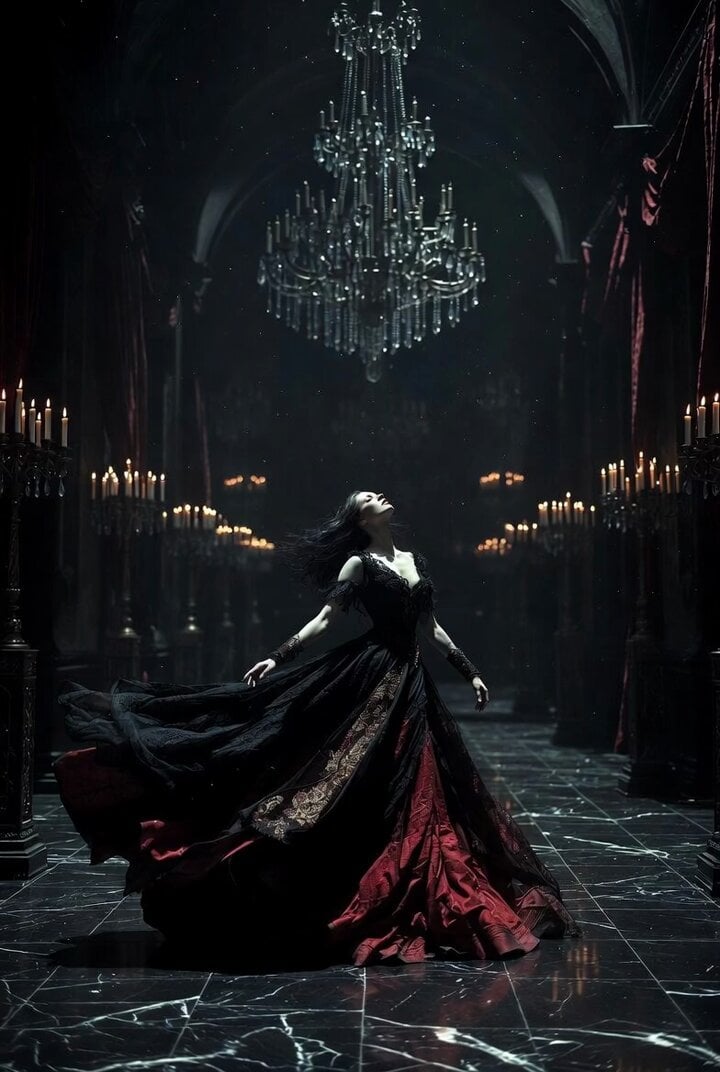
Gothic Castle Ballroom Dancer Scene
Princess Castle Dance Transformation
Ballerina Opera House — Seedance 2.0
In Each Other's Gravity — Dance Duo

Maglev Train Action Sequence

Martial Arts Fight Sequence
Make it yours
Royal Princess Ballroom Dance Sequence works as-is. These are the safest ways to change it without losing the look.
Change one field
Copy a single group, rewrite it, and generate again so you can see what that field is doing.
Keep the frame, change the subject
Hold the composition and light of Royal Princess Ballroom Dance Sequence, then swap wardrobe, props or the person for a new take.
| If the result… | Why | Fix |
|---|---|---|
| The result drifts from the preview | Too many fields changed at once. | Reuse Royal Princess Ballroom Dance Sequence as-is first, then change one group — subject, light, or setting. |
| The model over-stylizes the scene | The prose prompt leaves finish and camera underspecified. | Add one camera or lighting sentence and stay on Seedance 2.0. |
More Seedance 2.0 templates
Other prompts made for Seedance 2.0.

Comical Martial Arts Punch Scene

Wuxia Protection and Trust Script

Vintage Korean Arcade MiniDV Vlog

Mercedes 190 SL Luxury Ad

Rainy Night Supernatural Reverse Comedy Video Script

Amazon Civilization Discovery

Futuristic South Asian City Transformation

Cozy Luxury Cafe Commercial

Cyber Ronin Nanotech Transformation Video

Desert Courier and Sandstorm Leviathan Chase
More video prompts
Fresh picks from across the catalog.
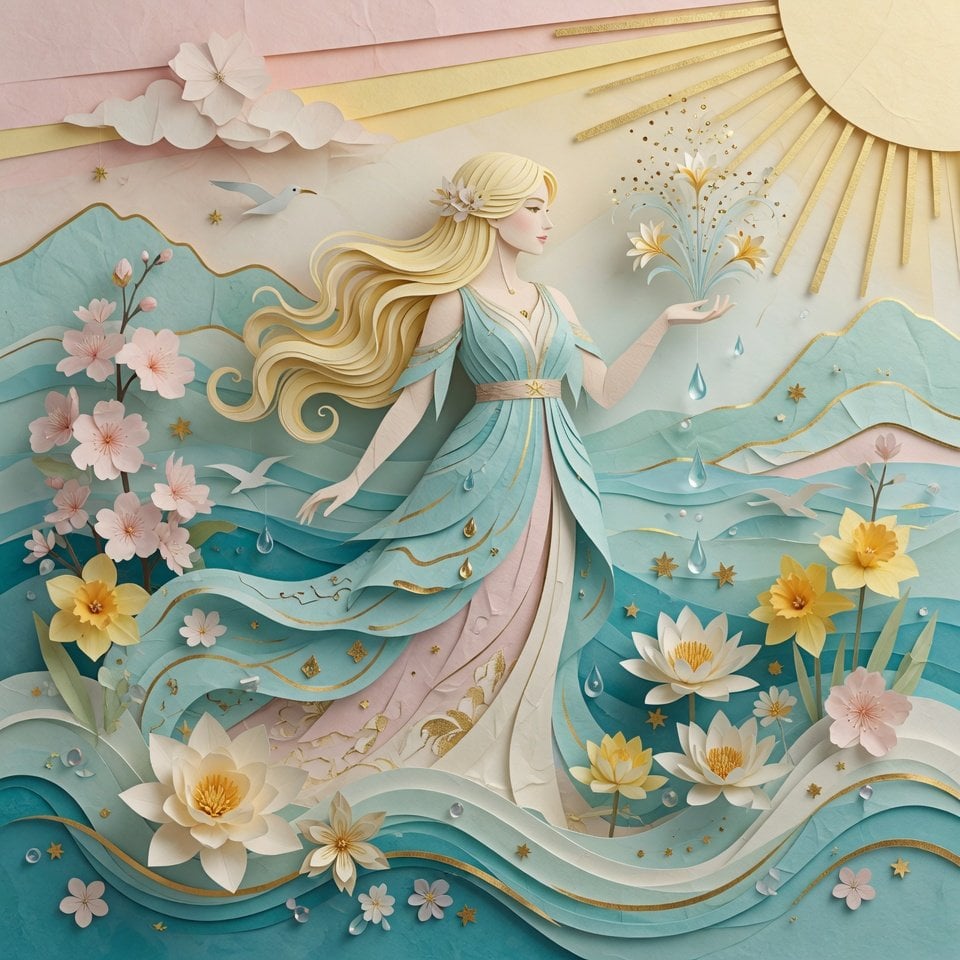
Grok Imagine Prompt: 3D Paper Art Water Goddess
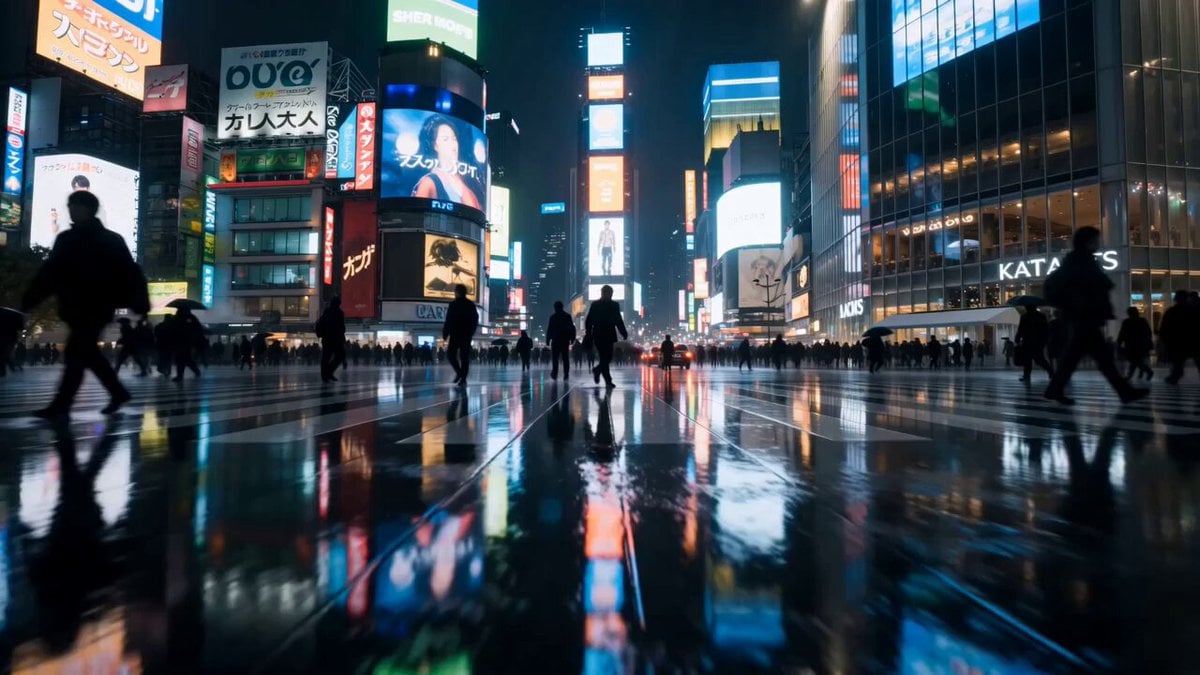
Cinematic Rainy Tokyo Night Racing POV

Jungle Supply Convoy Snake Ambush
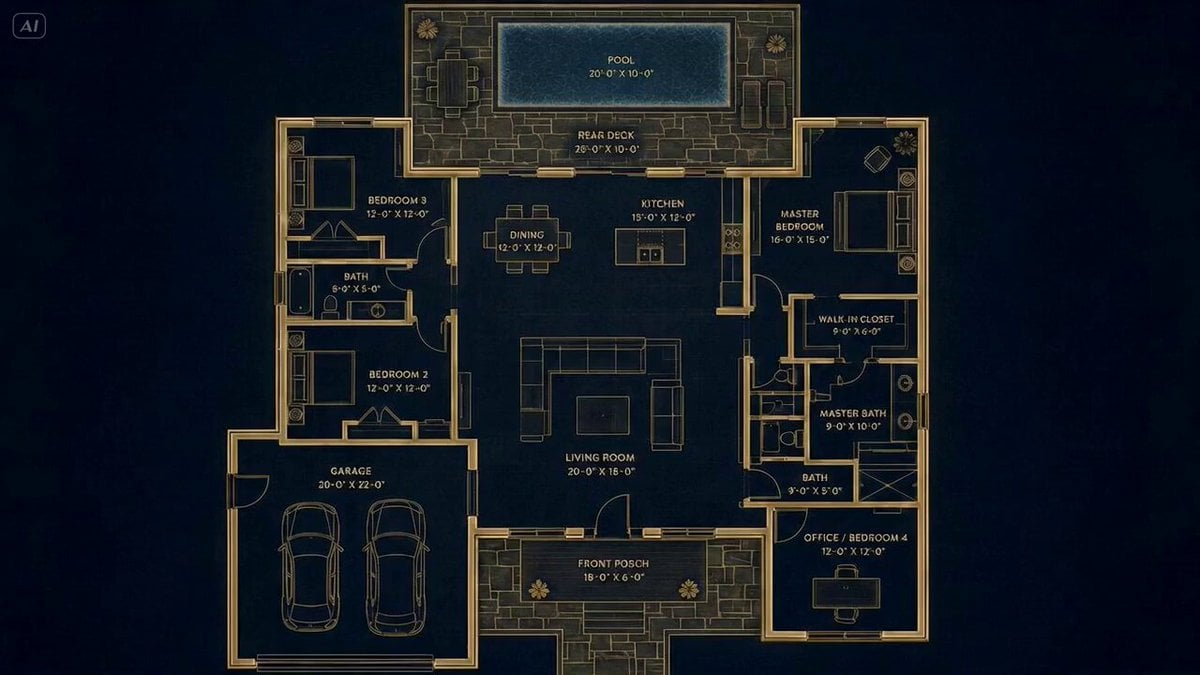
Architectural Blueprint to Reality Transformation
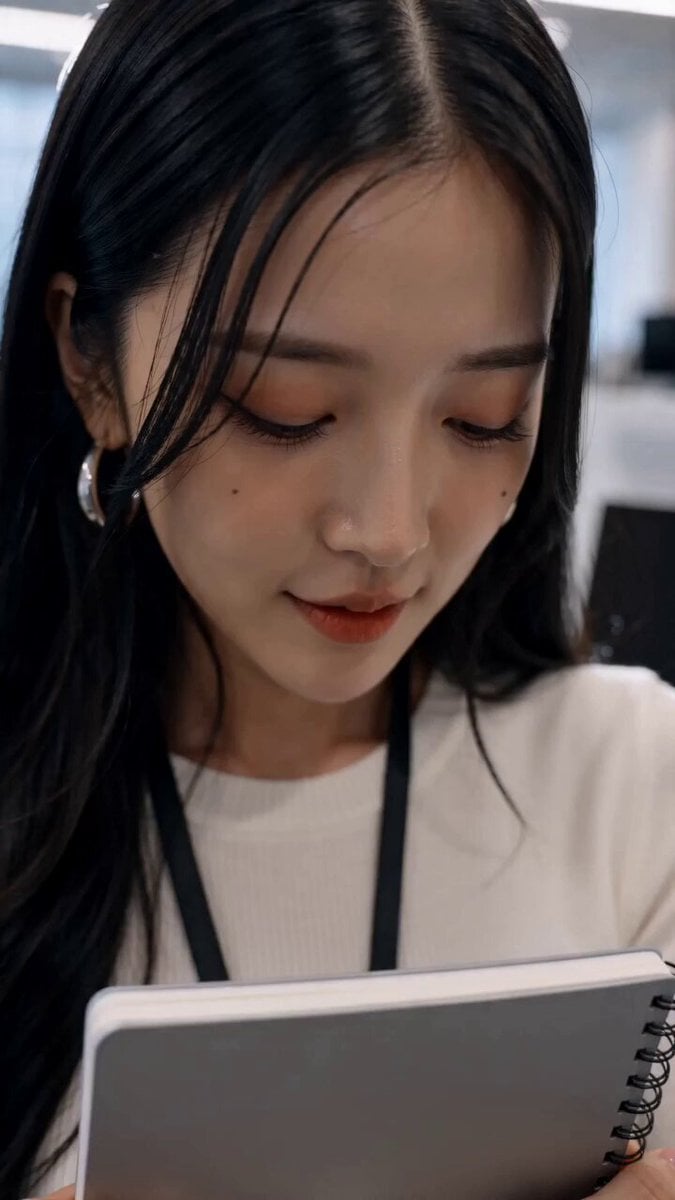
Surreal Office Romance Sequence

Deadpan Cinematic Dialogue Shot
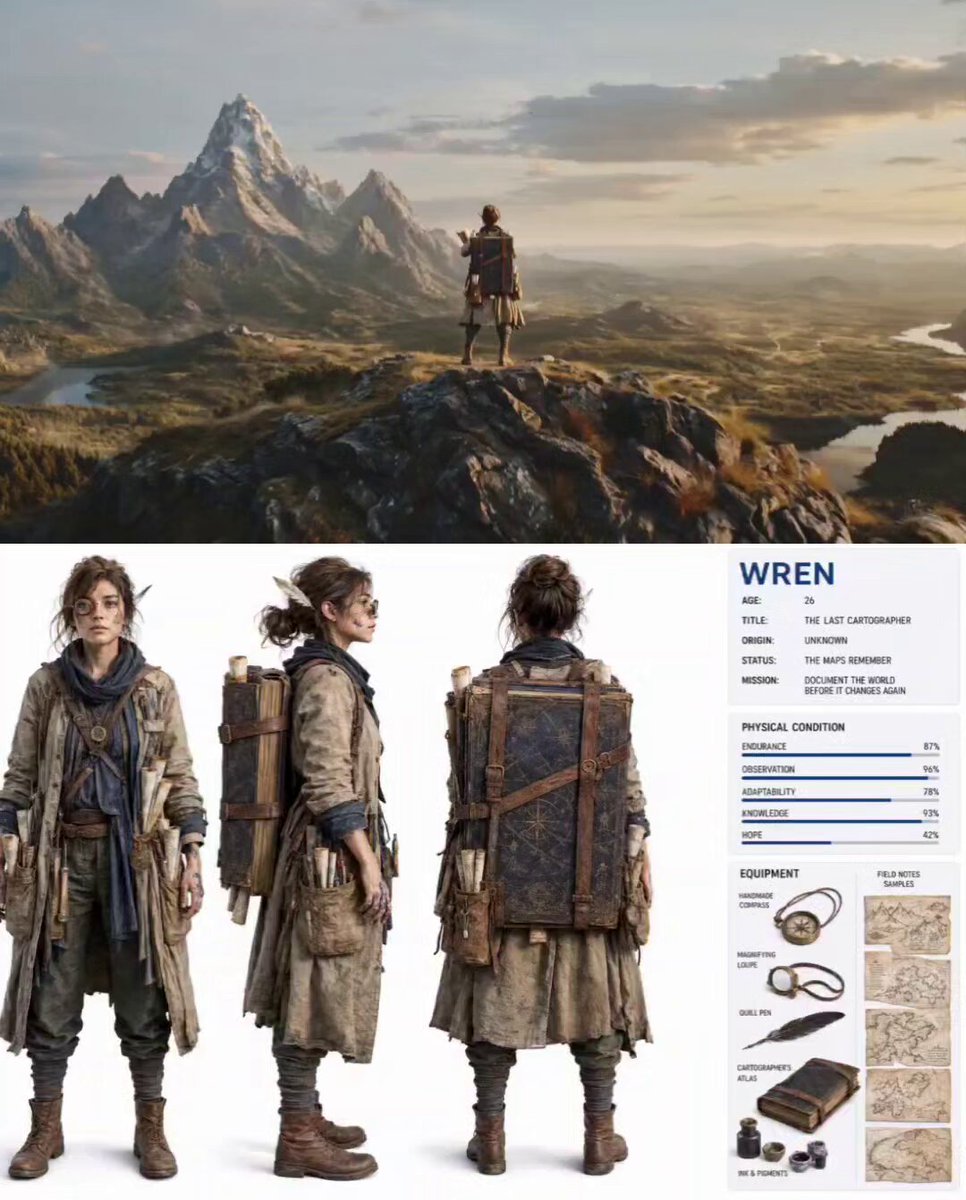
Nature Reclaiming Cities Cartographer Scene
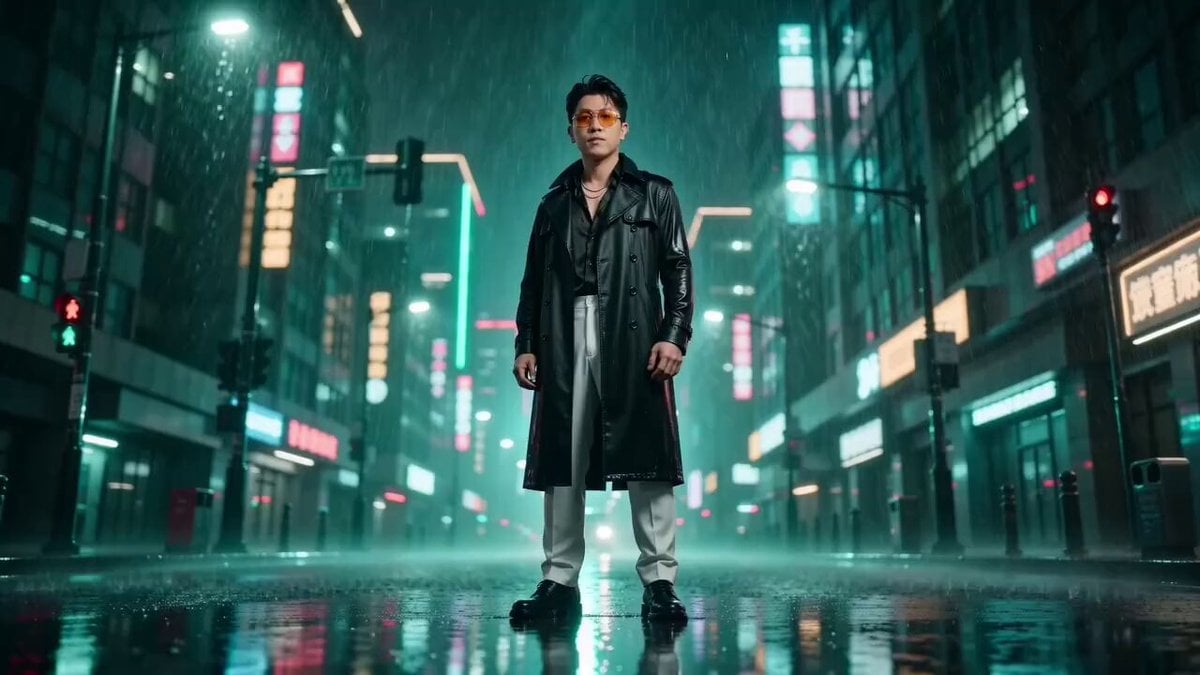
Matrix Style Bullet Time Kick
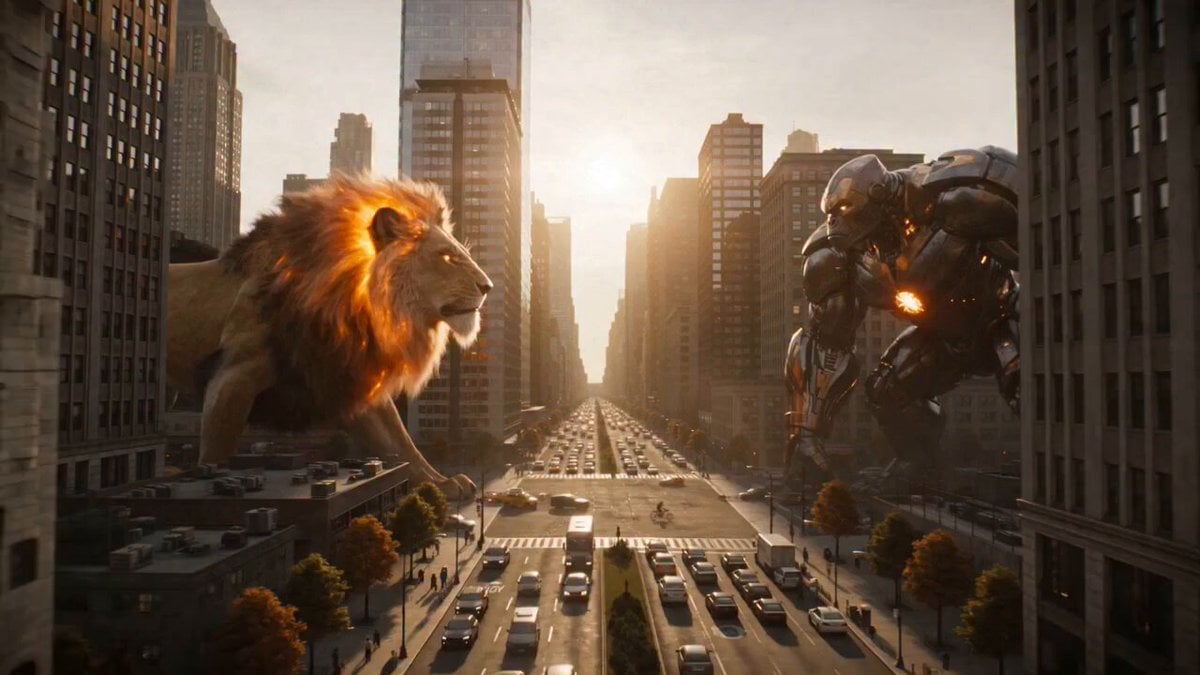
Fire Lion vs Mech Warrior
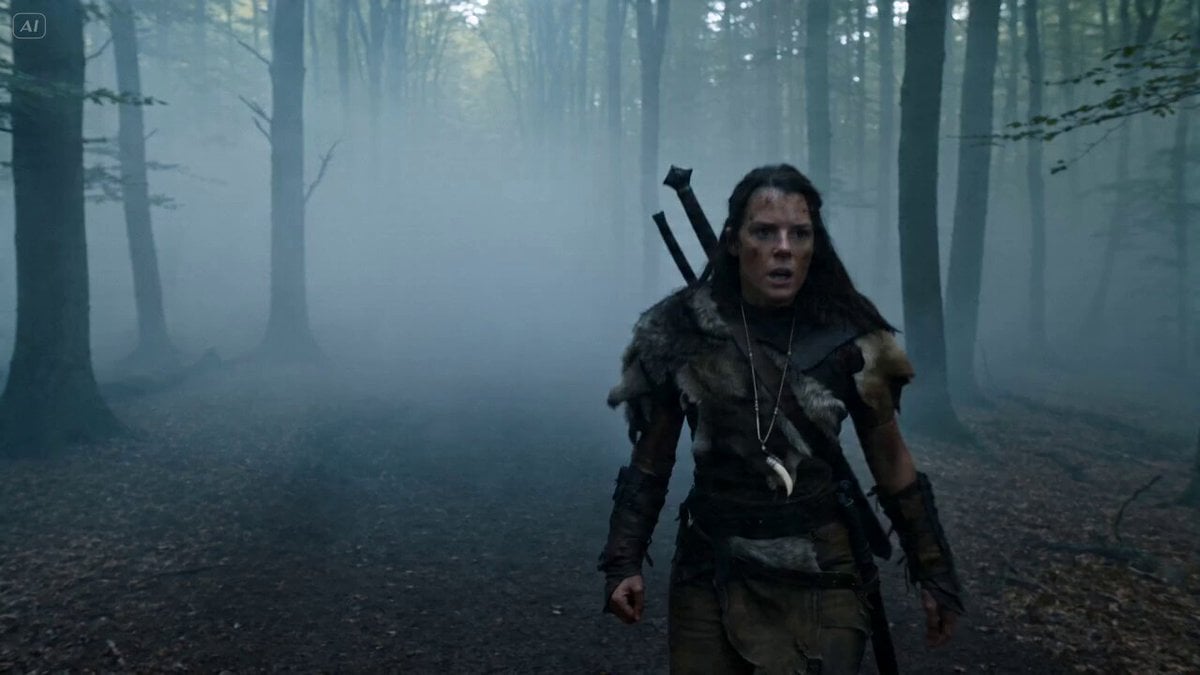
Bullet Time Selfie - Survival Warrior
Browse template categories
Royal Princess Ballroom Dance Sequence questions
How do I use the Royal Princess Ballroom Dance Sequence template?
Add your photo if the template asks for one, edit the prompt if you like — the template's model and format are already selected — and press Generate. Your version opens in PicX Studio.
Can I customize the Royal Princess Ballroom Dance Sequence template?
Yes. You can change the subject, setting, lighting, mood, format, and available model controls before creating your video.
Is the Royal Princess Ballroom Dance Sequence template free?
Opening and editing this template is free. Generating uses credits, shown on the Generate button when you are signed in.
Which AI model should I use?
Start with Seedance 2.0, which is the model associated with this template. You can compare another compatible model for a different finish.
Looking for something else? Browse all templates.

Your photo, any look
Thousands of ready templates for every top image and video model, from one credit balance.