
Gothic Vampire Ballroom Dance
A dark, orchestral fantasy prompt detailing a gothic ballroom scene where vampires start noticing a heroine.
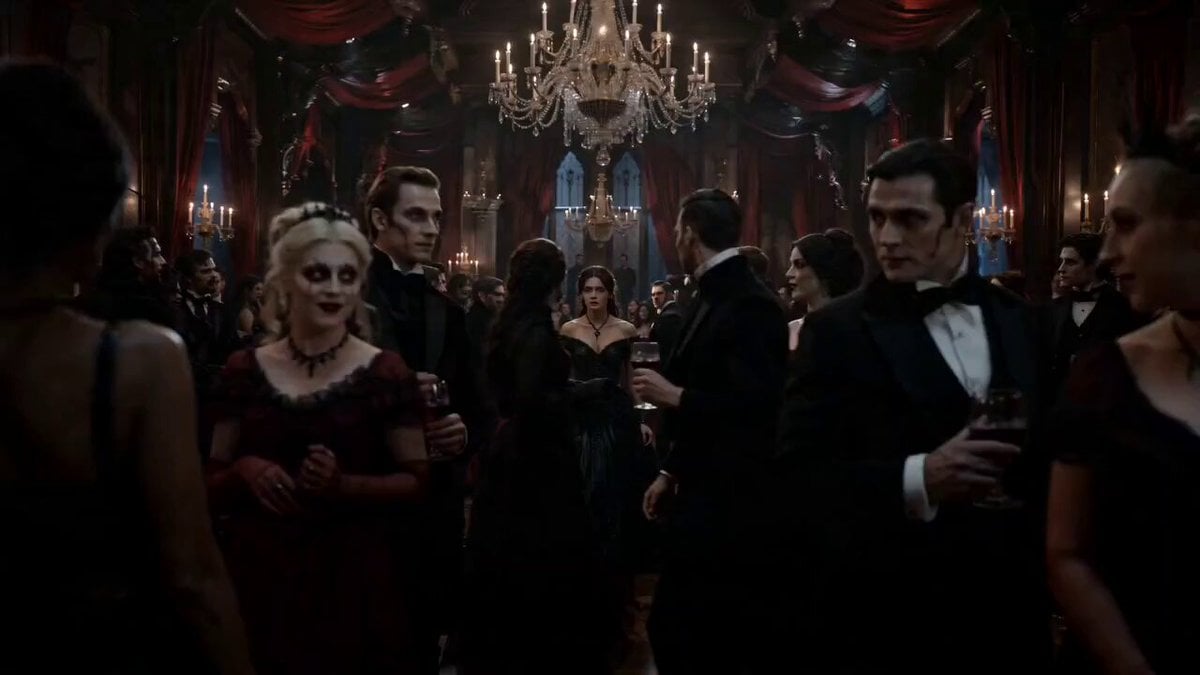
- Prompt included
- Model and format preset
- Premium template
The prompt behind this video
Copy the exact prompt behind Gothic Vampire Ballroom Dance, or open it in the studio and make it yours.
TITLE: “The Ballroom That Watches Back” DURATION: 15 seconds STYLE: Ultra cinematic, gothic fantasy, Netflix dark fantasy tone, 4K, shallow depth of field, dramatic lighting, slow motion moments, orchestral horror elegance 🎥 SCENE BREAKDOWN (TIMELINE STYLE) 0–3 sec (ESTABLISHING SHOT) A massive gothic ballroom inside a vampire palace. Crystal chandeliers flicker with warm dying light. Elegant vampires in Victorian-era luxury dresses and suits dance in slow motion. Camera slowly pushes forward through the crowd. 3–6 sec (HEROIN ENTRY) A mysterious young heroine enters the ballroom. Her steps slow. Silence feels heavy. Everyone is still dancing… but slightly too perfectly. Camera cuts: every vampire subtly starts noticing her. 6–9 sec (REALIZATION BUILD) Close-up on heroine’s face. She slowly realizes: every single vampire is now watching her. Dancing doesn’t stop… but all eyes shift toward her in sync. Violin music starts faintly (haunting, emotional, unstable tone). 9–12 sec (EMOTIONAL BREAKDOWN) Music intensifies. Vampires’ expressions begin shifting: sadness, hunger, obsession, grief. Reality feels unstable. Candles flicker violently. Camera shakes slightly, surreal dream distortion begins. 12–15 sec (CHAOS RELEASE) Music fully explodes into emotional violin chaos. Vampires lose control of elegance—some laugh, some cry, some freeze mid-dance. The heroine stands still in the center as everything collapses into emotional madness. Final shot: extreme close-up on her eye reflecting the entire burning ballroom emotion storm. 🎧 AUDIO DIRECTION Start: soft classical piano + distant echo Entry: silence drop Build: single haunting violin note Chaos: full orchestral violin breakdown (emotional instability vibe)
How to use Gothic Vampire Ballroom Dance in 3 steps
- 1
Open
The prompt is already in the box next to the preview, with the template's model and format selected.
- 2…a portrait of your subject in softgolden-hour light, 85mm…
Personalize
Edit the subject and creative details for your destination.
- 3Generate
Generate
Press Generate — your video is created in PicX Studio, so you can compare it with the original and refine one variable at a time.
More like this
Templates with the same subject, style or setup. Open one to see its prompt.
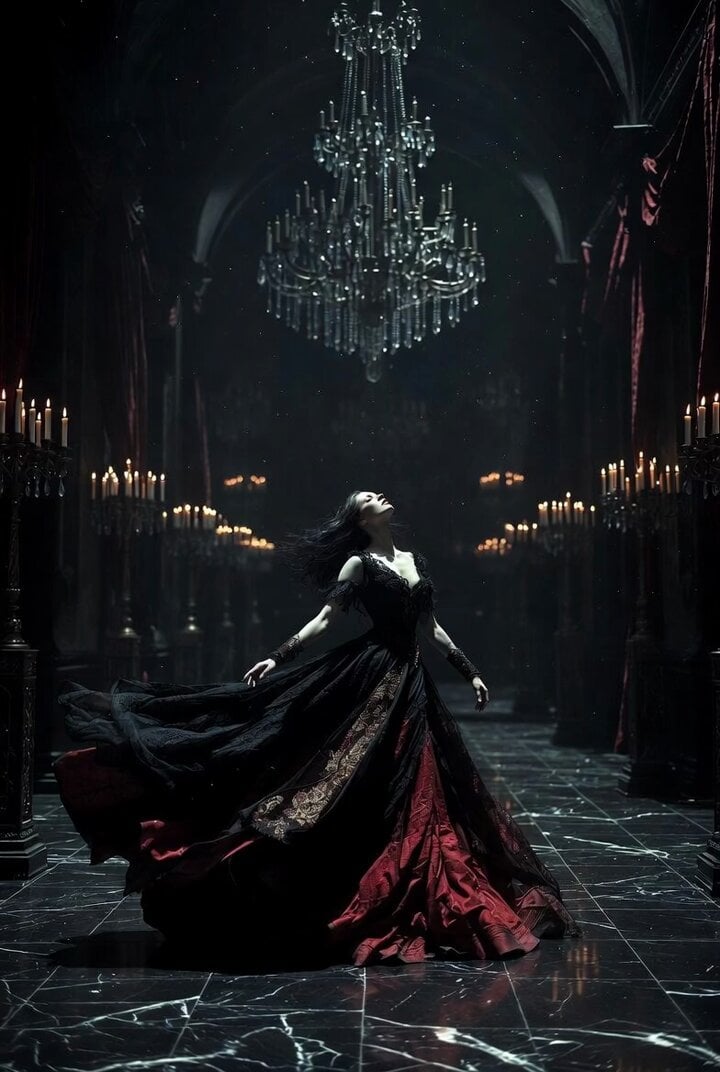
Gothic Castle Ballroom Dancer Scene

Cyberpunk Holographic Dance Performance - Seedance 2.5
Early-2000s Trainee Flashback Film

Luxury Airport Travel Vlog
Cinematic Gothic Vampire Reveal
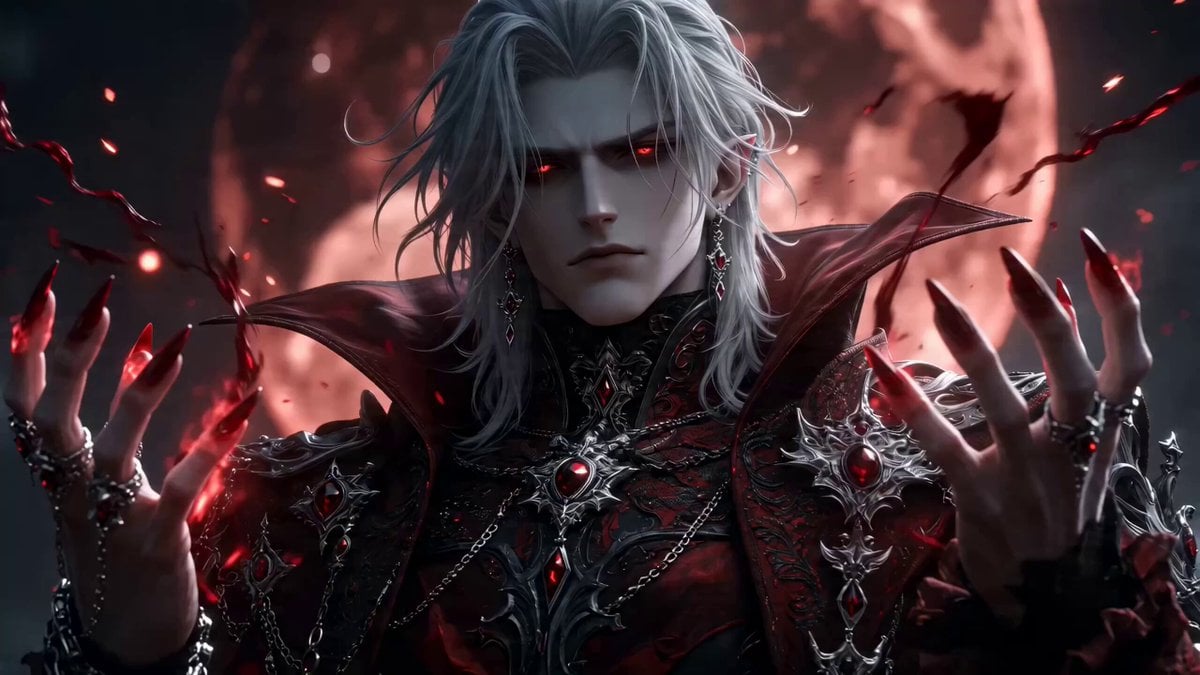
Gothic Vampire Lord Video Prompt
Ballerina Opera House — Seedance 2.0
In Each Other's Gravity — Dance Duo
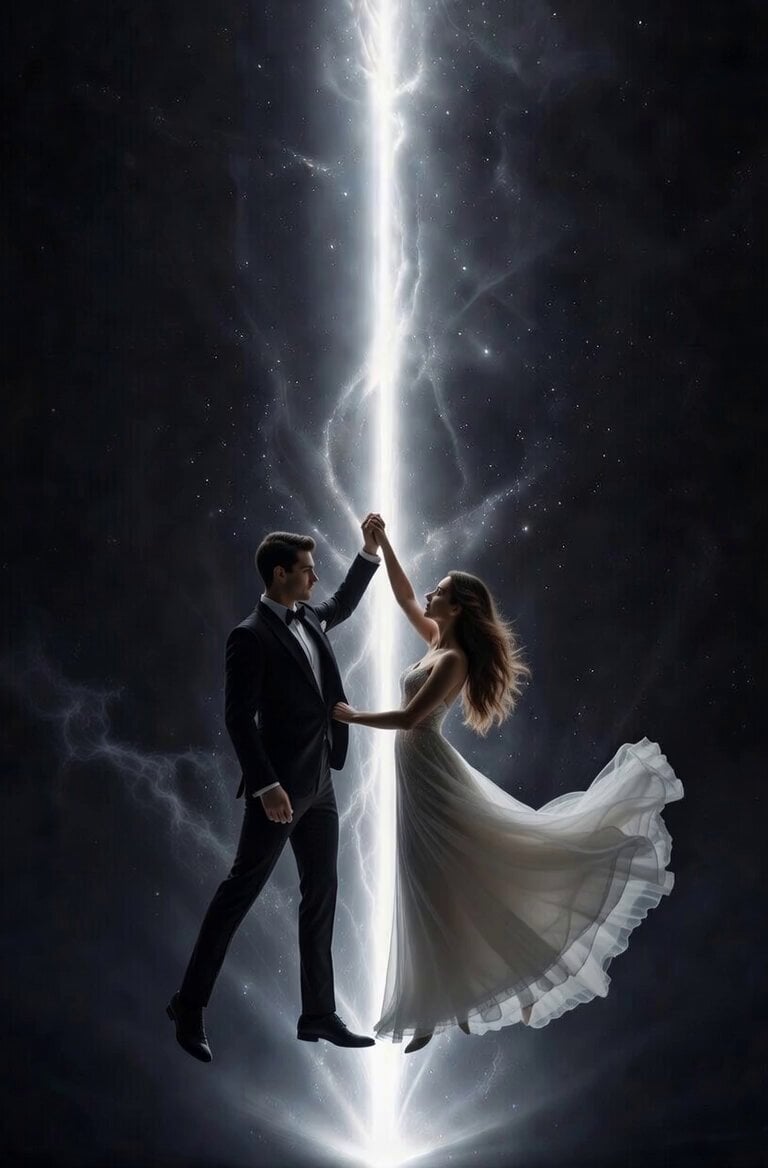
Ballroom Dance Hand Orientation
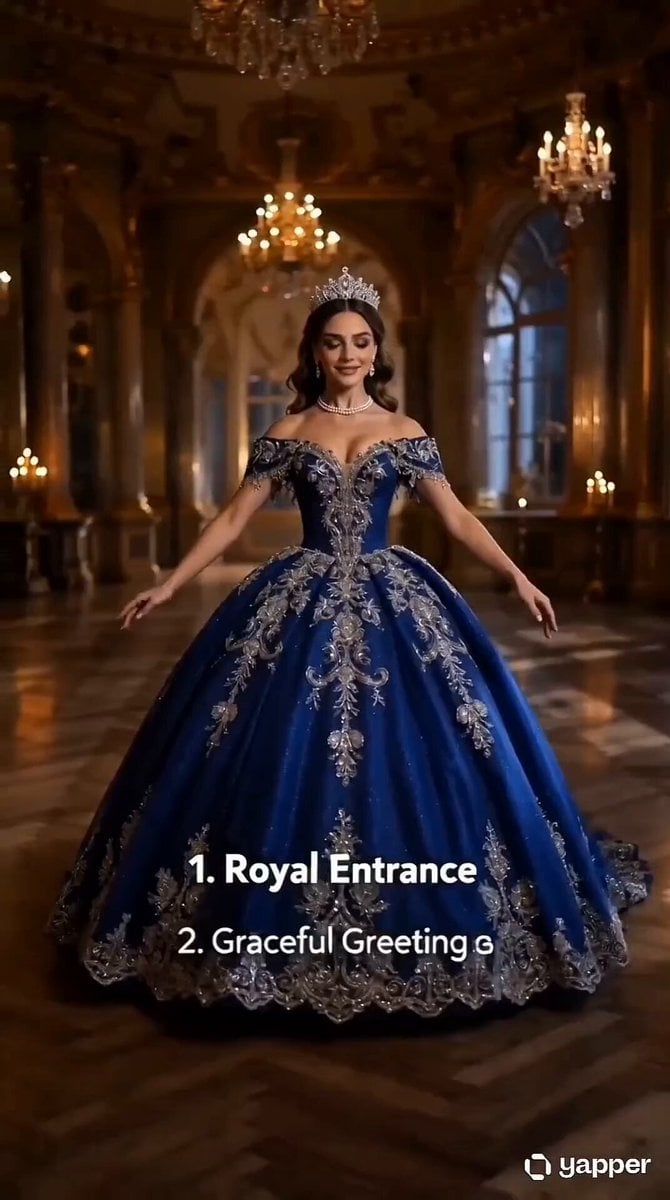
Royal Princess Ballroom Dance Sequence
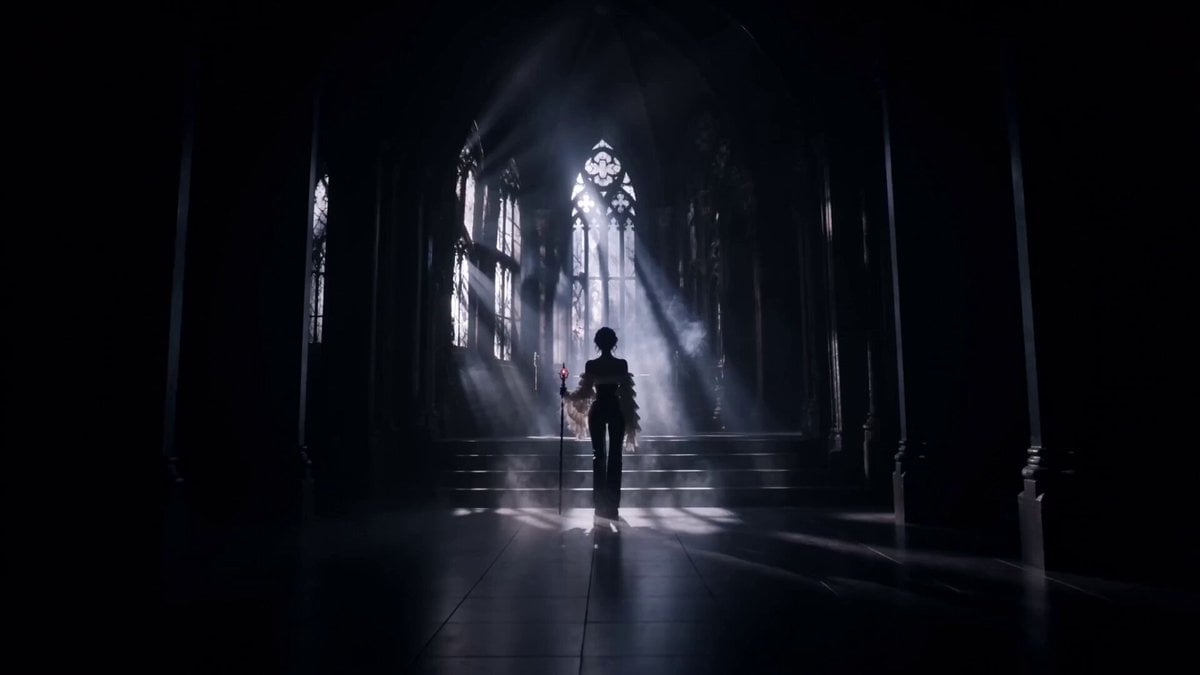
Gothic Battle Dancer Cinematic Video
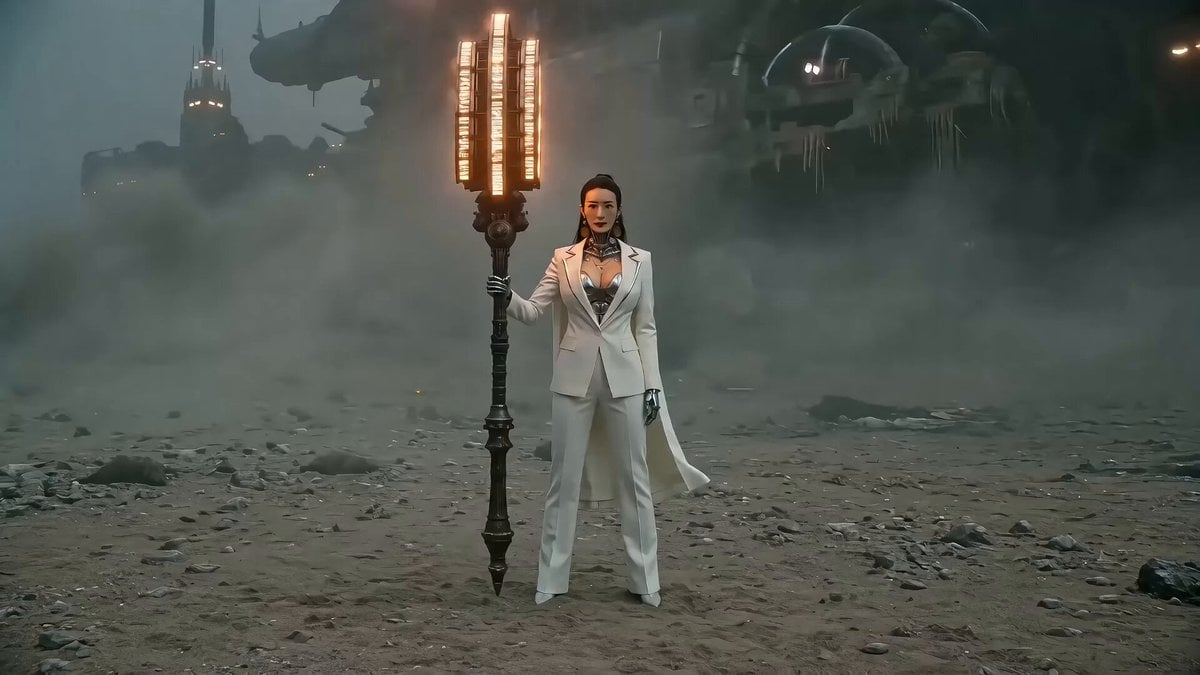
Seedance 2.0 Prompt: Gothic Mech Battle on a Desolate Beach
Make it yours
Gothic Vampire Ballroom Dance works as-is. These are the safest ways to change it without losing the look.
Change one field
Copy a single group, rewrite it, and generate again so you can see what that field is doing.
Keep the frame, change the subject
Hold the composition and light of Gothic Vampire Ballroom Dance, then swap wardrobe, props or the person for a new take.
| If the result… | Why | Fix |
|---|---|---|
| The result drifts from the preview | Too many fields changed at once. | Reuse Gothic Vampire Ballroom Dance as-is first, then change one group — subject, light, or setting. |
| The model over-stylizes the scene | The prose prompt leaves finish and camera underspecified. | Add one camera or lighting sentence and stay on Seedance 2.0. |
More Seedance 2.0 templates
Other prompts made for Seedance 2.0.

Comical Martial Arts Punch Scene

Maglev Train Action Sequence

Martial Arts Fight Sequence

Wuxia Protection and Trust Script

Vintage Korean Arcade MiniDV Vlog

Mercedes 190 SL Luxury Ad

Rainy Night Supernatural Reverse Comedy Video Script

Amazon Civilization Discovery

Futuristic South Asian City Transformation

Cozy Luxury Cafe Commercial
More video prompts
Fresh picks from across the catalog.
Red Splash Letter Morph
Seedance 2.0 Short Horror Drama Prompt: 'Echo Program'

Luxury Bugatti Watch Commercial
Action Sequence of Fighter Pilots in Airborne Combat

Lord Ganesha Sliding Down Snowy Slope
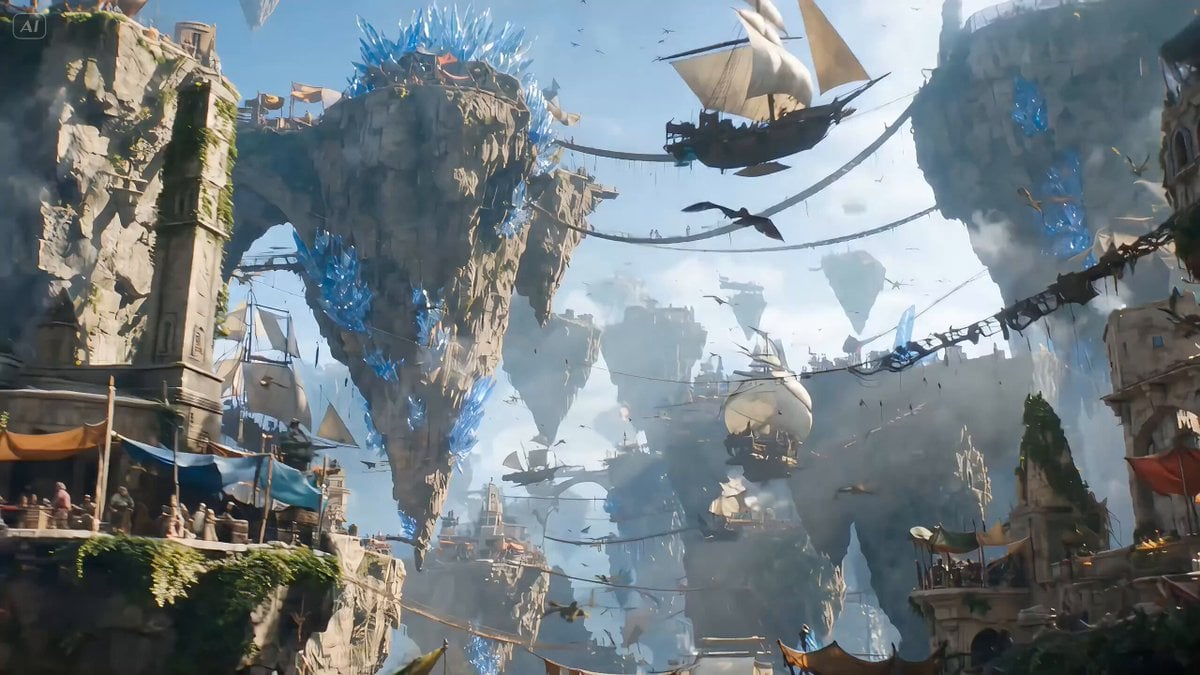
High-fantasy action video generation prompt for Seedance 2.0

Fantasy Dragon Rider Anime Battle
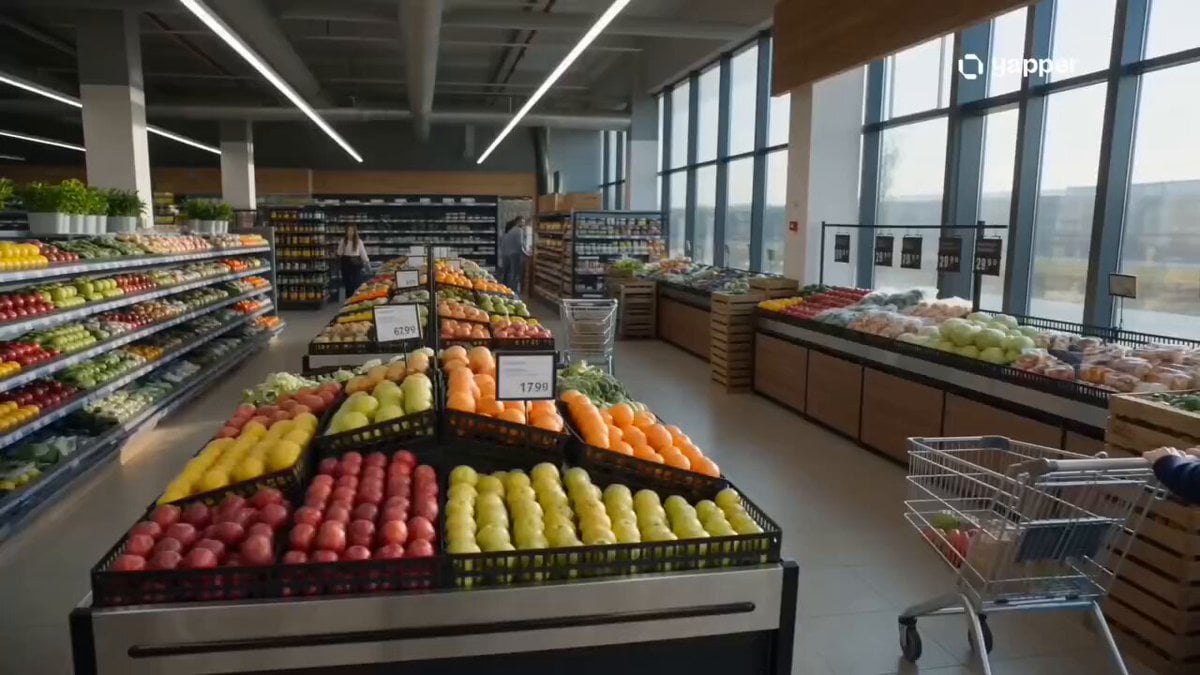
Cinematic Grocery Store Sequence
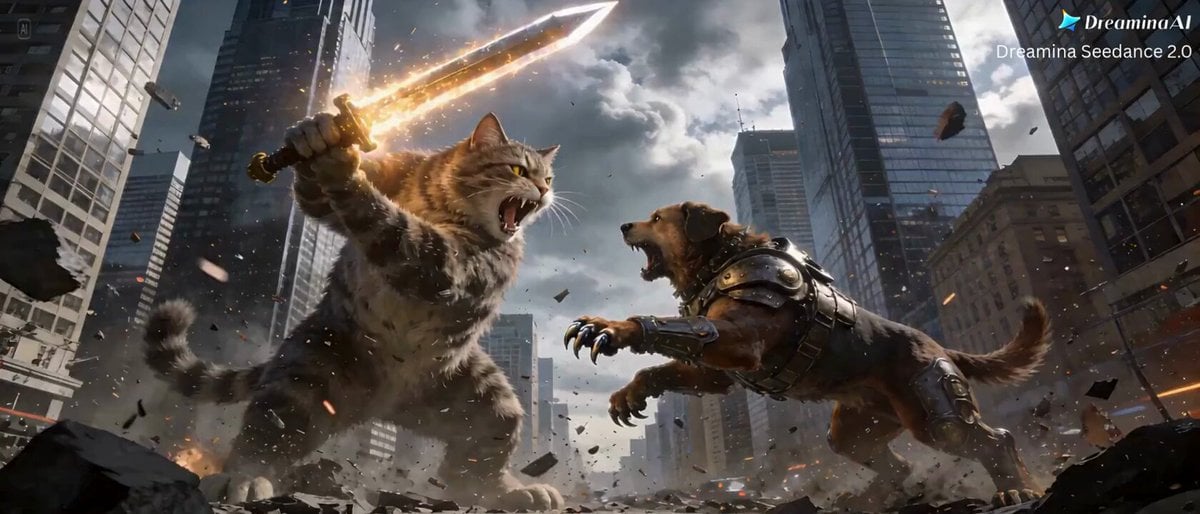
Cat vs Dog Battle Prompt for Dreamina Seedance 2.0
First Person Birth of Existence
Browse template categories
Gothic Vampire Ballroom Dance questions
How do I use the Gothic Vampire Ballroom Dance template?
Add your photo if the template asks for one, edit the prompt if you like — the template's model and format are already selected — and press Generate. Your version opens in PicX Studio.
Can I customize the Gothic Vampire Ballroom Dance template?
Yes. You can change the subject, setting, lighting, mood, format, and available model controls before creating your video.
Is the Gothic Vampire Ballroom Dance template free?
Opening and editing this template is free. Generating uses credits, shown on the Generate button when you are signed in.
Which AI model should I use?
Start with Seedance 2.0, which is the model associated with this template. You can compare another compatible model for a different finish.
Looking for something else? Browse all templates.

Your photo, any look
Thousands of ready templates for every top image and video model, from one credit balance.