How do I use the First Person Birth of Existence template?
Edit the prompt in the box under the preview — the template's model and format are already selected — and press Generate. Your version appears right on this page.
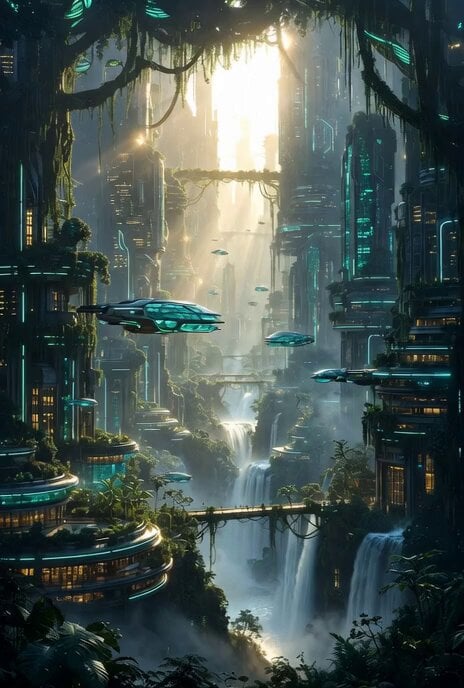
An epic POV cinematic prompt depicting the rapid evolution of civilizations and the formation of a cosmic humanoid being.
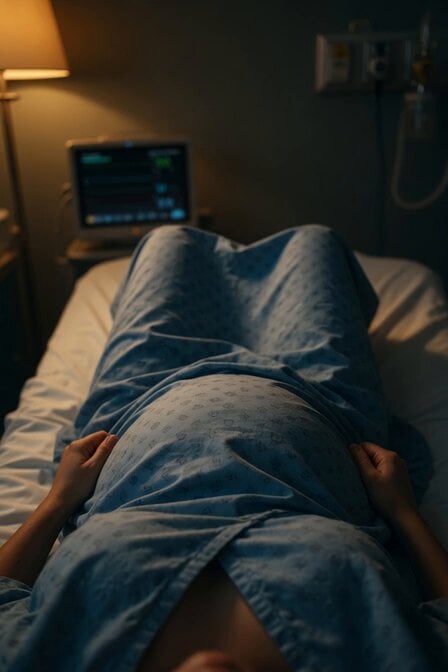
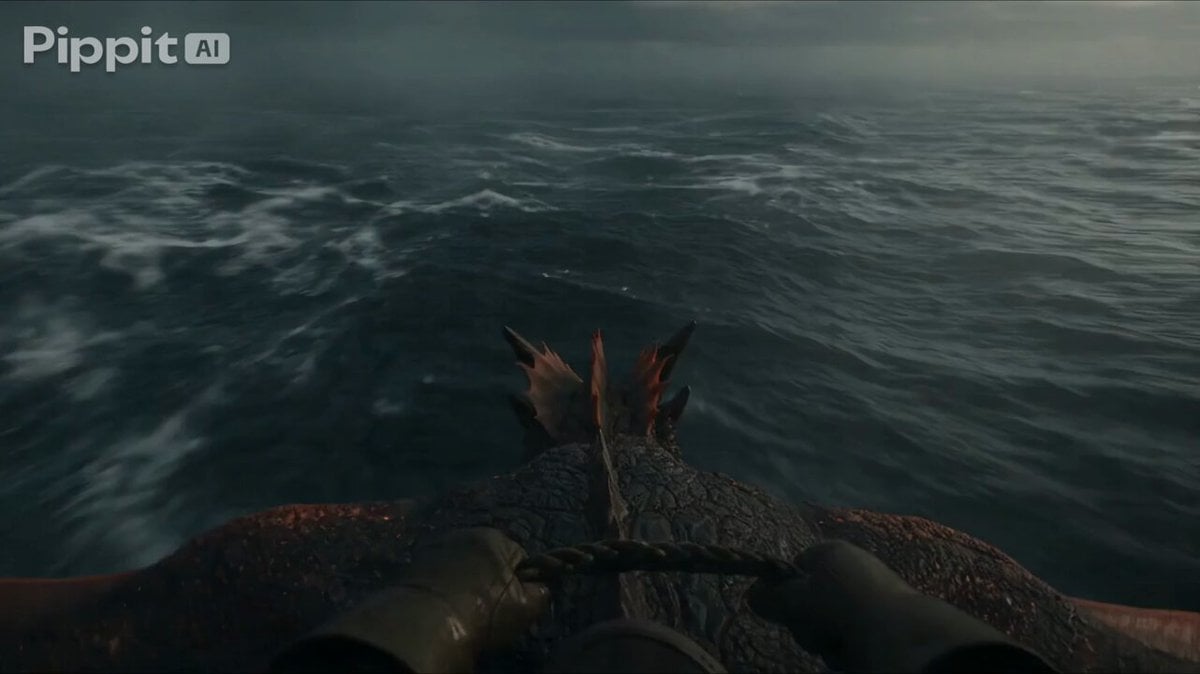
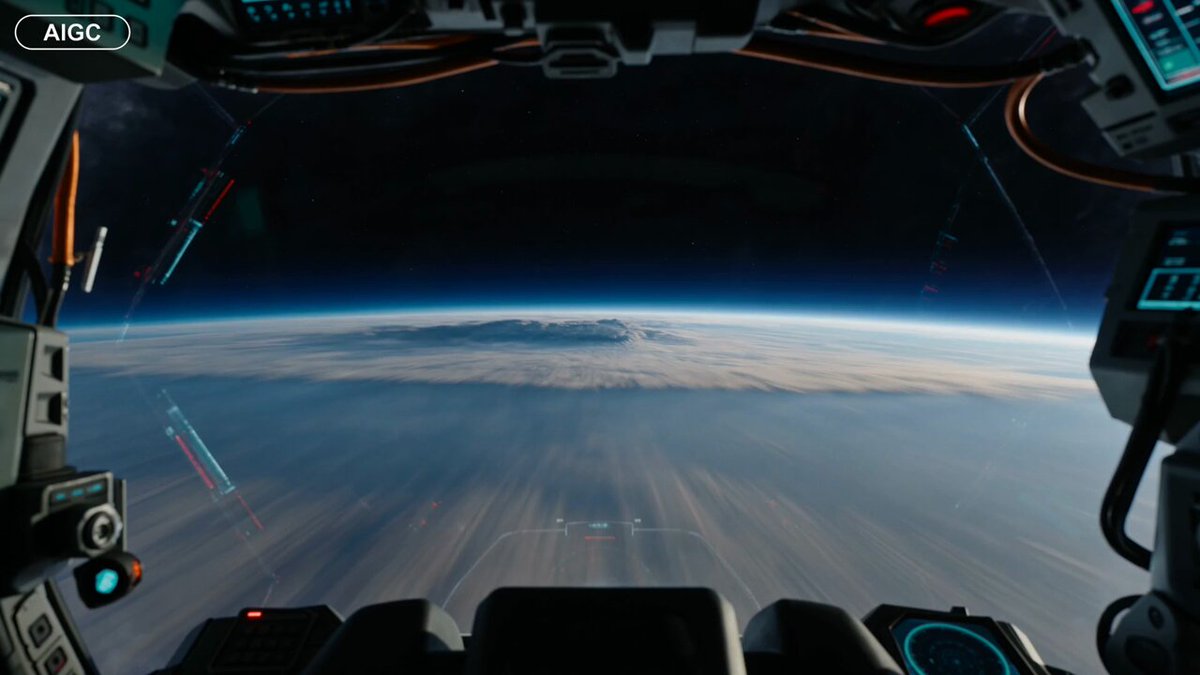
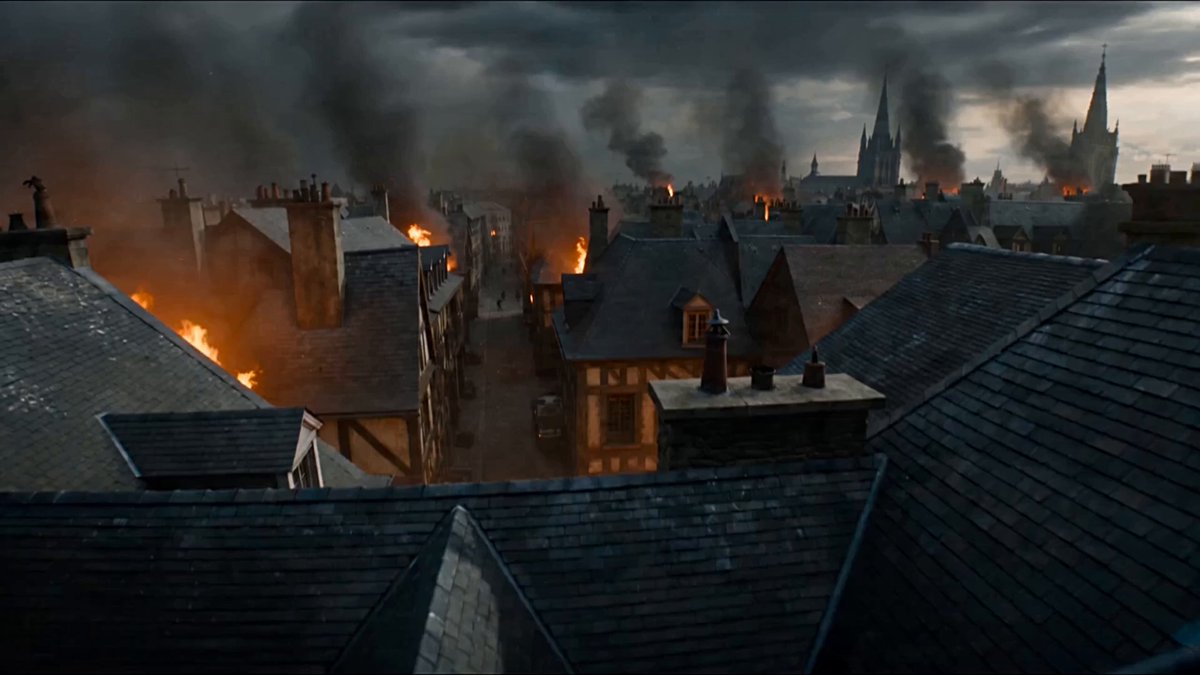
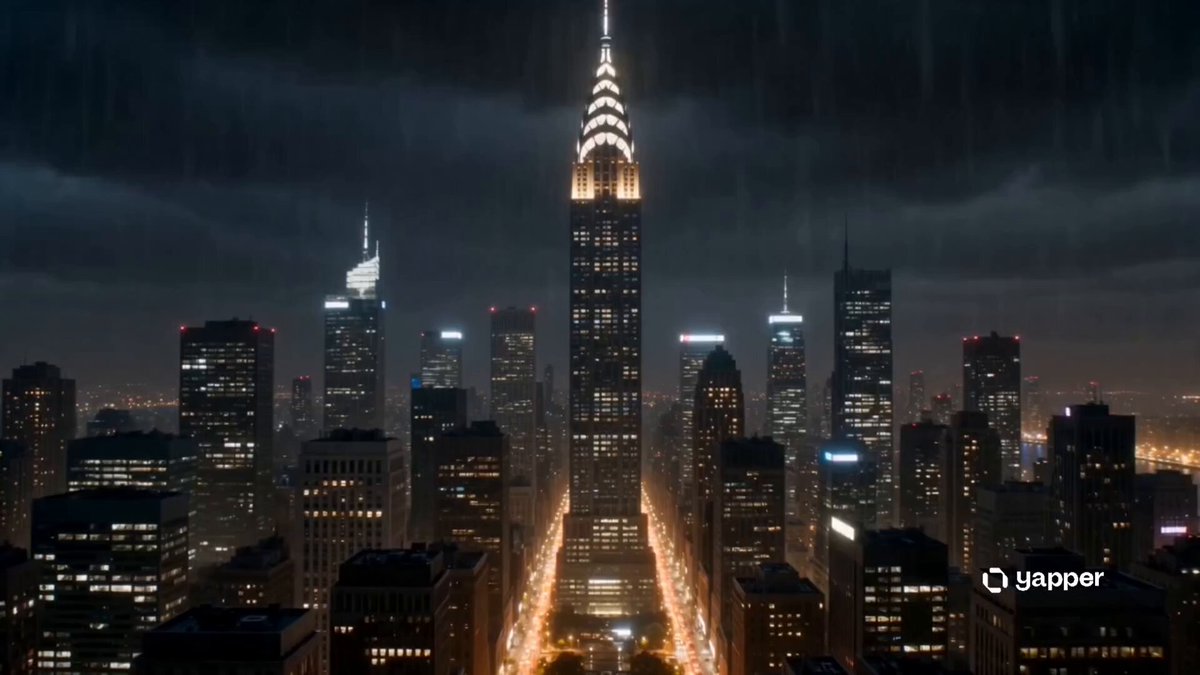
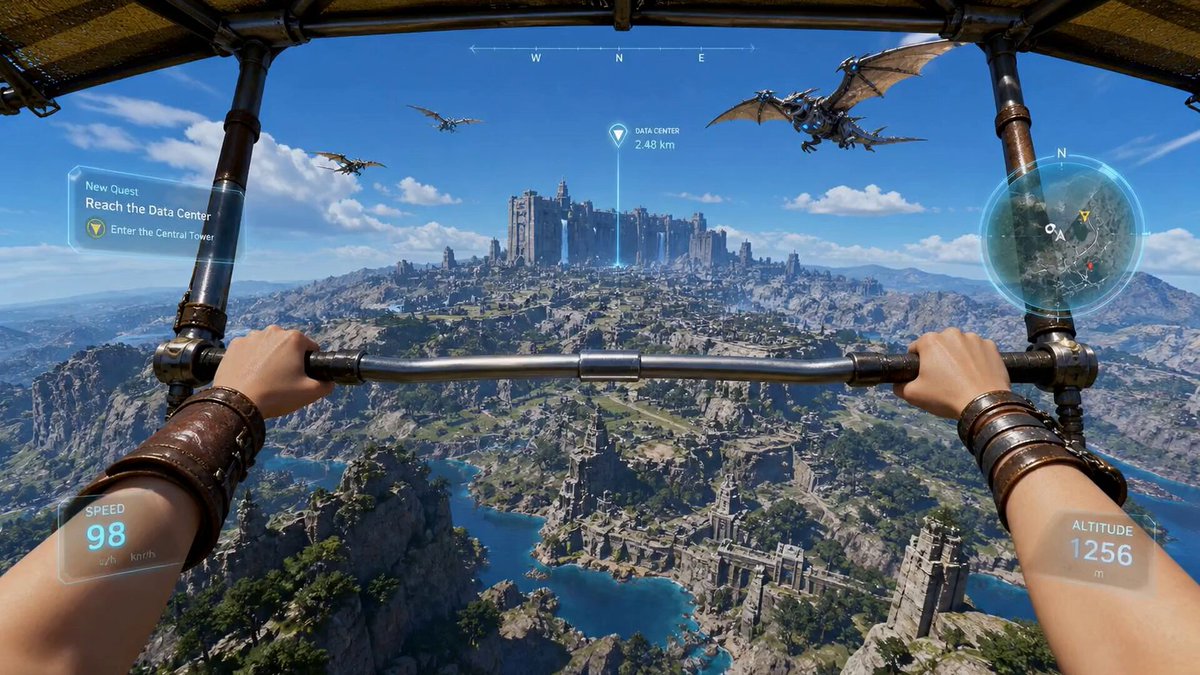
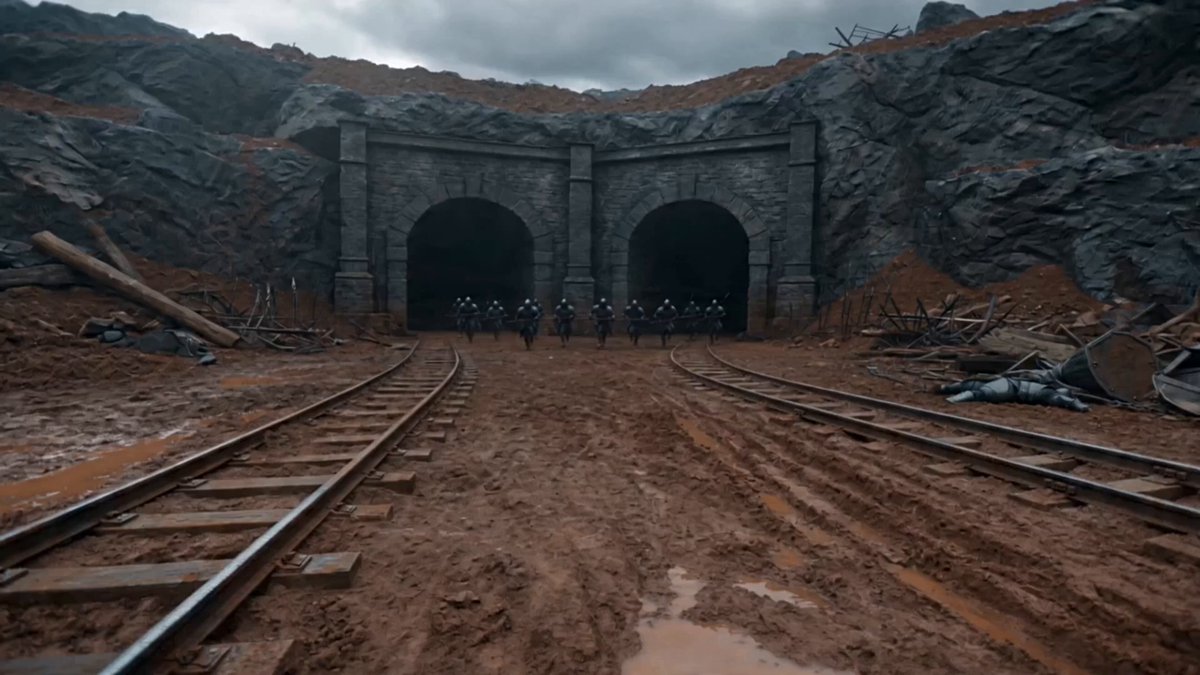
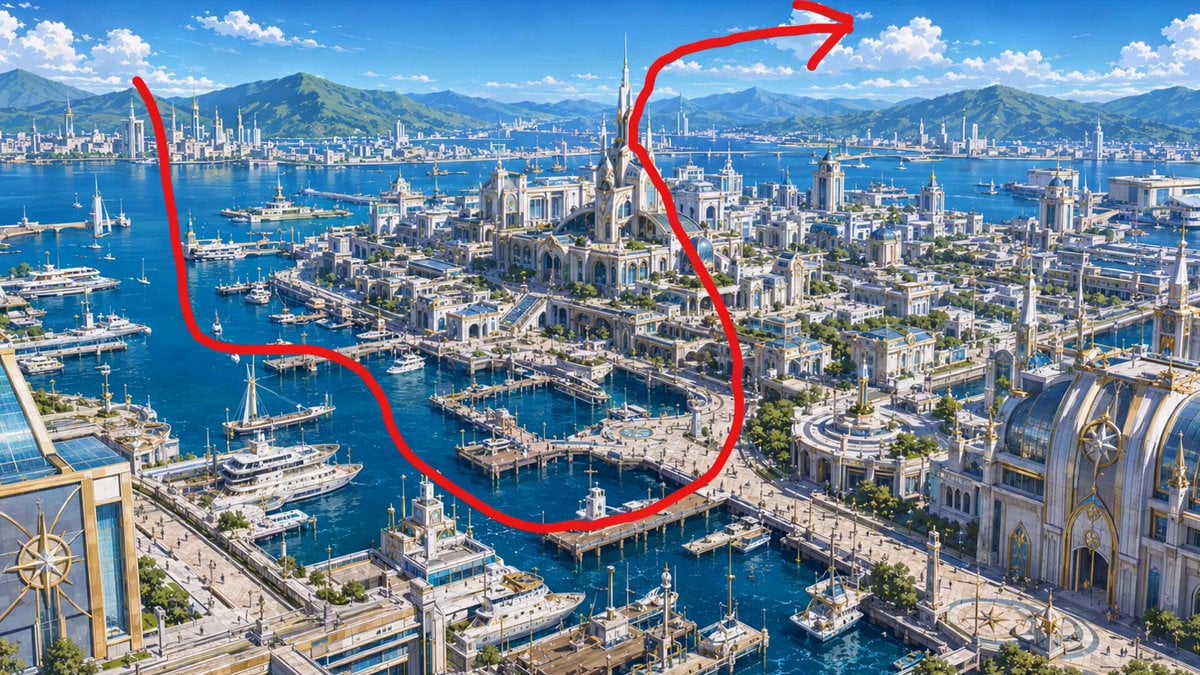
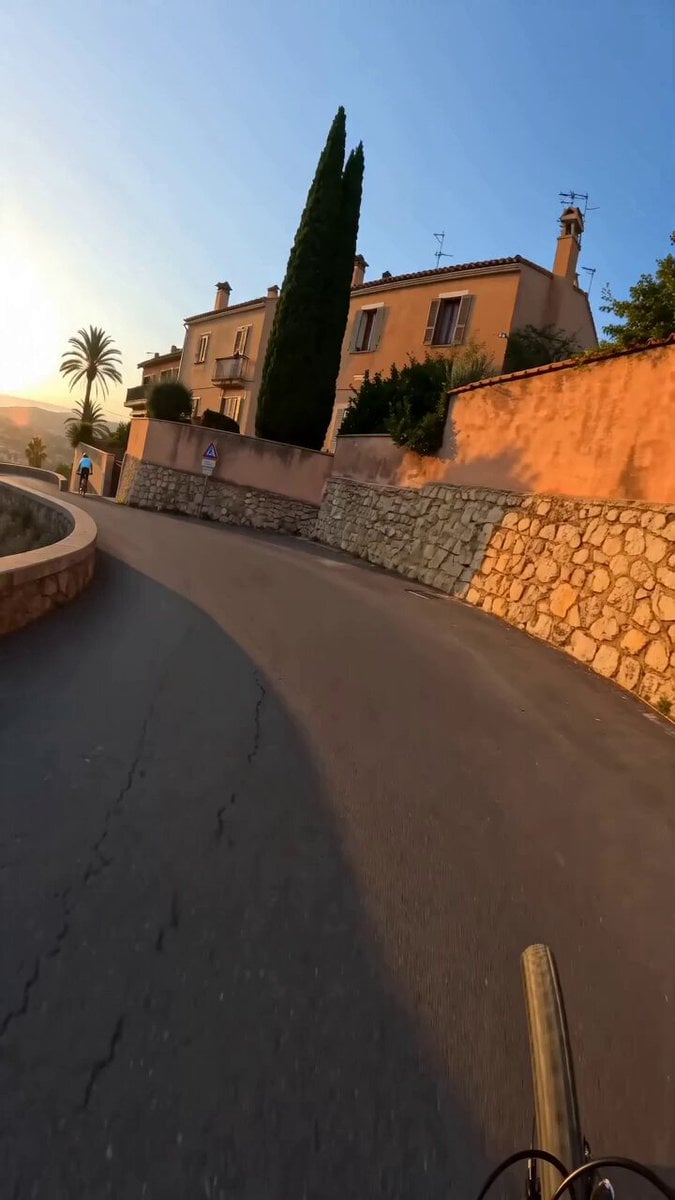
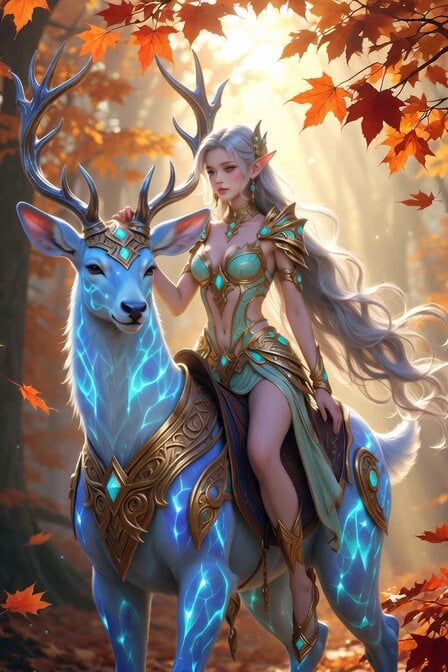
Pure first-person immersive camera perspective, no visible drone, no vehicle, no propellers. The camera flies through complete darkness where tiny particles of light begin creating reality from nothing. Mountains grow in seconds, rivers carve themselves into the earth, forests bloom instantly, oceans rise, clouds form overhead, cities emerge, civilizations evolve, all while the camera continuously flies forward through the birth of existence. Suddenly the newly created world fractures into billions of glowing cubes that assemble into an enormous humanoid made entirely of galaxies. The giant opens its hands, revealing another newborn universe inside its palms. Continuous one-take, seamless evolution, impossible scale, photorealistic environments, cinematic god rays, particle simulations, Hollywood blockbuster VFX, IMAX quality.
Pure first-person immersive camera perspective, no visible drone, no vehicle, no propellers. The camera flies through complete darkness where tiny particles of light begin creating reality from nothing. Mountains grow in seconds, rivers carve themselves into the earth, forests bloom instantly, oceans rise, clouds form overhead, cities emerge, civilizations evolve, all while the camera continuously flies forward through the birth of existence. Suddenly the newly created world fractures into billions of glowing cubes that assemble into an enormous humanoid made entirely of galaxies. The giant opens its hands, revealing another newborn universe inside its palms. Continuous one-take, seamless evolution, impossible scale, photorealistic environments, cinematic god rays, particle simulations, Hollywood blockbuster VFX, IMAX quality.
Edit the prompt in the box under the preview — the template's model and format are already selected — and press Generate. Your version appears right on this page.
Yes. You can change the subject, setting, lighting, mood, format, and available model controls before creating your video.
Opening and editing this template is free. Generating uses credits, shown on the Generate button when you are signed in.
Start with Seedance 2.0, which is the model associated with this template. You can compare another compatible model for a different finish.
Follow a topic to a crawlable collection of related PicX Studio templates.