How do I use the Supersonic Canyon Flight First-Person View template?
Edit the prompt in the box under the preview — the template's model and format are already selected — and press Generate. Your version appears right on this page.
A cinematic video prompt for a high-speed first-person supersonic flight through a massive desert canyon with realistic motion effects.
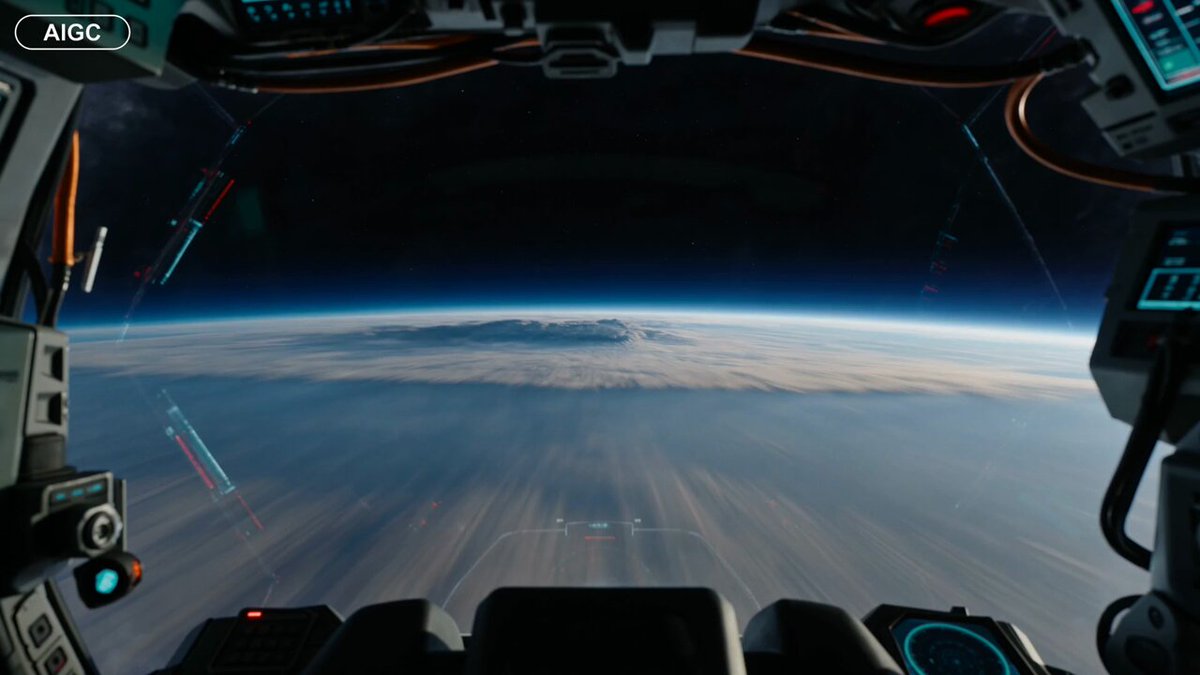
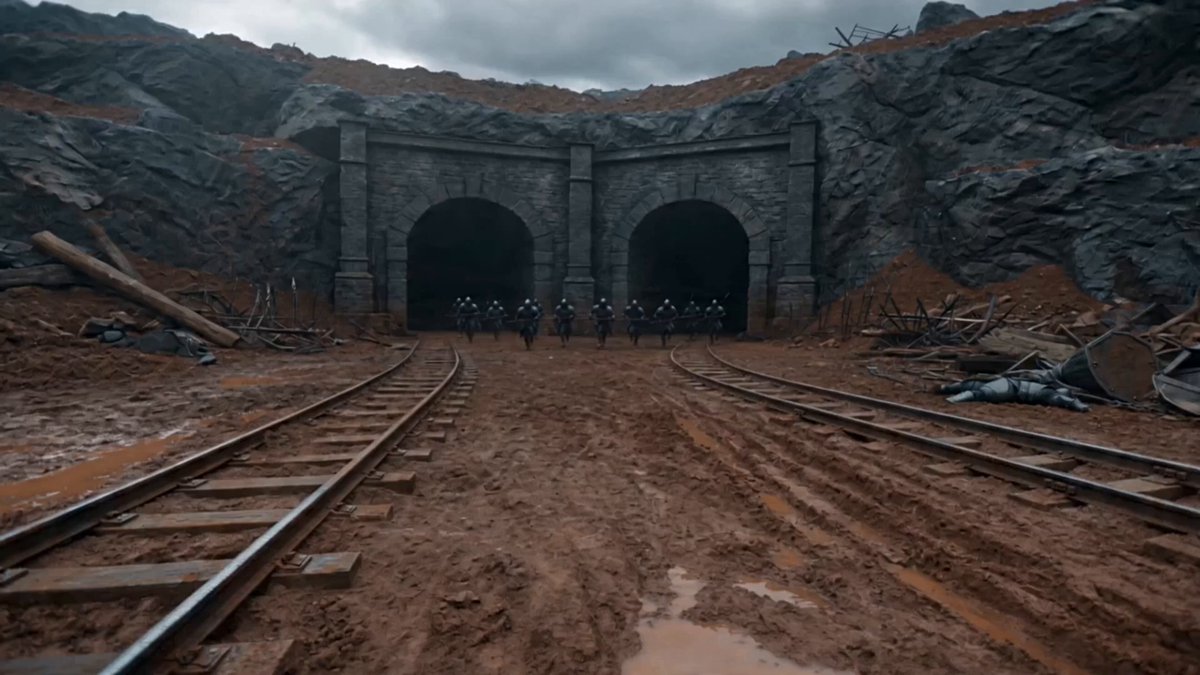
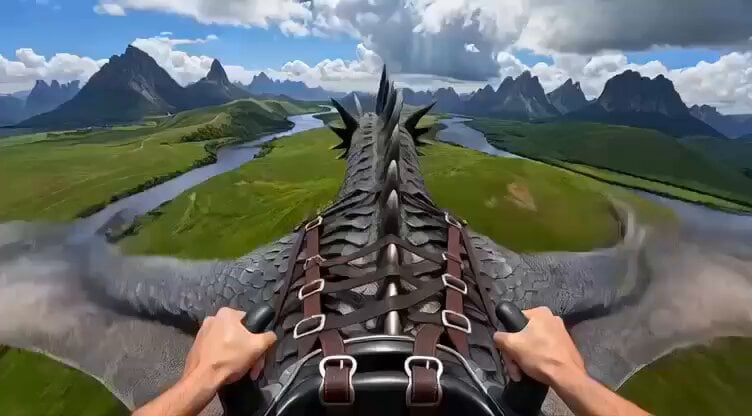
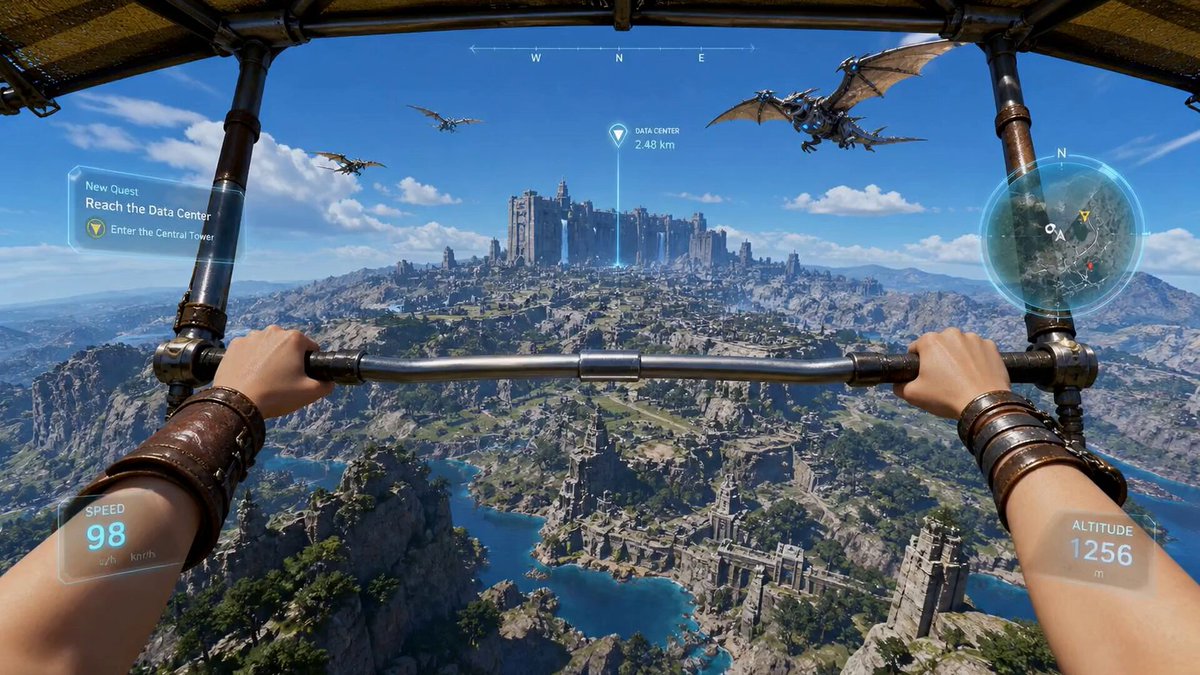
Pure first-person camera perspective, no visible drone, no cockpit, no aircraft visible. The camera flies at supersonic speed through an enormous desert canyon, hugging the terrain only inches above the rocks. Sonic booms echo through the cliffs while dust erupts behind every turn. The camera slices through impossibly narrow rock arches, skims over waterfalls, enters a dark canyon tunnel, then bursts back into daylight as multiple supersonic shockwaves ripple across the landscape. The final climb rockets vertically through thick clouds into the upper atmosphere with the Earth stretching across the horizon. Continuous one-take, authentic high-speed inertia, aggressive banking, cinematic motion blur, atmospheric distortion, volumetric dust, blockbuster Hollywood VFX, hyper-realistic.
Pure first-person camera perspective, no visible drone, no cockpit, no aircraft visible. The camera flies at supersonic speed through an enormous desert canyon, hugging the terrain only inches above the rocks. Sonic booms echo through the cliffs while dust erupts behind every turn. The camera slices through impossibly narrow rock arches, skims over waterfalls, enters a dark canyon tunnel, then bursts back into daylight as multiple supersonic shockwaves ripple across the landscape. The final climb rockets vertically through thick clouds into the upper atmosphere with the Earth stretching across the horizon. Continuous one-take, authentic high-speed inertia, aggressive banking, cinematic motion blur, atmospheric distortion, volumetric dust, blockbuster Hollywood VFX, hyper-realistic.
Edit the prompt in the box under the preview — the template's model and format are already selected — and press Generate. Your version appears right on this page.
Yes. You can change the subject, setting, lighting, mood, format, and available model controls before creating your video.
Opening and editing this template is free. Generating uses credits, shown on the Generate button when you are signed in.
Start with Seedance 2.0, which is the model associated with this template. You can compare another compatible model for a different finish.
Follow a topic to a crawlable collection of related PicX Studio templates.