
Serene Beach Golden Hour
A detailed multi-shot sequence prompt capturing a serene beach atmosphere at golden hour, focusing on lighting and character emotions.
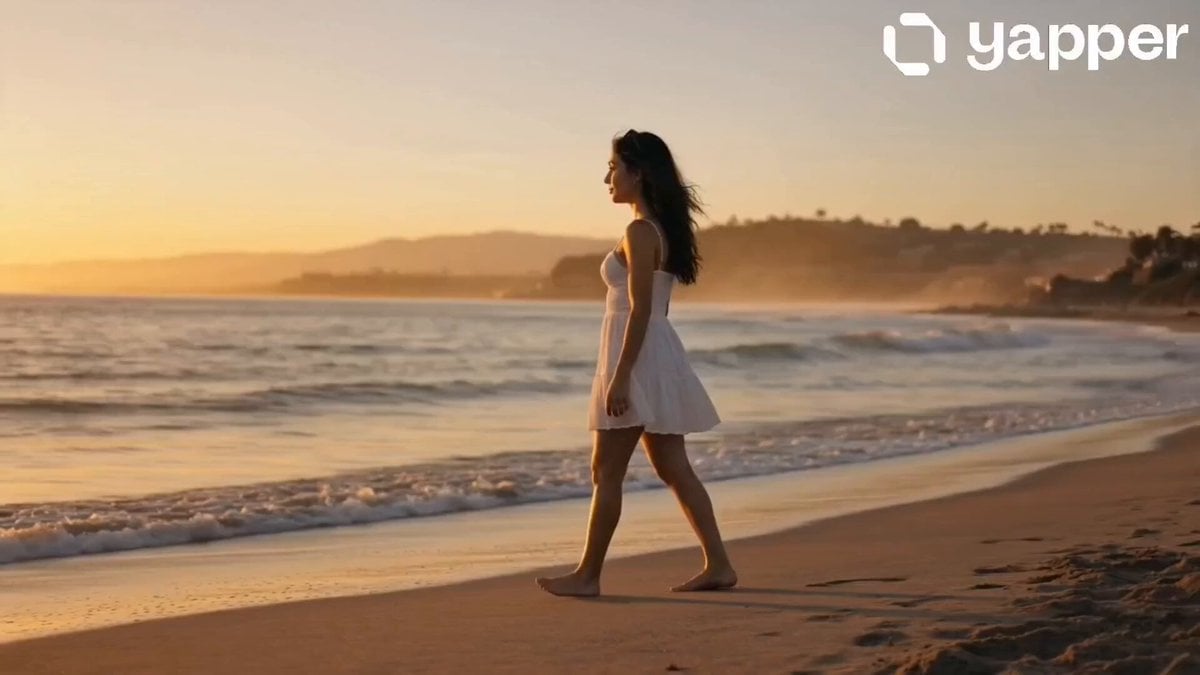
- Prompt included
- Model and format preset
- Free template
The prompt behind this video
Copy the exact prompt behind Serene Beach Golden Hour, or open it in the studio and make it yours.
0s – 4s A wide establishing shot of a serene beach during golden afternoon. Soft waves gently hit the shore, and warm sunlight reflects on the wet sand. The girl enters the frame walking slowly along the shoreline, looking peaceful and reflective. Camera: cinematic tracking shot, slow motion feel, warm golden color grading, natural wind movement in hair. 4s – 8s Medium shot of the girl standing near the water’s edge. She lightly touches the flowing water with her hand and watches the waves recede. Her expression is calm and thoughtful, fully immersed in the moment. Camera: slow dolly-in, soft focus background, natural ocean ambiance, subtle lens flare. 8s – 12s Close-up cinematic shot focusing on her face. She gazes toward the horizon with a gentle, emotional expression. Sunlight softly illuminates her features, highlighting natural skin tones and realistic detail. Camera: slow push-in, shallow depth of field, golden rim light, emotional portrait framing. 12s – 16s Final wide shot. The girl walks toward the shoreline as small waves reach her feet. The sun glows behind her, creating a cinematic silhouette. The scene slowly fades into warm golden light. Camera: crane pull-back, smooth transition, dreamy fade-out, film-grade color grading.
How to use Serene Beach Golden Hour in 3 steps
- 1
Open
The prompt is already in the box next to the preview, with the template's model and format selected.
- 2…a portrait of your subject in softgolden-hour light, 85mm…
Personalize
Edit the subject and creative details for your destination.
- 3Generate
Generate
Press Generate — your video is created in PicX Studio, so you can compare it with the original and refine one variable at a time.
More like this
Templates with the same subject, style or setup. Open one to see its prompt.
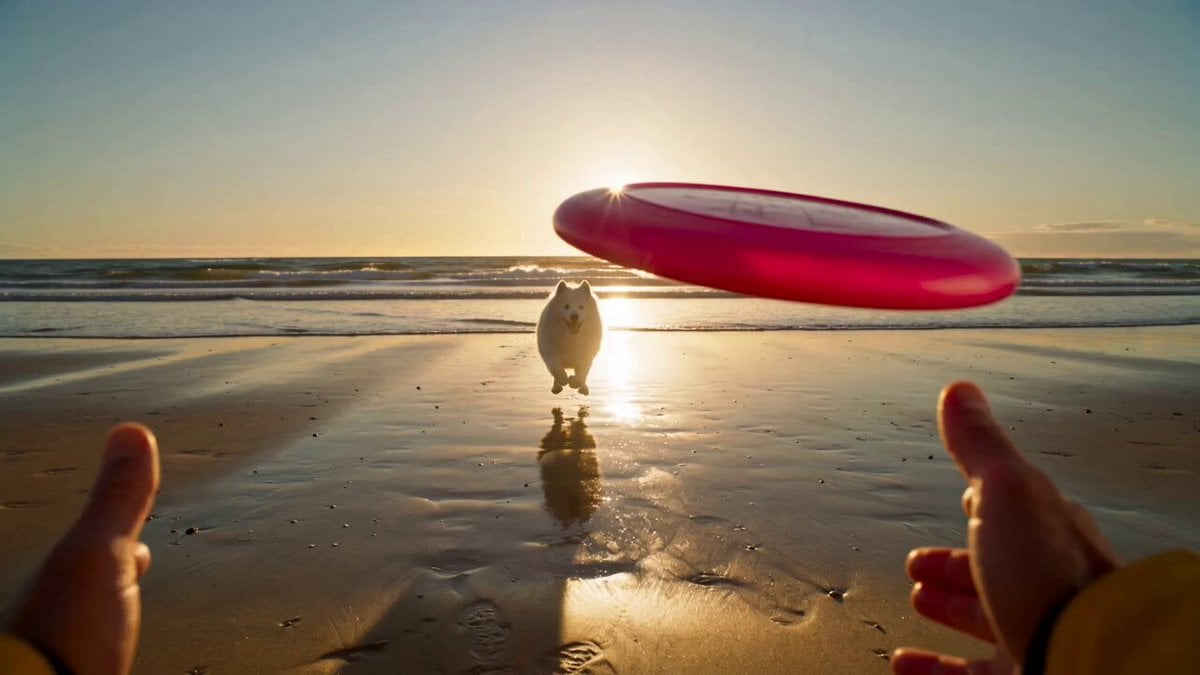
Golden Hour Beach Dog POV
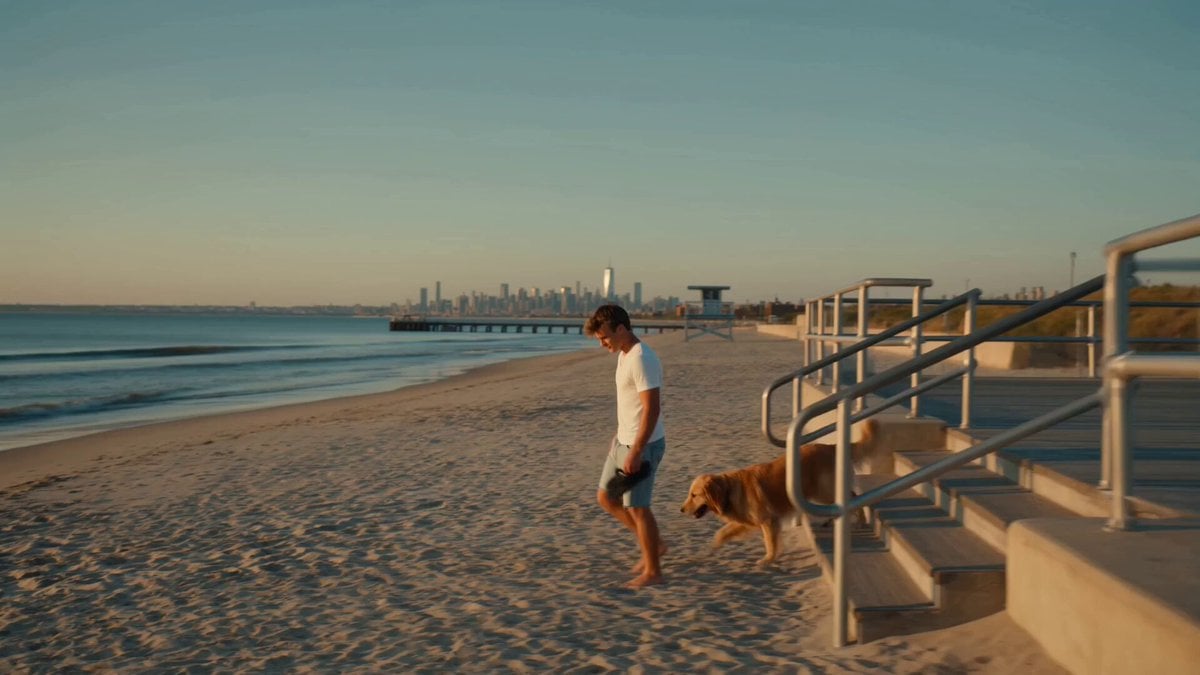
Golden Hour NYC Beach Stroll
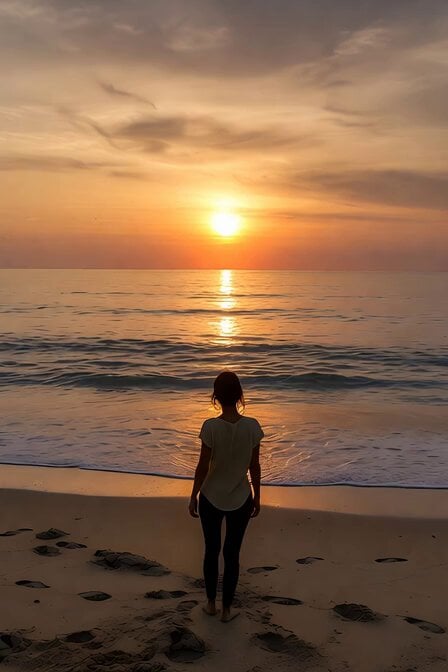
Serene Sunset Beach Scene
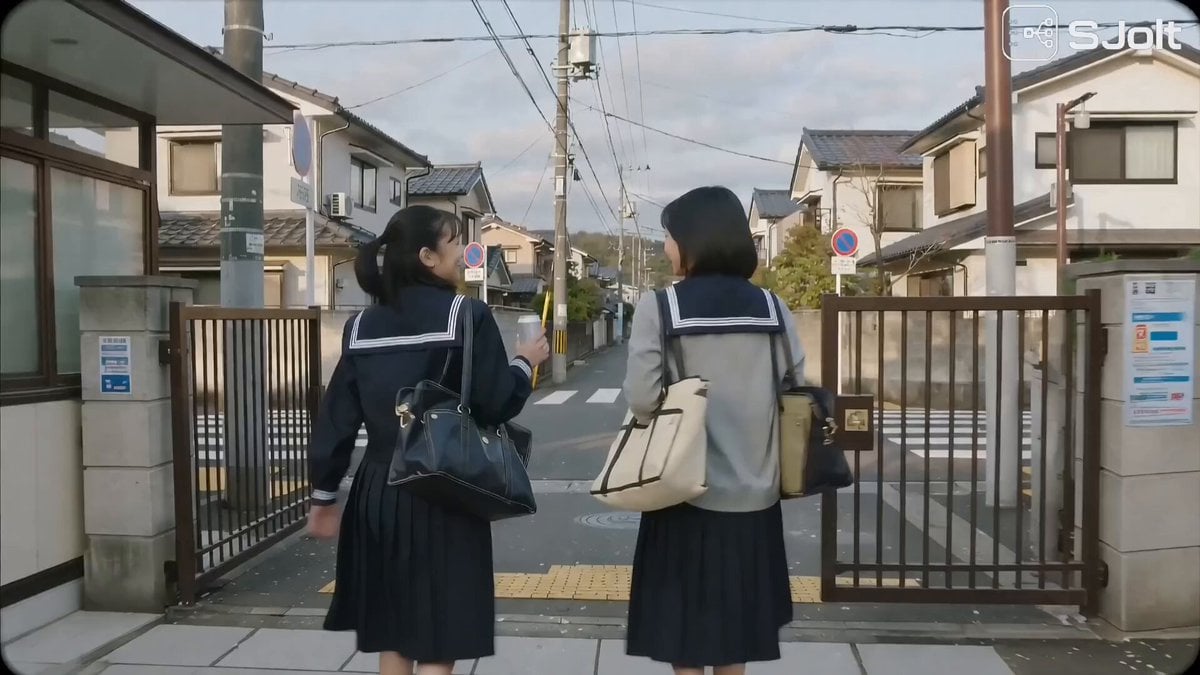
Japanese High School Golden Hour Walk
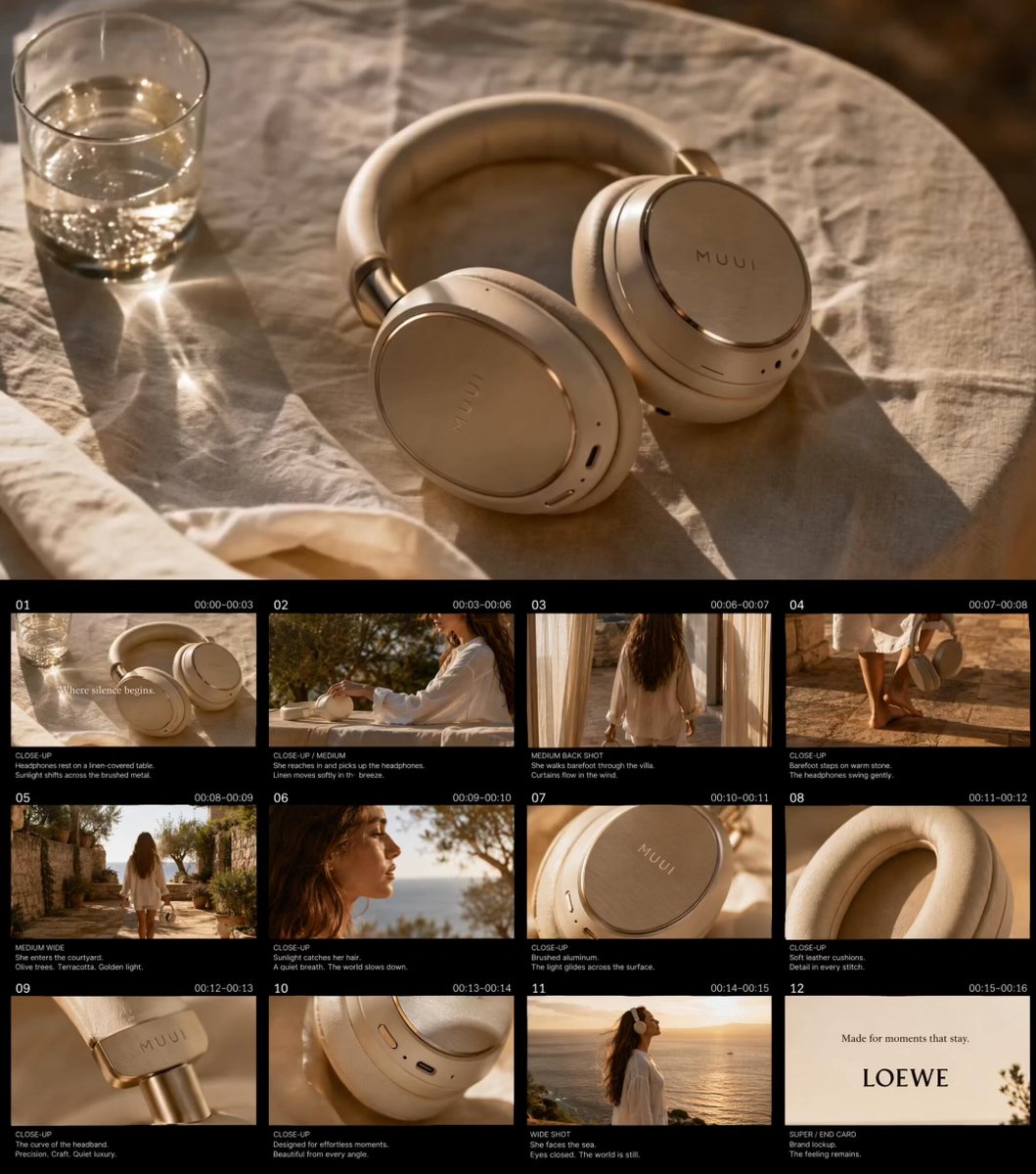
Golden Hour Luxury TVC
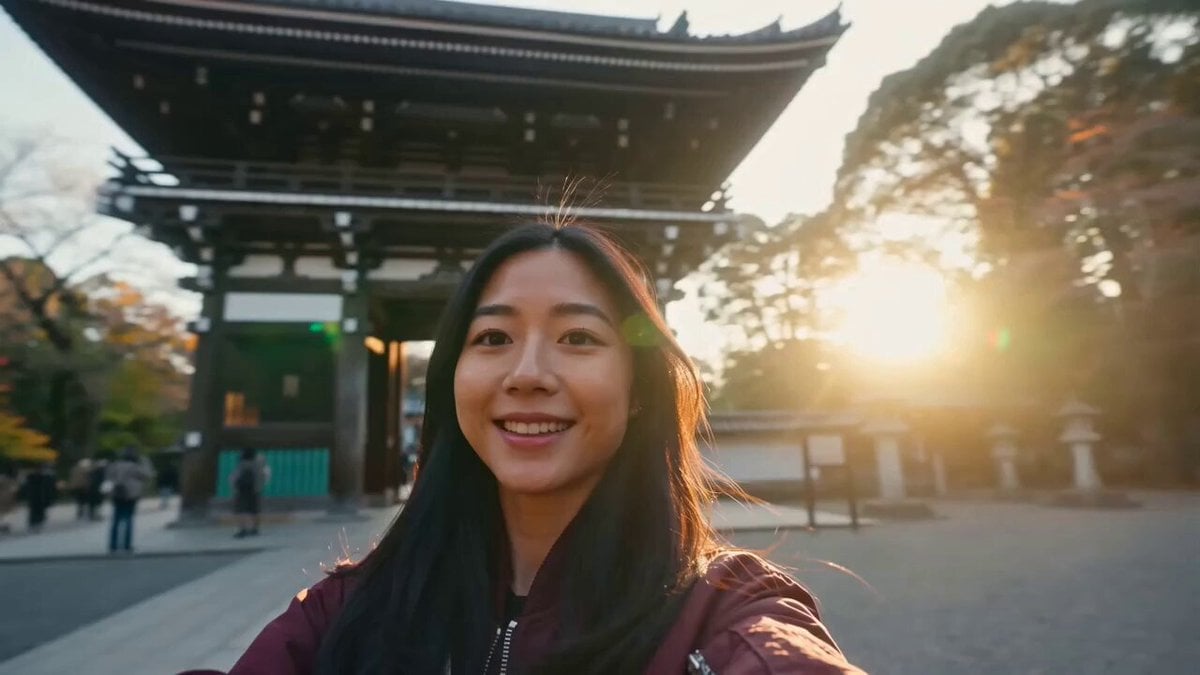
Japan Travel Vlog Golden Hour
Minimalist Photography Studio Golden Hour
Alpine Lake Golden Hour Couple

Blonde Woman Driving Green 1960s Mustang Golden Hour

Golden Hour Golf Course Comedy
Cinematic Golden Hour Badminton Commercial

Golden Hour Desert Adventure
Make it yours
Serene Beach Golden Hour works as-is. These are the safest ways to change it without losing the look.
Change one field
Copy a single group, rewrite it, and generate again so you can see what that field is doing.
Keep the frame, change the subject
Hold the composition and light of Serene Beach Golden Hour, then swap wardrobe, props or the person for a new take.
| If the result… | Why | Fix |
|---|---|---|
| The result drifts from the preview | Too many fields changed at once. | Reuse Serene Beach Golden Hour as-is first, then change one group — subject, light, or setting. |
| The model over-stylizes the scene | The prose prompt leaves finish and camera underspecified. | Add one camera or lighting sentence and stay on Seedance 2.0. |
More Seedance 2.0 templates
Other prompts made for Seedance 2.0.

Comical Martial Arts Punch Scene

Maglev Train Action Sequence

Martial Arts Fight Sequence

Wuxia Protection and Trust Script

Vintage Korean Arcade MiniDV Vlog

Mercedes 190 SL Luxury Ad

Rainy Night Supernatural Reverse Comedy Video Script

Amazon Civilization Discovery

Futuristic South Asian City Transformation

Cozy Luxury Cafe Commercial
More video prompts
Fresh picks from across the catalog.

3D Animated Cat Daily Vlog
Image-to-Video Dance Motion Transfer

Scarred Warrior Cinematic Trailer
Catastrophic Ocean Event Prompt

Snowy Canyon Horse Riding
Luxury Private Jet Drama Cinematic Short
Gaze-Triggered Simulation Render
Lion and woman with shining crystal
Ancient Kalinga Kingdom FPV Flythrough

Prompt Engineering for Vehicles
Browse template categories
Serene Beach Golden Hour questions
How do I use the Serene Beach Golden Hour template?
Add your photo if the template asks for one, edit the prompt if you like — the template's model and format are already selected — and press Generate. Your version opens in PicX Studio.
Can I customize the Serene Beach Golden Hour template?
Yes. You can change the subject, setting, lighting, mood, format, and available model controls before creating your video.
Is the Serene Beach Golden Hour template free?
Opening and editing this template is free. Generating uses credits, shown on the Generate button when you are signed in.
Which AI model should I use?
Start with Seedance 2.0, which is the model associated with this template. You can compare another compatible model for a different finish.
Looking for something else? Browse all templates.

Your photo, any look
Thousands of ready templates for every top image and video model, from one credit balance.