How do I use the Gaze-Triggered Simulation Render template?
Edit the prompt in the box under the preview — the template's model and format are already selected — and press Generate. Your version appears right on this page.
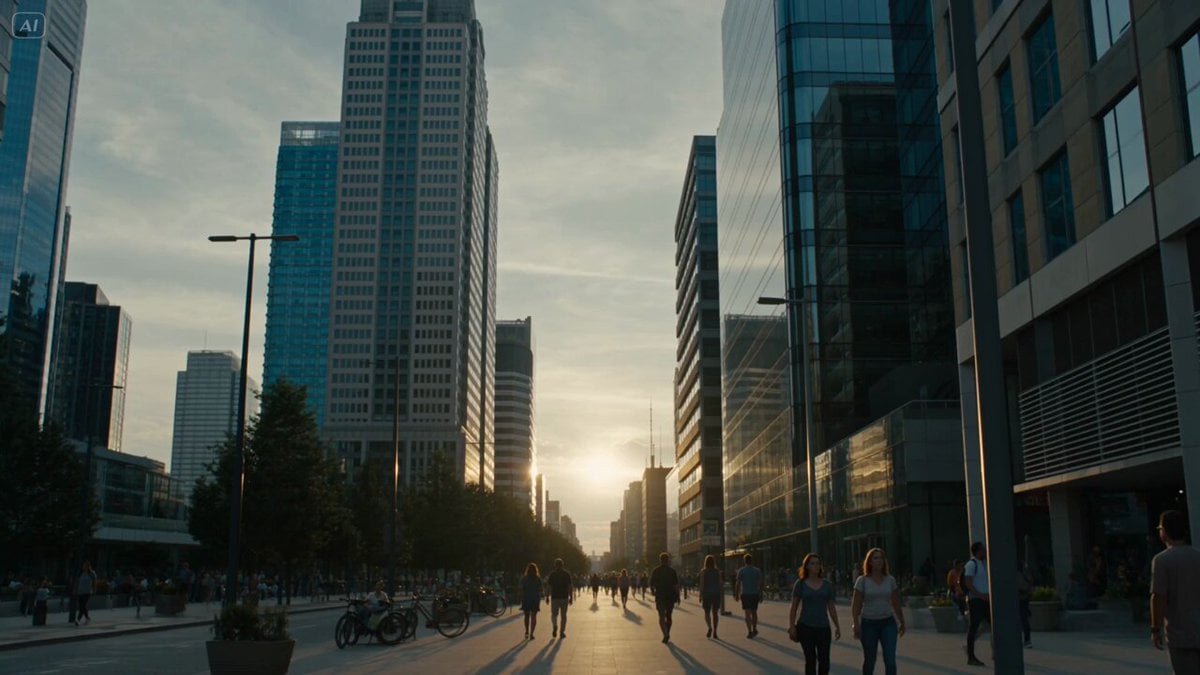
A cinematic simulation prompt for Seedance 2.0 where the world only 'loads' and becomes clear based on the subject's gaze.
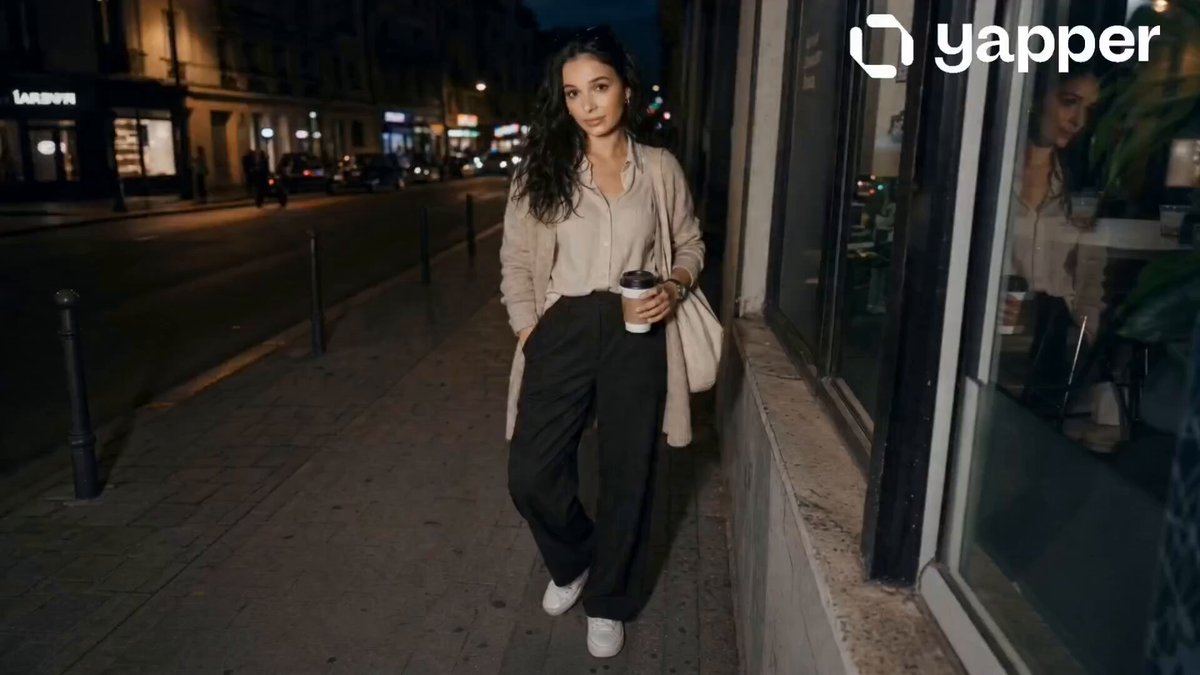
FORMAT: 15s / 135 BPM / 13 SHOTS SUBJECT: @[image1] WARDROBE: Streetwear ENVIRONMENT: Street / city MOOD: Curious → surreal STYLE: Cinematic simulation CORE IDEA: Environment renders only where she looks SHOT FLOW: Walking Ahead is blurry She focuses Area sharpens instantly Turns head Previous area glitches Tests it Looks quickly World loads in chunks Slight smile Moves forward Full clarity End
FORMAT: 15s / 135 BPM / 13 SHOTS SUBJECT: @[image1] WARDROBE: Streetwear ENVIRONMENT: Street / city MOOD: Curious → surreal STYLE: Cinematic simulation CORE IDEA: Environment renders only where she looks SHOT FLOW: Walking Ahead is blurry She focuses Area sharpens instantly Turns head Previous area glitches Tests it Looks quickly World loads in chunks Slight smile Moves forward Full clarity End
Edit the prompt in the box under the preview — the template's model and format are already selected — and press Generate. Your version appears right on this page.
Yes. You can change the subject, setting, lighting, mood, format, and available model controls before creating your video.
Opening and editing this template is free. Generating uses credits, shown on the Generate button when you are signed in.
Start with Seedance 2.0, which is the model associated with this template. You can compare another compatible model for a different finish.
Follow a topic to a crawlable collection of related PicX Studio templates.