
Stylized 3D Character Beat-Synced Sequence
A detailed multi-shot prompt for a 15-second stylized 3D sequence featuring a specific female character with a chaotic routine designed to be synced to a beat.
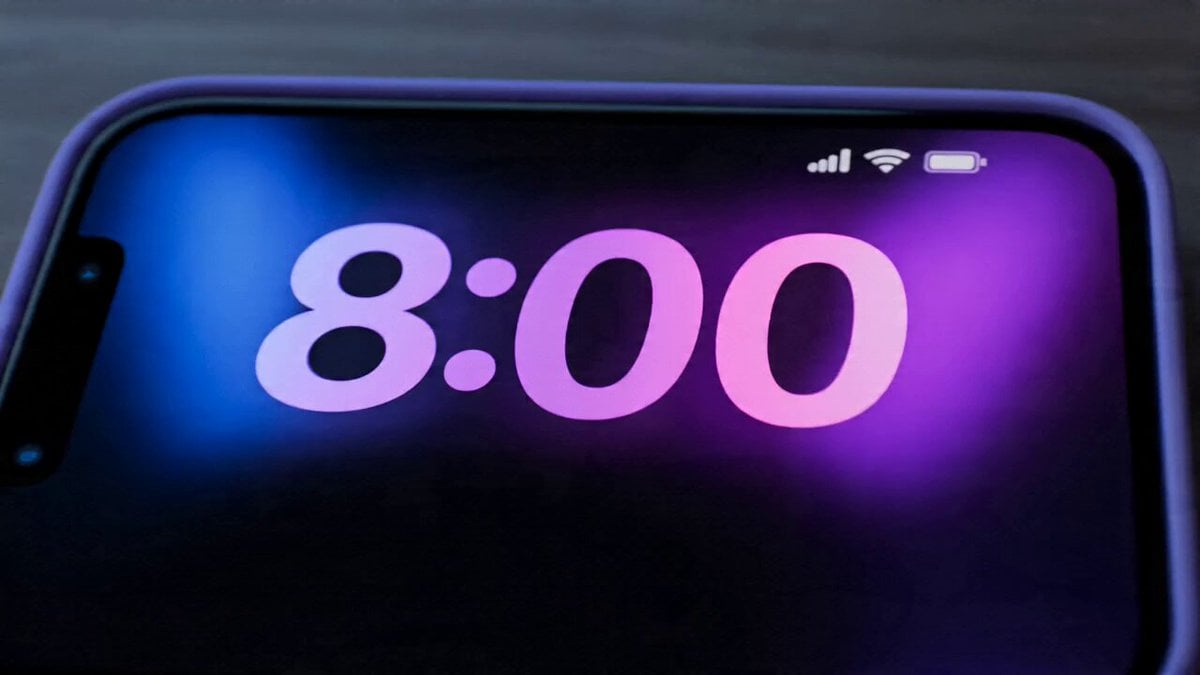
- Prompt included
- Model and format preset
- Premium template
The prompt behind this video
Copy the exact prompt behind Stylized 3D Character Beat-Synced Sequence, or open it in the studio and make it yours.
FORMAT: 15s / 15 SHOTS / chaotic routine synced to beat SUBJECT: Dark-skinned young female character, purple eyes, twin afro buns with purple beads, expressive face (based on reference image) STYLE: High-end stylized 3D
How to use Stylized 3D Character Beat-Synced Sequence in 3 steps
- 1Upload ImagePNG, JPG or paste
Add your photo
Upload the photo the template builds on. The prompt, model and format are already set.
- 2…a portrait of your subject in softgolden-hour light, 85mm…
Personalize
Edit the subject and creative details for your destination.
- 3Generate
Generate
Press Generate — your video is created in PicX Studio, so you can compare it with the original and refine one variable at a time.
More like this
Templates with the same subject, style or setup. Open one to see its prompt.
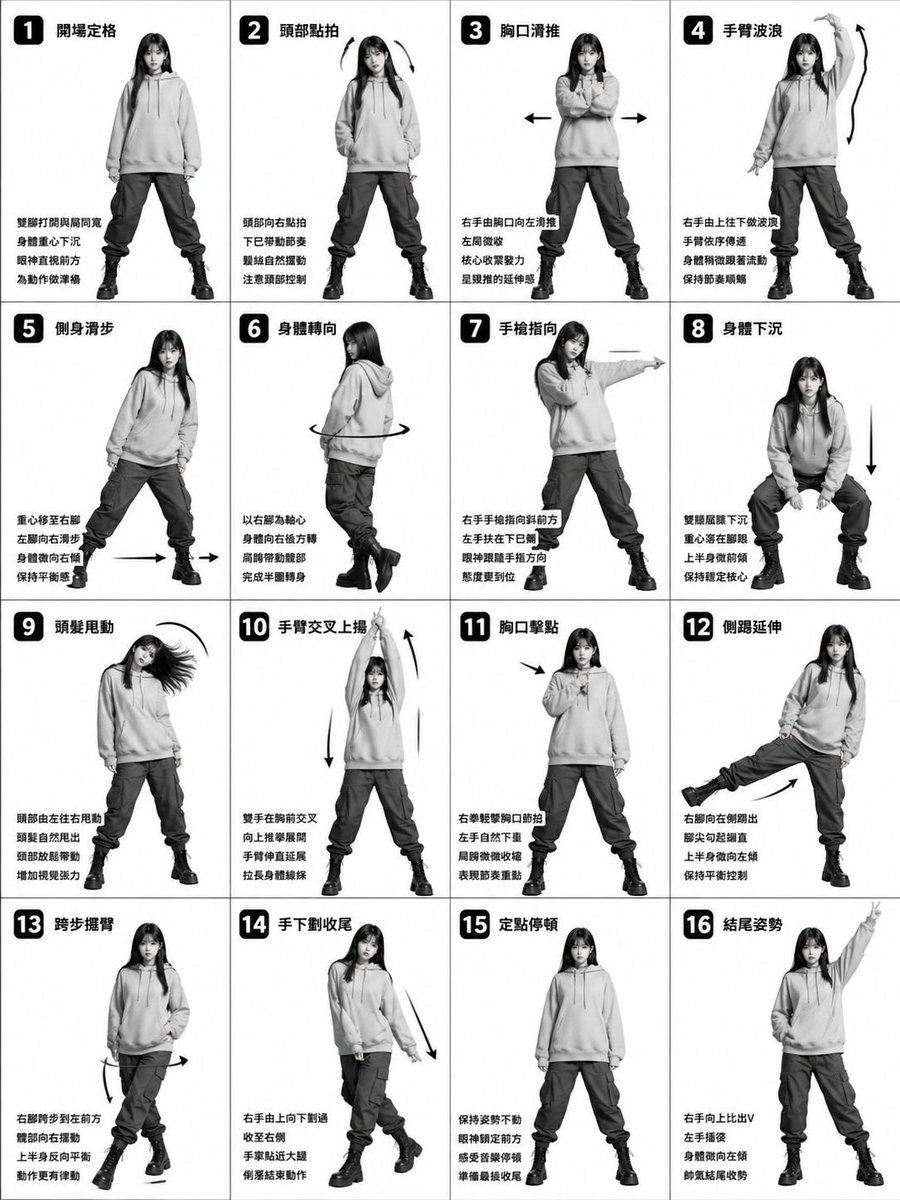
Beat-Synced Outfit Transformation Dance
Beat-Synced Routine Video Prompt with Character Reference
Beat-Synced Fitness Journey Arc
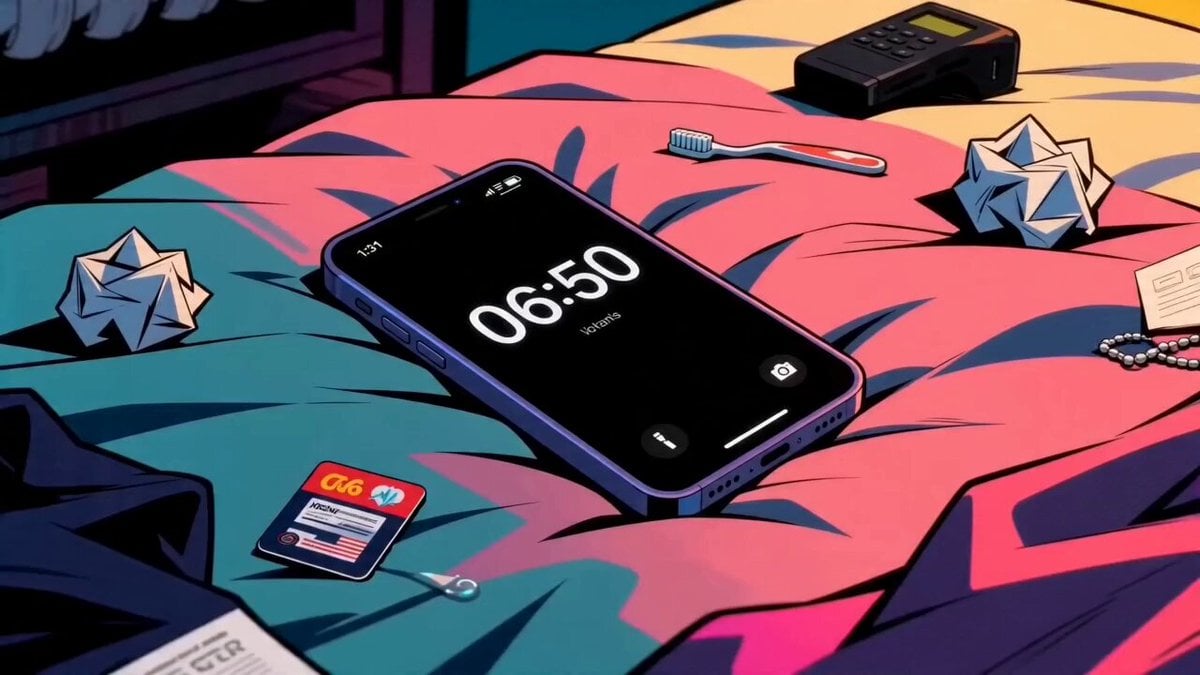
Seedance 2.0 Beat-Synced Lifestyle Video Prompt
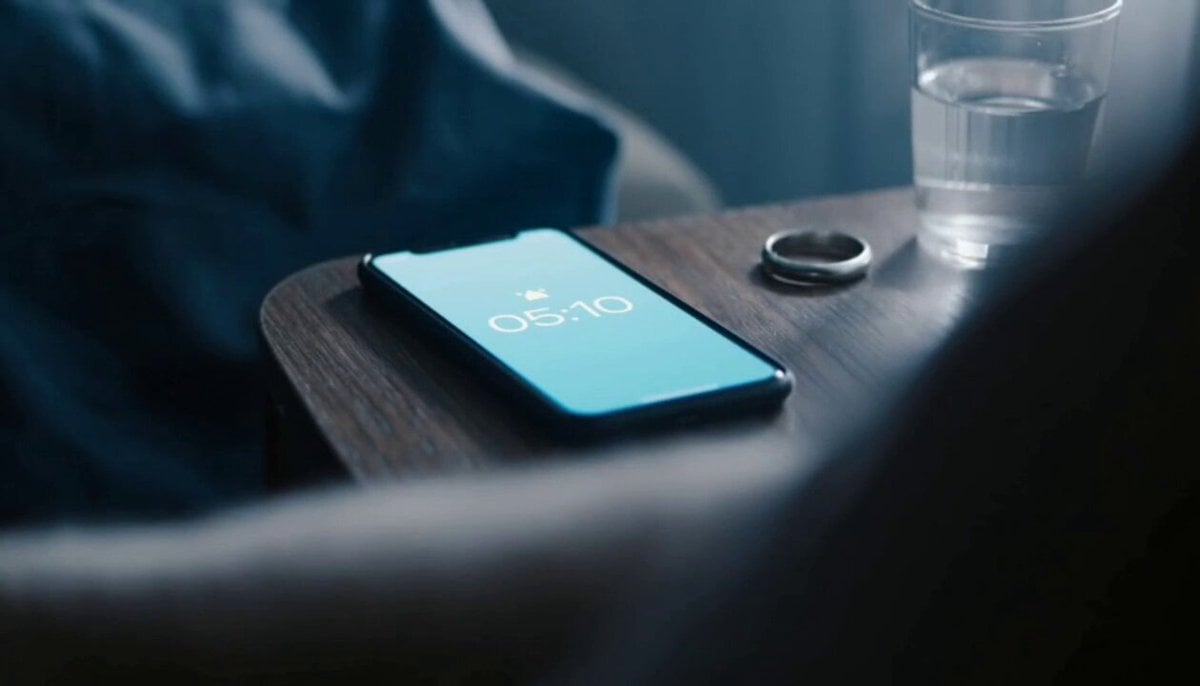
GYM Rush Morning Beat-Synced Routine
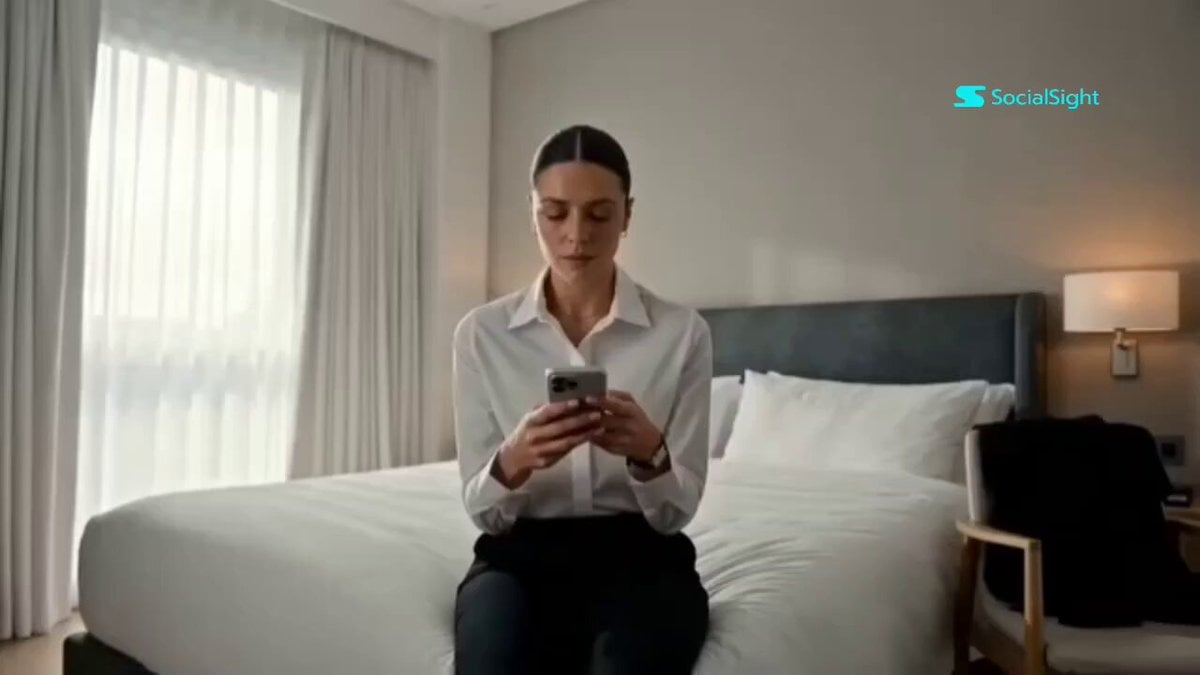
Beat-Synced Interview Day Storyboard
Chibi Cave Adventure — He Doesn't Know What's Coming
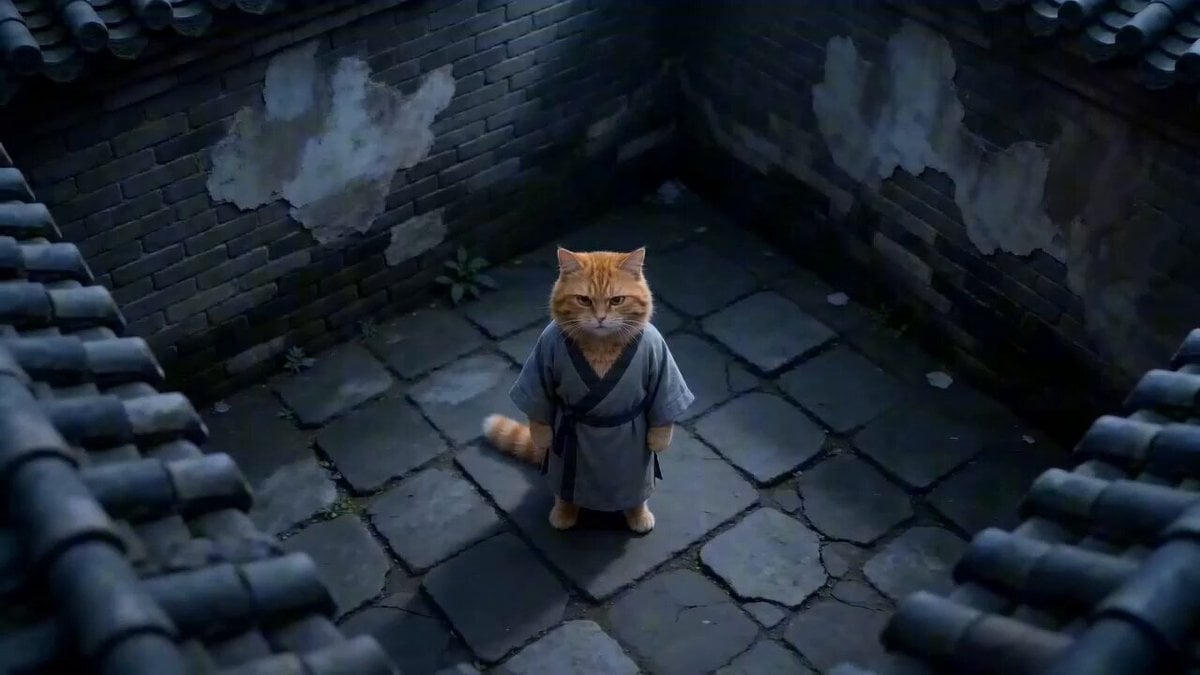
Hyper-Stylized Kung Fu Cat Action Sequence

Stylized 3D Barbershop Transformation Sequence
Beat-Driven Fashion Transformation Sequence

Stylized 3D Animation: Old Man and Pigeon
Stylized New York Drift Animation
Make it yours
Stylized 3D Character Beat-Synced Sequence works as-is. These are the safest ways to change it without losing the look.
Change one field
Copy a single group, rewrite it, and generate again so you can see what that field is doing.
Keep the frame, change the subject
Hold the composition and light of Stylized 3D Character Beat-Synced Sequence, then swap wardrobe, props or the person for a new take.
| If the result… | Why | Fix |
|---|---|---|
| The result drifts from the preview | Too many fields changed at once. | Reuse Stylized 3D Character Beat-Synced Sequence as-is first, then change one group — subject, light, or setting. |
| The model over-stylizes the scene | The prose prompt leaves finish and camera underspecified. | Add one camera or lighting sentence and stay on Seedance 2.0. |
More Seedance 2.0 templates
Other prompts made for Seedance 2.0.

Comical Martial Arts Punch Scene

Wuxia Protection and Trust Script

Vintage Korean Arcade MiniDV Vlog

Mercedes 190 SL Luxury Ad

Rainy Night Supernatural Reverse Comedy Video Script

Amazon Civilization Discovery

Futuristic South Asian City Transformation

Cozy Luxury Cafe Commercial

Cyber Ronin Nanotech Transformation Video
Desert Courier and Sandstorm Leviathan Chase
More video prompts
Fresh picks from across the catalog.
Anime Martial Arts Master Animation

Real-World Fantasy Ninja Battle Prompt
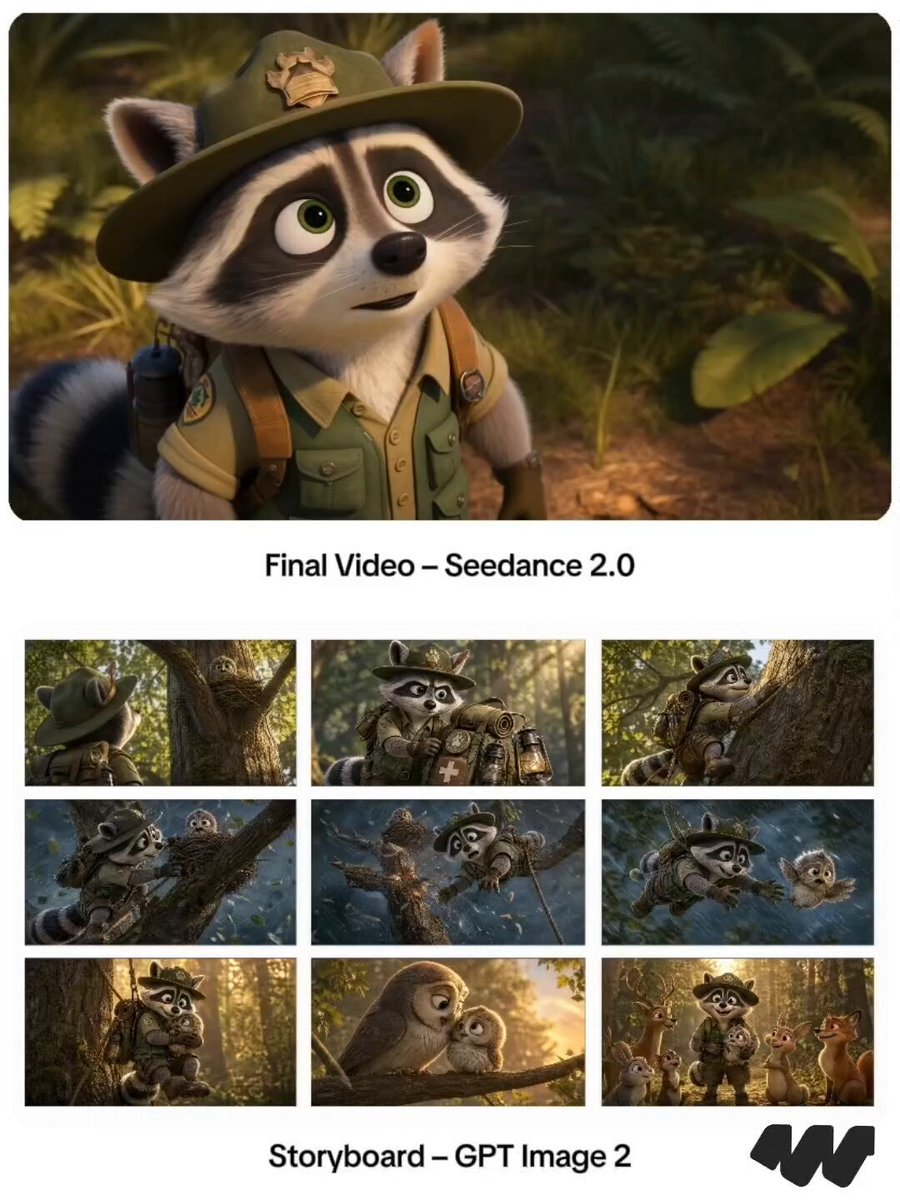
Pixar Raccoon Storyboard

Anime Promotion Video Ad Prompt
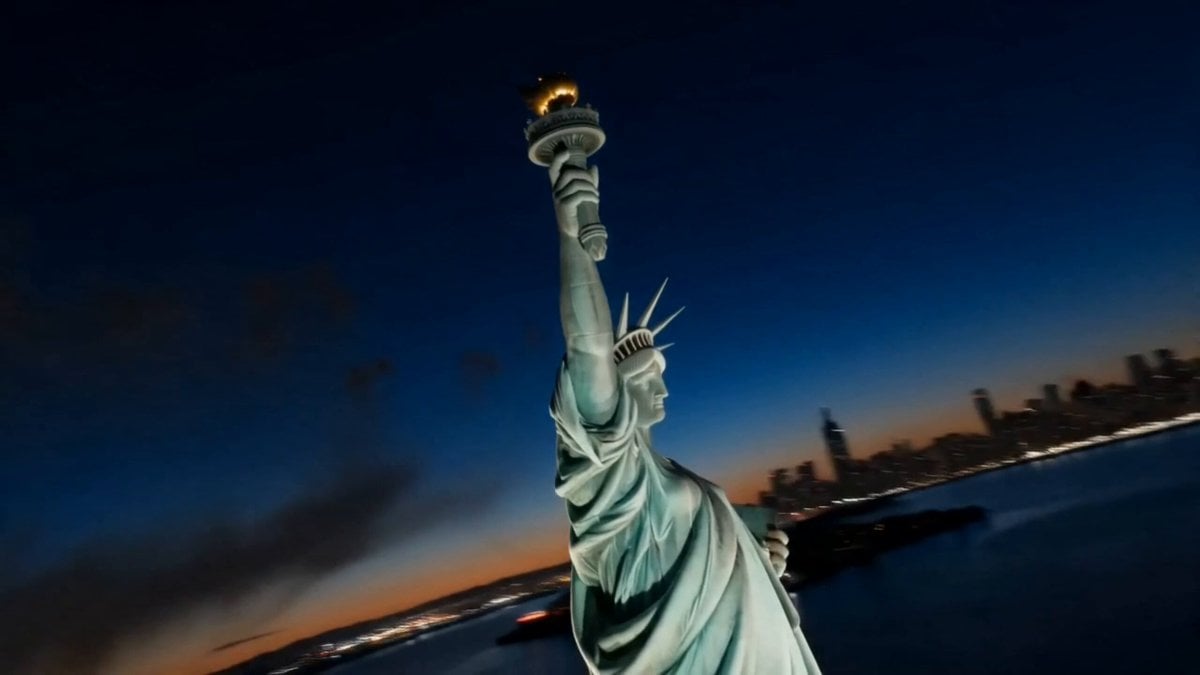
America 250th Anniversary Celebration Drone Show
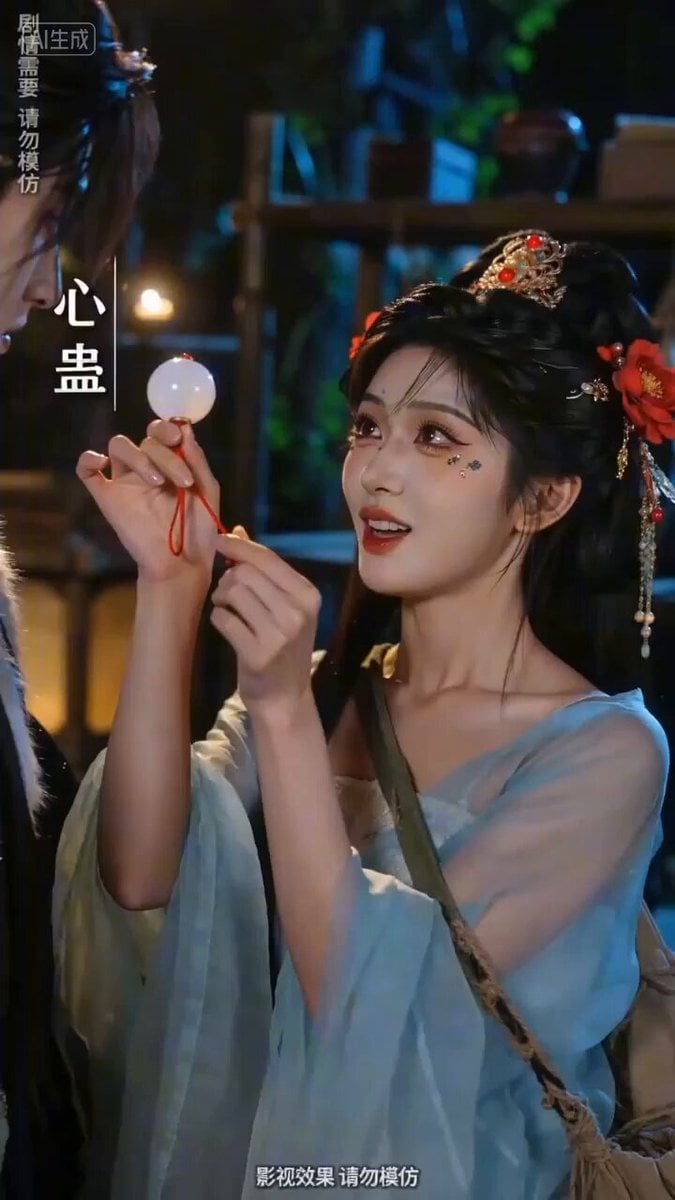
Sweet and Reversing Ancient Romance Short Drama Video Prompt
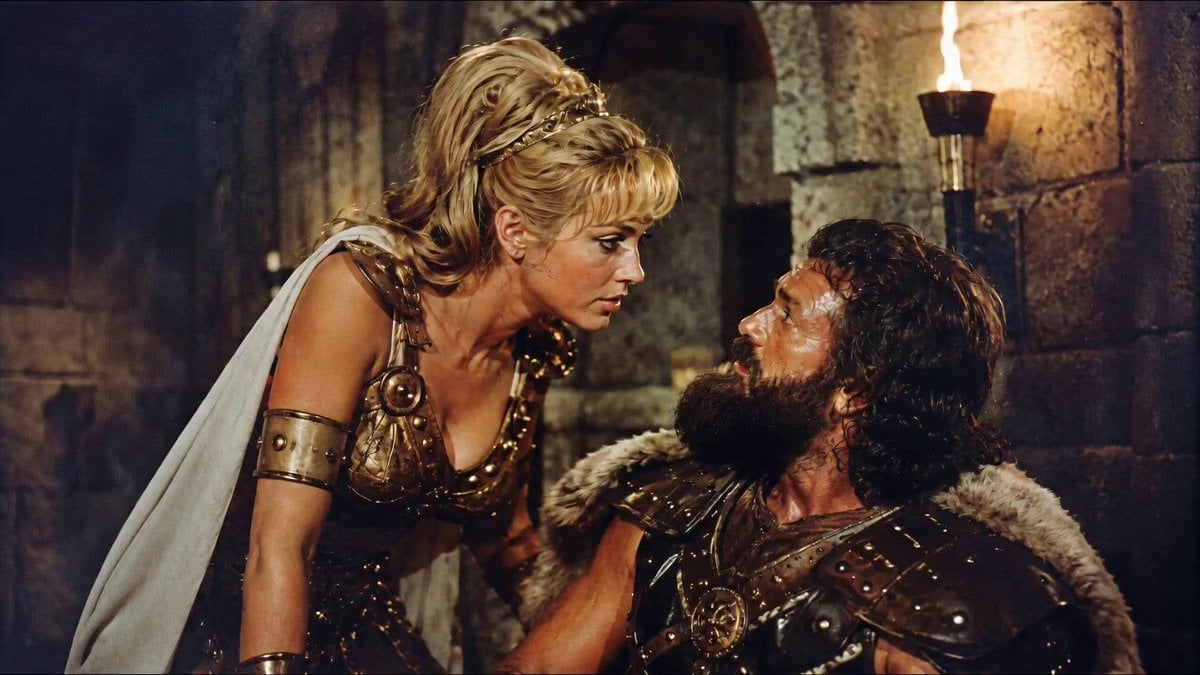
1960s Retro Cinematic Kiss Scene
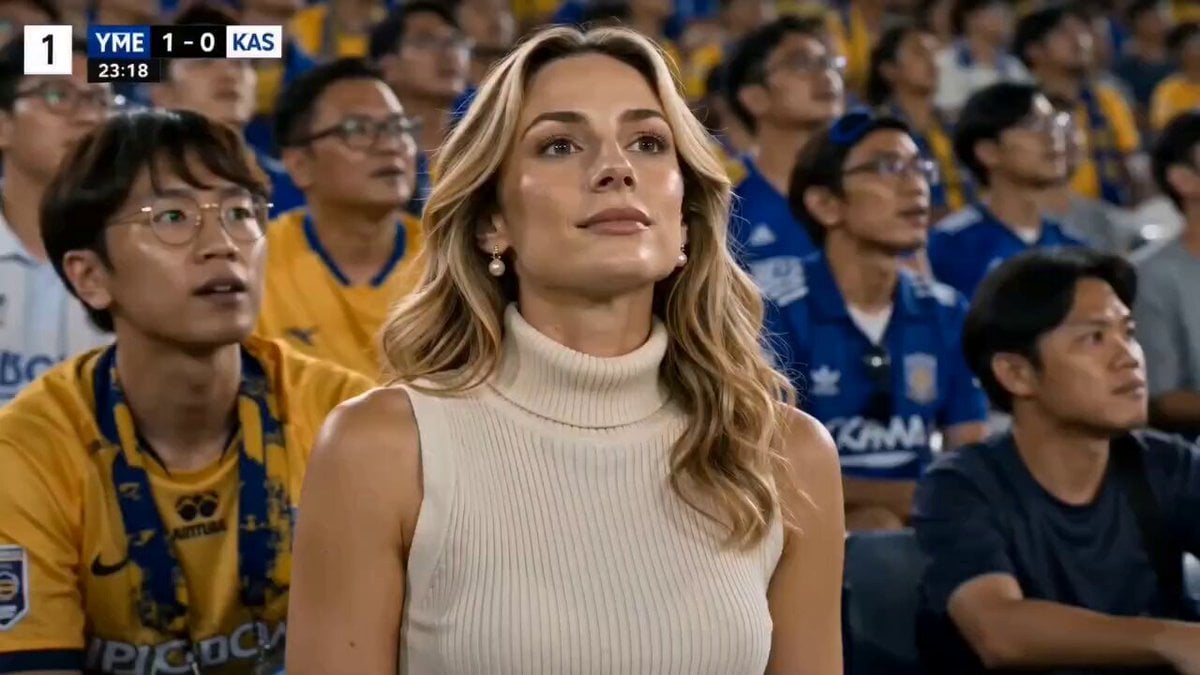
Stylish Woman at Stadium Broadcast
Rooftop Parkour Motion Control
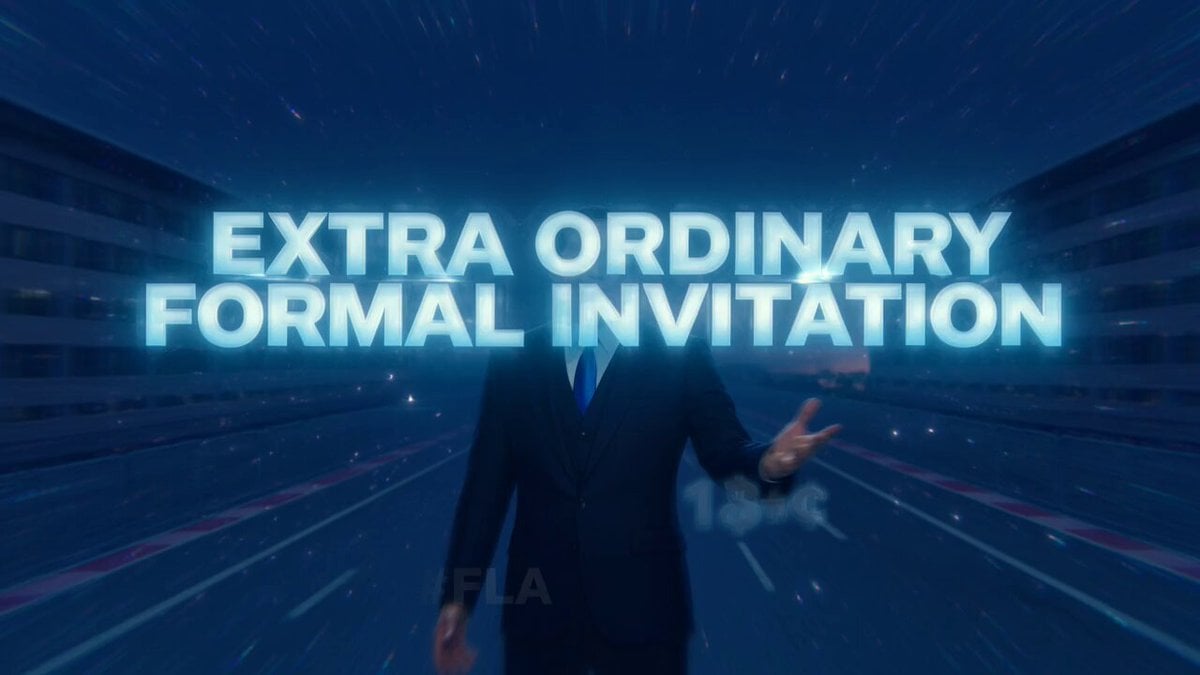
Satoshi Nakamoto Fast & Furious Invitation Video Prompt
Browse template categories
Stylized 3D Character Beat-Synced Sequence questions
How do I use the Stylized 3D Character Beat-Synced Sequence template?
Add your photo if the template asks for one, edit the prompt if you like — the template's model and format are already selected — and press Generate. Your version opens in PicX Studio.
Can I customize the Stylized 3D Character Beat-Synced Sequence template?
Yes. You can change the subject, setting, lighting, mood, format, and available model controls before creating your video.
Is the Stylized 3D Character Beat-Synced Sequence template free?
Opening and editing this template is free. Generating uses credits, shown on the Generate button when you are signed in.
Which AI model should I use?
Start with Seedance 2.0, which is the model associated with this template. You can compare another compatible model for a different finish.
Looking for something else? Browse all templates.

Your photo, any look
Thousands of ready templates for every top image and video model, from one credit balance.