How do I use the Beat-Driven Fashion Transformation Sequence template?
Edit the prompt in the box under the preview — the template's model and format are already selected — and press Generate. Your version appears right on this page.
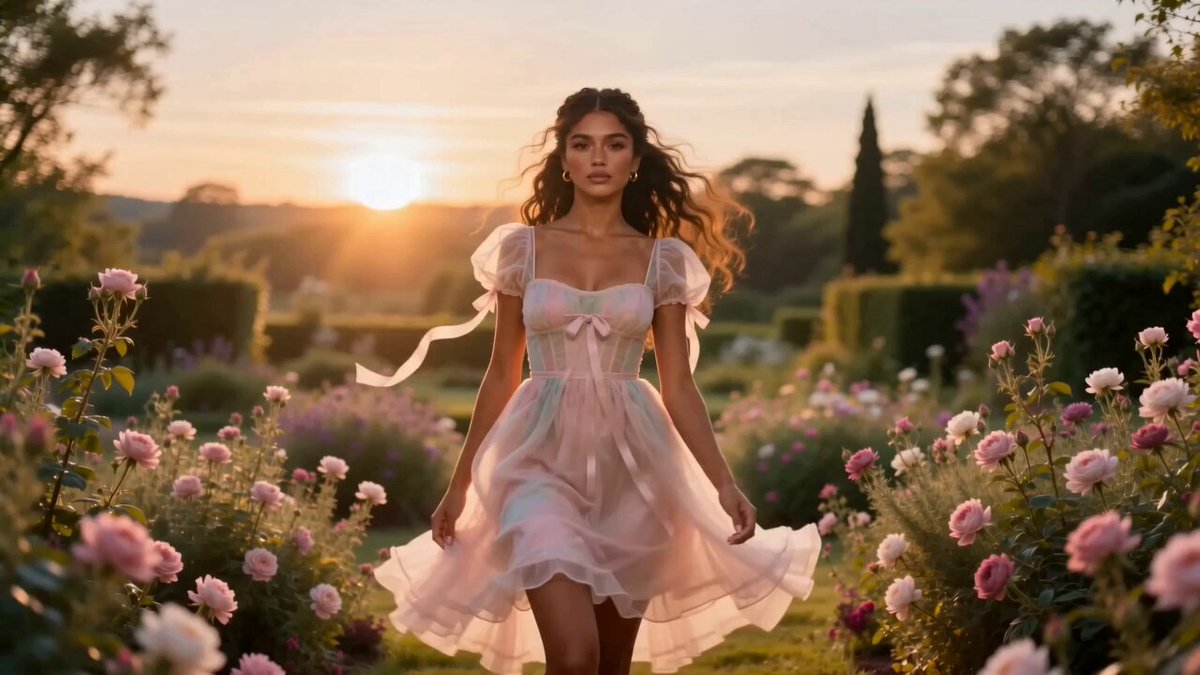
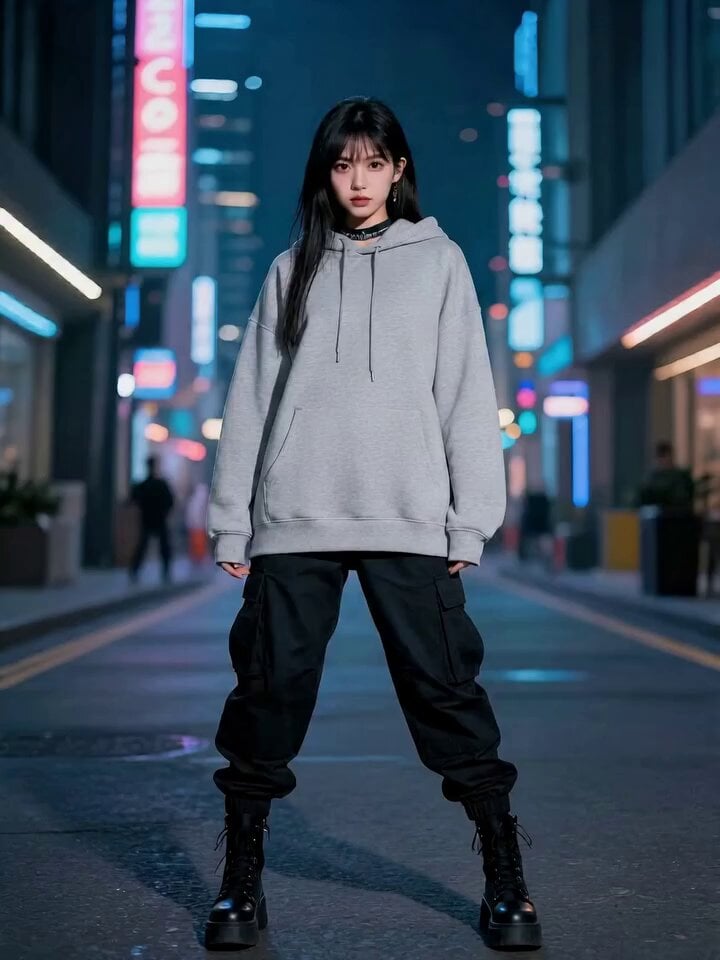
A rhythmic fashion video prompt tracking a character's shift from tired to confident using a specific shot list synced to 140 BPM.
FORMAT: 15s / 140 BPM / 14 SHOTS SUBJECT: @[image1] WARDROBE: Basic → stylish ENVIRONMENT: Room → street MOOD: Tired → energized → confident STYLE: Beat-driven cinematic CORE IDEA: Music shifts her whole energy SHOT FLOW: Sitting bored Puts on headphones Presses play Beat drops Head nod Energy builds Quick outfit fix Mirror look Walk out Steps sync with beat Hair movement Street feels alive Confident walk End on strong look
FORMAT: 15s / 140 BPM / 14 SHOTS SUBJECT: @[image1] WARDROBE: Basic → stylish ENVIRONMENT: Room → street MOOD: Tired → energized → confident STYLE: Beat-driven cinematic CORE IDEA: Music shifts her whole energy SHOT FLOW: Sitting bored Puts on headphones Presses play Beat drops Head nod Energy builds Quick outfit fix Mirror look Walk out Steps sync with beat Hair movement Street feels alive Confident walk End on strong look
Edit the prompt in the box under the preview — the template's model and format are already selected — and press Generate. Your version appears right on this page.
Yes. You can change the subject, setting, lighting, mood, format, and available model controls before creating your video.
Opening and editing this template is free. Generating uses credits, shown on the Generate button when you are signed in.
Start with Seedance 2.0, which is the model associated with this template. You can compare another compatible model for a different finish.
Follow a topic to a crawlable collection of related PicX Studio templates.