How do I use the Dark Fantasy Sorceress Transformation template?
Edit the prompt in the box under the preview — the template's model and format are already selected — and press Generate. Your version appears right on this page.
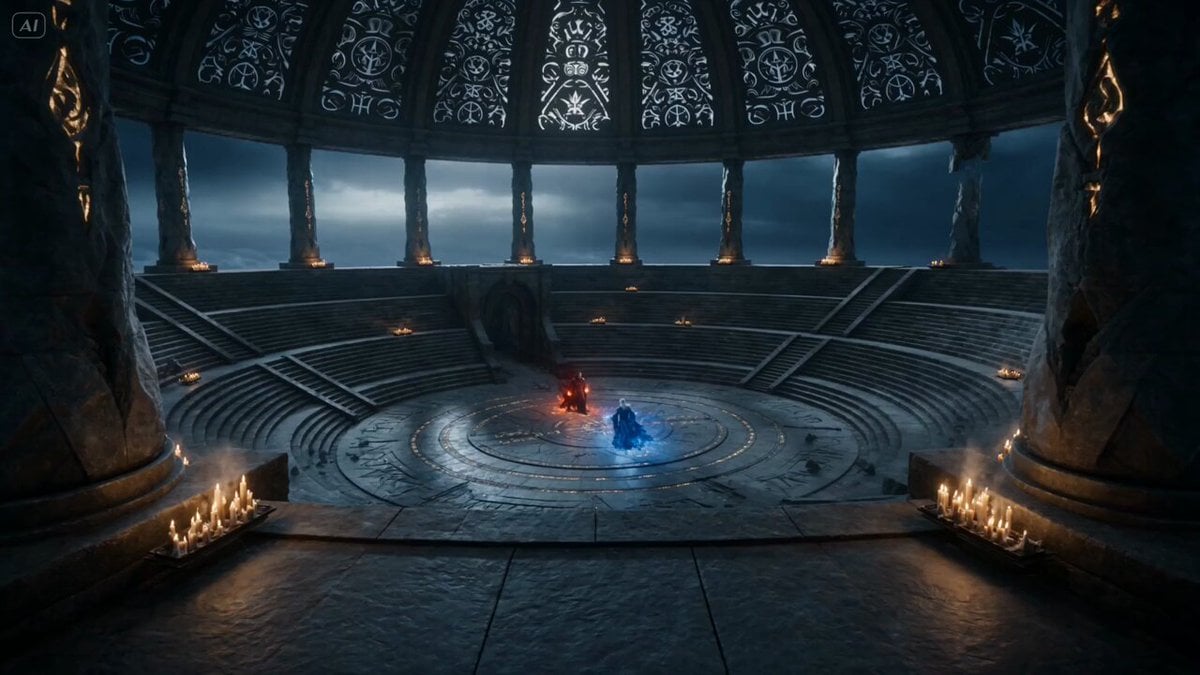
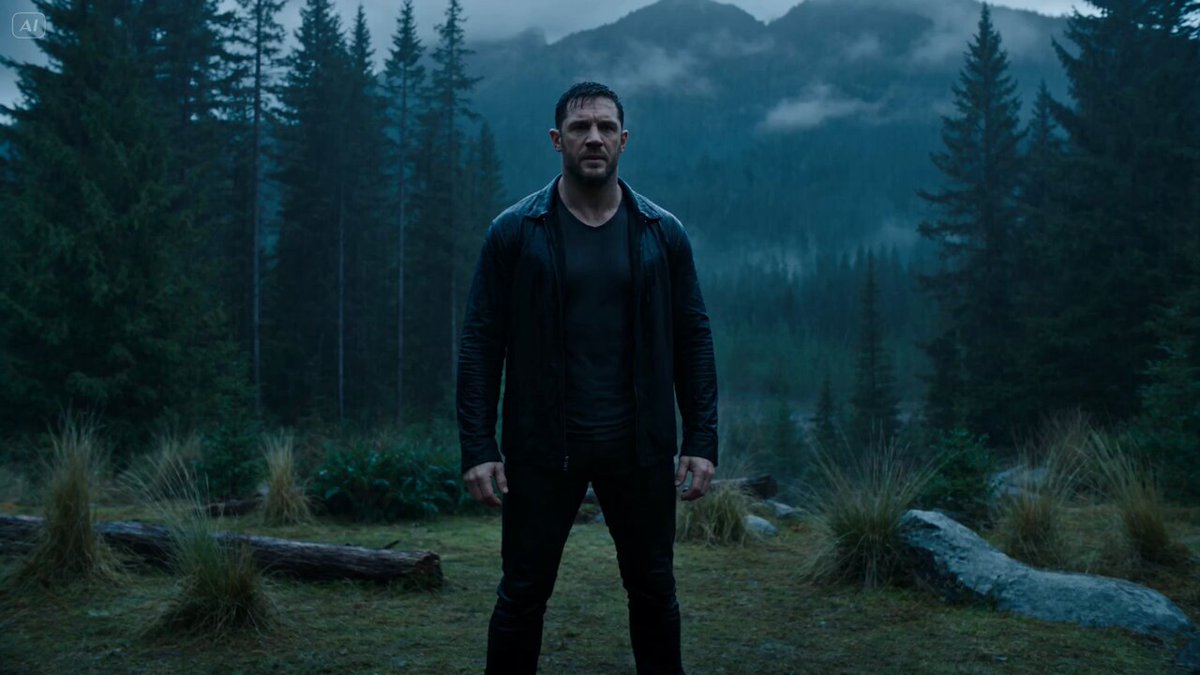
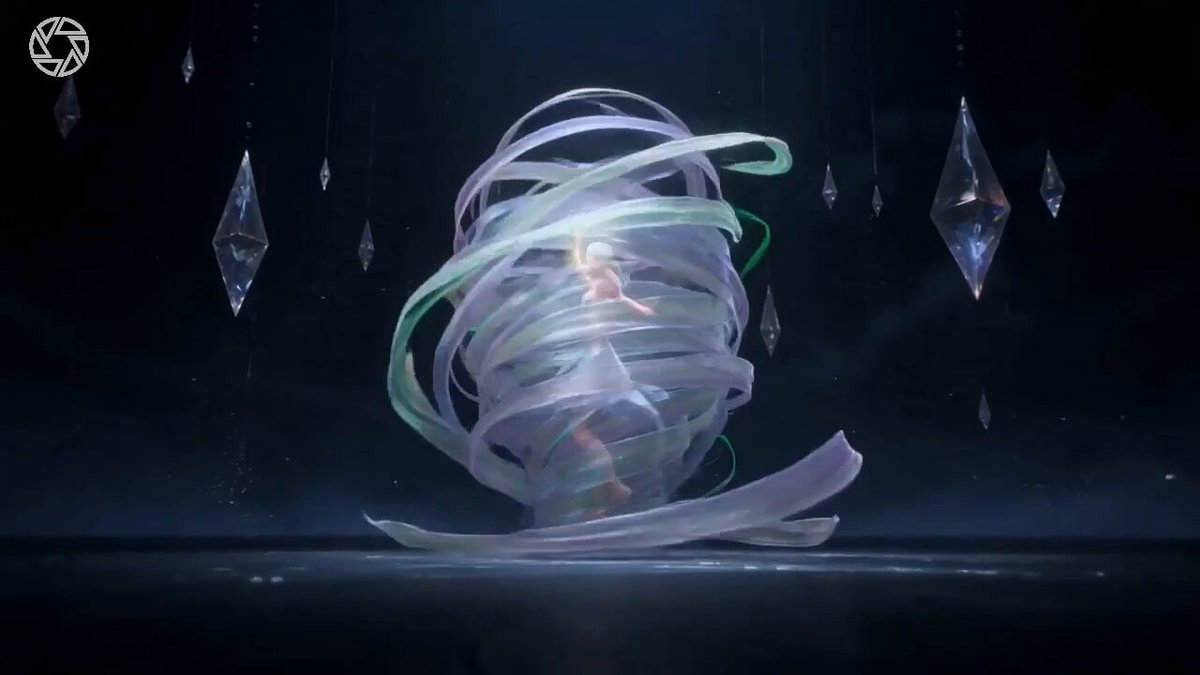
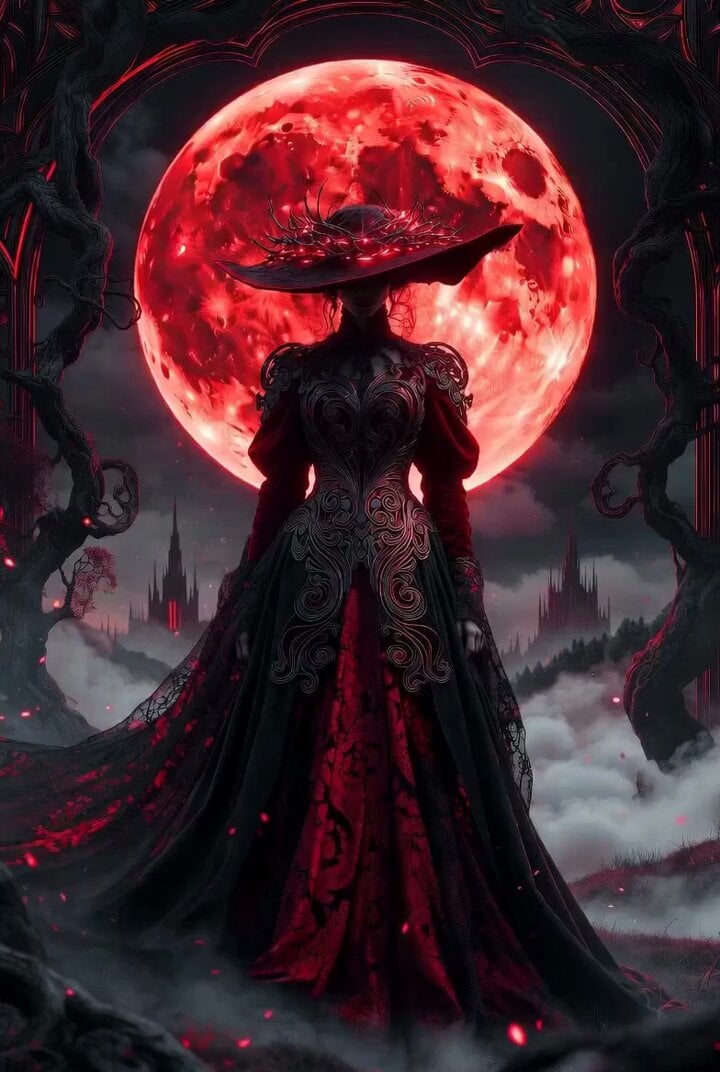
An epic dark fantasy VFX prompt featuring a sorceress transforming into a knight and a raven becoming a monstrous armored gryphon, with detailed camera shots.
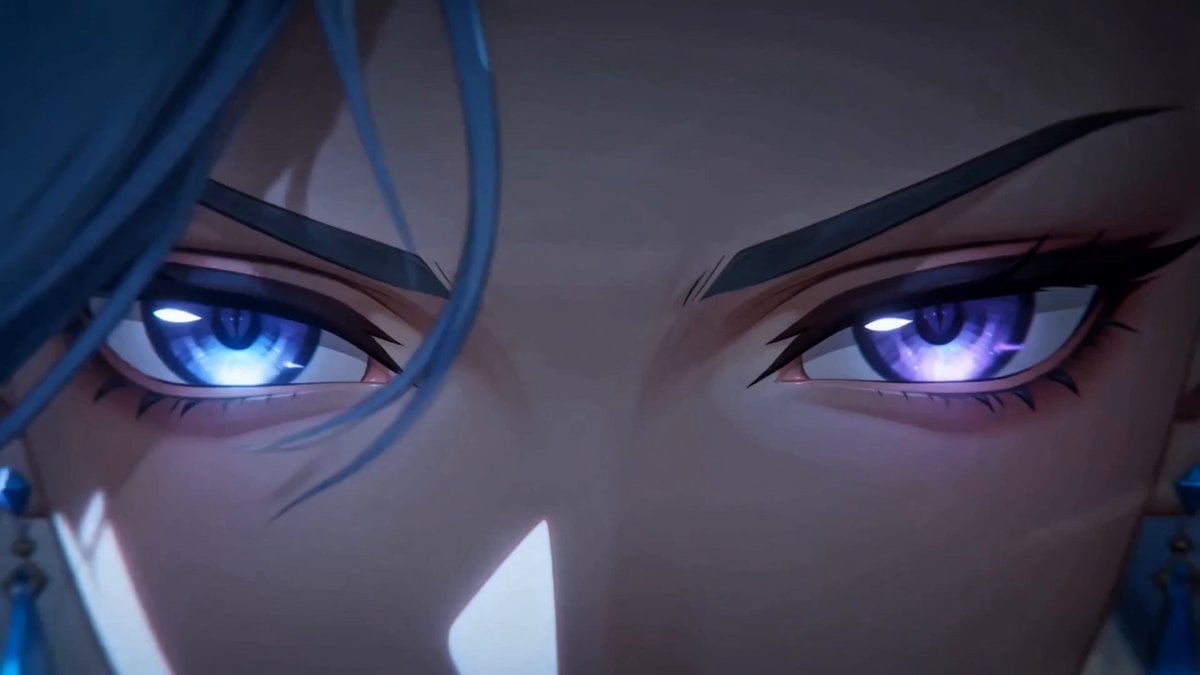
Cinematic dark fantasy VFX, shot on ARRI Alexa 65, moody desaturated tones with high-contrast lighting, aggressive and epic rhythm. S1: Wide dynamic tracking shot. A female sorceress in tattered robes slides across an ashy, desolate battlefield, shielding a black raven. S2: Medium low-angle shot. She rolls to a stop, clutching the bird protectively. She gazes at the raven with fierce determination. S3: Close-up. She whispers a command, her face marked with battle grime and sweat. S4: Tight close-up. She crushes a glowing purple shard in her fist, her eyes flaring with violent energy. S5: VFX sequence. Shadowy veins crawl up her neck as obsidian liquid-metal armor rapidly envelops her. The raven transforms into a monstrous, armored gryphon. S6: Medium close-up. A spiked helmet slams shut over her face. S7: Epic wide shot. The fully armored knight stands beside the massive iron-clad beast amidst floating debris. S8: launch powerfully into the dark, stormy sky.
Cinematic dark fantasy VFX, shot on ARRI Alexa 65, moody desaturated tones with high-contrast lighting, aggressive and epic rhythm. S1: Wide dynamic tracking shot. A female sorceress in tattered robes slides across an ashy, desolate battlefield, shielding a black raven. S2: Medium low-angle shot. She rolls to a stop, clutching the bird protectively. She gazes at the raven with fierce determination. S3: Close-up. She whispers a command, her face marked with battle grime and sweat. S4: Tight close-up. She crushes a glowing purple shard in her fist, her eyes flaring with violent energy. S5: VFX sequence. Shadowy veins crawl up her neck as obsidian liquid-metal armor rapidly envelops her. The raven transforms into a monstrous, armored gryphon. S6: Medium close-up. A spiked helmet slams shut over her face. S7: Epic wide shot. The fully armored knight stands beside the massive iron-clad beast amidst floating debris. S8: launch powerfully into the dark, stormy sky.
Edit the prompt in the box under the preview — the template's model and format are already selected — and press Generate. Your version appears right on this page.
Yes. You can change the subject, setting, lighting, mood, format, and available model controls before creating your video.
Opening and editing this template is free. Generating uses credits, shown on the Generate button when you are signed in.
Start with Seedance 2.0, which is the model associated with this template. You can compare another compatible model for a different finish.
Follow a topic to a crawlable collection of related PicX Studio templates.