
Ink-Wash Fighting Game 15-Second Cinematic
A highly detailed prompt for creating a 15-second cinematic 2D side-scrolling fighting game sequence in a traditional Chinese ink-wash anime style, including character actions and UI dynamics.
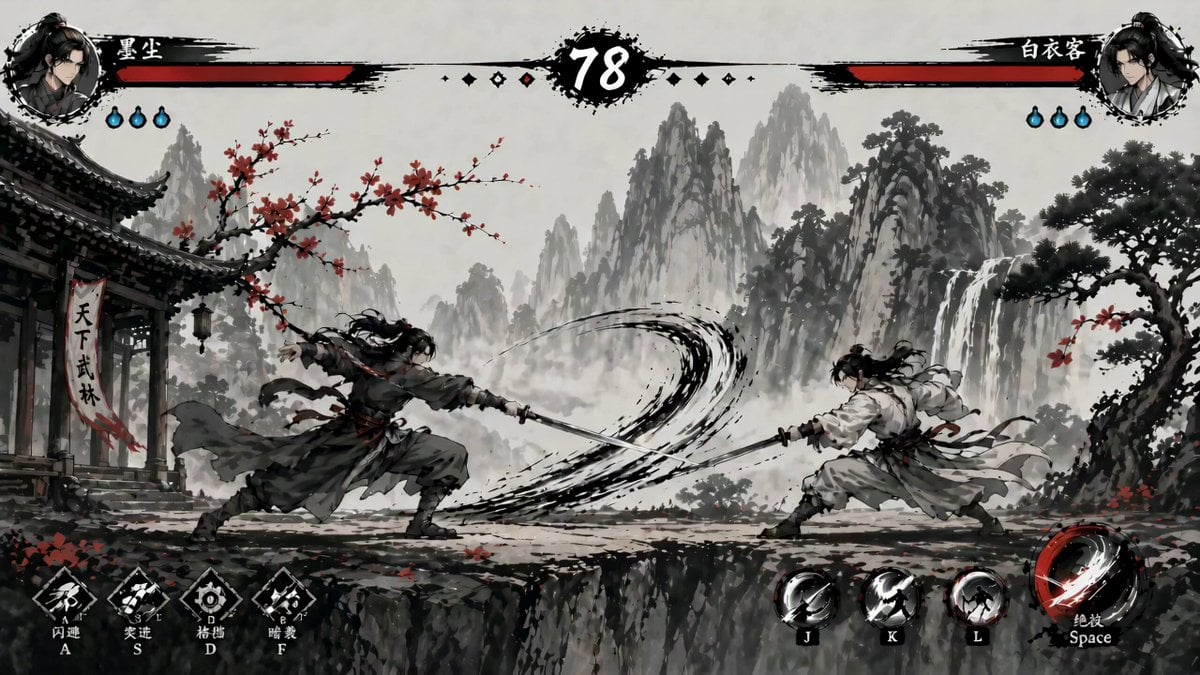
- Prompt included
- Model and format preset
- Premium template
The prompt behind this video
Copy the exact prompt behind Ink-Wash Fighting Game 15-Second Cinematic, or open it in the studio and make it yours.
A 15-second cinematic 2D side-scrolling fighting game scene in Chinese ink-wash anime style, clean and sharp with no noise, high-contrast black ink visuals with red accents, set on a cliff with misty mountains, plum blossoms, and traditional architecture in the background; two characters face each other in a wide shot, left is an aggressive black-robed swordsman and right is a calm white-robed swordsman, with full game UI visible including health bars at the top left and right (no numbers or secondary status bars) and a large countdown timer in the center starting at 15 and decreasing every second in real time; from to (timer 15 to 12) the black-robed character dashes forward and performs a fast slash while the white-robed character blocks with a clear guard effect, sparks and ink splash, minimal damage and slight reduction in the white character’s health bar; from to (timer 12 to 9) the white-robed character counterattacks with a quick thrust combo, the black-robed character partially blocks but still gets hit, small damage numbers appear and the black character’s health bar decreases slightly with visible hit impact effects and red ink streaks; from to (timer 9 to 6) both characters exchange rapid slashes mid-screen, swords collide with sparks and circular ink shockwaves, both health bars decrease moderately; from to (timer 6 to 3) the white-robed character dodges sideways with afterimage motion blur while the black-robed character misses a heavy strike and briefly pauses, creating tension; from to (timer 3 to 0) the black-robed character activates a powerful ultimate ability with a massive sweeping ink-brush slash and a red energy arc across the screen, the camera slightly zooms in with subtle shake and enters slow motion at the moment of impact as the white-robed character is struck directly, a large damage number appears and the white character’s health bar rapidly drains to zero; final moment shows the timer reaching 0 as the white-robed character collapses or freezes in defeat pose, and bold Chinese characters appear in the center of the screen reading “已击败 白衣客”, with ink particles and red petals drifting in the air, cinematic timing, smooth animation, dynamic camera shake, visible health bar reduction after every hit, and dramatic finishing effect
How to use Ink-Wash Fighting Game 15-Second Cinematic in 3 steps
- 1
Open
The prompt is already in the box next to the preview, with the template's model and format selected.
- 2…a portrait of your subject in softgolden-hour light, 85mm…
Personalize
Edit the subject and creative details for your destination.
- 3Generate
Generate
Press Generate — your video is created in PicX Studio, so you can compare it with the original and refine one variable at a time.
More like this
Templates with the same subject, style or setup. Open one to see its prompt.
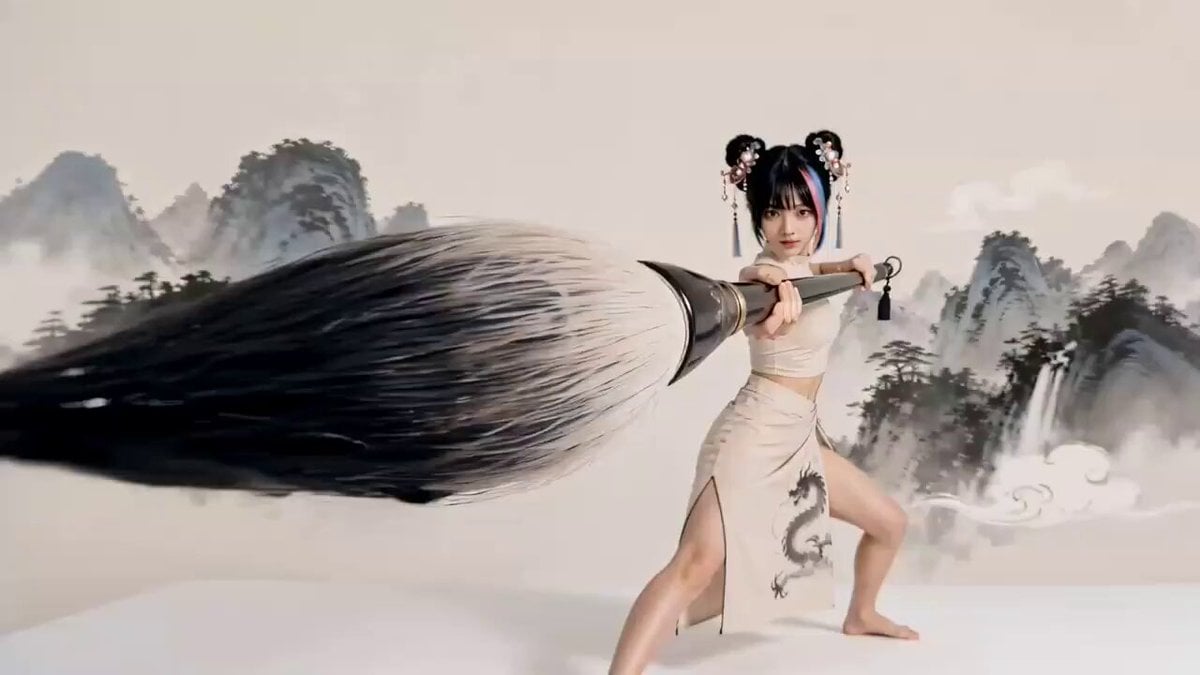
Chinese Ink Wash Martial Arts Dance
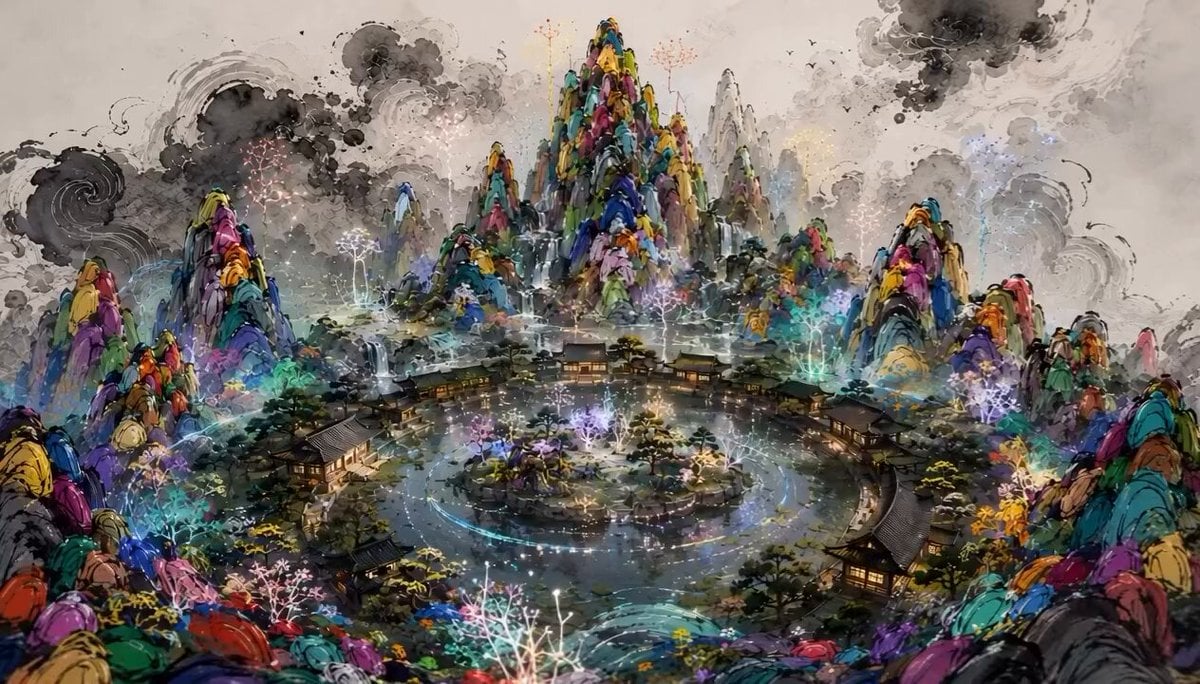
Chinese Shan Shui Ink Wash Animation
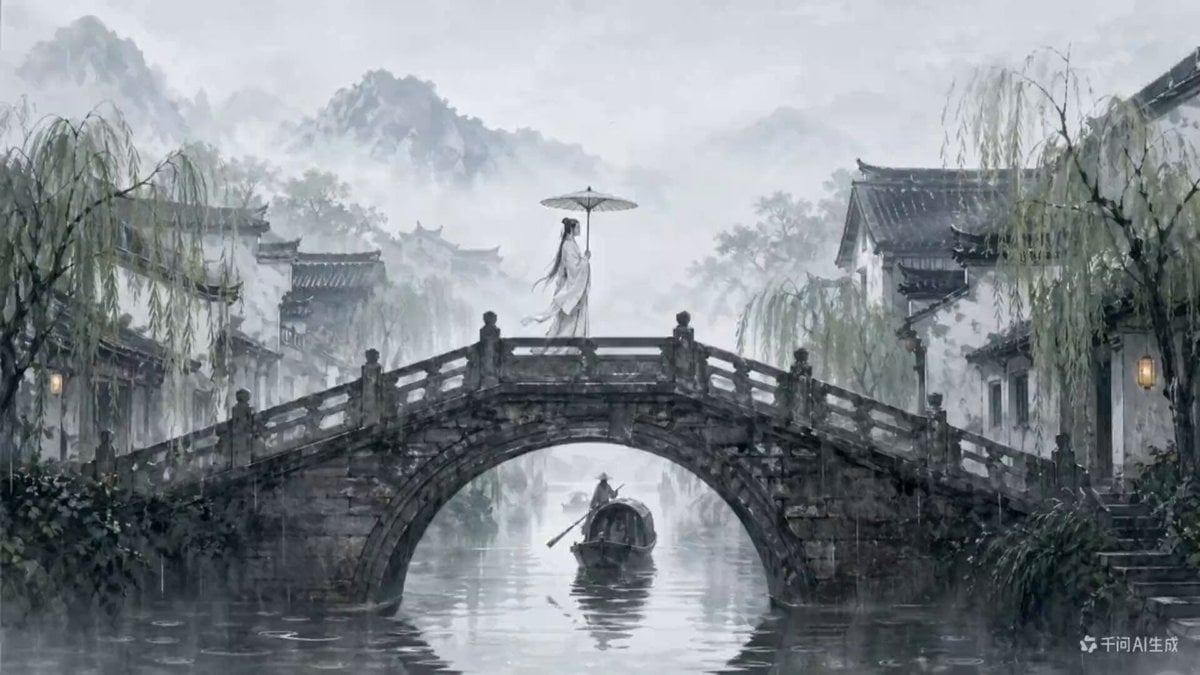
Traditional Chinese Ink Wash Video Generation
Ink Wash Watercolor Dancer
Mona Lisa vs Venus Fighting Game Style

Renaissance Fighting Game Round 1

Realistic Fighting Game Action Sequence
Fighting Game Uppercut Sequence from Reference Image
2D Fighting Game Sequence Prompt for Seedance 2.0
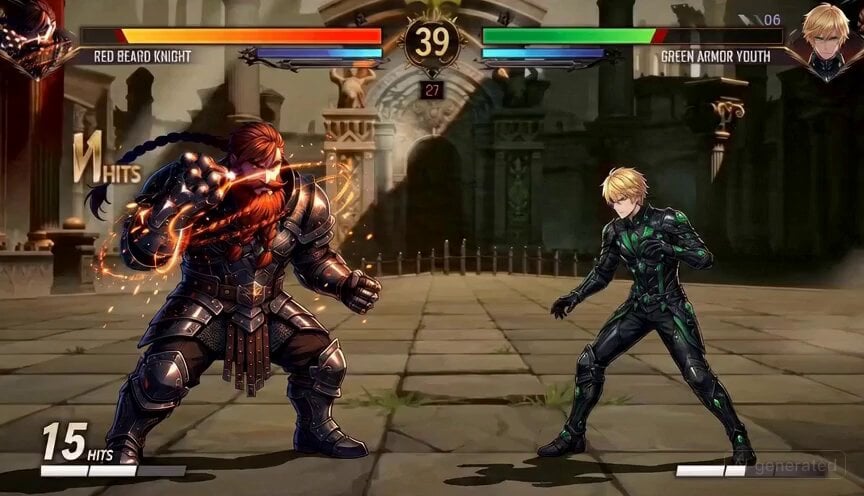
2D Fighting Game Sequence Prompt
Epic Ink-Wash Fantasy Warrior Scene
Chibi Cave Adventure — He Doesn't Know What's Coming
Make it yours
Ink-Wash Fighting Game 15-Second Cinematic works as-is. These are the safest ways to change it without losing the look.
Change one field
Copy a single group, rewrite it, and generate again so you can see what that field is doing.
Keep the frame, change the subject
Hold the composition and light of Ink-Wash Fighting Game 15-Second Cinematic, then swap wardrobe, props or the person for a new take.
| If the result… | Why | Fix |
|---|---|---|
| The result drifts from the preview | Too many fields changed at once. | Reuse Ink-Wash Fighting Game 15-Second Cinematic as-is first, then change one group — subject, light, or setting. |
| The model over-stylizes the scene | The prose prompt leaves finish and camera underspecified. | Add one camera or lighting sentence and stay on Seedance 2.0. |
More Seedance 2.0 templates
Other prompts made for Seedance 2.0.

Comical Martial Arts Punch Scene

Maglev Train Action Sequence

Martial Arts Fight Sequence

Wuxia Protection and Trust Script

Vintage Korean Arcade MiniDV Vlog

Mercedes 190 SL Luxury Ad

Rainy Night Supernatural Reverse Comedy Video Script

Amazon Civilization Discovery

Futuristic South Asian City Transformation

Cozy Luxury Cafe Commercial
More video prompts
Fresh picks from across the catalog.
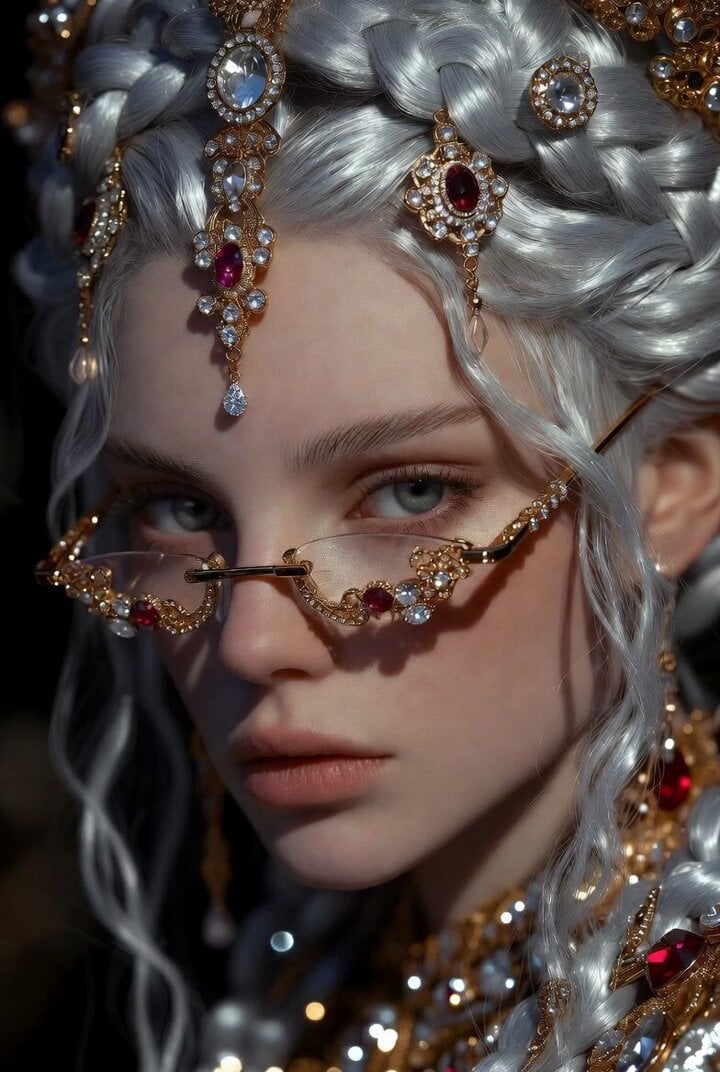
Dramatic Fantasy Portrait of a Young Woman
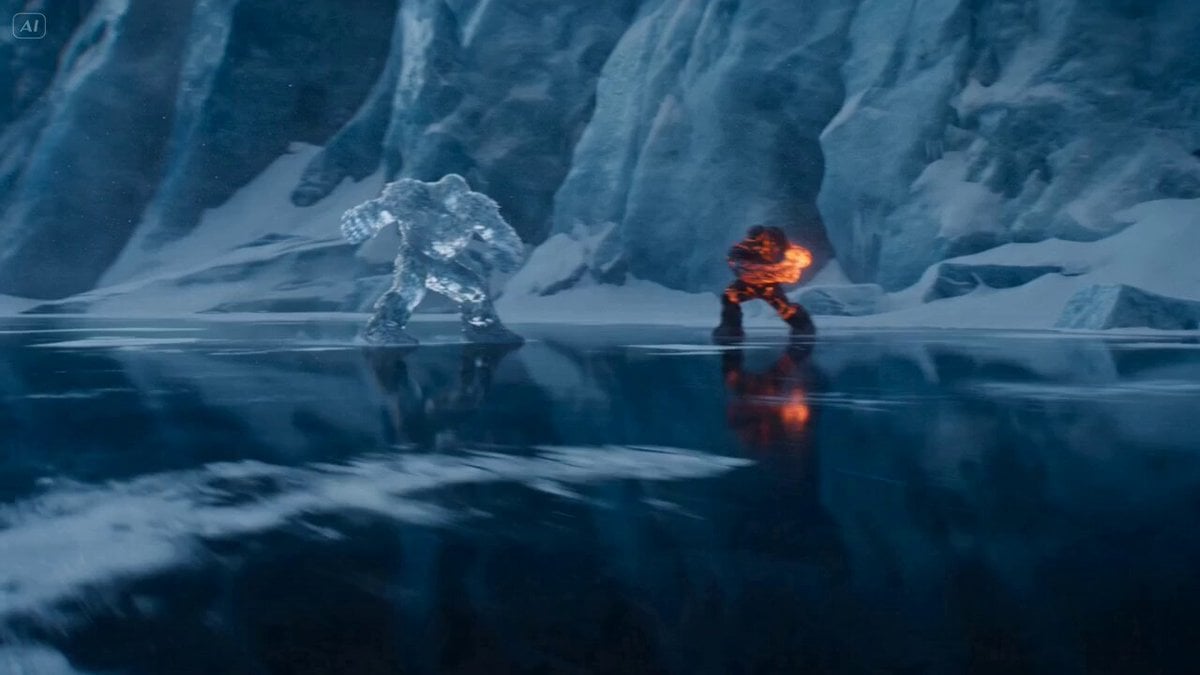
Ice Giant vs. Magma Titan Battle (Dreamina/Seedance 2)

Talking Head Singing Prompt
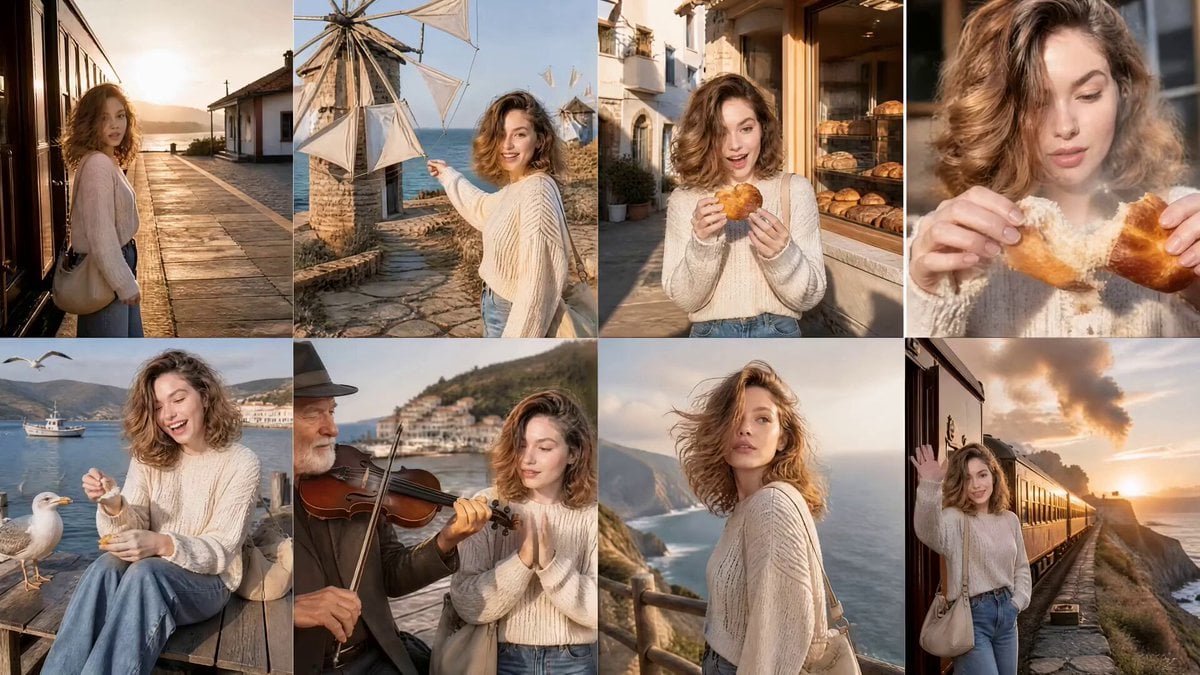
Cinematic Korean Woman Coastal Adventure
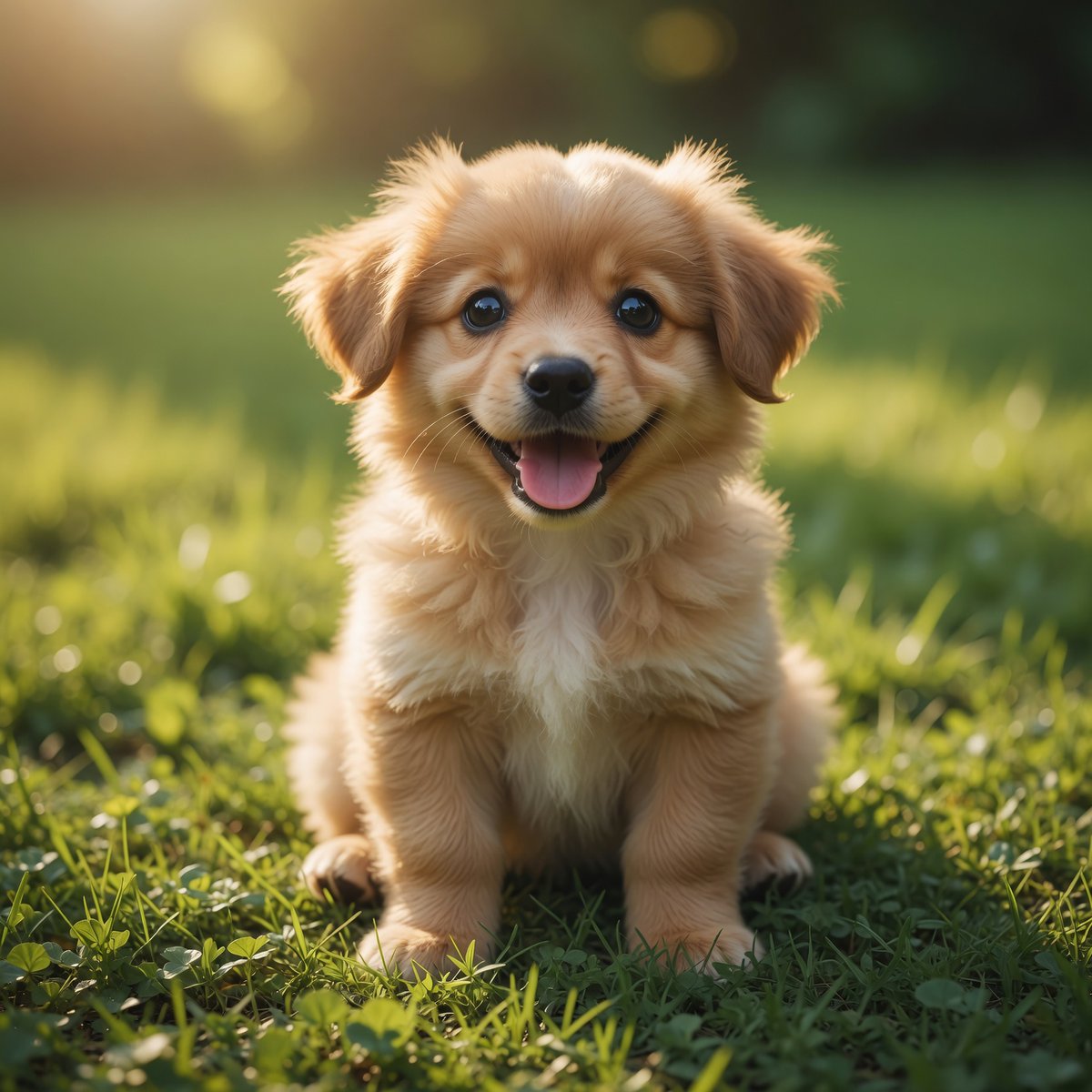
Fluffy Puppy Sunny Lawn Video
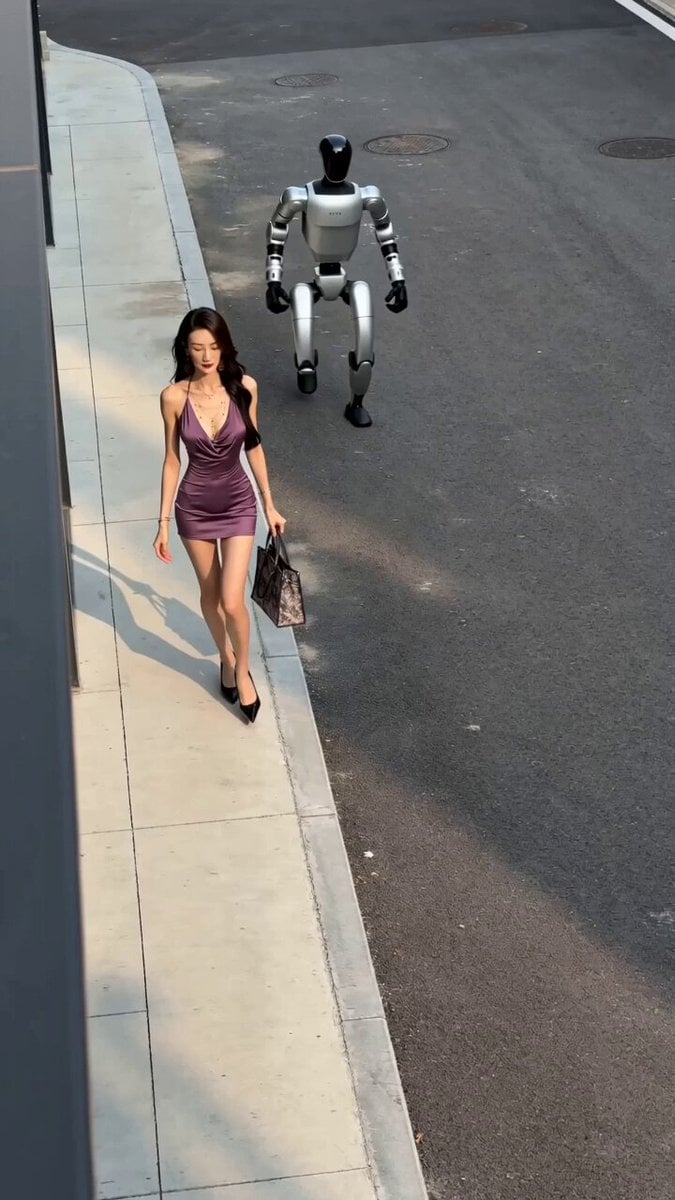
Smartphone Overhead Street Comedy
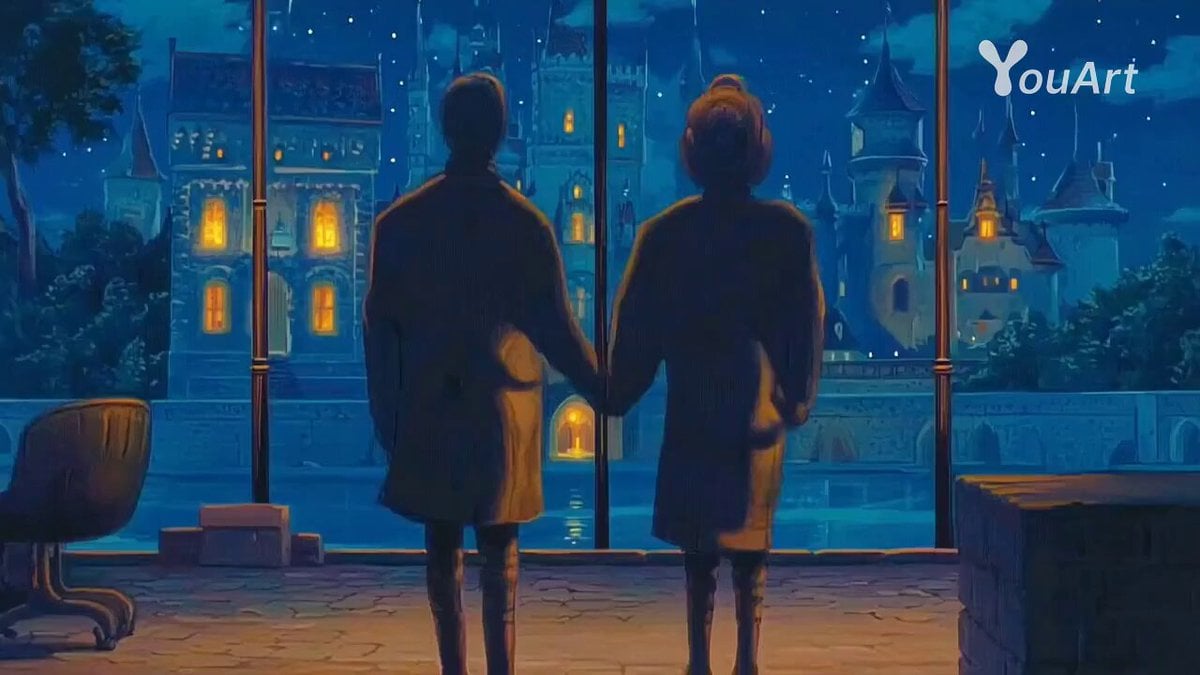
Cinematic Crane Shot Video Prompt
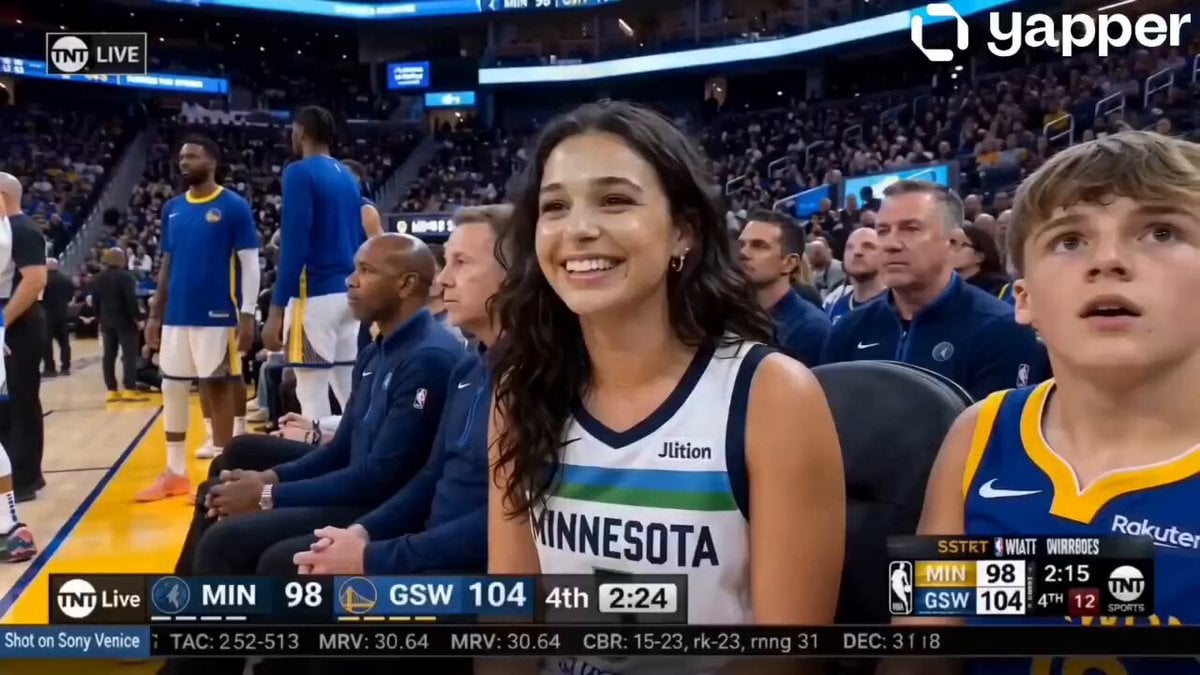
NBA Courtside Broadcast Moment
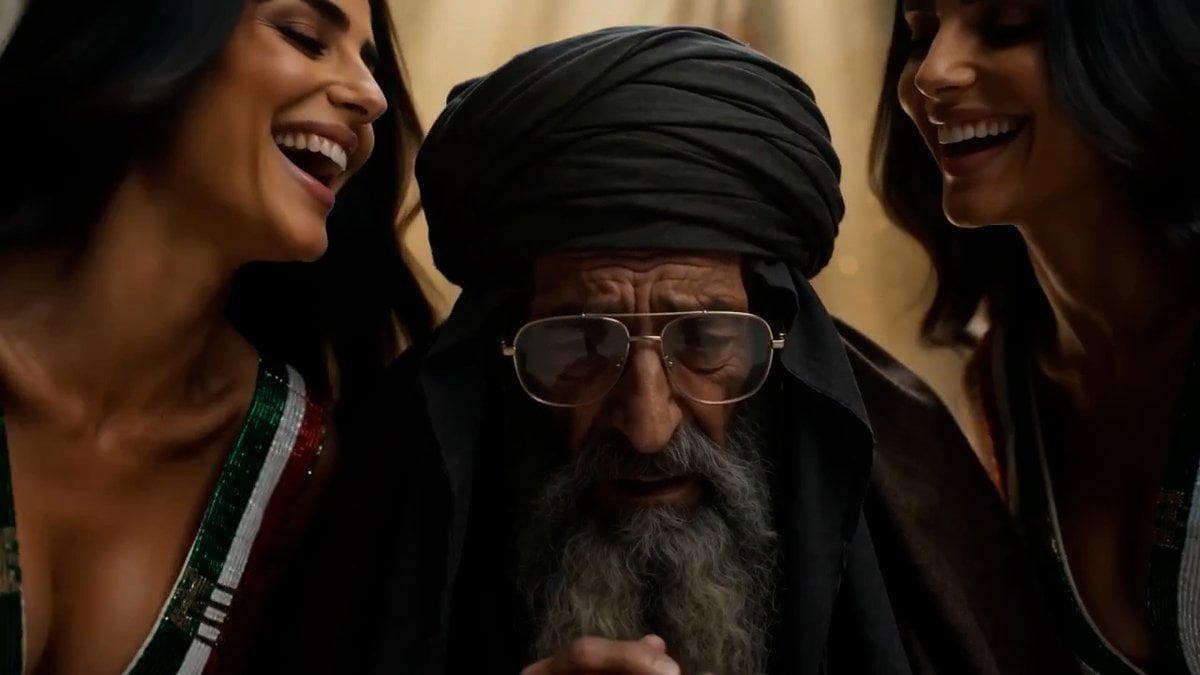
Persian Baddies Liberation Scene (Humorous)
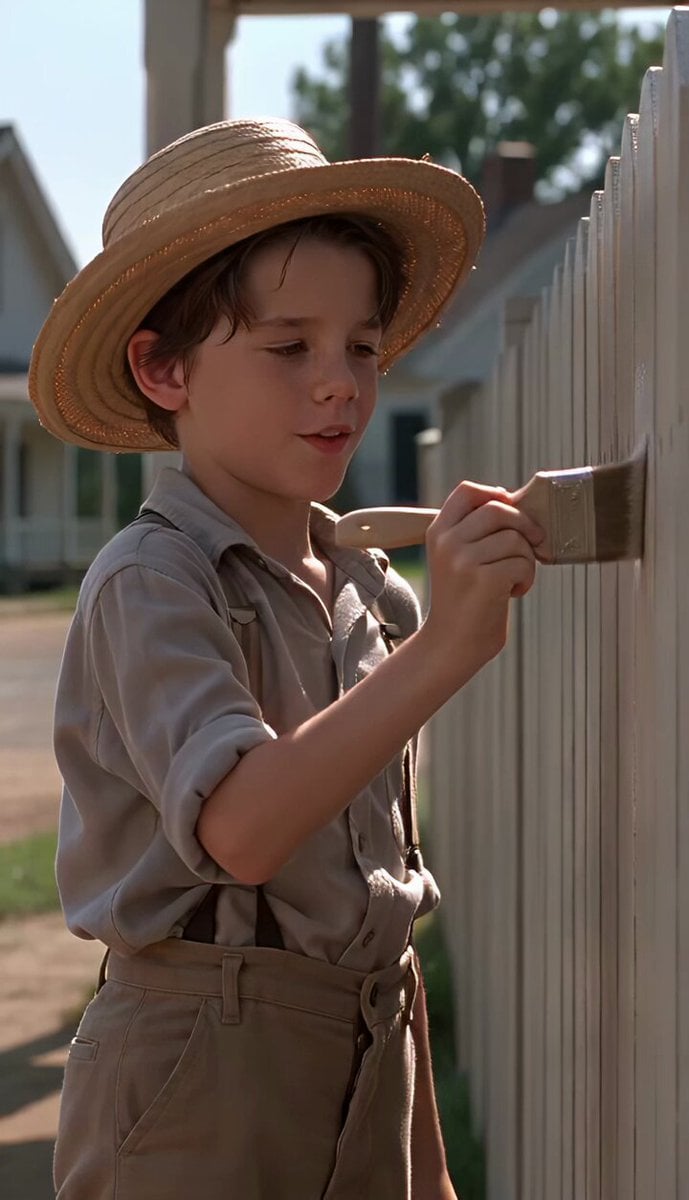
Tom Sawyer Fence Painting Scene
Browse template categories
Ink-Wash Fighting Game 15-Second Cinematic questions
How do I use the Ink-Wash Fighting Game 15-Second Cinematic template?
Add your photo if the template asks for one, edit the prompt if you like — the template's model and format are already selected — and press Generate. Your version opens in PicX Studio.
Can I customize the Ink-Wash Fighting Game 15-Second Cinematic template?
Yes. You can change the subject, setting, lighting, mood, format, and available model controls before creating your video.
Is the Ink-Wash Fighting Game 15-Second Cinematic template free?
Opening and editing this template is free. Generating uses credits, shown on the Generate button when you are signed in.
Which AI model should I use?
Start with Seedance 2.0, which is the model associated with this template. You can compare another compatible model for a different finish.
Looking for something else? Browse all templates.

Your photo, any look
Thousands of ready templates for every top image and video model, from one credit balance.