
Ink Wash Watercolor Dancer
An artistic prompt for a 15-second cinematic video in East Asian ink wash and watercolor style featuring a graceful dancer creating fluid brushstrokes.
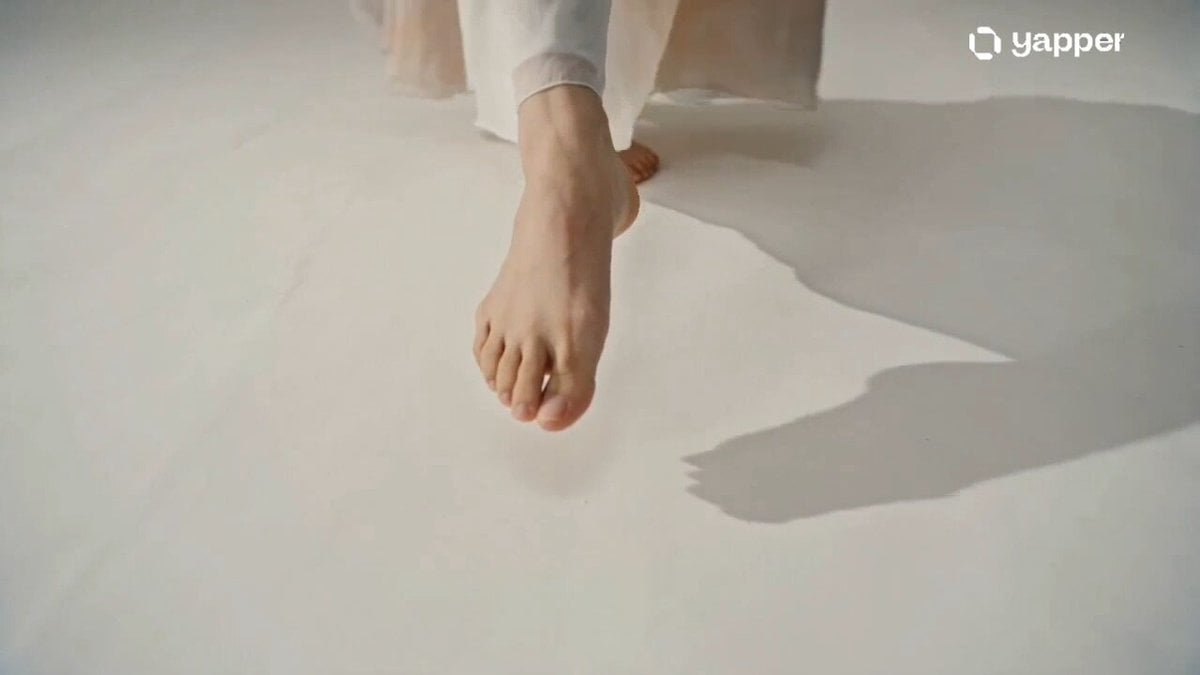
- Prompt included
- Model and format preset
- Premium template
The prompt behind this video
Copy the exact prompt behind Ink Wash Watercolor Dancer, or open it in the studio and make it yours.
Create a 15-second cinematic video in an ink wash + watercolor painting style. A graceful dancer moves slowly in an empty white space, and every movement of her body leaves flowing trails of black ink and soft watercolor pigments behind her. The ink spreads like living brushstrokes, forming clouds, waves, and abstract shapes in the air. 0–5s: The dancer appears in a minimal white canvas space, taking a slow step forward. Each step releases gentle ink splashes from her feet, spreading like wet ink on rice paper. 5–10s: Her dance becomes more expressive—spins, arm sweeps, and jumps create long flowing ink trails. Watercolor reds, blues, and gold tones begin blending with black ink, forming chaotic yet beautiful brush textures across the scene. 10–15s: The ink trails fully fill the frame, transforming the entire environment into a living hand-painted masterpiece. The dancer fades into the artwork as the camera slowly pulls back, revealing a complete traditional ink painting in motion. Style: traditional East Asian ink wash painting, watercolor blending, hand-brushed textures, soft paper grain, cinematic lighting, artistic slow motion, highly emotional and surreal visual storytelling.
How to use Ink Wash Watercolor Dancer in 3 steps
- 1
Open
The prompt is already in the box next to the preview, with the template's model and format selected.
- 2…a portrait of your subject in softgolden-hour light, 85mm…
Personalize
Edit the subject and creative details for your destination.
- 3Generate
Generate
Press Generate — your video is created in PicX Studio, so you can compare it with the original and refine one variable at a time.
More like this
Templates with the same subject, style or setup. Open one to see its prompt.
Chinese Ink Wash Martial Arts Dance
Vid2Vid Watercolor Style Transfer — Kling 3.0 O3 Pro
Chinese Shan Shui Ink Wash Animation
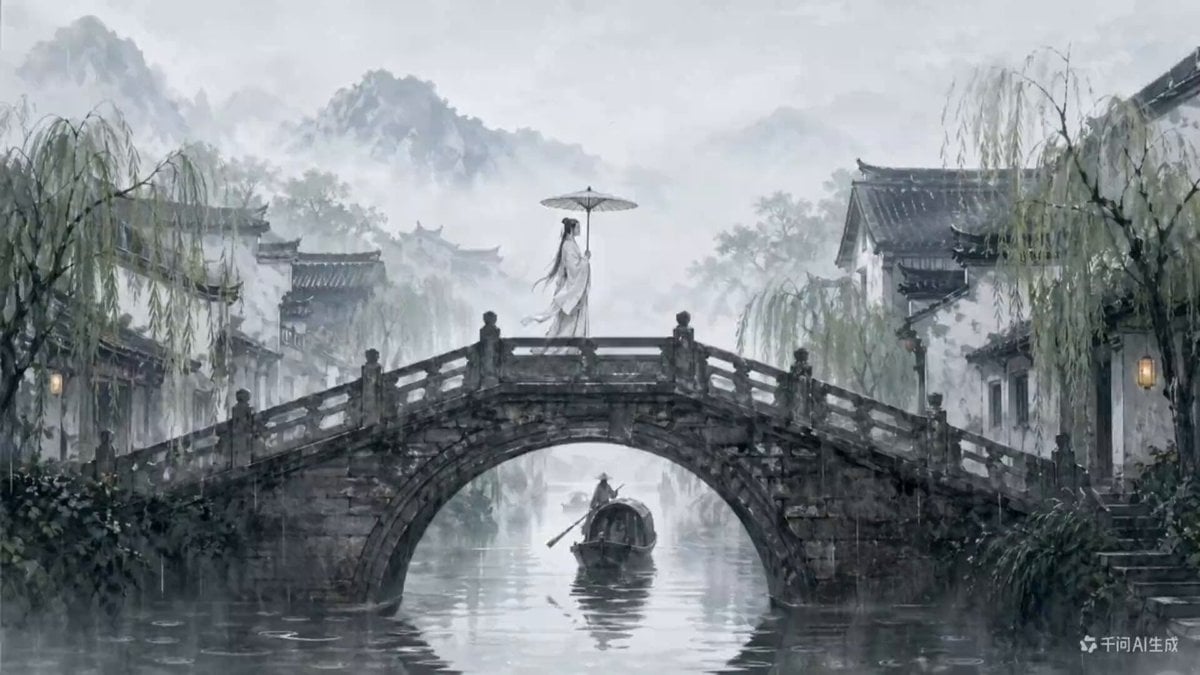
Traditional Chinese Ink Wash Video Generation
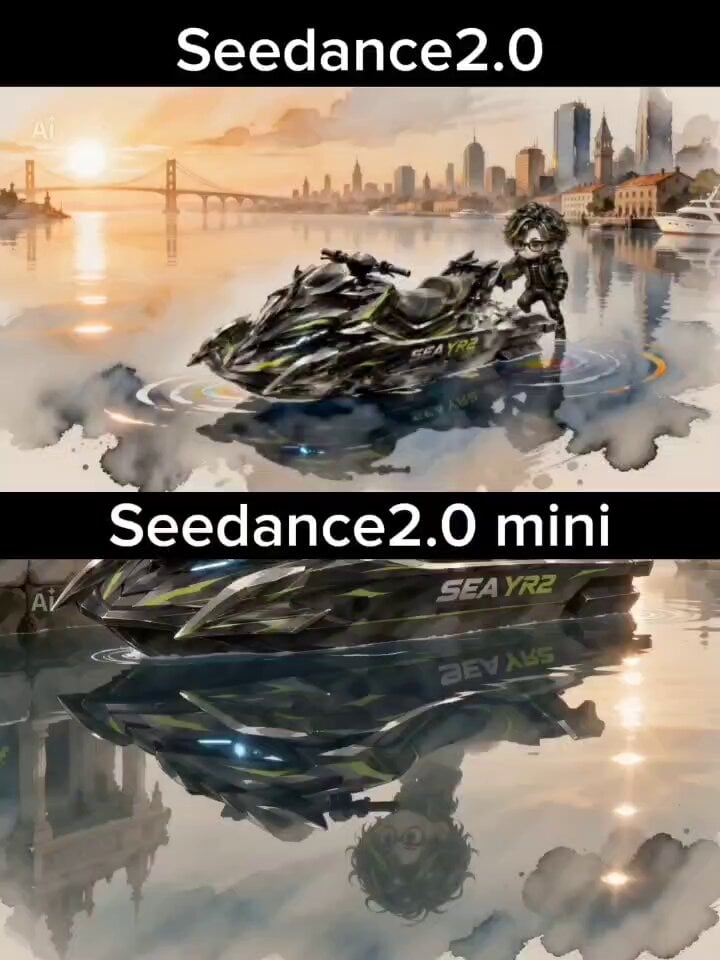
Watercolor and Ink Nautical City Video
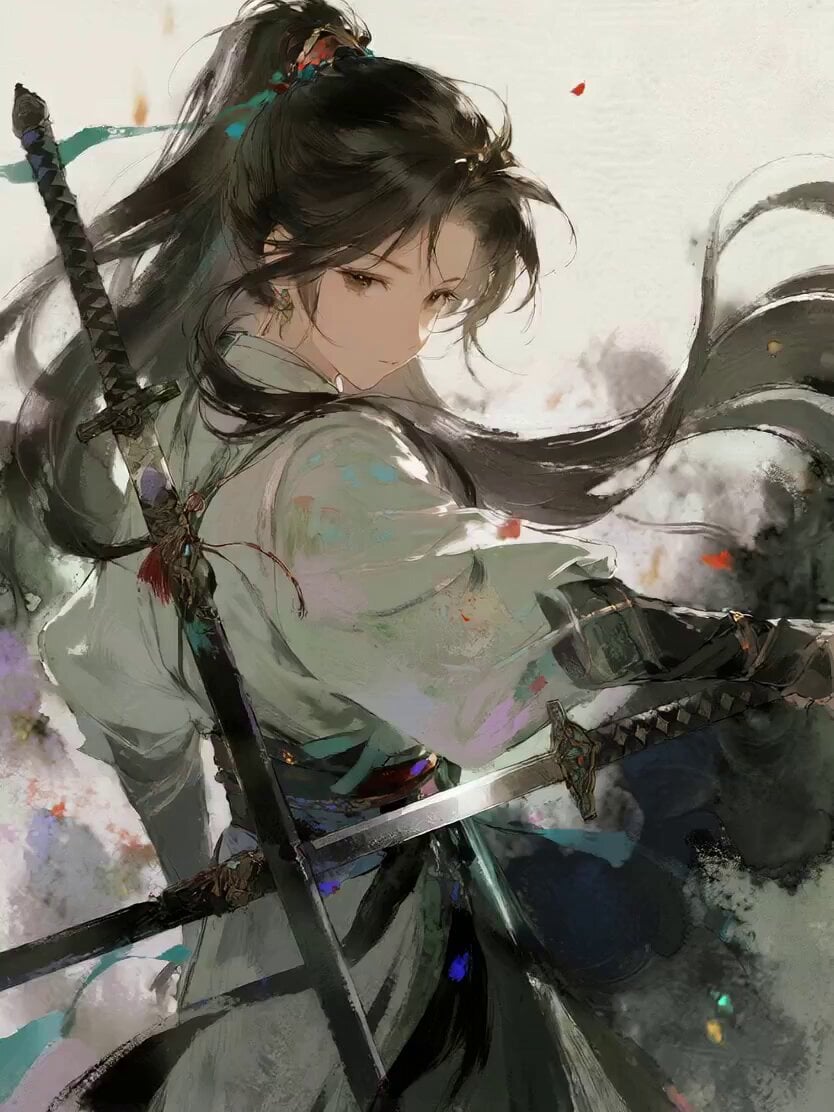
Watercolor Ink Sword Performance
Epic Ink-Wash Fantasy Warrior Scene
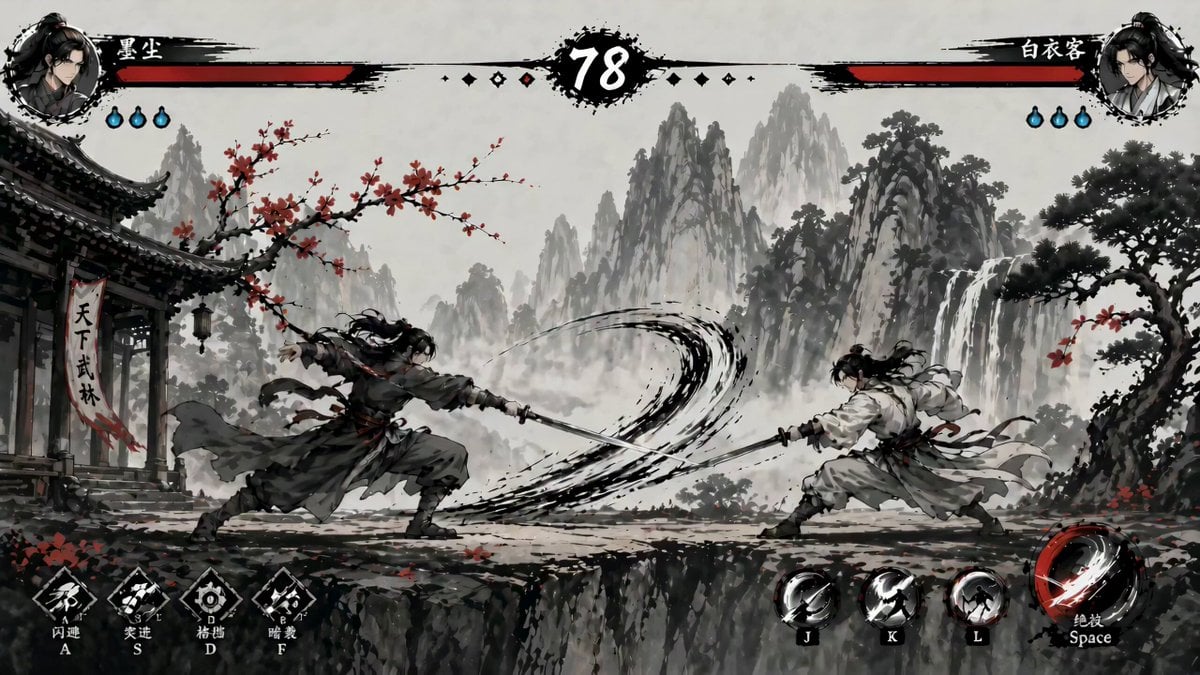
Ink-Wash Fighting Game 15-Second Cinematic
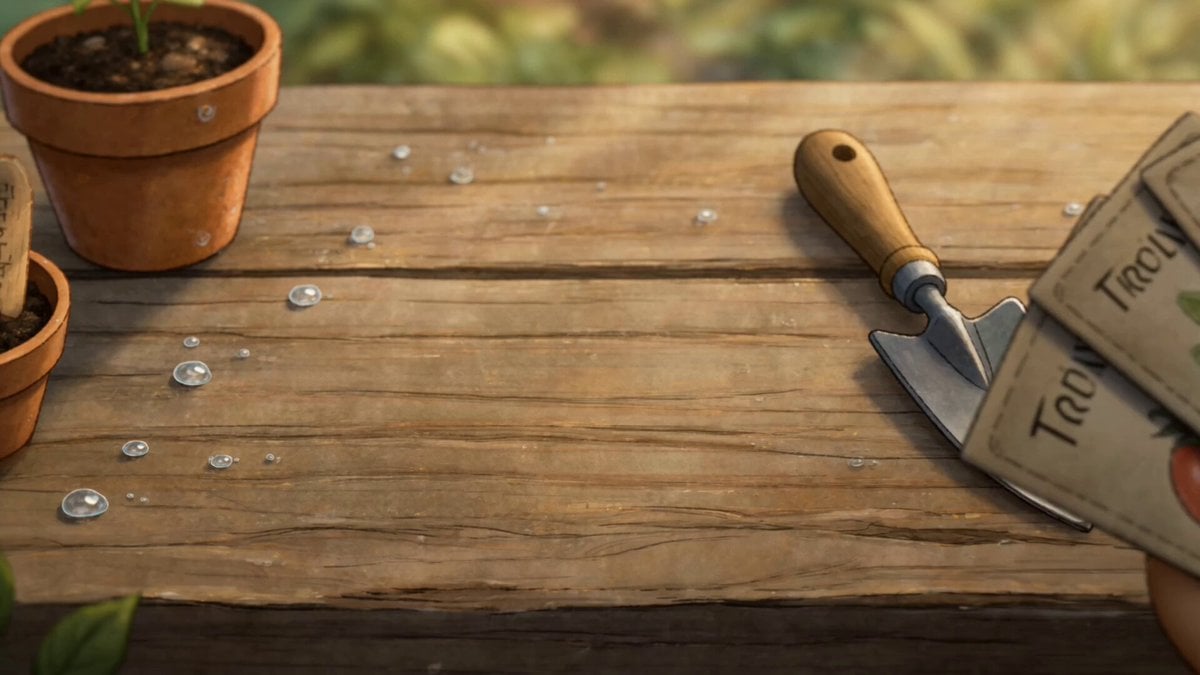
Watercolor Storybook Animated Short
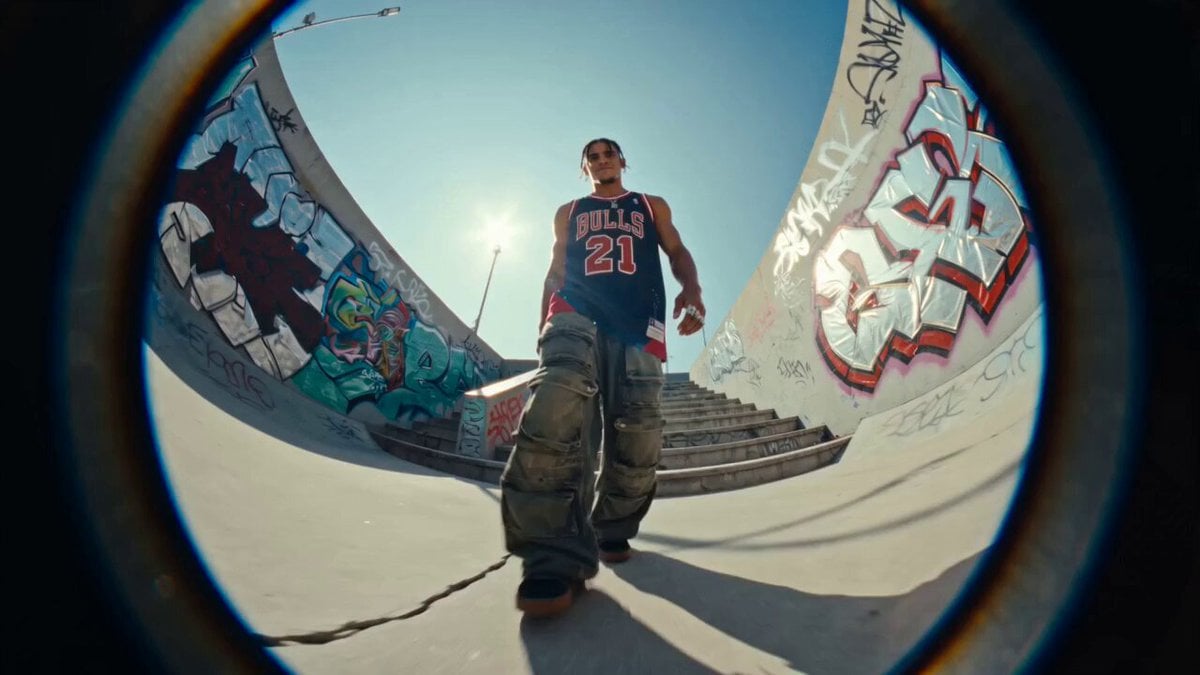
Fisheye Urban Dancer Sequence
Chinese Calligraphy Ink Dance Dragon
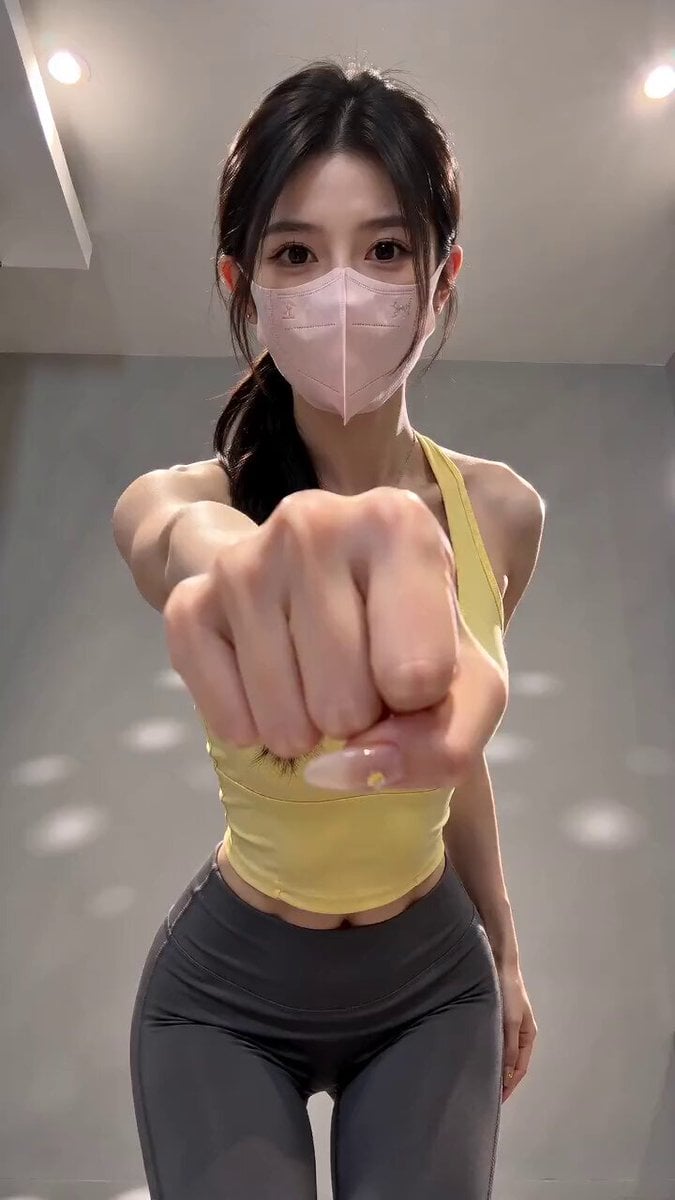
Viral Masked Dancer Tutorial
Make it yours
Ink Wash Watercolor Dancer works as-is. These are the safest ways to change it without losing the look.
Change one field
Copy a single group, rewrite it, and generate again so you can see what that field is doing.
Keep the frame, change the subject
Hold the composition and light of Ink Wash Watercolor Dancer, then swap wardrobe, props or the person for a new take.
| If the result… | Why | Fix |
|---|---|---|
| The result drifts from the preview | Too many fields changed at once. | Reuse Ink Wash Watercolor Dancer as-is first, then change one group — subject, light, or setting. |
| The model over-stylizes the scene | The prose prompt leaves finish and camera underspecified. | Add one camera or lighting sentence and stay on Seedance 2.0. |
More Seedance 2.0 templates
Other prompts made for Seedance 2.0.

Comical Martial Arts Punch Scene

Maglev Train Action Sequence

Martial Arts Fight Sequence

Wuxia Protection and Trust Script

Vintage Korean Arcade MiniDV Vlog

Mercedes 190 SL Luxury Ad

Rainy Night Supernatural Reverse Comedy Video Script

Amazon Civilization Discovery

Futuristic South Asian City Transformation

Cozy Luxury Cafe Commercial
More video prompts
Fresh picks from across the catalog.
Adorable 3D Animated Kitten Rescue Story
Cyberpunk Woman Video Prompt
Grok Imagine prompt: Warm, nostalgic 35mm film still aesthetic
Cinematic Wuxia Swordswoman with Synchronized Echoes
Nostalgic Everyday Island Moments
Telekinetic Corridor Action Scene

Fluffy Cat Watchmaker Scene Prompt

Convenience Store K-Pop Dance Performance
Cinematic Dragon Bond Fantasy Story

Mountain Dew Spark Doodle Commercial
Browse template categories
Ink Wash Watercolor Dancer questions
How do I use the Ink Wash Watercolor Dancer template?
Add your photo if the template asks for one, edit the prompt if you like — the template's model and format are already selected — and press Generate. Your version opens in PicX Studio.
Can I customize the Ink Wash Watercolor Dancer template?
Yes. You can change the subject, setting, lighting, mood, format, and available model controls before creating your video.
Is the Ink Wash Watercolor Dancer template free?
Opening and editing this template is free. Generating uses credits, shown on the Generate button when you are signed in.
Which AI model should I use?
Start with Seedance 2.0, which is the model associated with this template. You can compare another compatible model for a different finish.
Looking for something else? Browse all templates.

Your photo, any look
Thousands of ready templates for every top image and video model, from one credit balance.