
Watercolor and Ink Nautical City Video
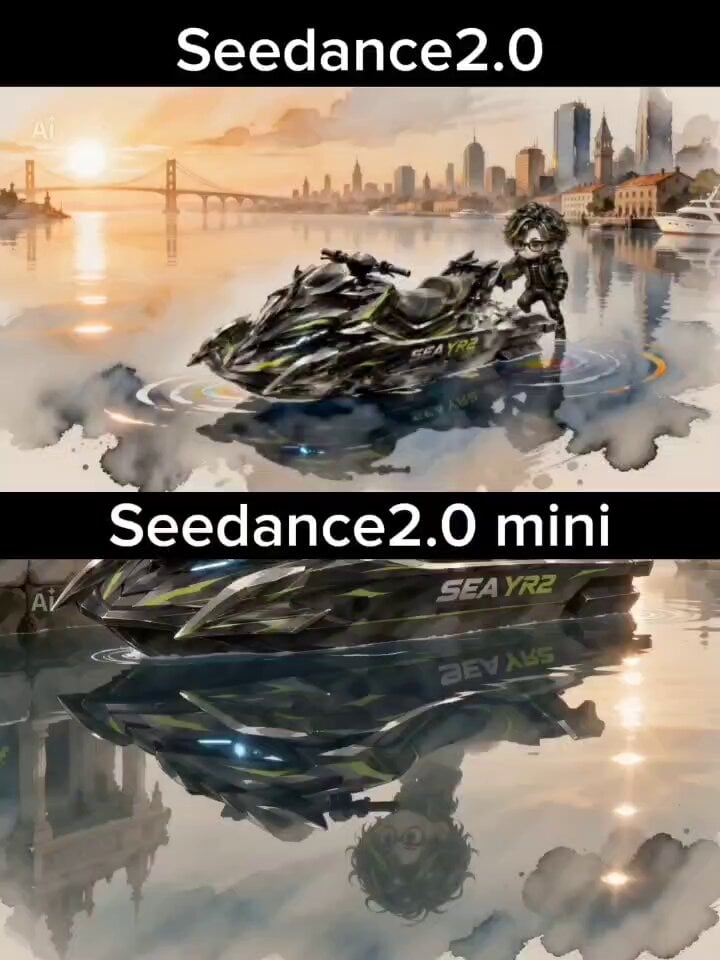
A complex, multi-scene prompt for Seedance 2.0 that generates a cinematic jet ski sequence in a nautical city with a unique watercolor and ink wash aesthetic.
- Prompt included
- Model and format preset
- Free template
The prompt behind this video
Copy the exact prompt behind Watercolor and Ink Nautical City Video, or open it in the studio and make it yours.
水彩画と水墨画が融合した独特の質感。 紙へ水が滲む表現、墨のにじみ、鉛筆による細かな線画を重ねた芸術的スタイル。 キャラクターとジェットスキーのデザイン・配色・形状は参照画像を忠実に維持。 世界観は「海の都」。 【世界設定】 都市の道路は存在しない。 建物は海上へ建ち並び、水路が高速道路となっている。 巨大な運河、石造りの橋、ガラスの水門、海上マーケット、浮遊灯台、水上駅、海に浮かぶ住宅街。 遠景には巨大な海上都市と港湾タワー。 水面には空が映り込み、水彩の滲みで幻想的に描写される。 Scene1(0〜3秒) 朝焼け。 静かな海の都。 キャラクターがSEA YR2へ跨る。 エンジン始動。 水面に水彩絵の具が広がるような波紋。 Scene2(3〜6秒) 一気に加速。 巨大な運河を高速走行。 橋の下を低空で抜ける。 飛沫が墨の跳ねのように散る。 Scene3(6〜9秒) 市場の横、水上住宅街、港を縫うように高速コーナリング。 建物のガラスへ機体が映り込む。 カメラはドローン、追尾、横移動、ローアングルを高速切替。 Scene4(9〜12秒) 大きなジャンプ。 運河を飛び越えながら都市全景。 着水時、水彩が紙へ広がるような飛沫演出。 Scene5(12〜15秒) 夕日に染まる海の都。 巨大な海上大橋へ向かって一直線。 最後は後方から引きのロングショット。 都市全体が一枚の水彩画のように広がりフェードアウト。 映像演出 ・水彩の滲み ・水墨の飛沫 ・鉛筆線のラフタッチ ・紙の質感 ・柔らかな発光 ・映画的ライティング ・シネマスコープ ・超高密度背景 ・高速カメラワーク ・水面反射 ・速度感重視 ・自然なモーションブラー ・リアルな水しぶき ・文字・字幕・ロゴなし
How to use Watercolor and Ink Nautical City Video in 3 steps
- 1
Open
The prompt is already in the box next to the preview, with the template's model and format selected.
- 2…a portrait of your subject in softgolden-hour light, 85mm…
Personalize
Edit the subject and creative details for your destination.
- 3Generate
Generate
Press Generate — your video is created in PicX Studio, so you can compare it with the original and refine one variable at a time.
More like this
Templates with the same subject, style or setup. Open one to see its prompt.

Realistic City Street Story Cinematic Video - Seedance
Vid2Vid Watercolor Style Transfer — Kling 3.0 O3 Pro

Luxury Lifestyle Day Vlog

NYC Wingsuit Hot Dog Landing

Luxury Airport Travel Vlog

Iced Coffee Dog Good-News Montage

Italian Old-Town Time-Freeze Walk
Ink Wash Watercolor Dancer
Watercolor Ink Sword Performance
Nano Banana Seedance Environment Render Walk
City Timelapse Growth — Seedance 2.0
Whale in the Sky — City Shadows (Kling AI)
Make it yours
Watercolor and Ink Nautical City Video works as-is. These are the safest ways to change it without losing the look.
Change one field
Copy a single group, rewrite it, and generate again so you can see what that field is doing.
Keep the frame, change the subject
Hold the composition and light of Watercolor and Ink Nautical City Video, then swap wardrobe, props or the person for a new take.
| If the result… | Why | Fix |
|---|---|---|
| The result drifts from the preview | Too many fields changed at once. | Reuse Watercolor and Ink Nautical City Video as-is first, then change one group — subject, light, or setting. |
| The model over-stylizes the scene | The prose prompt leaves finish and camera underspecified. | Add one camera or lighting sentence and stay on Seedance 2.0. |
More Seedance 2.0 templates
Other prompts made for Seedance 2.0.

Comical Martial Arts Punch Scene

Maglev Train Action Sequence

Martial Arts Fight Sequence

Wuxia Protection and Trust Script

Vintage Korean Arcade MiniDV Vlog

Mercedes 190 SL Luxury Ad

Rainy Night Supernatural Reverse Comedy Video Script

Amazon Civilization Discovery

Futuristic South Asian City Transformation

Cozy Luxury Cafe Commercial
More video prompts
Fresh picks from across the catalog.
Second Multi-Scene Video Prompt for a Sacred Eastern Realm
Ski Trip to Whistler with Northern Lights
Seedance 2.0 Consistency Test Prompt (Kanon and the Giant Beast)
Luxury Cruise Sunset Journey
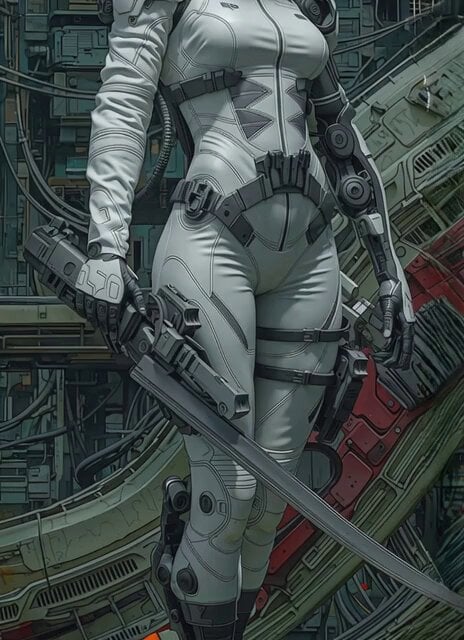
Futuristic Sci-Fi Tactical Woman Corridor Walk
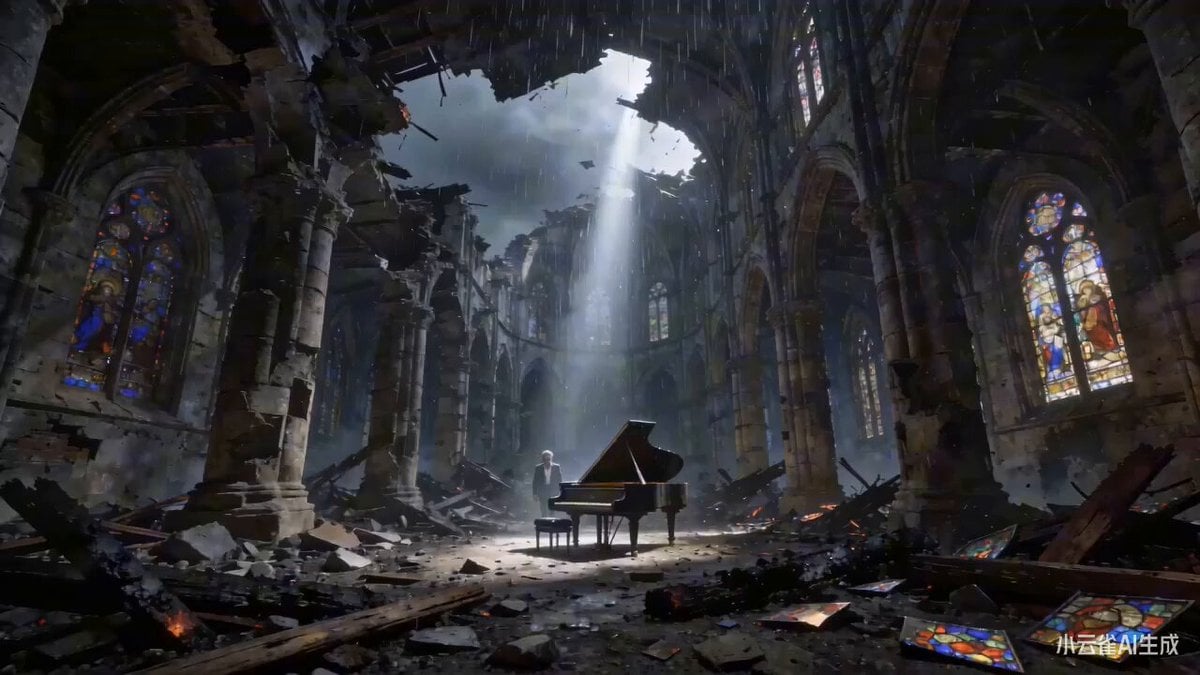
The Pianist and the Ruins (Time Reversal)
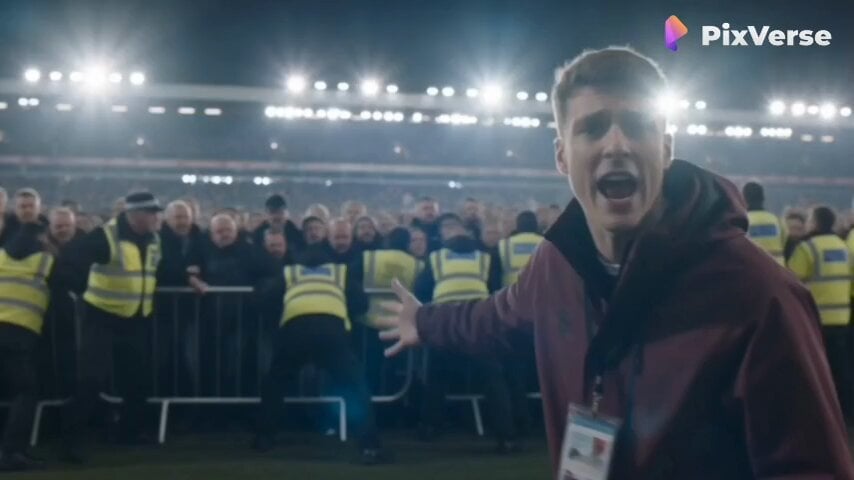
Live Sports News Crowd Surge Report
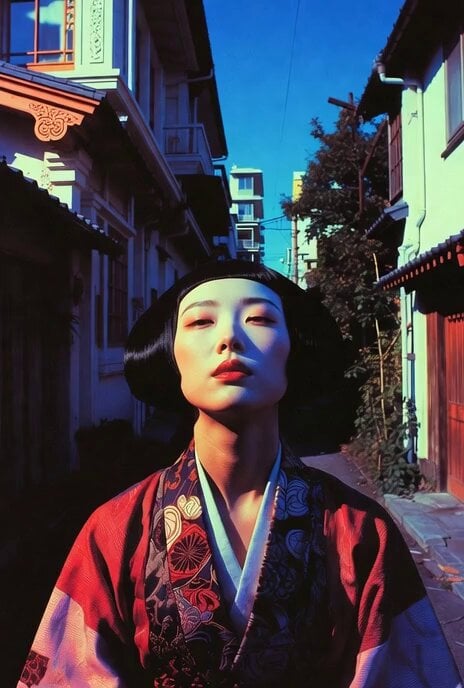
Dynamic Drone Camera Movement on Subject
Abstract Intelligence Formal System
Premium Coffee Maker UGC Ad
Browse template categories
Watercolor and Ink Nautical City Video questions
How do I use the Watercolor and Ink Nautical City Video template?
Add your photo if the template asks for one, edit the prompt if you like — the template's model and format are already selected — and press Generate. Your version opens in PicX Studio.
Can I customize the Watercolor and Ink Nautical City Video template?
Yes. You can change the subject, setting, lighting, mood, format, and available model controls before creating your video.
Is the Watercolor and Ink Nautical City Video template free?
Opening and editing this template is free. Generating uses credits, shown on the Generate button when you are signed in.
Which AI model should I use?
Start with Seedance 2.0, which is the model associated with this template. You can compare another compatible model for a different finish.
Looking for something else? Browse all templates.

Your photo, any look
Thousands of ready templates for every top image and video model, from one credit balance.