
Second Multi-Scene Video Prompt for a Sacred Eastern Realm
A detailed, multi-scene prompt for Seedance 2.0 to generate a 15-second video depicting a sacred Eastern realm.
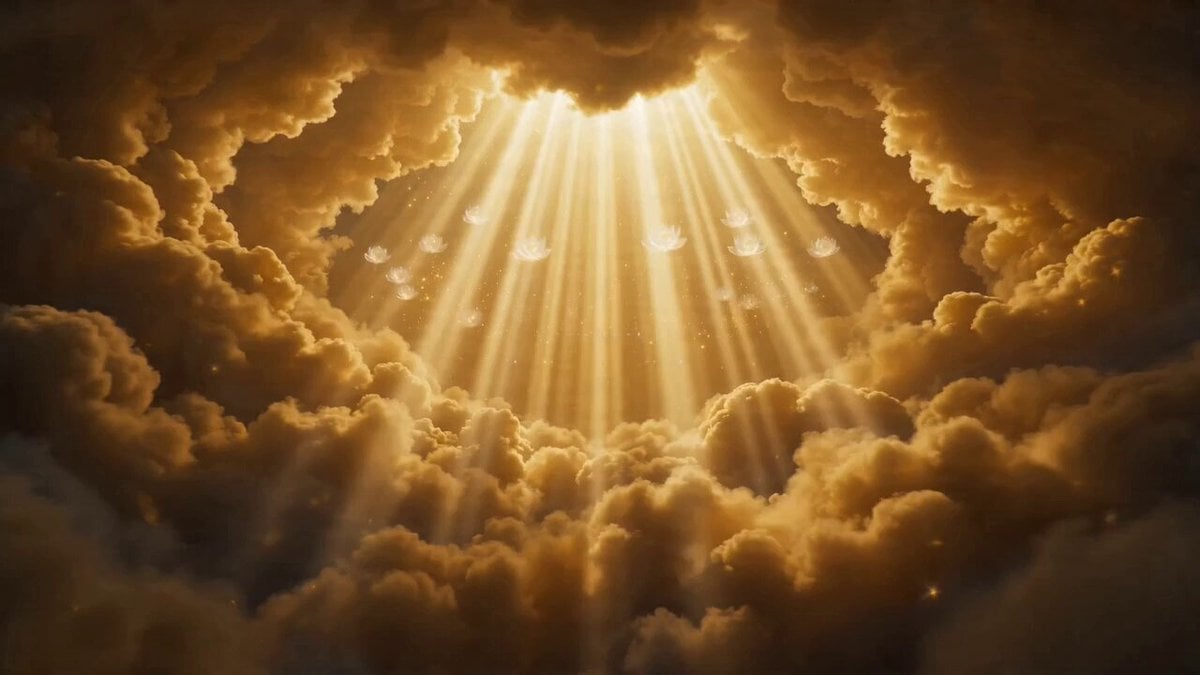
- Prompt included
- Model and format preset
- Free template
The prompt behind this video
Copy the exact prompt behind Second Multi-Scene Video Prompt for a Sacred Eastern Realm, or open it in the studio and make it yours.
15秒,东方神圣圣境题材,庄严宁静,恢弘圣洁,电影级光影,超清细节,体积光,琉璃材质,金色粒子,莲花元素,透明纯净,空灵祥和,不诡异,不阴森。 [0-3秒] 苍穹之上,厚重祥云缓缓翻涌,一束巨大金光穿透云层洒向圣境,光束中漂浮金色微尘与层层莲花虚影,远方一位居中的神圣尊者轮廓在圣光中若隐若现,衣袍金纹流动,手中莲华缓缓绽放。 [3-6秒] 镜头顺着金光平稳推进,穿过琉璃牌楼与宝殿飞檐,精美花纹将光切割成无数细碎光斑,洒落在金色道路上如流动星河;远处一位白衣圣者静立,衣饰与珠链折射出柔和虹彩。 [6-9秒] 镜头继续移动至宝树林,金光从彩色树叶与晶莹枝干之间洒落,交织成细密光网,青、绿、红、紫的宝石光反射在另一位圣者的衣袍与莲台上,空中掠过神圣灵鸟的优雅剪影。 [9-12秒] 金光落入七彩宝池,水面荡起极轻微波,反射出一道道垂直光柱,光柱中浮现莲花倒影与纯净灵童的虚影,池边楼阁、栏杆、宝幢在水面与圣光中交相辉映,形成梦幻透明的光之世界。 [12-15秒] 所有光束、光网、光斑与倒影缓缓汇聚,三位神圣尊者庄严显现于圣境中央,居中而立,两侧侍立,周围无数圣者与莲台环绕,整座光明世界仿佛由金色与琉璃编织而成,恢弘、纯净、宁静,最终定格在庄严全景。
How to use Second Multi-Scene Video Prompt for a Sacred Eastern Realm in 3 steps
- 1
Open
The prompt is already in the box next to the preview, with the template's model and format selected.
- 2…a portrait of your subject in softgolden-hour light, 85mm…
Personalize
Edit the subject and creative details for your destination.
- 3Generate
Generate
Press Generate — your video is created in PicX Studio, so you can compare it with the original and refine one variable at a time.
More like this
Templates with the same subject, style or setup. Open one to see its prompt.
Epic Cinematic Fantasy Realm

Extended Multi-Shot Xianxia Battle Sequence
Multi-Character Parkour Action Sequence
Multi-Shot Heist Sequence — Kling 3.0 O3 Pro
Multi Panel Storyboard Sheet
Cinematic 15-Second Rally Film Storyboard
Multi-Shot Kazakh Nomadic Summer Camp
Second Facial Expression Choreography
Multiverse Dimensional Portal Fall
Turkish Carpet Seller Multi-Cut Video

Multishot Workspace Internal Cuts
Epic Samurai Multi-Slash Sequence
Make it yours
Second Multi-Scene Video Prompt for a Sacred Eastern Realm works as-is. These are the safest ways to change it without losing the look.
Change one field
Copy a single group, rewrite it, and generate again so you can see what that field is doing.
Keep the frame, change the subject
Hold the composition and light of 15-Second Multi-Scene Video Prompt for a Sacred Eastern Realm, then swap wardrobe, props or the person for a new take.
| If the result… | Why | Fix |
|---|---|---|
| The result drifts from the preview | Too many fields changed at once. | Reuse 15-Second Multi-Scene Video Prompt for a Sacred Eastern Realm as-is first, then change one group — subject, light, or setting. |
| The model over-stylizes the scene | The prose prompt leaves finish and camera underspecified. | Add one camera or lighting sentence and stay on Seedance 2.0. |
More Seedance 2.0 templates
Other prompts made for Seedance 2.0.

Comical Martial Arts Punch Scene

Maglev Train Action Sequence

Martial Arts Fight Sequence

Wuxia Protection and Trust Script

Vintage Korean Arcade MiniDV Vlog

Mercedes 190 SL Luxury Ad

Rainy Night Supernatural Reverse Comedy Video Script

Amazon Civilization Discovery

Futuristic South Asian City Transformation

Cozy Luxury Cafe Commercial
More video prompts
Fresh picks from across the catalog.
Temple Rooftop Chase Animation
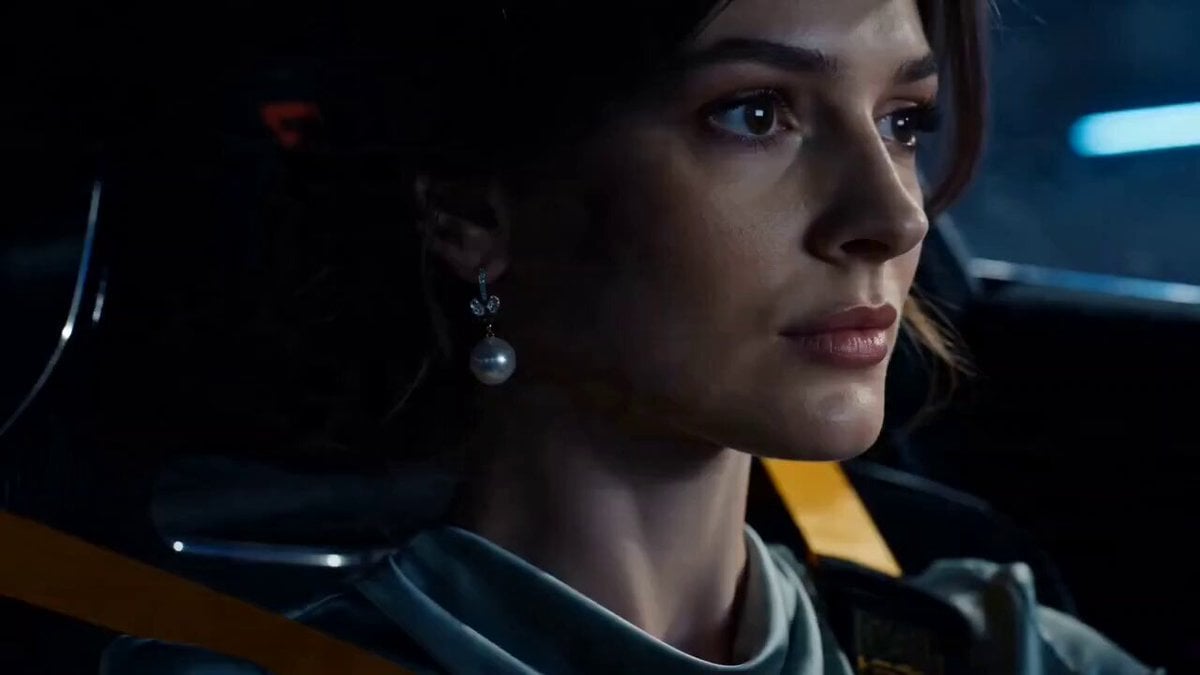
Porsche 911 GT3 RS Night Street Race
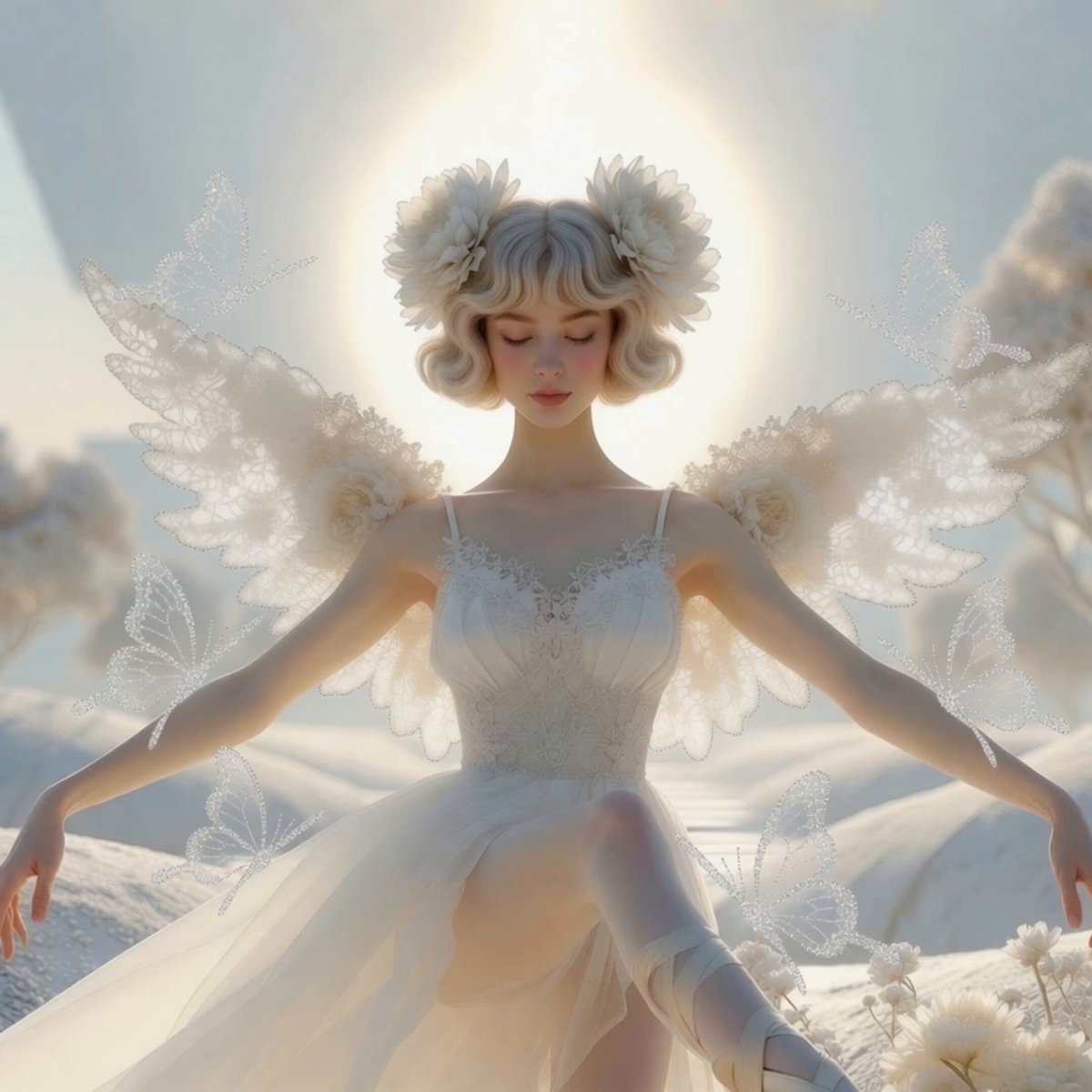
Serene Angel and Holographic Butterflies
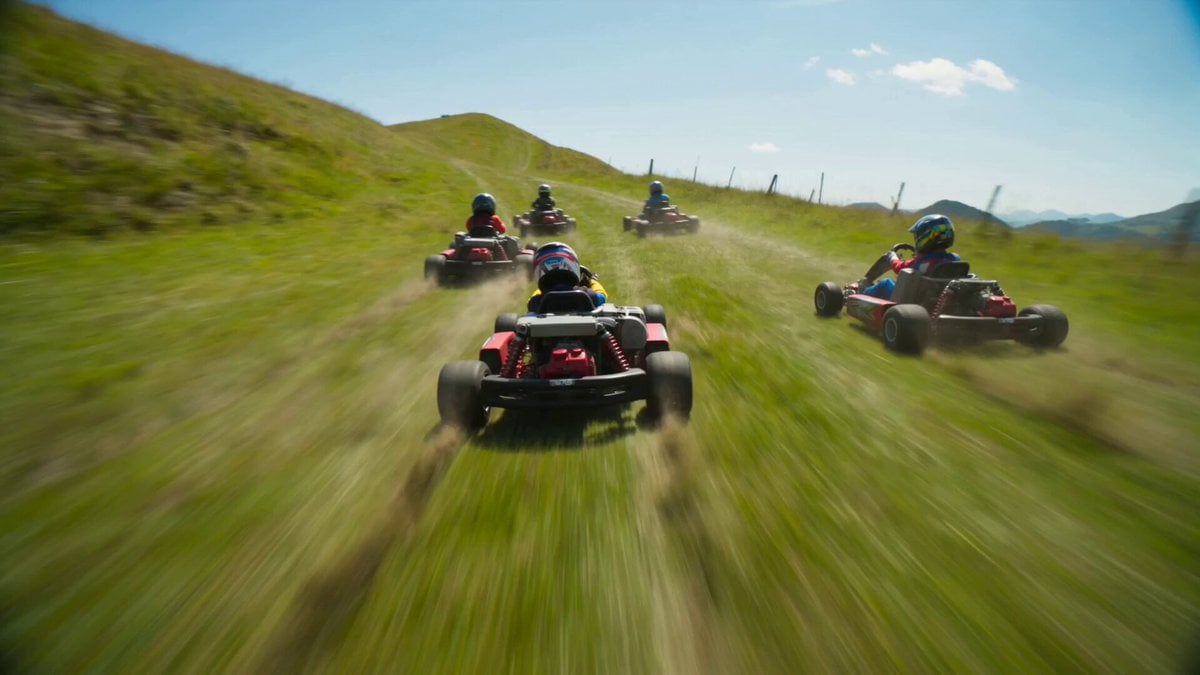
Rocket-Powered Go-Kart Race

Day in My Life Chibi Video Generation Prompt
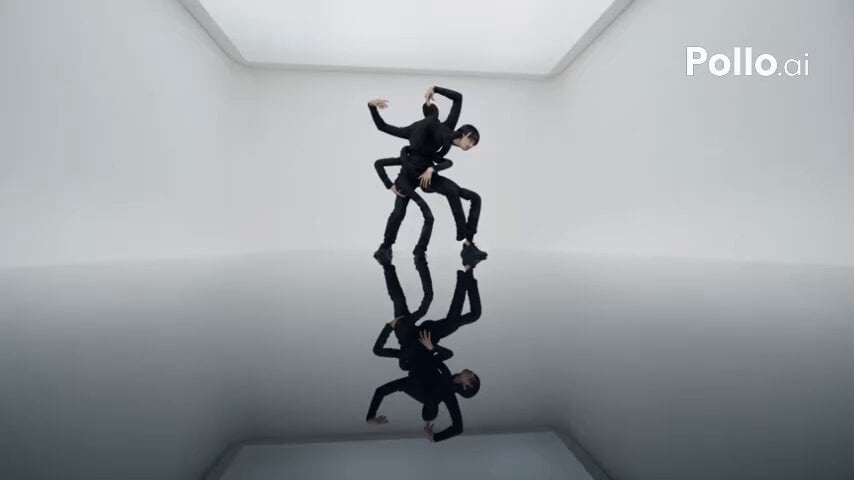
Surreal Body Distortion Exhibit
Workout time
Editorial Street Fashion Cinema Film
Cinematic motion video generation from a still image
Thornmaw Monarch — Crimson Glass Desert Beast

Browse template categories
Second Multi-Scene Video Prompt for a Sacred Eastern Realm questions
How do I use the 15-Second Multi-Scene Video Prompt for a Sacred Eastern Realm template?
Add your photo if the template asks for one, edit the prompt if you like — the template's model and format are already selected — and press Generate. Your version opens in PicX Studio.
Can I customize the 15-Second Multi-Scene Video Prompt for a Sacred Eastern Realm template?
Yes. You can change the subject, setting, lighting, mood, format, and available model controls before creating your video.
Is the 15-Second Multi-Scene Video Prompt for a Sacred Eastern Realm template free?
Opening and editing this template is free. Generating uses credits, shown on the Generate button when you are signed in.
Which AI model should I use?
Start with Seedance 2.0, which is the model associated with this template. You can compare another compatible model for a different finish.
Looking for something else? Browse all templates.

Your photo, any look
Thousands of ready templates for every top image and video model, from one credit balance.