
Epic Samurai Multi-Slash Sequence
A complex, highly detailed prompt for an epic samurai battle featuring speed ramping, afterimages, and cinematic camera work.
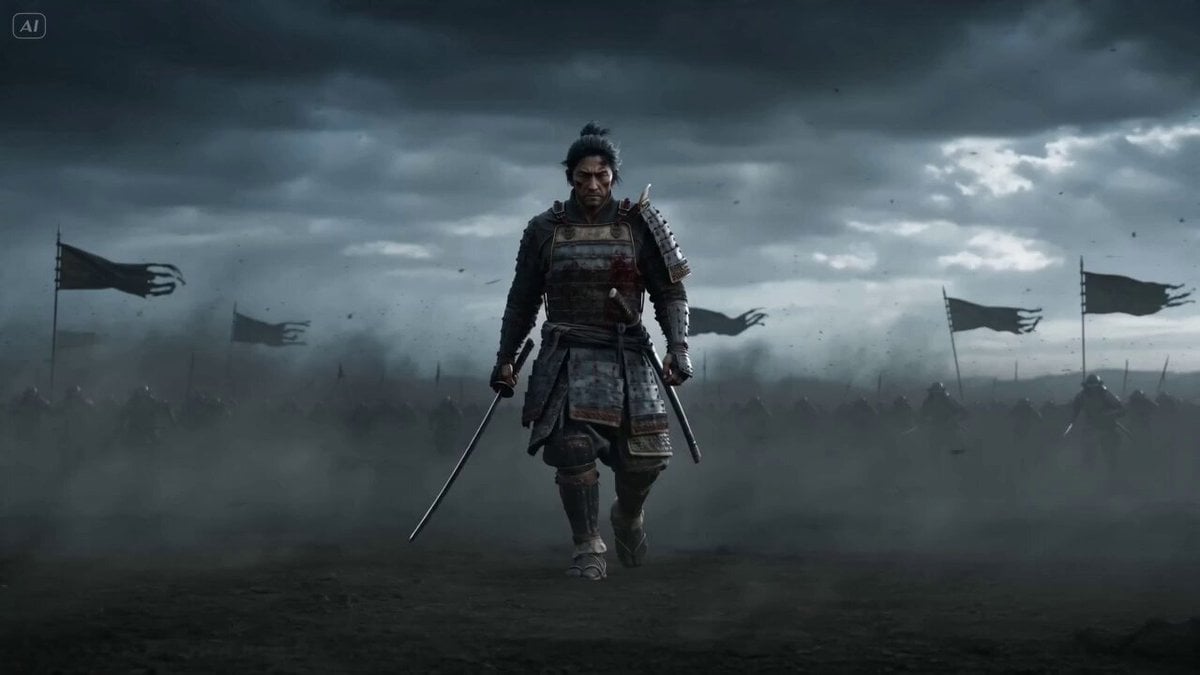
- Prompt included
- Model and format preset
- Premium template
The prompt behind this video
Copy the exact prompt behind Epic Samurai Multi-Slash Sequence, or open it in the studio and make it yours.
a rogue samurai, emotionless and deadly, wearing worn blood-stained armor, katana held low, eyes locked forward, wind tearing through his hair and cloak he walks forward slowly as multiple enemies charge him, then unleashes an instantaneous high-speed multi-slash sequence, striking all targets in a single invisible burst before they even react Ultra cinematic dynamic: slow push-in, sudden whip acceleration, orbit tracking, extreme close-ups, speed ramping, afterimage layering, dramatic slow motion reveal Scene Open battlefield under dark sky, dust storms, torn banners whipping violently, debris and ash floating in the air, heavy atmosphere Hyper realistic with stylized samurai energy, razor sharp motion blur, ghosted afterimages, high contrast lighting, cinematic particles, intense wind dynamics 0-4s Wide shot → slow push-in samurai walking alone, enemies rushing from all directions dust swirling, banners snapping hard 4-6s Close-up on his eyes, everything muffles visually, wind peaks, micro debris floating 6-8s Burst dash, instant acceleration forward, camera struggles to follow, motion blur tears through frame 8-11s Multi-slash illusion, afterimages of the samurai appear across the battlefield, multiple strike positions layered in space, katana flashes in fragmented light, enemies frozen mid-attack 11-13s Impact reveal, silence, time resumes, clean slicing lines appear across enemies, armor splits, weapons drop 13-15s Final shot, slow motion collapse of enemies behind him, samurai already past them, blade lowered wind settles, camera pushes in from behind CUT
How to use Epic Samurai Multi-Slash Sequence in 3 steps
- 1
Open
The prompt is already in the box next to the preview, with the template's model and format selected.
- 2…a portrait of your subject in softgolden-hour light, 85mm…
Personalize
Edit the subject and creative details for your destination.
- 3Generate
Generate
Press Generate — your video is created in PicX Studio, so you can compare it with the original and refine one variable at a time.
More like this
Templates with the same subject, style or setup. Open one to see its prompt.
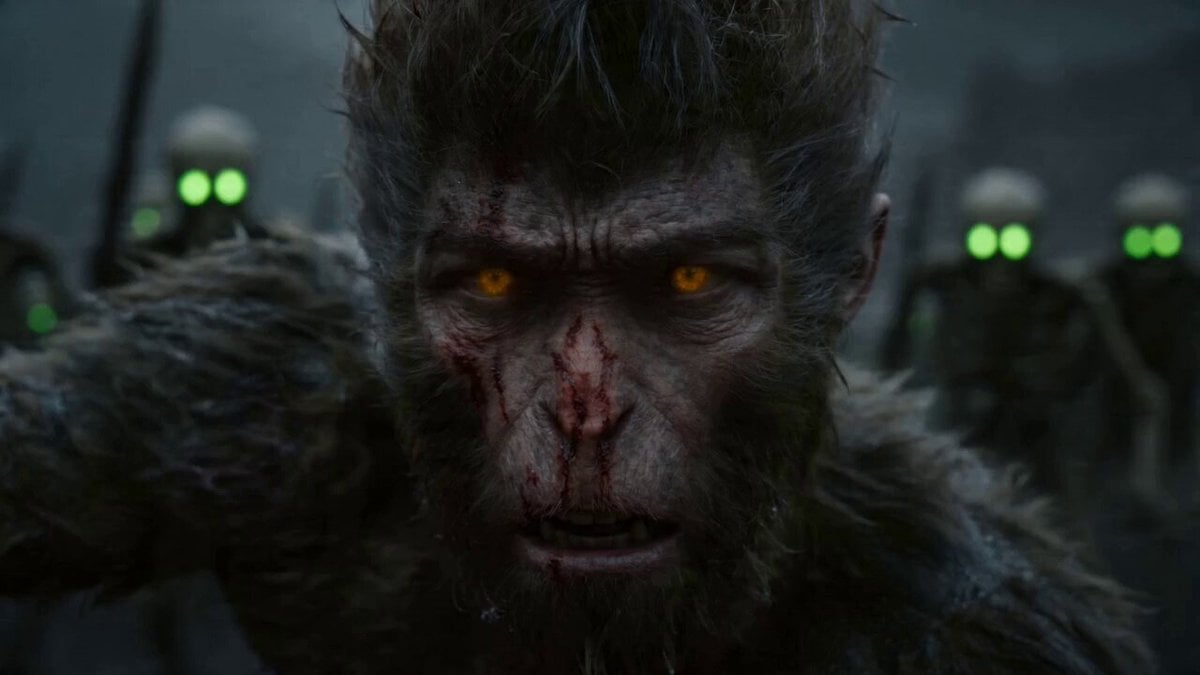
Epic Multi-Shot Sequence of Sun Wukong on a Mythological Battlefield
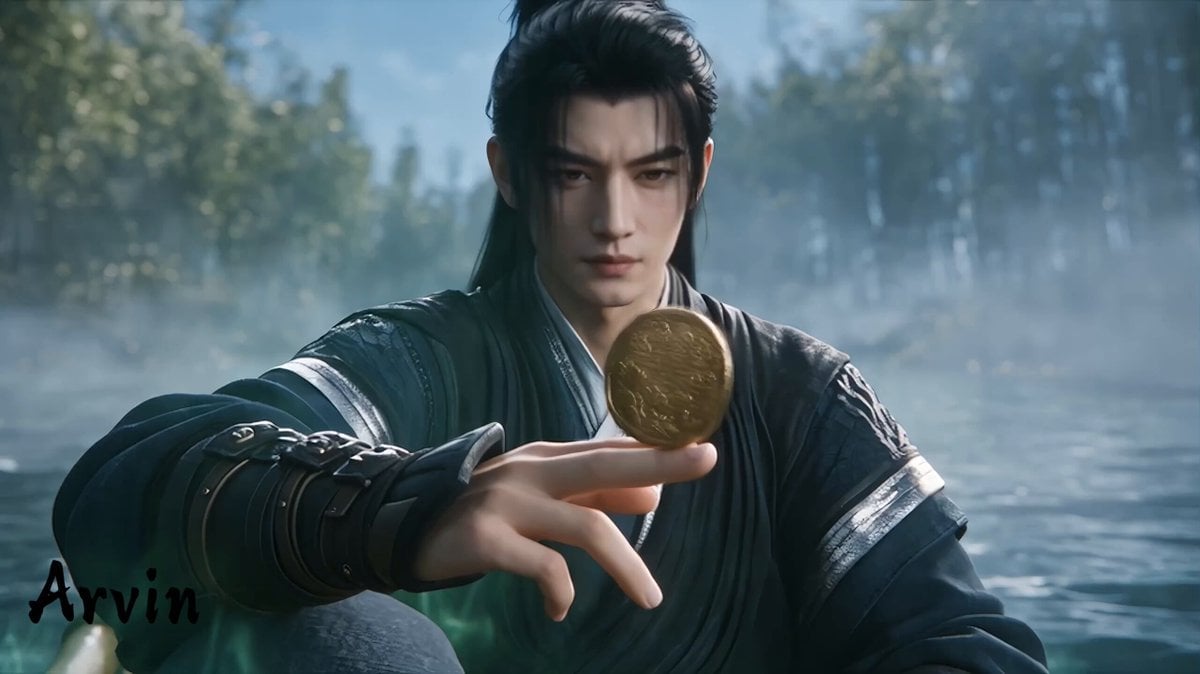
Extended Multi-Shot Xianxia Battle Sequence
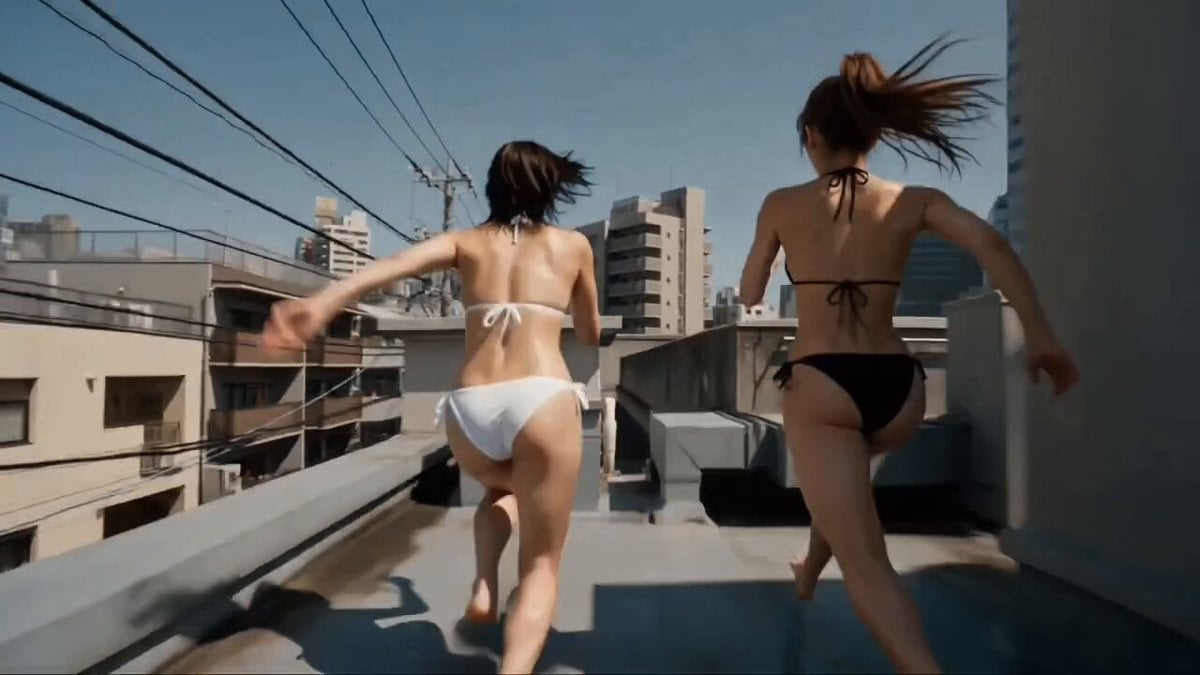
Multi-Character Parkour Action Sequence
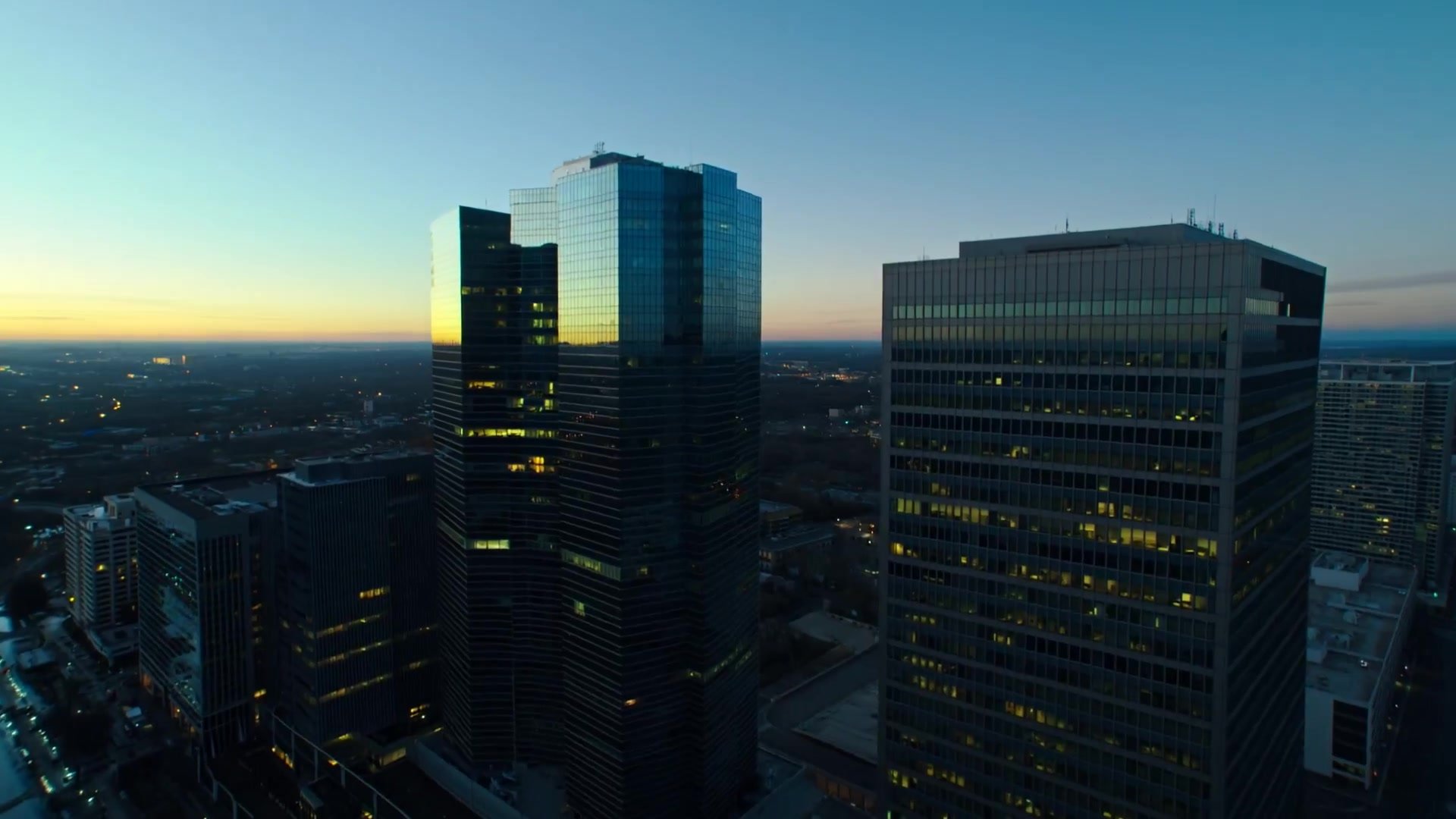
Multi-Shot Heist Sequence — Kling 3.0 O3 Pro

Oceanic Civilization Epic Sci-Fi Film
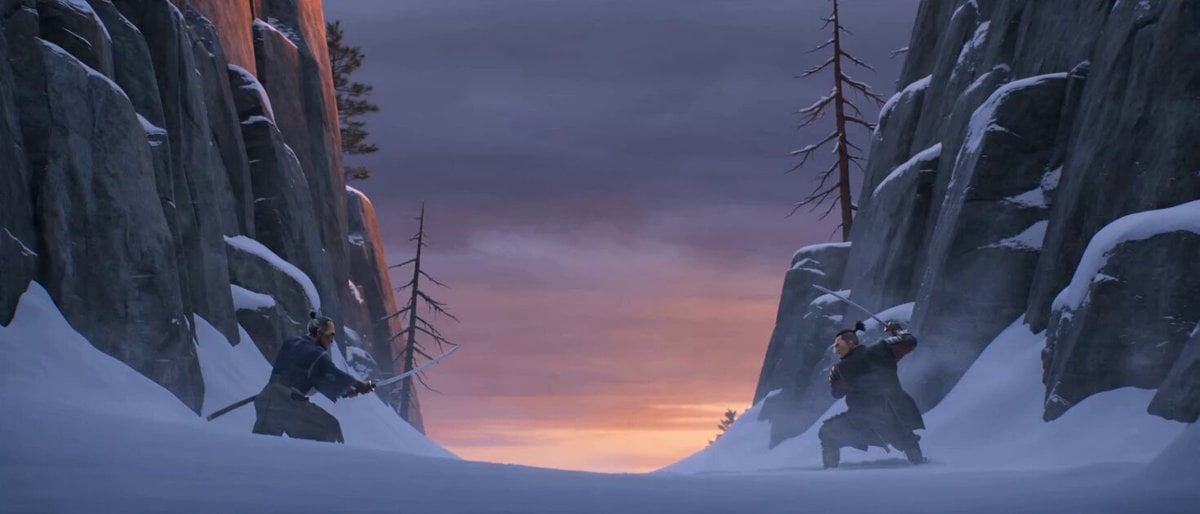
Cinematic Samurai Duel Sequence
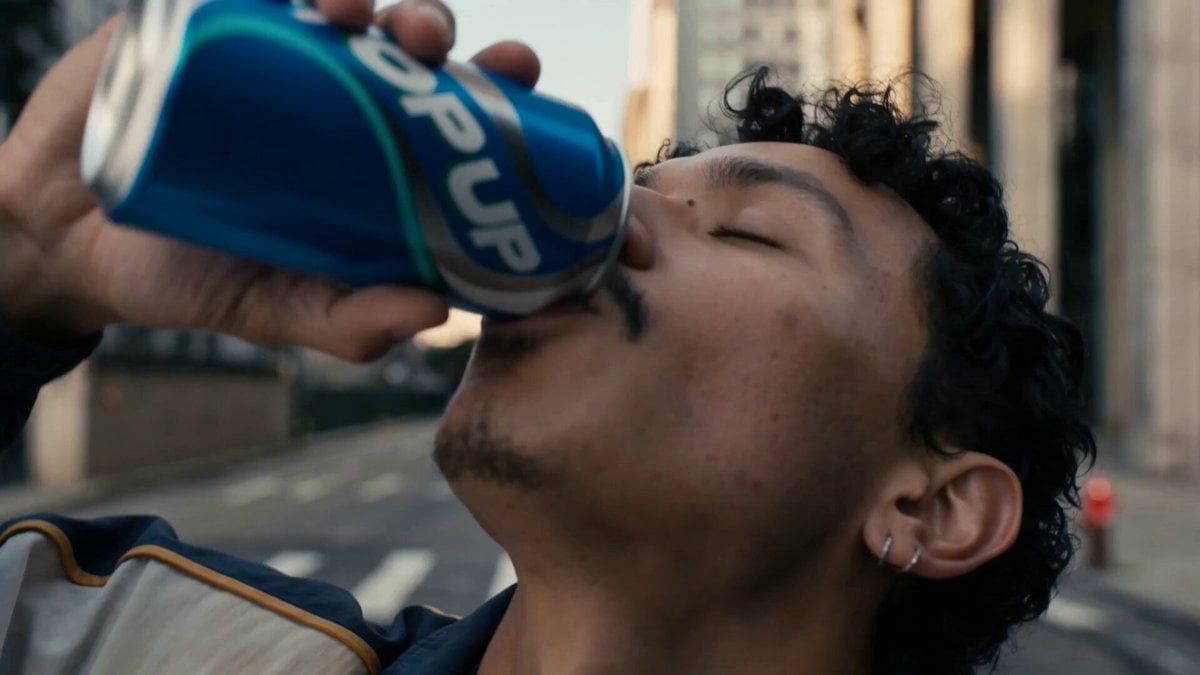
Neon Armor Epic Transformation Sequence
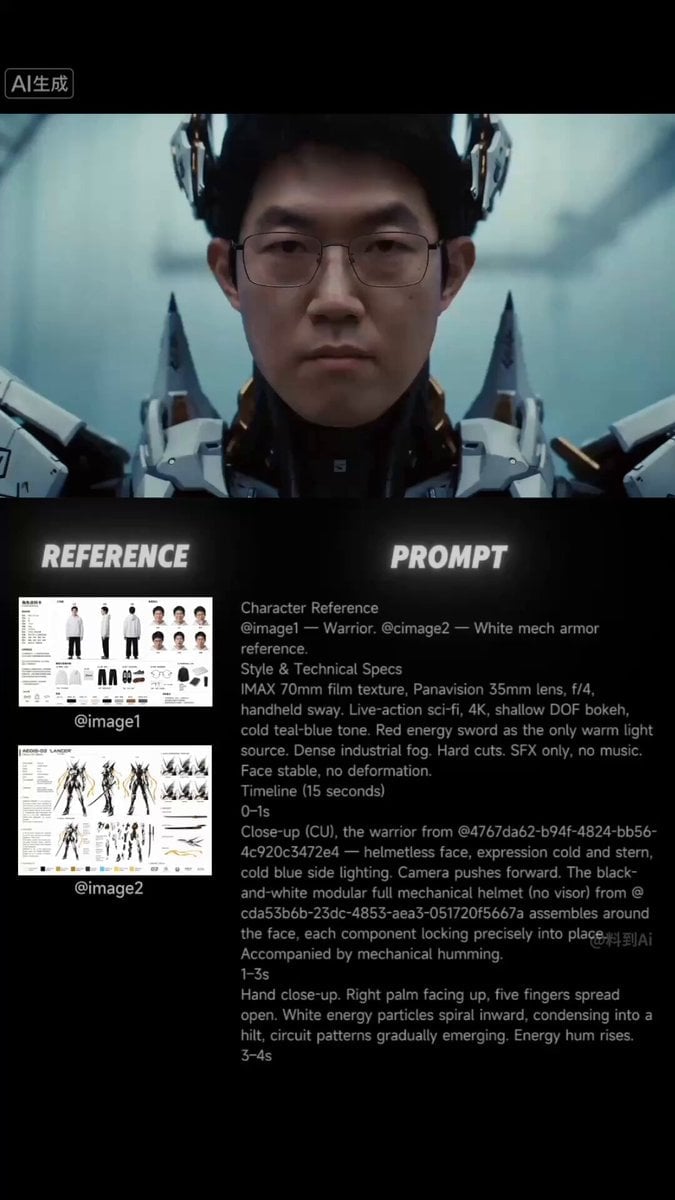
Sci-Fi Samurai Combat Sequence
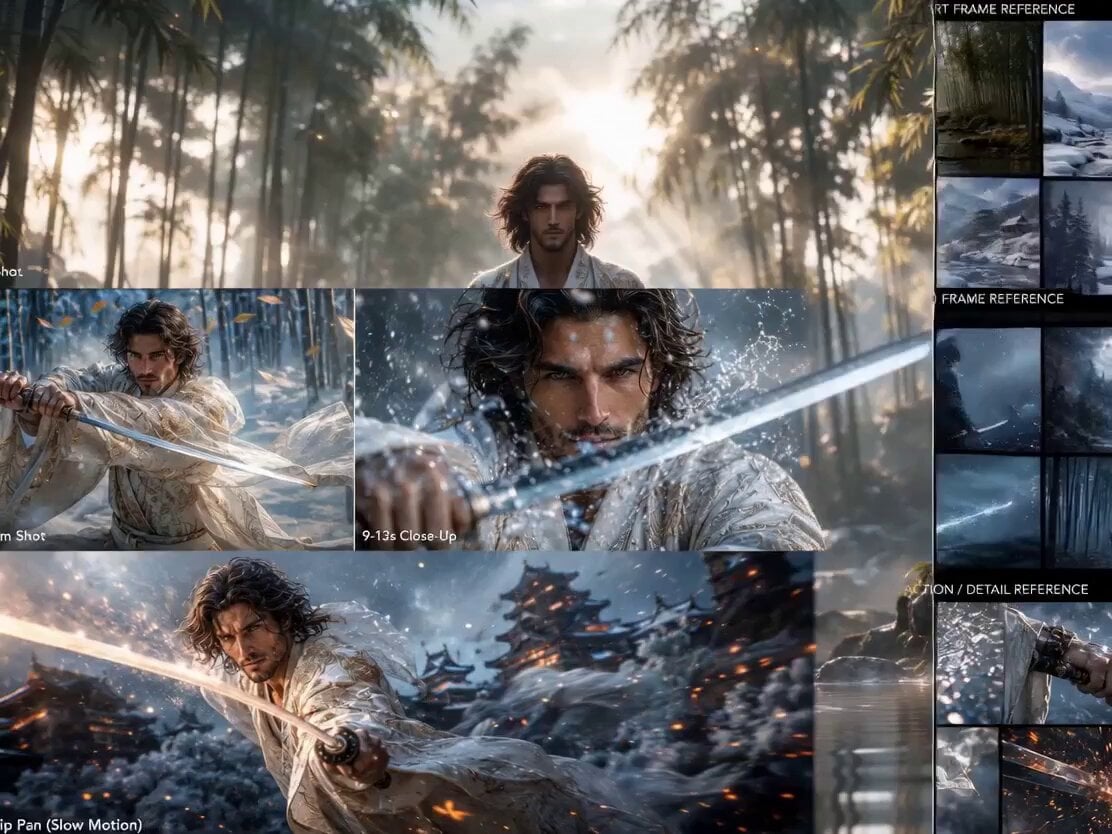
Epic Samurai Duel Master Prompt
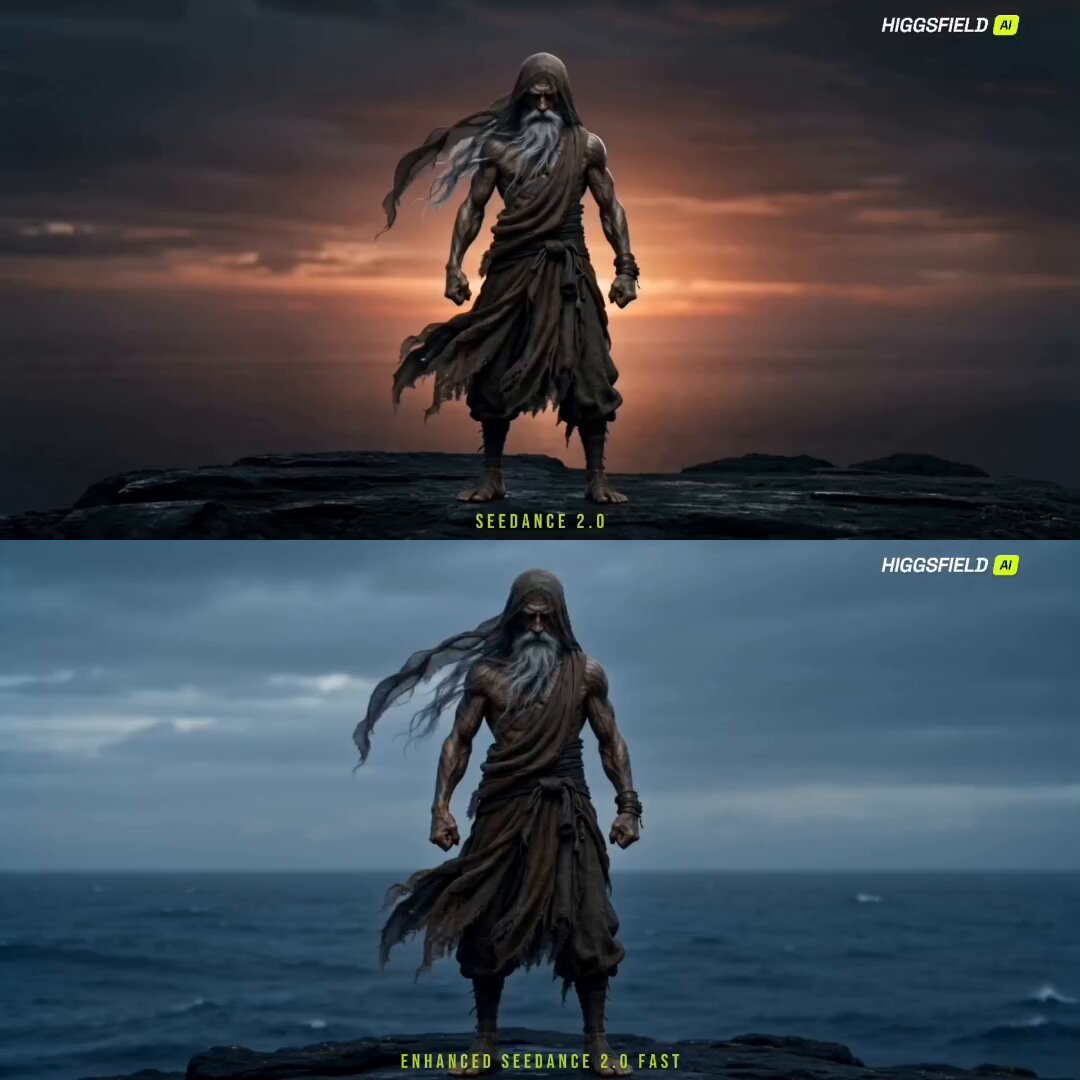
Cinematic Sorcerer vs Leviathan Multi-Shot Sequence
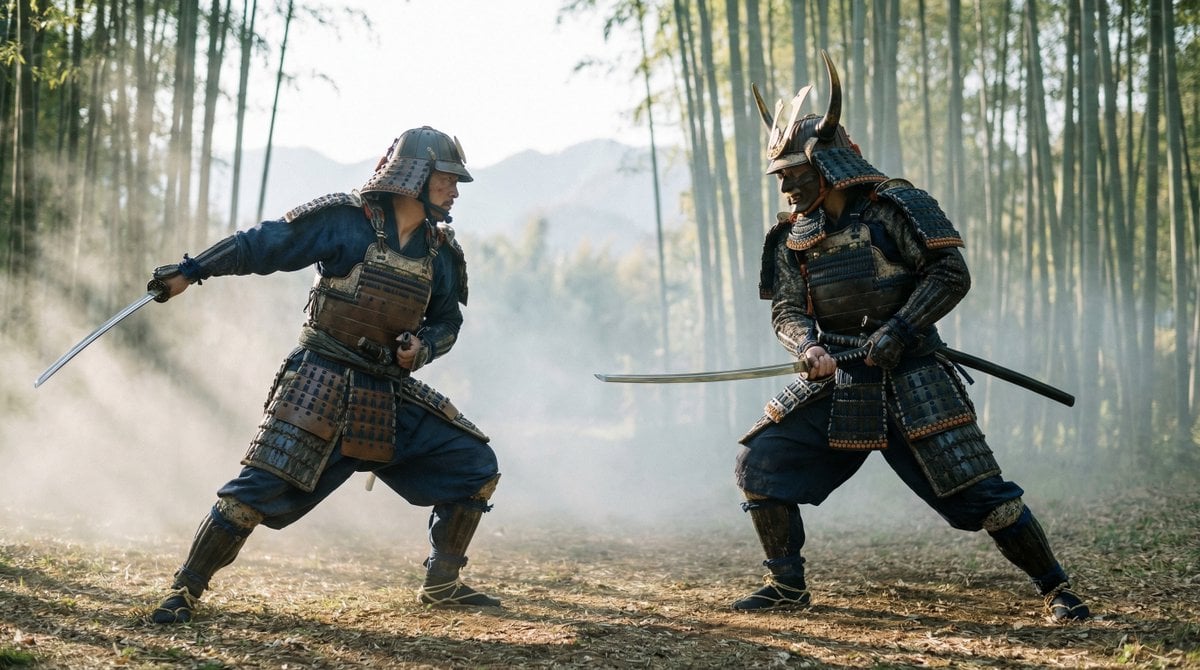
Samurai Duel Fight Sequence (Image-to-Video)
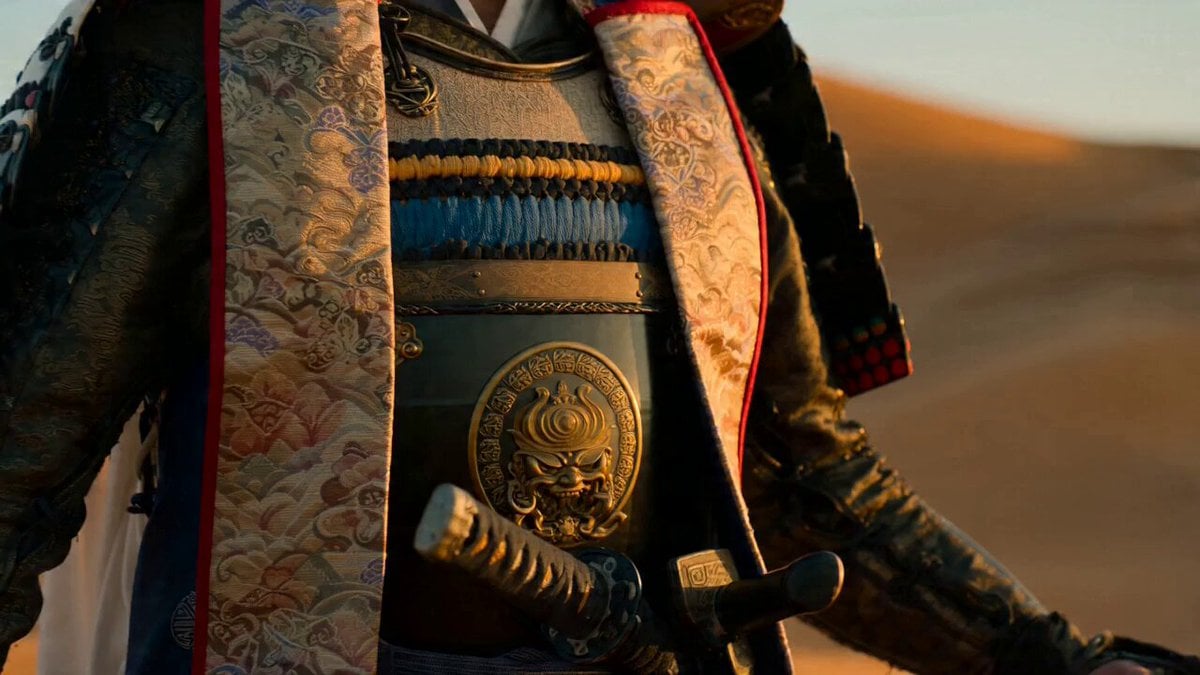
Samurai Desert Action Sequence Prompt
Make it yours
Epic Samurai Multi-Slash Sequence works as-is. These are the safest ways to change it without losing the look.
Change one field
Copy a single group, rewrite it, and generate again so you can see what that field is doing.
Keep the frame, change the subject
Hold the composition and light of Epic Samurai Multi-Slash Sequence, then swap wardrobe, props or the person for a new take.
| If the result… | Why | Fix |
|---|---|---|
| The result drifts from the preview | Too many fields changed at once. | Reuse Epic Samurai Multi-Slash Sequence as-is first, then change one group — subject, light, or setting. |
| The model over-stylizes the scene | The prose prompt leaves finish and camera underspecified. | Add one camera or lighting sentence and stay on Seedance 2.0. |
More Seedance 2.0 templates
Other prompts made for Seedance 2.0.

Comical Martial Arts Punch Scene

Maglev Train Action Sequence

Martial Arts Fight Sequence

Wuxia Protection and Trust Script

Vintage Korean Arcade MiniDV Vlog

Mercedes 190 SL Luxury Ad

Rainy Night Supernatural Reverse Comedy Video Script

Amazon Civilization Discovery

Futuristic South Asian City Transformation

Cozy Luxury Cafe Commercial
More video prompts
Fresh picks from across the catalog.
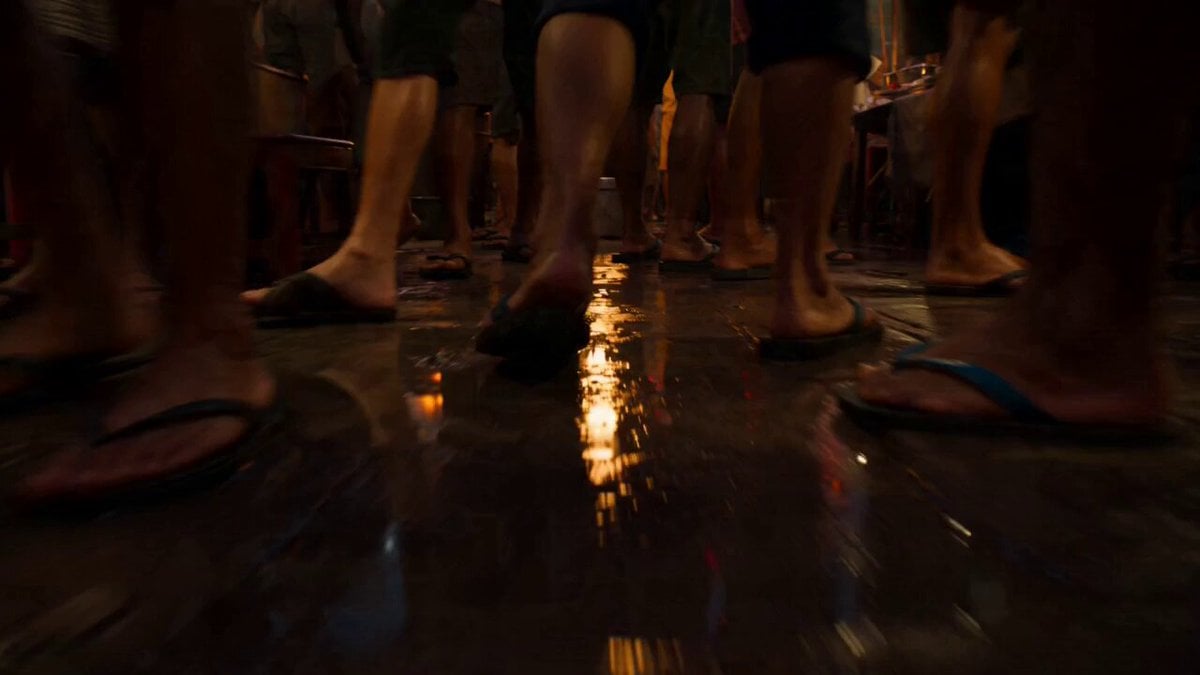
Impossible Camera Move through a Southeast Asian Night Market
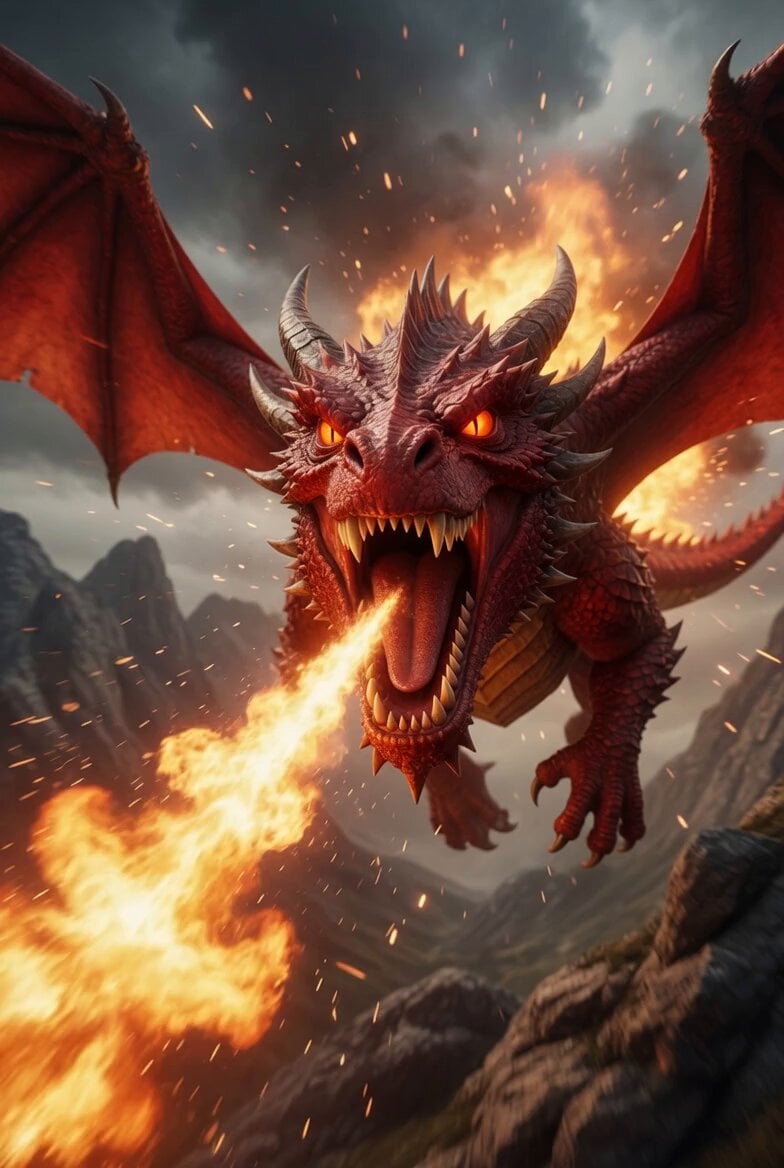
Animated Dragon Battle Sequence
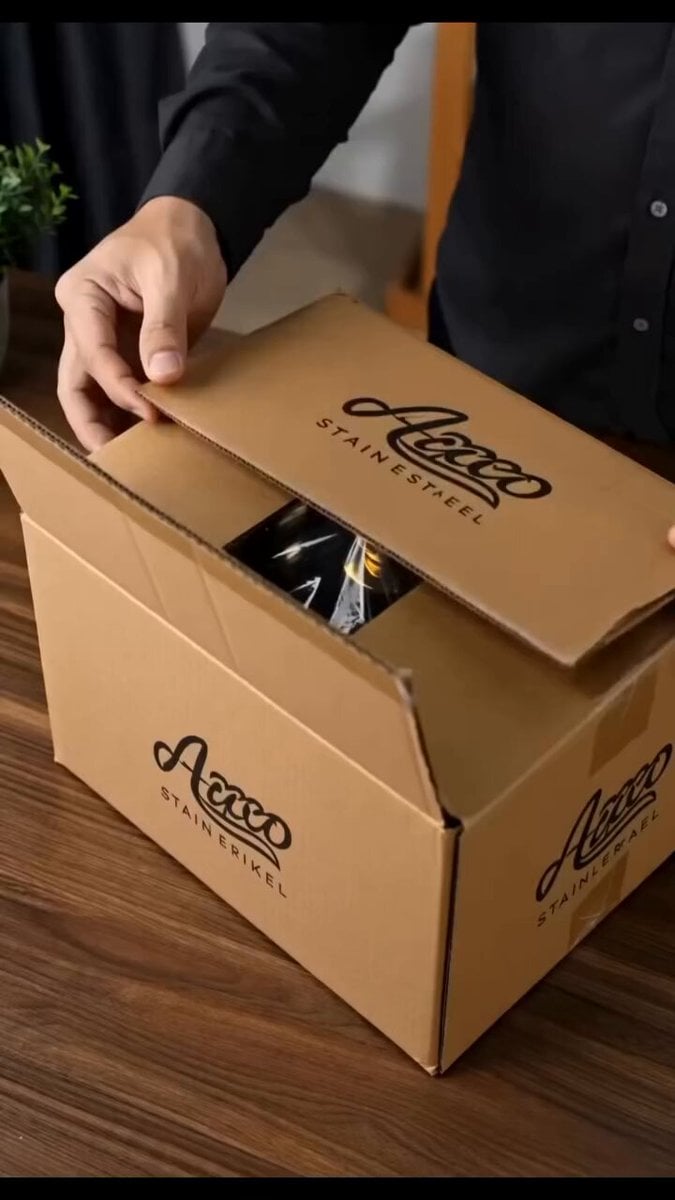
Stainless Steel Cookware Commercial
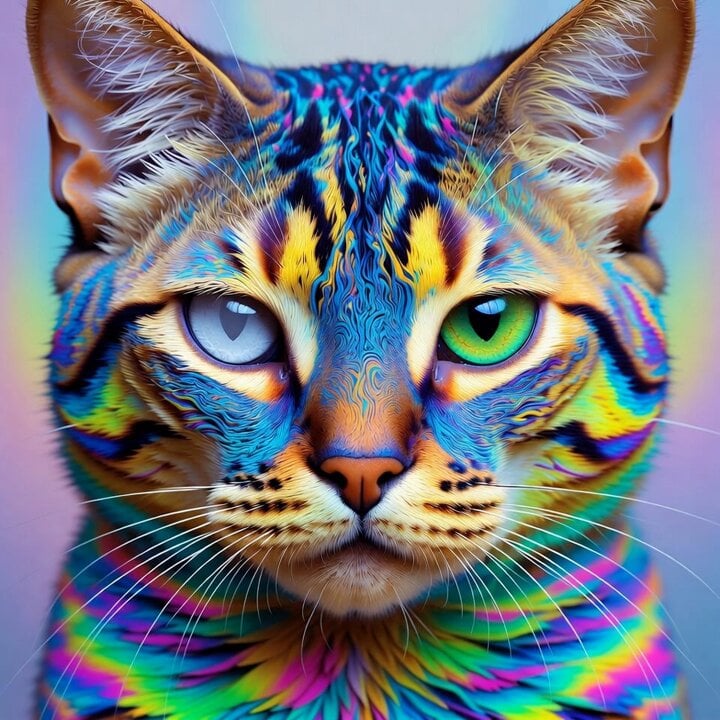
Ultra realistic psychedelic feline portrait
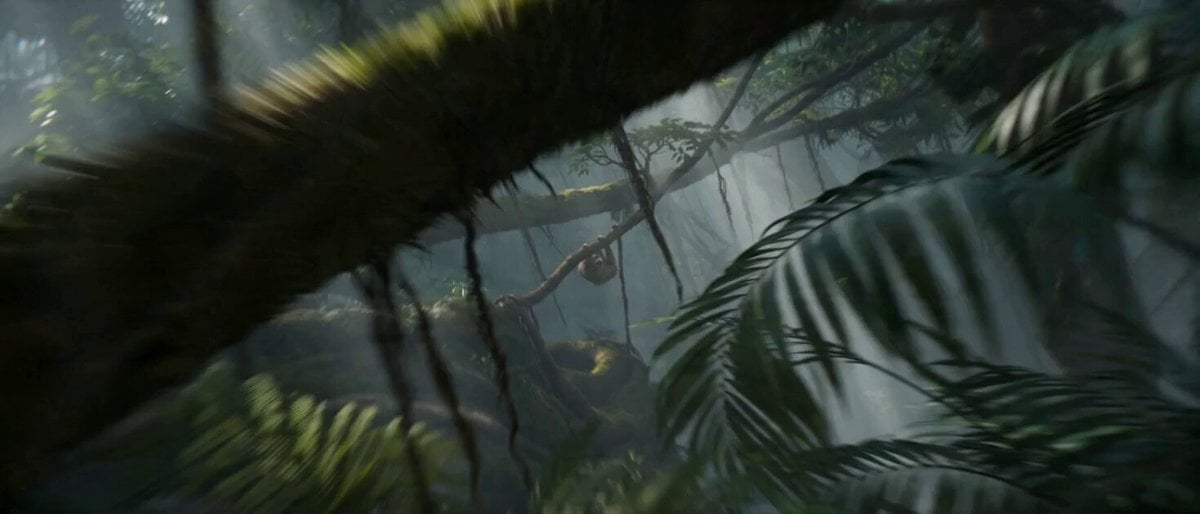
Impossible Camera Moves in Amazon Rainforest

Grok-imagine 1.5 Digital Human Video Script
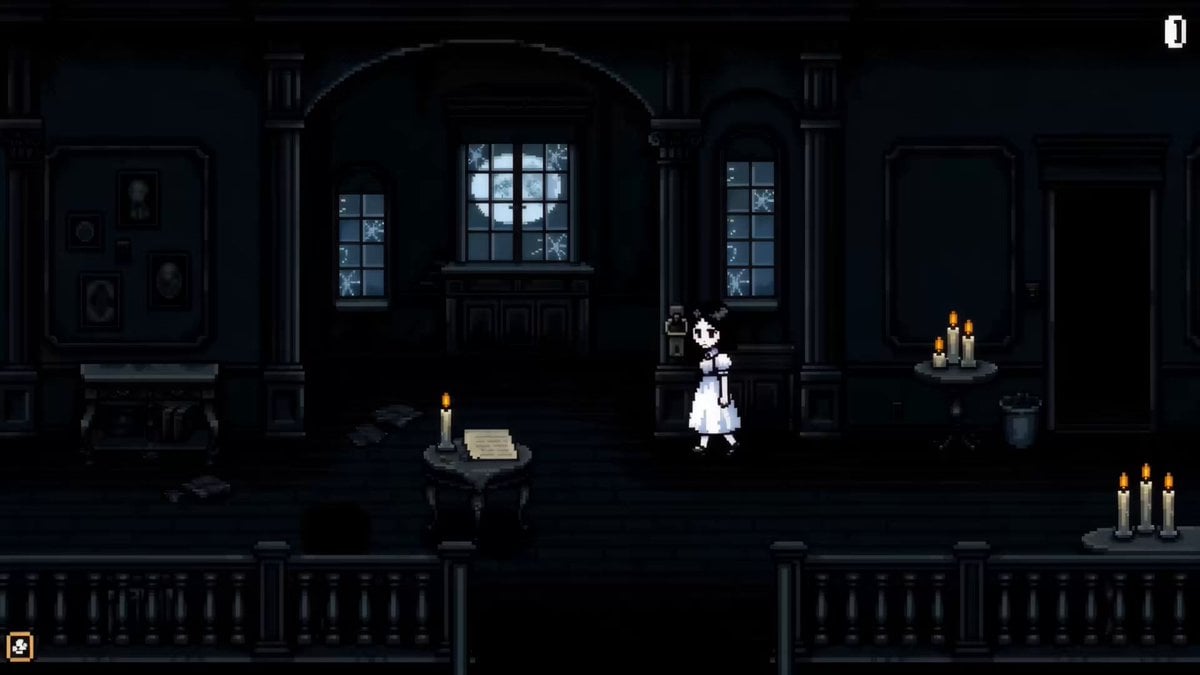
Pixel Art Horror RPG Gameplay Scene
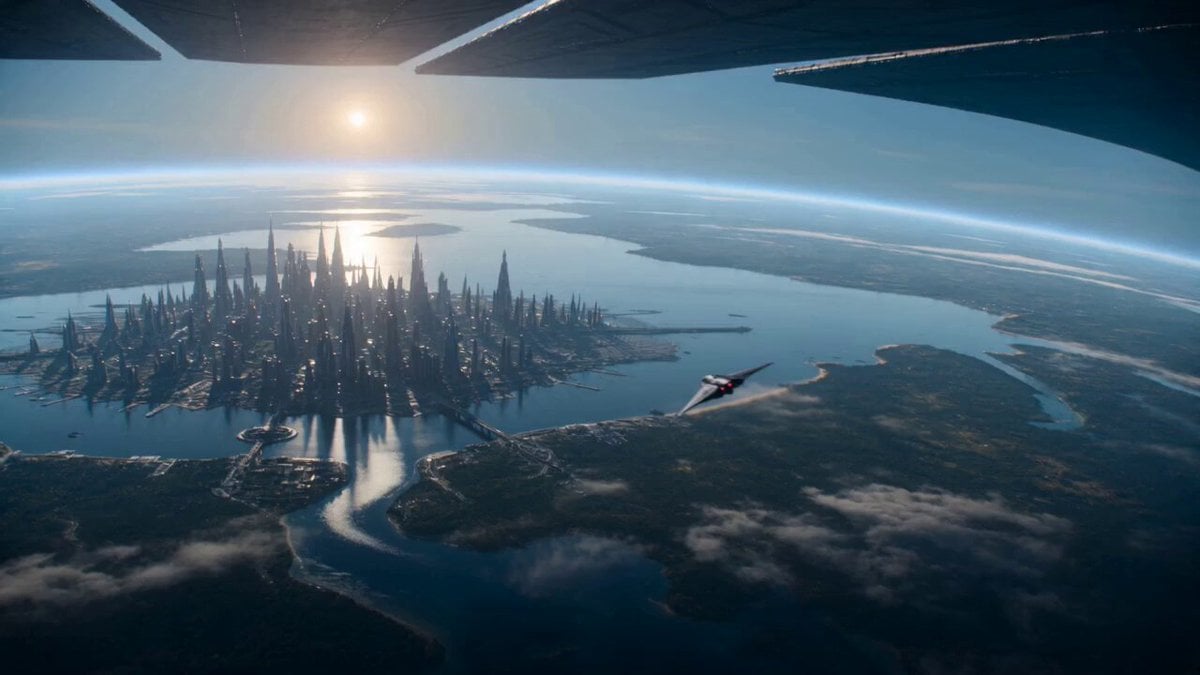
Sci-Fi Planetary Defense Sequence
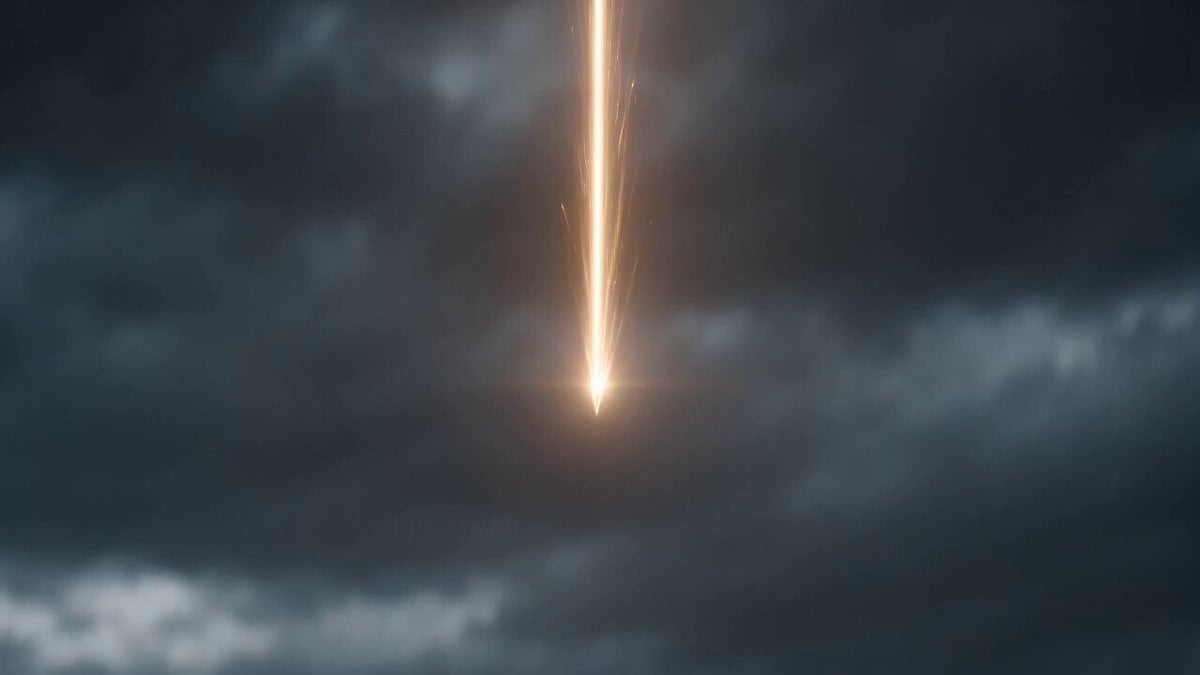
Oriental Fantasy Martial Arts Masterpiece
Construction Time-Lapse Animation
Browse template categories
Epic Samurai Multi-Slash Sequence questions
How do I use the Epic Samurai Multi-Slash Sequence template?
Add your photo if the template asks for one, edit the prompt if you like — the template's model and format are already selected — and press Generate. Your version opens in PicX Studio.
Can I customize the Epic Samurai Multi-Slash Sequence template?
Yes. You can change the subject, setting, lighting, mood, format, and available model controls before creating your video.
Is the Epic Samurai Multi-Slash Sequence template free?
Opening and editing this template is free. Generating uses credits, shown on the Generate button when you are signed in.
Which AI model should I use?
Start with Seedance 2.0, which is the model associated with this template. You can compare another compatible model for a different finish.
Looking for something else? Browse all templates.

Your photo, any look
Thousands of ready templates for every top image and video model, from one credit balance.