How do I use the Grok-imagine 1.5 Digital Human Video Script template?
Edit the prompt in the box under the preview — the template's model and format are already selected — and press Generate. Your version appears right on this page.
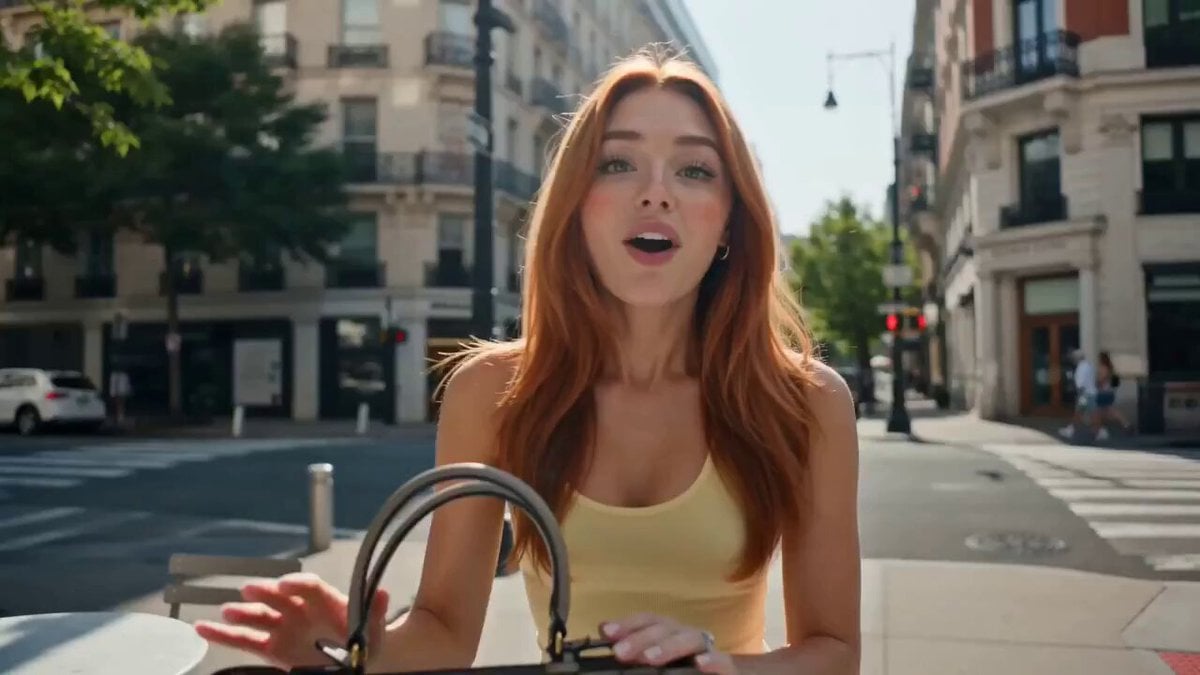
A detailed prompt for generating a digital human video with a host talking to the camera, featuring an animated fire background and a specific relationship-themed monologue.
前景:主播看向镜头,开场直接抛钩子。 背景动画:一团火从“第一次同居”开始燃烧,慢慢变小。 她说(66字): “为什么很多人同居之后,后来就提不起劲了?不是他突然变冷,而是第一次同居,往往会把一个人对亲密关系的想象、主动和热情,提前烧掉一大半。”
前景:主播看向镜头,开场直接抛钩子。 背景动画:一团火从“第一次同居”开始燃烧,慢慢变小。 她说(66字): “为什么很多人同居之后,后来就提不起劲了?不是他突然变冷,而是第一次同居,往往会把一个人对亲密关系的想象、主动和热情,提前烧掉一大半。”
Edit the prompt in the box under the preview — the template's model and format are already selected — and press Generate. Your version appears right on this page.
Yes. You can change the subject, setting, lighting, mood, format, and available model controls before creating your video.
Opening and editing this template is free. Generating uses credits, shown on the Generate button when you are signed in.
Start with Grok Imagine, which is the model associated with this template. You can compare another compatible model for a different finish.
Follow a topic to a crawlable collection of related PicX Studio templates.