
Cinematic Morning Coffee Ritual
A lifestyle video prompt capturing the aesthetic ritual of making coffee and visiting a bakery, with detailed shot timings and lighting settings.
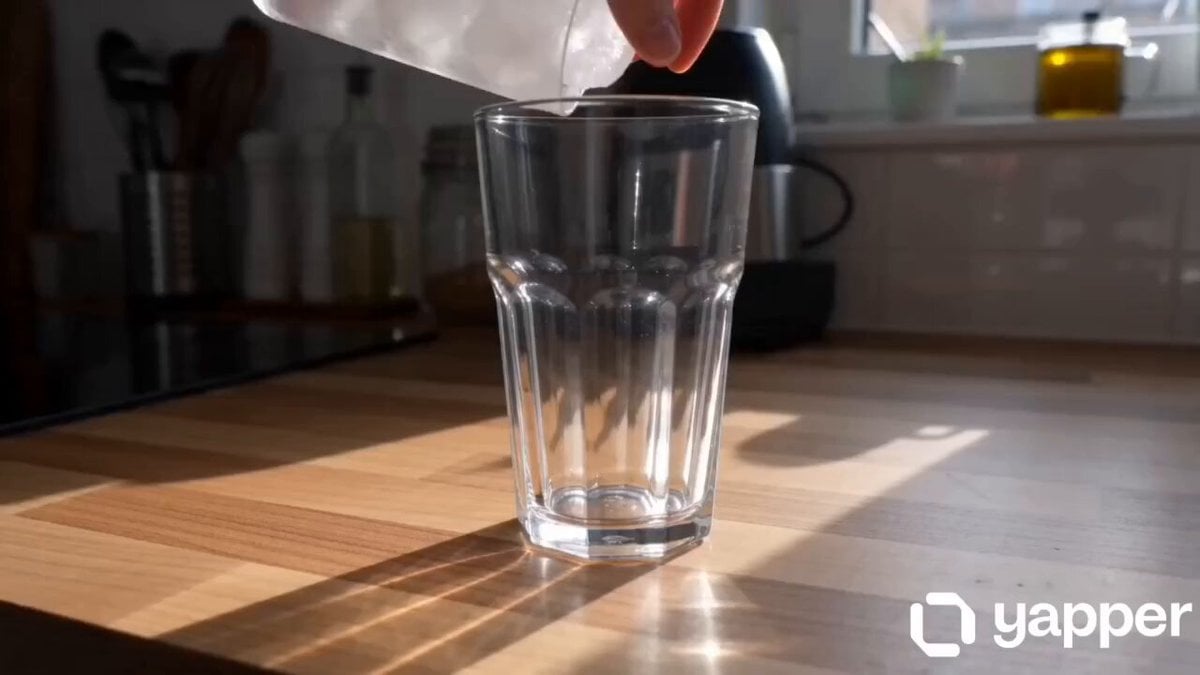
- Prompt included
- Model and format preset
- Premium template
The prompt behind this video
Copy the exact prompt behind Cinematic Morning Coffee Ritual, or open it in the studio and make it yours.
[00:00–00:01] Kitchen. Close-up. Clear glass placed on table, soft morning light. [00:01–00:02] Close-up. Ice cubes dropped into glass. [00:02–00:03] Close-up. Cold milk poured slowly. [00:03–00:04] Close-up. Espresso poured → smooth dirty latte layering effect. [00:04–00:05] Close-up. Coffee swirling, satisfying motion. [00:05–00:06] Medium shot. She picks up the glass, soft relaxed posture. [00:06–00:07] Transition. Walking toward bakery, hair moving gently. [00:07–00:08] Bakery. Close-up. Hand selecting cheese croissant. [00:08–00:09] Close-up. Croissant placed into paper bag. [00:09–00:10] Medium shot. She steps outside holding latte + bag. [00:10–00:11] Close-up. She opens bag slightly, croissant visible. [00:11–00:12] Close-up. Small bite of croissant, soft satisfied expression. [00:12–00:13] Side walking shot. Holding coffee + croissant, relaxed vibe. [00:13–00:14] Medium close-up. Sunlight hits face, hair flowing softly. [00:14–00:15] Final shot. Walking forward, calm confident energy, natural ending hold. SETTING: Apartment kitchen → bakery → outdoor street LIGHTING: Warm indoor light + soft natural daylight STYLE: Handheld camera, shallow depth of field, gentle motion blur, cinematic lifestyle aesthetic VISUAL STYLE: Soft pastel tones, creamy coffee colors, warm bakery light, airy daylight outdoors, dreamy highlights NEGATIVE: identity change, wrong outfit, unrealistic food, harsh lighting, blur, distortion, low quality
How to use Cinematic Morning Coffee Ritual in 3 steps
- 1
Open
The prompt is already in the box next to the preview, with the template's model and format selected.
- 2…a portrait of your subject in softgolden-hour light, 85mm…
Personalize
Edit the subject and creative details for your destination.
- 3Generate
Generate
Press Generate — your video is created in PicX Studio, so you can compare it with the original and refine one variable at a time.
More like this
Templates with the same subject, style or setup. Open one to see its prompt.
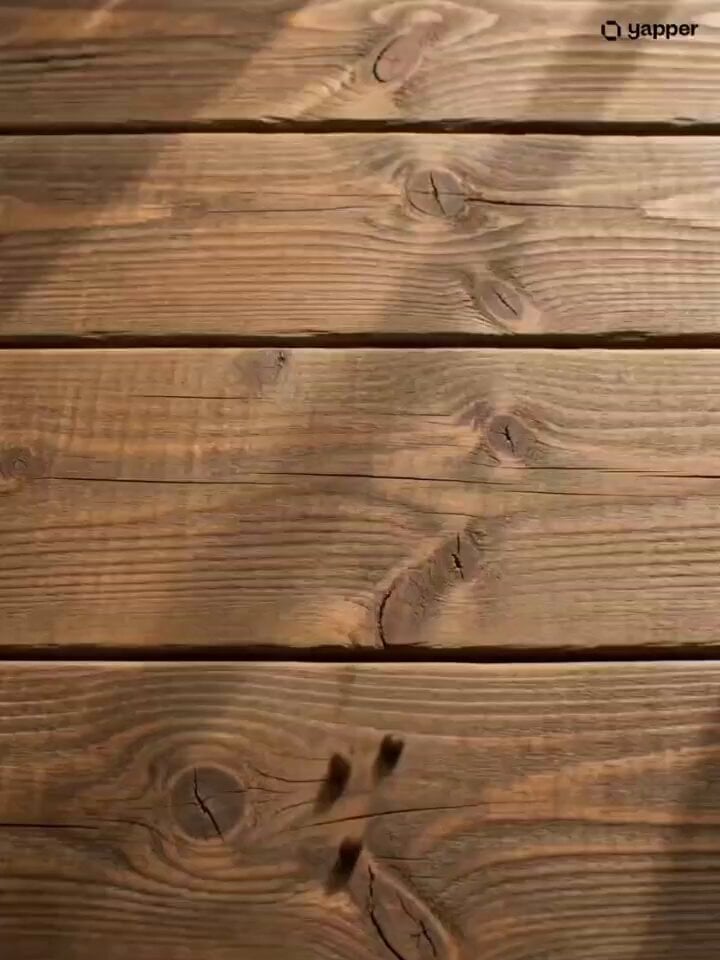
Coffee Stop-Motion Morning Ritual

Mediterranean Coffee Run Vlog - Seedance 2.5

Realistic Morning Routine Lifestyle Vlog - Seedance 2.5
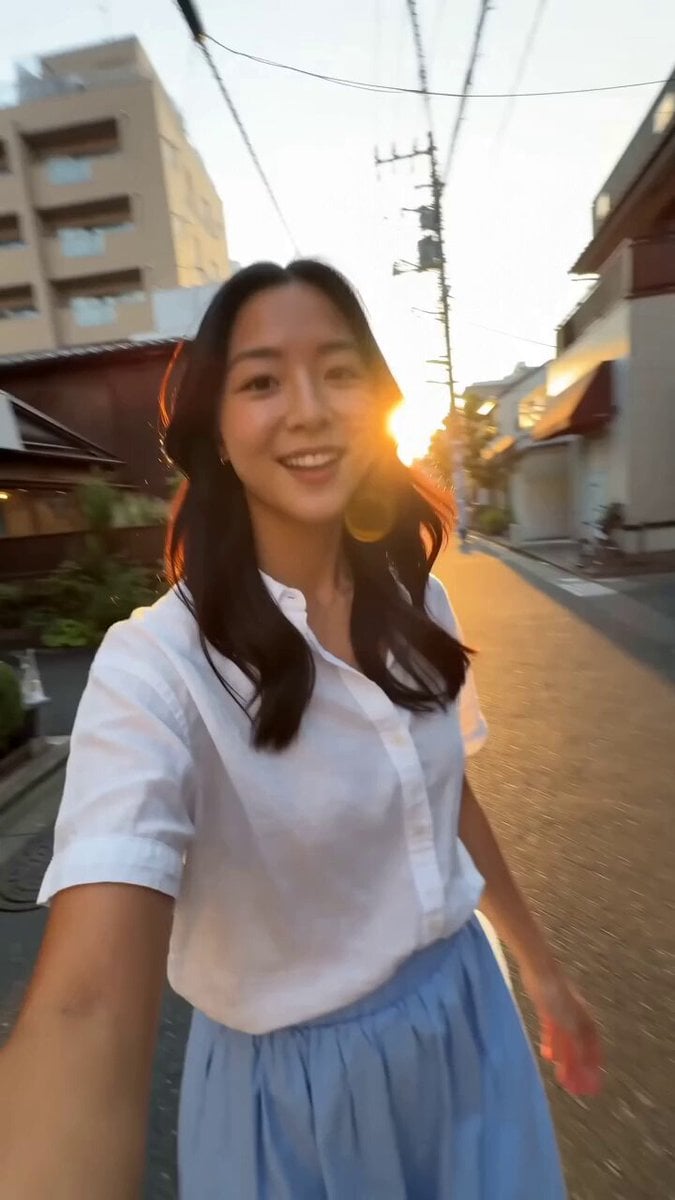
Tokyo Morning Coffee Smartphone Vlog
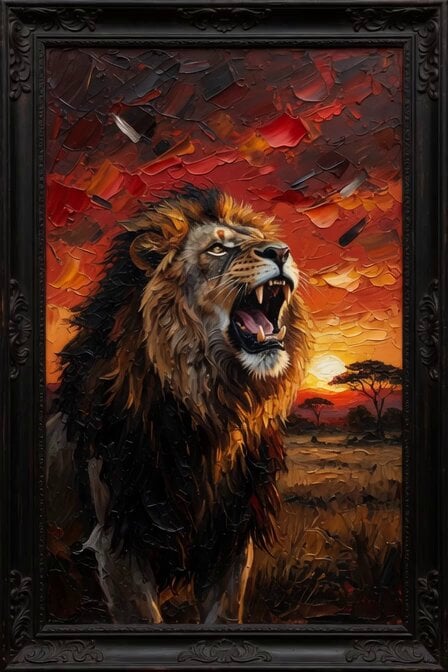
Morning Coffee with Lion

Capsule Coffee Machine Tutorial
Rushed Morning Routine Montage

Kyoto Morning Selfie Vlog
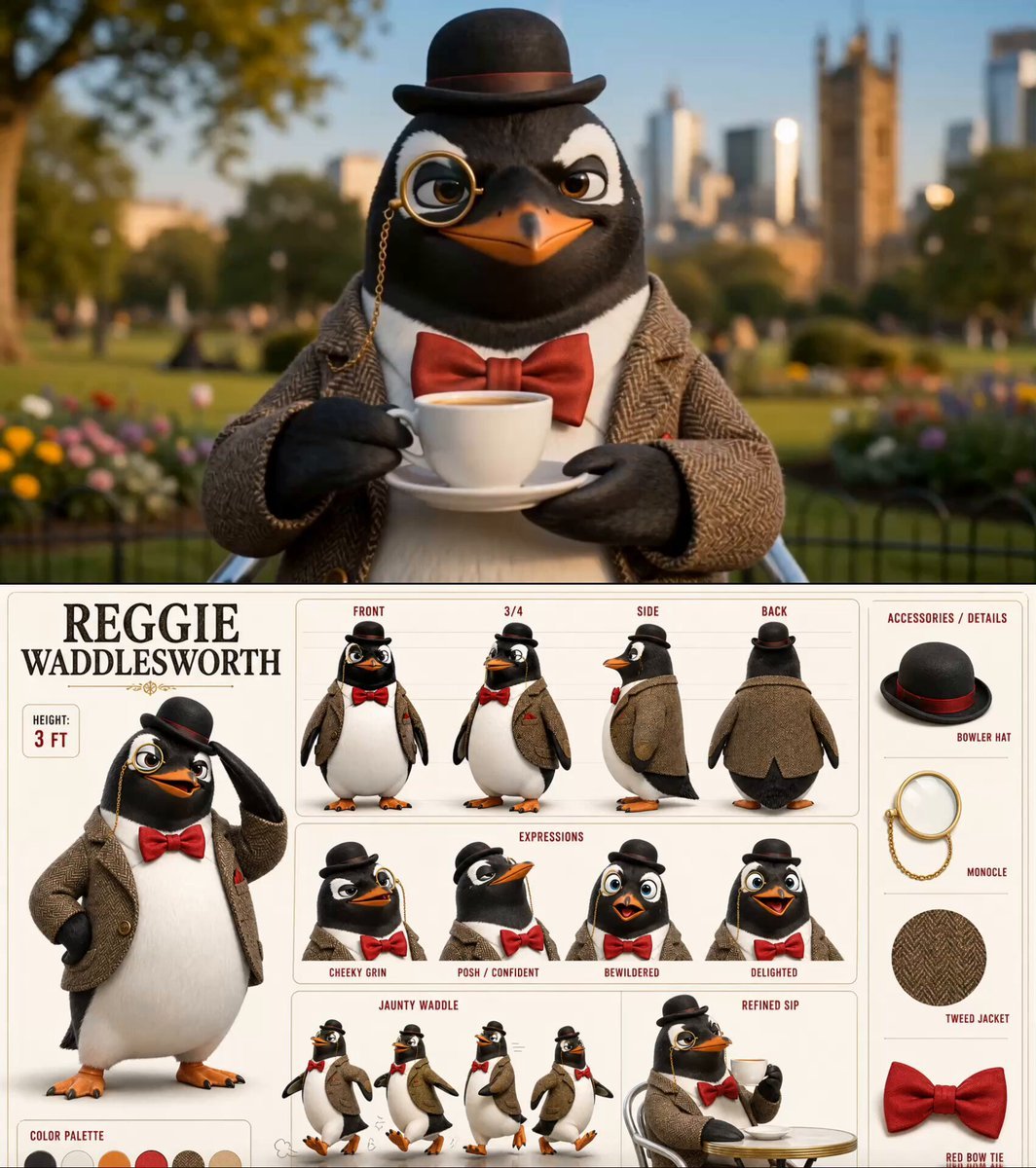
Dapper Penguin Morning Coffee
Morning Beauty Ritual Vlog
Cinematic Fashion Morning Ritual
Magical Skincare Morning Ritual
Make it yours
Cinematic Morning Coffee Ritual works as-is. These are the safest ways to change it without losing the look.
Change one field
Copy a single group, rewrite it, and generate again so you can see what that field is doing.
Keep the frame, change the subject
Hold the composition and light of Cinematic Morning Coffee Ritual, then swap wardrobe, props or the person for a new take.
| If the result… | Why | Fix |
|---|---|---|
| The result drifts from the preview | Too many fields changed at once. | Reuse Cinematic Morning Coffee Ritual as-is first, then change one group — subject, light, or setting. |
| The model over-stylizes the scene | The prose prompt leaves finish and camera underspecified. | Add one camera or lighting sentence and stay on Seedance 2.0. |
More Seedance 2.0 templates
Other prompts made for Seedance 2.0.

Comical Martial Arts Punch Scene

Maglev Train Action Sequence

Martial Arts Fight Sequence

Wuxia Protection and Trust Script

Vintage Korean Arcade MiniDV Vlog

Mercedes 190 SL Luxury Ad

Rainy Night Supernatural Reverse Comedy Video Script

Amazon Civilization Discovery

Futuristic South Asian City Transformation

Cozy Luxury Cafe Commercial
More video prompts
Fresh picks from across the catalog.
Man's Over-the-Top Reaction to a Spider
Cinematic Sports Car in Void

Water Elemental rising from waves

Cosmic Sand Silhouette Transformation

Cinematic shot of a woman walking with an umbrella
Western Narrative Multi-Cut Video Prompt
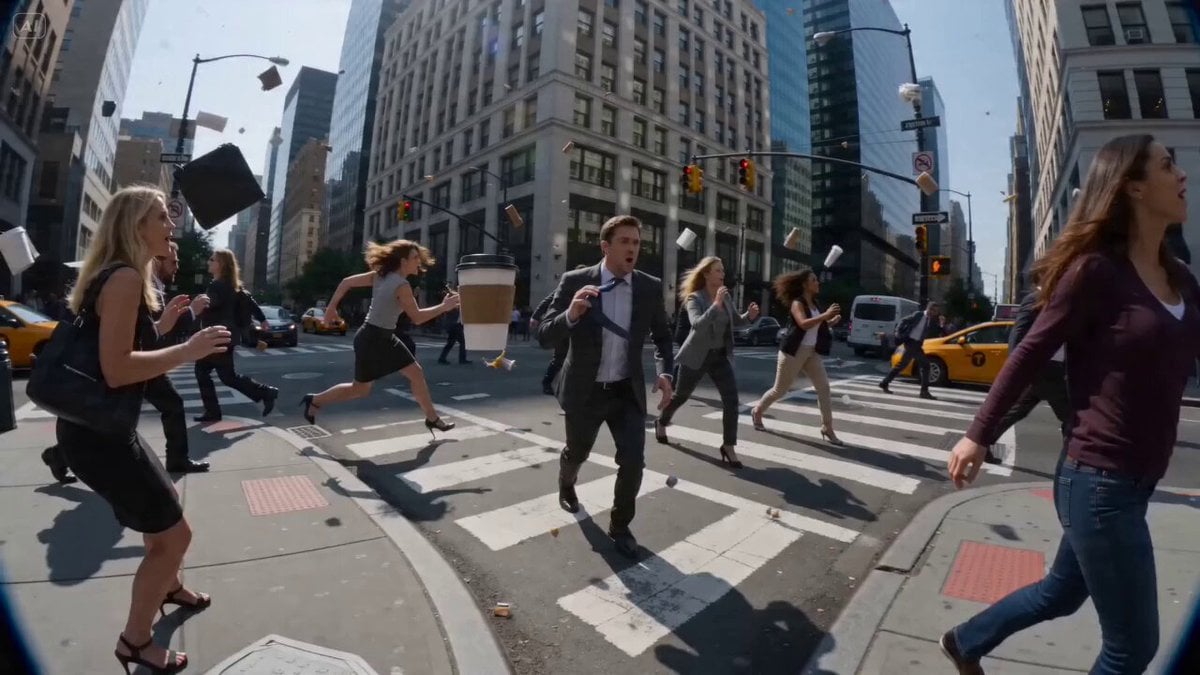
POV Time-Freeze JSON Prompt for Seedance 2

3D Animated Football Story

Vintage Disney Style Pirate Crocodile Animation
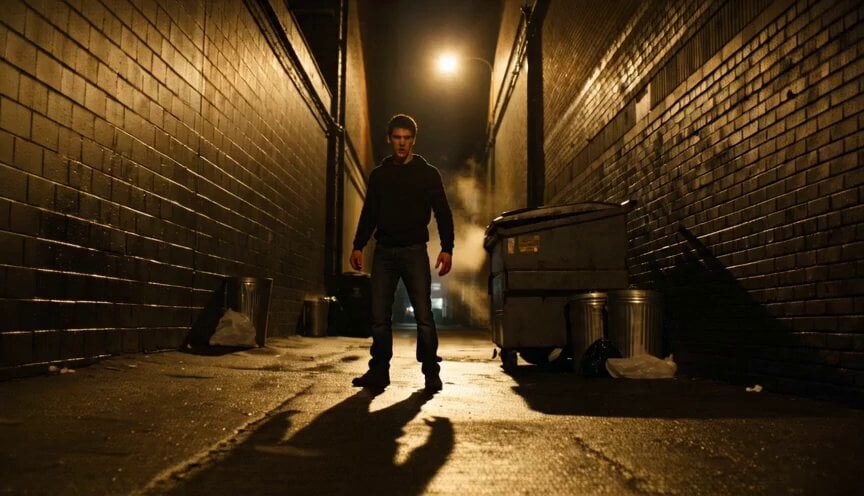
Hyper-Realistic Gritty Street Fight
Browse template categories
Cinematic Morning Coffee Ritual questions
How do I use the Cinematic Morning Coffee Ritual template?
Add your photo if the template asks for one, edit the prompt if you like — the template's model and format are already selected — and press Generate. Your version opens in PicX Studio.
Can I customize the Cinematic Morning Coffee Ritual template?
Yes. You can change the subject, setting, lighting, mood, format, and available model controls before creating your video.
Is the Cinematic Morning Coffee Ritual template free?
Opening and editing this template is free. Generating uses credits, shown on the Generate button when you are signed in.
Which AI model should I use?
Start with Seedance 2.0, which is the model associated with this template. You can compare another compatible model for a different finish.
Looking for something else? Browse all templates.

Your photo, any look
Thousands of ready templates for every top image and video model, from one credit balance.