
Western Narrative Multi-Cut Video Prompt
A detailed storyboard-style prompt for Seedance 2.0 that constructs a cinematic Western-themed arm wrestling scene.
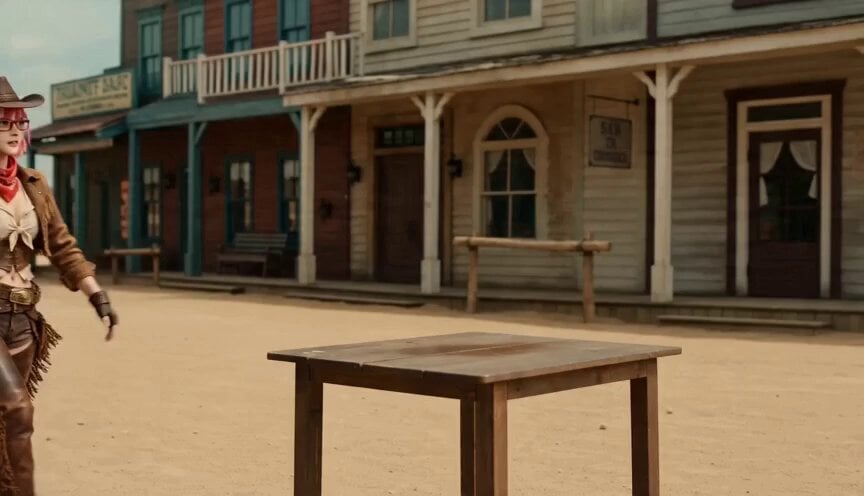
- Prompt included
- Model and format preset
- Free template
The prompt behind this video
Copy the exact prompt behind Western Narrative Multi-Cut Video Prompt, or open it in the studio and make it yours.
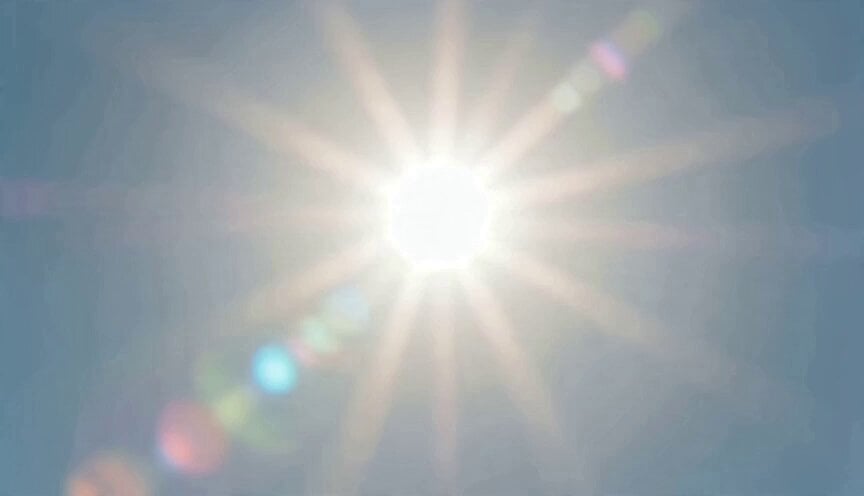
@_girl01: the image from the first file, __b6p3w5d.png. @_man01: the image from the second file, _r4t8v1n.png. The setting is a western with sand blowing in the wind. [Cut 0] @_girl01 frames in from the left side, looking hot, pushes her bangs up, and looks up at the sky. [Cut 1] The sun blazing brightly [Cut 2] An over-the-shoulder shot of @_girl01 with @_man01 visible. @_girl01's back is positioned toward the left side of the frame, and @_man01's front-facing image is toward the right side of the frame. [Cut 3] A zoomed-in close-up of @_man01's face, grinning nastily with an asymmetrical expression. [Cut 4] A side shot with @_girl01 and @_man01 facing each other. @_girl01 is on the left side of the frame, @_man01 is on the right side. [Cut 5] The two of them start arm wrestling. [Cut 6] A close-up of @_girl01's face gritting her teeth, at a slightly low angle. @_girl01's face is on the left side of the frame, and on the right side @_man01's arm appears out of focus and blurred. [Cut 7] An overhead shot shows @_girl01 winning the arm wrestling match against @_man01. The camera rotates slightly clockwise while zooming. [Cut 8] @_girl01 stands up and celebrates with a victory pose.
How to use Western Narrative Multi-Cut Video Prompt in 3 steps
- 1
Open
The prompt is already in the box next to the preview, with the template's model and format selected.
- 2…a portrait of your subject in softgolden-hour light, 85mm…
Personalize
Edit the subject and creative details for your destination.
- 3Generate
Generate
Press Generate — your video is created in PicX Studio, so you can compare it with the original and refine one variable at a time.
More like this
Templates with the same subject, style or setup. Open one to see its prompt.
Multi-Cut Western Duel and Arm Wrestling Sequence
Multi-Cut Cinematic Summer Vlog Composition
Office Executive Cinematic Narrative
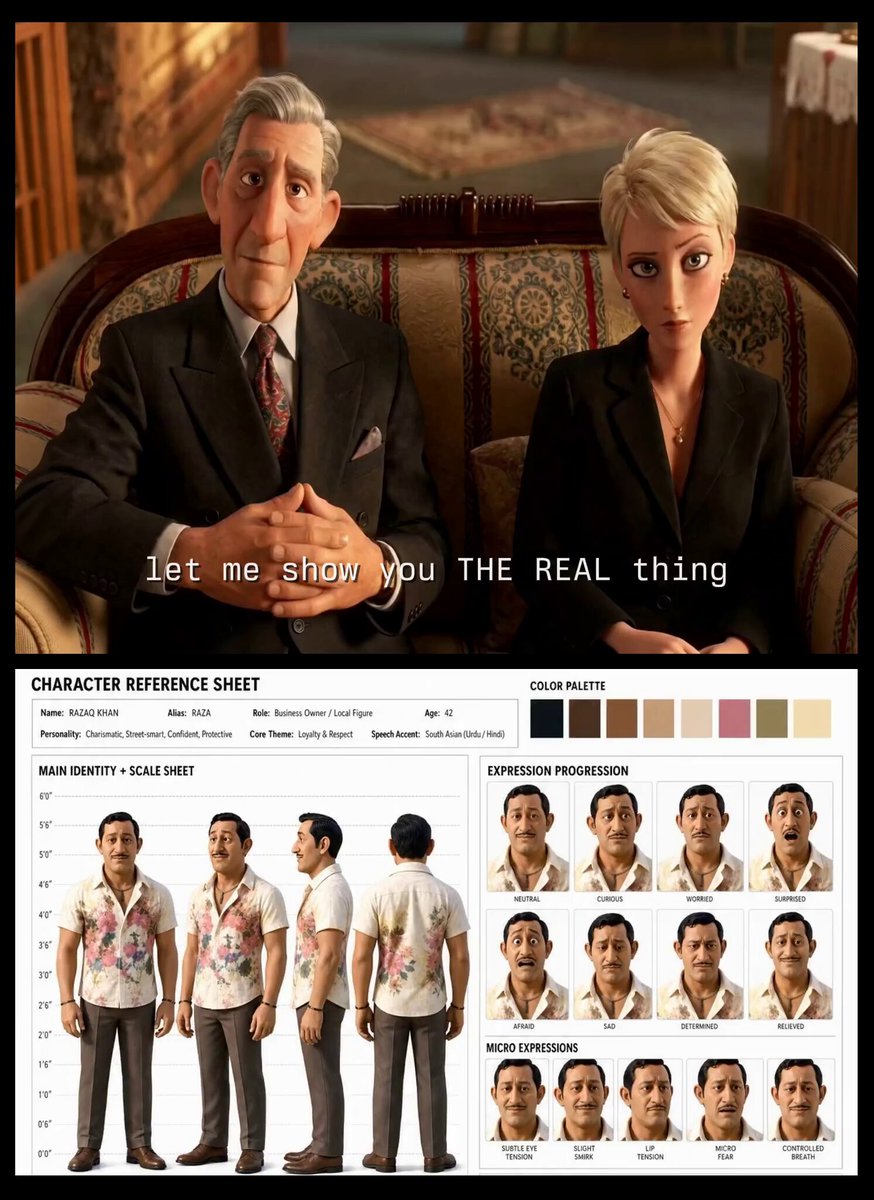
Turkish Carpet Seller Multi-Cut Video
Multishot Workspace Internal Cuts

Multi-Cut 3D Title Animation
Seedance V2 One Minute K Drama Omni
Indian Village Zombie Chase Intercut
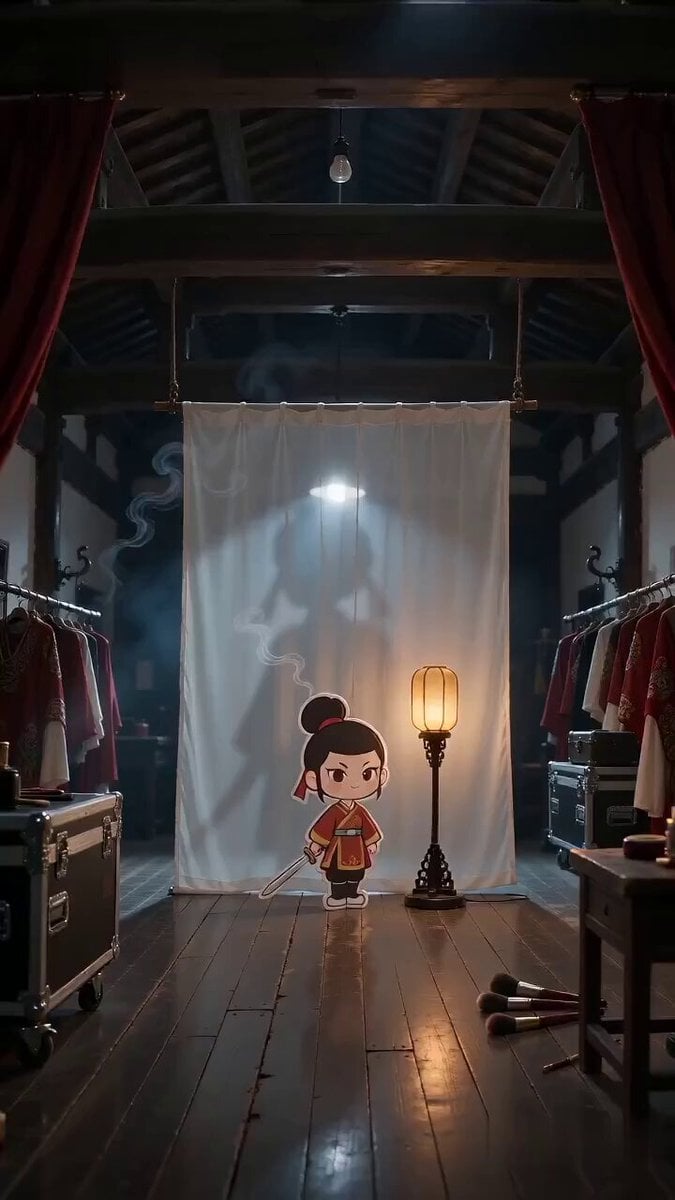
Paper Cutout Hero Shadow Comedy
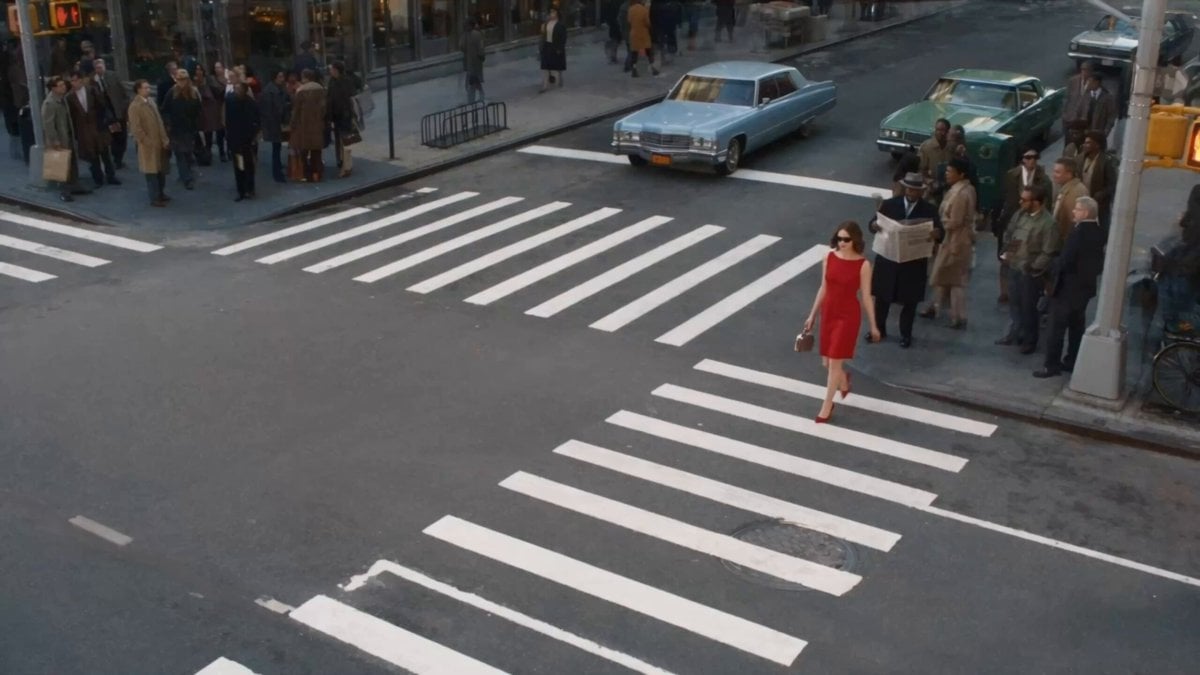
Surreal Lipstick Commercial Narrative
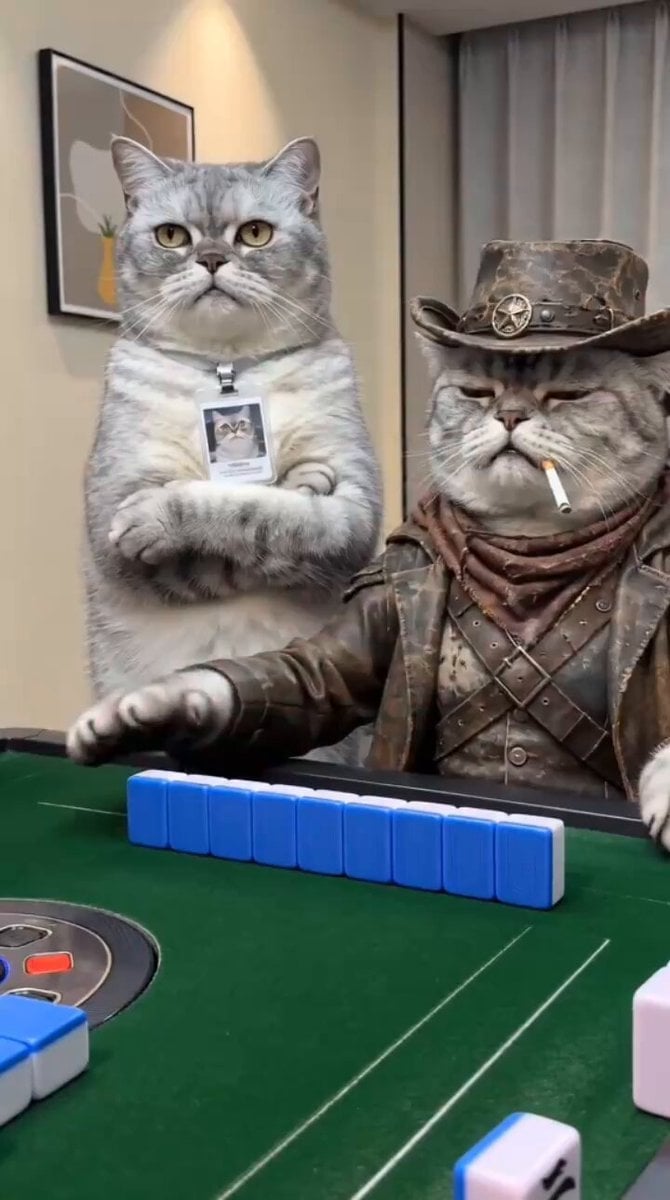
Anthropomorphic Cats Playing Mahjong Narrative Video
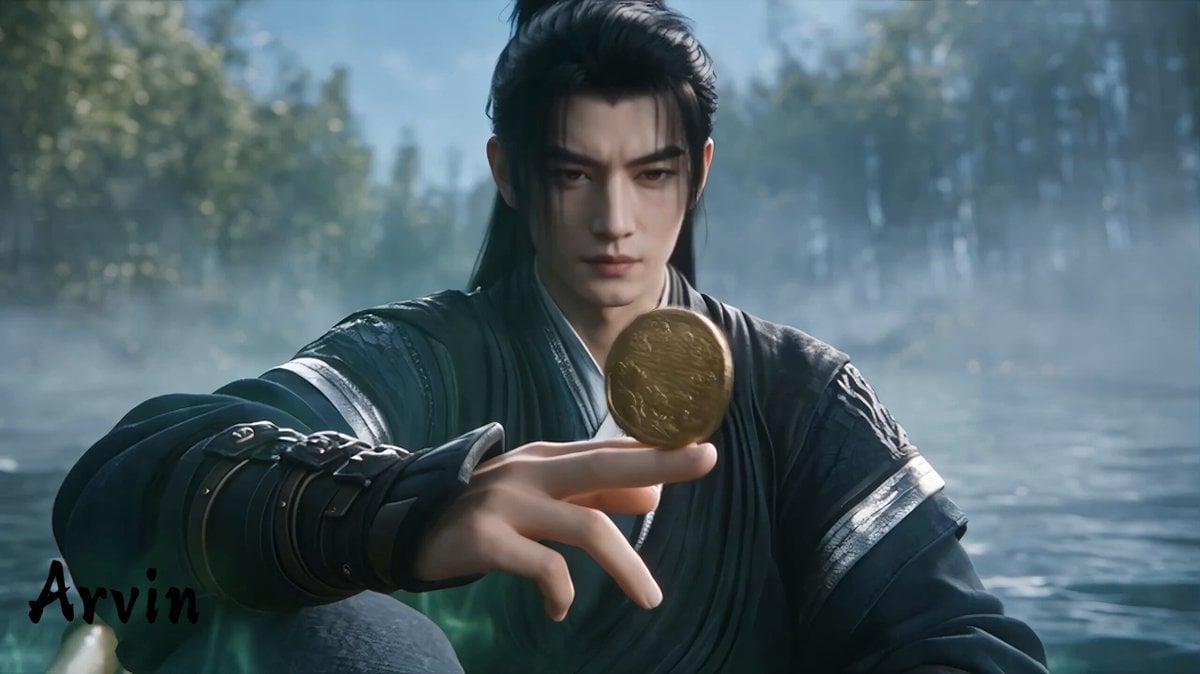
Extended Multi-Shot Xianxia Battle Sequence
Make it yours
Western Narrative Multi-Cut Video Prompt works as-is. These are the safest ways to change it without losing the look.
Change one field
Copy a single group, rewrite it, and generate again so you can see what that field is doing.
Keep the frame, change the subject
Hold the composition and light of Western Narrative Multi-Cut Video Prompt, then swap wardrobe, props or the person for a new take.
| If the result… | Why | Fix |
|---|---|---|
| The result drifts from the preview | Too many fields changed at once. | Reuse Western Narrative Multi-Cut Video Prompt as-is first, then change one group — subject, light, or setting. |
| The model over-stylizes the scene | The prose prompt leaves finish and camera underspecified. | Add one camera or lighting sentence and stay on Seedance 2.0. |
More Seedance 2.0 templates
Other prompts made for Seedance 2.0.

Comical Martial Arts Punch Scene

Maglev Train Action Sequence

Martial Arts Fight Sequence

Wuxia Protection and Trust Script

Vintage Korean Arcade MiniDV Vlog

Mercedes 190 SL Luxury Ad

Rainy Night Supernatural Reverse Comedy Video Script

Amazon Civilization Discovery

Futuristic South Asian City Transformation

Cozy Luxury Cafe Commercial
More video prompts
Fresh picks from across the catalog.
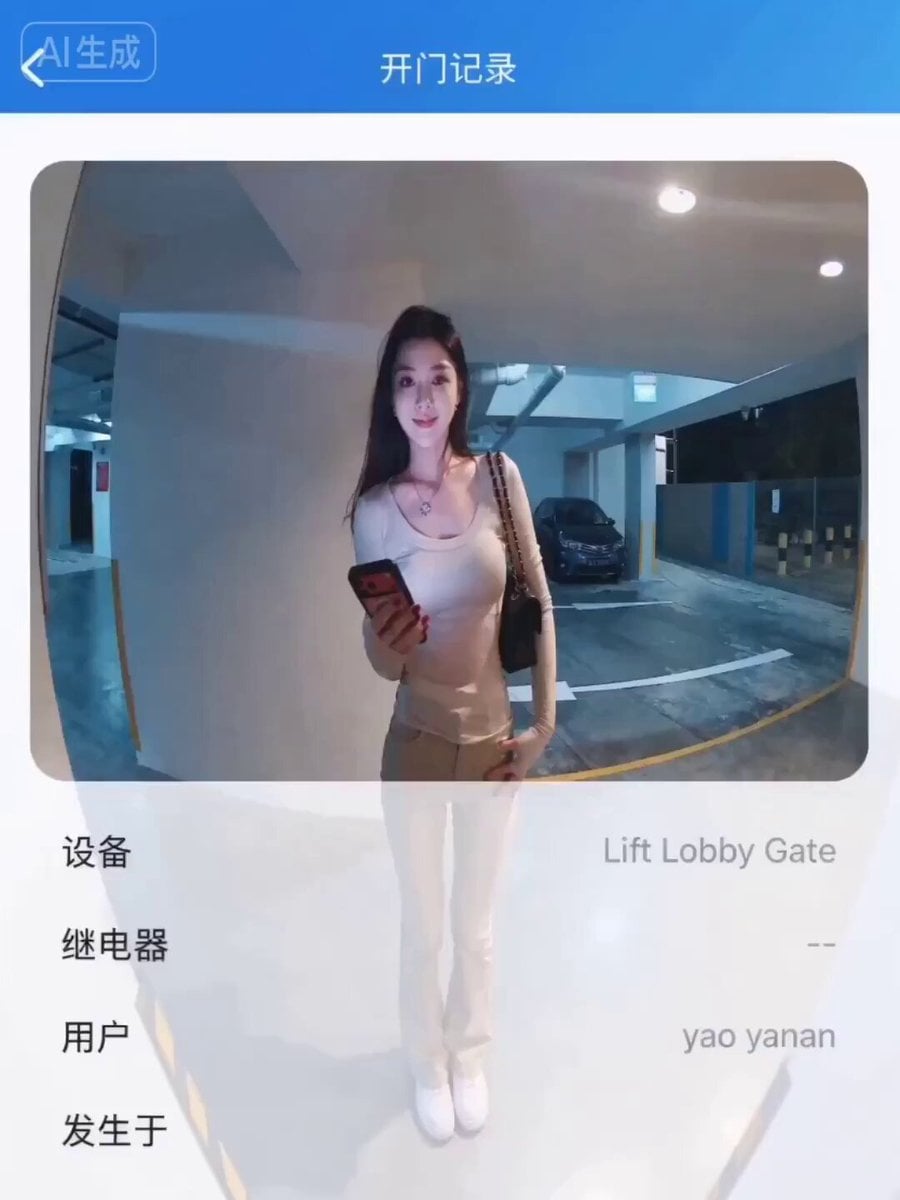
Horror Scenario in a Parking Lot - Surveillance Footage Prompt
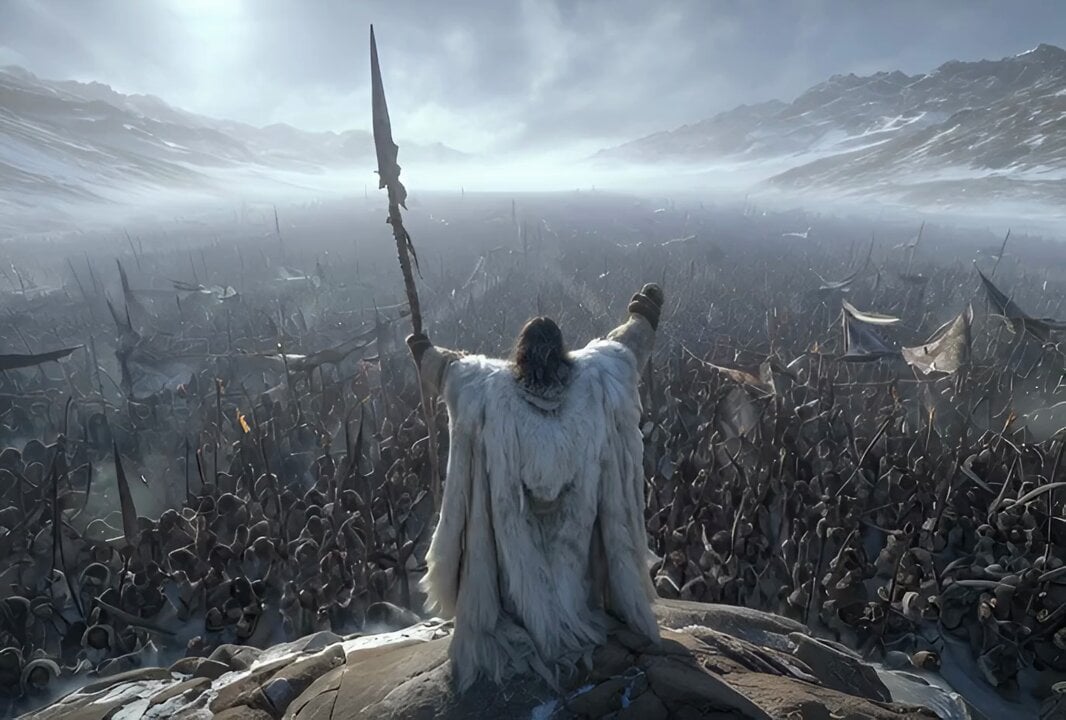
Free Folk Huntress Dolly-in Shot
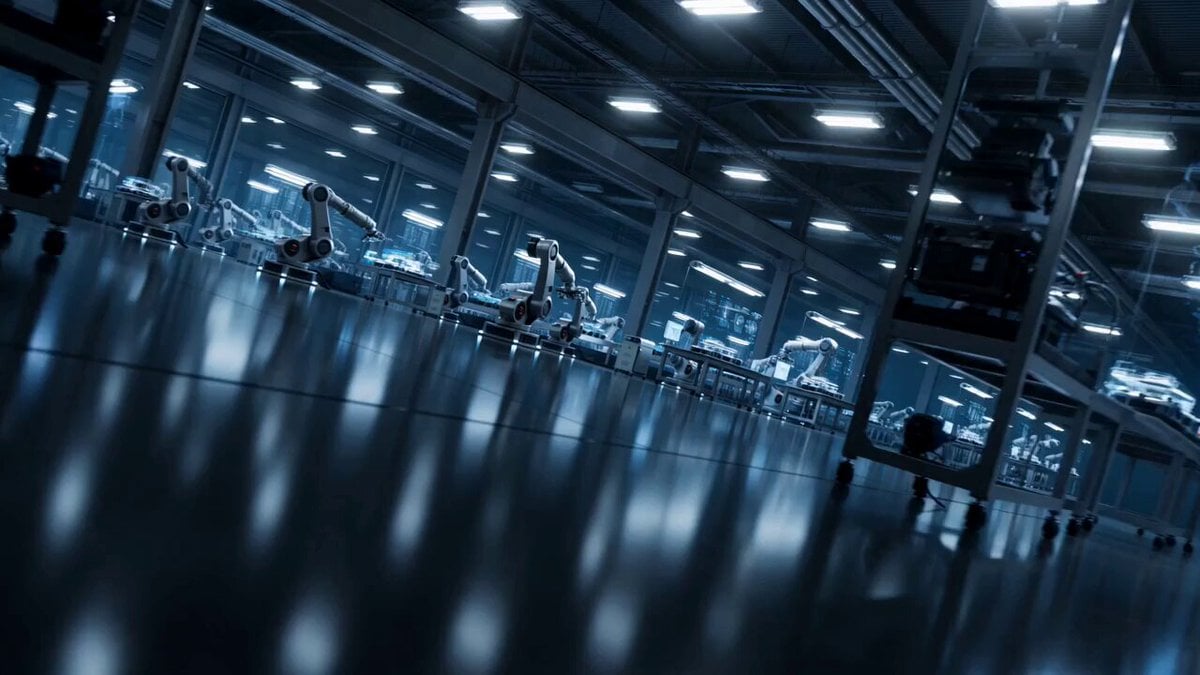
High-Tech AI Robotic Factory Floor
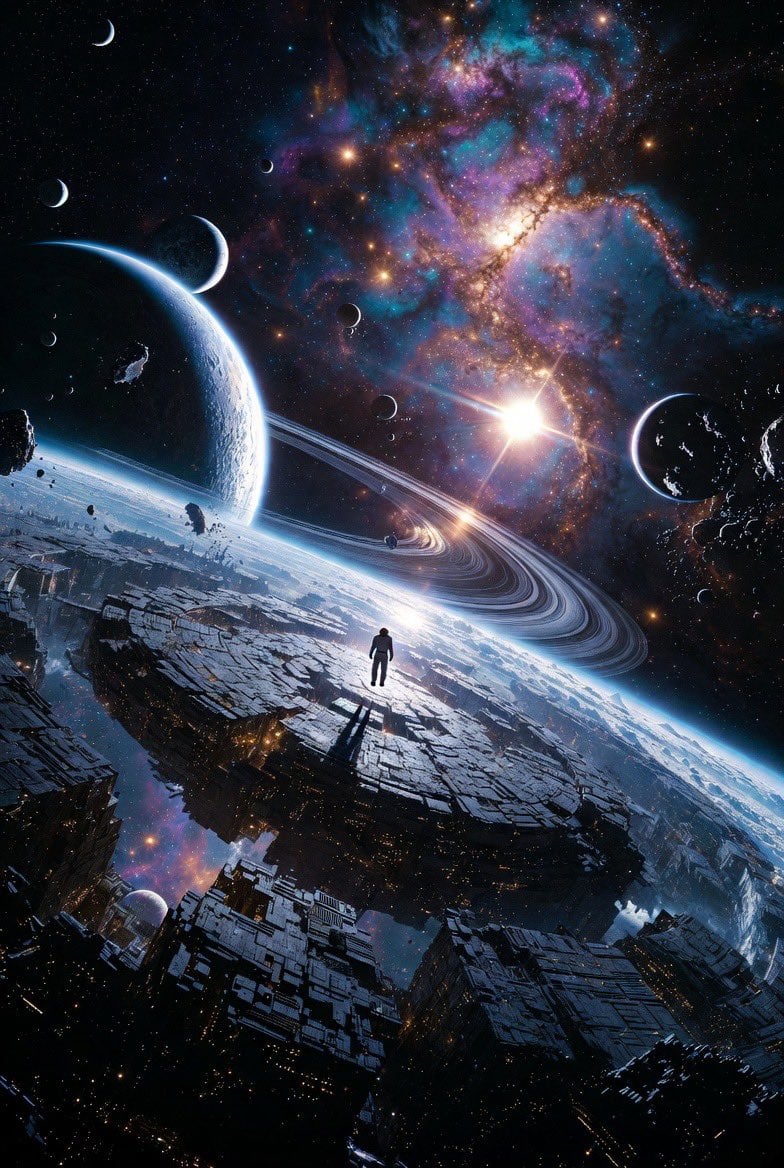
Epic Sci-Fi Scene on an Alien Megastructure with Mixed Art Styles
Blueprint to House Timelapse Transformation
Aigezgini Hagia Sophia Time Freeze
Asteroid Impact City Destruction
Bookstore Slice-of-Life Encounter
Epic fantasy scene with intense color shifts and atmosphere of oppression
Dark Fantasy Cathedral Action Scene
Browse template categories
Western Narrative Multi-Cut Video Prompt questions
How do I use the Western Narrative Multi-Cut Video Prompt template?
Add your photo if the template asks for one, edit the prompt if you like — the template's model and format are already selected — and press Generate. Your version opens in PicX Studio.
Can I customize the Western Narrative Multi-Cut Video Prompt template?
Yes. You can change the subject, setting, lighting, mood, format, and available model controls before creating your video.
Is the Western Narrative Multi-Cut Video Prompt template free?
Opening and editing this template is free. Generating uses credits, shown on the Generate button when you are signed in.
Which AI model should I use?
Start with Seedance 2.0, which is the model associated with this template. You can compare another compatible model for a different finish.
Looking for something else? Browse all templates.

Your photo, any look
Thousands of ready templates for every top image and video model, from one credit balance.