
Horror Scenario in a Parking Lot - Surveillance Footage Prompt
A detailed prompt for Seedance 2.0 to generate a horror-themed video simulating fixed-camera surveillance footage in a parking lot, focusing on a woman repeatedly failing facial recognition access and her escalating…
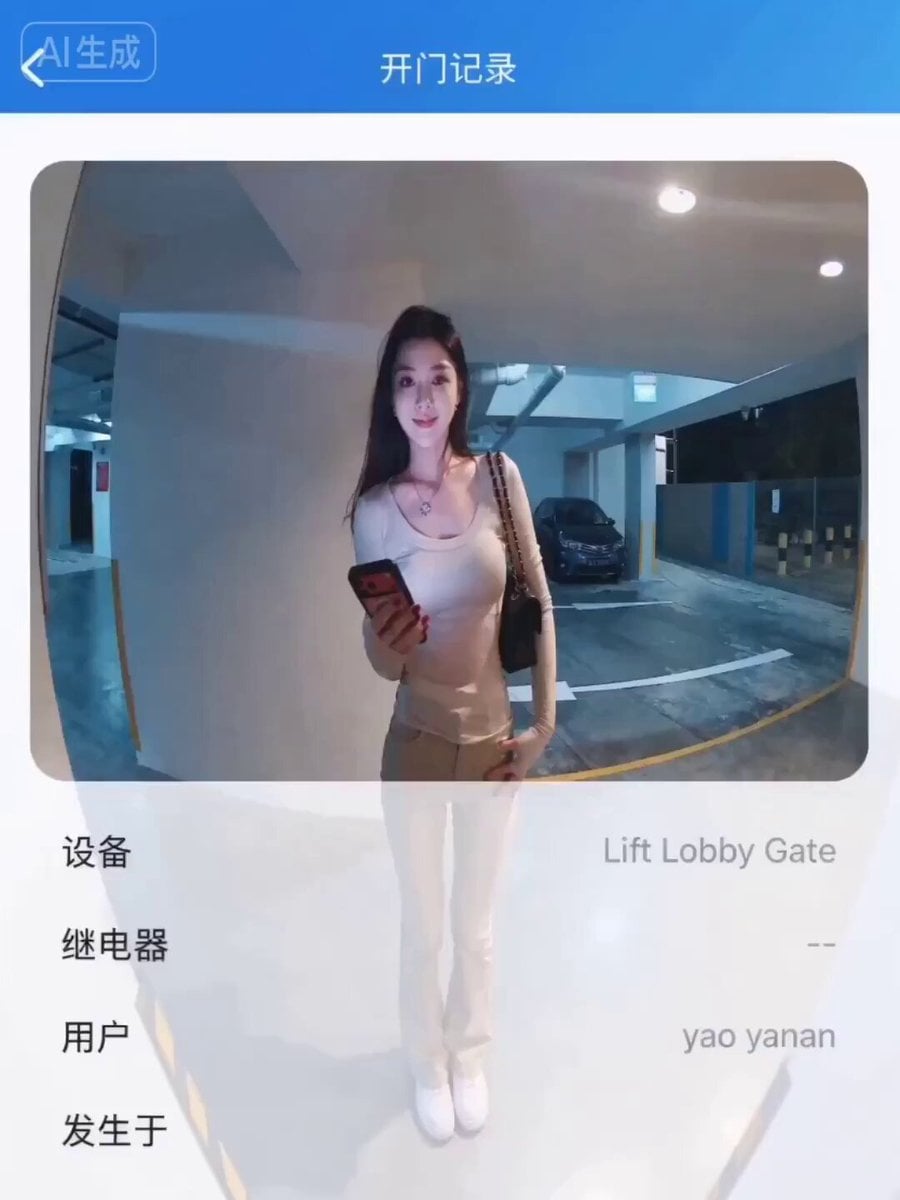
- Prompt included
- Model and format preset
- Free template
The prompt behind this video
Copy the exact prompt behind Horror Scenario in a Parking Lot - Surveillance Footage Prompt, or open it in the studio and make it yours.
【图片 1】为门禁监控画面,保持监控摄像头广角机位不变,12秒竖屏视频。 画面中的女子【图片2】对准门禁摄像头准备人脸识别开门,面带期待微笑,等待两秒后门禁发出"嘀——"拒绝提示音,识别失败。女子表情变得困惑,调整站位重新对准摄像头,再次失败,"嘀——"又一声。女子焦急地用手拨开额前头发,踮脚凑近摄像头,第三次识别仍然失败,女子无奈后退一步,低头看手机,然后抬头对着摄像头做出崩溃的表情,单手扶额。 全程固定监控机位,不切镜头,模拟真实门禁摄像头录像质感,画面带轻微广角畸变和噪点。
How to use Horror Scenario in a Parking Lot - Surveillance Footage Prompt in 3 steps
- 1
Open
The prompt is already in the box next to the preview, with the template's model and format selected.
- 2…a portrait of your subject in softgolden-hour light, 85mm…
Personalize
Edit the subject and creative details for your destination.
- 3Generate
Generate
Press Generate — your video is created in PicX Studio, so you can compare it with the original and refine one variable at a time.
More like this
Templates with the same subject, style or setup. Open one to see its prompt.
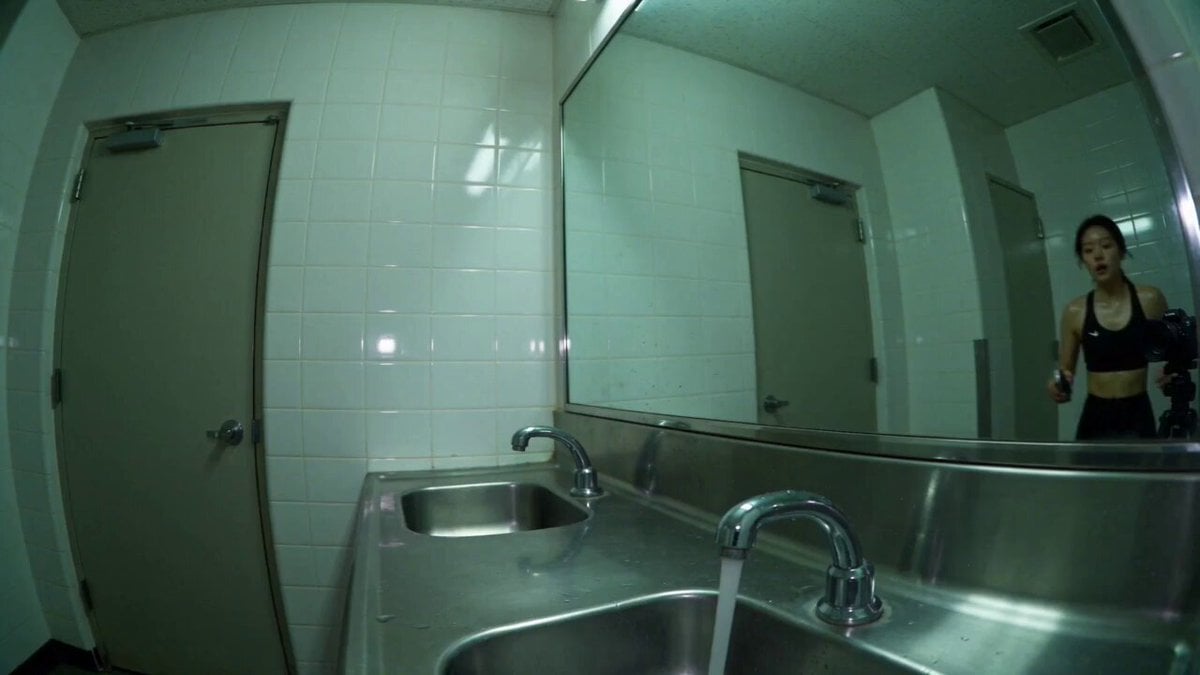
Gym Bathroom Found-Footage Horror
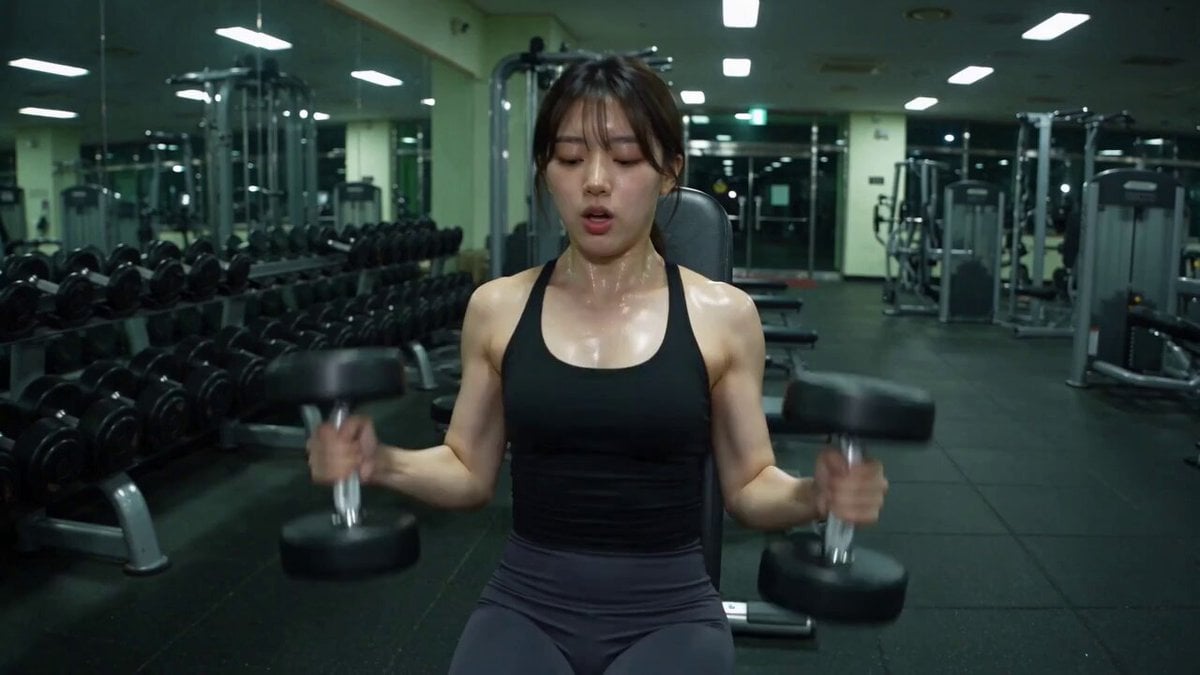
Late-Night Gym Found-Footage Horror
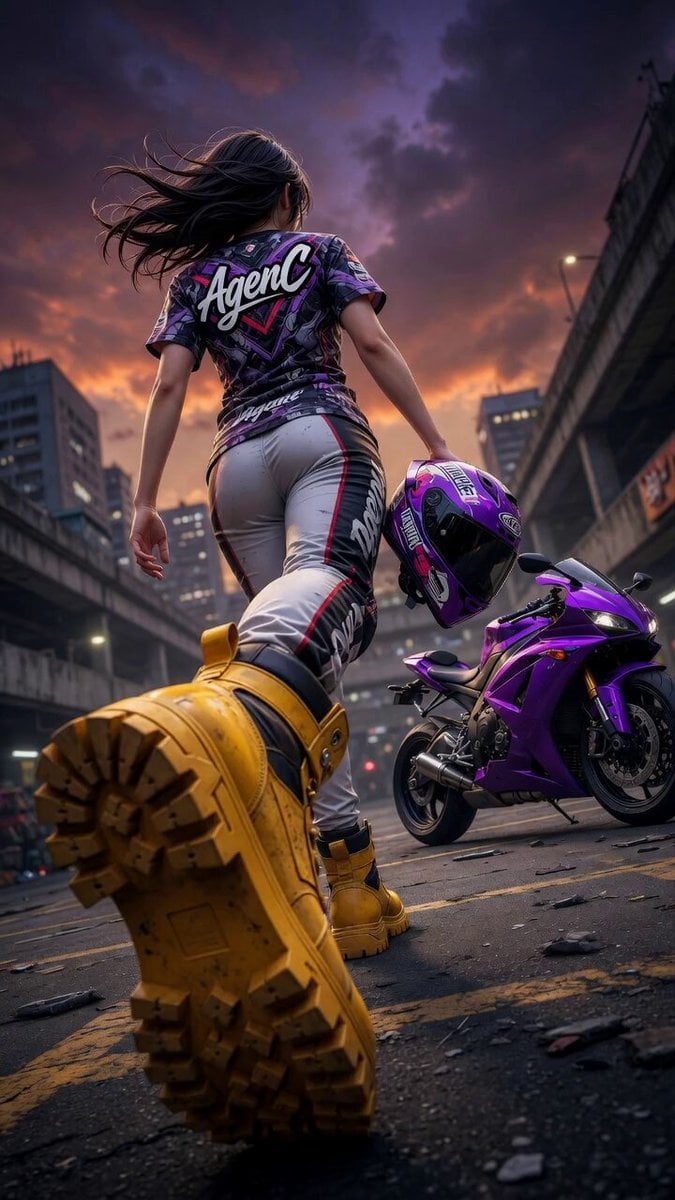
Cinematic Anime Racing Girl in Urban Parking Lot
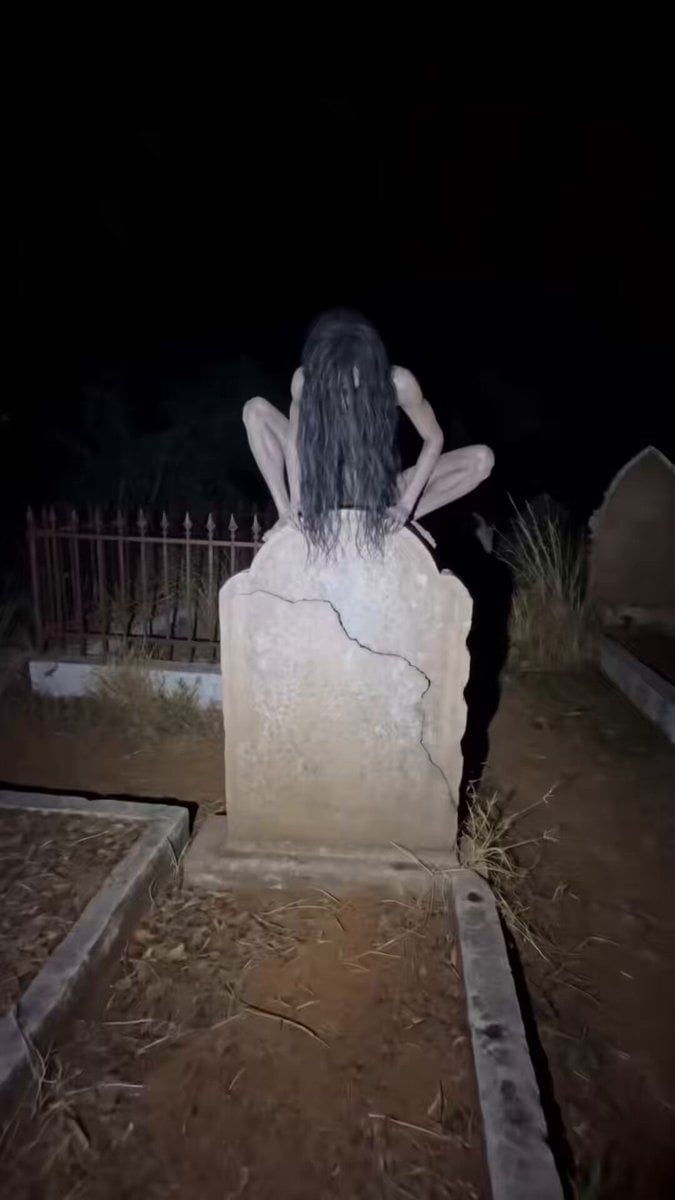
Found Footage Graveyard Creature Horror
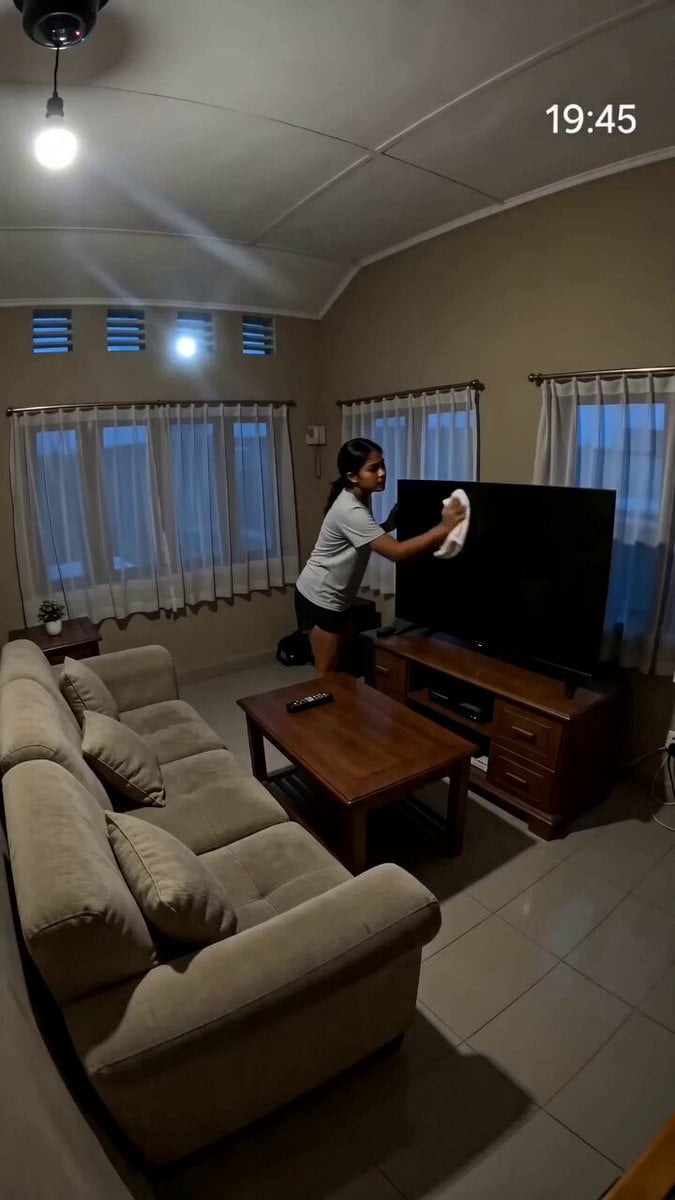
Security Camera Found Footage Horror
Rainforest Thriller — Searching the Unseen
Chibi Cave Adventure — He Doesn't Know What's Coming
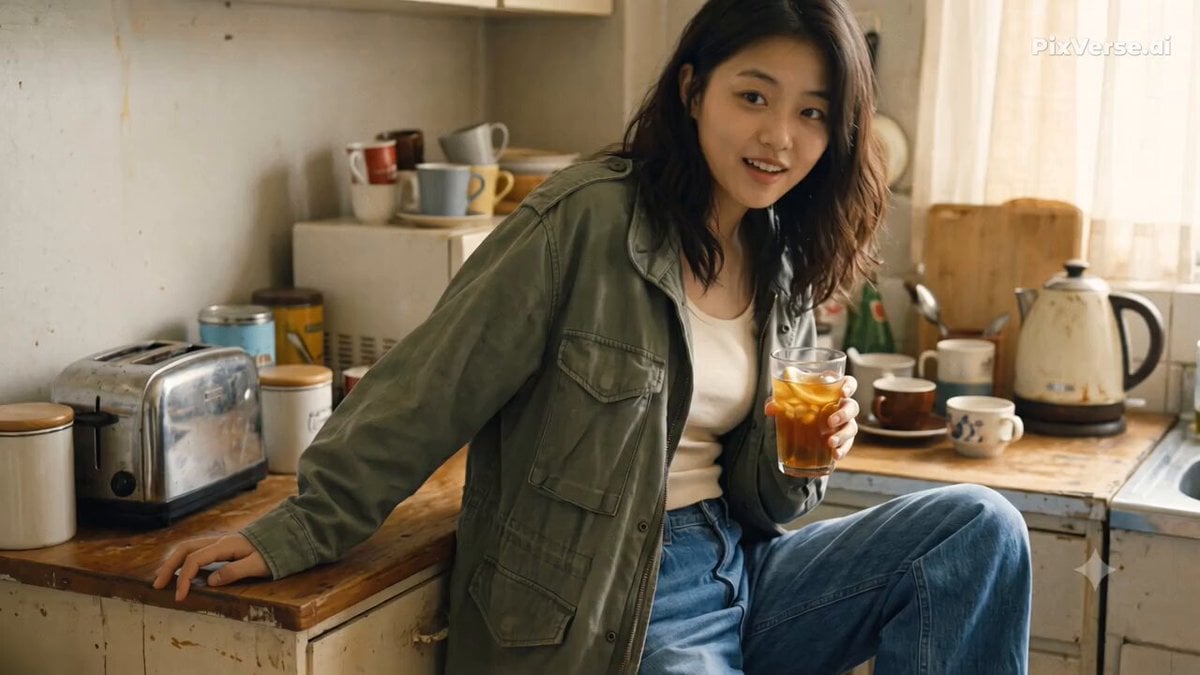
Nostalgic Early 2000s Handheld Home Footage
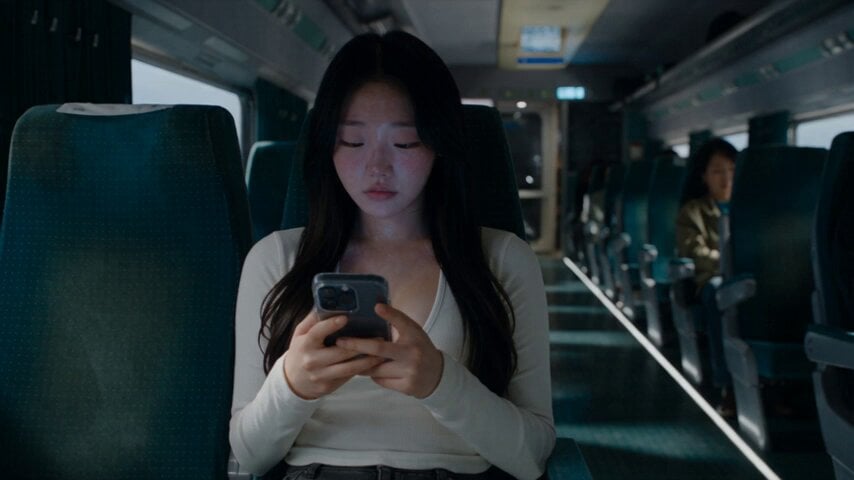
Last Ride Train Outbreak Horror
Sci-Fi Horror Hospital Alien Scene
Abandoned Hospital Horror POV Film

Horror Short Guesthouse Box
Make it yours
Horror Scenario in a Parking Lot - Surveillance Footage Prompt works as-is. These are the safest ways to change it without losing the look.
Change one field
Copy a single group, rewrite it, and generate again so you can see what that field is doing.
Keep the frame, change the subject
Hold the composition and light of Horror Scenario in a Parking Lot - Surveillance Footage Prompt, then swap wardrobe, props or the person for a new take.
| If the result… | Why | Fix |
|---|---|---|
| The result drifts from the preview | Too many fields changed at once. | Reuse Horror Scenario in a Parking Lot - Surveillance Footage Prompt as-is first, then change one group — subject, light, or setting. |
| The model over-stylizes the scene | The prose prompt leaves finish and camera underspecified. | Add one camera or lighting sentence and stay on Seedance 2.0. |
More Seedance 2.0 templates
Other prompts made for Seedance 2.0.

Comical Martial Arts Punch Scene

Maglev Train Action Sequence

Martial Arts Fight Sequence

Wuxia Protection and Trust Script

Vintage Korean Arcade MiniDV Vlog

Mercedes 190 SL Luxury Ad

Rainy Night Supernatural Reverse Comedy Video Script

Amazon Civilization Discovery

Futuristic South Asian City Transformation

Cozy Luxury Cafe Commercial
More video prompts
Fresh picks from across the catalog.
Cinematic Indiana Jones-style escape from a closing stone door
Anime Maid Mansion Defense Script
Canyon Wingsuit Thread Prompt
Seedance 2.0 Video Prompt: Skincare Product Ad (Scene 1)
Nostalgic Sanya Romance Movie Montage
Stylized Library Combat Scene

Luxury Skincare Influencer Vlog Prompt
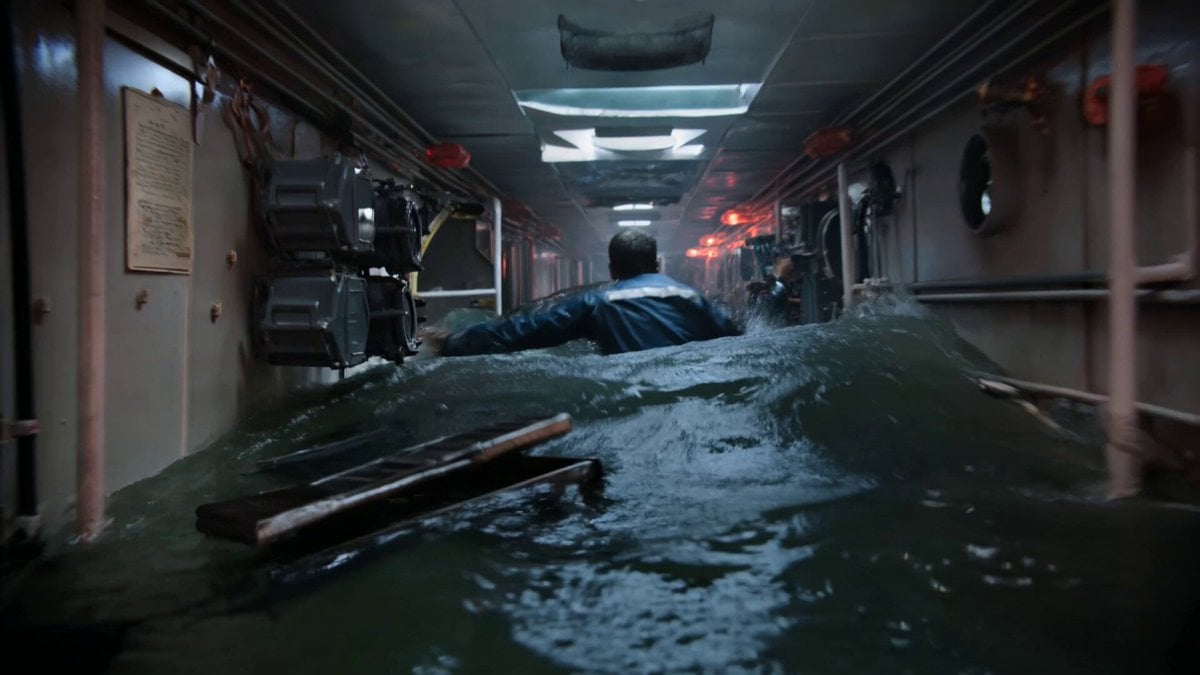
Submarine Flooding Emergency Scene (KLING 3.0)

Surfer and dolphins in pipeline wave
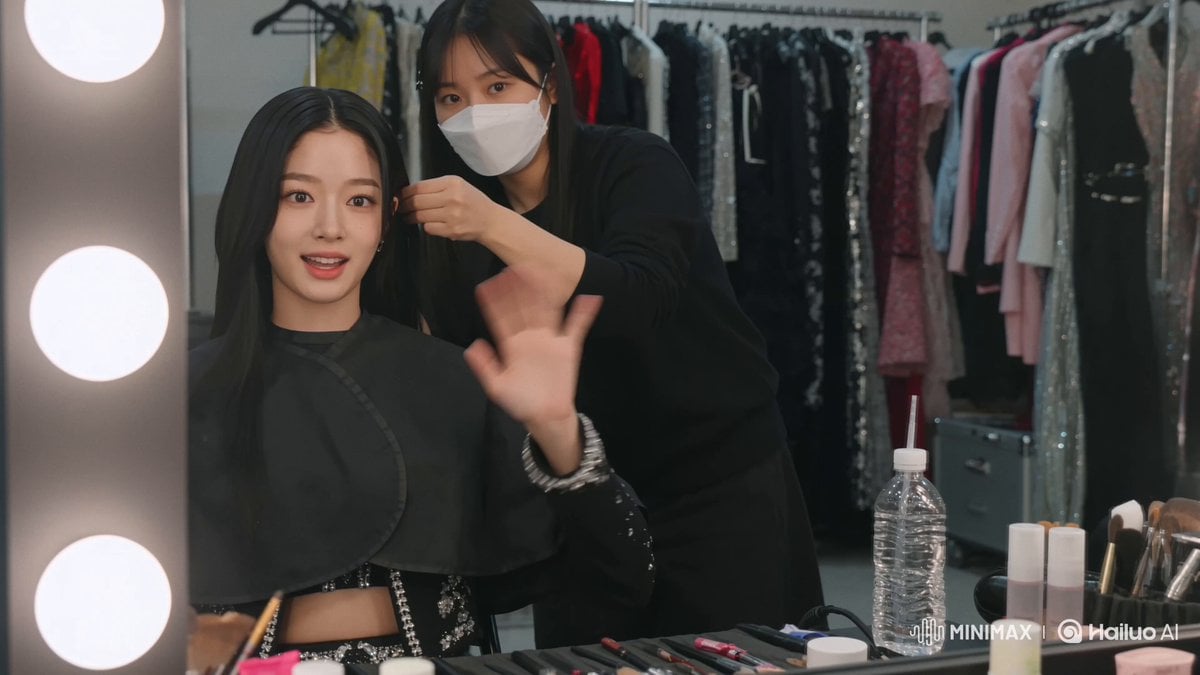
K-Pop Idol Backstage Vlog
Browse template categories
Horror Scenario in a Parking Lot - Surveillance Footage Prompt questions
How do I use the Horror Scenario in a Parking Lot - Surveillance Footage Prompt template?
Add your photo if the template asks for one, edit the prompt if you like — the template's model and format are already selected — and press Generate. Your version opens in PicX Studio.
Can I customize the Horror Scenario in a Parking Lot - Surveillance Footage Prompt template?
Yes. You can change the subject, setting, lighting, mood, format, and available model controls before creating your video.
Is the Horror Scenario in a Parking Lot - Surveillance Footage Prompt template free?
Opening and editing this template is free. Generating uses credits, shown on the Generate button when you are signed in.
Which AI model should I use?
Start with Seedance 2.0, which is the model associated with this template. You can compare another compatible model for a different finish.
Looking for something else? Browse all templates.

Your photo, any look
Thousands of ready templates for every top image and video model, from one credit balance.