
Security Camera Found Footage Horror
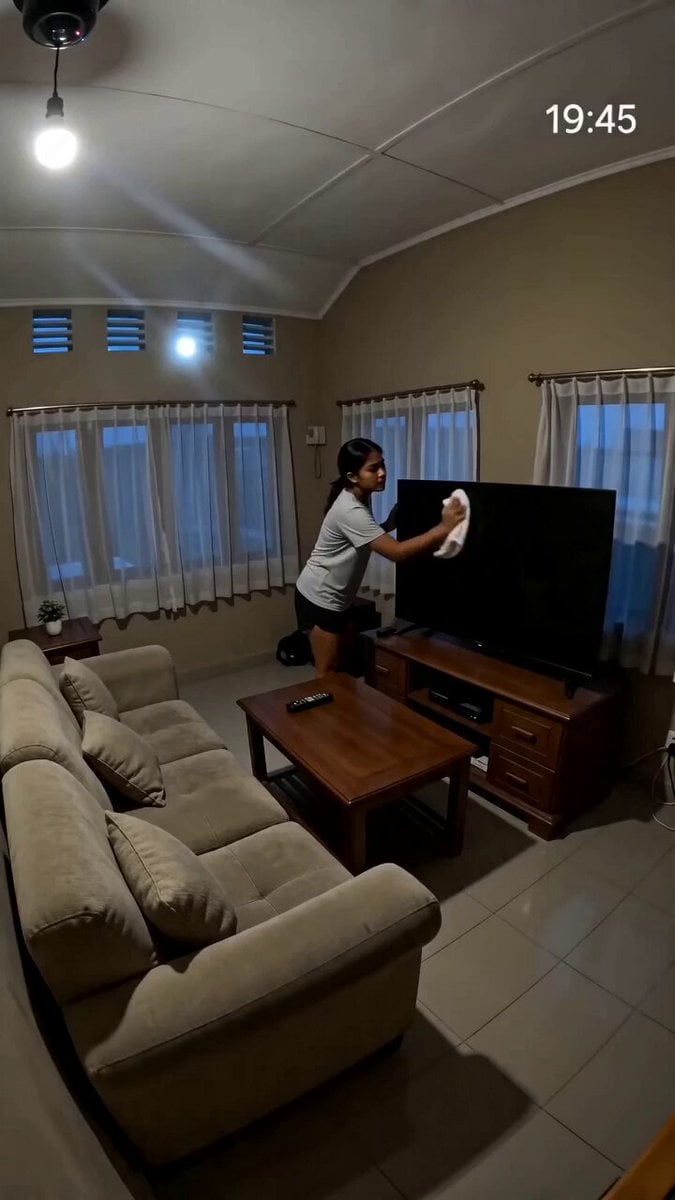
A found-footage horror prompt depicting a woman being pulled into a television set, designed for a fixed-angle home security camera look.
- Prompt included
- Model and format preset
- Free template
The prompt behind this video
Copy the exact prompt behind Security Camera Found Footage Horror, or open it in the studio and make it yours.
Evening, Southeast Asian living room. Fixed high-angle home security camera mounted in a corner near the ceiling. Timestamp visible: 19:45. Simple living room, television against the wall, sofa nearby. Post-sunset darkness outside windows. Interior lights on. Fixed home security camera footage. Slight compression artifacts. Wide-angle view. No camera movement. Subject / Action A woman is cleaning the television screen with a cloth. The room is quiet. Suddenly the TV flickers. Small glitches. Static. The woman notices but continues cleaning. The television abruptly powers on by itself. Full-screen static. The woman steps back. A pale distorted face suddenly appears on the television screen. Unnaturally still. Watching. The woman freezes. Confused. She slowly leans down to grab the remote control from the TV cabinet. As she reaches forward— A hand suddenly bursts out of the television screen and grabs her wrist. The woman screams. More hands emerge. They violently pull her toward the screen. She struggles desperately. The television surface behaves like liquid. The woman is dragged headfirst into the TV. Within seconds she completely disappears inside. The television immediately switches off. Black screen. The room is empty. Silence. Nothing moves. Audio Television static, electronic distortion, sudden struggle, brief scream, then complete silence. Style Ultra-realistic security camera footage, found-footage horror, realistic physics, clear visibility, high tension, strong visual payoff, no animation.
How to use Security Camera Found Footage Horror in 3 steps
- 1
Open
The prompt is already in the box next to the preview, with the template's model and format selected.
- 2…a portrait of your subject in softgolden-hour light, 85mm…
Personalize
Edit the subject and creative details for your destination.
- 3Generate
Generate
Press Generate — your video is created in PicX Studio, so you can compare it with the original and refine one variable at a time.
More like this
Templates with the same subject, style or setup. Open one to see its prompt.
Gym Bathroom Found-Footage Horror
Late-Night Gym Found-Footage Horror
Found Footage Graveyard Creature Horror
Found-Footage City Anomaly
2003 Found Footage MiniDV Tape
Pokemon Found Footage Documentary
Chaos in the Living Room Found Footage
Found Footage Crocodile Monster Rampage
Superhuman Battle Found Footage
Raw Found Footage Superhuman Duel
Found Footage Comedy: Shadow Glitch Dance Video Prompt

Found-Footage Talking Rabbits
Make it yours
Security Camera Found Footage Horror works as-is. These are the safest ways to change it without losing the look.
Change one field
Copy a single group, rewrite it, and generate again so you can see what that field is doing.
Keep the frame, change the subject
Hold the composition and light of Security Camera Found Footage Horror, then swap wardrobe, props or the person for a new take.
| If the result… | Why | Fix |
|---|---|---|
| The result drifts from the preview | Too many fields changed at once. | Reuse Security Camera Found Footage Horror as-is first, then change one group — subject, light, or setting. |
| The model over-stylizes the scene | The prose prompt leaves finish and camera underspecified. | Add one camera or lighting sentence and stay on Seedance 2.0. |
More Seedance 2.0 templates
Other prompts made for Seedance 2.0.

Comical Martial Arts Punch Scene

Maglev Train Action Sequence

Martial Arts Fight Sequence

Wuxia Protection and Trust Script

Vintage Korean Arcade MiniDV Vlog

Mercedes 190 SL Luxury Ad

Rainy Night Supernatural Reverse Comedy Video Script

Amazon Civilization Discovery

Futuristic South Asian City Transformation

Cozy Luxury Cafe Commercial
More video prompts
Fresh picks from across the catalog.

Pixar-Style Greek Gyro Maker Animation

90s Disney Forest Animation

Giant Anaconda Houseboat Attack Horror
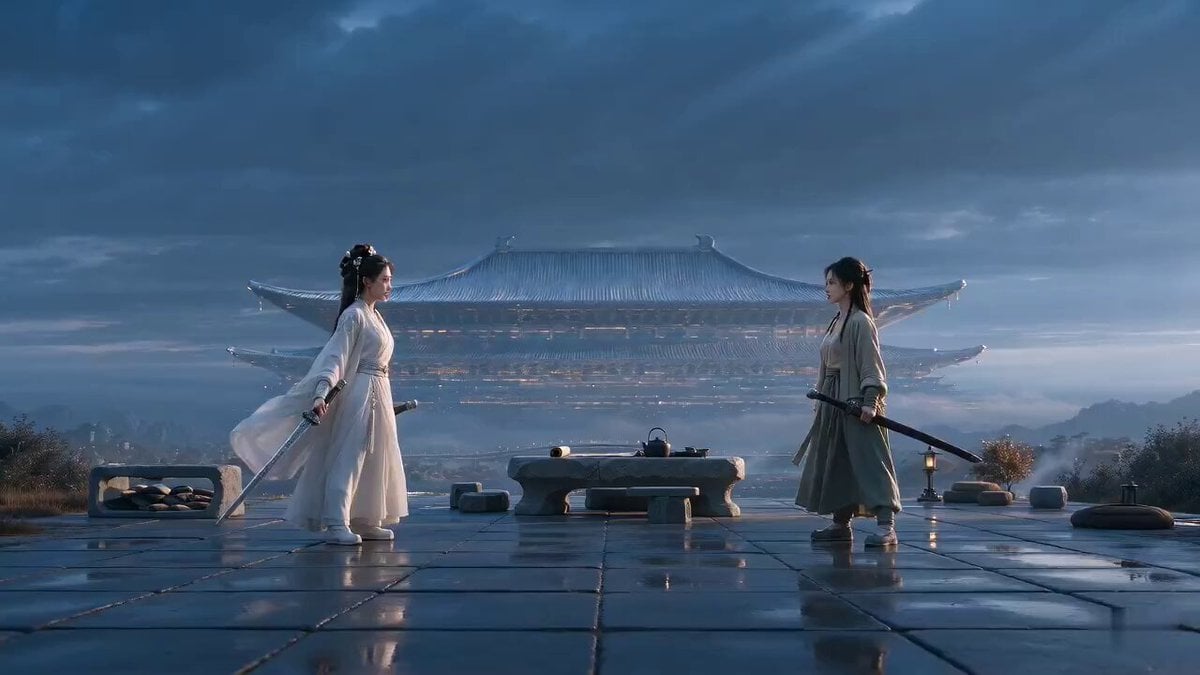
Xianxia Rehearsal Meta Comedy

Cartoon Chef Boy Hotel Kitchen Sequence

Authentic Indonesian Woman Vlog Aesthetic

Ethereal Fairy-Elf on a Crystal Throne Video

Elon Approved Starship Rocket Kit Video Prompt
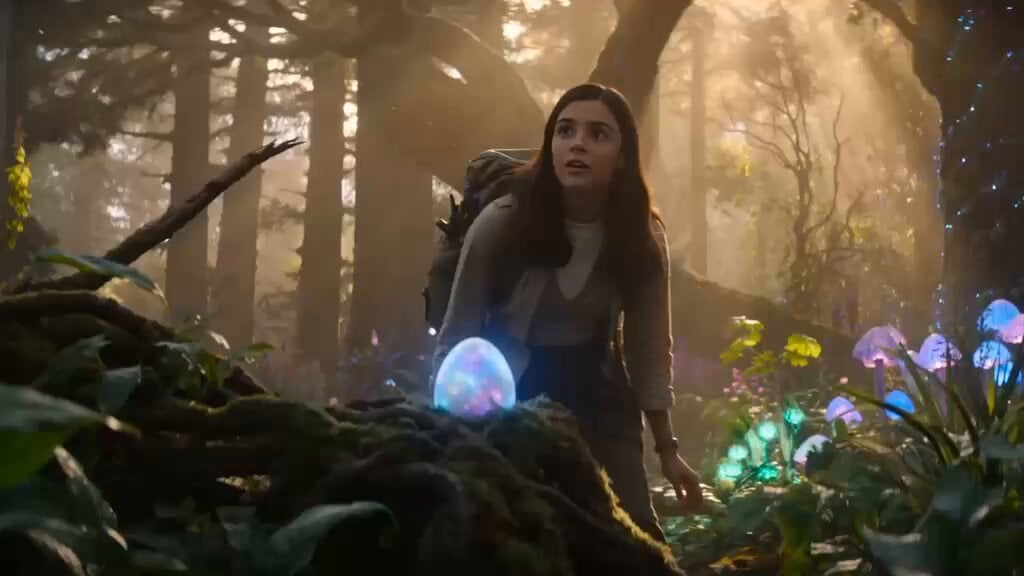
Magical Forest Discovery Storyboard

Y2K Rock Fashion Transition Video
Browse template categories
Security Camera Found Footage Horror questions
How do I use the Security Camera Found Footage Horror template?
Add your photo if the template asks for one, edit the prompt if you like — the template's model and format are already selected — and press Generate. Your version opens in PicX Studio.
Can I customize the Security Camera Found Footage Horror template?
Yes. You can change the subject, setting, lighting, mood, format, and available model controls before creating your video.
Is the Security Camera Found Footage Horror template free?
Opening and editing this template is free. Generating uses credits, shown on the Generate button when you are signed in.
Which AI model should I use?
Start with Seedance 2.0, which is the model associated with this template. You can compare another compatible model for a different finish.
Looking for something else? Browse all templates.

Your photo, any look
Thousands of ready templates for every top image and video model, from one credit balance.