
Found-Footage Talking Rabbits
A creative found-footage style 3D animation prompt for Seedance 2.0 featuring rabbits behaving as if they are recording social media content, with specific dialogue scenes and audio instructions.
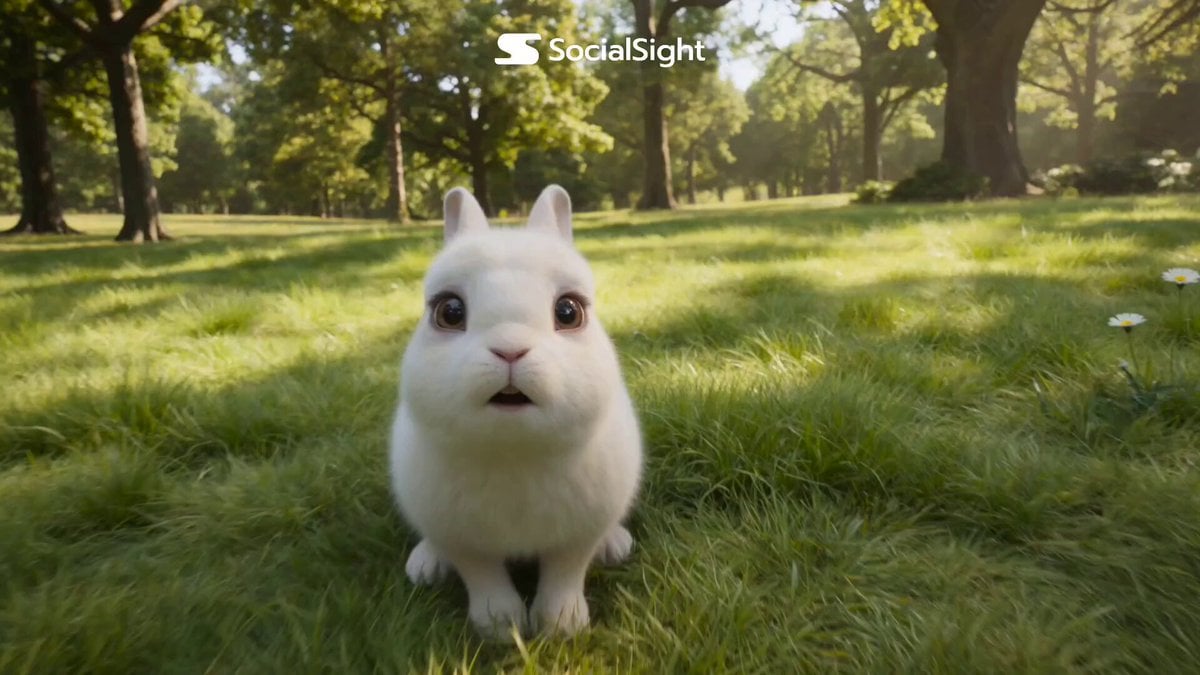
- Prompt included
- Model and format preset
- Premium template
The prompt behind this video
Copy the exact prompt behind Found-Footage Talking Rabbits, or open it in the studio and make it yours.
3D animated film style, ultra high quality, cinematic lighting, global illumination, soft shadows, depth of field, ultra detailed fur, cute characters, smooth animation, natural lighting, handheld camera feel, found-footage comedy style, realistic camera movement, playful atmosphere Scene: A group of fluffy forest rabbits stand in a bright forest clearing. The rabbits look directly into the viewer as if they are recording themselves. The camera is never visible at any time. The video feels like discovered footage recorded by the rabbits themselves. Characters: 4–5 cute fluffy forest rabbits, different sizes, expressive faces, soft fur, playful personalities Action Timeline Scene 1 Rabbits appear close to frame, looking directly at the viewer. Bunny 1 (curious): "Is this thing recording?!" Scene 2 Another rabbit gently pushes forward. Bunny 2 (excited): "Move! I'm the main character!" Scene 3 Another rabbit leans in. Bunny 3 (very excited): "Hello internet!!!" Scene 4 Another rabbit tries to squeeze into frame. Bunny 4: "Wait… I want to be famous too!" Scene 5 Rabbits gently push each other, trying to move to the front. They all look directly at the viewer. Cute, playful chaos. Bunny 2 (laughing): "Hey! Give me space!" Bunny 3: "No, me first!" All rabbits softly giggle and continue gently pushing. Scene 6 (Ending) One calm rabbit steps slightly forward. Bunny 5 (calm, smart bunny): "No… they'll probably Follow to Oogie' on X." All rabbits suddenly pause. They slowly turn and look directly at the viewer together. Short silence. Then all rabbits smile at the same time. Camera: POV camera, direct-to-camera talking, handheld feel, gentle natural movement, close-ups, cute framing, camera never visible, no camera falling, stable handheld Audio: Cute bunny voices, soft wind, forest ambience, light giggles, gentle movement sounds Mood: Cute, funny, wholesome, viral-style social media content Ultra detailed, cinematic lighting, 4K, smooth animation, soft fur, expressive animation, high quality rendering
How to use Found-Footage Talking Rabbits in 3 steps
- 1
Open
The prompt is already in the box next to the preview, with the template's model and format selected.
- 2…a portrait of your subject in softgolden-hour light, 85mm…
Personalize
Edit the subject and creative details for your destination.
- 3Generate
Generate
Press Generate — your video is created in PicX Studio, so you can compare it with the original and refine one variable at a time.
More like this
Templates with the same subject, style or setup. Open one to see its prompt.
Gym Bathroom Found-Footage Horror
Late-Night Gym Found-Footage Horror
Found-Footage City Anomaly
2003 Found Footage MiniDV Tape
Pokemon Found Footage Documentary

Chaos in the Living Room Found Footage
Found Footage Graveyard Creature Horror
Found Footage Crocodile Monster Rampage
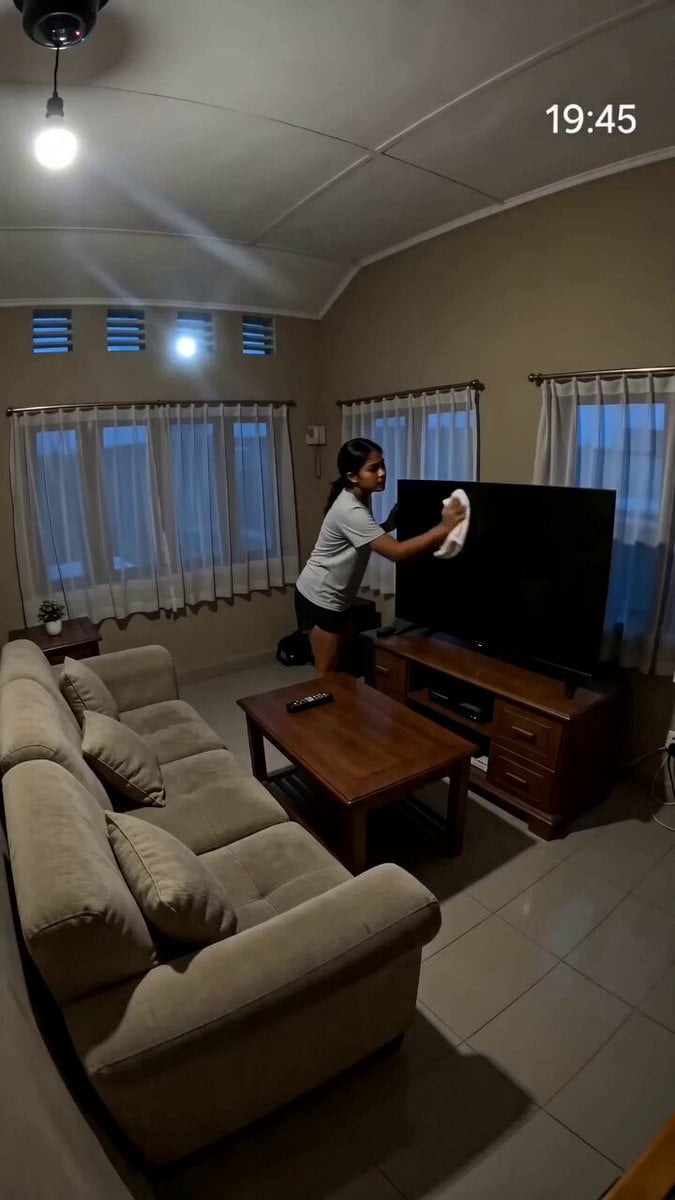
Security Camera Found Footage Horror
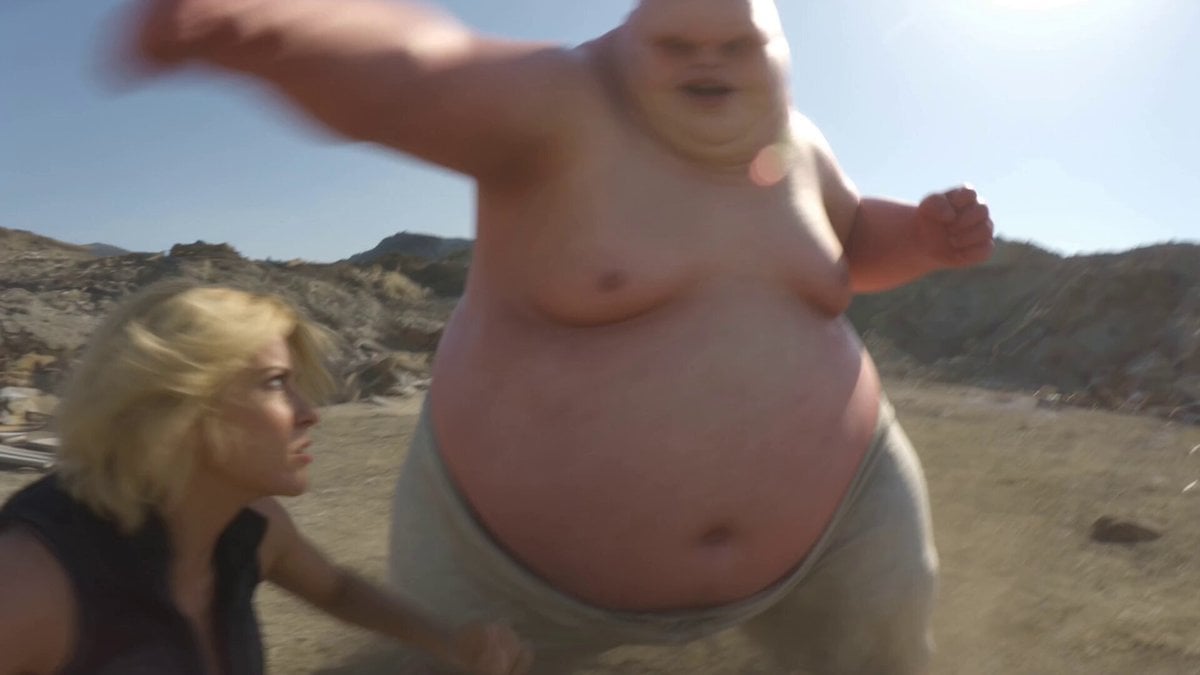
Superhuman Battle Found Footage
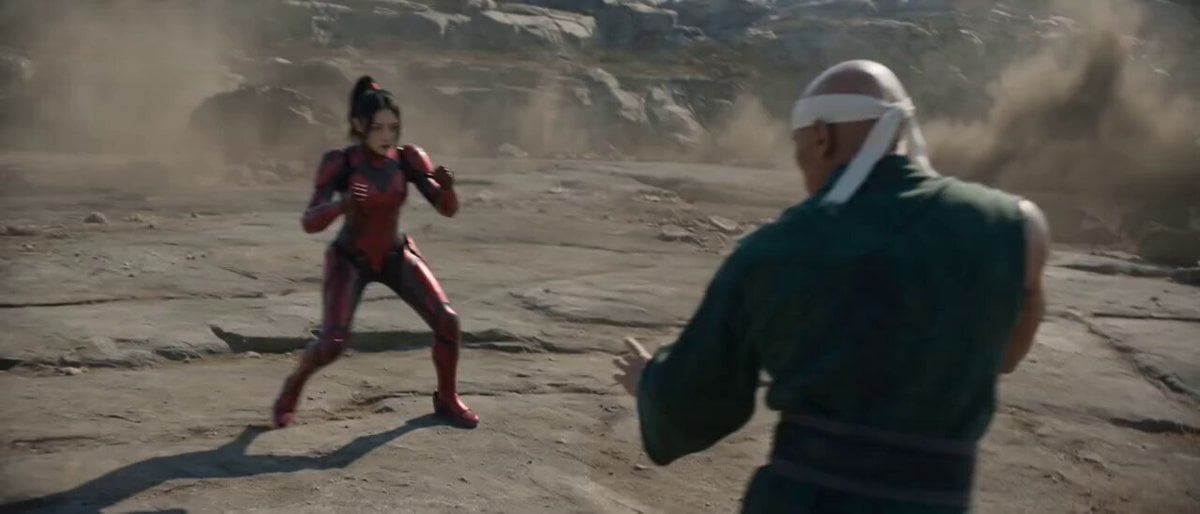
Raw Found Footage Superhuman Duel
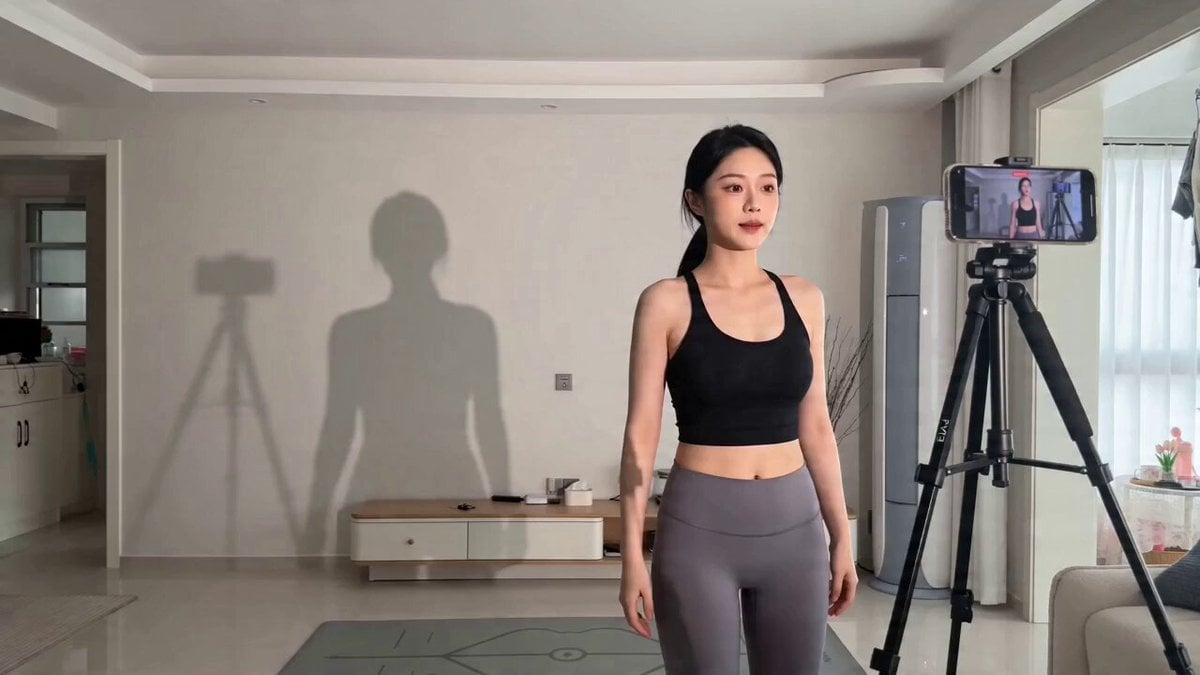
Found Footage Comedy: Shadow Glitch Dance Video Prompt
Make it yours
Found-Footage Talking Rabbits works as-is. These are the safest ways to change it without losing the look.
Change one field
Copy a single group, rewrite it, and generate again so you can see what that field is doing.
Keep the frame, change the subject
Hold the composition and light of Found-Footage Talking Rabbits, then swap wardrobe, props or the person for a new take.
| If the result… | Why | Fix |
|---|---|---|
| The result drifts from the preview | Too many fields changed at once. | Reuse Found-Footage Talking Rabbits as-is first, then change one group — subject, light, or setting. |
| The model over-stylizes the scene | The prose prompt leaves finish and camera underspecified. | Add one camera or lighting sentence and stay on Seedance 2.0. |
More Seedance 2.0 templates
Other prompts made for Seedance 2.0.

Comical Martial Arts Punch Scene

Maglev Train Action Sequence

Martial Arts Fight Sequence

Wuxia Protection and Trust Script

Vintage Korean Arcade MiniDV Vlog

Mercedes 190 SL Luxury Ad

Rainy Night Supernatural Reverse Comedy Video Script

Amazon Civilization Discovery

Futuristic South Asian City Transformation

Cozy Luxury Cafe Commercial
More video prompts
Fresh picks from across the catalog.

Korean Idol Childhood Photo Vlog
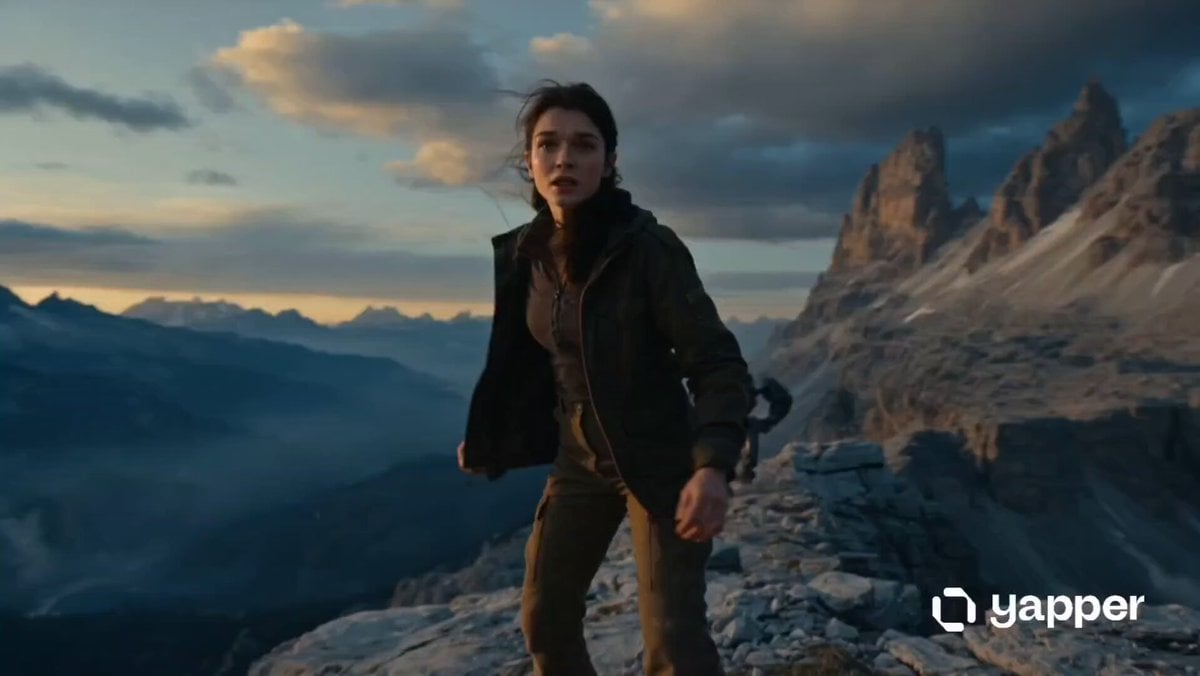
Woman vs Combat Robot Battle
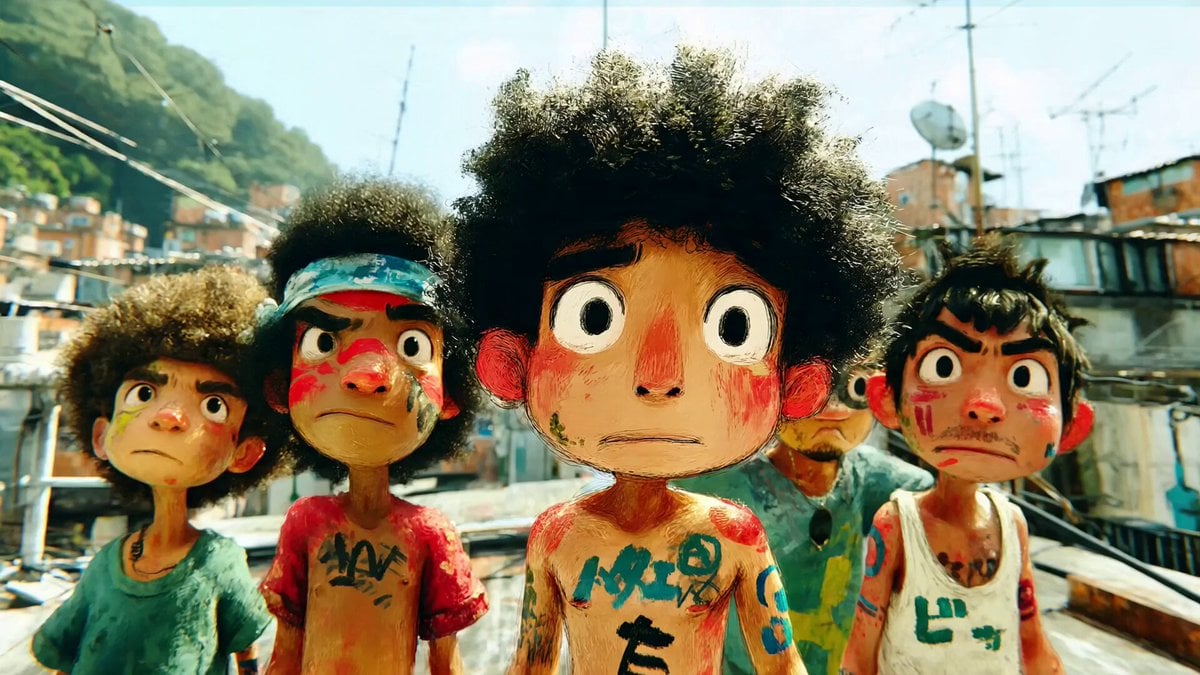
Storyboard Style Animation

Trillionaire Anime Story
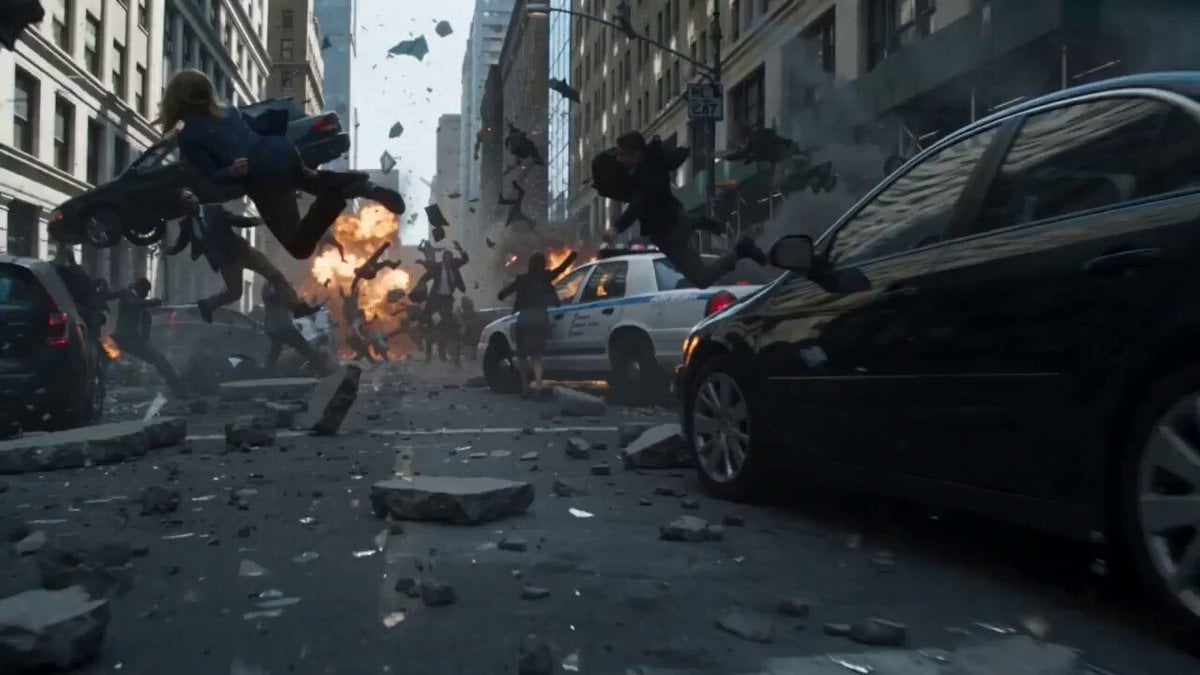
Frozen Chaos Time-Stop Scene

Cinematic Moonlit Shore Fire

Chibi Character Phoebe Pizza Scene

Tekken 3 Retro to Real Transformation

Cyberpunk Tokyo Alley Fight Sequence
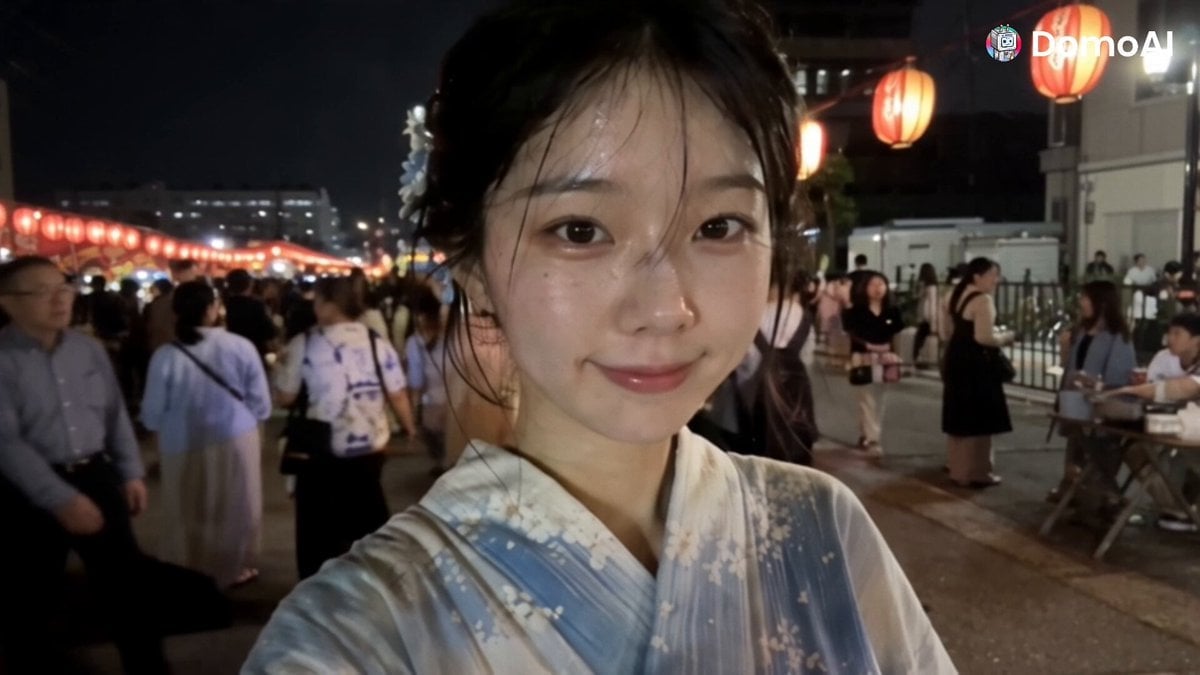
Korean Festival Smartphone Vlog
Browse template categories
Found-Footage Talking Rabbits questions
How do I use the Found-Footage Talking Rabbits template?
Add your photo if the template asks for one, edit the prompt if you like — the template's model and format are already selected — and press Generate. Your version opens in PicX Studio.
Can I customize the Found-Footage Talking Rabbits template?
Yes. You can change the subject, setting, lighting, mood, format, and available model controls before creating your video.
Is the Found-Footage Talking Rabbits template free?
Opening and editing this template is free. Generating uses credits, shown on the Generate button when you are signed in.
Which AI model should I use?
Start with Seedance 2.0, which is the model associated with this template. You can compare another compatible model for a different finish.
Looking for something else? Browse all templates.

Your photo, any look
Thousands of ready templates for every top image and video model, from one credit balance.