
Pokemon Found Footage Documentary
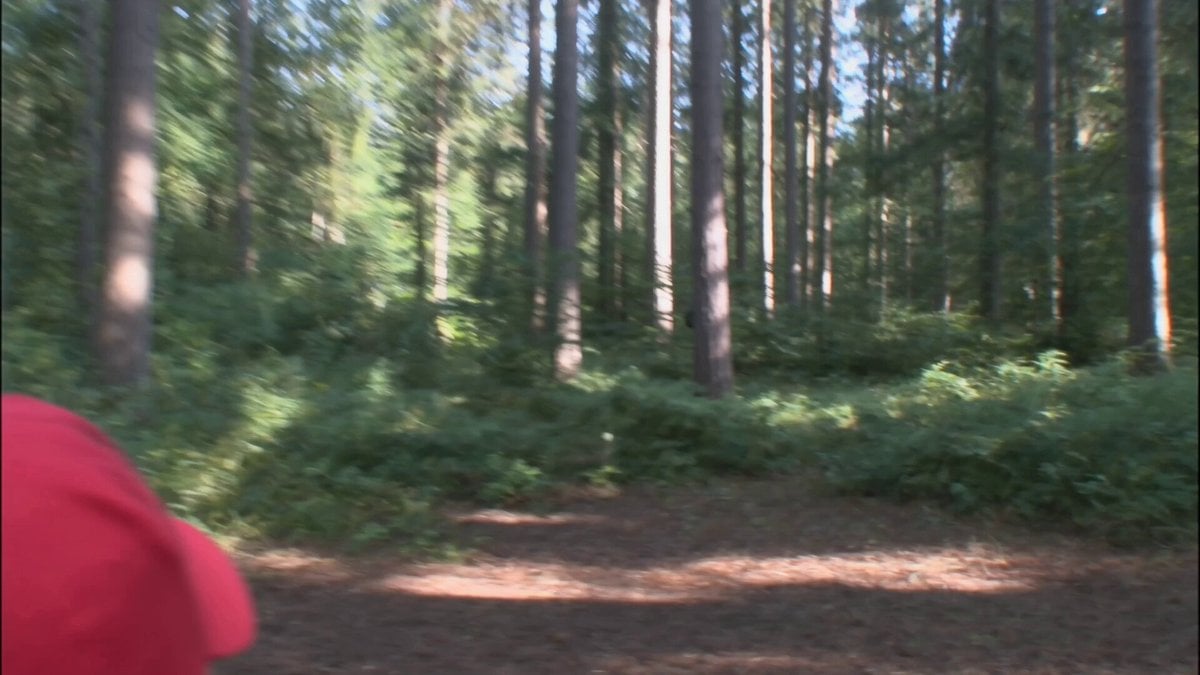
A nostalgic 2000s-style handheld camcorder video prompt depicting a boy attempting to capture a mysterious forest creature.
- Prompt included
- Model and format preset
- Premium template
The prompt behind this video
Copy the exact prompt behind Pokemon Found Footage Documentary, or open it in the studio and make it yours.
This is handheld documentary footage recorded on an early-2000s consumer DV camcorder by someone standing in a forest watching a boy try to capture a strange creature. The footage feels like real, imperfect home video of an unexpected wildlife encounter. A boy around 12 years old, wearing a red cap, blue jacket and shorts, is in a dense forest clearing. He is very excited and determined. In front of him, attached to a tree trunk at about eye level, is a large, green, cocoon-like creature with a hard segmented shell, small visible eyes and slight twitching movements. The creature looks completely real, like an unknown deep-forest insect or animal. The boy throws a small round object (like a ball) toward the creature while shouting encouragement. The object bounces off the hard green shell. The creature twitches and makes a small defensive movement. The boy picks up the object, adjusts his stance and throws again with more force. His friends can be heard shouting in the background. The boy looks thrilled when the creature reacts. The camera, held by one of the friends, moves unsteadily to follow the action. It shakes a lot when the boy throws and when the creature twitches. There are quick natural cuts between the boy’s face full of excitement, the creature on the tree, and the thrown object hitting the shell. The handheld camera shows constant shake, imperfect and drifting framing, frequent autofocus hunting, lens breathing, motion blur during throws, exposure changes between sunlight filtering through trees and shaded areas, and all the typical imperfections of an old DV camcorder. The person filming is clearly excited and moving around to get a better view. Natural sound only: forest ambience (birds, wind in leaves), the boy shouting excitedly, the sound of the thrown object hitting the hard shell, footsteps on leaves and twigs, and distant voices of other kids. No music. No sound design. The result must feel like authentic, raw home video of a group of kids in the forest encountering and trying to capture a bizarre real creature, captured on an old DV camcorder.
How to use Pokemon Found Footage Documentary in 3 steps
- 1Upload ImagePNG, JPG or paste
Add your photo
Upload the photo the template builds on. The prompt, model and format are already set.
- 2…a portrait of your subject in softgolden-hour light, 85mm…
Personalize
Edit the subject and creative details for your destination.
- 3Generate
Generate
Press Generate — your video is created in PicX Studio, so you can compare it with the original and refine one variable at a time.
More like this
Templates with the same subject, style or setup. Open one to see its prompt.
Forgotten 1980s High School Documentary Seedance
Live-Action Firefighter Rescue Night Scene
Gym Bathroom Found-Footage Horror

Late-Night Gym Found-Footage Horror
Found-Footage City Anomaly
2003 Found Footage MiniDV Tape

Chaos in the Living Room Found Footage
Found Footage Graveyard Creature Horror
Found Footage Crocodile Monster Rampage
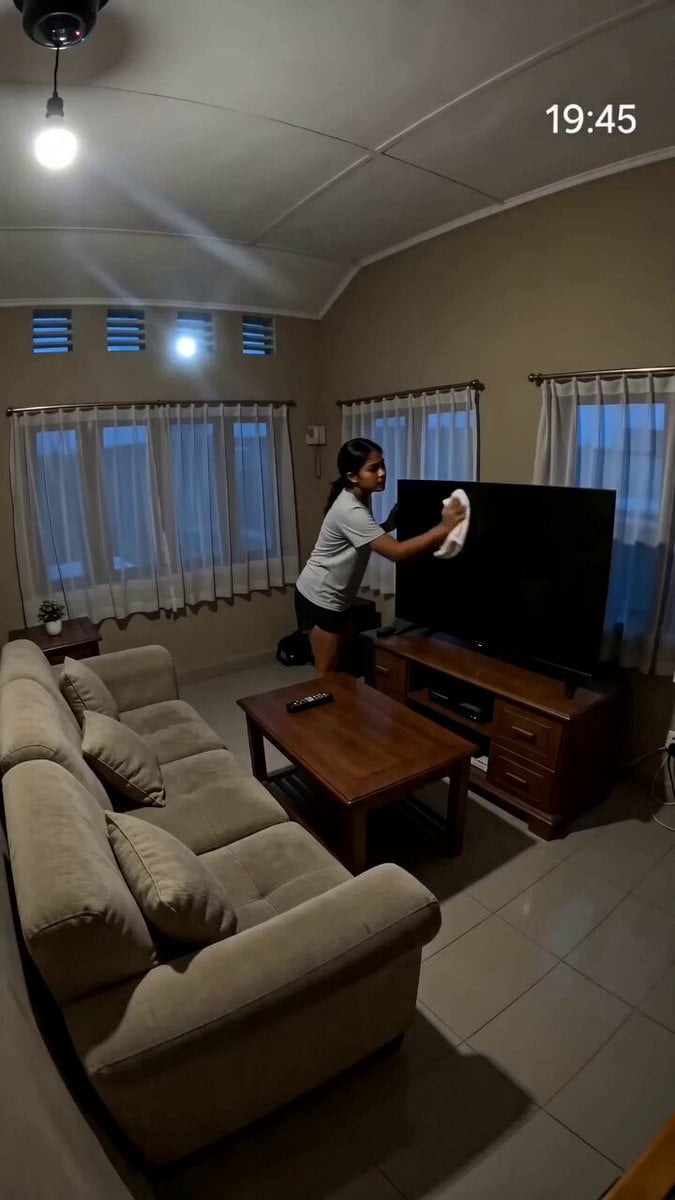
Security Camera Found Footage Horror
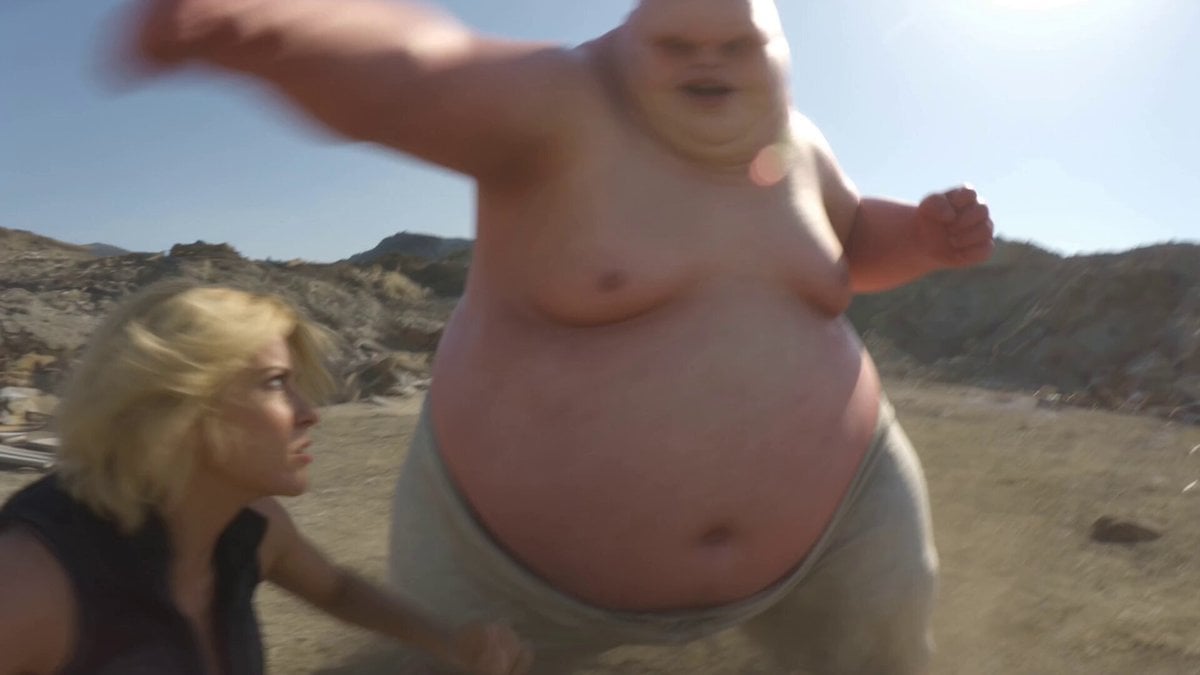
Superhuman Battle Found Footage
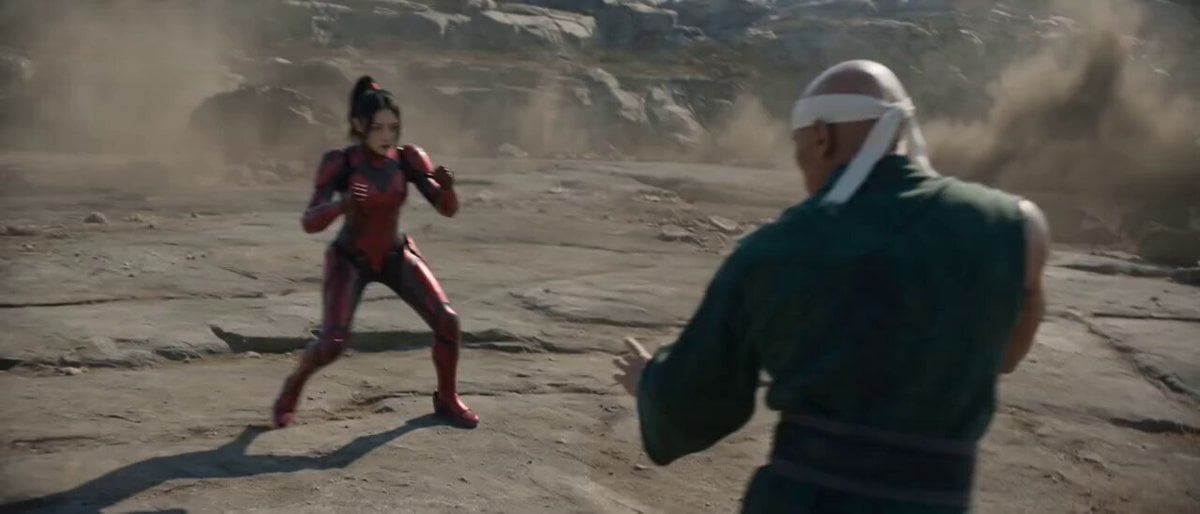
Raw Found Footage Superhuman Duel
Make it yours
Pokemon Found Footage Documentary works as-is. These are the safest ways to change it without losing the look.
Change one field
Copy a single group, rewrite it, and generate again so you can see what that field is doing.
Keep the frame, change the subject
Hold the composition and light of Pokemon Found Footage Documentary, then swap wardrobe, props or the person for a new take.
| If the result… | Why | Fix |
|---|---|---|
| The result drifts from the preview | Too many fields changed at once. | Reuse Pokemon Found Footage Documentary as-is first, then change one group — subject, light, or setting. |
| The model over-stylizes the scene | The prose prompt leaves finish and camera underspecified. | Add one camera or lighting sentence and stay on Seedance 2.0. |
More Seedance 2.0 templates
Other prompts made for Seedance 2.0.

Comical Martial Arts Punch Scene

Maglev Train Action Sequence

Martial Arts Fight Sequence

Wuxia Protection and Trust Script

Vintage Korean Arcade MiniDV Vlog

Mercedes 190 SL Luxury Ad

Rainy Night Supernatural Reverse Comedy Video Script

Amazon Civilization Discovery

Futuristic South Asian City Transformation

Cozy Luxury Cafe Commercial
More video prompts
Fresh picks from across the catalog.

Sports Anime Goal Storyboard Sequence

Spiderwolf Man Purgatory Rescue

Skiing Video Generation Prompt with Detailed Scene Breakdown

Pixar Style Animated Chef Action

Cinematic Portrait of a Japanese Woman

Pop-Art Cartoon vs Live-Action Fight
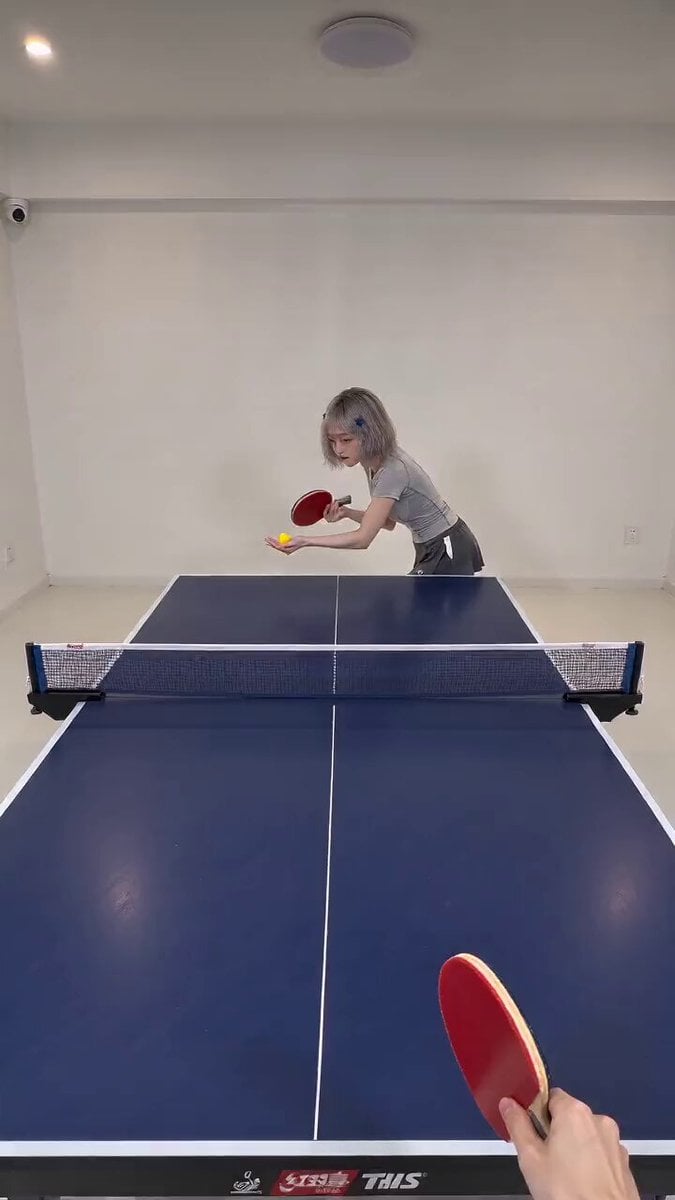
First-Person POV Ping Pong Match with Digital Human

Dragon of Anger and Sorrow
Sci-Fi Horror Lab Monster Mutation
MLB Baseball Stadium Fan Reaction
Browse template categories
Pokemon Found Footage Documentary questions
How do I use the Pokemon Found Footage Documentary template?
Add your photo if the template asks for one, edit the prompt if you like — the template's model and format are already selected — and press Generate. Your version opens in PicX Studio.
Can I customize the Pokemon Found Footage Documentary template?
Yes. You can change the subject, setting, lighting, mood, format, and available model controls before creating your video.
Is the Pokemon Found Footage Documentary template free?
Opening and editing this template is free. Generating uses credits, shown on the Generate button when you are signed in.
Which AI model should I use?
Start with Seedance 2.0, which is the model associated with this template. You can compare another compatible model for a different finish.
Looking for something else? Browse all templates.

Your photo, any look
Thousands of ready templates for every top image and video model, from one credit balance.