
Sports Anime Goal Storyboard Sequence
A structured sports anime storyboard prompt for Seedance 2.0 featuring cinematic kickoff, dribbling actions, and a golden goal celebration with speed lines.
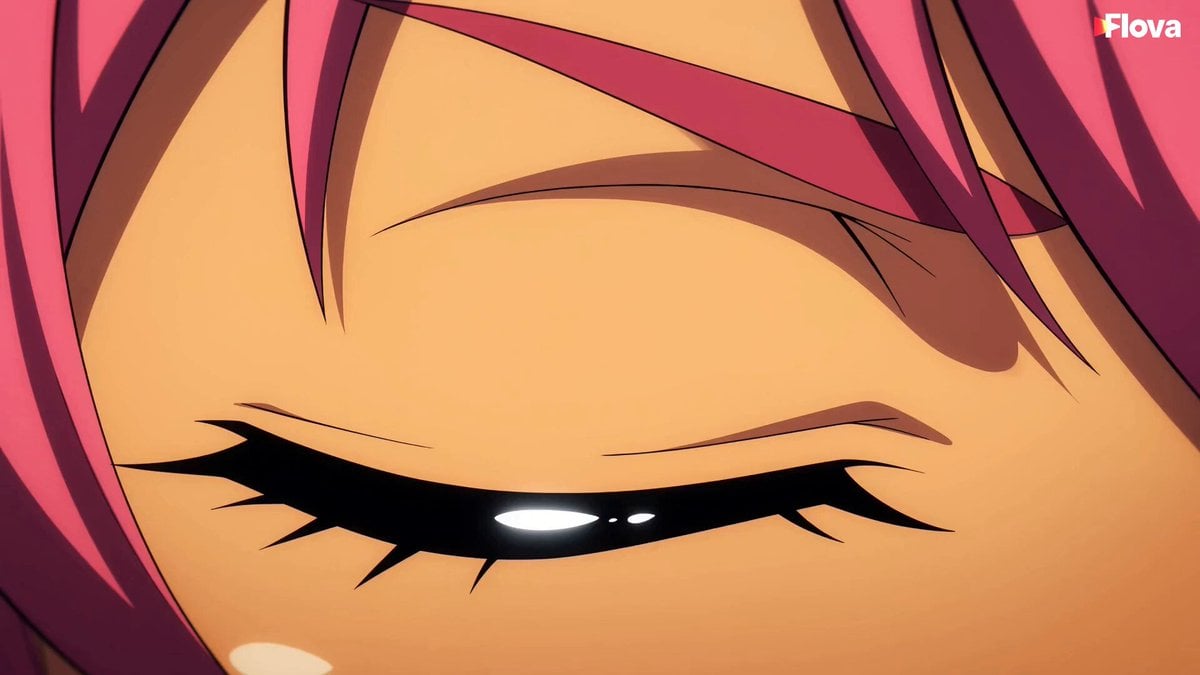
- Prompt included
- Model and format preset
- Free template
The prompt behind this video
Copy the exact prompt behind Sports Anime Goal Storyboard Sequence, or open it in the studio and make it yours.
SPORTS ANIME STORYBOARD (SHORT VERSION) STYLE (GLOBAL): Modern sports anime, cel-shaded, vibrant colors, expressive eyes, speed lines, stadium lighting, cinematic slow motion, dramatic dutch angles. Character: Hoshino Yui (pink ponytail, amber eyes, Taiyo FC yellow jersey). Rival: Tsukikage Ren (black/silver, calm defensive aura). PART 1 — 開幕 (Kickoff) | 15s Cut A (0–5s) — Eye of Destiny Extreme close-up of Yui’s eyes opening → stadium floodlight reveal. Cut B (5–10s) — Rival Standoff Yui vs Ren split-screen stare under contrasting gold vs silver lighting. Cut C (10–15s) — Kickoff Burst Whistle → kickoff → Yui first touch speed-burst past defender. V.O: 「世界が見ている、この一瞬を」 PART 2 — 攻撃 (Attack) | 15s Cut D (0–5s) — Magic Dribble Yui sprints down wing, golden trail, nutmeg on defender. Cut E (5–10s) — Curved Cross Slow-motion golden cross arcing into penalty box. Cut F (10–15s) — Clearance by Ren Ren jumps, silver aura header clears ball dramatically. V.O: 「月影が完璧に跳ね返す!」 PART 3 — 緊迫 (Tension) | 15s Cut G (0–5s) — Score Pressure Scoreboard: 1–1, clock ticking, nervous crowd. Cut H (5–10s) — Resolve Yui close-up: sweat + determination. 「まだ終わらせない」 Cut I (10–15s) — Sprint for Ball Loose ball → Yui explosive sprint, speed lines. V.O: 「これが最後のチャンスか!」 PART 4 — 決着 (Goal) | 15s Cut J (0–5s) — 1v1 Silence Yui vs goalkeeper, total silence tension. Cut K (5–10s) — Golden Strike Power shot → golden trail → net ripples goal. Cut L (10–15s) — Celebration Freeze Knee slide, teammates rush, Ren nods. Final freeze under stadium lights.
How to use Sports Anime Goal Storyboard Sequence in 3 steps
- 1
Open
The prompt is already in the box next to the preview, with the template's model and format selected.
- 2…a portrait of your subject in softgolden-hour light, 85mm…
Personalize
Edit the subject and creative details for your destination.
- 3Generate
Generate
Press Generate — your video is created in PicX Studio, so you can compare it with the original and refine one variable at a time.
More like this
Templates with the same subject, style or setup. Open one to see its prompt.
Ultra-Realistic Sports Broadcast Goal Sequence

3x3 Grid Storyboard Racing — Kling 3.0 O3 Pro

Dragon Rider Cinematic Flight — Seedance 2.5

MiniMax H3 Character Introduction

Japanese Pure Love Short Film
Sakuga Anime Action Storyboard
Anime Soccer Goalkeeper Epic Save
Surreal Storyboard Transition Sequence
Subway Prank Video Storyboard Sequence
Cinematic Storyboard Sequence Reference

Studio Ghibli Dumpling Kitchen Cooking Scene
Magical Academy Storyboard Sequence
Make it yours
Sports Anime Goal Storyboard Sequence works as-is. These are the safest ways to change it without losing the look.
Change one field
Copy a single group, rewrite it, and generate again so you can see what that field is doing.
Keep the frame, change the subject
Hold the composition and light of Sports Anime Goal Storyboard Sequence, then swap wardrobe, props or the person for a new take.
| If the result… | Why | Fix |
|---|---|---|
| The result drifts from the preview | Too many fields changed at once. | Reuse Sports Anime Goal Storyboard Sequence as-is first, then change one group — subject, light, or setting. |
| The model over-stylizes the scene | The prose prompt leaves finish and camera underspecified. | Add one camera or lighting sentence and stay on Seedance 2.0. |
More Seedance 2.0 templates
Other prompts made for Seedance 2.0.

Comical Martial Arts Punch Scene

Wuxia Protection and Trust Script

Vintage Korean Arcade MiniDV Vlog

Mercedes 190 SL Luxury Ad

Rainy Night Supernatural Reverse Comedy Video Script

Amazon Civilization Discovery

Futuristic South Asian City Transformation

Cozy Luxury Cafe Commercial

Cyber Ronin Nanotech Transformation Video

Desert Courier and Sandstorm Leviathan Chase
More video prompts
Fresh picks from across the catalog.
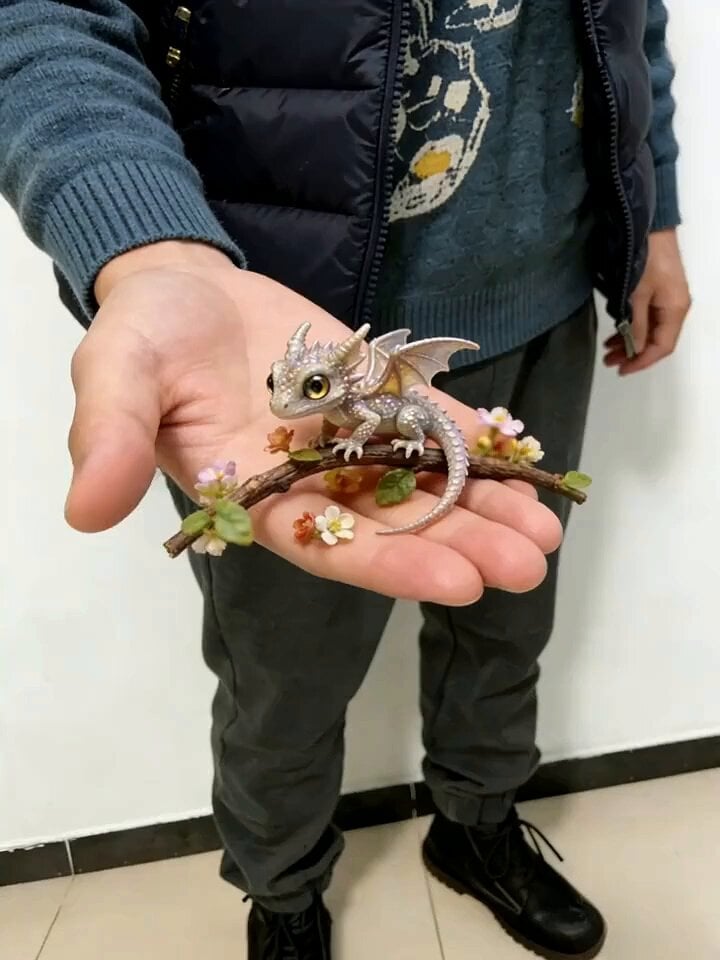
Fast Seedance 2.0 Prompt for a Miniature Dragon
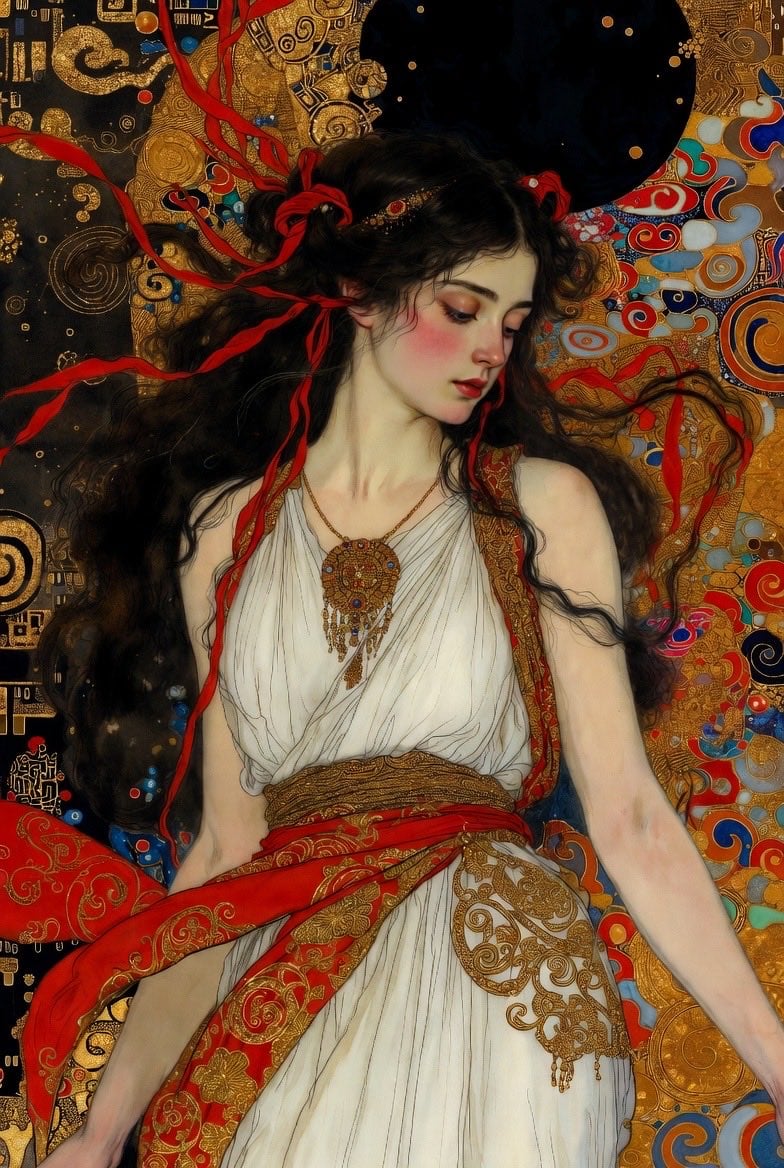
Klimt-Style Art Nouveau Video Prompt
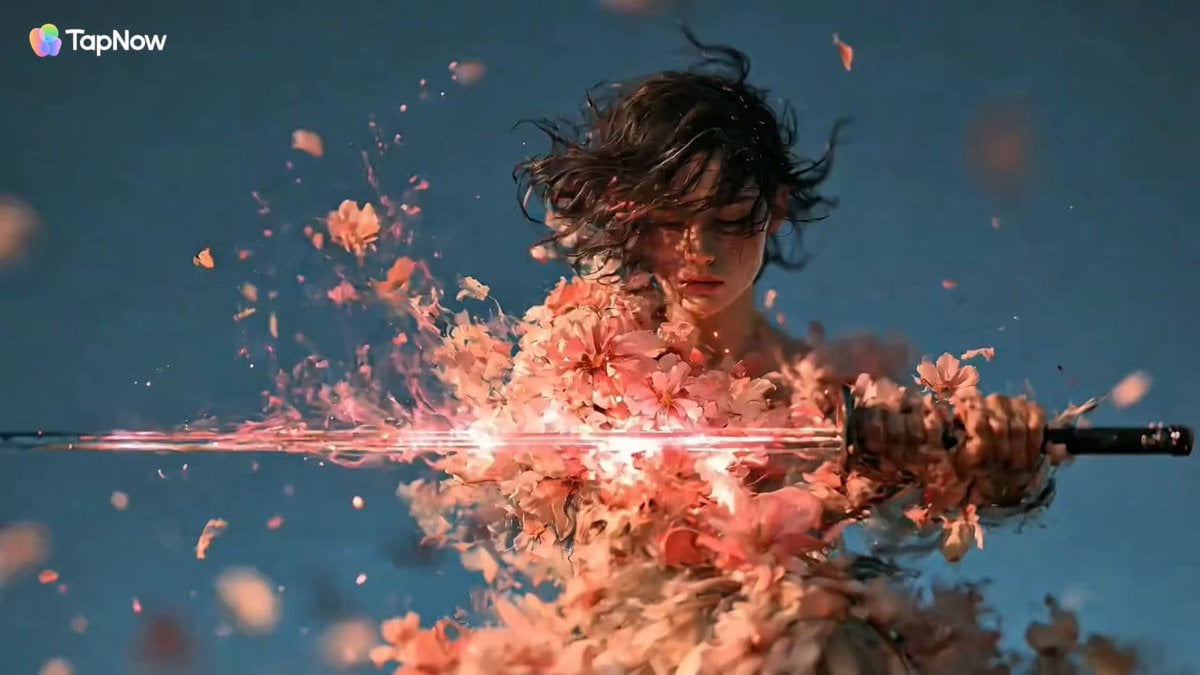
Swordswoman Cherry Blossom Strike
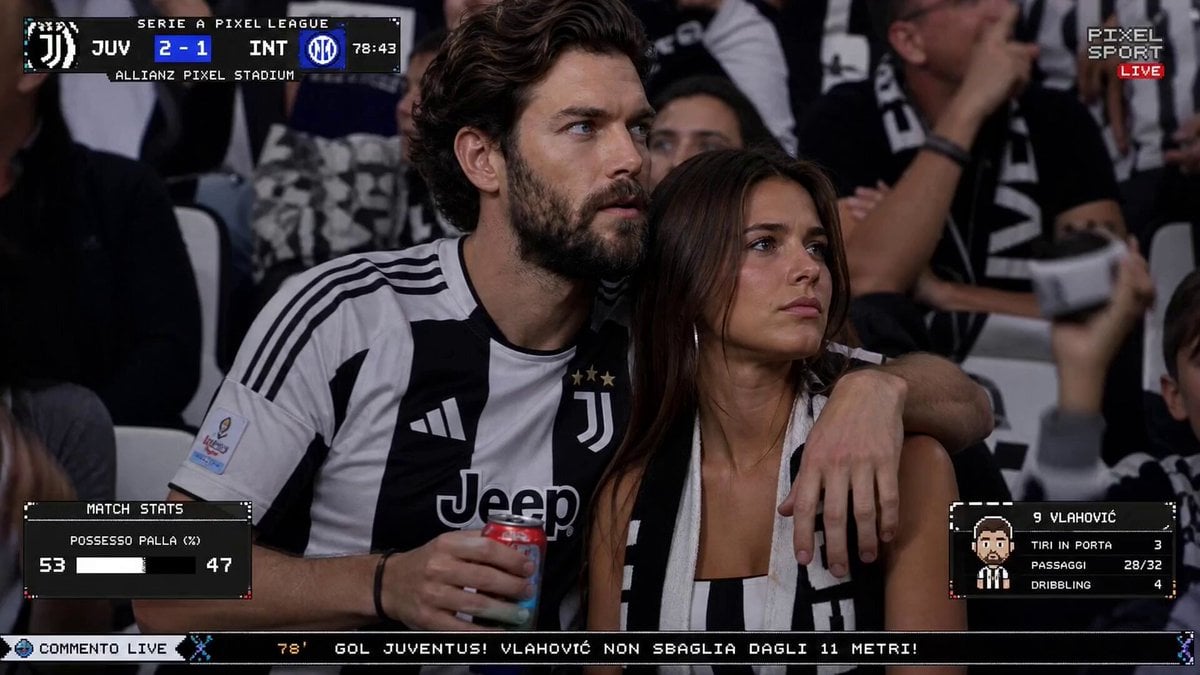
Live TV Football Broadcast Crowd Reaction
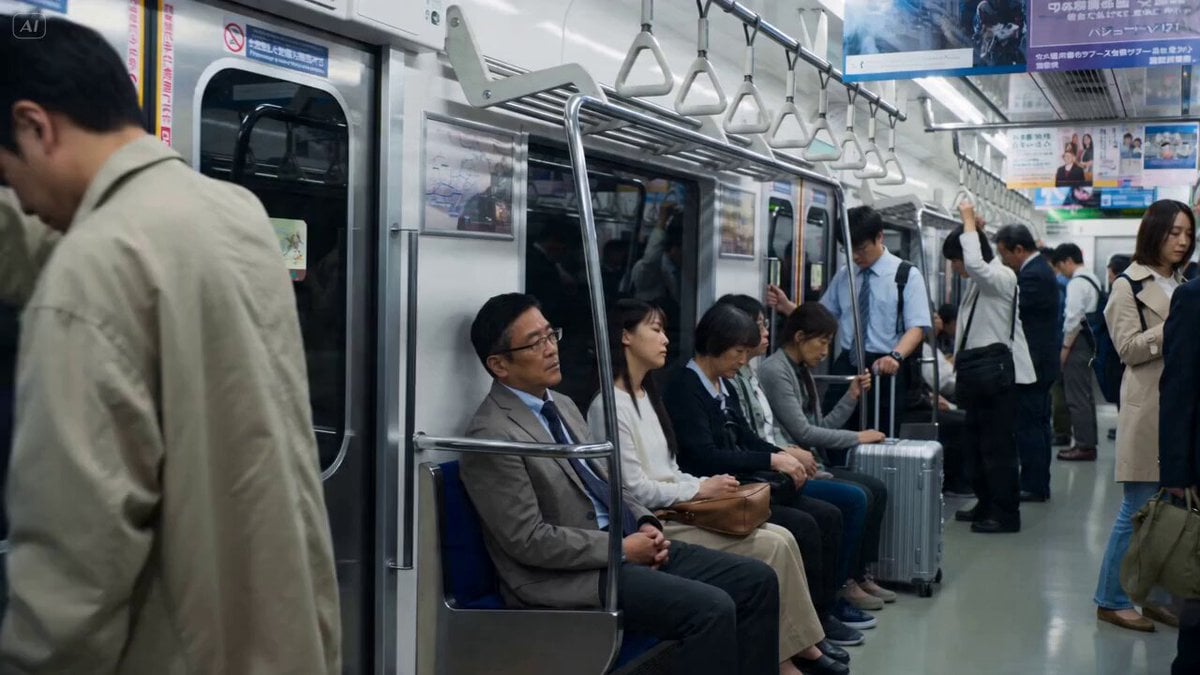
Cherry Blossom Invasion VFX Video Prompt
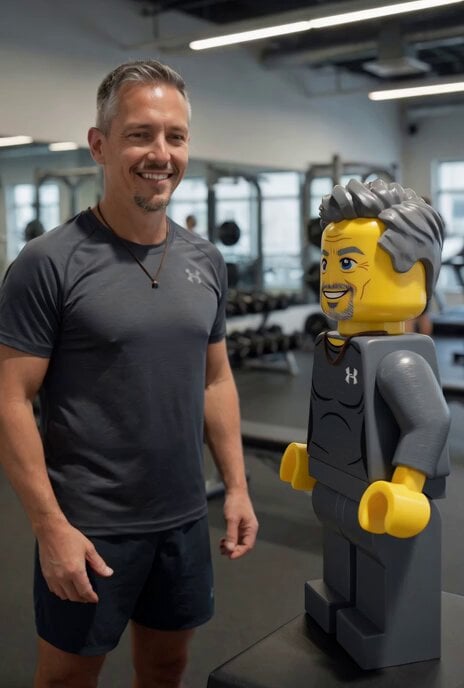
Lego Character Self-Animation
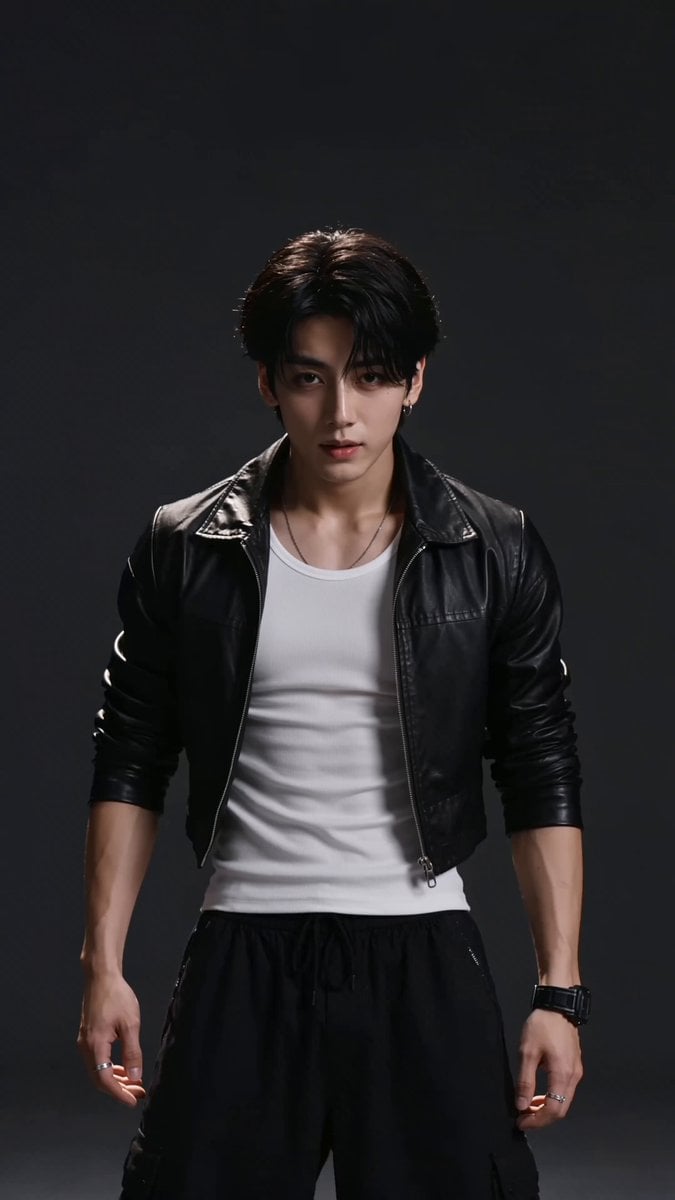
Elite Hip-Hop Dance Choreography
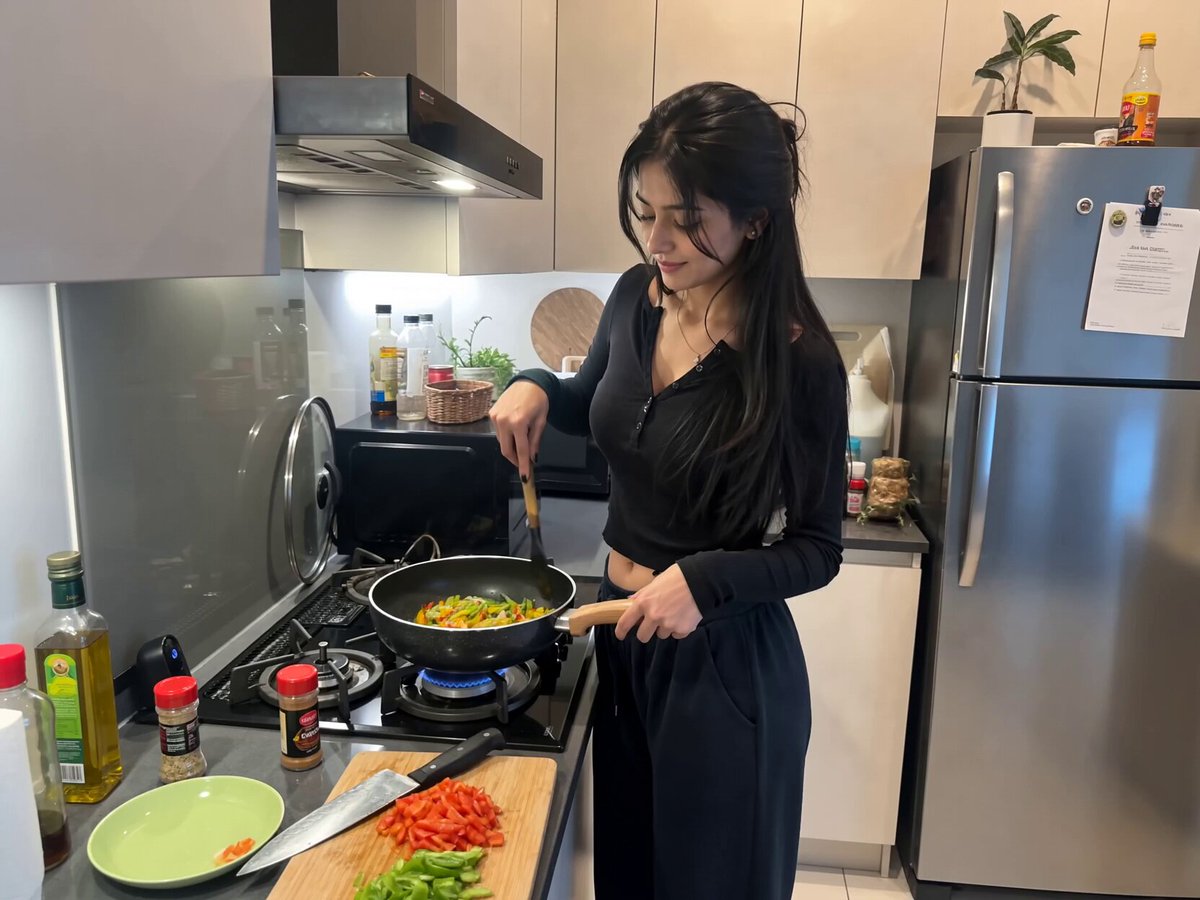
Candid Kitchen Cooking Vlog

Hyperrealistic Soap Bubbles in a Park
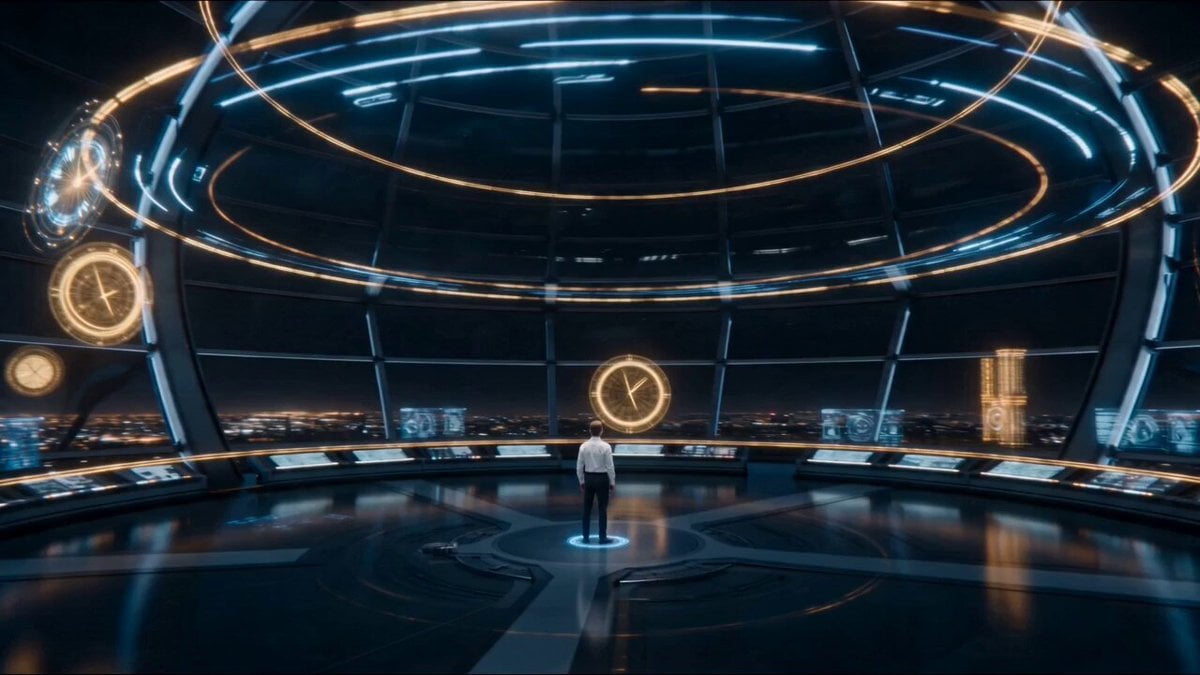
Temporal Chamber Sci-Fi Transformation
Browse template categories
Sports Anime Goal Storyboard Sequence questions
How do I use the Sports Anime Goal Storyboard Sequence template?
Add your photo if the template asks for one, edit the prompt if you like — the template's model and format are already selected — and press Generate. Your version opens in PicX Studio.
Can I customize the Sports Anime Goal Storyboard Sequence template?
Yes. You can change the subject, setting, lighting, mood, format, and available model controls before creating your video.
Is the Sports Anime Goal Storyboard Sequence template free?
Opening and editing this template is free. Generating uses credits, shown on the Generate button when you are signed in.
Which AI model should I use?
Start with Seedance 2.0, which is the model associated with this template. You can compare another compatible model for a different finish.
Looking for something else? Browse all templates.

Your photo, any look
Thousands of ready templates for every top image and video model, from one credit balance.