How do I use the Swordswoman Cherry Blossom Strike template?
Edit the prompt in the box under the preview — the template's model and format are already selected — and press Generate. Your version appears right on this page.
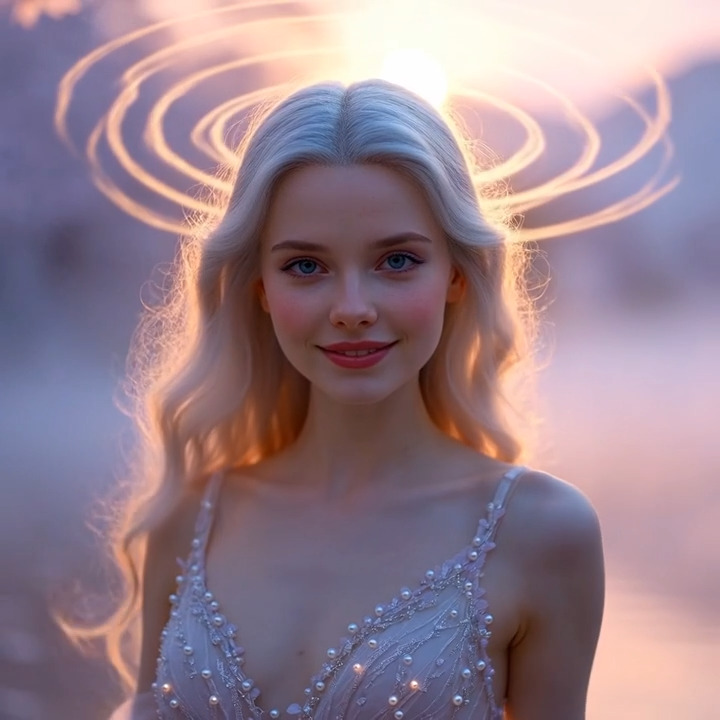
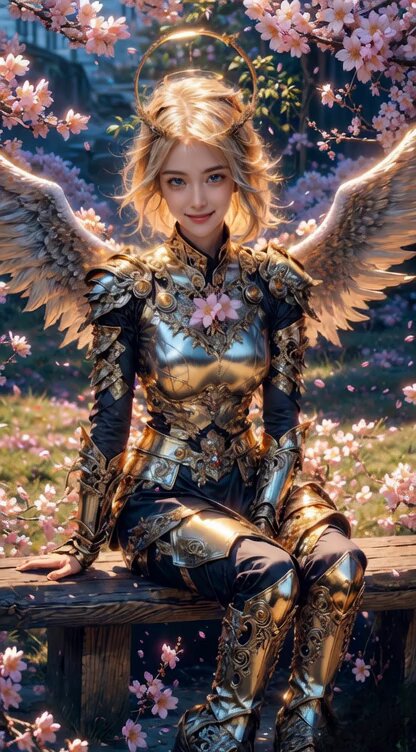
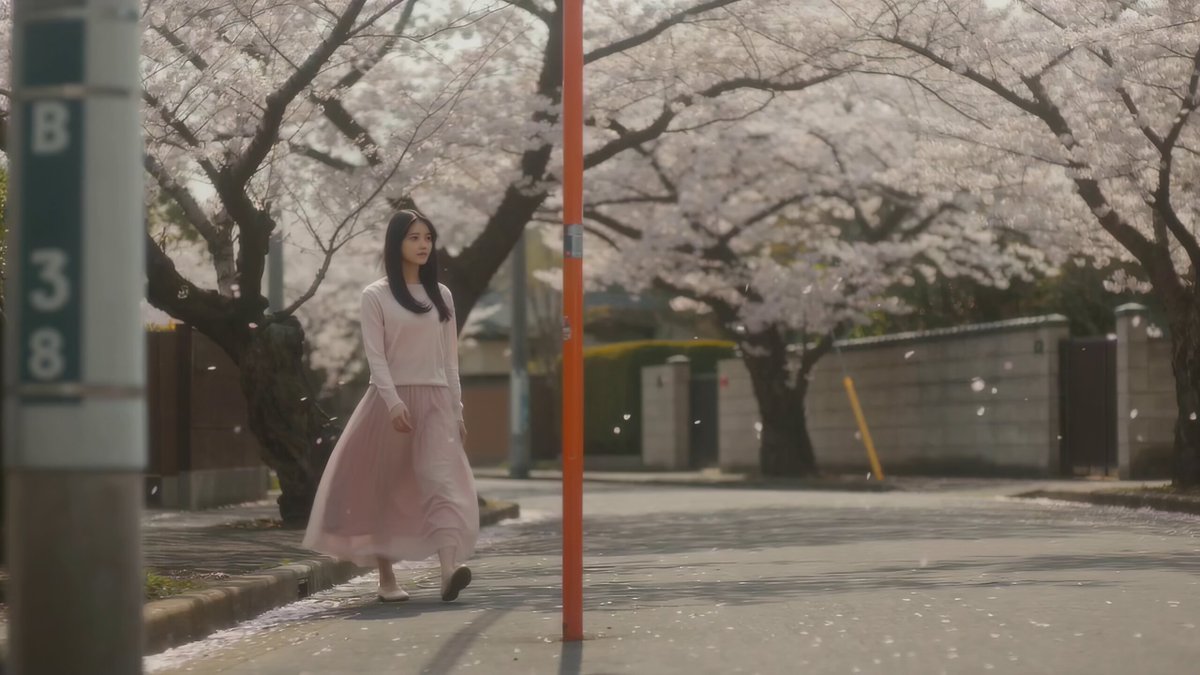
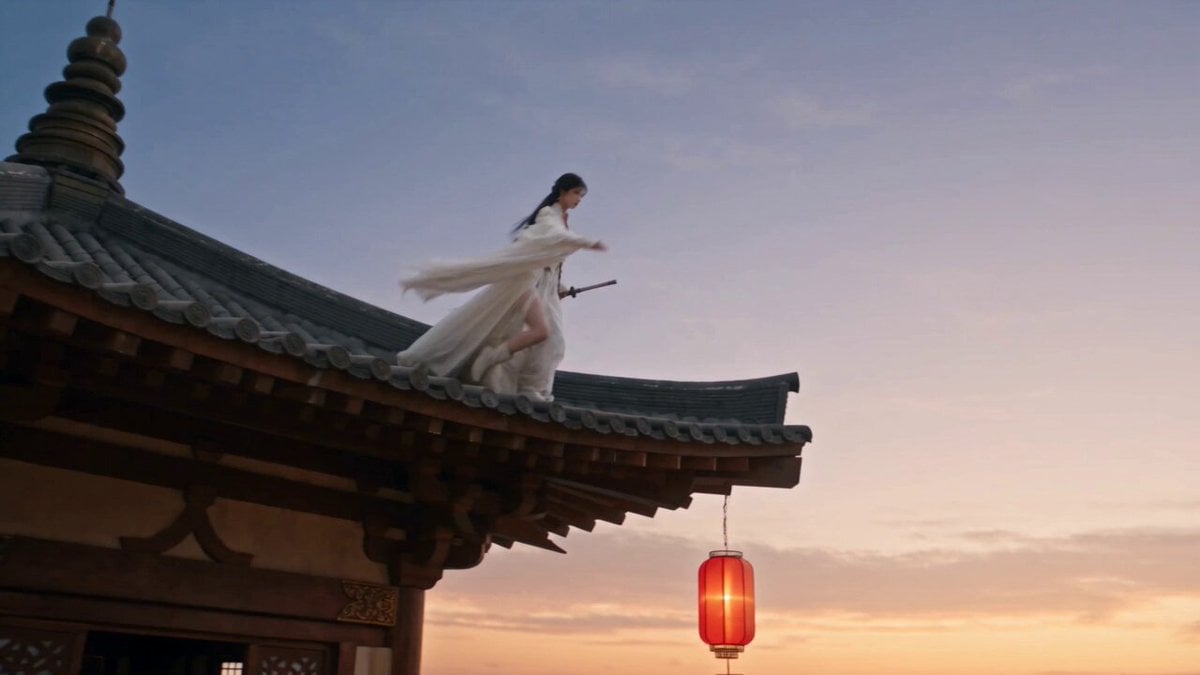
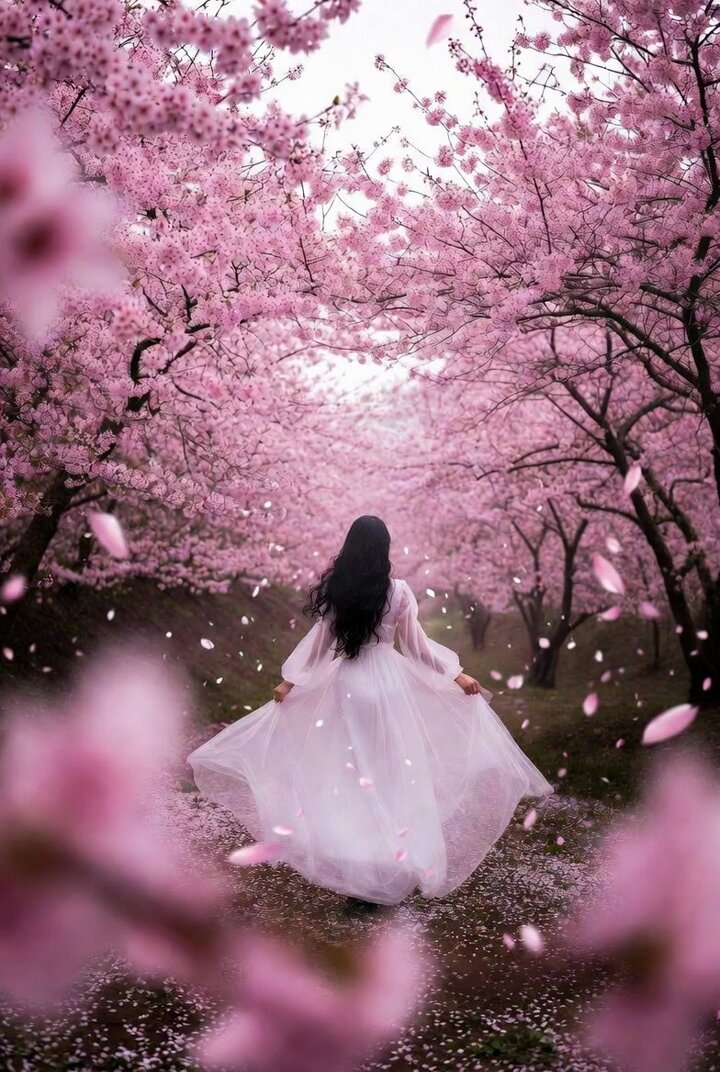
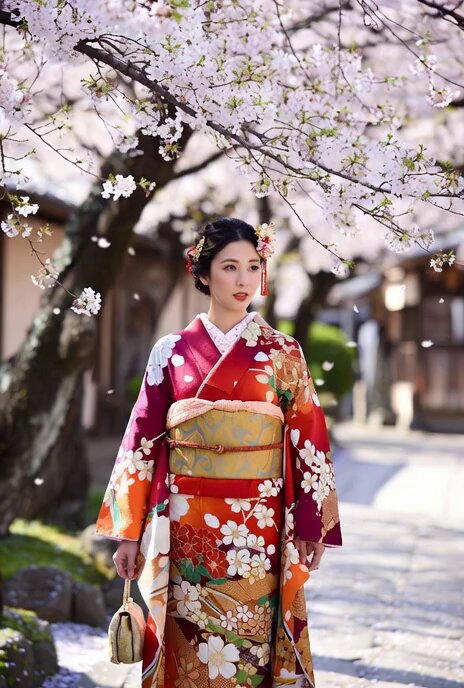
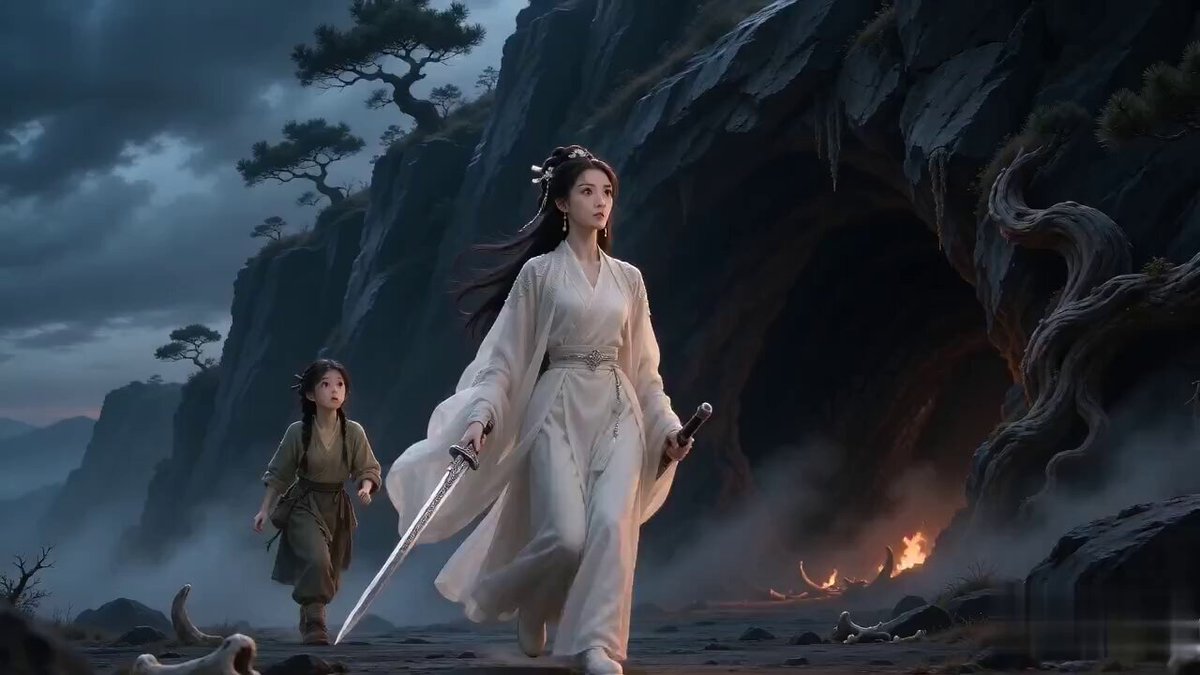
A multi-scene animation prompt for a swordswoman performing a powerful strike amidst a storm of pink cherry blossom petals.
0:00-0:03 - The swordswoman stands in complete stillness against a muted blue backdrop, pink cherry blossom petals beginning to swirl gently around her blade and shoulders. 0:03-0:06 - She launches forward in a single compressed burst, her body tearing through the space as streams of pink and rose-toned petal trails erupt and stretch behind her in motion. 0:06-0:09 - Her blade cuts through the frame in a decisive arc, the strike igniting a circular shockwave explosion made entirely of scattering pink flower petals and blossom fragments. 0:09-0:12 - Delayed trails of soft pink petals ripple outward in sequence, tracing the full invisible path of the strike through the air like blooming afterimages. 0:12-0:15 - The petals slow and drift downward in golden light, settling around her as she comes to rest, blade still raised, pink blossoms clinging to her hair and shoulders in the final still frame.
0:00-0:03 - The swordswoman stands in complete stillness against a muted blue backdrop, pink cherry blossom petals beginning to swirl gently around her blade and shoulders. 0:03-0:06 - She launches forward in a single compressed burst, her body tearing through the space as streams of pink and rose-toned petal trails erupt and stretch behind her in motion. 0:06-0:09 - Her blade cuts through the frame in a decisive arc, the strike igniting a circular shockwave explosion made entirely of scattering pink flower petals and blossom fragments. 0:09-0:12 - Delayed trails of soft pink petals ripple outward in sequence, tracing the full invisible path of the strike through the air like blooming afterimages. 0:12-0:15 - The petals slow and drift downward in golden light, settling around her as she comes to rest, blade still raised, pink blossoms clinging to her hair and shoulders in the final still frame.
Edit the prompt in the box under the preview — the template's model and format are already selected — and press Generate. Your version appears right on this page.
Yes. You can change the subject, setting, lighting, mood, format, and available model controls before creating your video.
Opening and editing this template is free. Generating uses credits, shown on the Generate button when you are signed in.
Start with Seedance 2.0, which is the model associated with this template. You can compare another compatible model for a different finish.
Follow a topic to a crawlable collection of related PicX Studio templates.