How do I use the Cinematic Spring Scene: Japanese Student in Cherry Blossoms template?
Edit the prompt in the box under the preview — the template's model and format are already selected — and press Generate. Your version appears right on this page.
A detailed Japanese cinematic realism prompt for Seedance 2.0, focusing on a beautiful Japanese university student walking through a path lined with cherry blossom trees, emphasizing soft light, shallow depth of field…
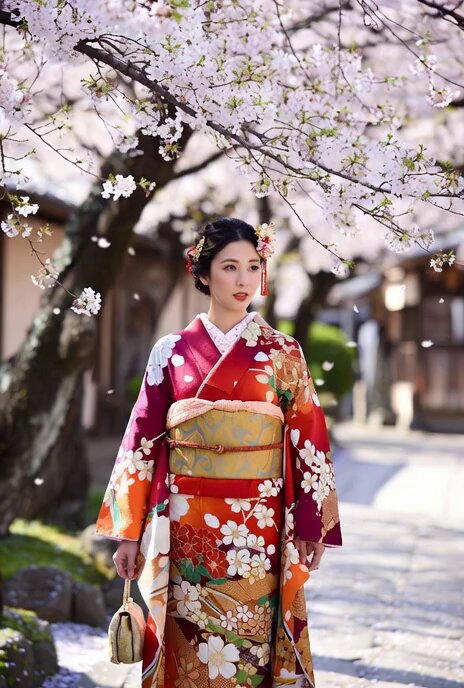
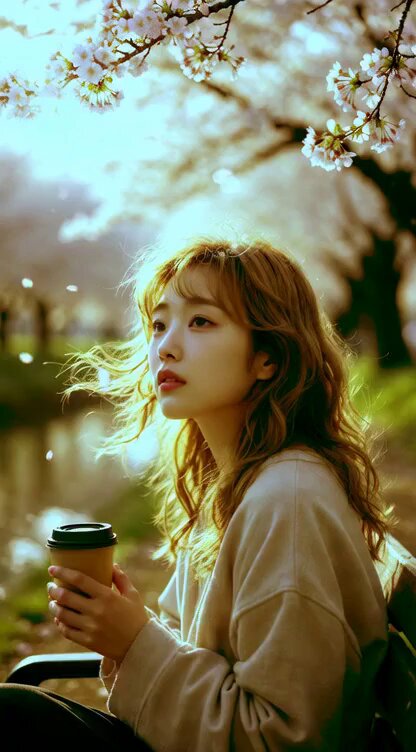
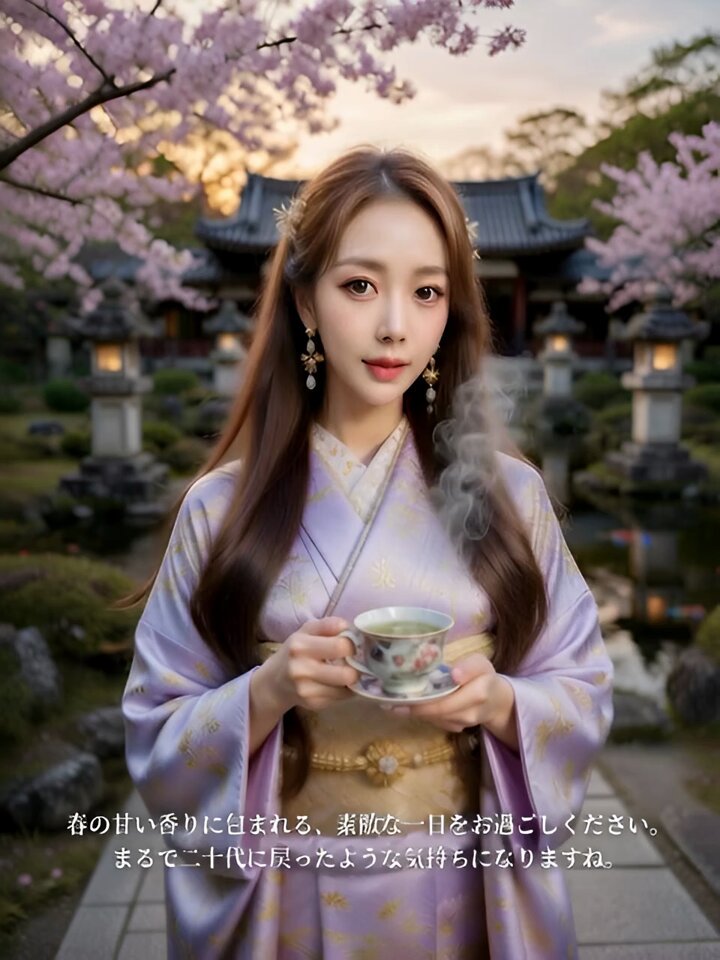
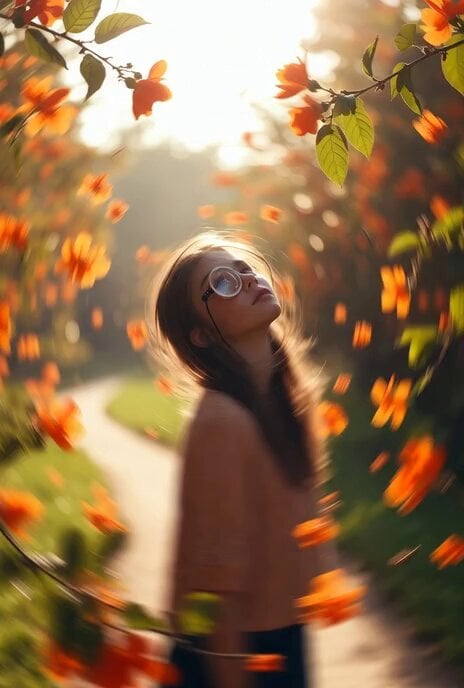
Japanese cinematic realism, poetic spring atmosphere. A beautiful 20-year-old Japanese female university student walking slowly through a quiet path lined with cherry blossom trees. Cherry blossom petals fall gently like pink snow in the soft spring breeze. She wears a soft pastel blouse and long skirt, natural Japanese college student style. Warm early morning sunlight filters through the blossoms, creating soft backlight and subtle lens flare. The camera slowly follows beside her in a smooth cinematic tracking shot. Her hair and clothes move slightly in the wind while petals float around her. Shallow depth of field, soft colors, nostalgic emotional mood, live-action film style. ultra realistic, cinematic lighting, 4K, film look
Japanese cinematic realism, poetic spring atmosphere. A beautiful 20-year-old Japanese female university student walking slowly through a quiet path lined with cherry blossom trees. Cherry blossom petals fall gently like pink snow in the soft spring breeze. She wears a soft pastel blouse and long skirt, natural Japanese college student style. Warm early morning sunlight filters through the blossoms, creating soft backlight and subtle lens flare. The camera slowly follows beside her in a smooth cinematic tracking shot. Her hair and clothes move slightly in the wind while petals float around her. Shallow depth of field, soft colors, nostalgic emotional mood, live-action film style. ultra realistic, cinematic lighting, 4K, film look
Edit the prompt in the box under the preview — the template's model and format are already selected — and press Generate. Your version appears right on this page.
Yes. You can change the subject, setting, lighting, mood, format, and available model controls before creating your video.
Opening and editing this template is free. Generating uses credits, shown on the Generate button when you are signed in.
Start with Seedance 2.0, which is the model associated with this template. You can compare another compatible model for a different finish.
Follow a topic to a crawlable collection of related PicX Studio templates.