
Horror Mushroom Transformation
A terrifying dark fantasy prompt describing the transformation and emergence of a human-faced mushroom creature with cinematic horror elements.
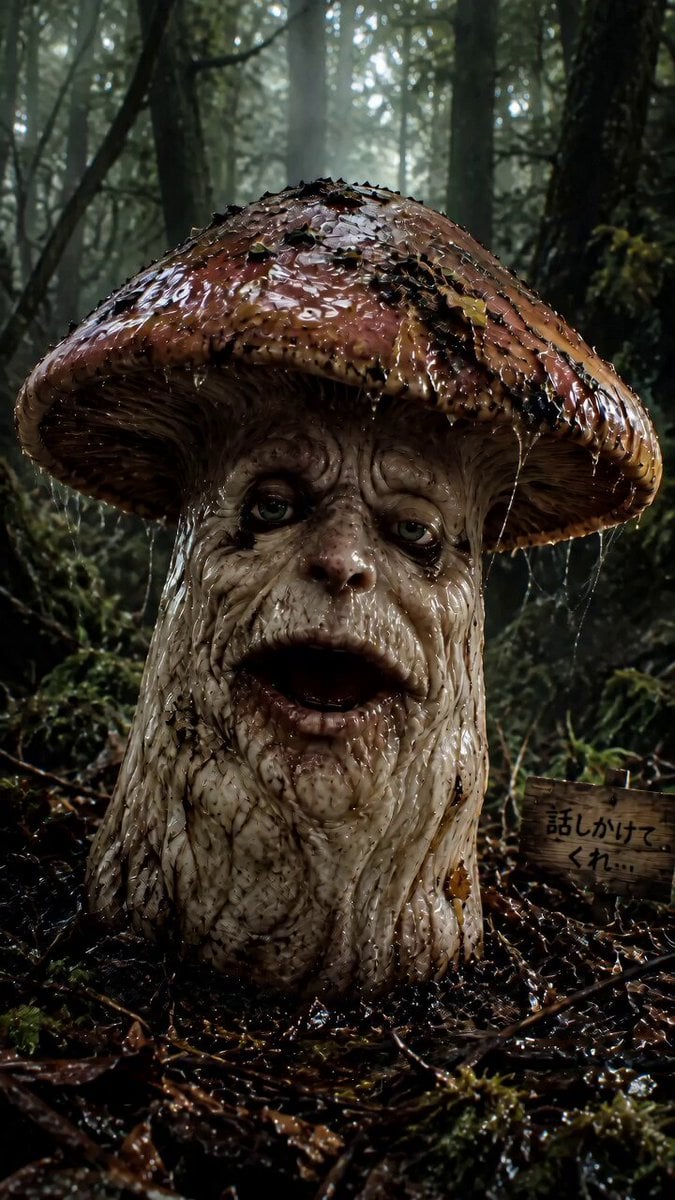
- Prompt included
- Model and format preset
- Free template
The prompt behind this video
Copy the exact prompt behind Horror Mushroom Transformation, or open it in the studio and make it yours.
暗く湿った森の中。映画のクリーチャーのような質感。濡れた傘、ぬめる皮膚、深いシワ、虚ろな目。シネマティックなホラー演出。 キノコは萎れた老人のような男性の声で、低くかすれた声で喋る。 「……久しぶりに人間を見たな」 話した直後、表情が急に苦しそうに歪む。 「うっ……」 続けて呼吸困難のように、喉を詰まらせながら、 「うっ、うっ、うっ……!」 と苦しそうな声を漏らす。顔が痙攣し、目が見開かれ、体全体が小刻みに震え始める。震えは激しくなり、湿った裂ける音とともに、キノコの傘が中央から縦にビリビリと裂ける。 その内部から、少し小さい、まったく同じ顔をした新しいキノコがゆっくりと現れる。古い外皮はしおれて崩れ落ちる。 新しいキノコは深呼吸して、少し元気な声で、 「ふ〜、わかがえったわい」 と言う。 最後は新しいキノコの不気味な笑顔のクローズアップ。 超リアル、ダークファンタジー、ボディホラー、映画品質、湿度感、細密描写、ボリューメトリックフォグ、浅い被写界深度、シネマティックライティング、ホラー映画風、9:16縦動画。
How to use Horror Mushroom Transformation in 3 steps
- 1
Open
The prompt is already in the box next to the preview, with the template's model and format selected.
- 2…a portrait of your subject in softgolden-hour light, 85mm…
Personalize
Edit the subject and creative details for your destination.
- 3Generate
Generate
Press Generate — your video is created in PicX Studio, so you can compare it with the original and refine one variable at a time.
More like this
Templates with the same subject, style or setup. Open one to see its prompt.

Magical Room Transformation - Seedance 2.5

Dark Tokusatsu Transformation - Seedance 2.5

RX-7 to Mech Transformation Cyberpunk
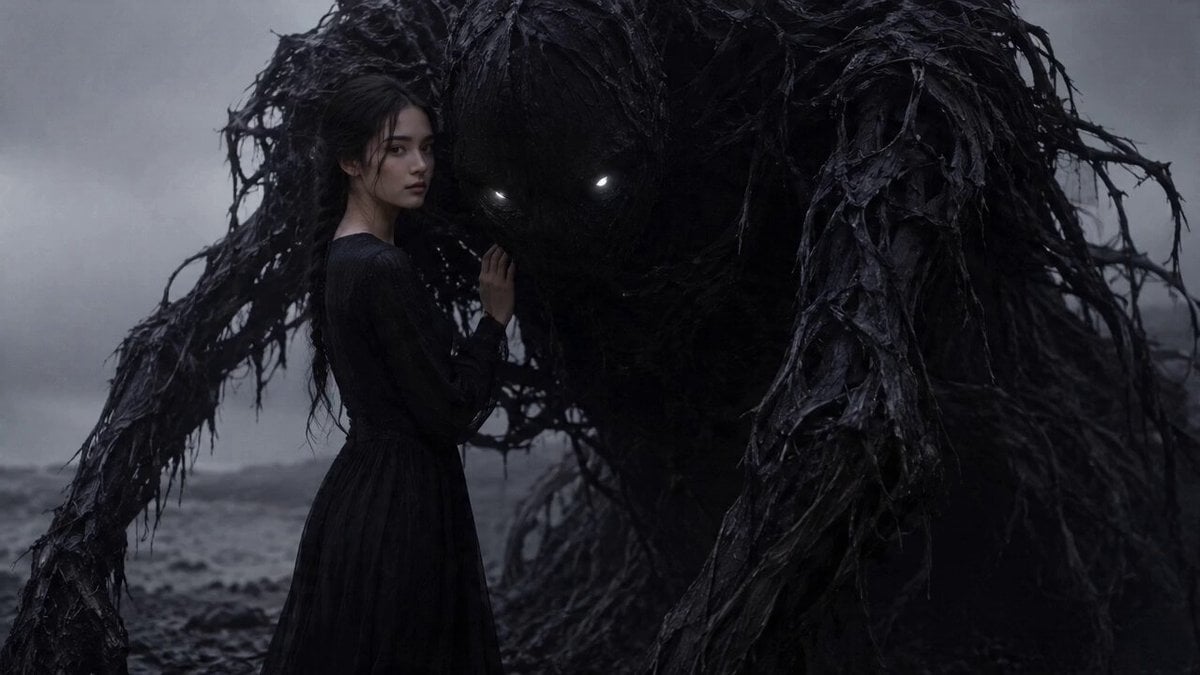
Dark Fantasy Horror Transformation
Rainforest Thriller — Searching the Unseen
Chibi Cave Adventure — He Doesn't Know What's Coming
Civilization Timelapse — Centuries in One Shot
Mecha Transformation vs Kaiju — 4-Scene Epic
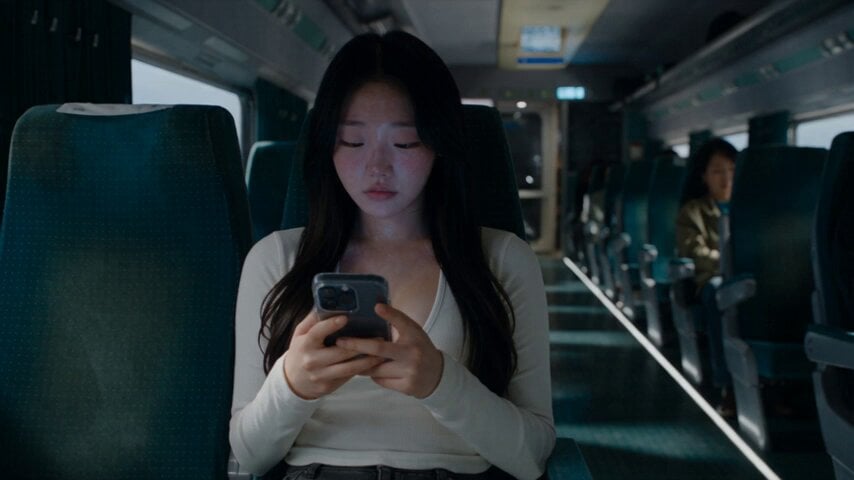
Last Ride Train Outbreak Horror
Sci-Fi Horror Hospital Alien Scene
Abandoned Hospital Horror POV Film

Horror Short Guesthouse Box
Make it yours
Horror Mushroom Transformation works as-is. These are the safest ways to change it without losing the look.
Change one field
Copy a single group, rewrite it, and generate again so you can see what that field is doing.
Keep the frame, change the subject
Hold the composition and light of Horror Mushroom Transformation, then swap wardrobe, props or the person for a new take.
| If the result… | Why | Fix |
|---|---|---|
| The result drifts from the preview | Too many fields changed at once. | Reuse Horror Mushroom Transformation as-is first, then change one group — subject, light, or setting. |
| The model over-stylizes the scene | The prose prompt leaves finish and camera underspecified. | Add one camera or lighting sentence and stay on Seedance 2.0. |
More Seedance 2.0 templates
Other prompts made for Seedance 2.0.

Comical Martial Arts Punch Scene

Maglev Train Action Sequence

Martial Arts Fight Sequence

Wuxia Protection and Trust Script

Vintage Korean Arcade MiniDV Vlog

Mercedes 190 SL Luxury Ad

Rainy Night Supernatural Reverse Comedy Video Script

Amazon Civilization Discovery

Futuristic South Asian City Transformation

Cozy Luxury Cafe Commercial
More video prompts
Fresh picks from across the catalog.
Epic Night Battlefield Siege
Animation Control via Storyboard Reference

Italian Old-Town Time-Freeze Walk

Gentle Cinematic Portrait Motion
Emotional Jungle Scene with Animals

Cinematic Underground Fighting Duel
Meal time
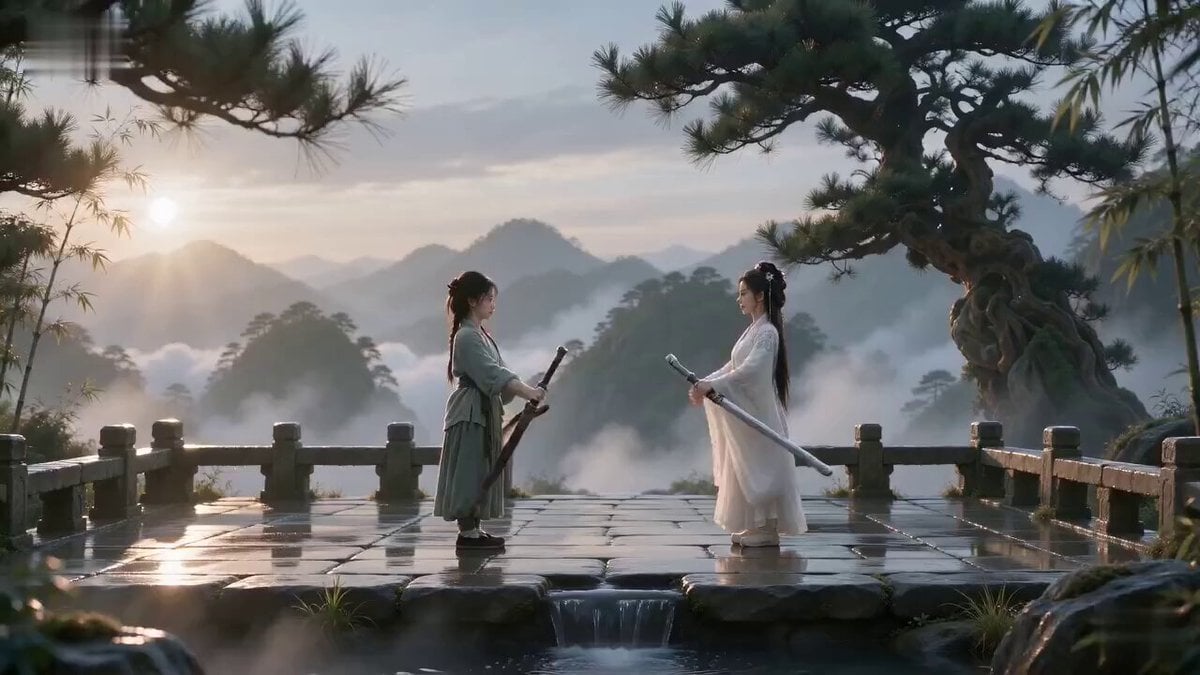
Cinematic Wuxia Sword Duel
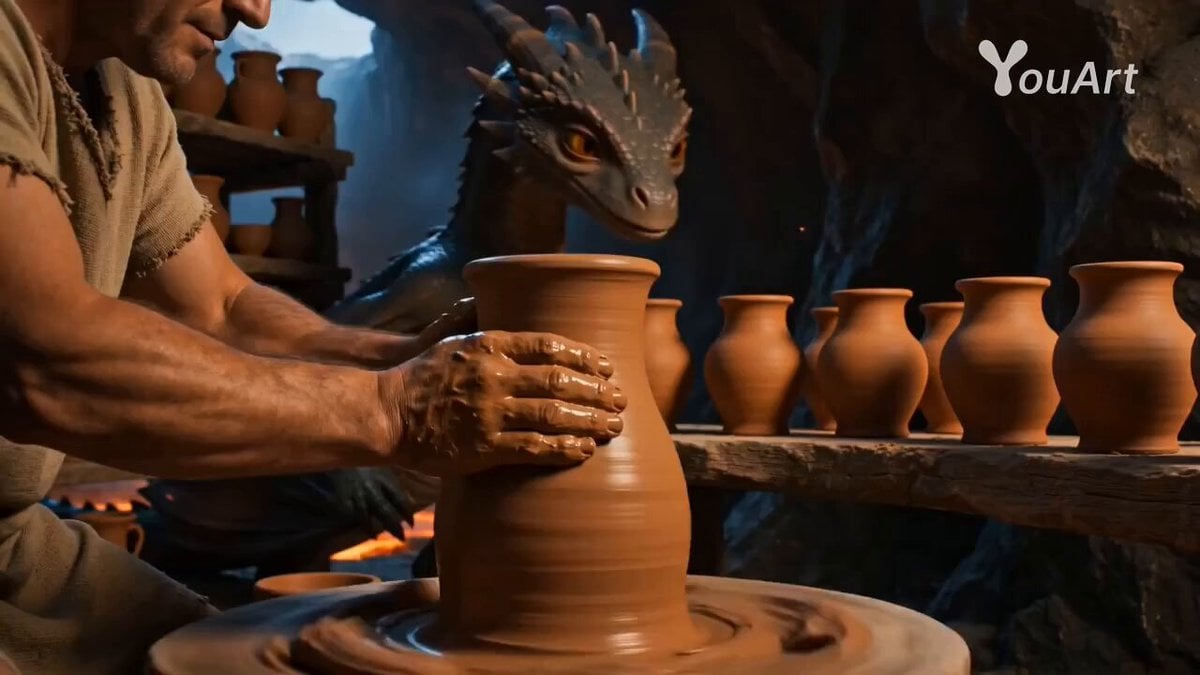
Cinematic Baby Dragon and Potter in Volcanic Cave
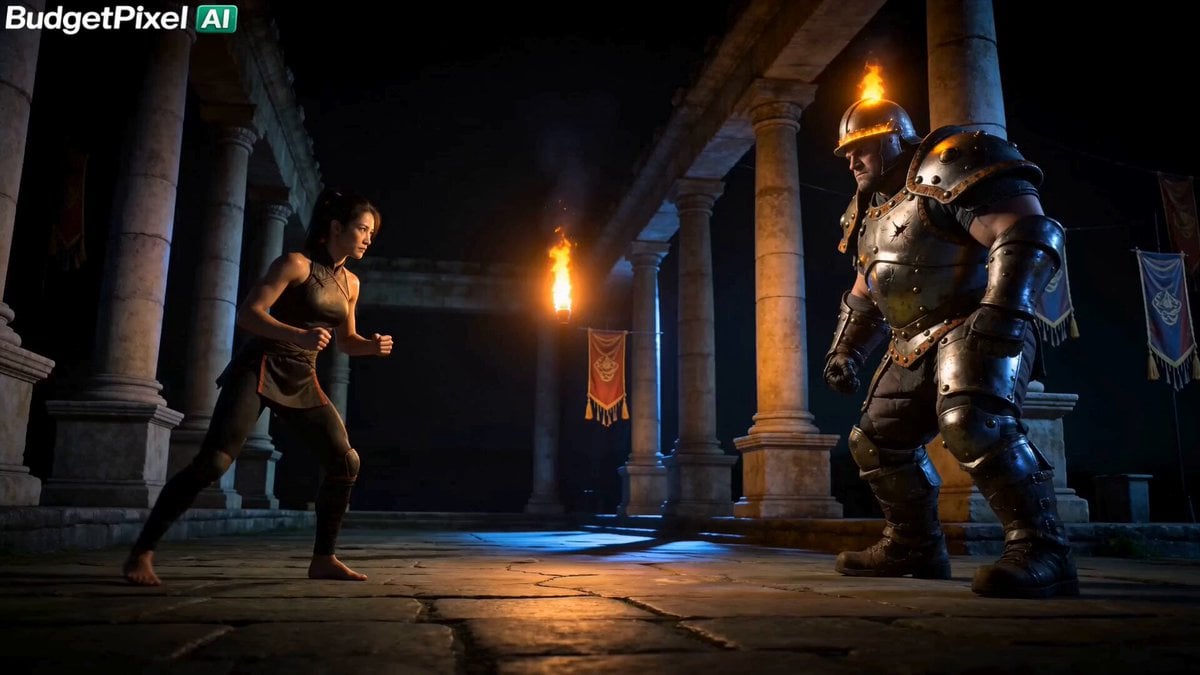
Iron Lotus Strike Combat Scene

Browse template categories
Horror Mushroom Transformation questions
How do I use the Horror Mushroom Transformation template?
Add your photo if the template asks for one, edit the prompt if you like — the template's model and format are already selected — and press Generate. Your version opens in PicX Studio.
Can I customize the Horror Mushroom Transformation template?
Yes. You can change the subject, setting, lighting, mood, format, and available model controls before creating your video.
Is the Horror Mushroom Transformation template free?
Opening and editing this template is free. Generating uses credits, shown on the Generate button when you are signed in.
Which AI model should I use?
Start with Seedance 2.0, which is the model associated with this template. You can compare another compatible model for a different finish.
Looking for something else? Browse all templates.

Your photo, any look
Thousands of ready templates for every top image and video model, from one credit balance.