
Cinematic Baby Dragon and Potter in Volcanic Cave
A highly detailed, multi-shot cinematic prompt for Seedance 2.0, describing a scene in a volcanic cave where a human potter and a baby dragon interact, culminating in the dragon accidentally destroying the potter's work…
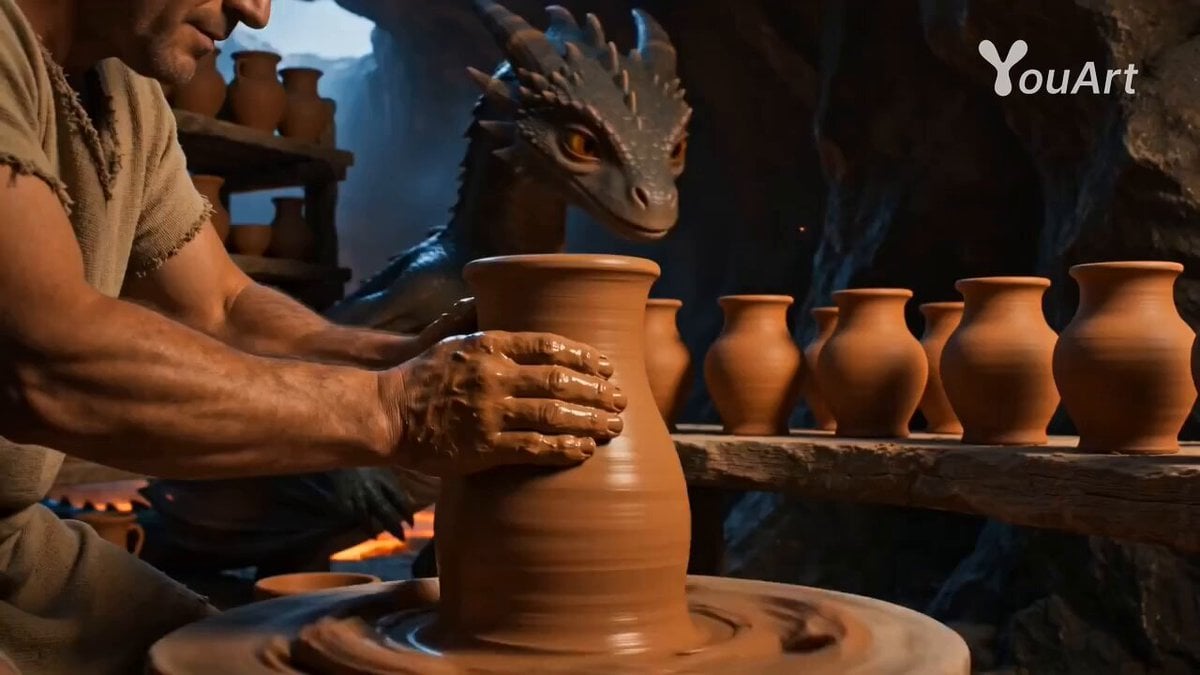
- Prompt included
- Model and format preset
- Free template
The prompt behind this video
Copy the exact prompt behind Cinematic Baby Dragon and Potter in Volcanic Cave, or open it in the studio and make it yours.
Visual Style Photorealistic cinematic style, 16:9 aspect ratio, 8K resolution, wide dynamic range. Realistic live-action look with detailed skin, scales, clay and fire, natural highlights and shadows. Subtle handheld camera shake, shallow depth of field, filmic motion blur, warm orange key light from lava and cool blue rim light from the cave entrance. Characters & Scene A small, anatomically realistic baby dragon with finely detailed scales, glossy eyes and subtle muscle motion under the skin. A middle‑aged human potter in simple linen clothes, hands covered in wet clay. Location: a volcanic cave turned into a workshop; slow lava flows in distant channels, wooden shelves full of clay pots, hot air shimmering, a light layer of smoke in the air. Action & Beats (~15 s) [00:00–00:05] Precise glazing Medium close shot: the potter shapes a clay vase on a heavy wooden wheel spinning smoothly. Behind him, the baby dragon carefully leans forward and releases a short, very precise stream of fire over a row of finished pots, creating a realistic glowing glaze and orange reflections on the cave walls. The camera slowly orbits around them, showing heat haze and tiny sparks in the air. [00:05–00:08] Quiet moment Closer shot: the baby dragon curls up on a flat rock near the wheel, eyes half‑closed, breathing calm; thin wisps of smoke drift from its nostrils. The potter smiles softly, stops the wheel, reaches out with his clay‑stained hand and offers a whole glossy red apple. Lava crackles, the only sounds are the cave ambience and the faint spin of the wheel. [00:06–00:10] Sudden sneeze Extreme close‑up on the dragon’s snout. It carefully sniffs the apple, dust from the rock tickles its nose, muscles tense, eyes squeeze shut. Hard cut to a wider shot: in the instant of the sneeze, the dragon releases a powerful, uncontrolled jet of flame directly onto the potter’s wheel and vase. Wood and clay instantly glow, deform and collapse into a bright molten mass; sparks and small fragments fly toward the lens. [00:10–00:13] Aftermath Medium shot: the potter stands frozen, face and clothes covered in a thin layer of black soot, hair slightly singed, eyes wide open. In one hand he still holds the whole, slightly charred red apple. Behind him, the wheel has become a slowly cooling, smoking puddle of molten material with a faint red glow inside. The baby dragon sits beside him, completely still, folding its wings over its face as if hiding, then carefully peeks out with a guilty expression. The camera slowly pulls back, revealing the entire cave with realistic volumetric smoke and light rays streaming in through the opening.
How to use Cinematic Baby Dragon and Potter in Volcanic Cave in 3 steps
- 1
Open
The prompt is already in the box next to the preview, with the template's model and format selected.
- 2…a portrait of your subject in softgolden-hour light, 85mm…
Personalize
Edit the subject and creative details for your destination.
- 3Generate
Generate
Press Generate — your video is created in PicX Studio, so you can compare it with the original and refine one variable at a time.
More like this
Templates with the same subject, style or setup. Open one to see its prompt.
Dragon Rescue — Volcanic Kingdom Collapse (Seedance)
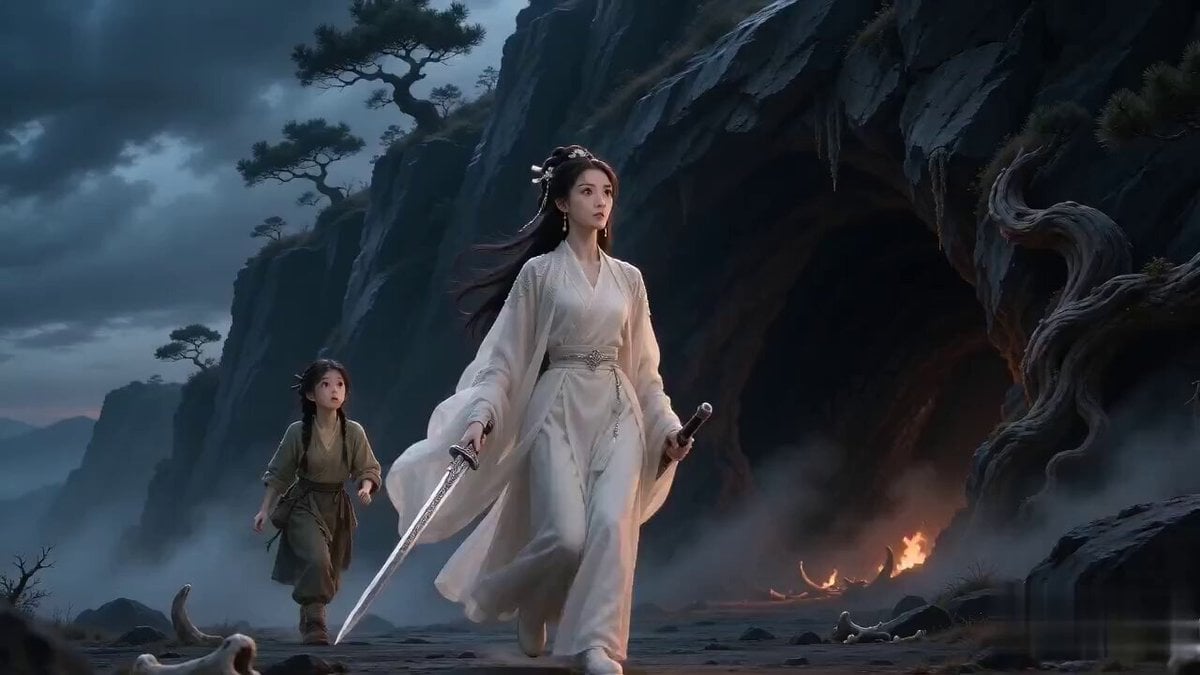
Swordswoman Dragon Cave Suspense to Comedy
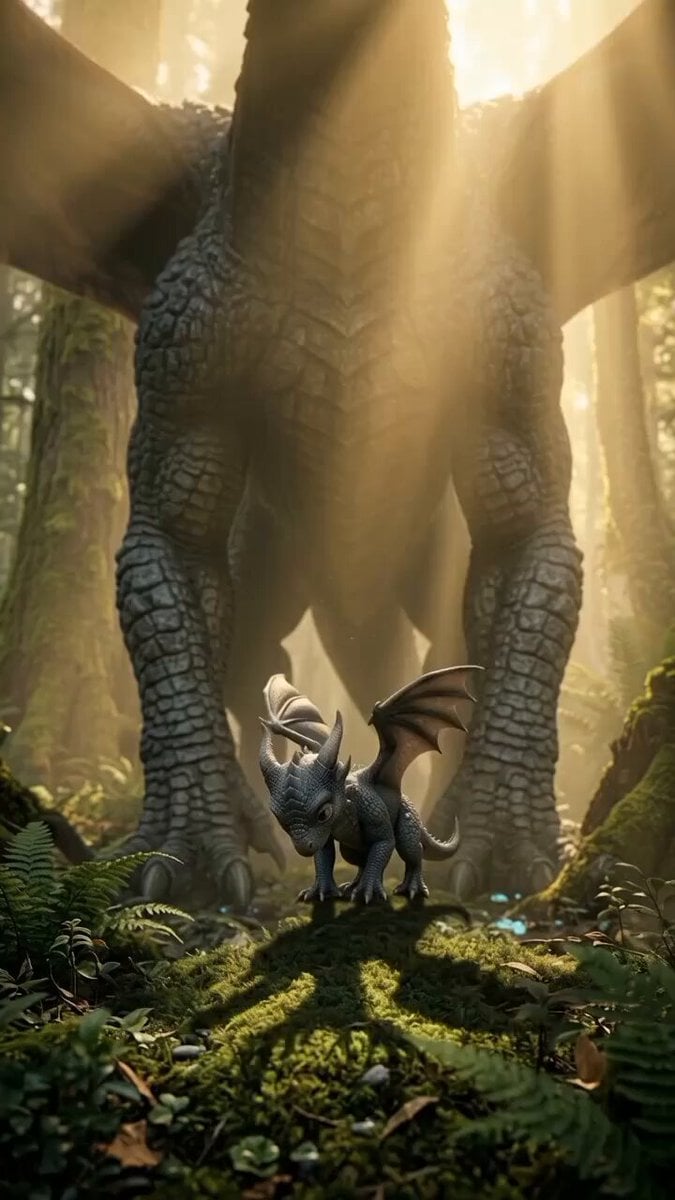
Baby Dragon Roar Animation
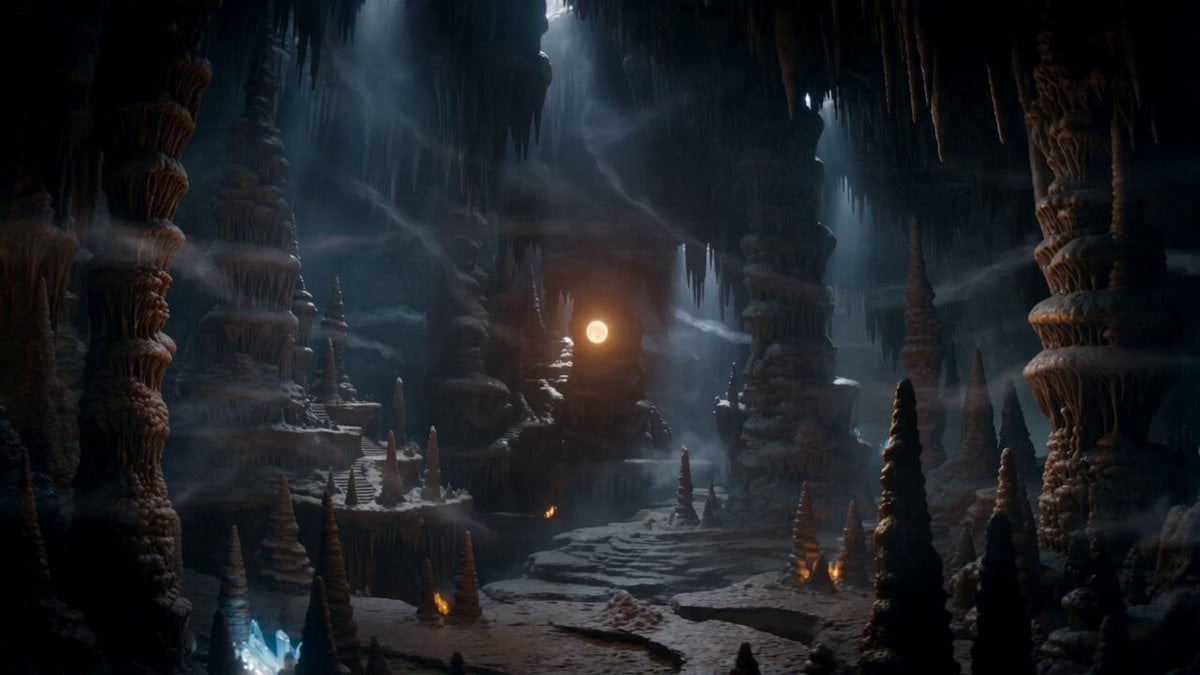
Magical Dragon Portal Cave

Dragon Rider Cinematic Flight — Seedance 2.5
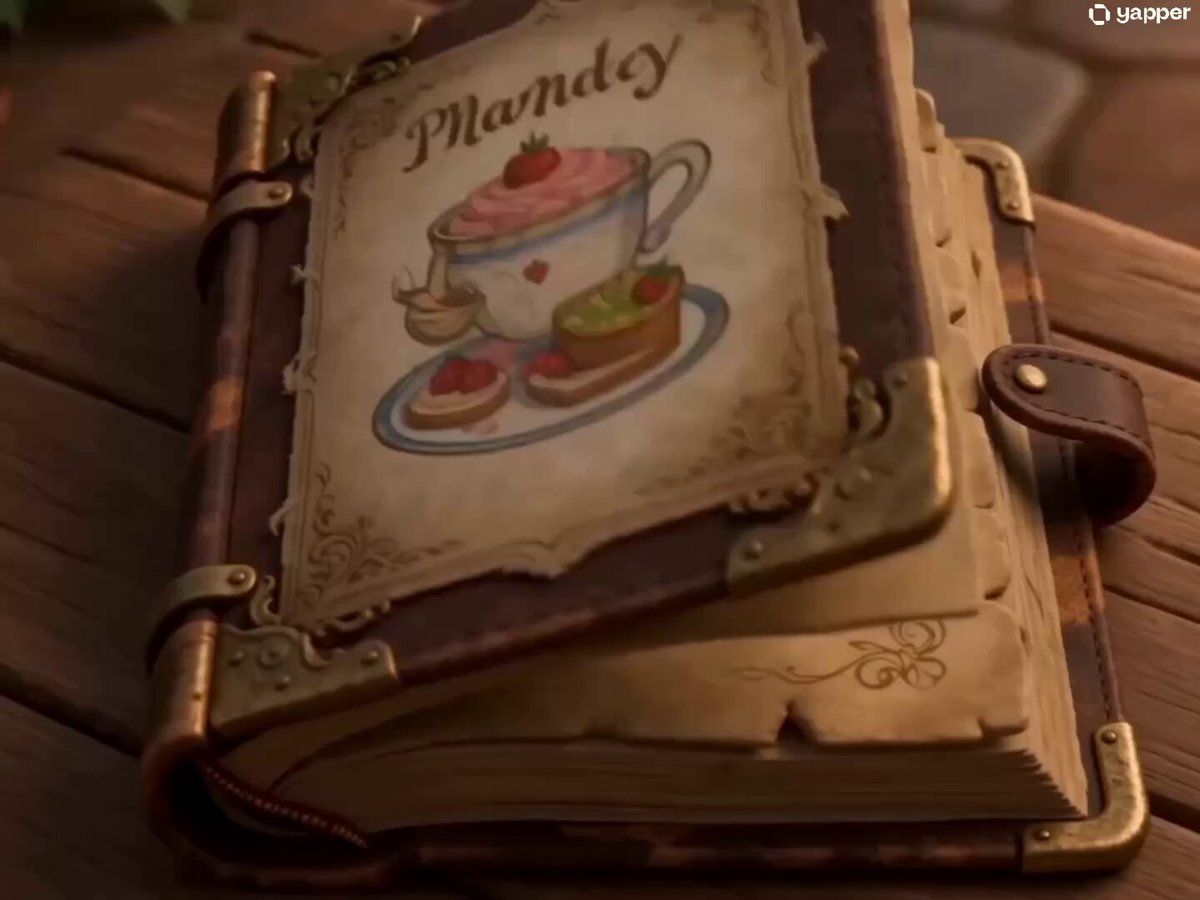
Baby Dragon Baking Adventure
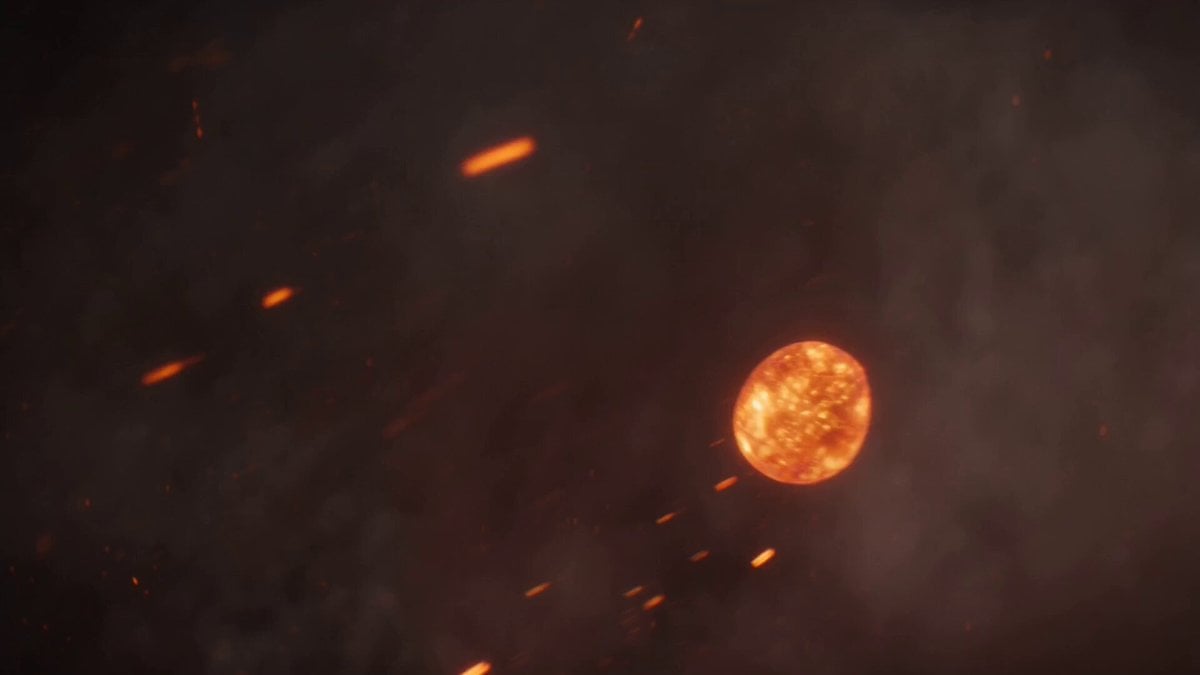
Volcanic Dragon Transformation Sequence
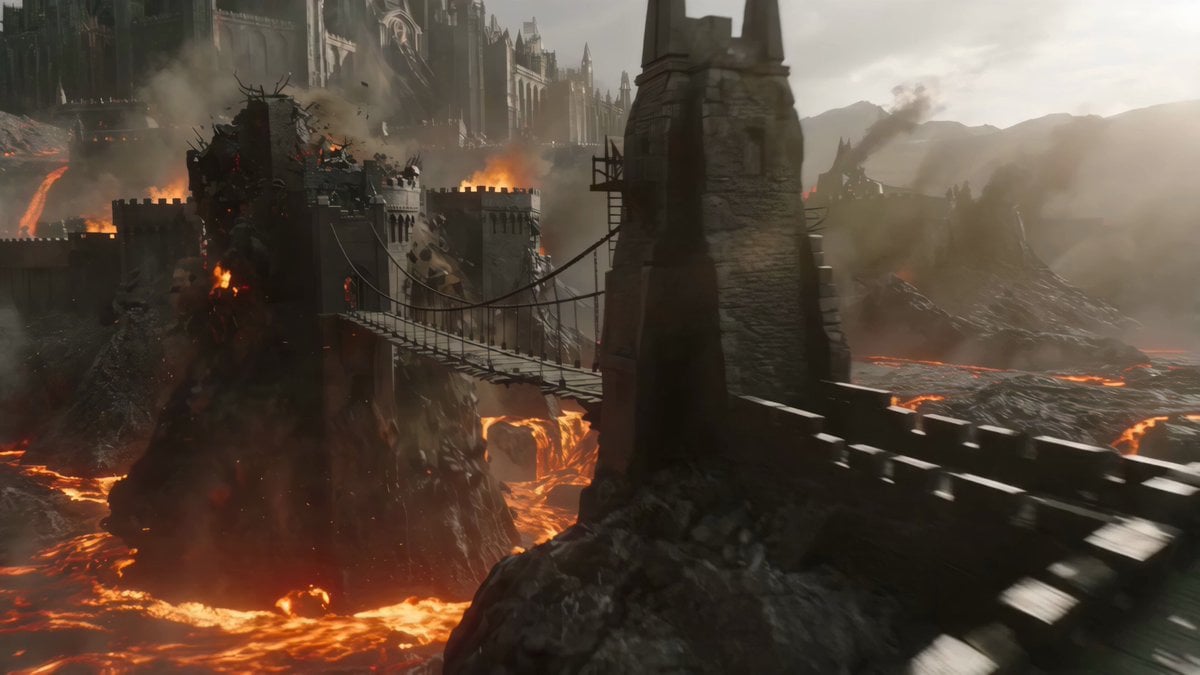
Cinematic Volcanic Dragon Rescue
Chibi Cave Adventure — He Doesn't Know What's Coming
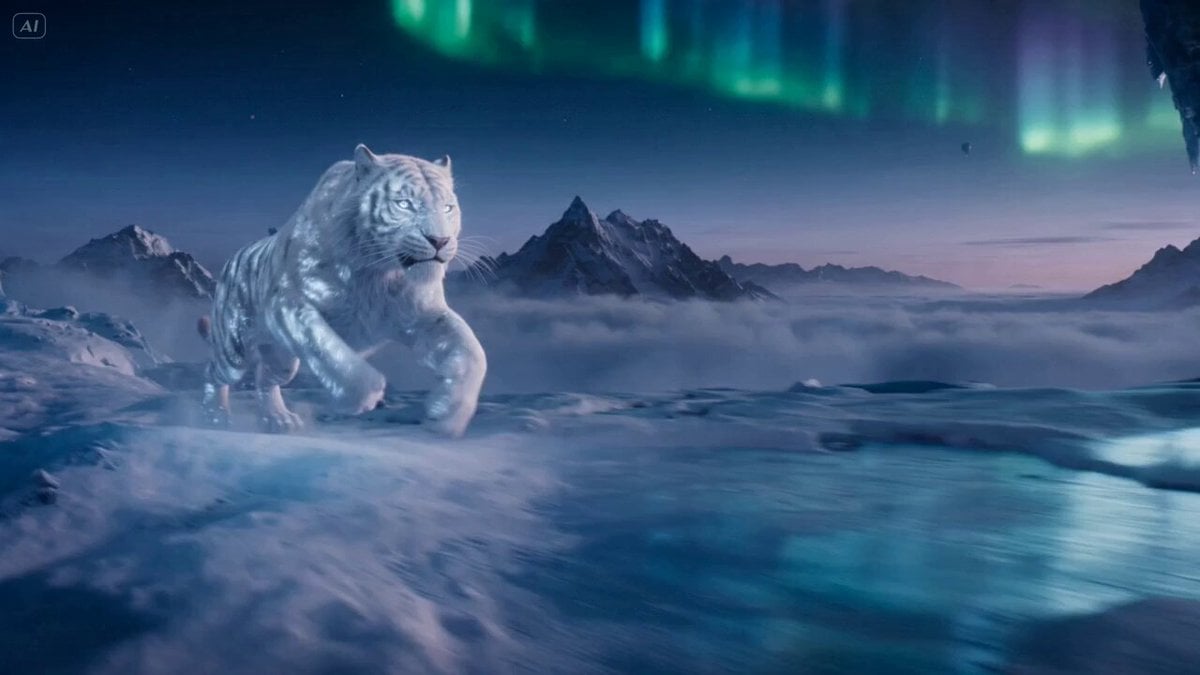
Ice Tiger vs Dragon - Seedance 2.0
Mecha vs Titan Dragon Cinematic Combat
Dark Fantasy Volcanic War Sequence
Make it yours
Cinematic Baby Dragon and Potter in Volcanic Cave works as-is. These are the safest ways to change it without losing the look.
Change one field
Copy a single group, rewrite it, and generate again so you can see what that field is doing.
Keep the frame, change the subject
Hold the composition and light of Cinematic Baby Dragon and Potter in Volcanic Cave, then swap wardrobe, props or the person for a new take.
| If the result… | Why | Fix |
|---|---|---|
| The result drifts from the preview | Too many fields changed at once. | Reuse Cinematic Baby Dragon and Potter in Volcanic Cave as-is first, then change one group — subject, light, or setting. |
| The model over-stylizes the scene | The prose prompt leaves finish and camera underspecified. | Add one camera or lighting sentence and stay on Seedance 2.0. |
More Seedance 2.0 templates
Other prompts made for Seedance 2.0.

Comical Martial Arts Punch Scene

Maglev Train Action Sequence

Martial Arts Fight Sequence

Wuxia Protection and Trust Script

Vintage Korean Arcade MiniDV Vlog

Mercedes 190 SL Luxury Ad

Rainy Night Supernatural Reverse Comedy Video Script

Amazon Civilization Discovery

Futuristic South Asian City Transformation

Cozy Luxury Cafe Commercial
More video prompts
Fresh picks from across the catalog.

Majestic City Hovering Video
Anime Music Video: Silver-Haired Idol on Tokyo Rooftop
Grok Imagine Video of a Graceful Warrior
OKX Alien Creature Cinematic Video Prompt for Seedance 2.0

Zombie TV Broadcast Transformation
Angel and Curious Cat
Korean Woman Laundry Folding DV Camcorder Morning

HK Neo-noir Action: Gritty Alley Fight
Shark Chasing Tuna on Fishing Boat
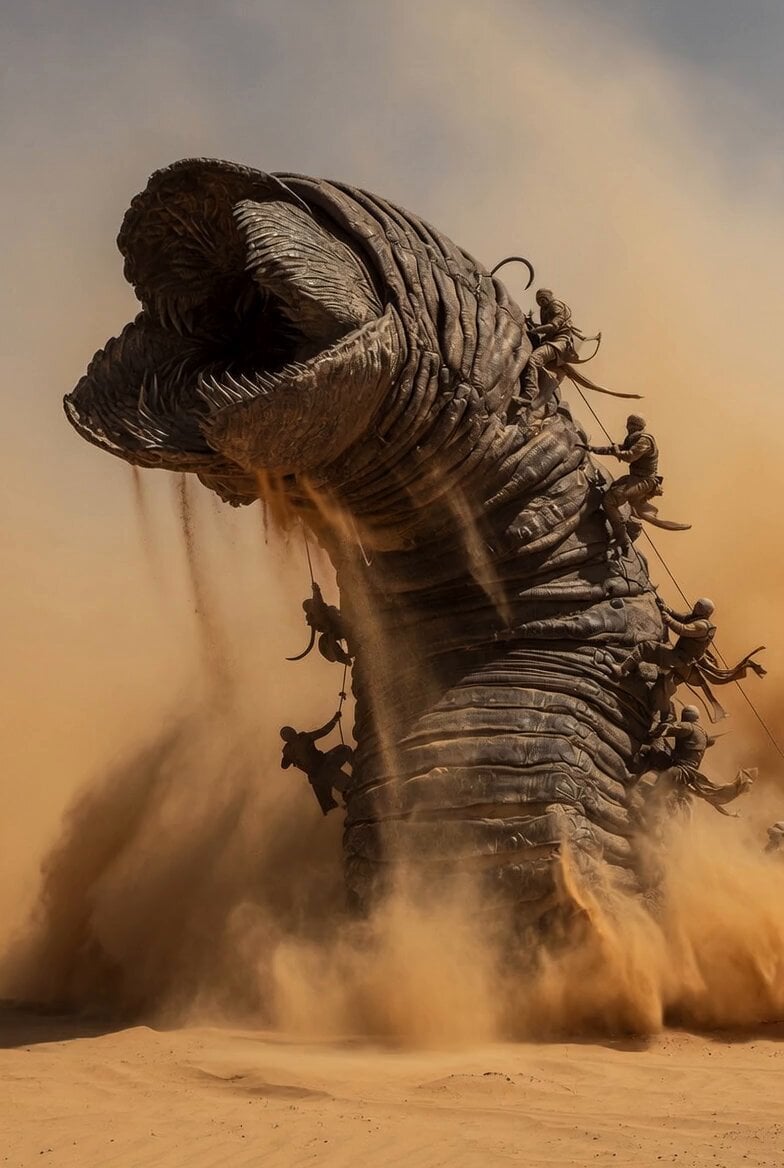
Dune Sand Worm Movement
Browse template categories
Cinematic Baby Dragon and Potter in Volcanic Cave questions
How do I use the Cinematic Baby Dragon and Potter in Volcanic Cave template?
Add your photo if the template asks for one, edit the prompt if you like — the template's model and format are already selected — and press Generate. Your version opens in PicX Studio.
Can I customize the Cinematic Baby Dragon and Potter in Volcanic Cave template?
Yes. You can change the subject, setting, lighting, mood, format, and available model controls before creating your video.
Is the Cinematic Baby Dragon and Potter in Volcanic Cave template free?
Opening and editing this template is free. Generating uses credits, shown on the Generate button when you are signed in.
Which AI model should I use?
Start with Seedance 2.0, which is the model associated with this template. You can compare another compatible model for a different finish.
Looking for something else? Browse all templates.

Your photo, any look
Thousands of ready templates for every top image and video model, from one credit balance.