
Shark Chasing Tuna on Fishing Boat
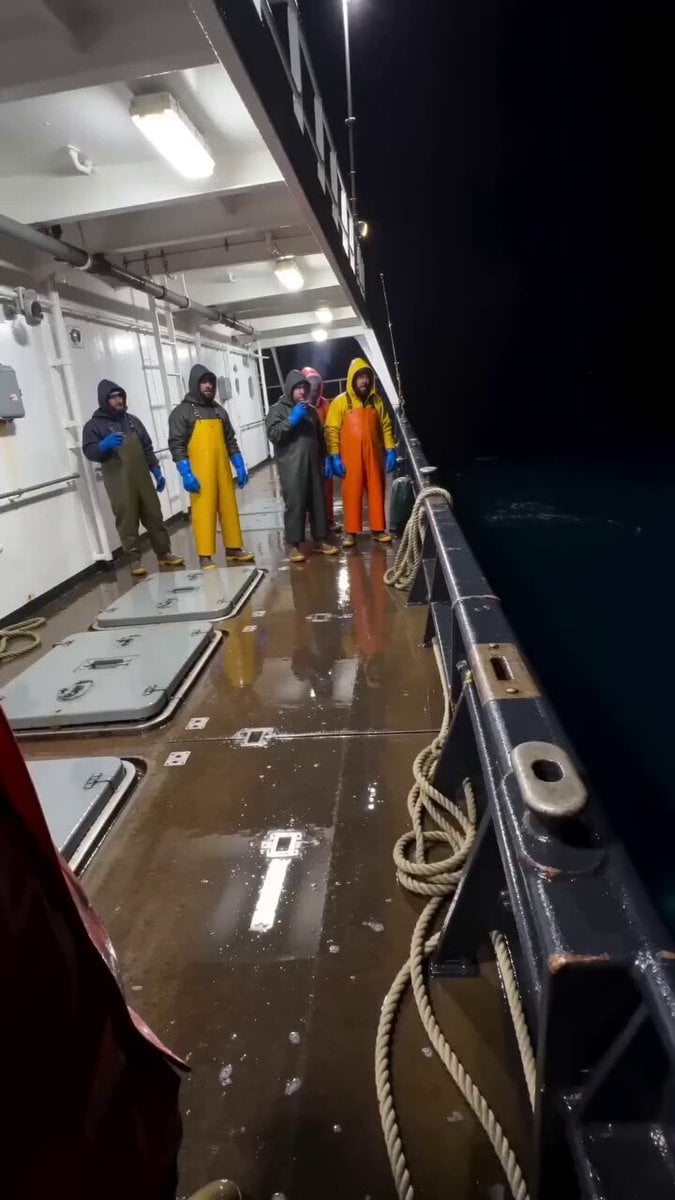
An incredibly detailed prompt for a realistic, high-tension video of tuna leaping onto a boat deck to escape a giant shark.
- Prompt included
- Model and format preset
- Free template
The prompt behind this video
Copy the exact prompt behind Shark Chasing Tuna on Fishing Boat, or open it in the studio and make it yours.
生成 10 秒竖屏 9:16 视频,真实手机偷拍视频风格。场景是夜晚海上的大型渔船甲板,右侧是漆黑的大海,左侧和远处是白色船体结构、栏杆、工作灯和几名船员。甲板湿滑反光,有海水、金属舱盖、绳索和船用挂钩。强烈白色船灯照亮甲板,远处海面几乎全黑,画面有低清手机压缩感、手持抖动、运动模糊和夜间噪点。 内容是几条大型金枪鱼为了躲避巨大鲨鱼追捕,慌不择路地从海里跳到渔船甲板上。整体氛围真实、混乱、荒诞、带一点黑色幽默,像船员手机突然拍到的离谱瞬间。 画面开始时,镜头站在甲板靠左位置,斜拍右侧船舷和黑色海面。几名船员穿着黄色、橙色或深色防水围裙、雨衣和手套,站在甲板后方。他们原本在看海面,突然被跳上来的鱼吓到,身体后退、抬手、惊叫。 动作节奏: 0-2 秒:第一条大型金枪鱼从右侧黑色海面突然跃过船舷,重重摔到湿滑甲板上。鱼身银白、流线型、体型很大,尾巴剧烈拍打甲板,水花四溅。船员被吓得后退。 2-4 秒:第二条、第三条金枪鱼接连从右侧海面跳上船,一条落在甲板中间,一条滑向船员脚边。它们疯狂扭动、拍尾、滑行,甲板上水花和反光更加混乱。船员惊慌地躲开,有人扶着栏杆,有人张嘴喊叫。 4-6 秒:镜头轻微后退和晃动,跟随甲板上的鱼群。几条金枪鱼在甲板上乱跳,尾巴高速拍打,身体反光明显。右侧黑色海面忽然出现巨大的水花和阴影,暗示有更大的东西正在逼近。 6-8 秒:巨大鲨鱼从右侧船舷外的黑海里猛地冲出水面,但不要跳到船上。它停留在船外,身体大部分仍在海里,只把巨大的头部和上半身冲到船舷高度。鲨鱼张开血盆大口,露出多排尖牙,嘴巴朝向甲板上的金枪鱼,像马上要咬上来。水花猛烈拍打船舷,船员被吓得猛然后退。 8-10 秒:鲨鱼的大嘴贴近船舷和镜头方向,占据画面右侧前景,张口咆哮般逼近但没有上船。甲板上的金枪鱼还在乱跳,船员在背景中惊叫、抬手、后退。镜头剧烈晃动,像拍摄者被鲨鱼张嘴吓到往后缩。最后定格在鲨鱼血盆大口、船员惊恐和湿滑甲板鱼群混乱的瞬间。 镜头语言:全程手持竖屏手机拍摄,一镜到底,不要切镜。镜头站在甲板上,始终能看到右侧黑色海面和船舷。鱼跳上船时镜头轻微跟随和后退;鲨鱼张嘴冲出水面时镜头明显惊慌抖动,但鲨鱼不能爬上甲板,不能完全落到船上。 声音:夜晚海风声、船体机械低频声、海浪拍船声、鱼摔到湿甲板上的沉重拍击声、鱼尾疯狂拍打声、水花声、船员惊叫声。鲨鱼冲出水面张嘴时有巨大水声、船员尖叫和惊呼,最后是混乱的喊叫和镜头后退的声音。 视觉重点:黑色夜海、白色渔船甲板、几条大型银白金枪鱼先后跳上船、船员惊慌后退、最后巨大鲨鱼在船舷外张开血盆大口逼近但没有上船。画面要真实、低清、离谱但可信,像突发偷拍视频。 负面要求:不要让鲨鱼跳到甲板上,不要让鲨鱼完全上船,不要卡通风,不要动画片质感,不要干净电影感,不要白天海滩,不要血腥,不要把金枪鱼变成小鱼,不要把鲨鱼变成鲸鱼或海豚,不要多只鲨鱼,不要让鲨鱼太早出现,不要切镜,不要文字,不要水印。
How to use Shark Chasing Tuna on Fishing Boat in 3 steps
- 1
Open
The prompt is already in the box next to the preview, with the template's model and format selected.
- 2…a portrait of your subject in softgolden-hour light, 85mm…
Personalize
Edit the subject and creative details for your destination.
- 3Generate
Generate
Press Generate — your video is created in PicX Studio, so you can compare it with the original and refine one variable at a time.
More like this
Templates with the same subject, style or setup. Open one to see its prompt.
Viral Shark Attack Fishing Boat

Cyberpunk Wuxia Warrior on a Fishing Boat in the Desert
Fishing Boat Crowd POV Video Prompt
Retro MiniDV Busan Fishing Harbor Documentary

Cats Chasing via Red Mini Motorcycle
POV Shark Attack

Puppy Chasing Ball
Fractal Mega Whales and Sharks

90s Hand-Drawn Shark Animation

Playful Dog Chasing Butterflies Video Prompt
Mutated Shark Urban Apocalypse

4DX Cinema Shark Attack Simulation
Make it yours
Shark Chasing Tuna on Fishing Boat works as-is. These are the safest ways to change it without losing the look.
Change one field
Copy a single group, rewrite it, and generate again so you can see what that field is doing.
Keep the frame, change the subject
Hold the composition and light of Shark Chasing Tuna on Fishing Boat, then swap wardrobe, props or the person for a new take.
| If the result… | Why | Fix |
|---|---|---|
| The result drifts from the preview | Too many fields changed at once. | Reuse Shark Chasing Tuna on Fishing Boat as-is first, then change one group — subject, light, or setting. |
| The model over-stylizes the scene | The prose prompt leaves finish and camera underspecified. | Add one camera or lighting sentence and stay on Seedance 2.0. |
More Seedance 2.0 templates
Other prompts made for Seedance 2.0.

Comical Martial Arts Punch Scene

Maglev Train Action Sequence

Martial Arts Fight Sequence

Wuxia Protection and Trust Script

Vintage Korean Arcade MiniDV Vlog

Mercedes 190 SL Luxury Ad

Rainy Night Supernatural Reverse Comedy Video Script

Amazon Civilization Discovery

Futuristic South Asian City Transformation

Cozy Luxury Cafe Commercial
More video prompts
Fresh picks from across the catalog.
Cinematic Japanese Slice-of-Life Scene with Lip-Synced Dialogue
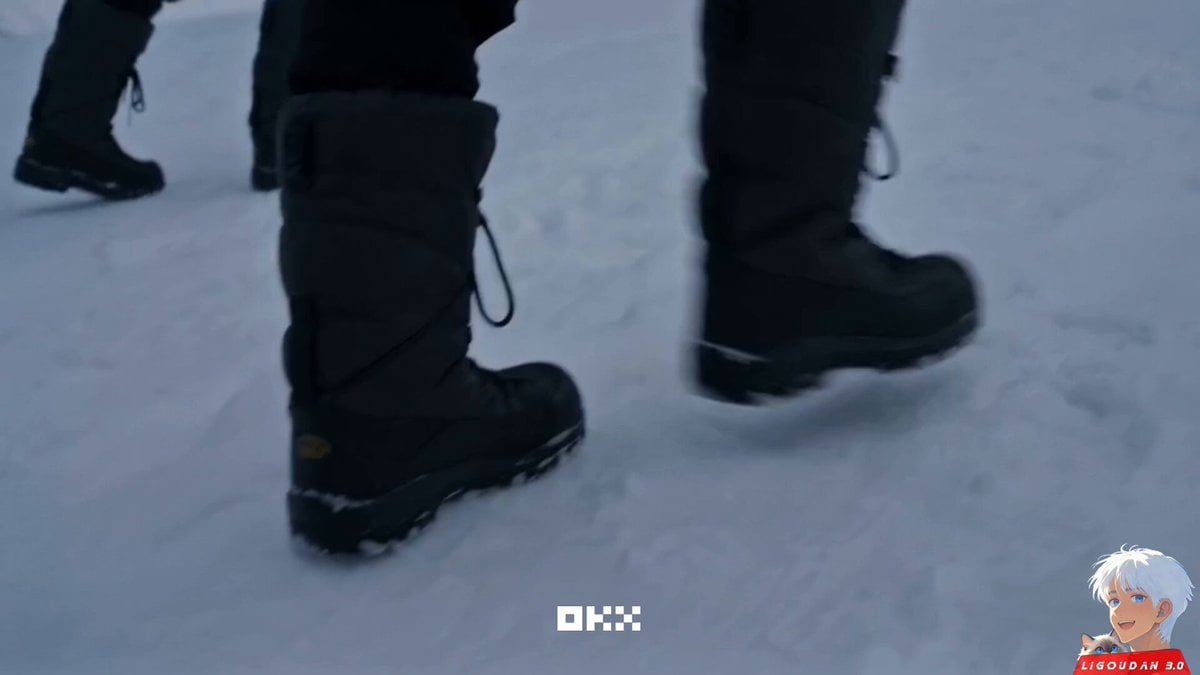
OKX Alien Creature Cinematic Video Prompt for Seedance 2.0
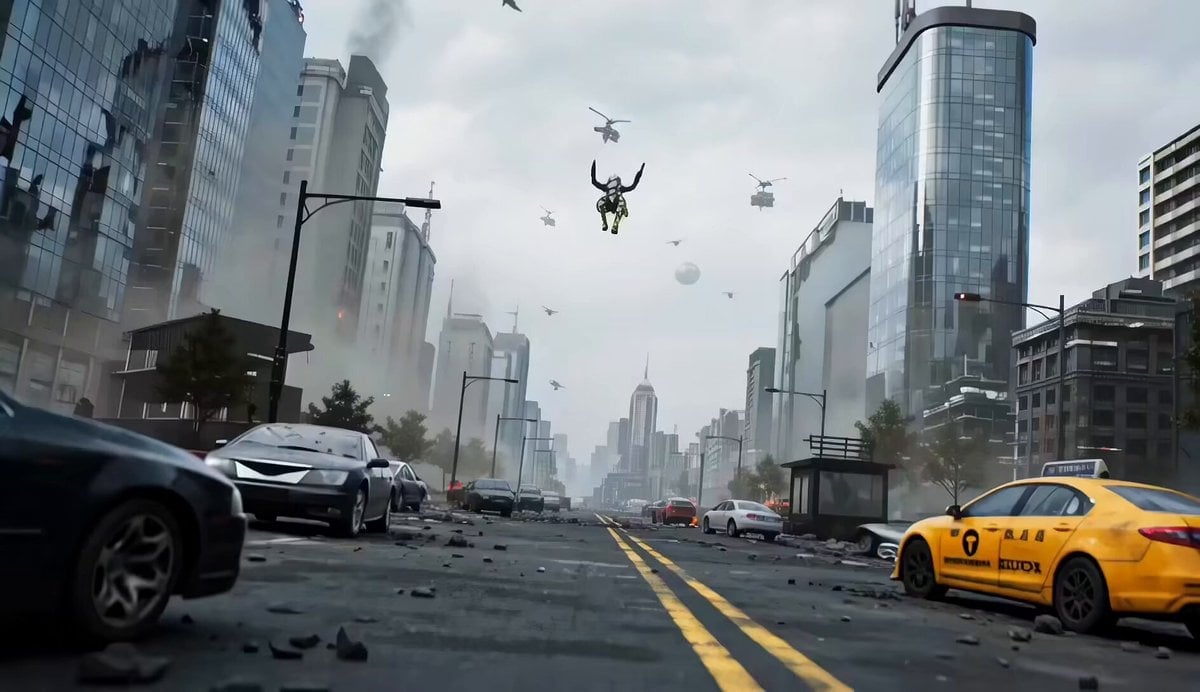
Mecha vs Titan Dragon Cinematic Combat
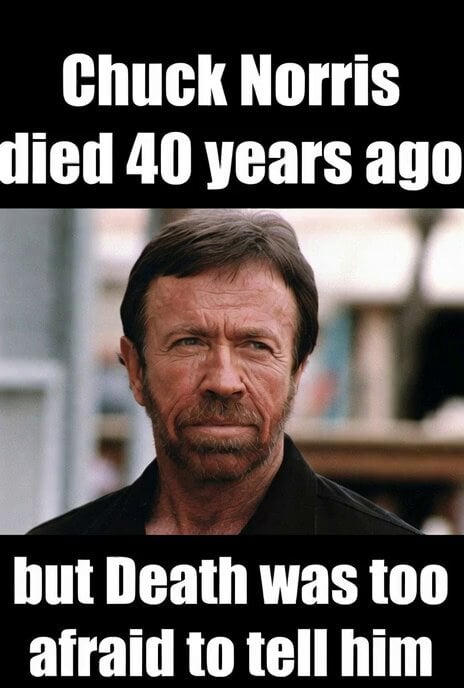
Classic Chuck Norris meme video
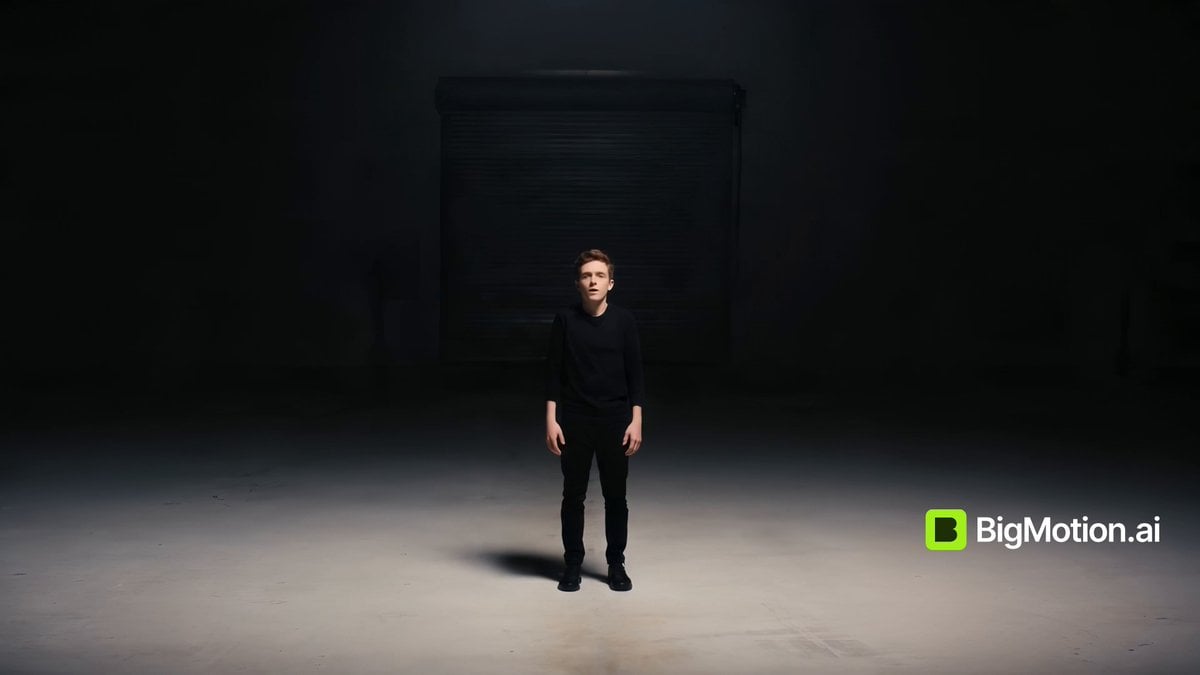
Video Prompt: Subtle Character Motion
Animal Party VHS Snapshot
Rainy Alley Fight Scene

🎨 SEEDANCE 2 🎨 Prompt : 15-second ultra-cinem
Motion Graphics Intro: Chaos Unit
Nano Banana Pro Prompt: 3D City Diorama Map (Reference)
Browse template categories
Shark Chasing Tuna on Fishing Boat questions
How do I use the Shark Chasing Tuna on Fishing Boat template?
Add your photo if the template asks for one, edit the prompt if you like — the template's model and format are already selected — and press Generate. Your version opens in PicX Studio.
Can I customize the Shark Chasing Tuna on Fishing Boat template?
Yes. You can change the subject, setting, lighting, mood, format, and available model controls before creating your video.
Is the Shark Chasing Tuna on Fishing Boat template free?
Opening and editing this template is free. Generating uses credits, shown on the Generate button when you are signed in.
Which AI model should I use?
Start with Seedance 2.0, which is the model associated with this template. You can compare another compatible model for a different finish.
Looking for something else? Browse all templates.

Your photo, any look
Thousands of ready templates for every top image and video model, from one credit balance.