
Motion Graphics Intro: Chaos Unit
A multi-character motion graphics introduction with Unreal Engine rendering, featuring a stylized character team reveal with specific UI overlays and rhythmic motion.
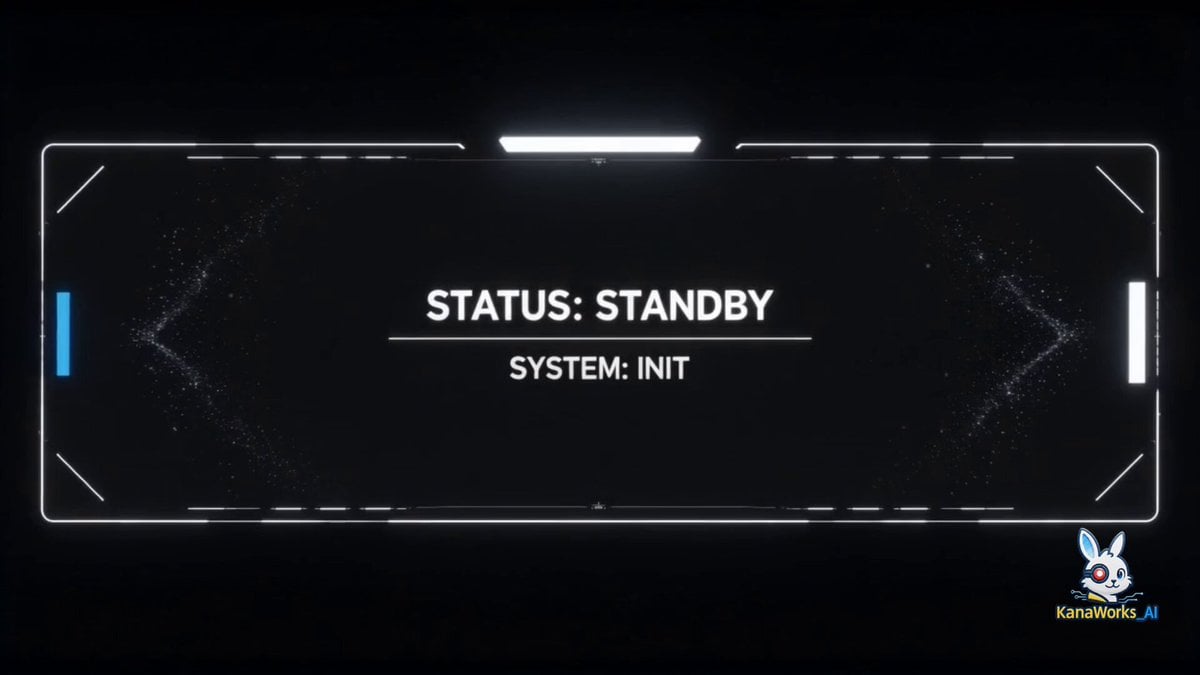
- Prompt included
- Model and format preset
- Premium template
The prompt behind this video
Copy the exact prompt behind Motion Graphics Intro: Chaos Unit, or open it in the studio and make it yours.
Based on the three characters in the reference images. High definition, Unreal Engine rendering, cinematic quality, candy-colored palette, Japanese-style aesthetics, artistic, with strong sense of rhythm. 0–2s: Empty scene, a small dot at the center, thin-line UI frame, subtle particles. Text: “STATUS: STANDBY” “SYSTEM: INIT”. 2–4s: The fox on the left from image2 appears, riding a hovering skateboard, waves toward the camera. Curved motion trails behind. Text: “ID: 01” “CODENAME: RED” “ROLE: TACTICIAN”. 4–6s: The rabbit on the right from image1 appears, swings a carrot weapon and takes a combat stance. Circular motion trails. Text: “ID: 02” “CODENAME: KANA” “ROLE: EXECUTIONER” “WEAPON: CARROT”. 6–8s: The corgi from image3 appears, looks left and right, showing a simple, friendly smile. Concentric circle UI under its feet. Text: “ID: 03” “CODENAME: Arthur” “ROLE: COMMANDER”. 8–15s: The three characters align horizontally, from left to right: FIREBIRD, SAGE, MAD RABBIT. Snap alignment, unified circular platform beneath. Text: “SYSTEM SYNC COMPLETE” “UNIT READY”. Add UI overlay to each character: tracking frames, data bars, simplified charts. Text: “TRACKING” “ANALYSIS” “LOCKED”. Large title “CHAOS UNIT” appears, breaking into geometric fragments that expand outward. Text: “SYSTEM ERROR” “DATA BREAK”. The fragments then reassemble into “CHAOS UNIT”, centered layout with subtle circular guide lines. Text: “REBUILD COMPLETE” “SYSTEM ONLINE” “KANAWORKS_AI”. Final frame: “CHAOS UNIT” at the top, the three characters standing side by side below, with a clean circular platform at the bottom. Text: “STATUS: LOCKED” “UNIT: ACTIVE”.
How to use Motion Graphics Intro: Chaos Unit in 3 steps
- 1
Open
The prompt is already in the box next to the preview, with the template's model and format selected.
- 2…a portrait of your subject in softgolden-hour light, 85mm…
Personalize
Edit the subject and creative details for your destination.
- 3Generate
Generate
Press Generate — your video is created in PicX Studio, so you can compare it with the original and refine one variable at a time.
More like this
Templates with the same subject, style or setup. Open one to see its prompt.
Slow-Motion 90s Diner Explosion - Seedance 2.5
Nano Banana Seedance Environment Render Walk
Seedance Wind Guides Path
Naval Painting Breach — Art Gallery Flood (Seedance)
Subway Flood — Epic Tunnel Chaos
Handheld Neon Chaos Motion Blur — Kling 3.0 v3 Pro
Slow Motion Office Flood Chaos
Cinematic Tokyo Montage with Motion Graphics
Motion Graphics Ad Design Prompt
Minimalist Bauhaus Motion Graphics Evolution
High-Speed Kinetic Typography 'Nekozamurai' Motion Graphics
Cosmic Fluid Evolution Motion Graphics
Make it yours
Motion Graphics Intro: Chaos Unit works as-is. These are the safest ways to change it without losing the look.
Change one field
Copy a single group, rewrite it, and generate again so you can see what that field is doing.
Keep the frame, change the subject
Hold the composition and light of Motion Graphics Intro: Chaos Unit, then swap wardrobe, props or the person for a new take.
| If the result… | Why | Fix |
|---|---|---|
| The result drifts from the preview | Too many fields changed at once. | Reuse Motion Graphics Intro: Chaos Unit as-is first, then change one group — subject, light, or setting. |
| The model over-stylizes the scene | The prose prompt leaves finish and camera underspecified. | Add one camera or lighting sentence and stay on Seedance 2.0. |
More Seedance 2.0 templates
Other prompts made for Seedance 2.0.
Frozen Time Handycam Diorama

Mercedes 190 SL Luxury Ad

Rainy Night Supernatural Reverse Comedy Video Script
Tiger Zoo Selfie Vlog

Realistic UGC Lipstick Review Video
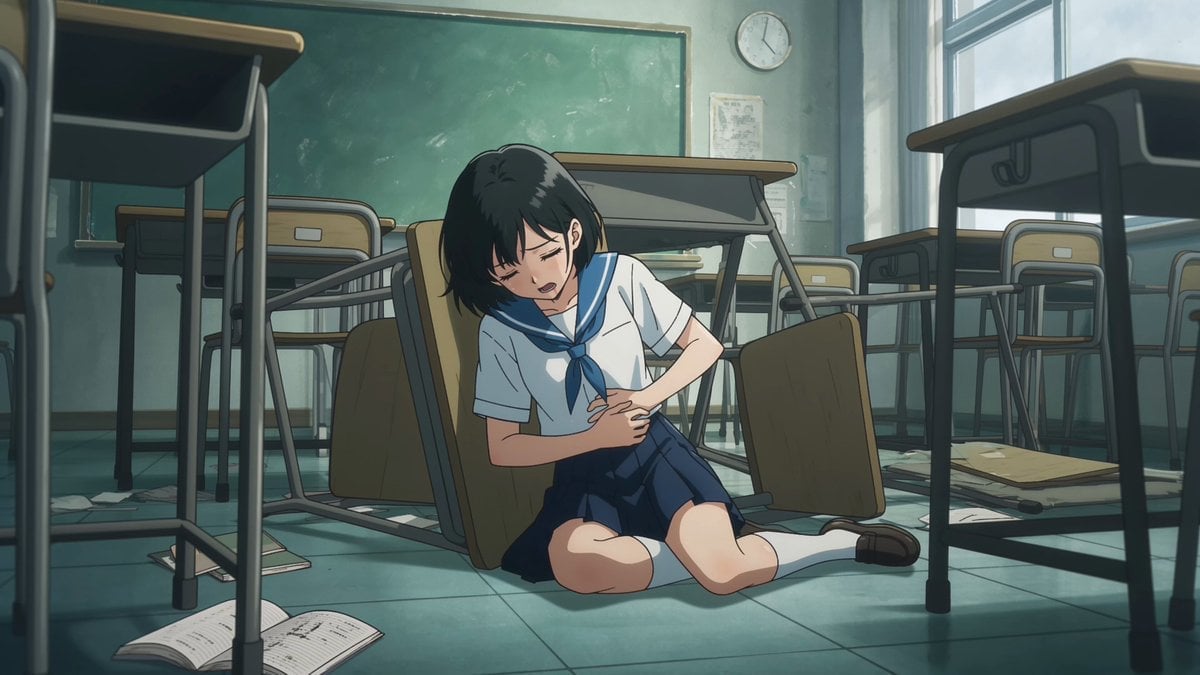
Anime Monster Classroom Battle
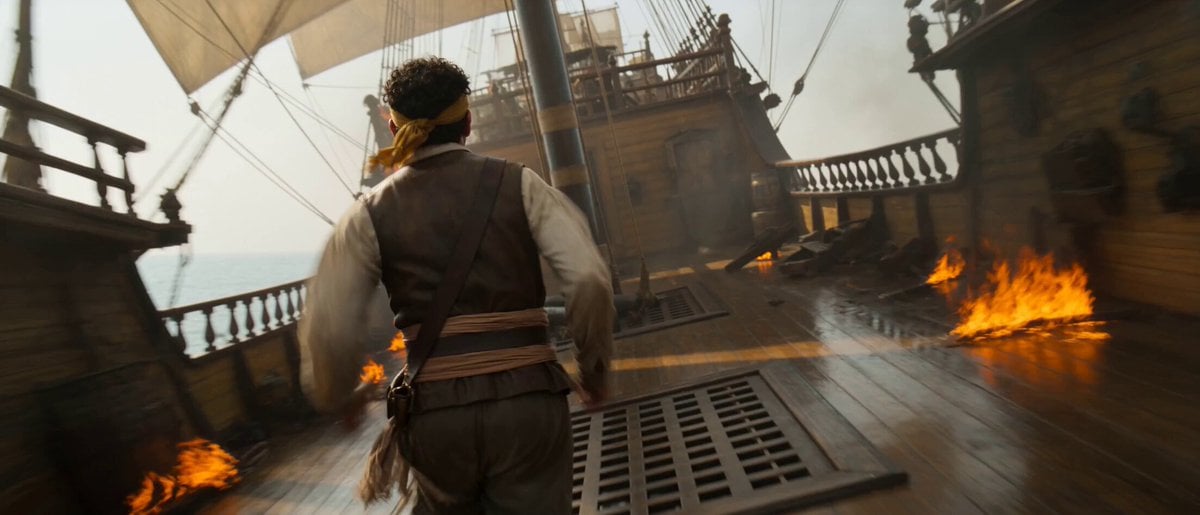
Pirate Ship To Desert Transition
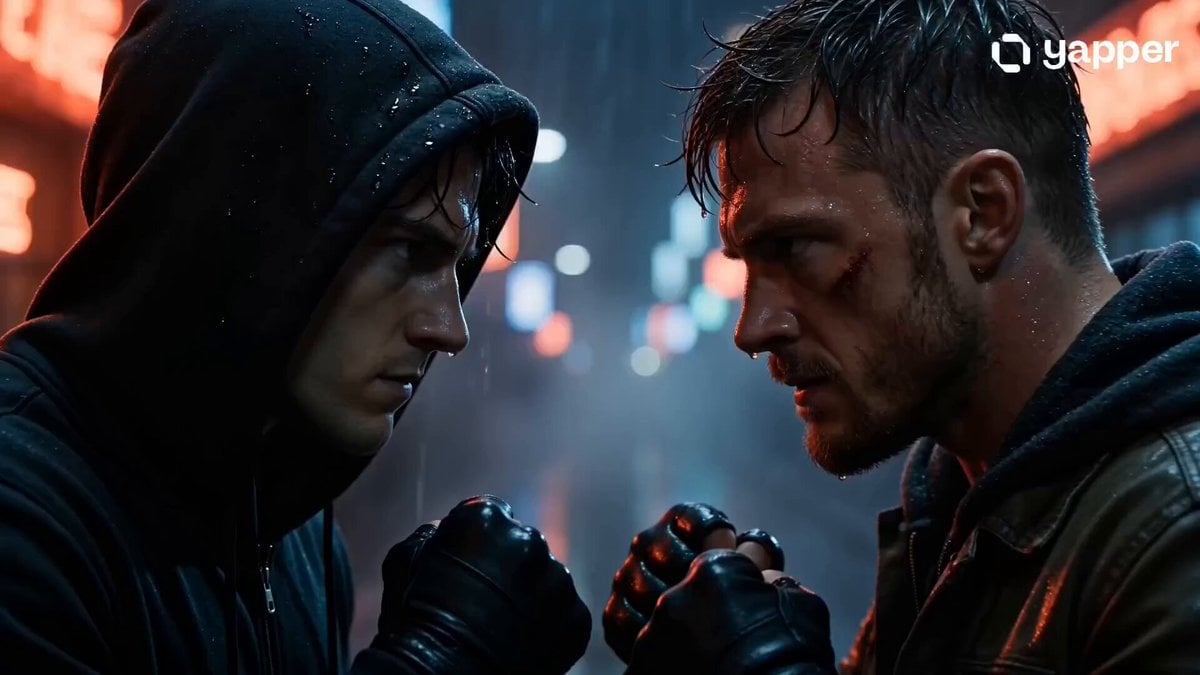
Rainy Alley Fight Scene
Camera Focal Length Test
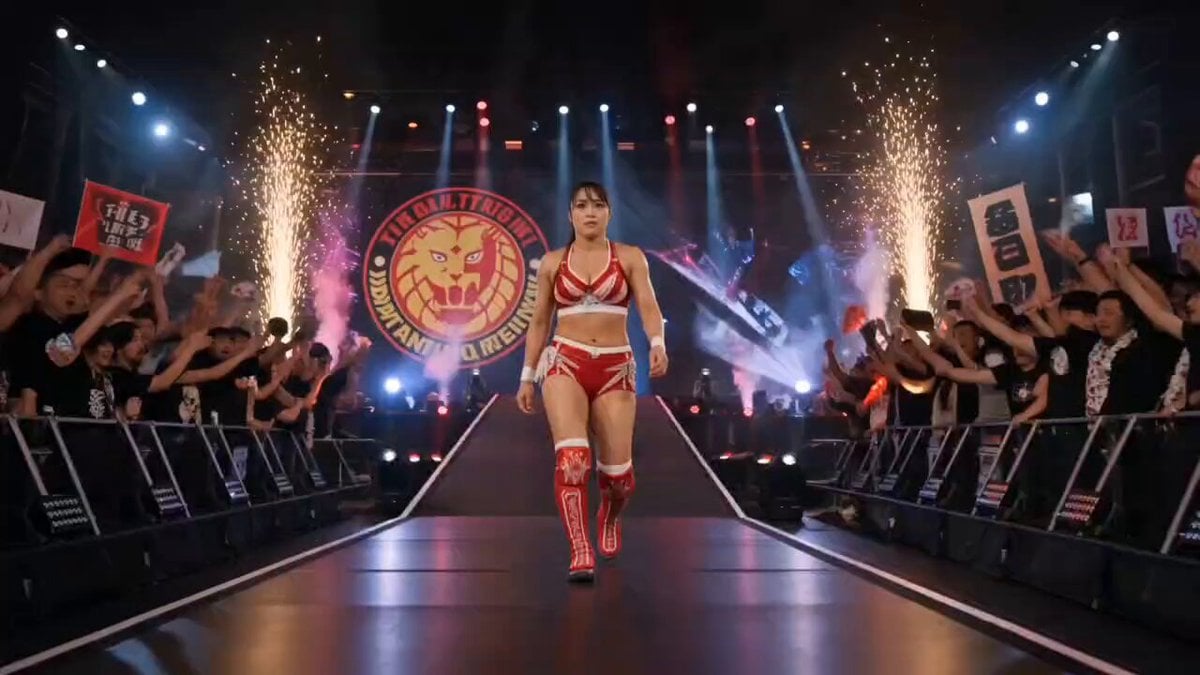
NJPW Women's Championship Match
More video prompts
Fresh picks from across the catalog.
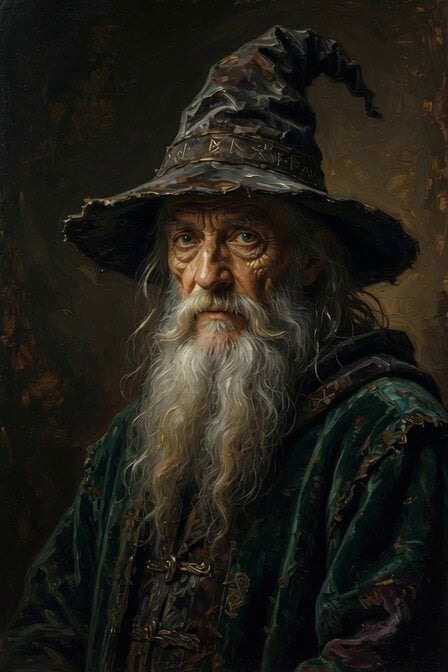
Elderly Wizard Oil Painting
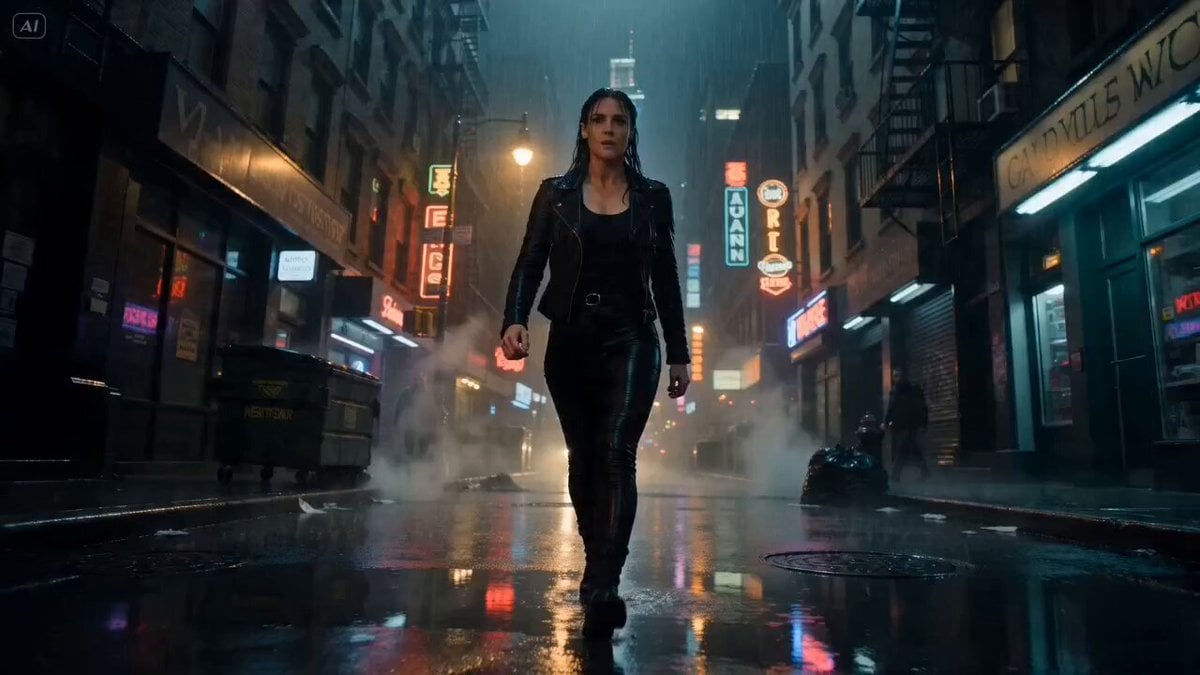
Rain-Soaked NYC Street Fight Cinematic Video Prompt
Suspenseful Comedy Vlog-Style Video Prompt
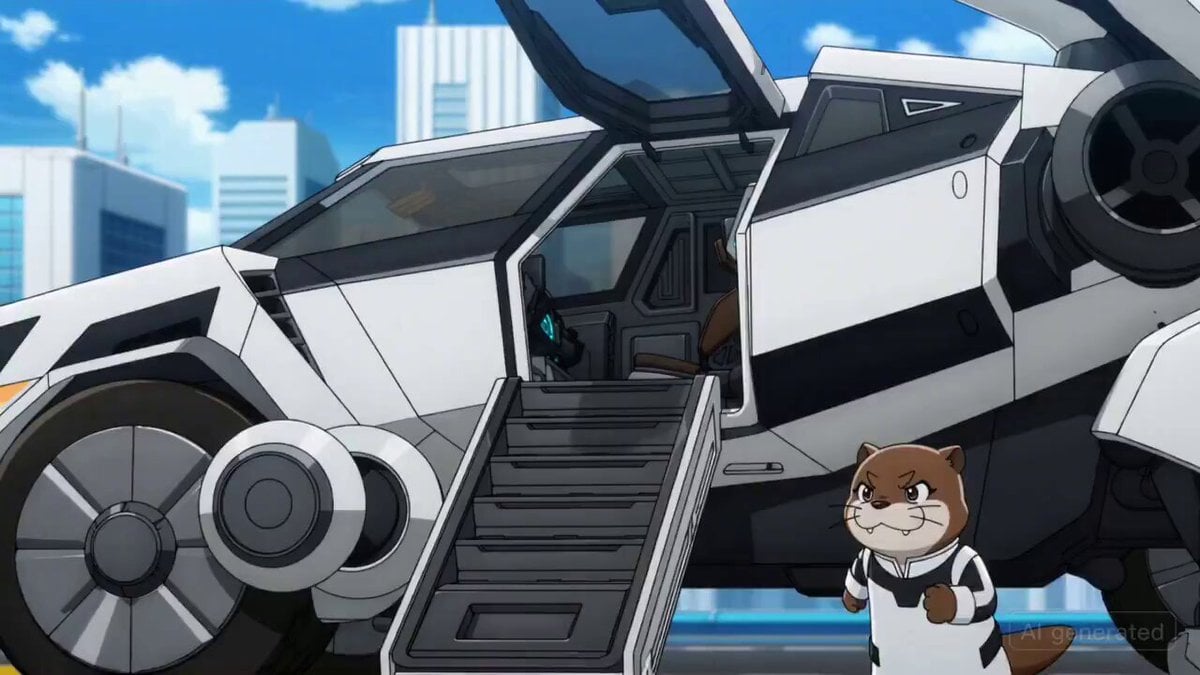
Otter Mech Pilot Anime Scene
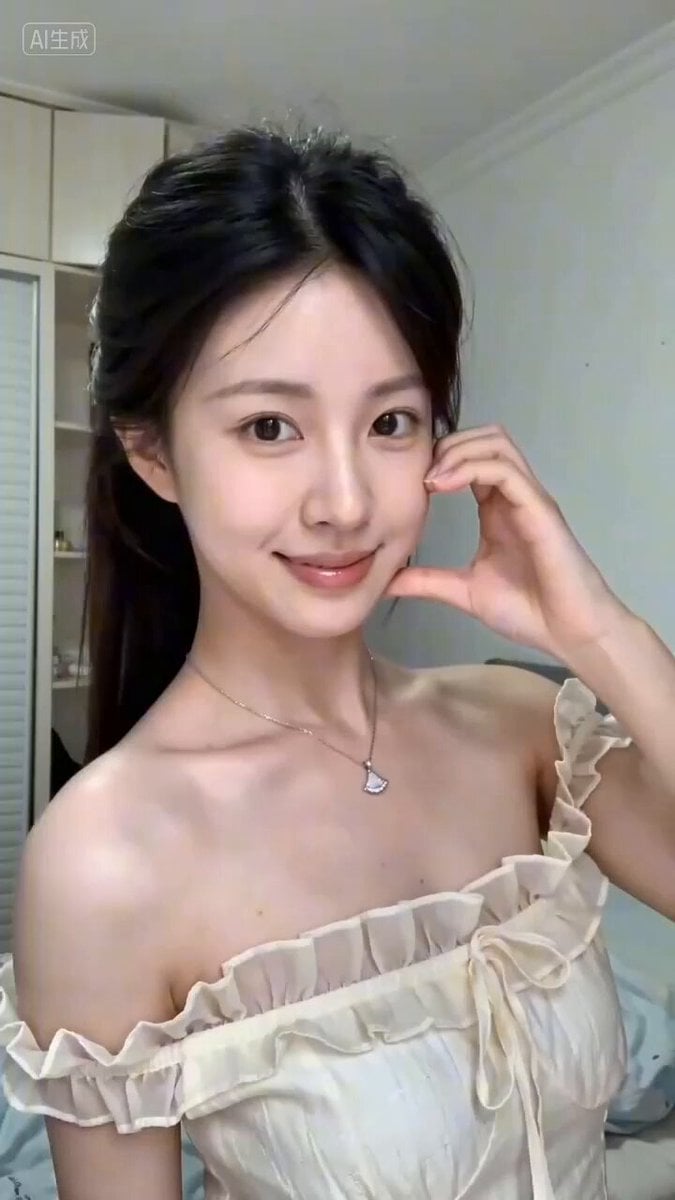
Seedance 2.0 Short Video Prompt Formula Example
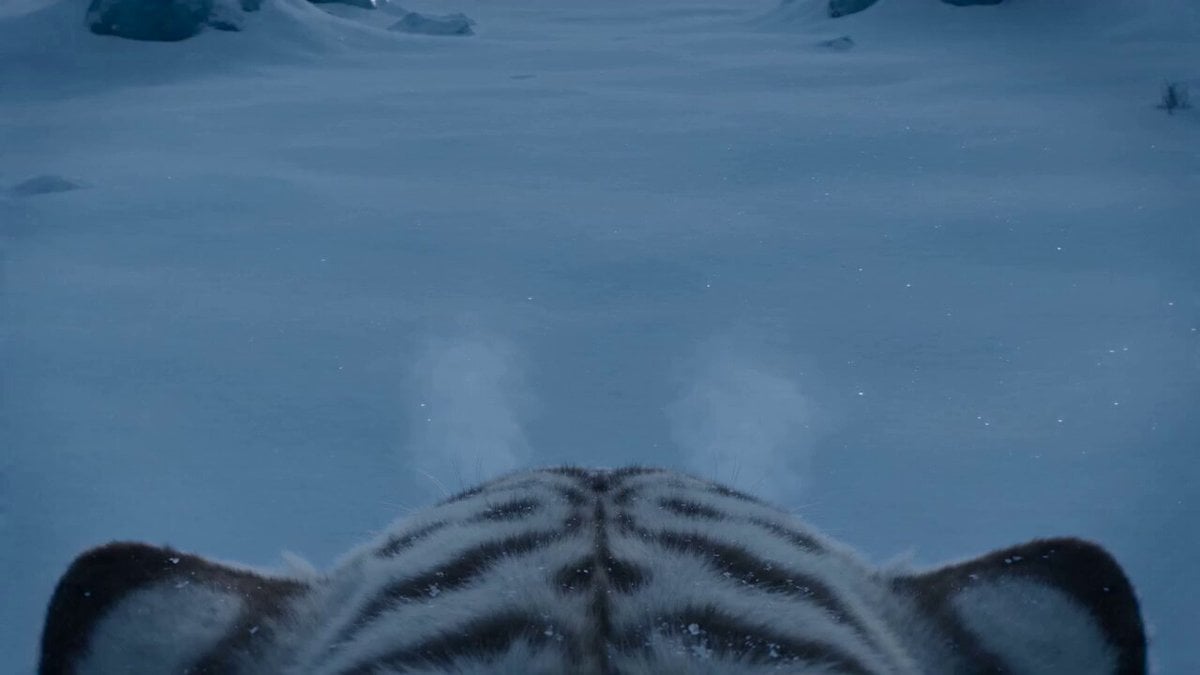
White Tiger Hunter in Glacial Canyon
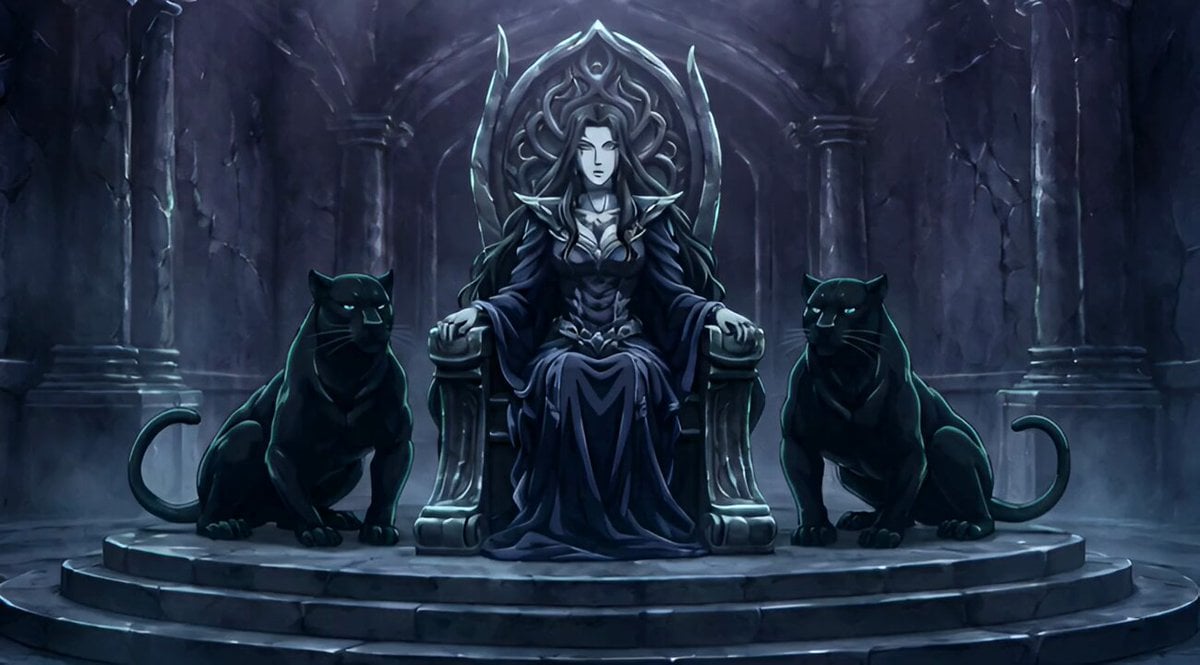
Conan the Barbarian Style Queen with Panthers Video Prompt
High-Energy Commercial Script
Ancient Dragon Temple Warrior Zoom
Cinematic Werewolf Transformation
Browse template categories
Motion Graphics Intro: Chaos Unit questions
How do I use the Motion Graphics Intro: Chaos Unit template?
Add your photo if the template asks for one, edit the prompt if you like — the template's model and format are already selected — and press Generate. Your version opens in PicX Studio.
Can I customize the Motion Graphics Intro: Chaos Unit template?
Yes. You can change the subject, setting, lighting, mood, format, and available model controls before creating your video.
Is the Motion Graphics Intro: Chaos Unit template free?
Opening and editing this template is free. Generating uses credits, shown on the Generate button when you are signed in.
Which AI model should I use?
Start with Seedance 2.0, which is the model associated with this template. You can compare another compatible model for a different finish.
Looking for something else? Browse all templates.

Your photo, any look
Thousands of ready templates for every top image and video model, from one credit balance.