
Cinematic Werewolf Transformation
A complex 15-second cinematic prompt describing a realistic human-to-wolf transformation in a rainy forest setting.
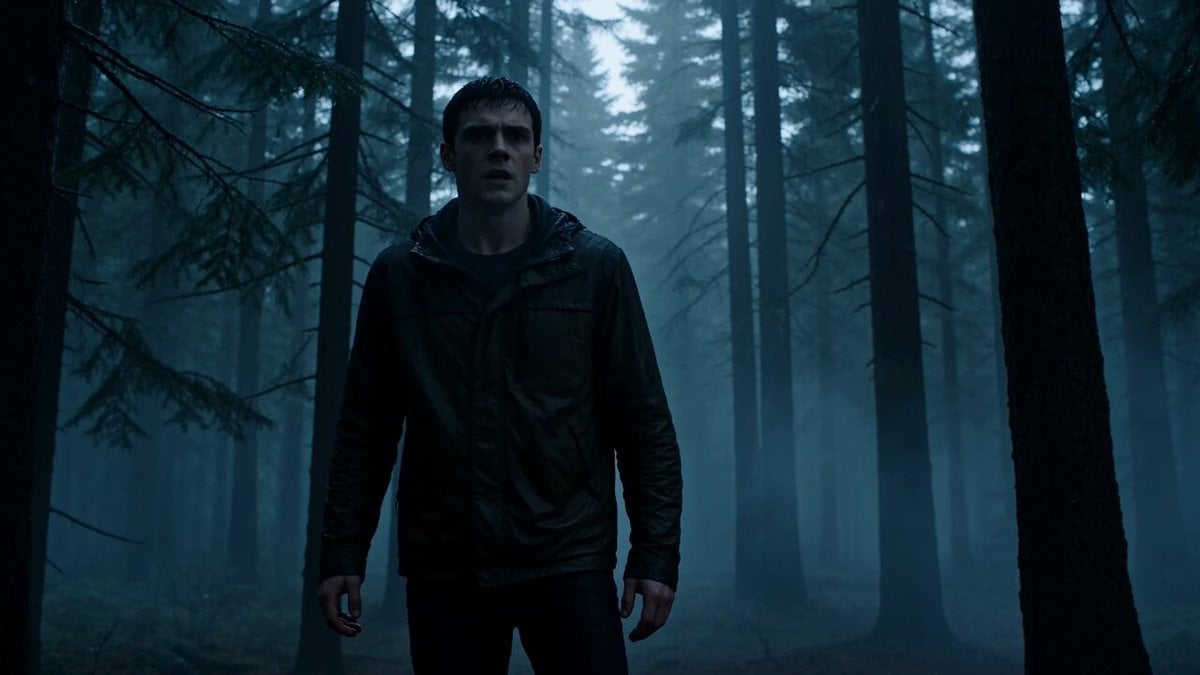
- Prompt included
- Model and format preset
- Premium template
The prompt behind this video
Copy the exact prompt behind Cinematic Werewolf Transformation, or open it in the studio and make it yours.
15-second ultra-cinematic realistic transformation sequence in a dense forest during a cold rainy evening. A lone man stands among wet pine trees while light rain falls through the forest canopy. Mist drifts between the trunks. The atmosphere is grounded and realistic. The man suddenly freezes. His breathing becomes heavier. Muscles tense beneath soaked clothing. The camera slowly circles around him as subtle anatomical changes begin. Fingers lengthen. Hands widen. Nails gradually become thick dark claws. Veins and tendons become more pronounced beneath the skin. The transformation intensifies. Shoulders broaden dramatically. The spine lengthens. The rib cage expands. Legs restructure for quadrupedal movement. Clothing stretches naturally under the changing body. Dark fur begins emerging across the arms, neck, shoulders, and face. Rainwater runs through the growing coat. Ears migrate upward and sharpen. The jaw slowly extends into a realistic wolf muzzle. The camera stays close during the anatomical transformation, emphasizing realistic muscle movement, shifting posture, and animal locomotion emerging from the human form. The newly transformed wolf drops onto all fours. Massive paws sink into wet earth. Breath forms dense vapor in the cold air. Final cinematic moment: the enormous wolf lifts its head and scans the forest. Rain falls across detailed fur while yellow eyes reflect moonlight through the trees. The camera slowly pushes closer as the animal disappears into the mist. Style: ultra realistic transformation VFX, grounded anatomy, photoreal wolf behavior, realistic fur simulation, cinematic forest atmosphere, rain interaction, nature documentary realism, AAA creature effects, no magic energy, no text, no overlays. Audio: realistic forest ambience, rain, heavy breathing, muscle shifting sounds, fur movement, distant thunder, animal growls, atmospheric wilderness sound design.
How to use Cinematic Werewolf Transformation in 3 steps
- 1
Open
The prompt is already in the box next to the preview, with the template's model and format selected.
- 2…a portrait of your subject in softgolden-hour light, 85mm…
Personalize
Edit the subject and creative details for your destination.
- 3Generate
Generate
Press Generate — your video is created in PicX Studio, so you can compare it with the original and refine one variable at a time.
More like this
Templates with the same subject, style or setup. Open one to see its prompt.

Magical Room Transformation - Seedance 2.5

Dark Tokusatsu Transformation - Seedance 2.5

RX-7 to Mech Transformation Cyberpunk
Civilization Timelapse — Centuries in One Shot
Mecha Transformation vs Kaiju — 4-Scene Epic

Asian Woman Werewolf Transformation
Werewolf Transformation VFX Shot
Feral Werewolf Transformation Cinematic Sequence
Werewolf vs Vampire Office Battle
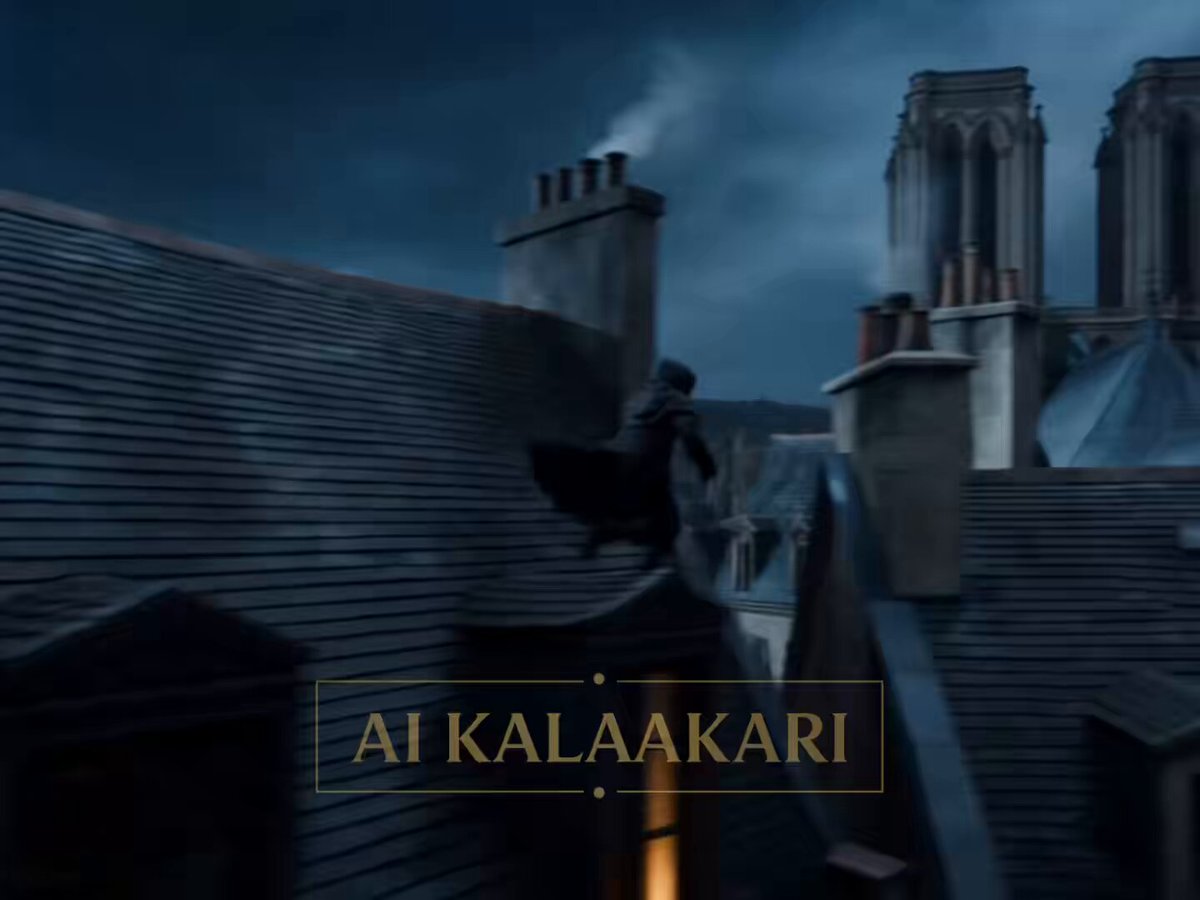
Medieval Werewolf Rooftop Chase
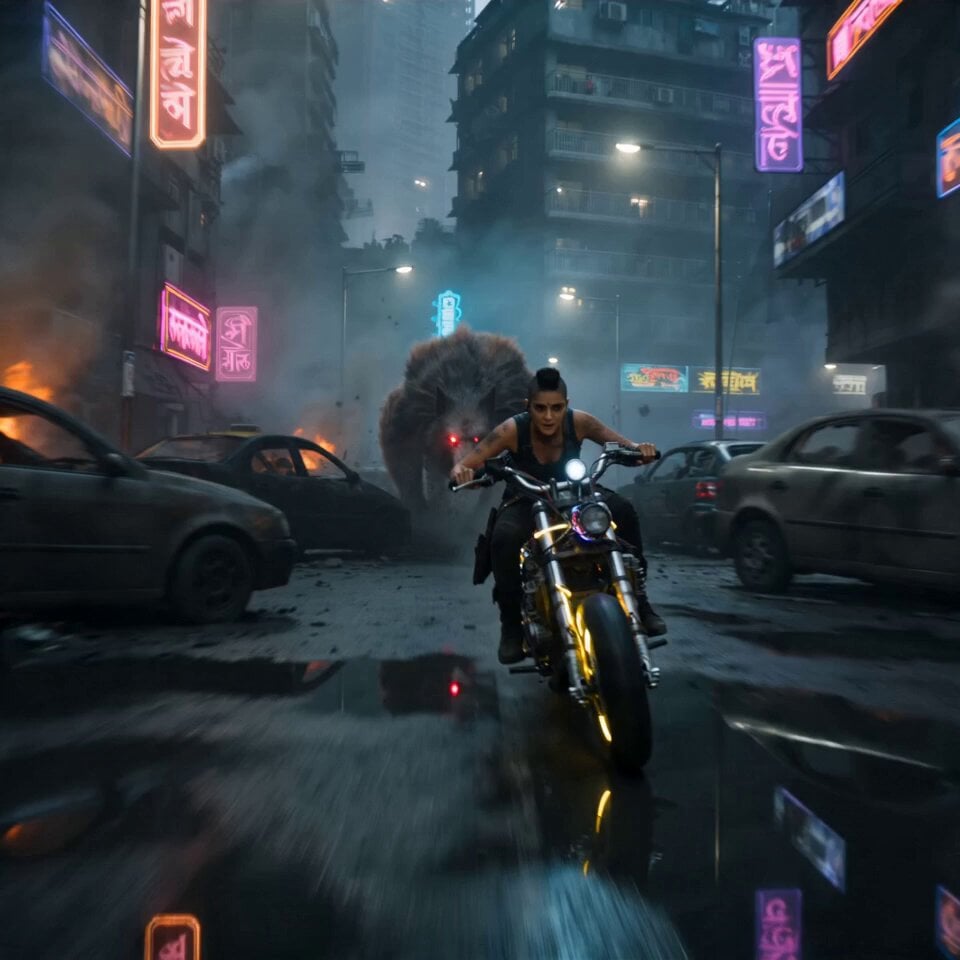
Cyberpunk Mumbai Werewolf Pursuit
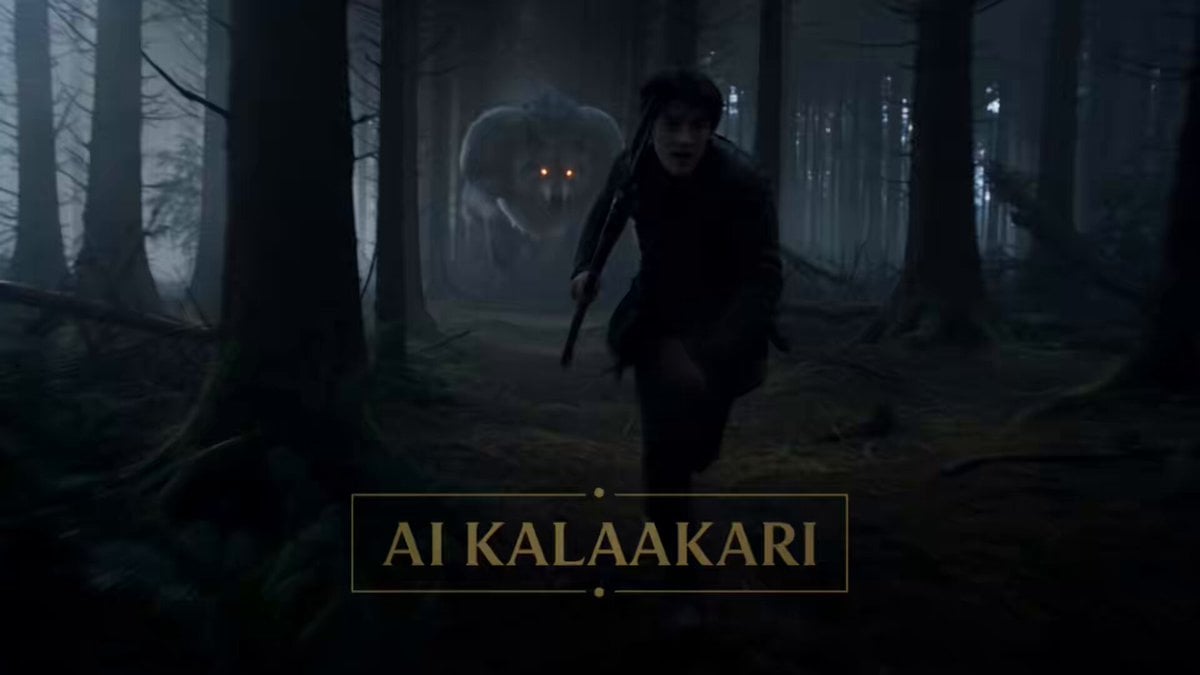
Moonlit Werewolf Forest Chase Prompt
Make it yours
Cinematic Werewolf Transformation works as-is. These are the safest ways to change it without losing the look.
Change one field
Copy a single group, rewrite it, and generate again so you can see what that field is doing.
Keep the frame, change the subject
Hold the composition and light of Cinematic Werewolf Transformation, then swap wardrobe, props or the person for a new take.
| If the result… | Why | Fix |
|---|---|---|
| The result drifts from the preview | Too many fields changed at once. | Reuse Cinematic Werewolf Transformation as-is first, then change one group — subject, light, or setting. |
| The model over-stylizes the scene | The prose prompt leaves finish and camera underspecified. | Add one camera or lighting sentence and stay on Seedance 2.0. |
More Seedance 2.0 templates
Other prompts made for Seedance 2.0.

Comical Martial Arts Punch Scene

Maglev Train Action Sequence

Martial Arts Fight Sequence

Wuxia Protection and Trust Script

Vintage Korean Arcade MiniDV Vlog

Mercedes 190 SL Luxury Ad

Rainy Night Supernatural Reverse Comedy Video Script

Amazon Civilization Discovery

Futuristic South Asian City Transformation

Cozy Luxury Cafe Commercial
More video prompts
Fresh picks from across the catalog.
Cinematic Reality Collapse One-Take
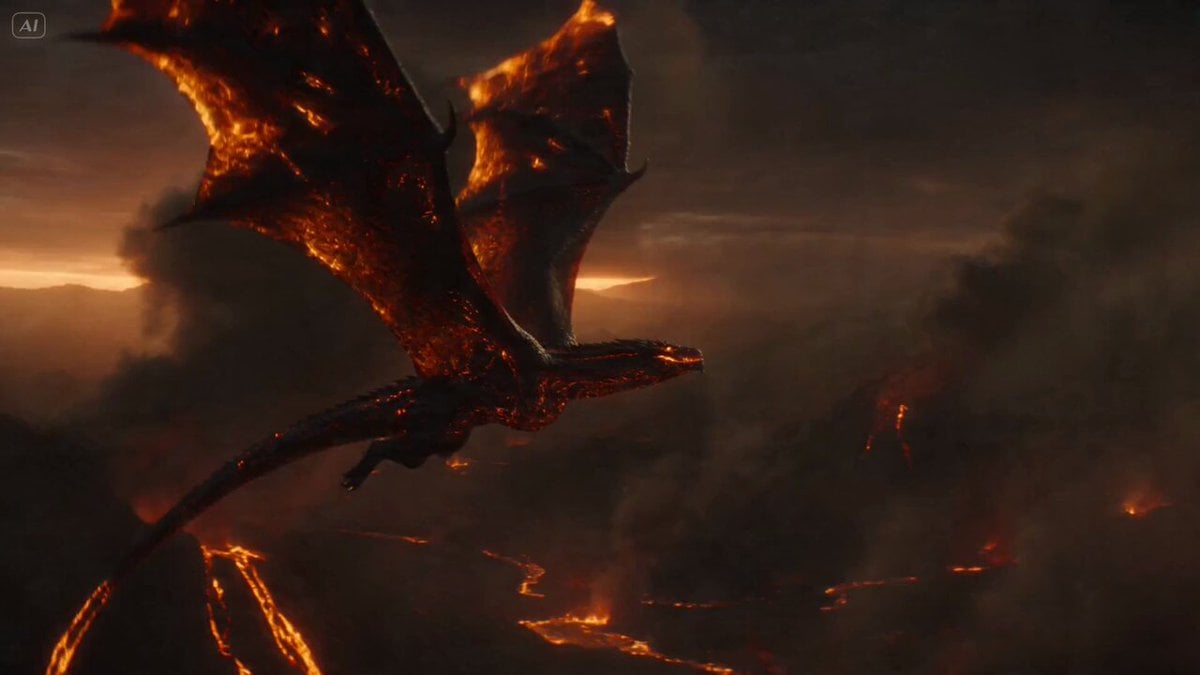
Massive Lava Dragon Metamorphosis
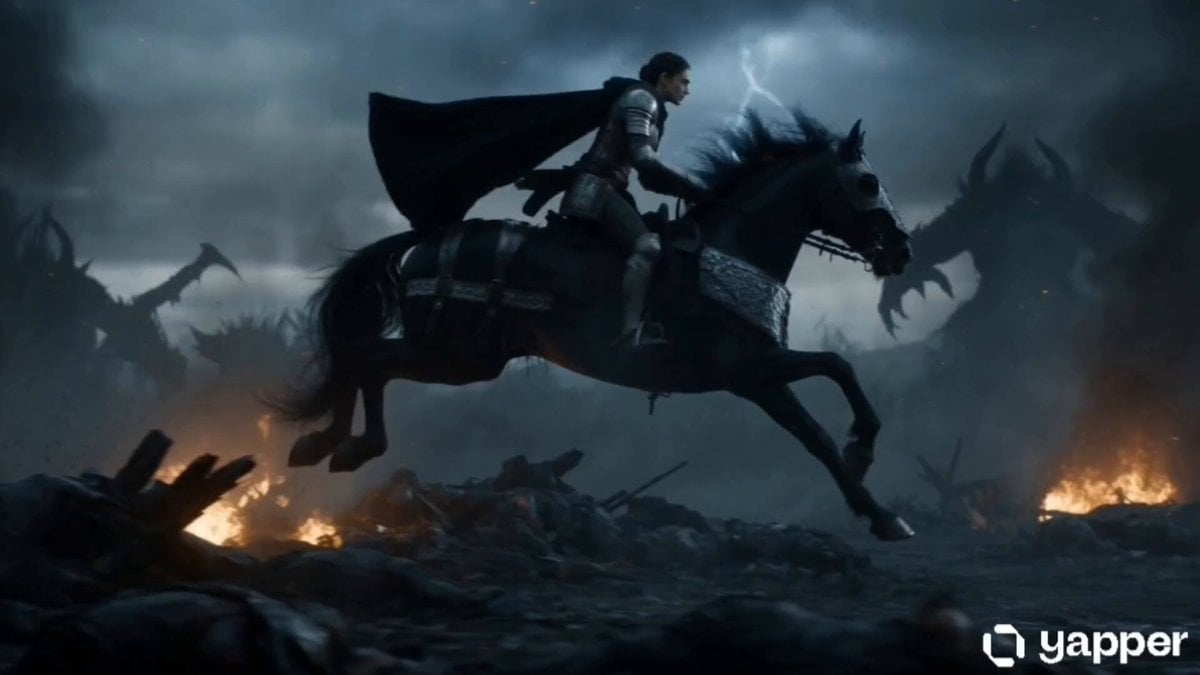
Warrior Queen Fantasy Battle

Restaurant Review Video Generation

Crusader Battlefield War Sequence
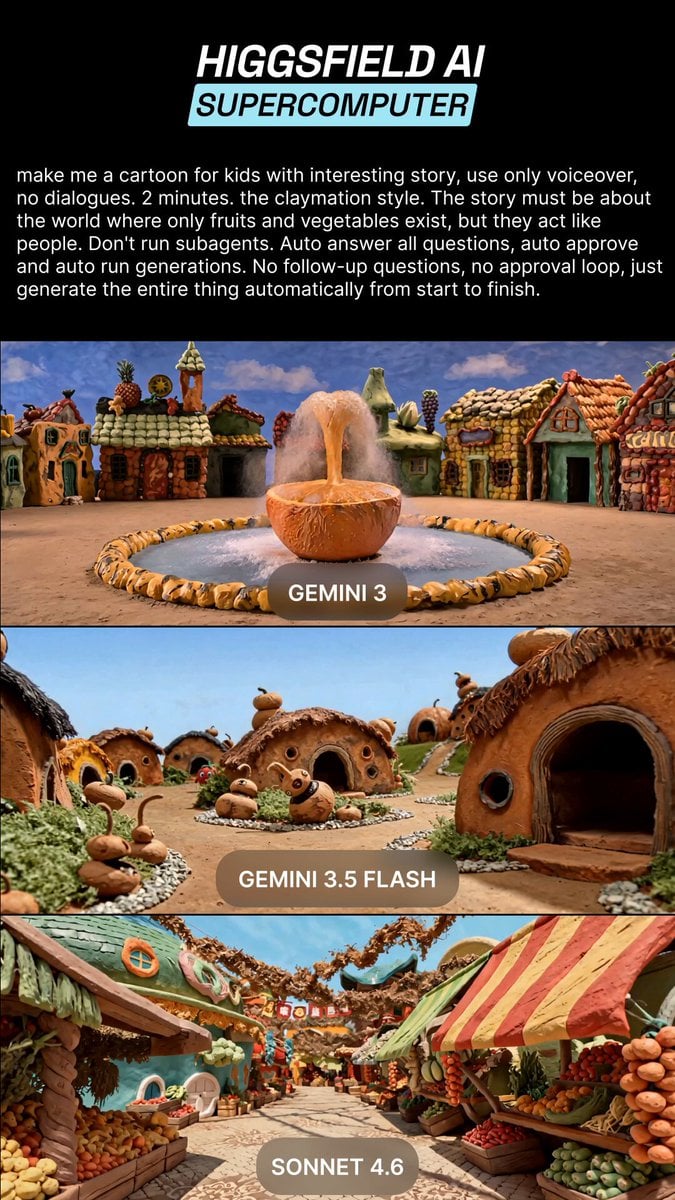
Claymation Fruit Kids Cartoon
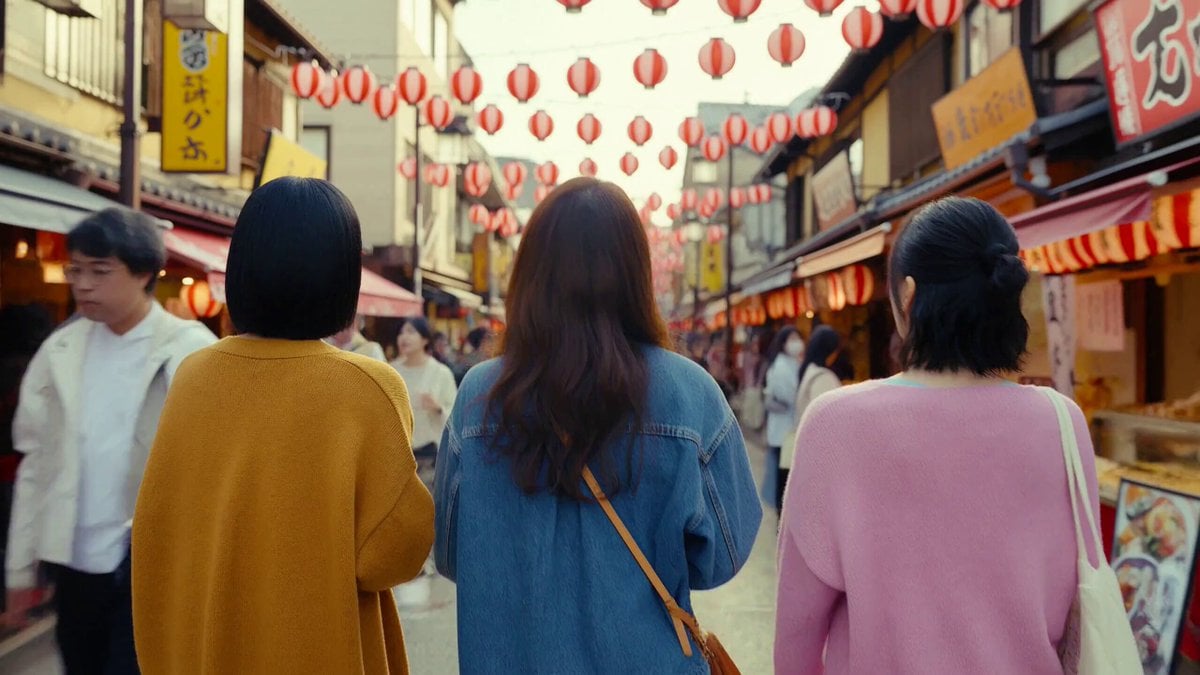
Japanese Market Travel Vlog
Viking Warrior Forest Charge
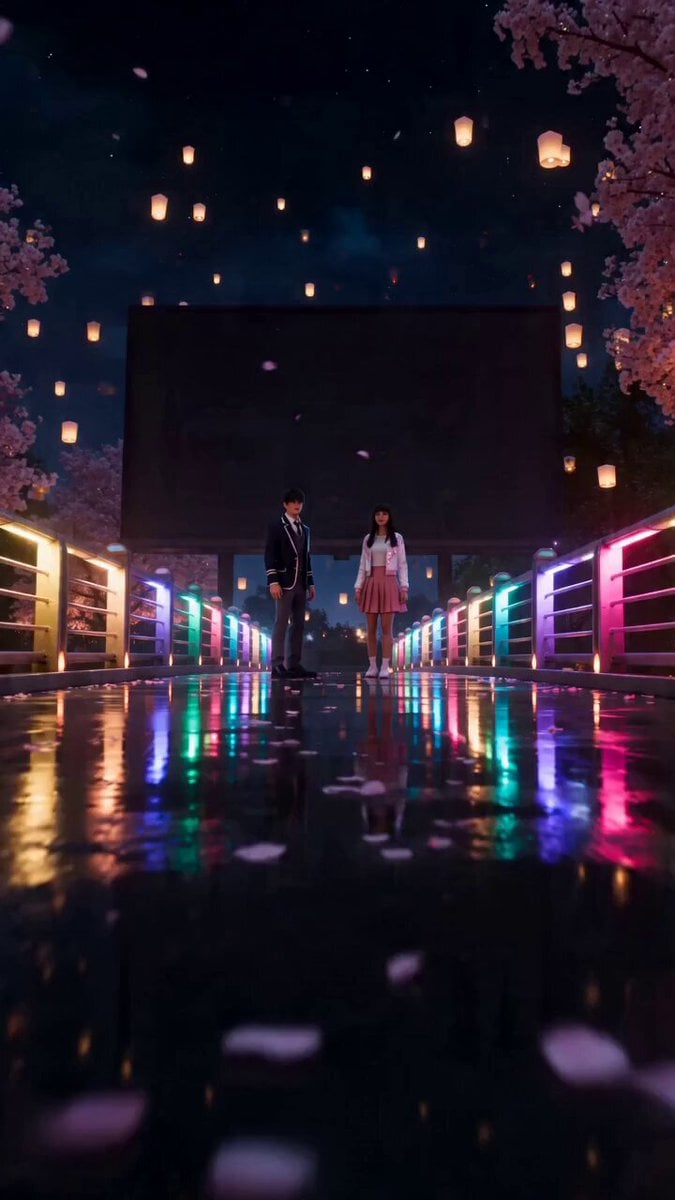
Cyberpunk Romance Scene: School Anniversary Night
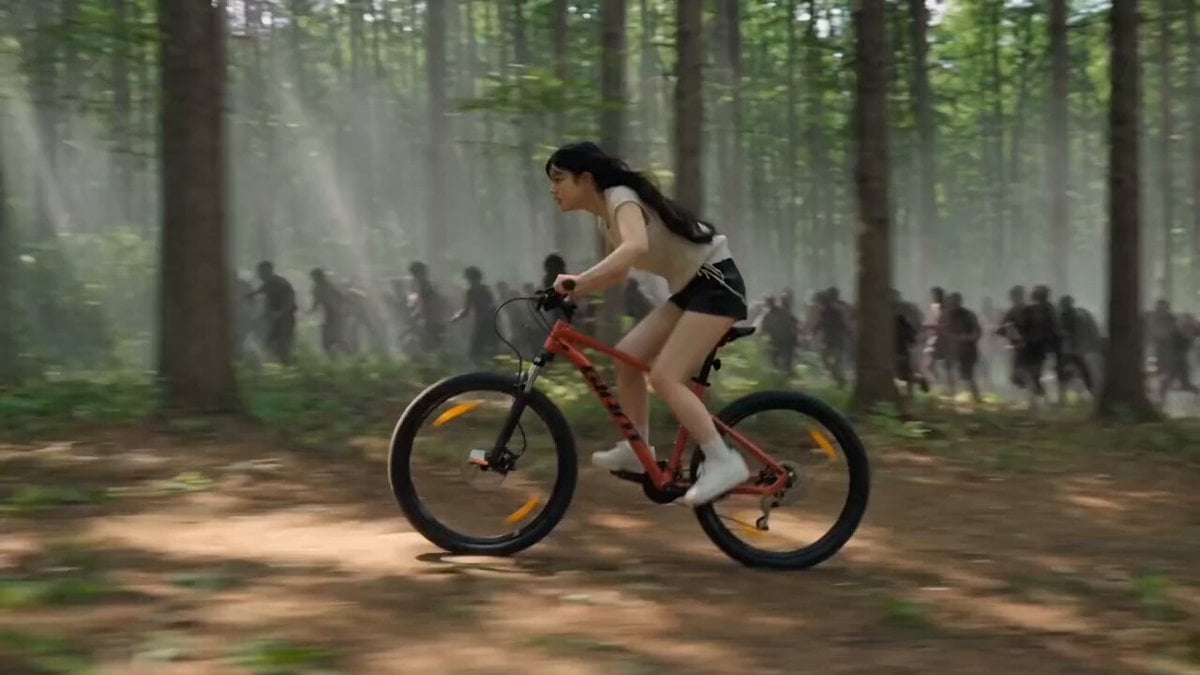
Woman Bicycle Zombie Chase Action Scene
Browse template categories
Cinematic Werewolf Transformation questions
How do I use the Cinematic Werewolf Transformation template?
Add your photo if the template asks for one, edit the prompt if you like — the template's model and format are already selected — and press Generate. Your version opens in PicX Studio.
Can I customize the Cinematic Werewolf Transformation template?
Yes. You can change the subject, setting, lighting, mood, format, and available model controls before creating your video.
Is the Cinematic Werewolf Transformation template free?
Opening and editing this template is free. Generating uses credits, shown on the Generate button when you are signed in.
Which AI model should I use?
Start with Seedance 2.0, which is the model associated with this template. You can compare another compatible model for a different finish.
Looking for something else? Browse all templates.

Your photo, any look
Thousands of ready templates for every top image and video model, from one credit balance.