
Asian Woman Werewolf Transformation
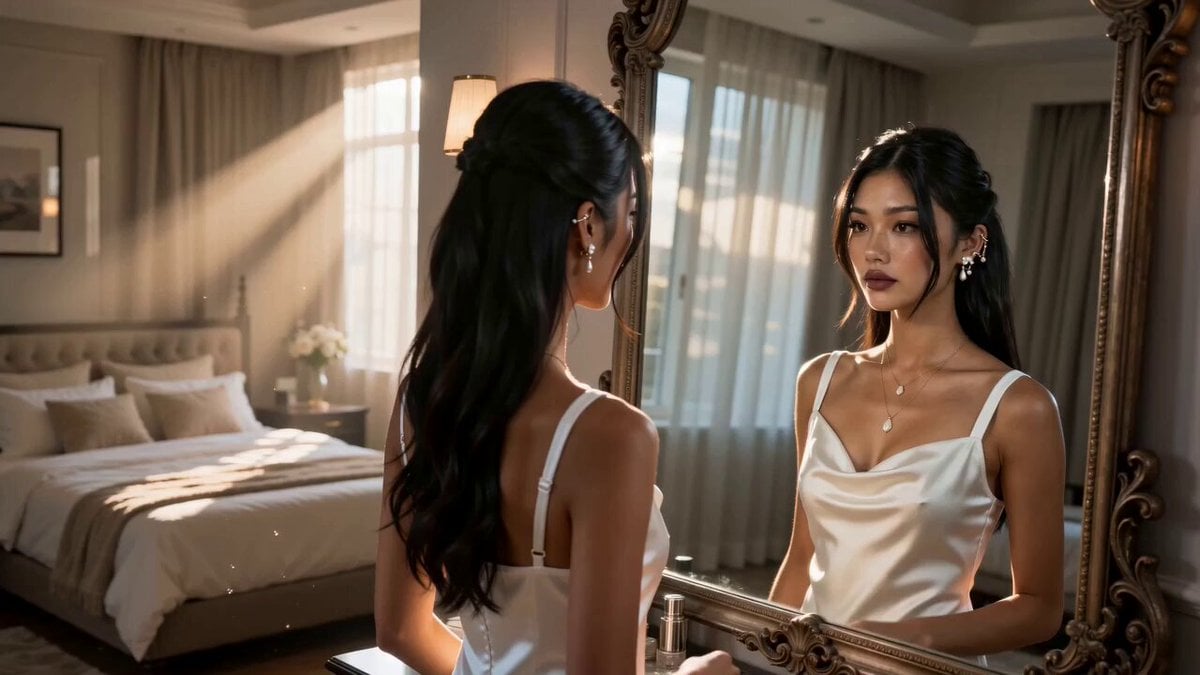
A cinematic fantasy prompt featuring a young East Asian woman in a white satin dress transitioning into a magical werewolf scene.
- Prompt included
- Model and format preset
- Free template
The prompt behind this video
Copy the exact prompt behind Asian Woman Werewolf Transformation, or open it in the studio and make it yours.
A beautiful young East Asian woman with long black hair styled half-up, soft natural makeup, pearl ear cuff, layered gold necklace, wearing a white satin slip dress, stands in a luxurious modern bedroom. Warm morning sunlight streams through sheer curtains. She gently touching her hair while looking into a tall vintage mirror. Everything feels peaceful and elegant. The camera slowly dollies toward her from behind, revealing both the woman and her reflection. Ultra realistic, cinematic lighting, shallow depth of field, 4K, highly detailed skin, natural movement. Camera Slow dolly forward. Emotion Calm and relaxed. Ultra-realistic cinematic fantasy Same woman in every scene Long black hair White satin dress Pearl ear cuff and layered gold necklace remain consistent Photorealistic skin Hollywood VFX Volumetric lighting Smooth camera movement 4K/8K quality Natural facial expressions Consistent character identity Magical white energy White werewolf with glowing icy blue eyes Thick, realistic white fur
How to use Asian Woman Werewolf Transformation in 3 steps
- 1
Open
The prompt is already in the box next to the preview, with the template's model and format selected.
- 2…a portrait of your subject in softgolden-hour light, 85mm…
Personalize
Edit the subject and creative details for your destination.
- 3Generate
Generate
Press Generate — your video is created in PicX Studio, so you can compare it with the original and refine one variable at a time.
More like this
Templates with the same subject, style or setup. Open one to see its prompt.
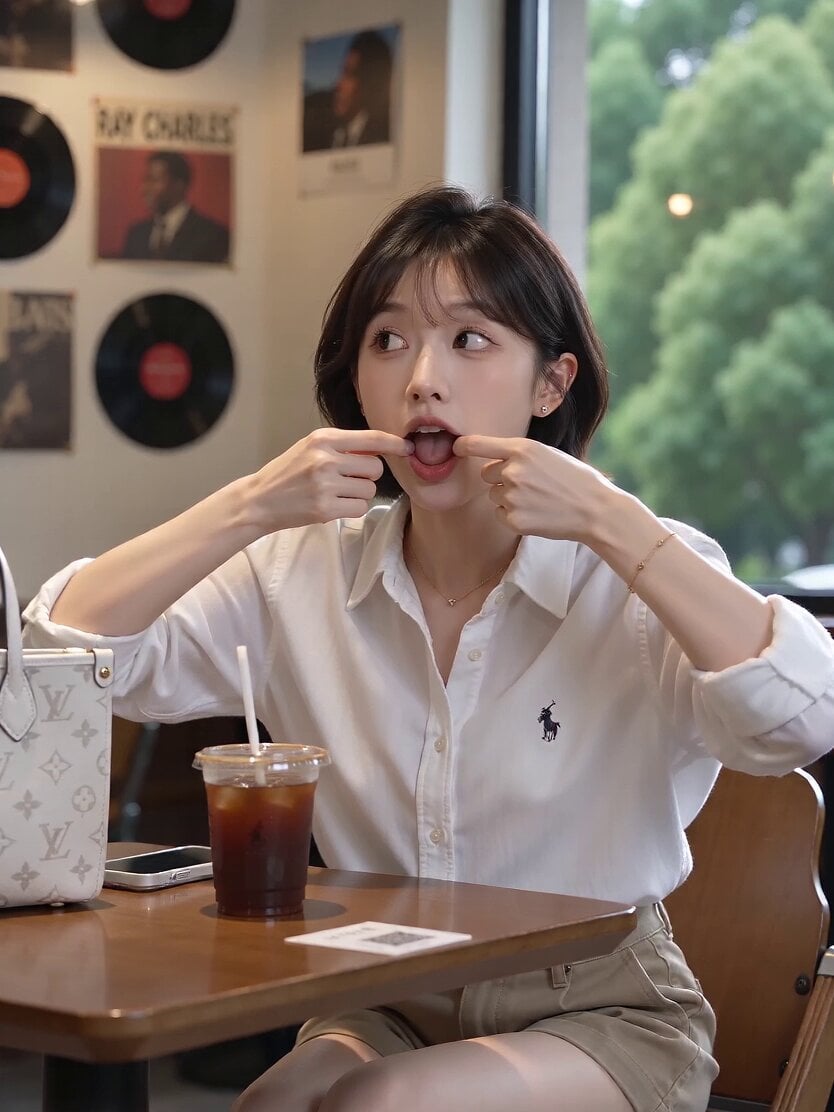
Asian Woman Cartoon Face Transformation
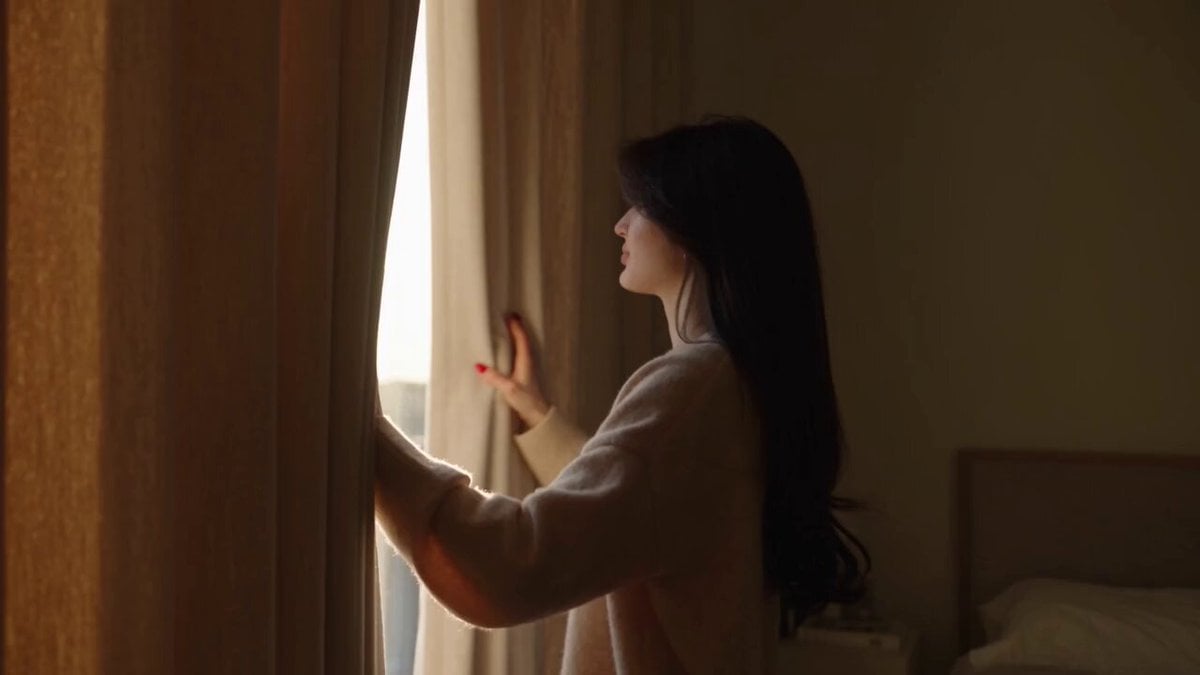
Realistic lifestyle cinematic video of an East Asian woman
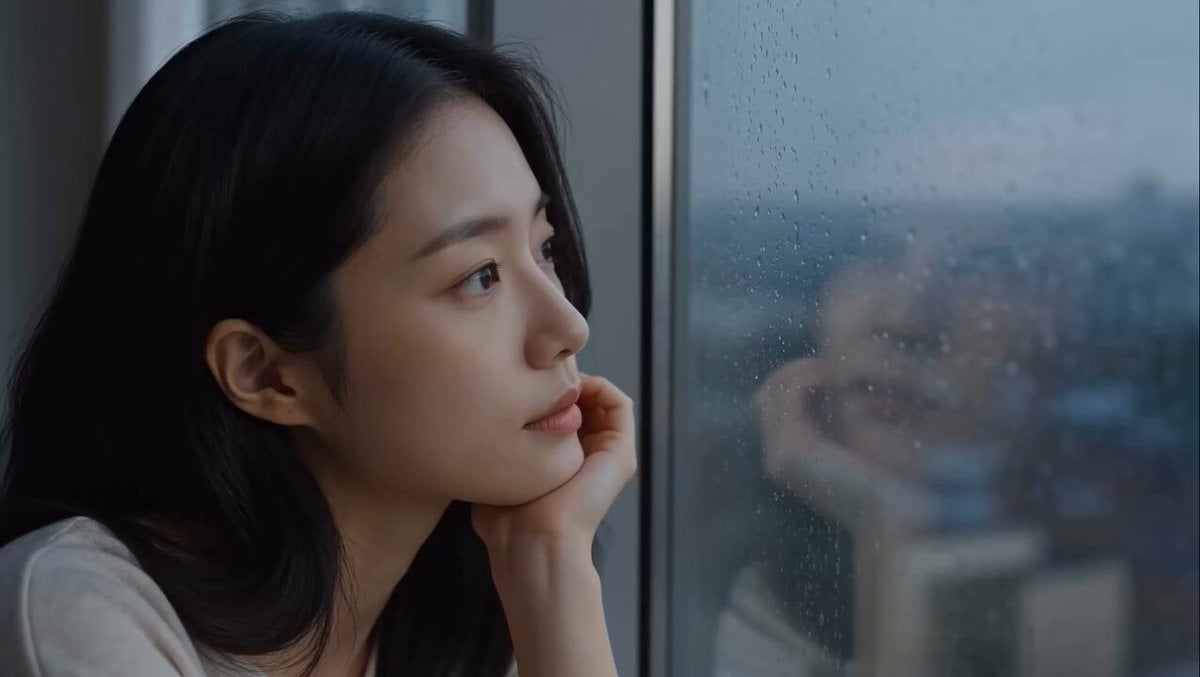
East Asian Woman Apartment Solitude
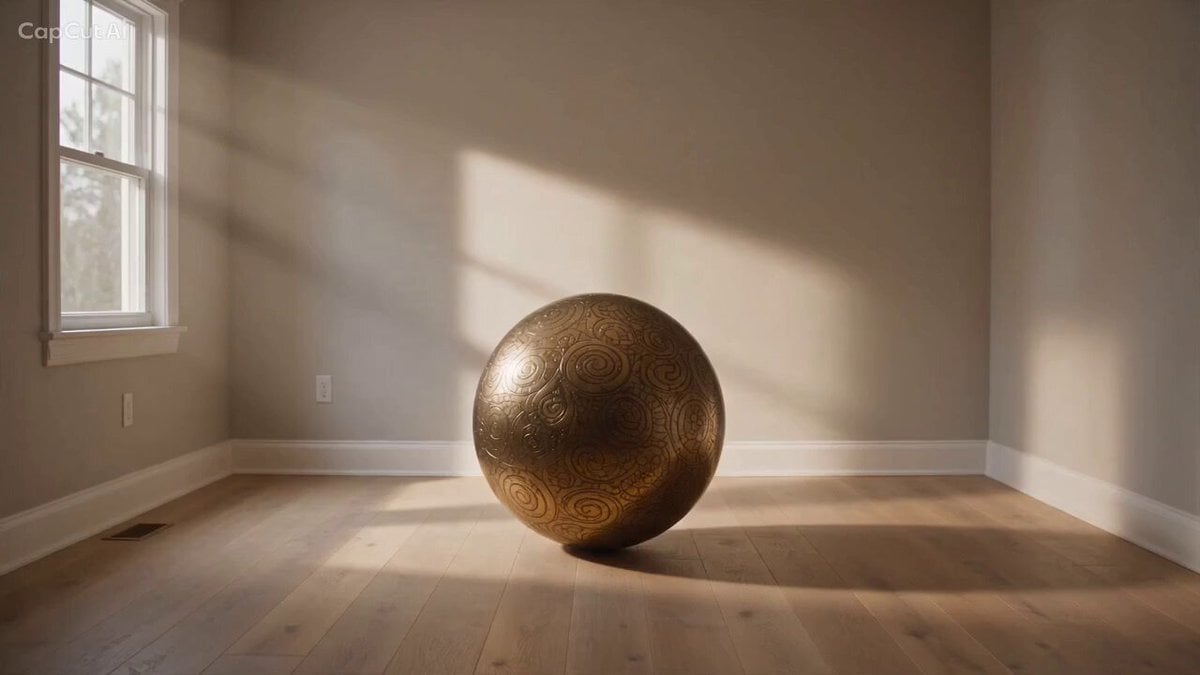
Magical Room Transformation - Seedance 2.5
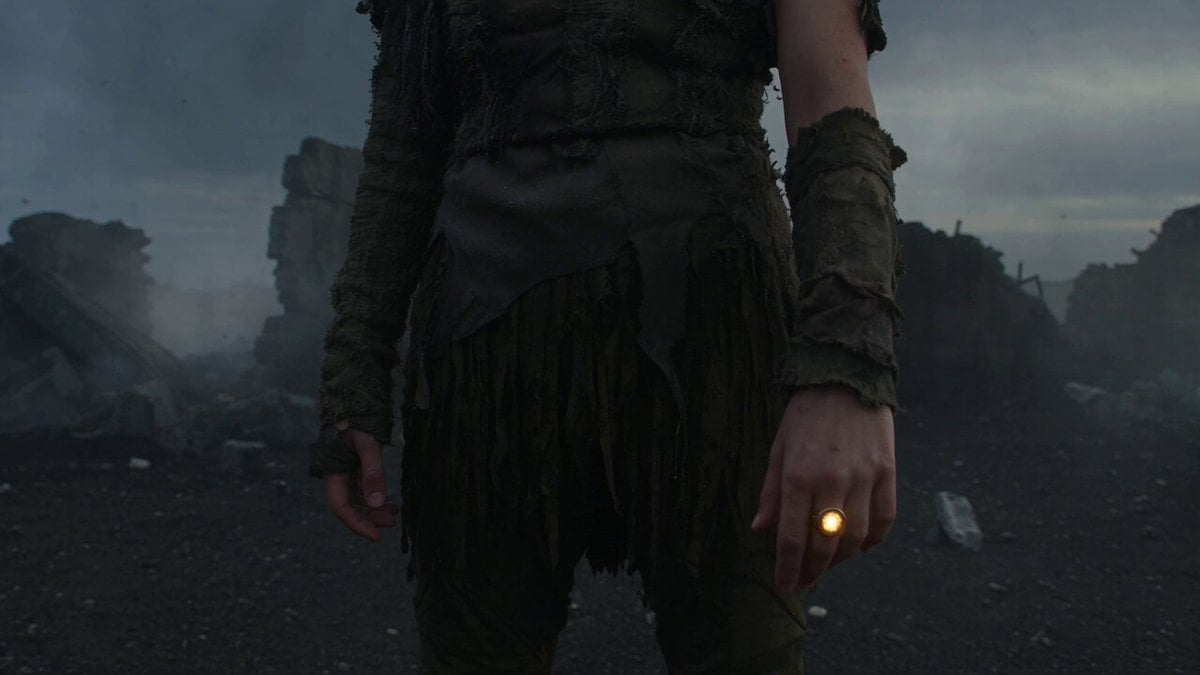
Dark Tokusatsu Transformation - Seedance 2.5
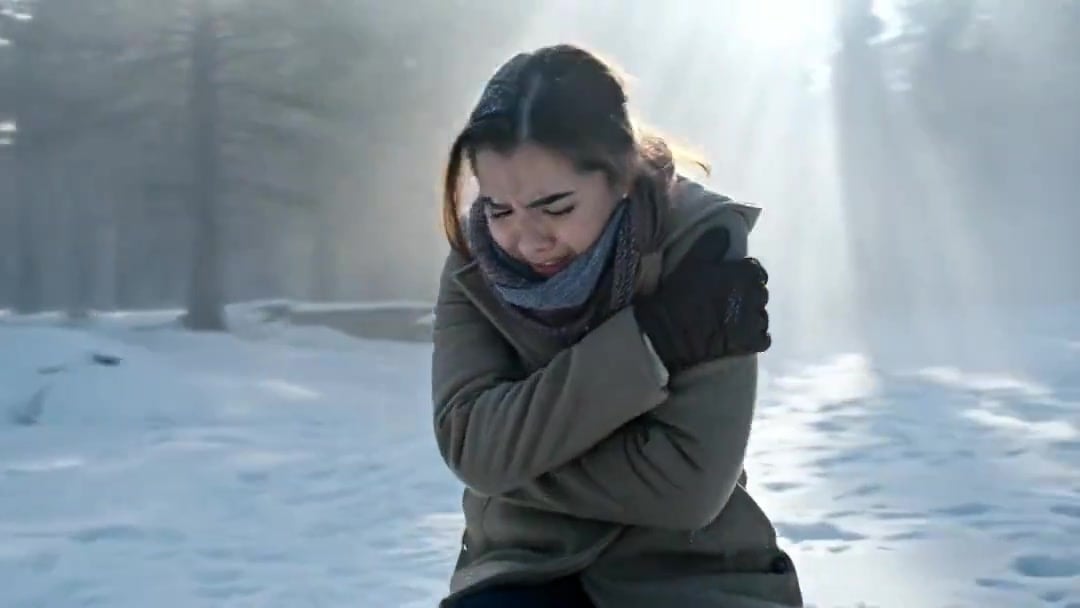
Arc Shot Frozen Woman Snow — Kling 3.0 v3 Pro
Arc Shot Frozen Woman Snow — Kling 3.0 v3 Pro
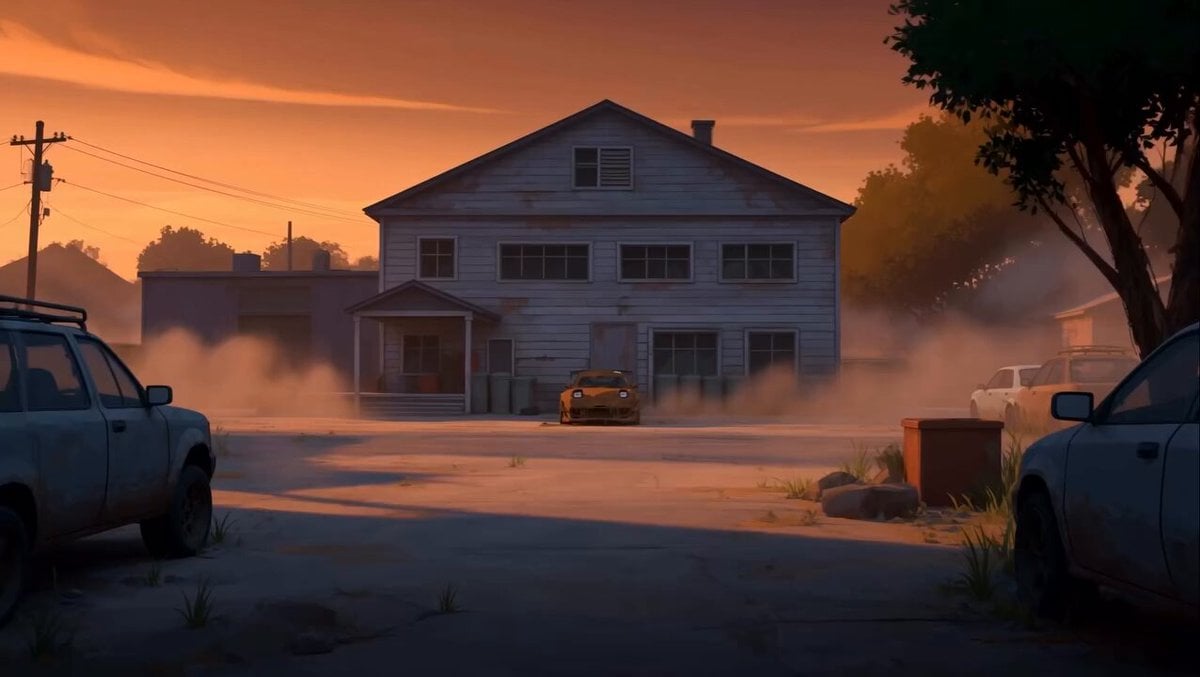
RX-7 to Mech Transformation Cyberpunk
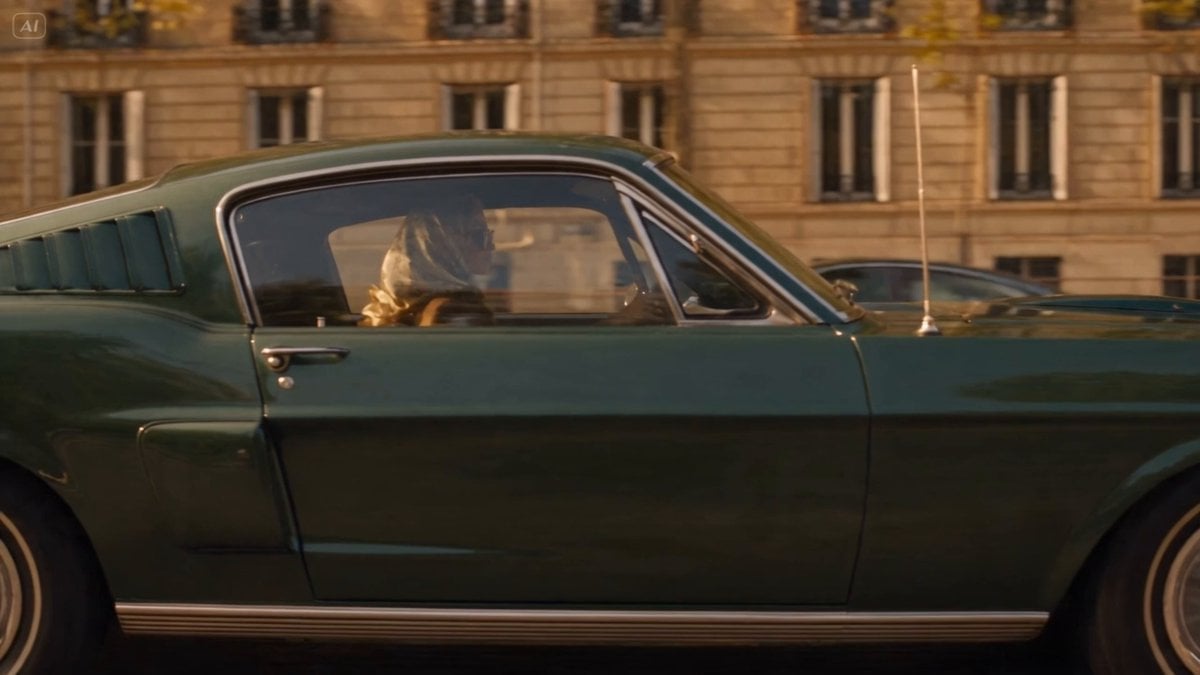
Blonde Woman Driving Green 1960s Mustang Golden Hour
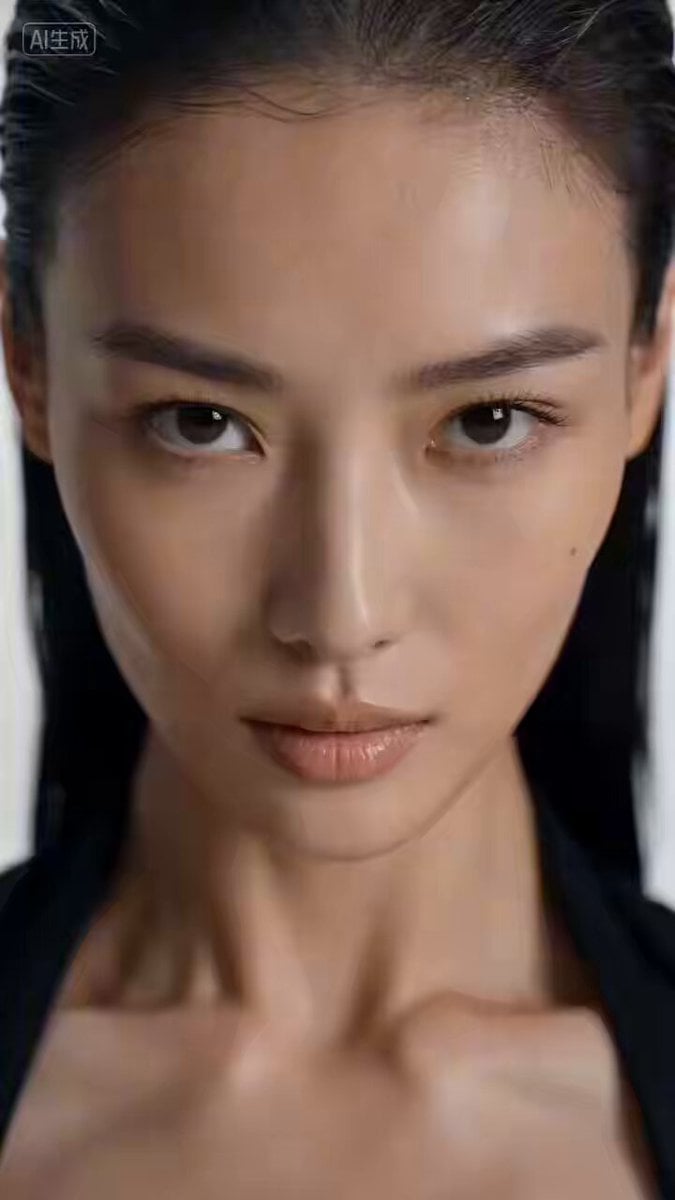
Cinematic East Asian Woman Hand Dance
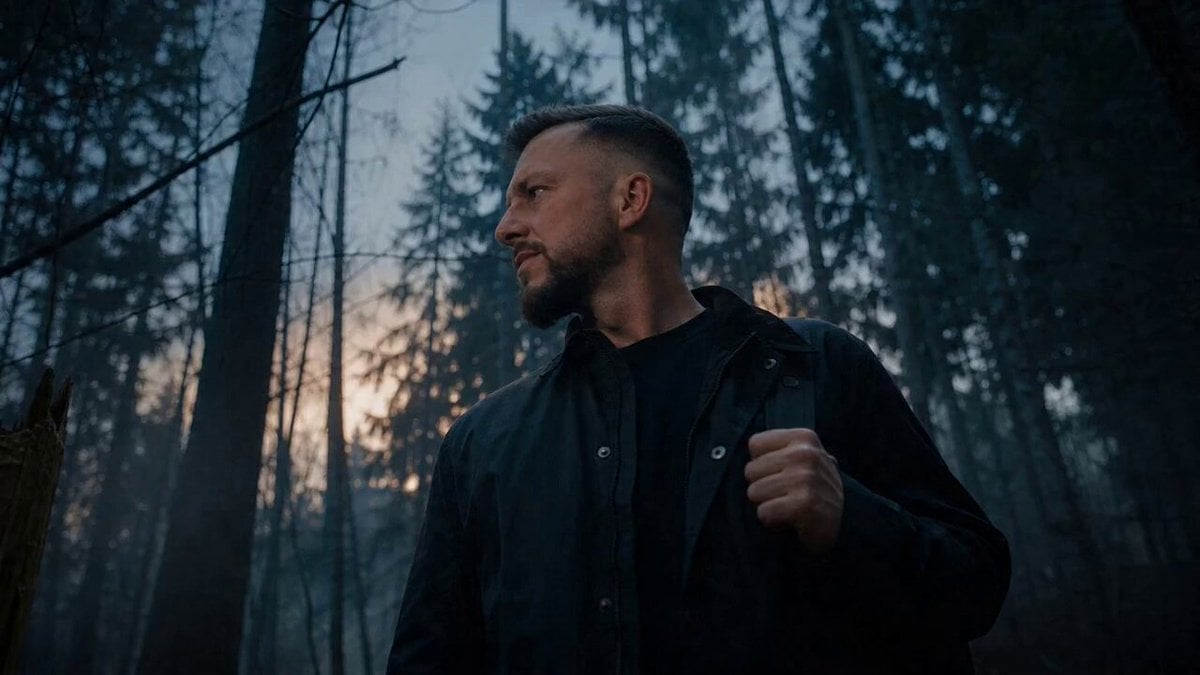
Werewolf Transformation VFX Shot

Futuristic South Asian City Transformation
Make it yours
Asian Woman Werewolf Transformation works as-is. These are the safest ways to change it without losing the look.
Change one field
Copy a single group, rewrite it, and generate again so you can see what that field is doing.
Keep the frame, change the subject
Hold the composition and light of Asian Woman Werewolf Transformation, then swap wardrobe, props or the person for a new take.
| If the result… | Why | Fix |
|---|---|---|
| The result drifts from the preview | Too many fields changed at once. | Reuse Asian Woman Werewolf Transformation as-is first, then change one group — subject, light, or setting. |
| The model over-stylizes the scene | The prose prompt leaves finish and camera underspecified. | Add one camera or lighting sentence and stay on Seedance 2.0. |
More Seedance 2.0 templates
Other prompts made for Seedance 2.0.

Comical Martial Arts Punch Scene

Maglev Train Action Sequence

Martial Arts Fight Sequence

Wuxia Protection and Trust Script

Vintage Korean Arcade MiniDV Vlog

Mercedes 190 SL Luxury Ad

Rainy Night Supernatural Reverse Comedy Video Script

Amazon Civilization Discovery

Cozy Luxury Cafe Commercial

Cyber Ronin Nanotech Transformation Video
More video prompts
Fresh picks from across the catalog.
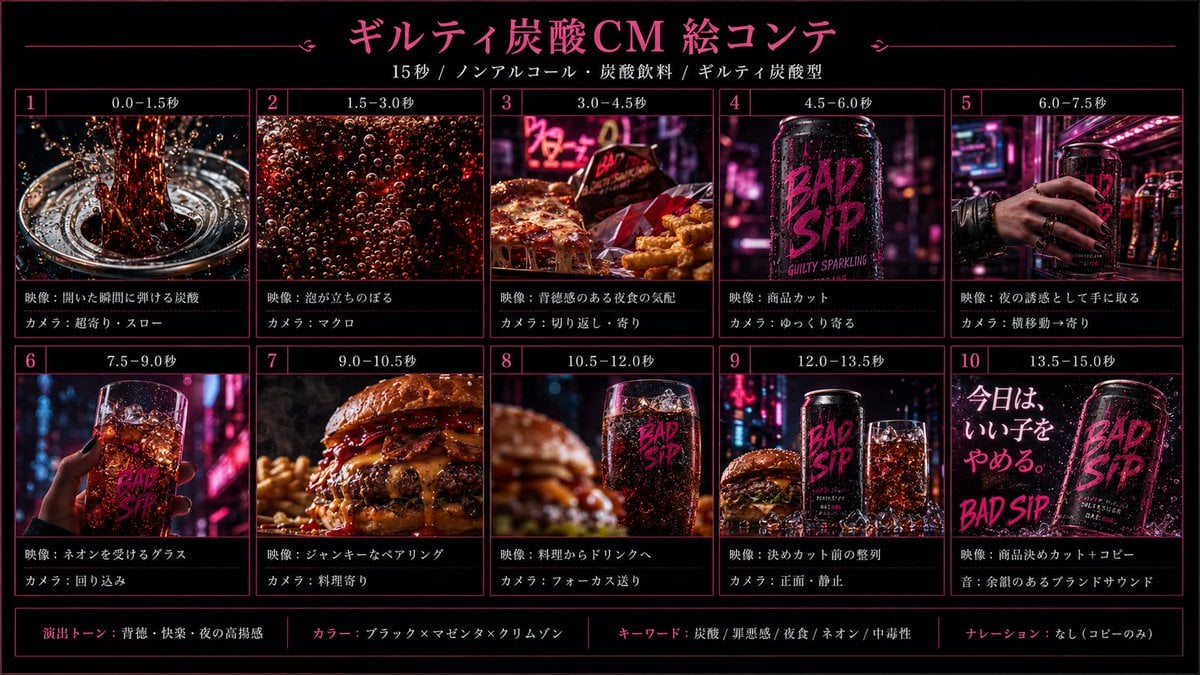
Cinematic Beverage Commercial Video Prompt
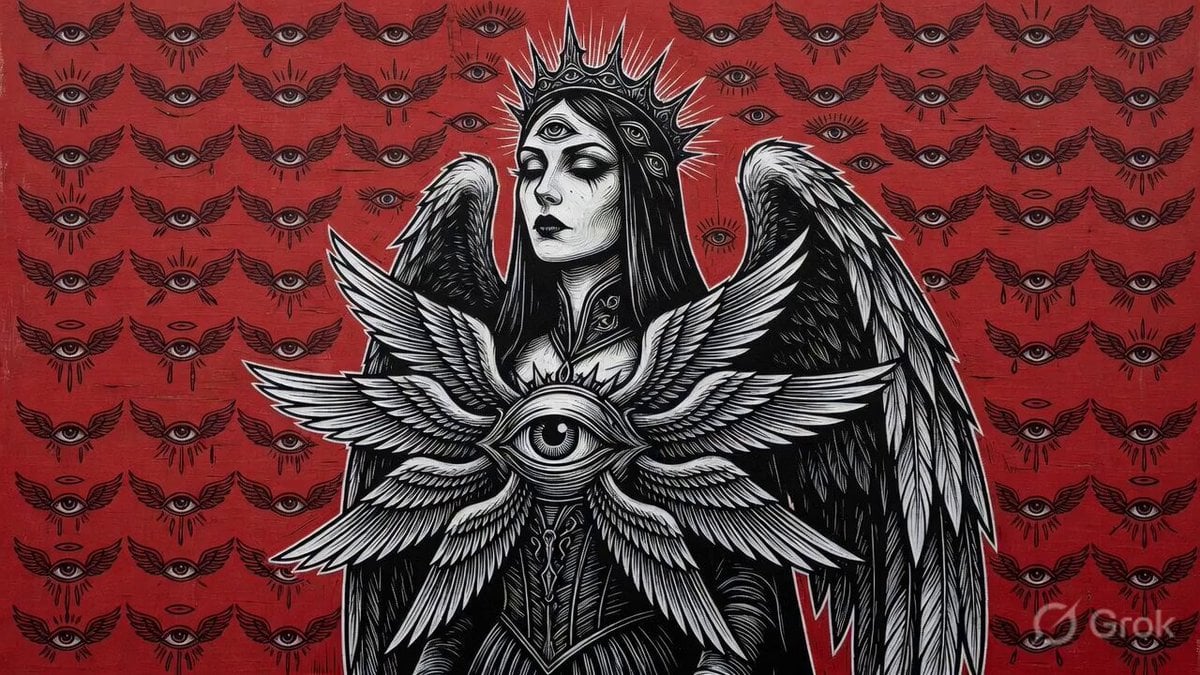
3D Gothic Seraphim Video

Island Diorama Harbor City Montage
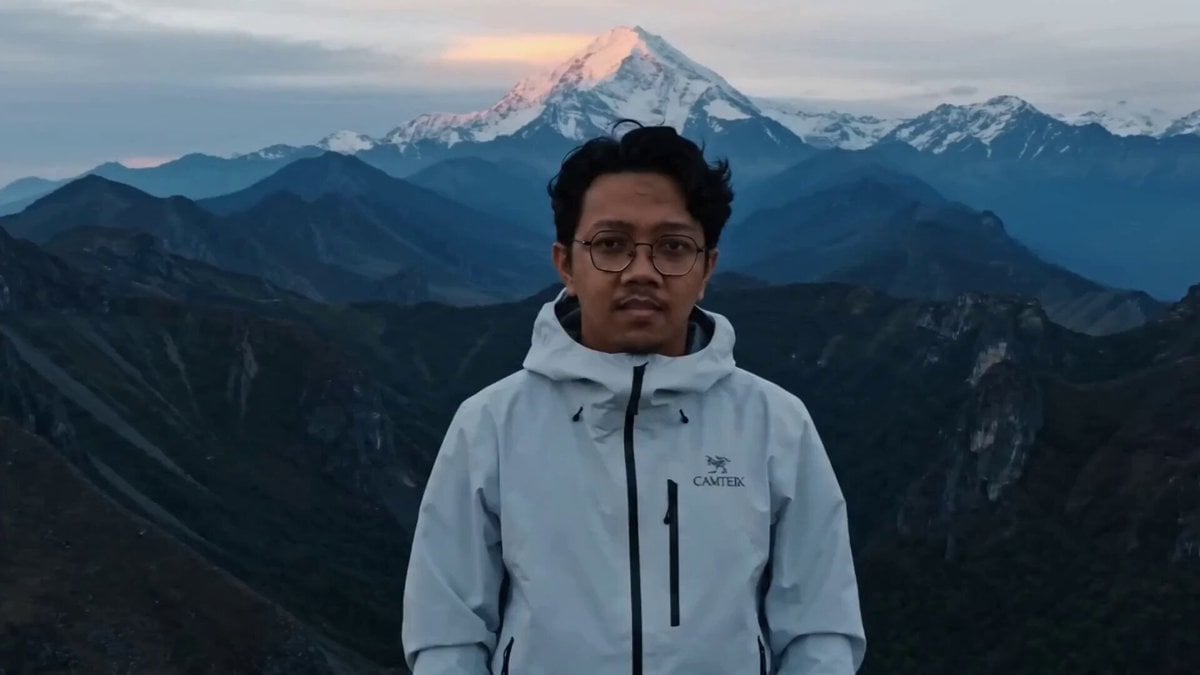
Epic Mountain Dragon Summoning
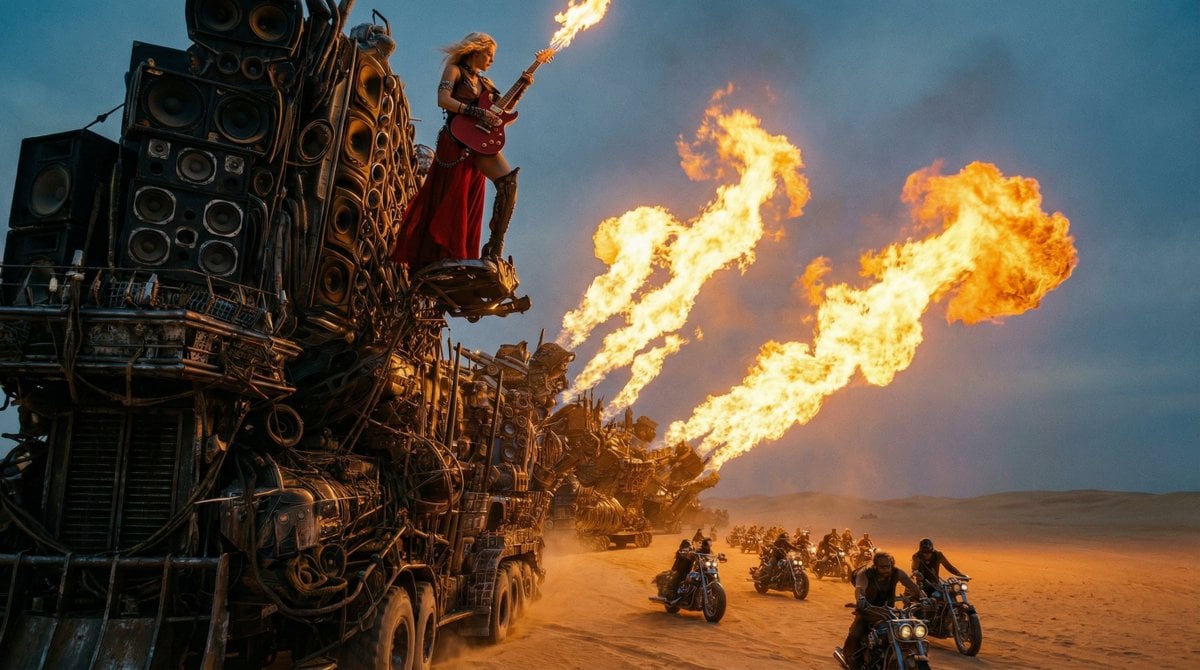
Mad Max-Inspired Desert Chase Storyboard Prompt
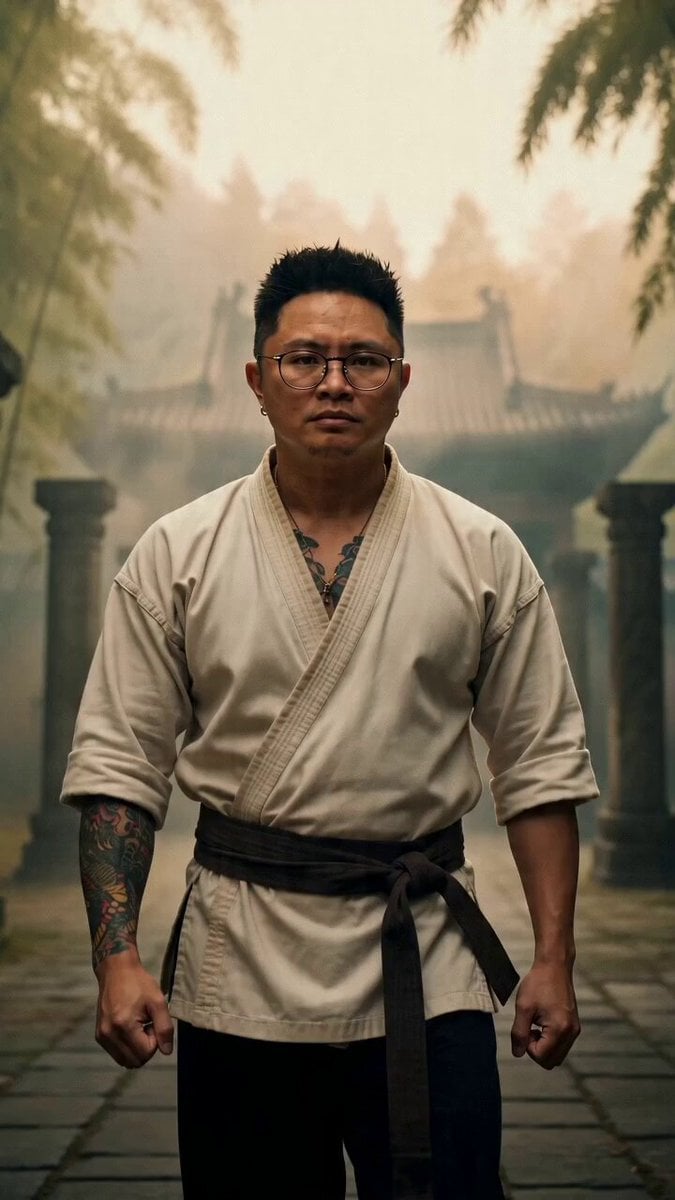
1970s Shaw Brothers Kung Fu Cinema Scene
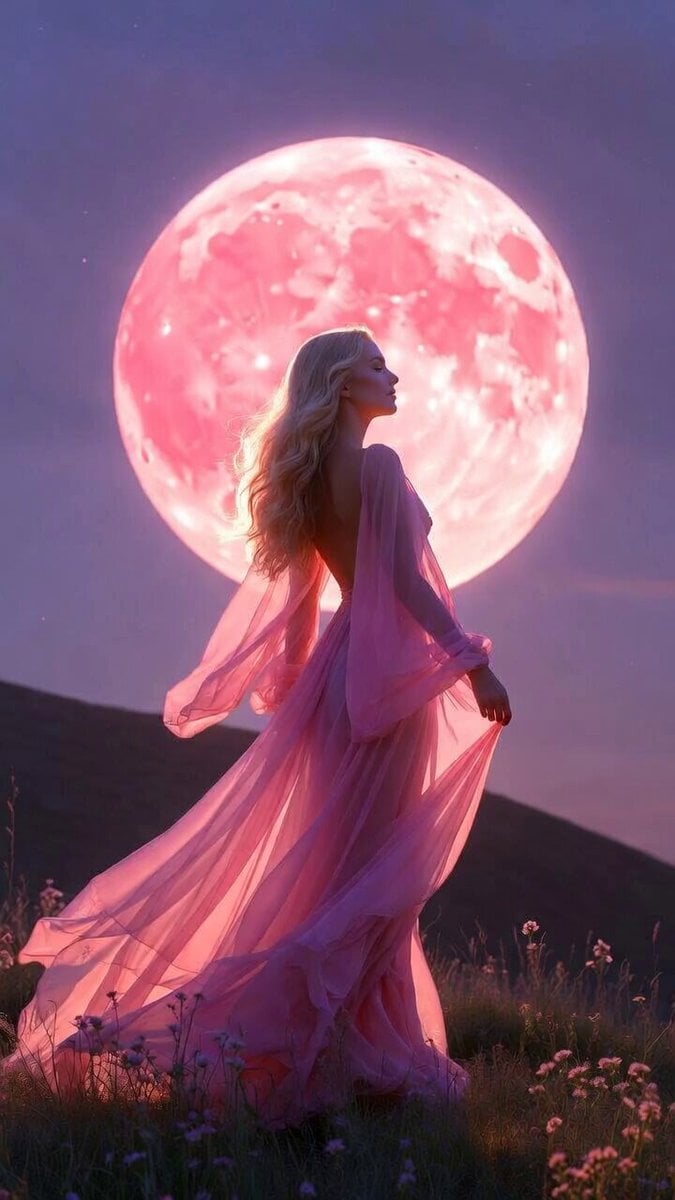
Blonde Woman Under Strawberry Moon
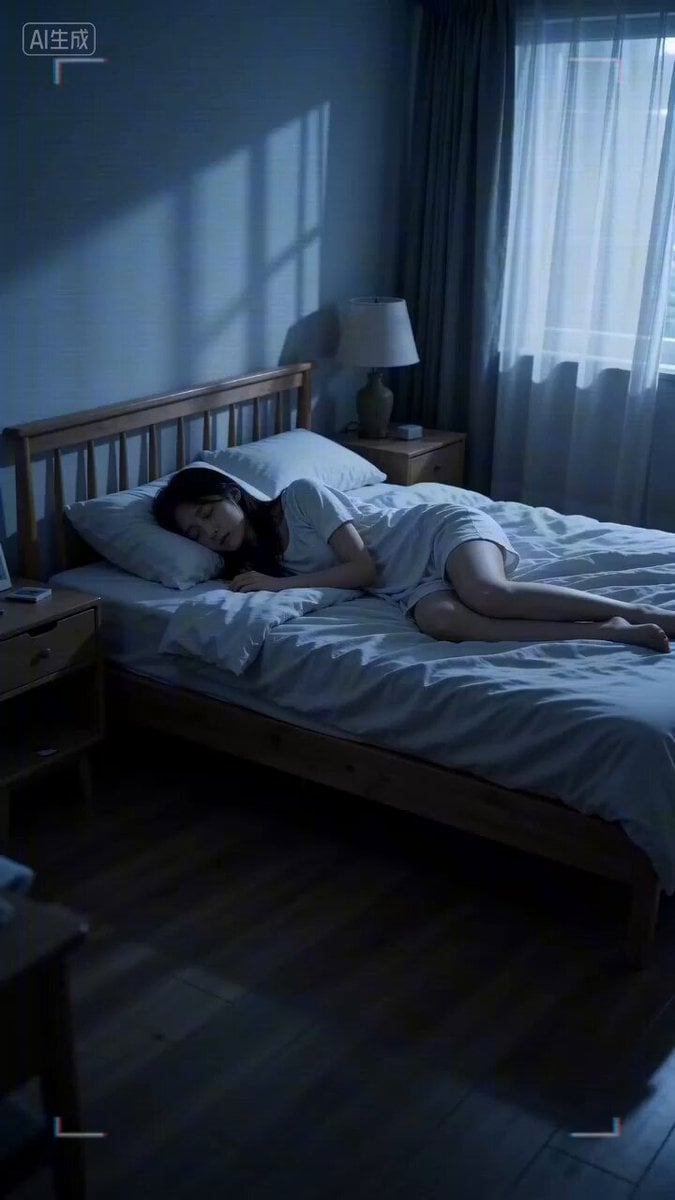
Seedance 2.0 horror video generation prompt
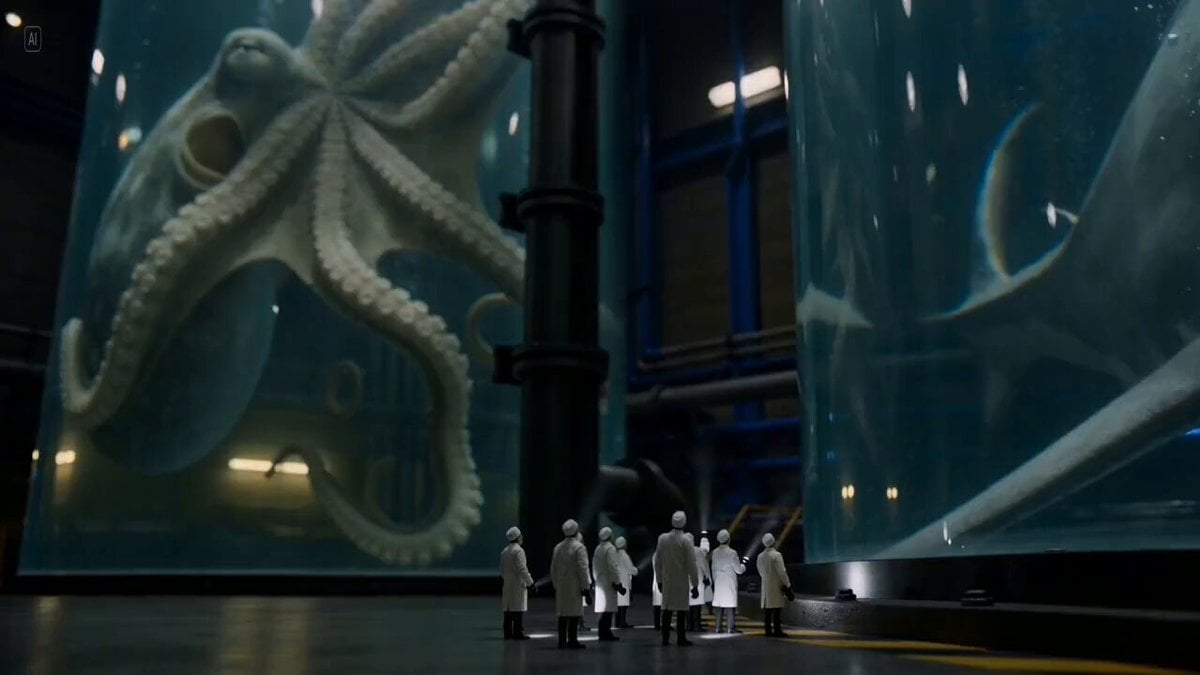
Giant Preserved Sea Creatures Prompt
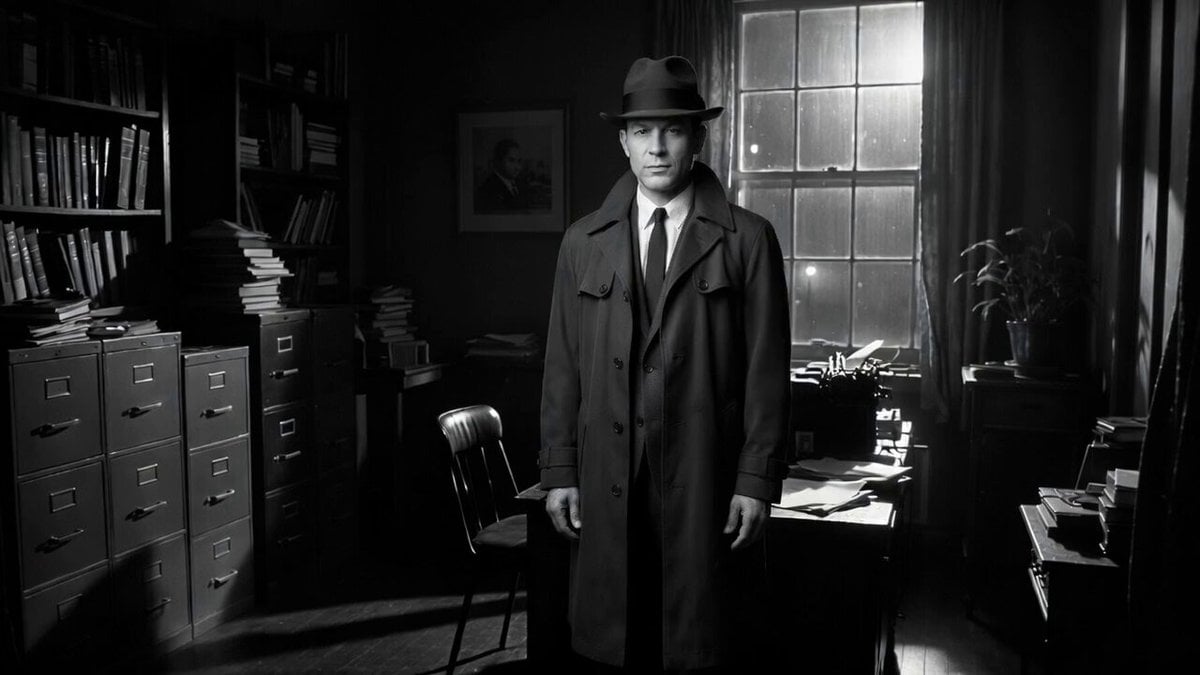
Detective Scene with Dialogue
Browse template categories
Asian Woman Werewolf Transformation questions
How do I use the Asian Woman Werewolf Transformation template?
Add your photo if the template asks for one, edit the prompt if you like — the template's model and format are already selected — and press Generate. Your version opens in PicX Studio.
Can I customize the Asian Woman Werewolf Transformation template?
Yes. You can change the subject, setting, lighting, mood, format, and available model controls before creating your video.
Is the Asian Woman Werewolf Transformation template free?
Opening and editing this template is free. Generating uses credits, shown on the Generate button when you are signed in.
Which AI model should I use?
Start with Seedance 2.0, which is the model associated with this template. You can compare another compatible model for a different finish.
Looking for something else? Browse all templates.

Your photo, any look
Thousands of ready templates for every top image and video model, from one credit balance.