
Cinematic Beverage Commercial Video Prompt
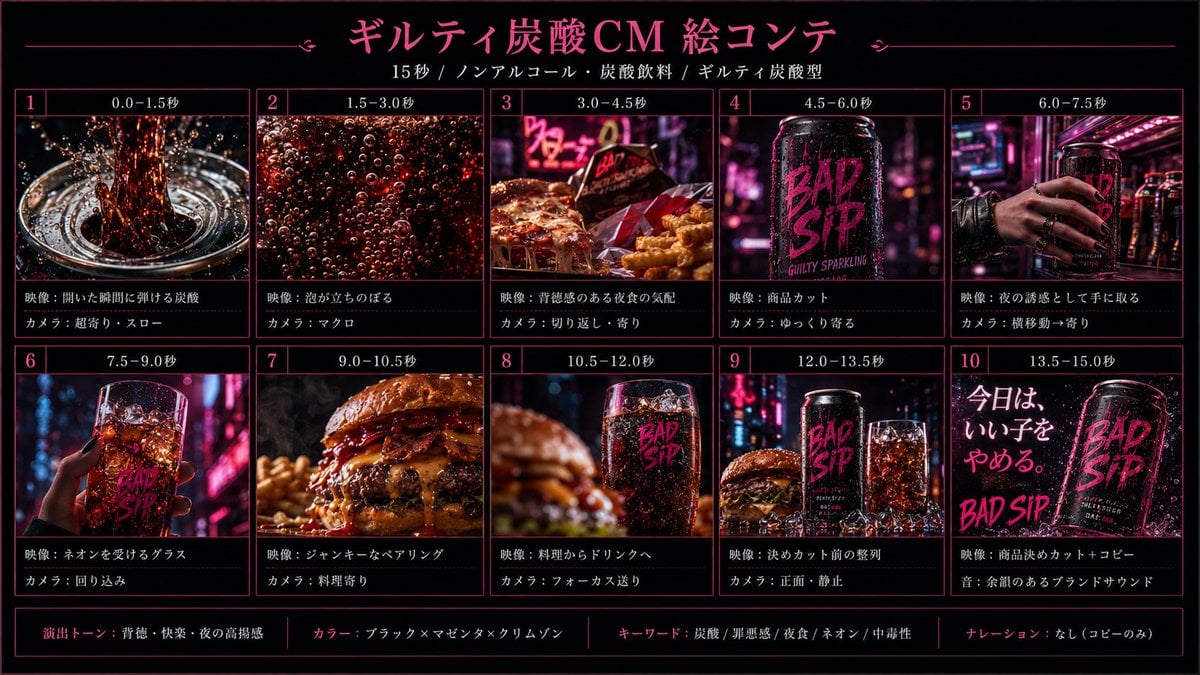
A detailed strategy for creating a 15-second cinematic soda commercial including keyframe handling, object specificity, and dynamic camera motion instructions.
- Prompt included
- Model and format preset
- Premium template
The prompt behind this video
Copy the exact prompt behind Cinematic Beverage Commercial Video Prompt, or open it in the studio and make it yours.
Use the supplied 9 reference images as time-ordered 16:9 real video keyframes, not as a storyboard sheet. Each reference image represents the intended full-screen composition for that moment. Do not show panel borders, panel numbers, captions, grid layout, or UI. Close-up of a tall clear cola glass / highball tumbler filled with dark fizzy cola-like soda and ice. The glass must be slim and taller than a whiskey rocks glass. The glass must have no logo or text printed on it. Only the can may carry the BAD SIP logo. Every section must have a distinct motion language. Vary between explosive macro impact, smooth bubble drift, lateral slide, product push-in, shelf grab tracking, glass orbit, handheld food push, rack focus, near-static hero arrangement, and final subtle energy pulse.
How to use Cinematic Beverage Commercial Video Prompt in 3 steps
- 1Upload ImagePNG, JPG or paste
Add your photo
Upload the photo the template builds on. The prompt, model and format are already set.
- 2…a portrait of your subject in softgolden-hour light, 85mm…
Personalize
Edit the subject and creative details for your destination.
- 3Generate
Generate
Press Generate — your video is created in PicX Studio, so you can compare it with the original and refine one variable at a time.
More like this
Templates with the same subject, style or setup. Open one to see its prompt.
Fruit Cookie Commercial

Silk Road Pomegranate Folk Animation

Mechanical Flower Bloom Brand Film

Crystal Ball Match-Cut Brand Film

Sneaker Product Commercial

Skincare Product Commercial 3

Cinematic Portrait Study 3

Product UGC Commercial

Cinematic Portrait Study
Skincare Product Commercial
Luxury Handbag Commercial — Hollywood VFX Ad
Make it yours
Cinematic Beverage Commercial Video Prompt works as-is. These are the safest ways to change it without losing the look.
Change one field
Copy a single group, rewrite it, and generate again so you can see what that field is doing.
Keep the frame, change the subject
Hold the composition and light of Cinematic Beverage Commercial Video Prompt, then swap wardrobe, props or the person for a new take.
| If the result… | Why | Fix |
|---|---|---|
| The result drifts from the preview | Too many fields changed at once. | Reuse Cinematic Beverage Commercial Video Prompt as-is first, then change one group — subject, light, or setting. |
| The model over-stylizes the scene | The prose prompt leaves finish and camera underspecified. | Add one camera or lighting sentence and stay on Seedance 2.0. |
More Seedance 2.0 templates
Other prompts made for Seedance 2.0.

Comical Martial Arts Punch Scene

Maglev Train Action Sequence

Martial Arts Fight Sequence

Wuxia Protection and Trust Script

Vintage Korean Arcade MiniDV Vlog

Mercedes 190 SL Luxury Ad

Rainy Night Supernatural Reverse Comedy Video Script

Amazon Civilization Discovery

Futuristic South Asian City Transformation

Cozy Luxury Cafe Commercial
More video prompts
Fresh picks from across the catalog.
Flying Carpet Escape Scene
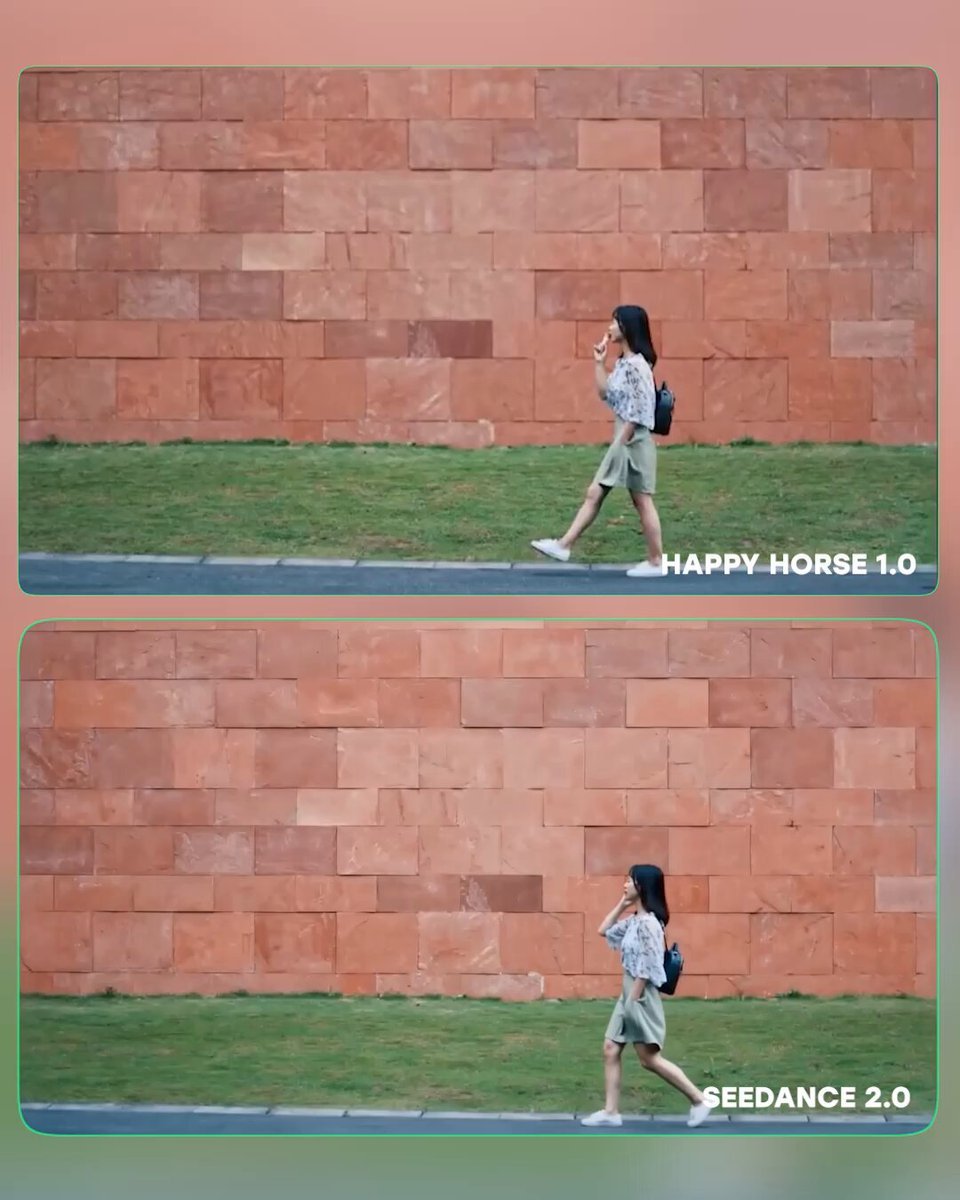
Seedance 2.0 Benchmark Comparison Prompts
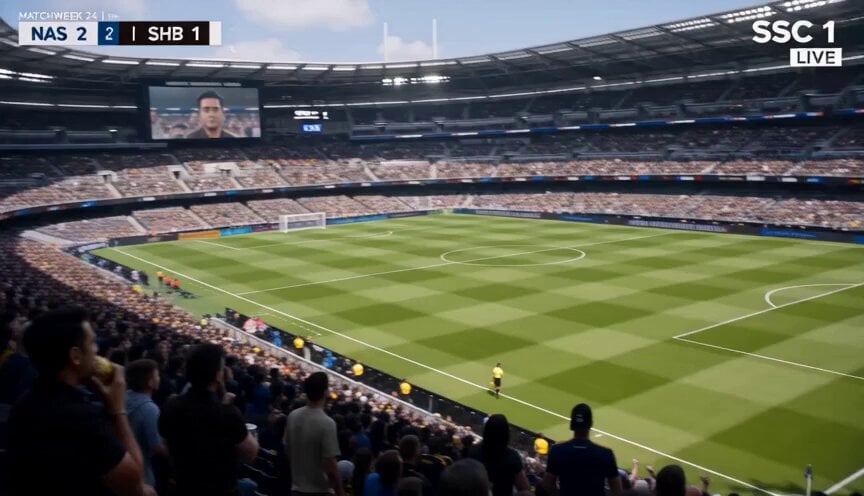
Football Broadcast Fan Goal Scenario
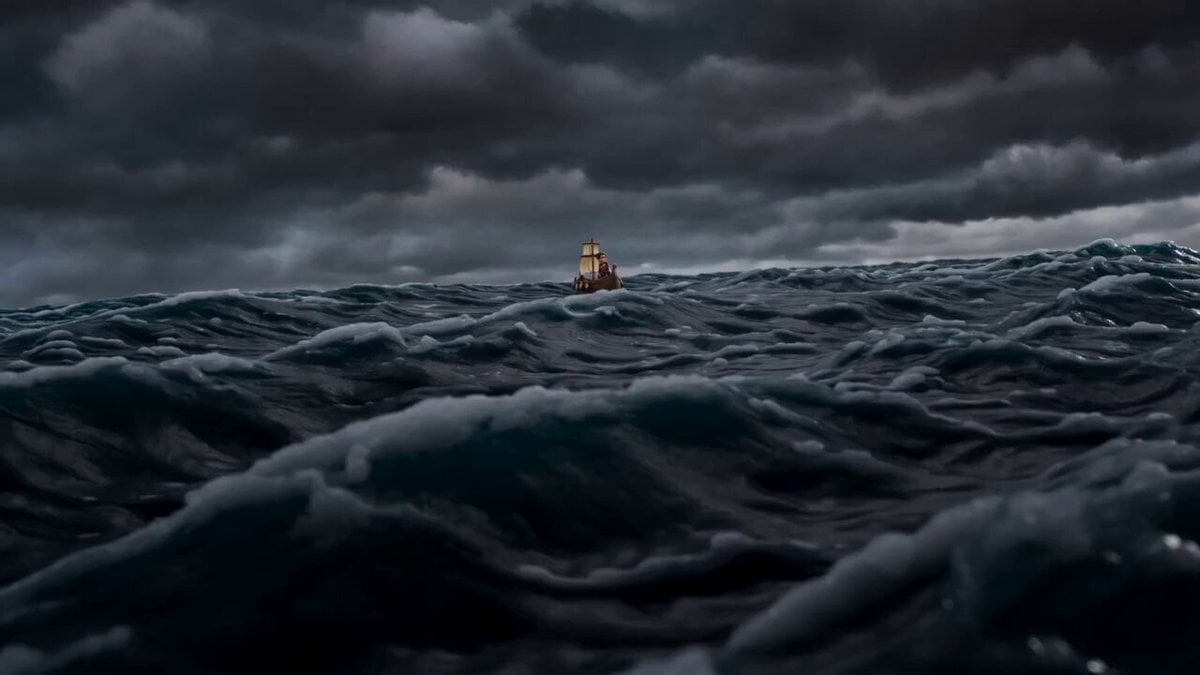
Claymation Odysseus and Cyclops Animation

Seedance 2.0 Biblical Combat Epic Prompt (David vs. Goliath)
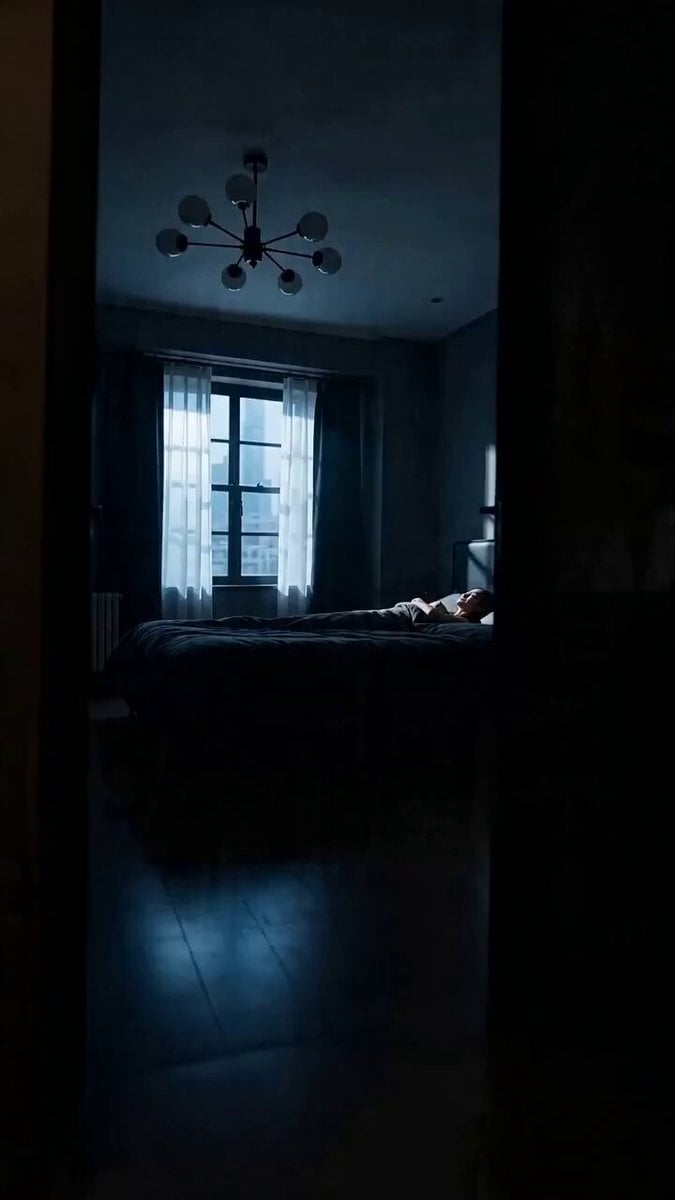
Cinematic Vertical Fashion Commercial
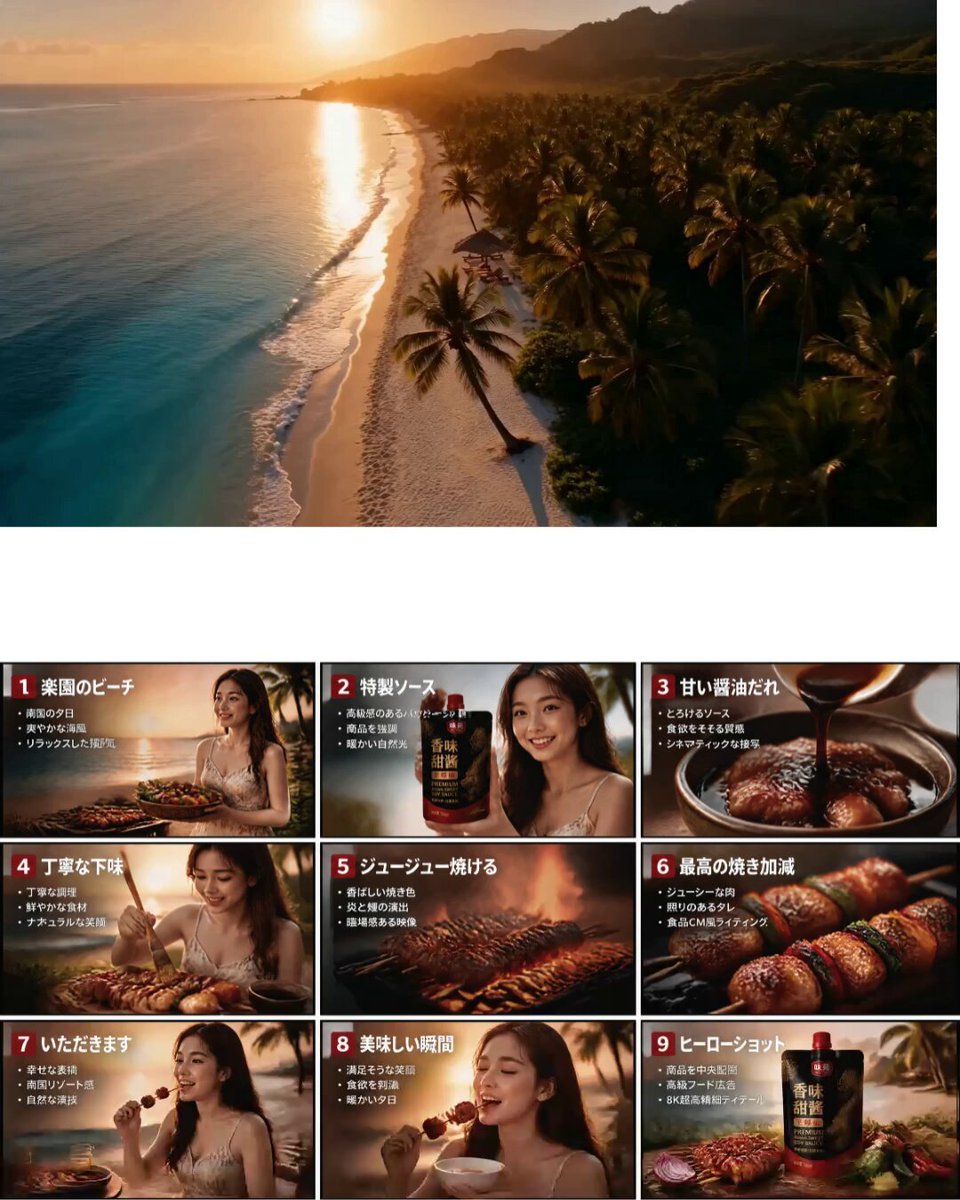
Japanese Tropical Food Commercial

Evolution of an Empire Timeline
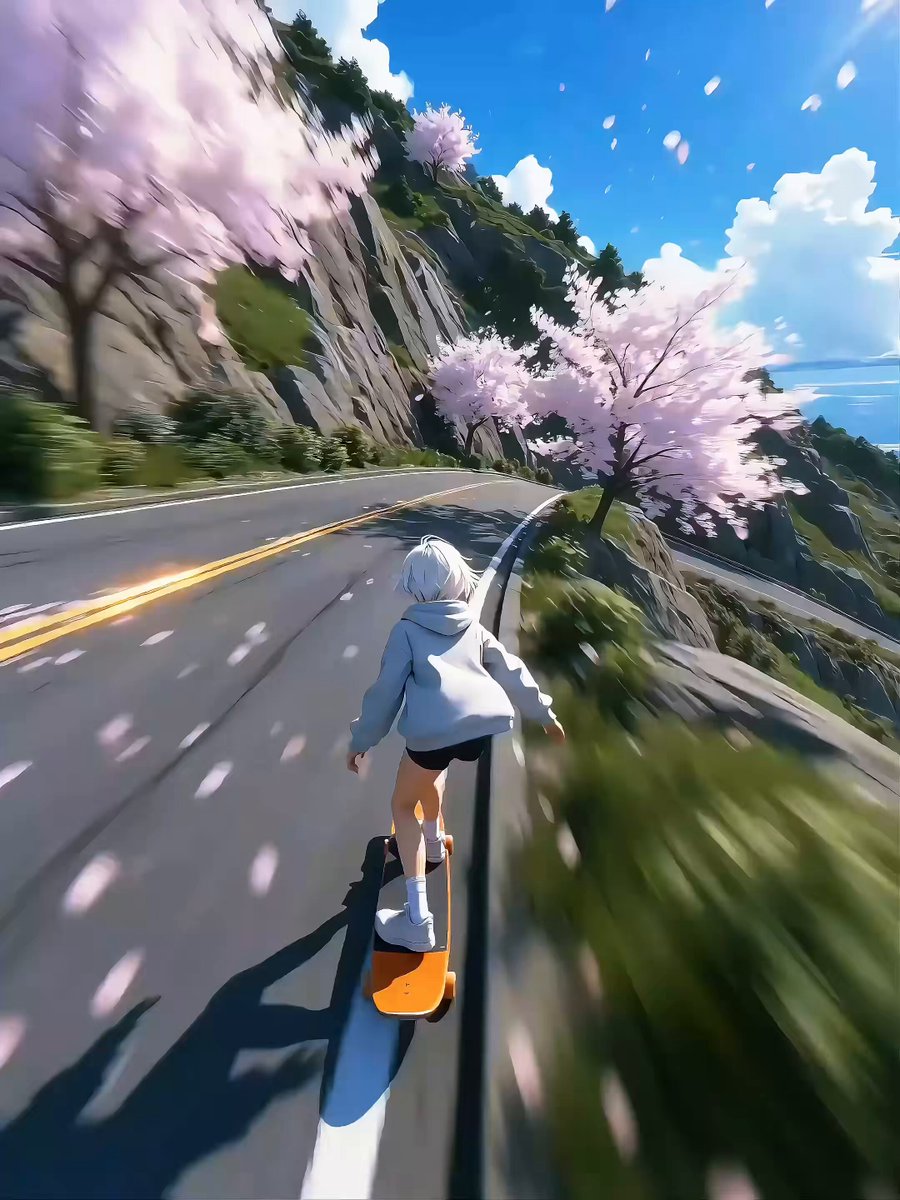
Seedance 2.0 Video Prompt: High-Speed Skateboard Chase
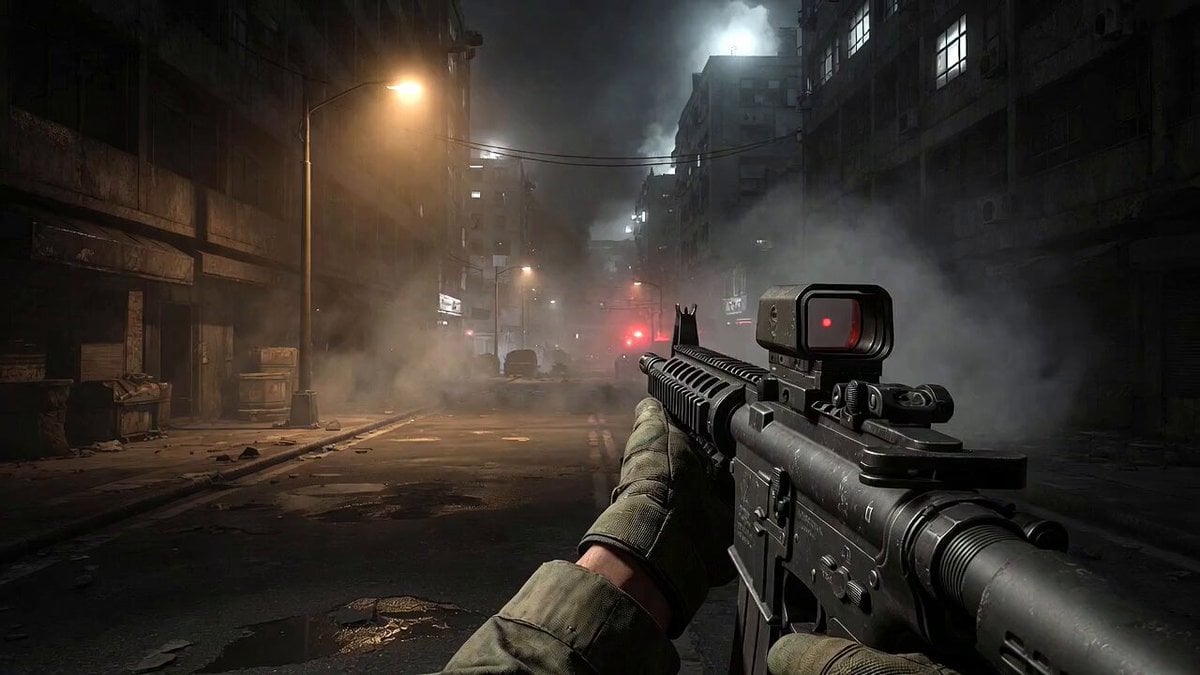
Call of Duty FPS Gameplay
Browse template categories
Cinematic Beverage Commercial Video Prompt questions
How do I use the Cinematic Beverage Commercial Video Prompt template?
Add your photo if the template asks for one, edit the prompt if you like — the template's model and format are already selected — and press Generate. Your version opens in PicX Studio.
Can I customize the Cinematic Beverage Commercial Video Prompt template?
Yes. You can change the subject, setting, lighting, mood, format, and available model controls before creating your video.
Is the Cinematic Beverage Commercial Video Prompt template free?
Opening and editing this template is free. Generating uses credits, shown on the Generate button when you are signed in.
Which AI model should I use?
Start with Seedance 2.0, which is the model associated with this template. You can compare another compatible model for a different finish.
Looking for something else? Browse all templates.

Your photo, any look
Thousands of ready templates for every top image and video model, from one credit balance.