
Seedance 2.0 Benchmark Comparison Prompts
A set of prompts used to benchmark Seedance 2.0 against other models, focusing on realistic human gait, complex physics (Jenga), and Pixar-style hair simulation.
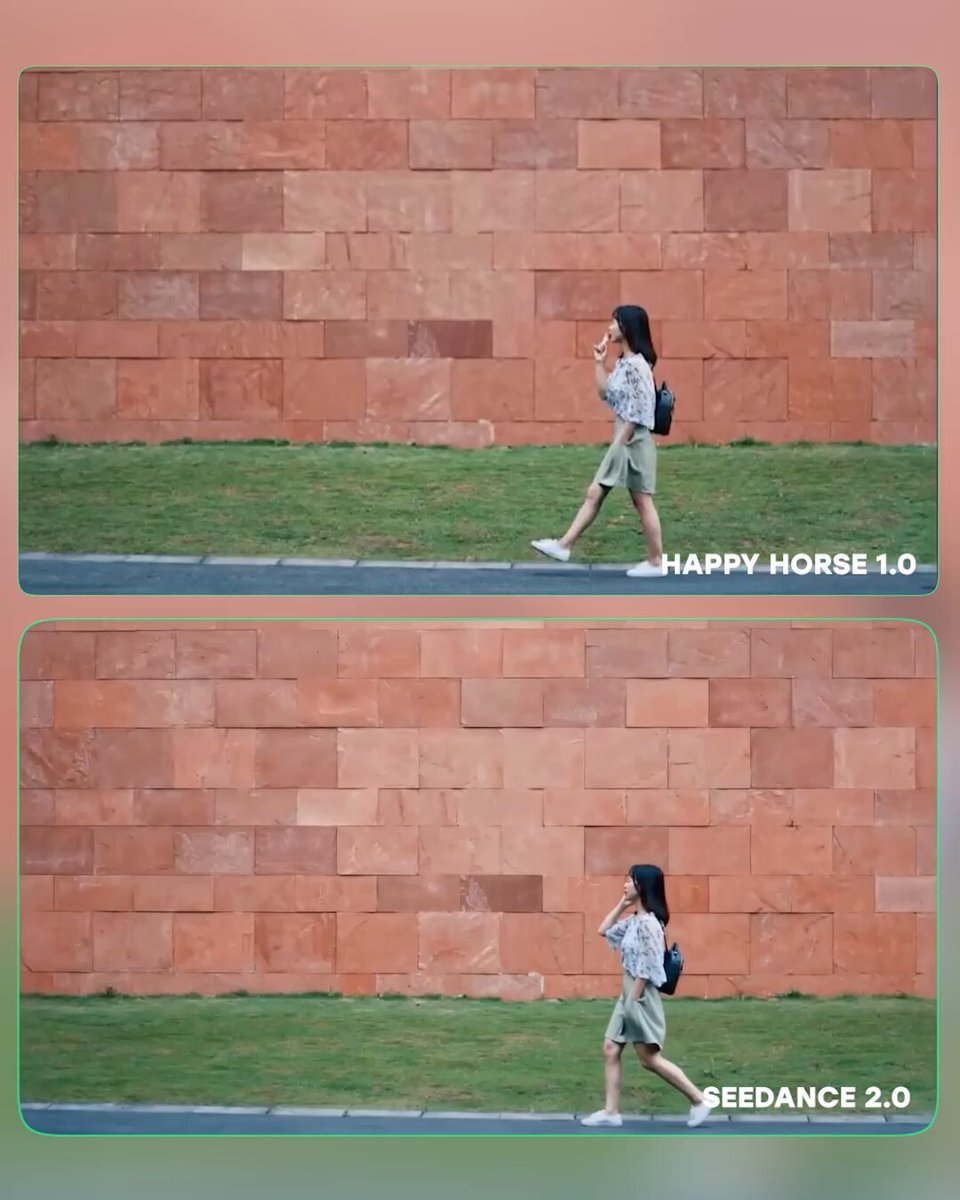
- Prompt included
- Model and format preset
- Premium template
The prompt behind this video
Copy the exact prompt behind Seedance 2.0 Benchmark Comparison Prompts, or open it in the studio and make it yours.
1. The person initiates walking forward, starting with a natural step. Arm swing, head movement, and gait are realistic and continuous. No sudden acceleration or sliding. 2. A massive game of Jenga reaching its structural limit. The tower leans dramatically, defying physics through sheer tension. A player's hand trembles as they attempt to remove a critical middle piece. The tower sways. Other players lean back instinctively. The piece comes free impossibly, and the tower survives another round. Everyone exhales simultaneously. The next player looks terrified. Audio: Tense silence, wood sliding against wood, collective gasp, relieved laughter. 3. Pixar-style animation showcasing advanced hair and fur simulation as a young girl with wildly curly red hair runs through a windy meadow filled with wildflowers. Each individual curl bounces and interacts independently with its neighbors, demonstrating proper clumping behavior and strand separation as the wind catches different sections at different moments. The hair catches direct sunlight with accurate anisotropic highlights that shift and shimmer as the angle changes. When she stops suddenly to look at a butterfly, the hair continues moving with realistic secondary motion, overshooting her head position before settling back with natural dampening. Her freckled skin shows warm subsurface scattering in the bright afternoon daylight, giving her cheeks a healthy, lifelike glow. Audio: Joyful, uninhibited childhood laughter, wind rushing through the tall grass, meadow plants swishing against her legs, and an uplifting orchestral score building with her joy.
How to use Seedance 2.0 Benchmark Comparison Prompts in 3 steps
- 1
Open
The prompt is already in the box next to the preview, with the template's model and format selected.
- 2…a portrait of your subject in softgolden-hour light, 85mm…
Personalize
Edit the subject and creative details for your destination.
- 3Generate
Generate
Press Generate — your video is created in PicX Studio, so you can compare it with the original and refine one variable at a time.
More like this
Templates with the same subject, style or setup. Open one to see its prompt.
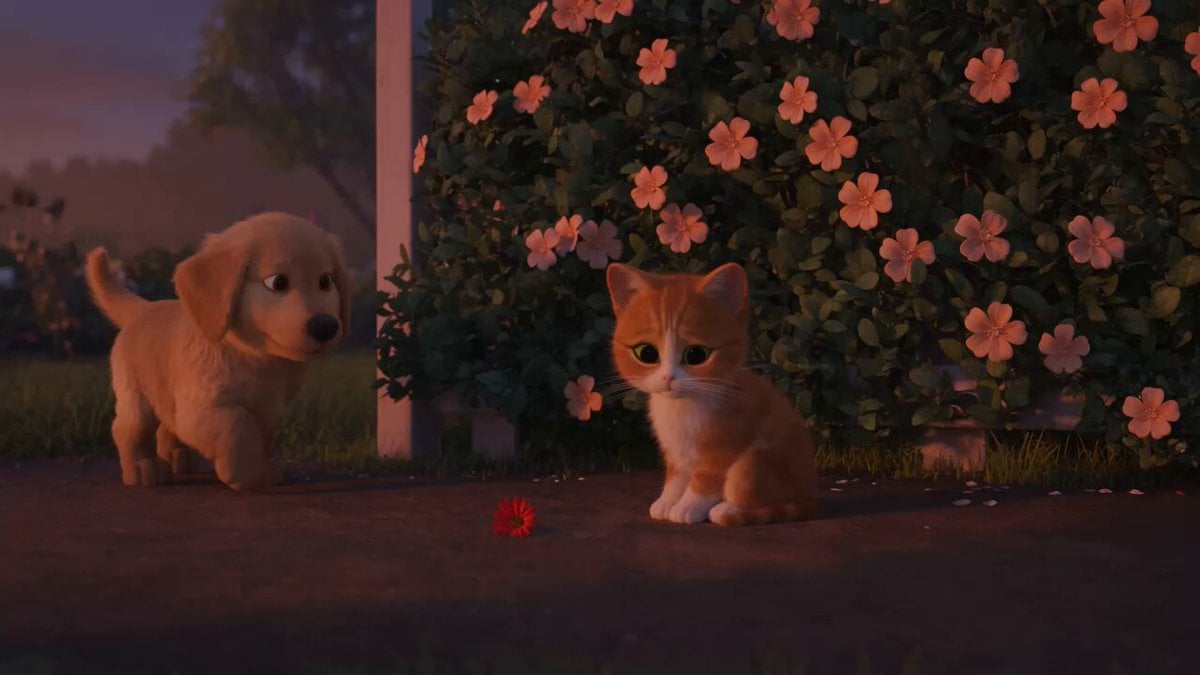
Wholesome Puppy and Kitten Story - Seedance 2.5

Mysterious Home Exploration Vlog - Seedance 2.5
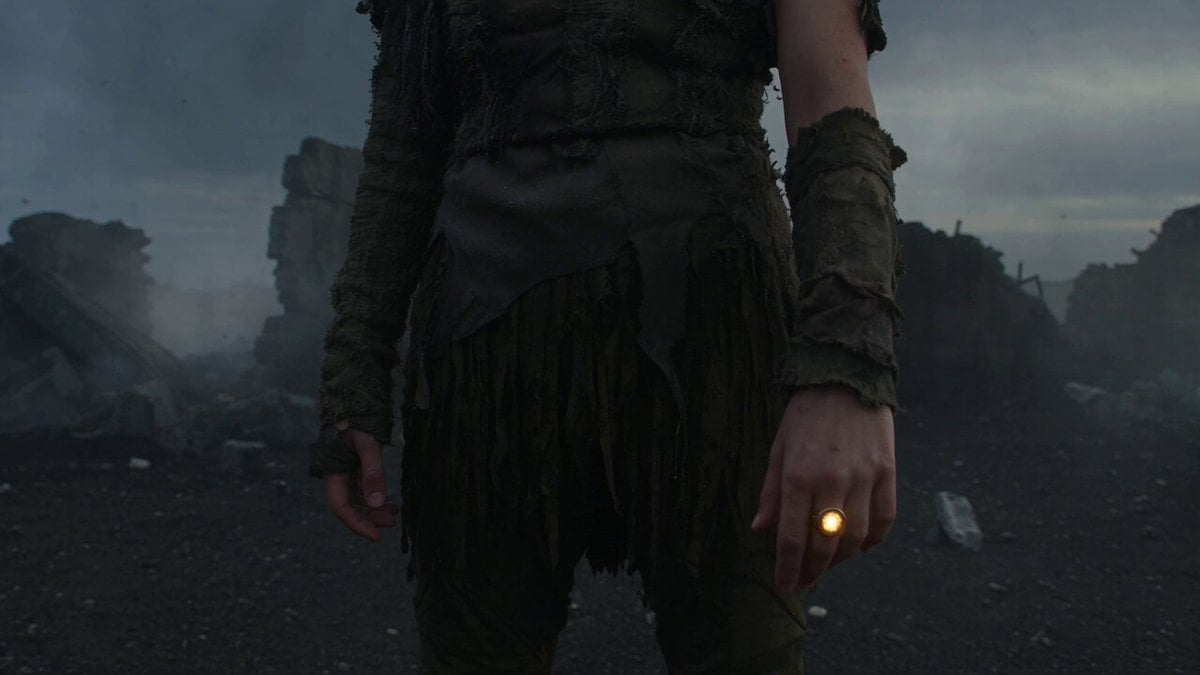
Dark Tokusatsu Transformation - Seedance 2.5

Cinematic Xinjiang Drone Landscapes - Seedance 2.5
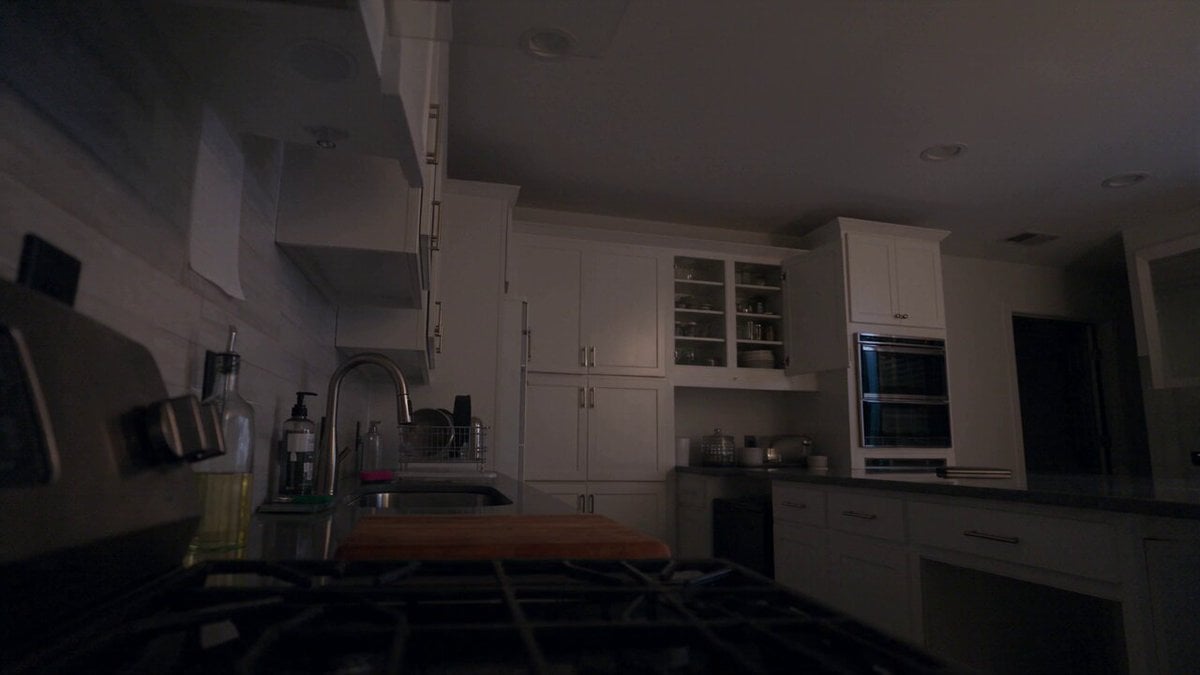
Late Night Kitchen Phone Recording - Seedance 2.5
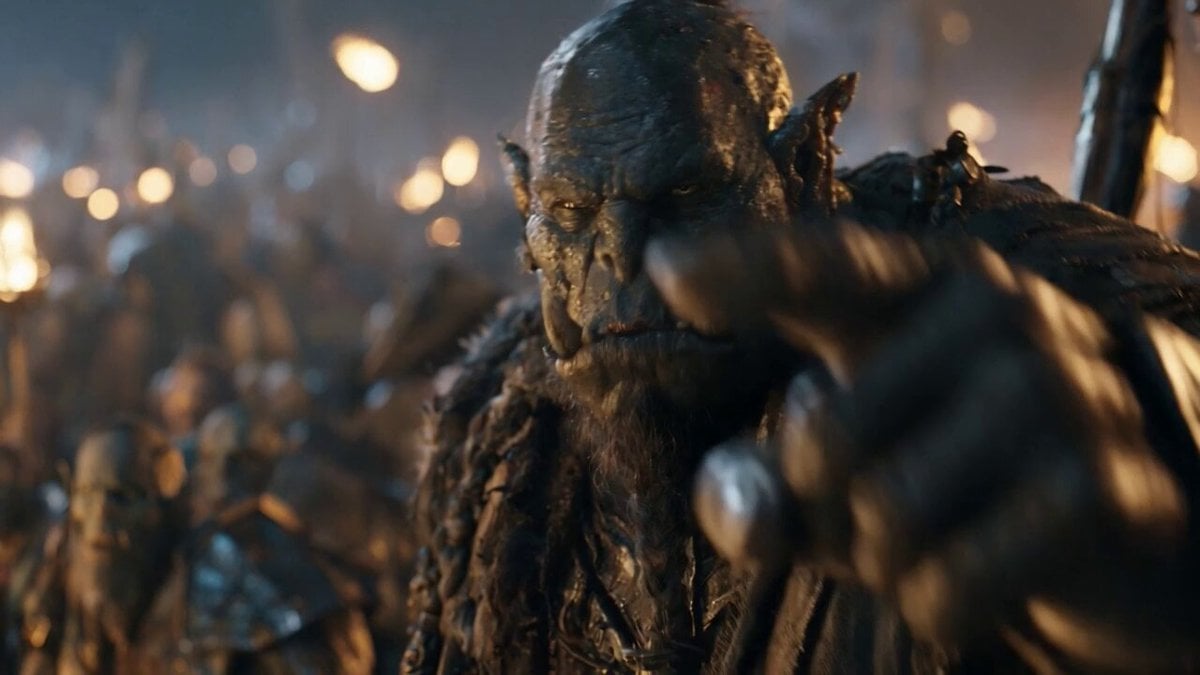
3D Animated Cat and Old Man - Seedance
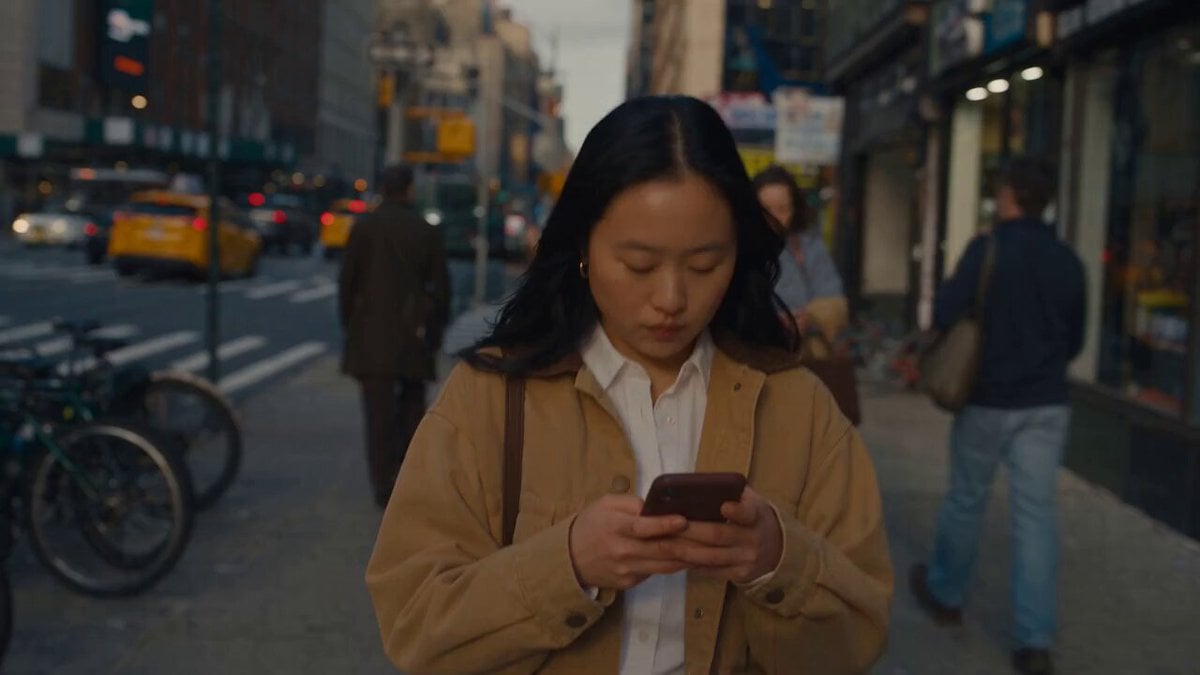
Realistic City Street Story Cinematic Video - Seedance
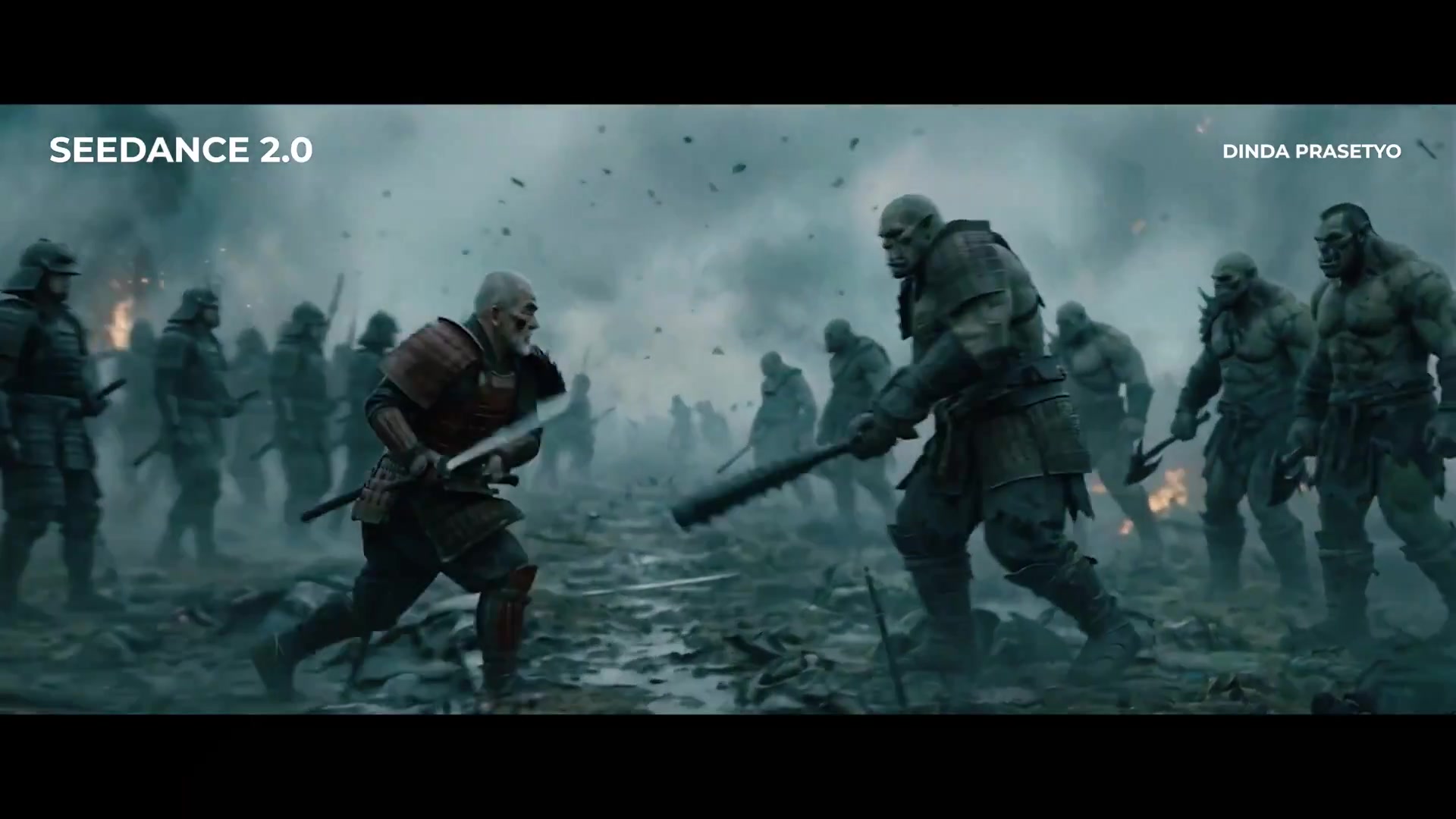
Seedance 2.0 First Test — Dynamic Motion Showcase

Dragon Rider Cinematic Flight — Seedance 2.5
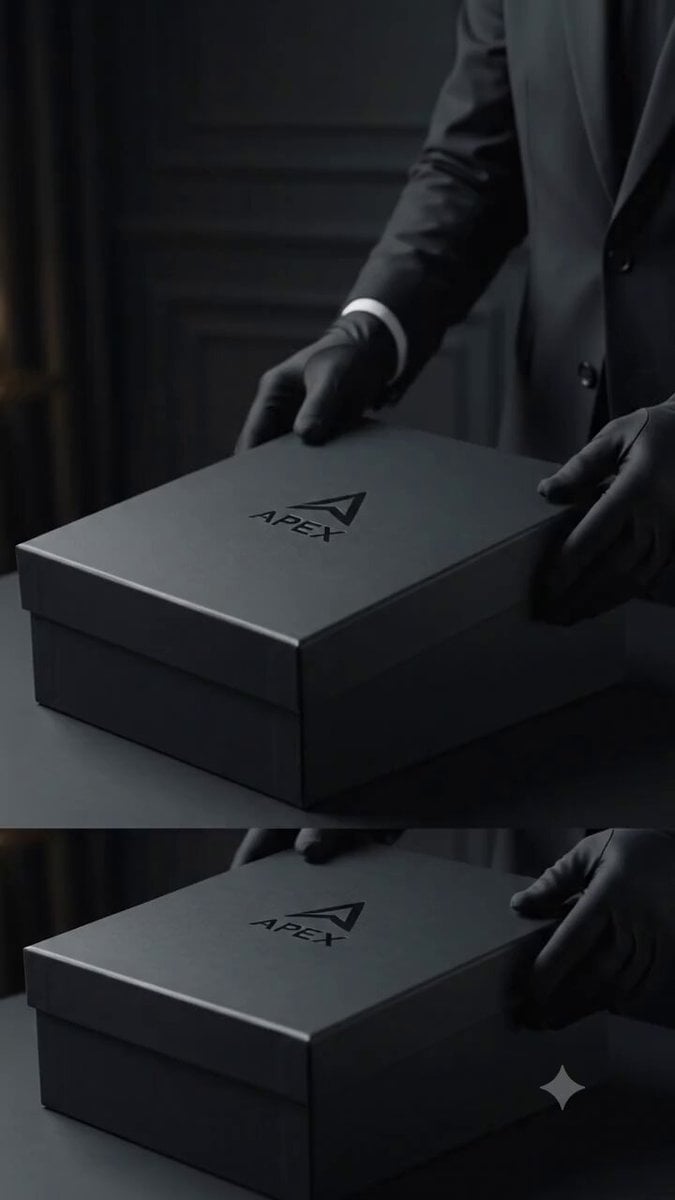
Sneaker Product Commercial
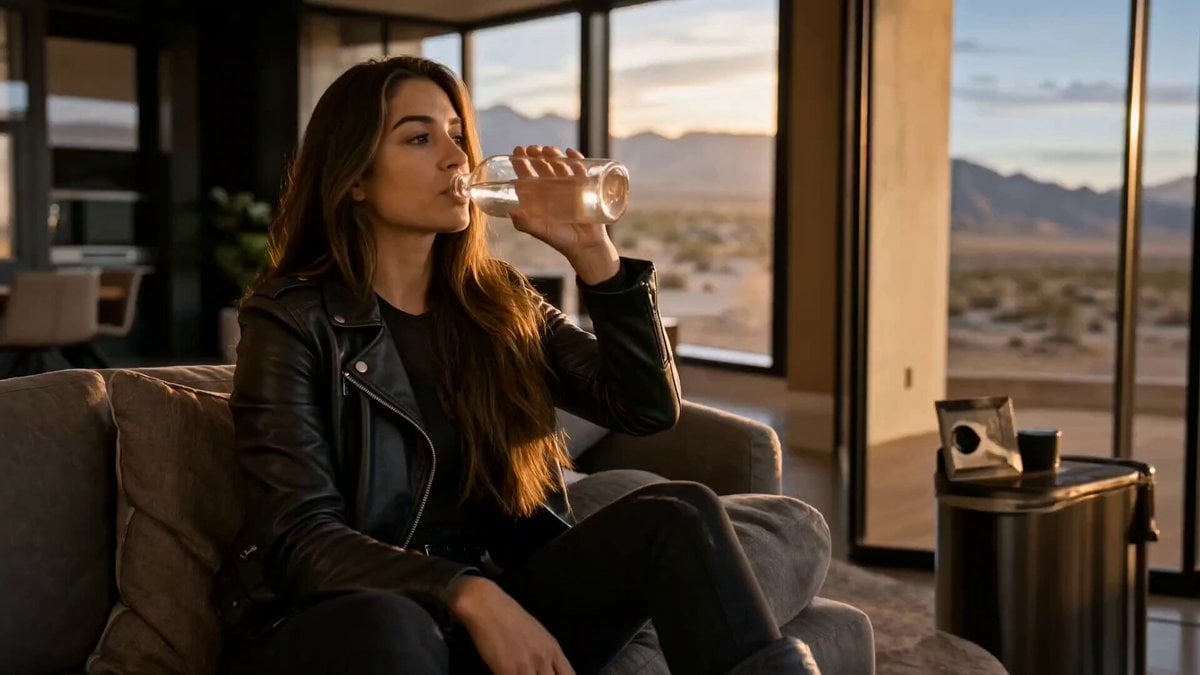
Cinematic Short Film Scene 2
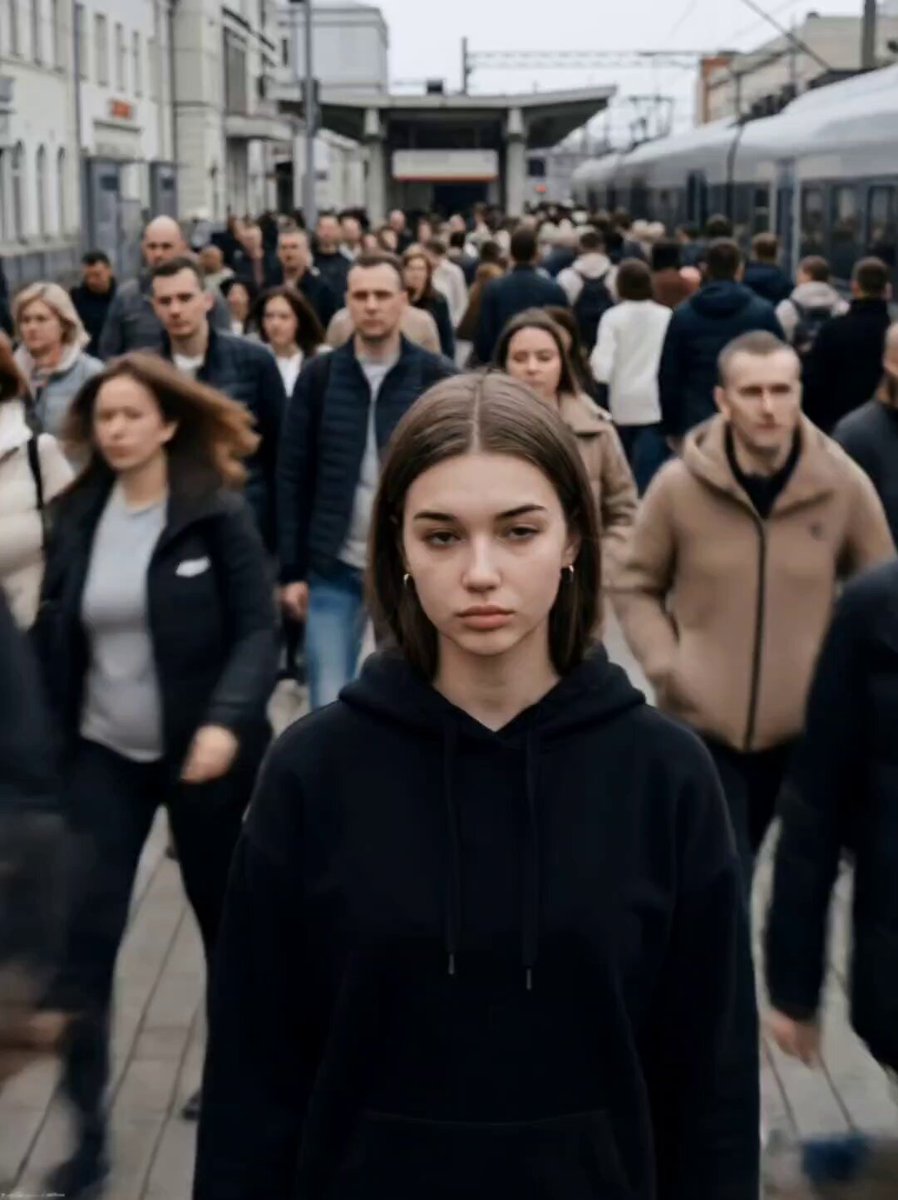
Cinematic Short Film Scene
Make it yours
Seedance 2.0 Benchmark Comparison Prompts works as-is. These are the safest ways to change it without losing the look.
Change one field
Copy a single group, rewrite it, and generate again so you can see what that field is doing.
Keep the frame, change the subject
Hold the composition and light of Seedance 2.0 Benchmark Comparison Prompts, then swap wardrobe, props or the person for a new take.
| If the result… | Why | Fix |
|---|---|---|
| The result drifts from the preview | Too many fields changed at once. | Reuse Seedance 2.0 Benchmark Comparison Prompts as-is first, then change one group — subject, light, or setting. |
| The model over-stylizes the scene | The prose prompt leaves finish and camera underspecified. | Add one camera or lighting sentence and stay on Seedance 2.0. |
More Seedance 2.0 templates
Other prompts made for Seedance 2.0.

Comical Martial Arts Punch Scene

Maglev Train Action Sequence

Martial Arts Fight Sequence

Wuxia Protection and Trust Script

Vintage Korean Arcade MiniDV Vlog

Mercedes 190 SL Luxury Ad

Rainy Night Supernatural Reverse Comedy Video Script

Amazon Civilization Discovery

Futuristic South Asian City Transformation

Cozy Luxury Cafe Commercial
More video prompts
Fresh picks from across the catalog.
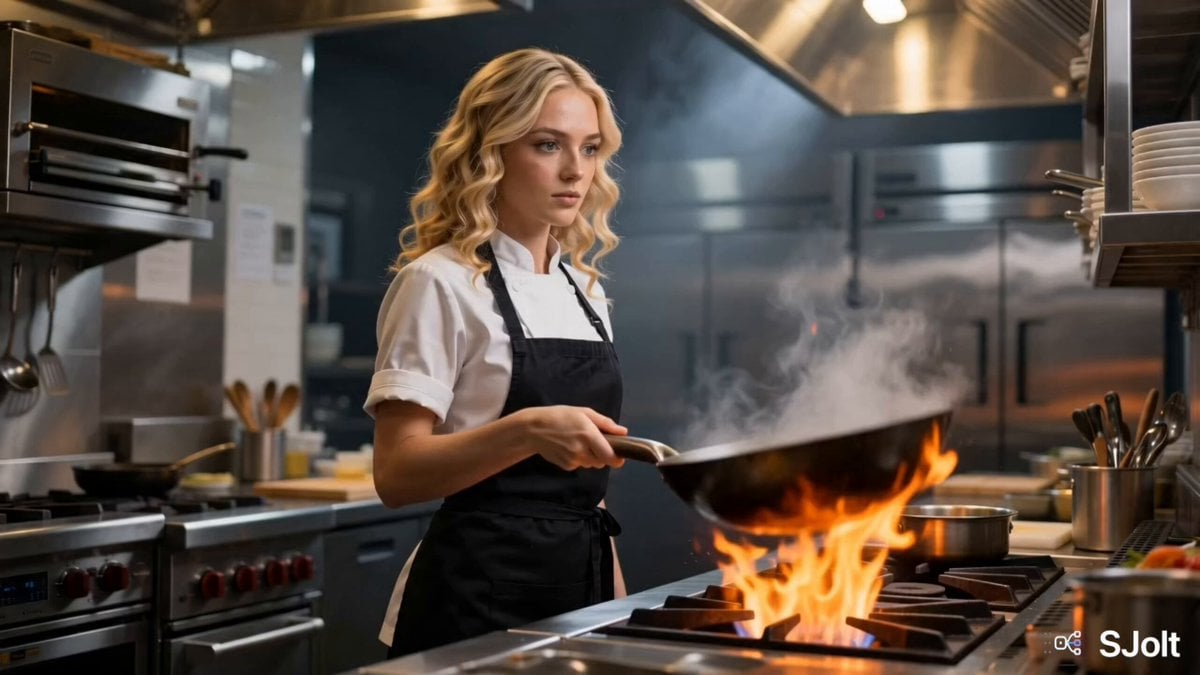
Cinematic Action Cooking Scene
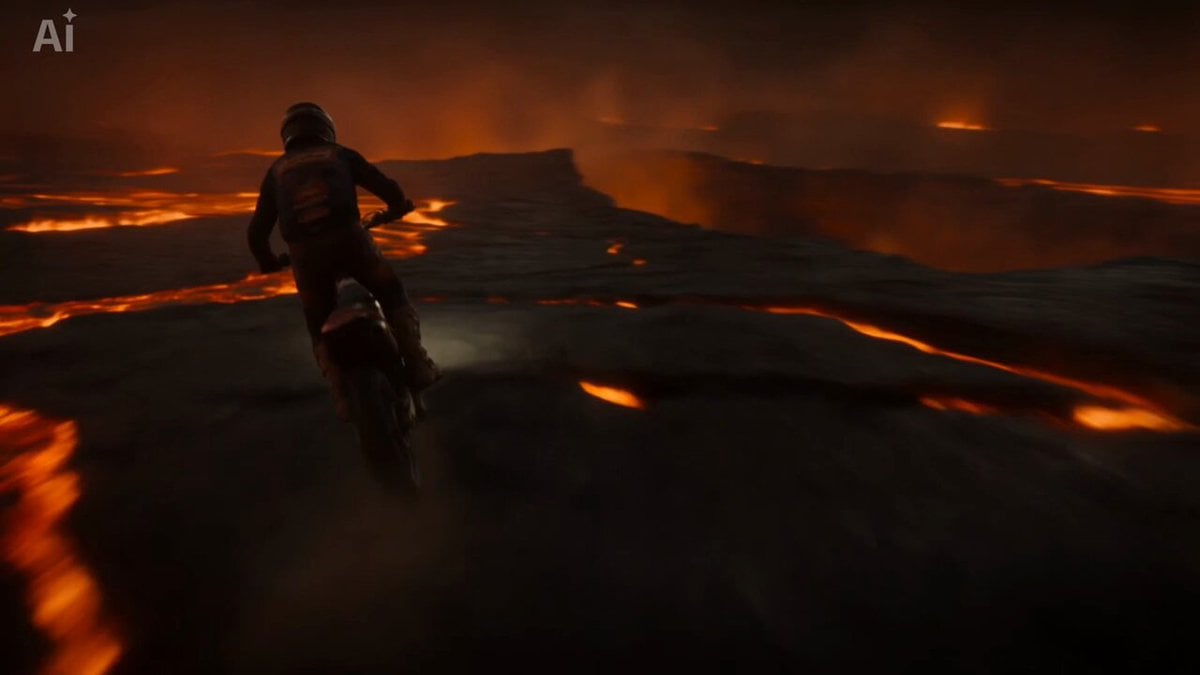
Volcanic Motocross Lava Jump
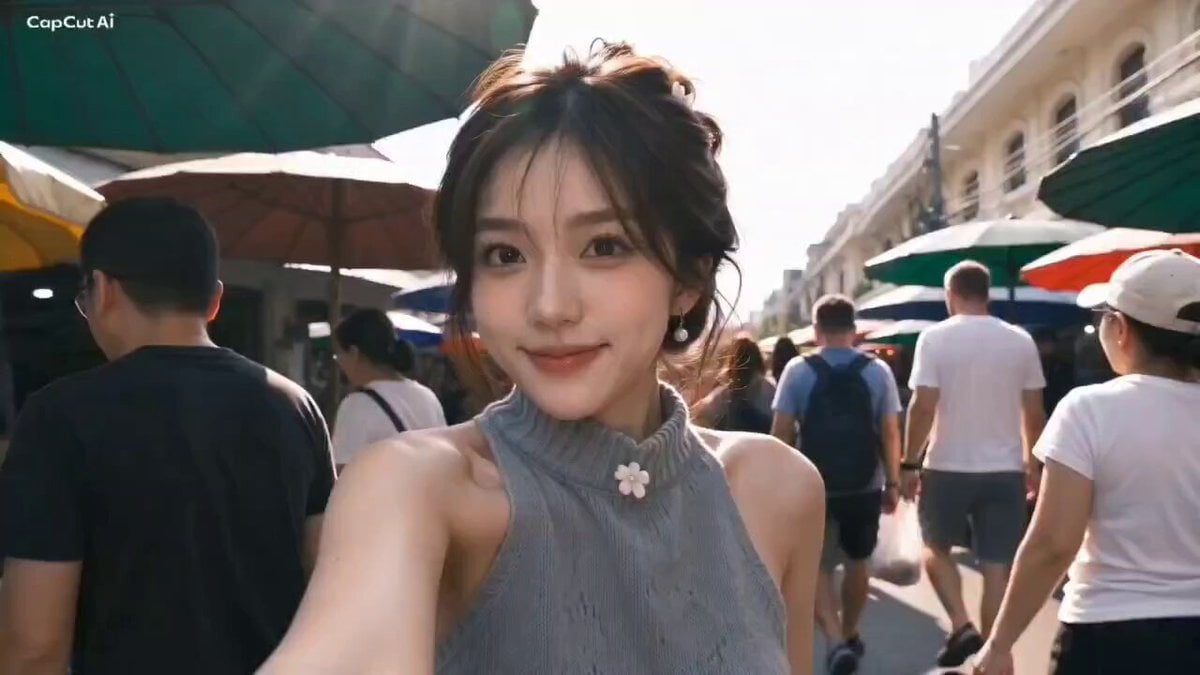
Sunday Market Memories Flip Camera

Detailed multi-part video prompt
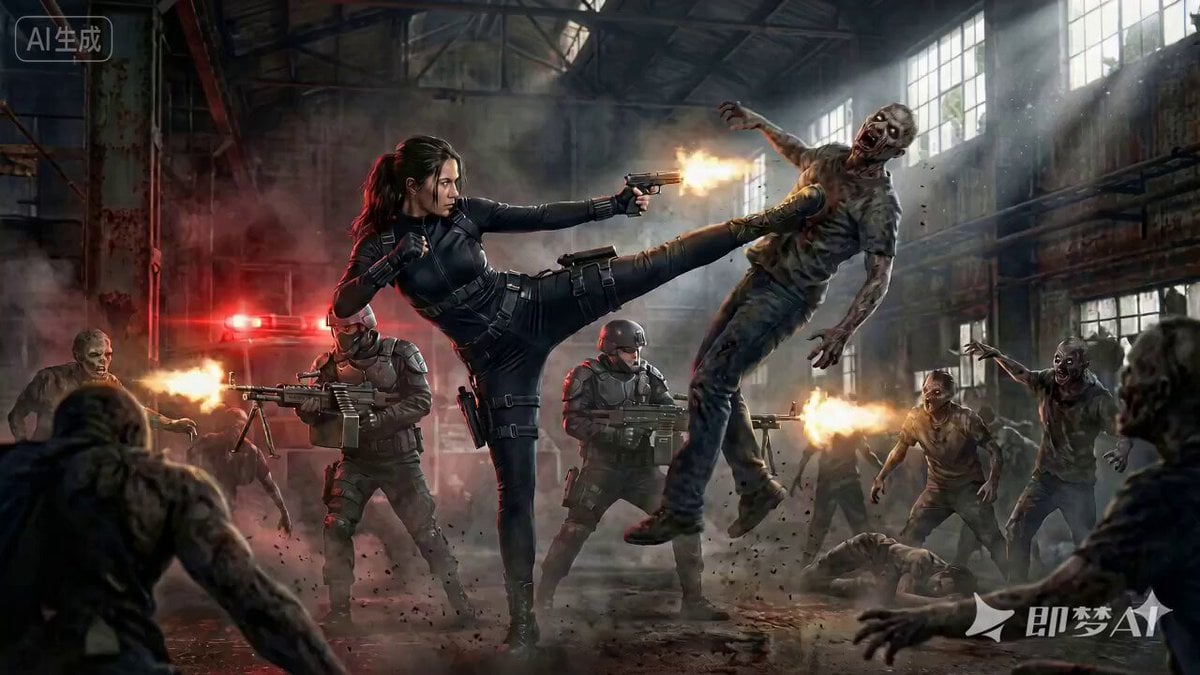
Cinematic Action Movie Scene Prompt
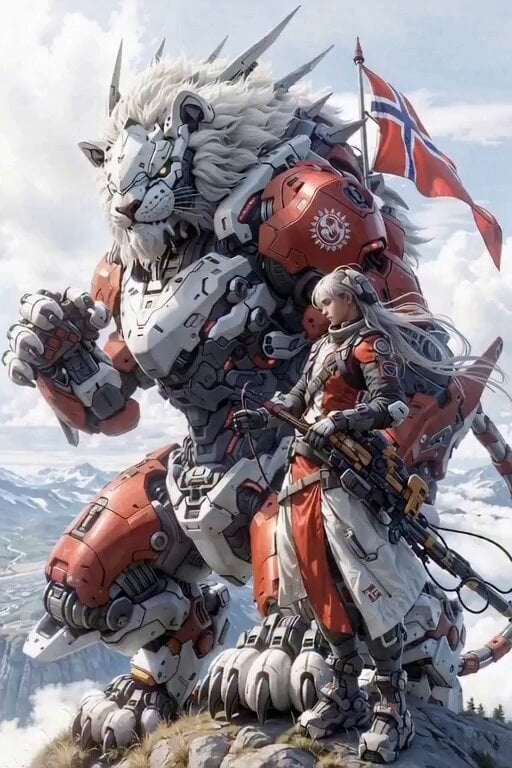
White Lion Mech Roar
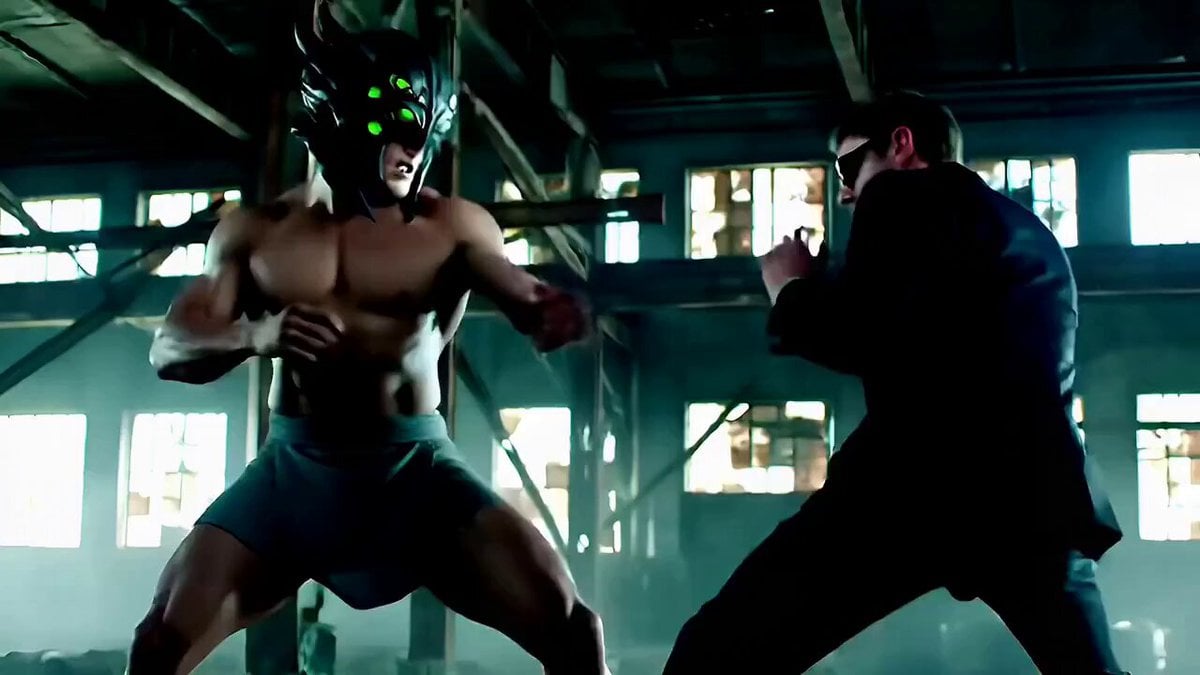
Cinematic Fight Scene Prompt for Seedance 2.0
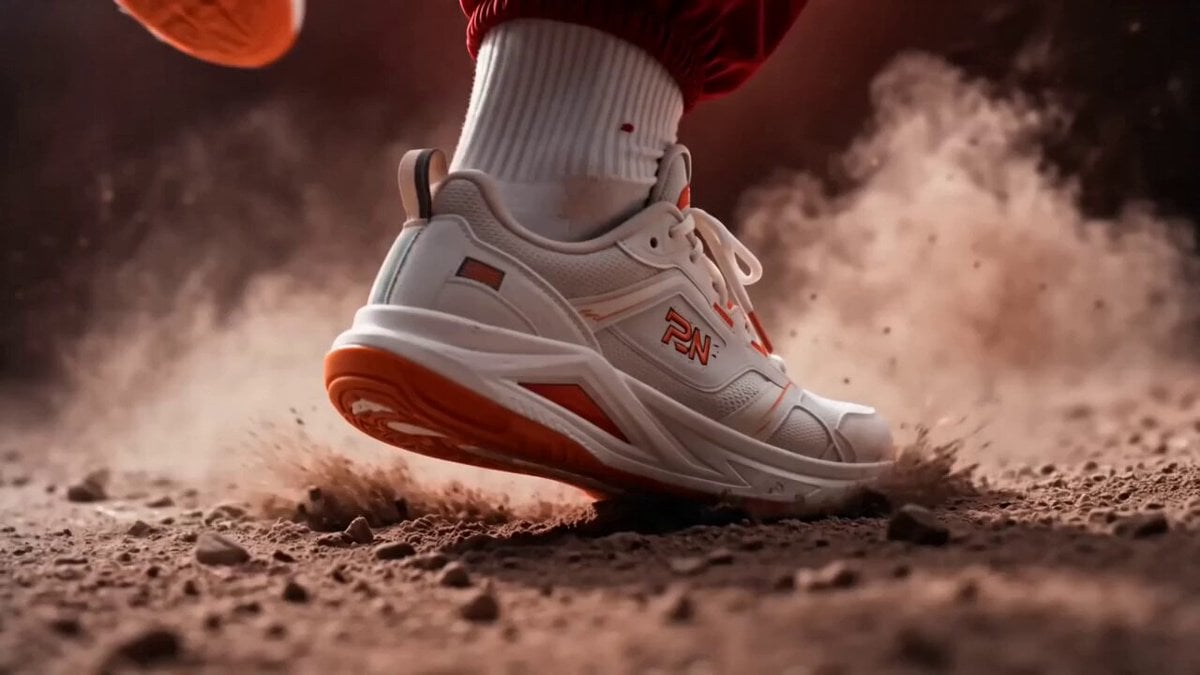
Dynamic Premium Ad Creation
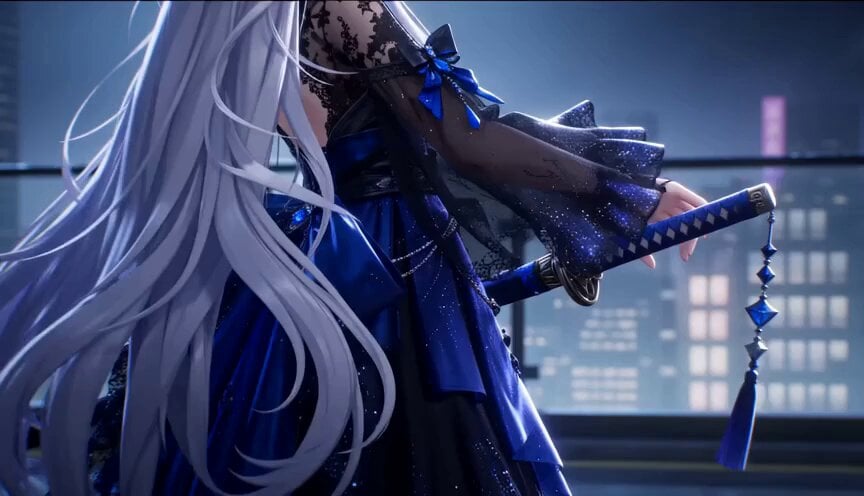
Gothic Anime Sword Slash
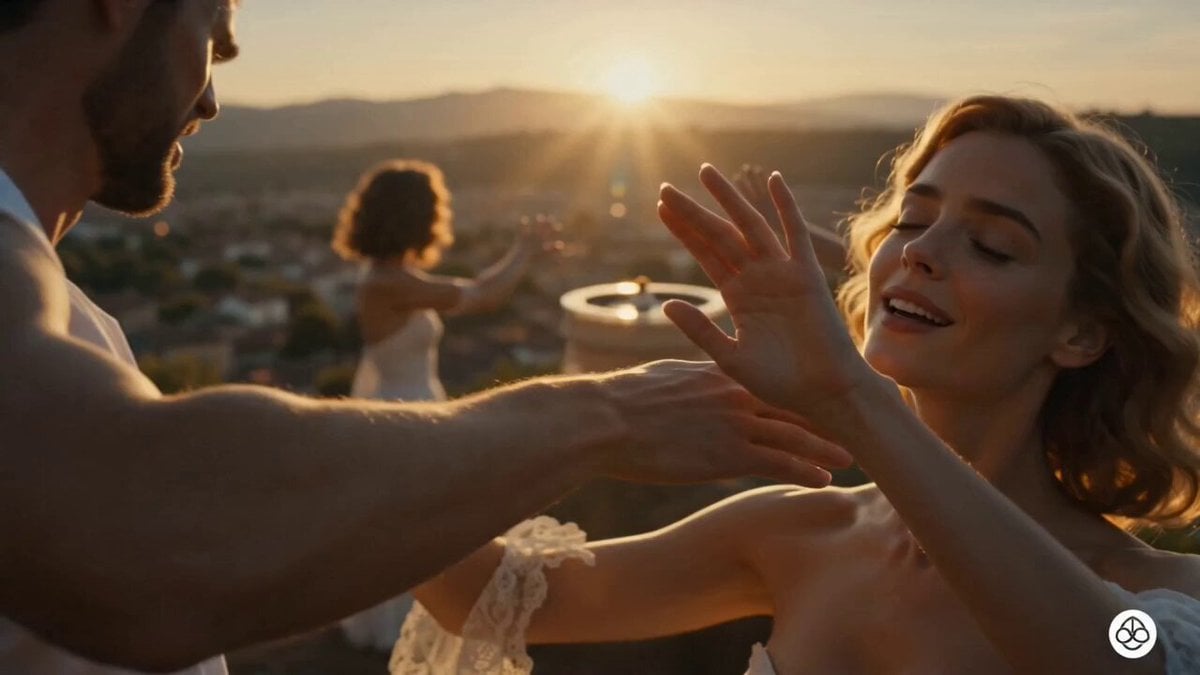
Magical Skincare Morning Ritual
Browse template categories
Seedance 2.0 Benchmark Comparison Prompts questions
How do I use the Seedance 2.0 Benchmark Comparison Prompts template?
Add your photo if the template asks for one, edit the prompt if you like — the template's model and format are already selected — and press Generate. Your version opens in PicX Studio.
Can I customize the Seedance 2.0 Benchmark Comparison Prompts template?
Yes. You can change the subject, setting, lighting, mood, format, and available model controls before creating your video.
Is the Seedance 2.0 Benchmark Comparison Prompts template free?
Opening and editing this template is free. Generating uses credits, shown on the Generate button when you are signed in.
Which AI model should I use?
Start with Seedance 2.0, which is the model associated with this template. You can compare another compatible model for a different finish.
Looking for something else? Browse all templates.

Your photo, any look
Thousands of ready templates for every top image and video model, from one credit balance.