
Cinematic Action Movie Scene Prompt
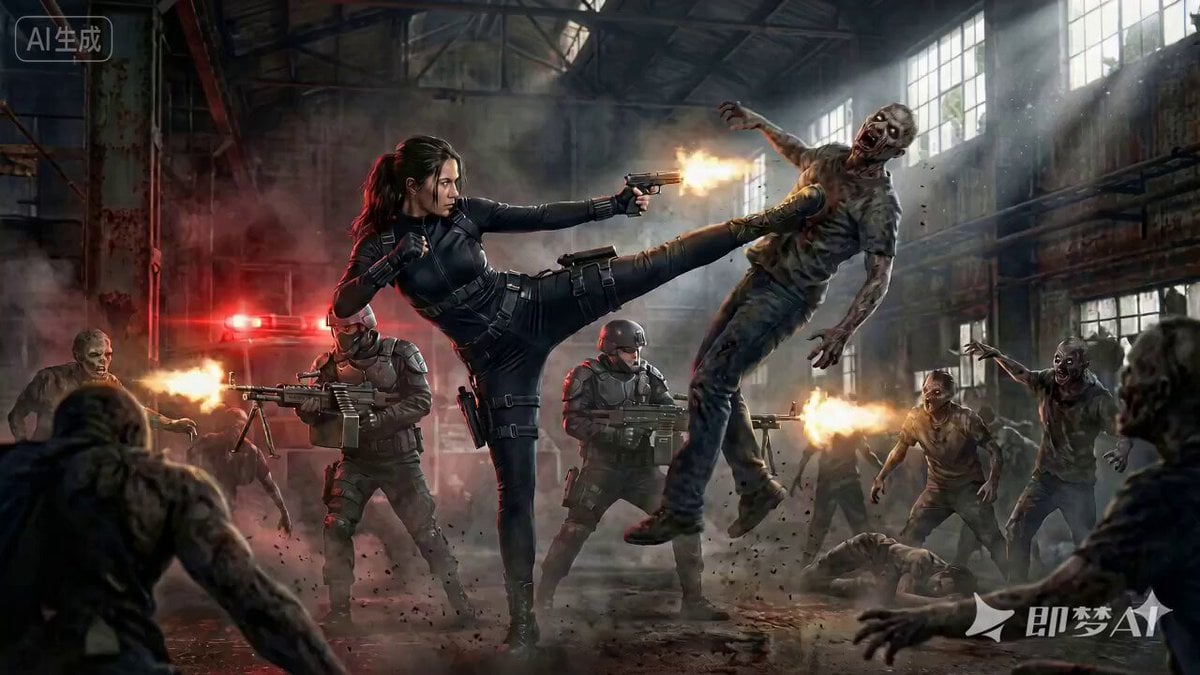
A detailed prompt for generating a cinematic action sequence featuring a female warrior in a derelict industrial setting, emphasizing a continuous long take, high-tech tactical gear, and dynamic combat against zombies.
- Prompt included
- Model and format preset
- Premium template
The prompt behind this video
Copy the exact prompt behind Cinematic Action Movie Scene Prompt, or open it in the studio and make it yours.
电影级动作大片感,连续长镜头。一名身穿黑色高科技战术紧身衣的女战士,正处于废弃、生锈的重工业工厂中心。镜头跟随她进行流畅的运动。 她展现出高超的格斗技巧,先是一记凌厉的回旋踢将一只扑面而来的丧尸踢飞,紧接着单手持手枪精准射击,枪口喷出激烈的火焰。
How to use Cinematic Action Movie Scene Prompt in 3 steps
- 1
Open
The prompt is already in the box next to the preview, with the template's model and format selected.
- 2…a portrait of your subject in softgolden-hour light, 85mm…
Personalize
Edit the subject and creative details for your destination.
- 3Generate
Generate
Press Generate — your video is created in PicX Studio, so you can compare it with the original and refine one variable at a time.
More like this
Templates with the same subject, style or setup. Open one to see its prompt.
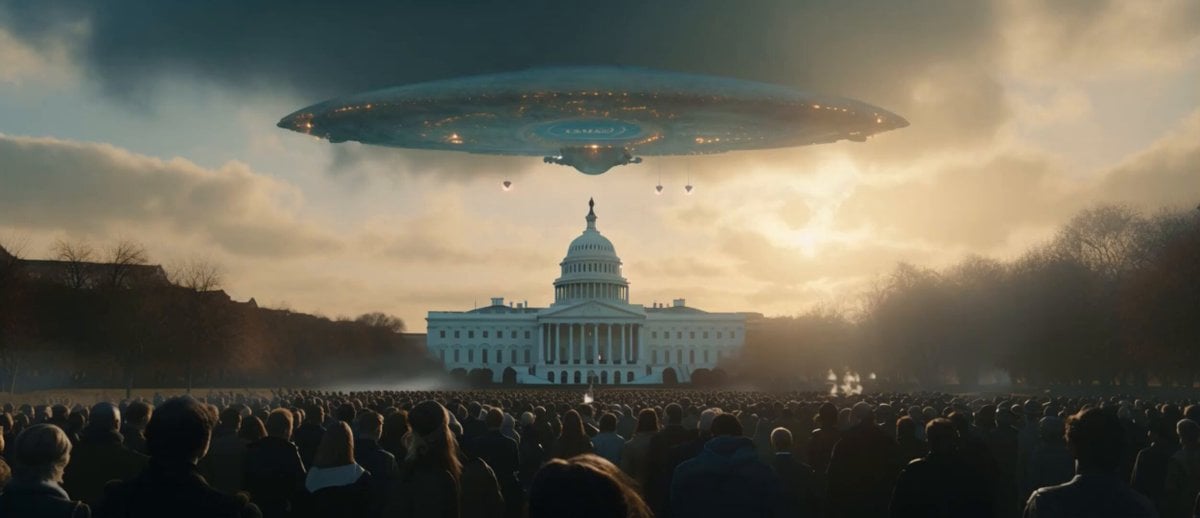
Sci-Fi Disaster Movie Scene - Seedance 2.5
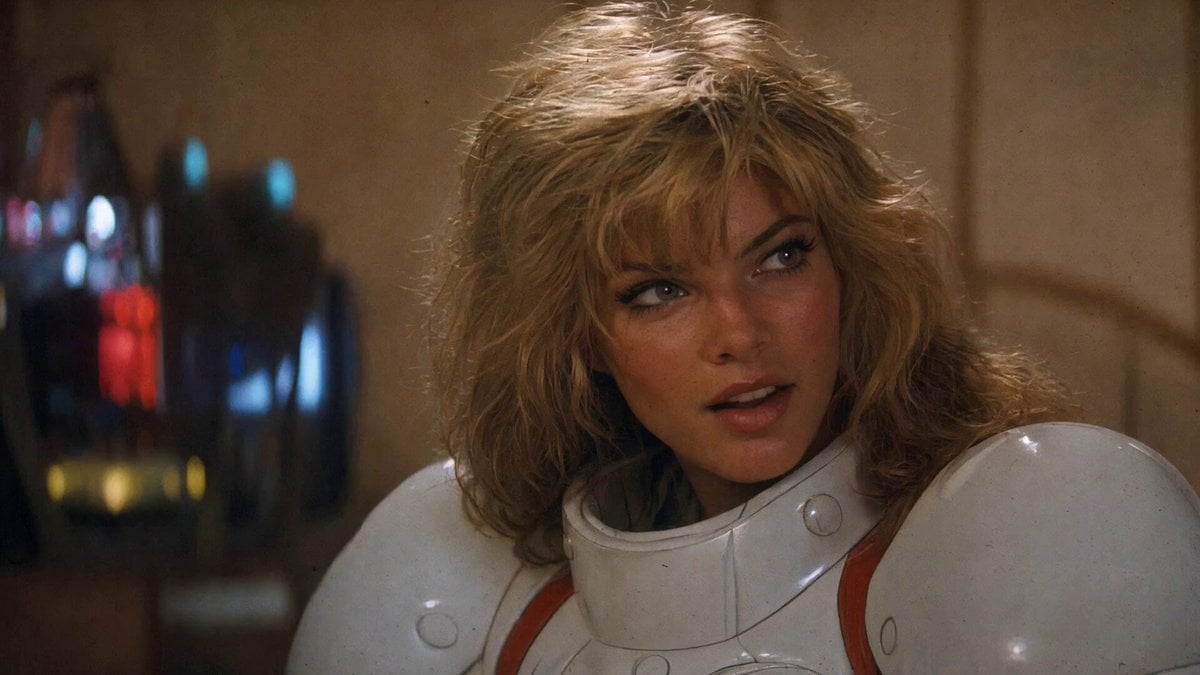
1980s Retro Action Movie Clip
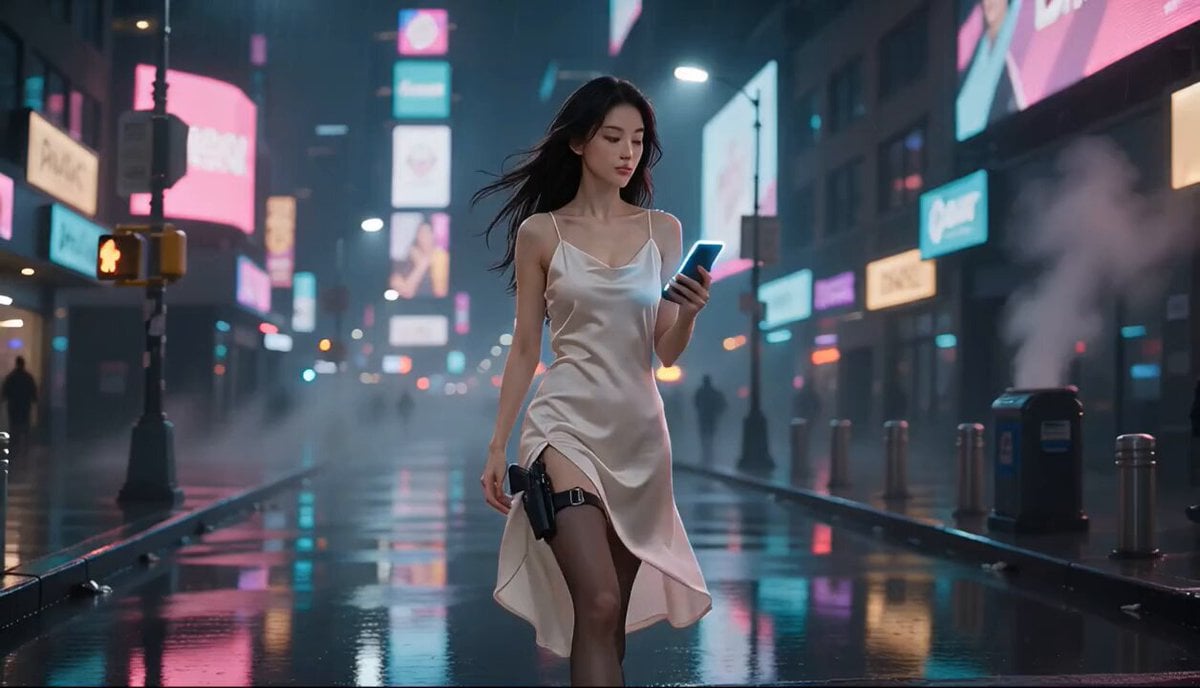
Cyberpunk Action Movie Short
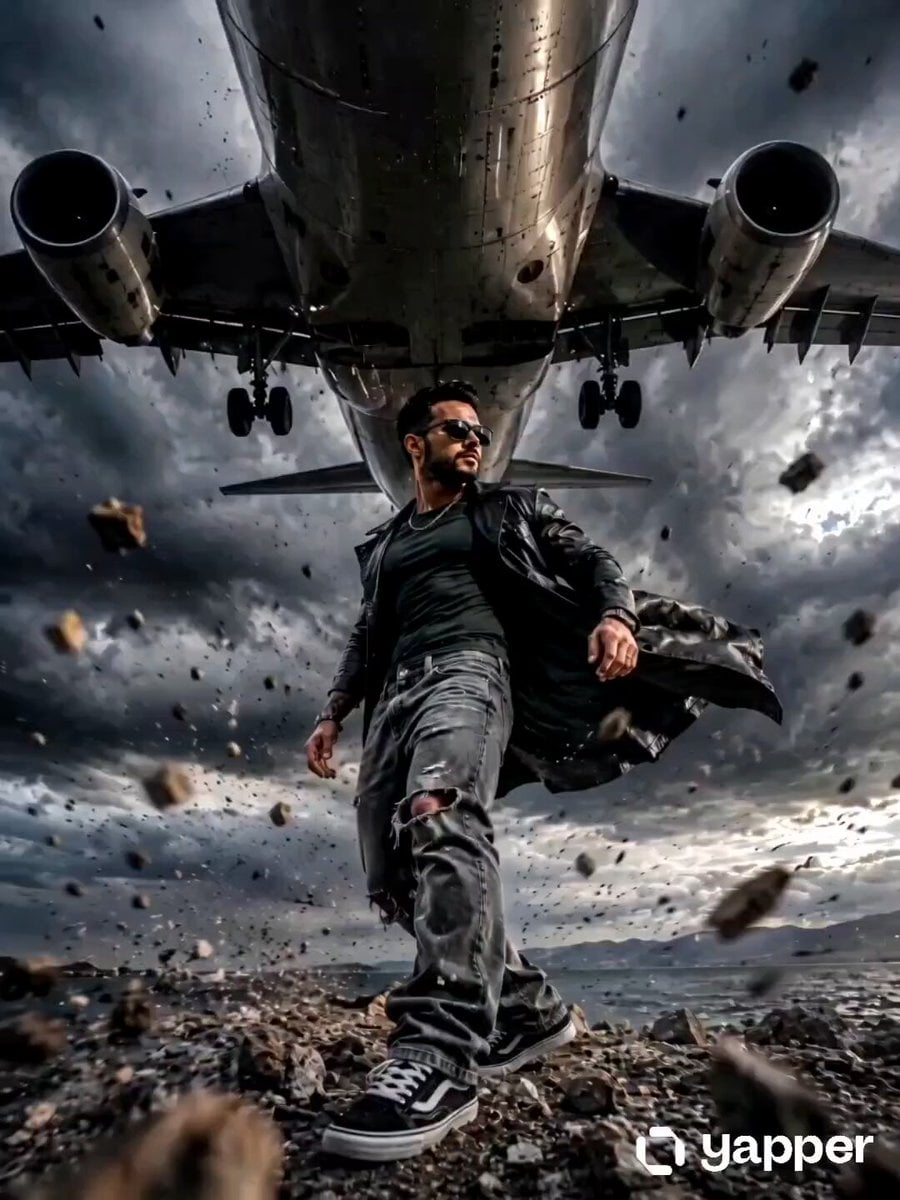
Action Movie Airplane Flyover
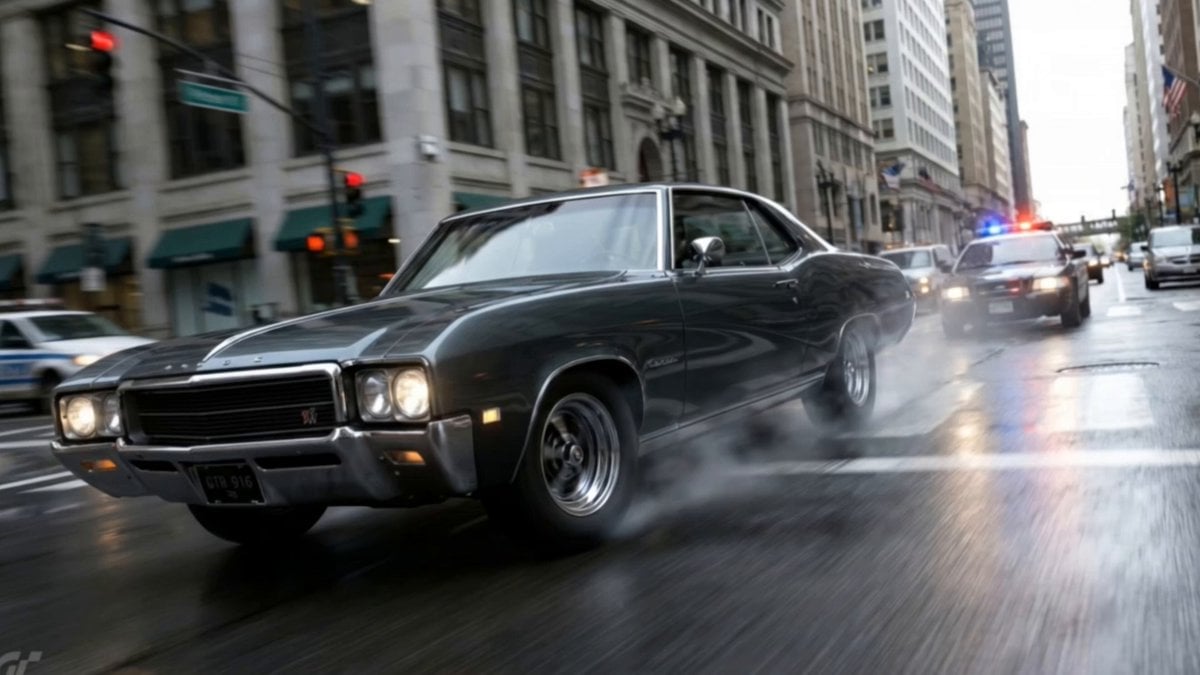
Action Movie Car Chase Sequence
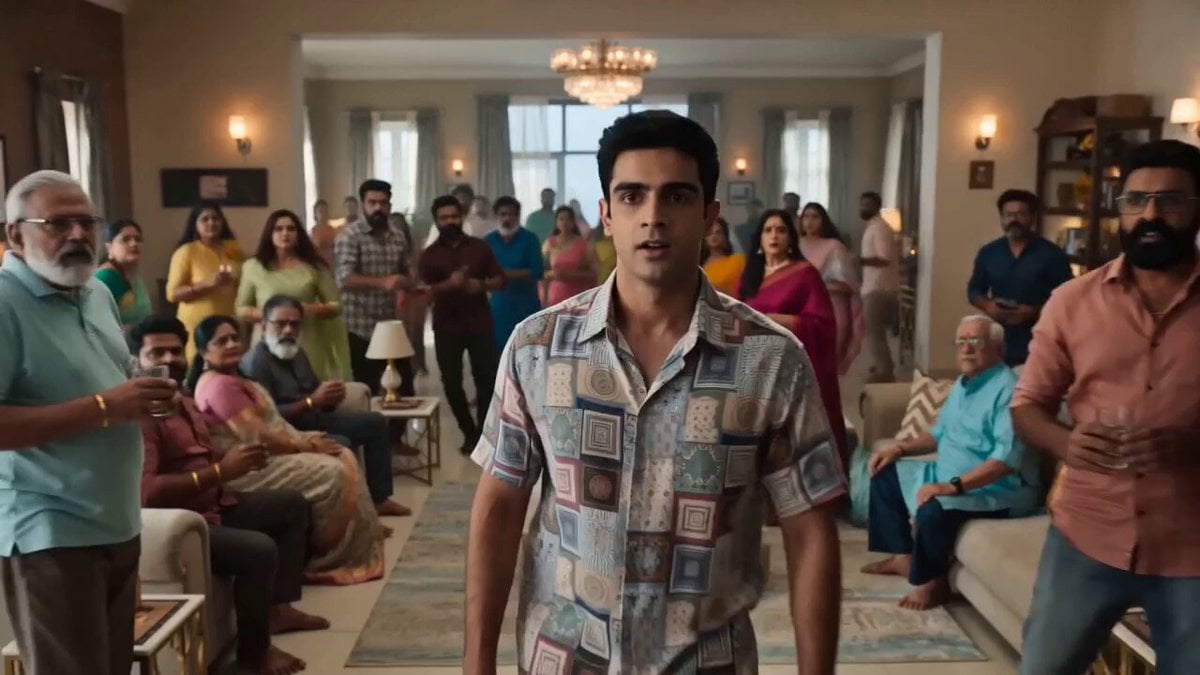
Indian Action Movie WiFi Password Scene
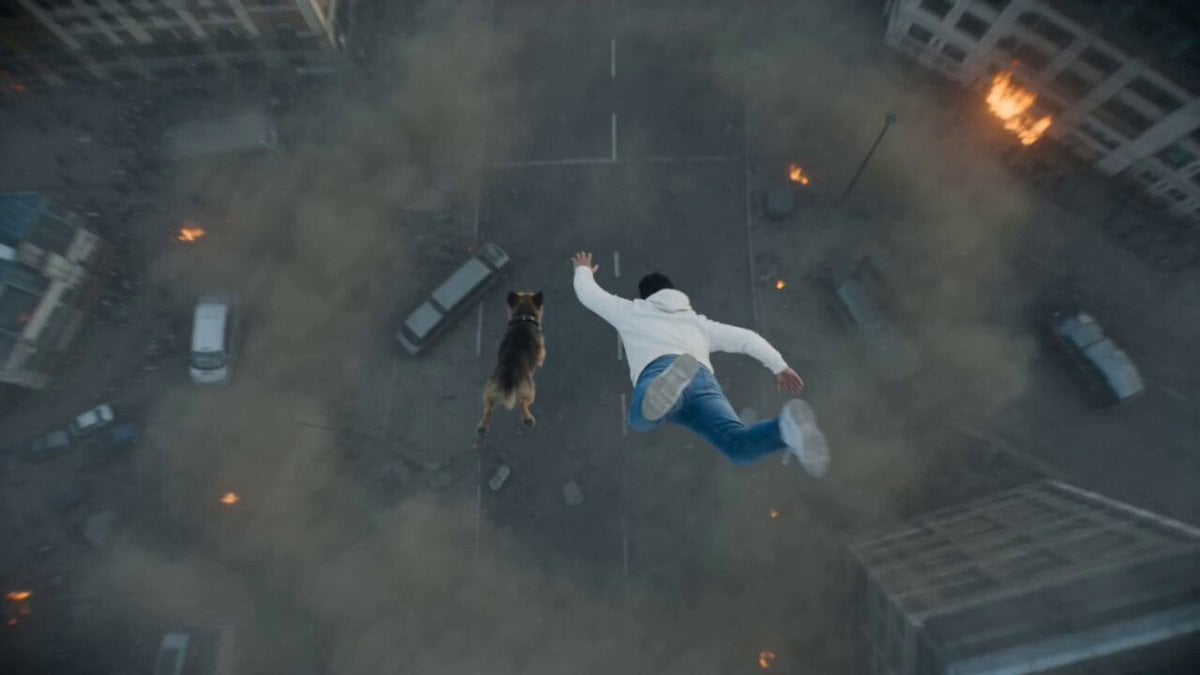
Photorealistic Anamorphic Action Movie
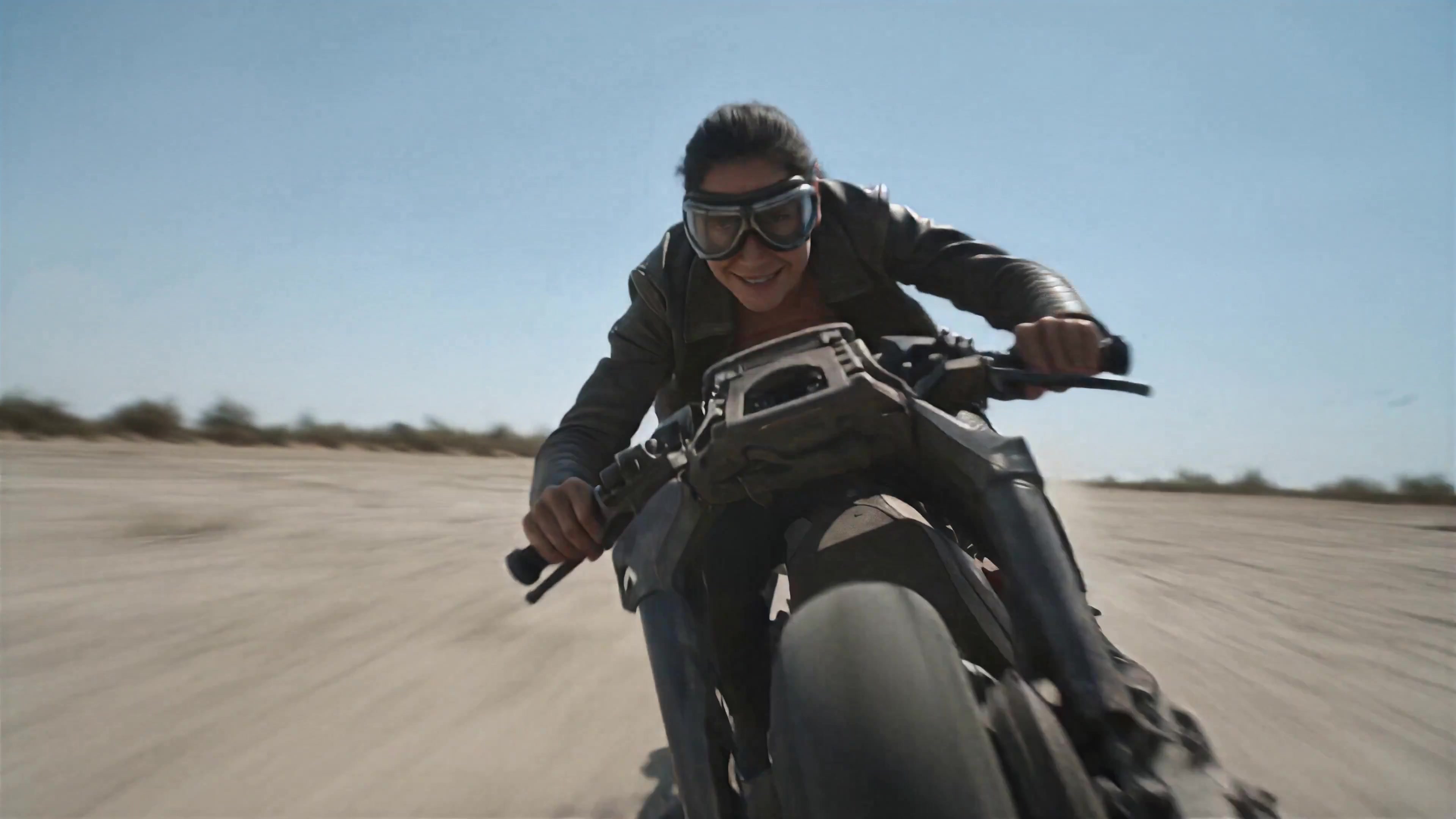
Walking Factory with Rebel on Hoverbike - Wasteland
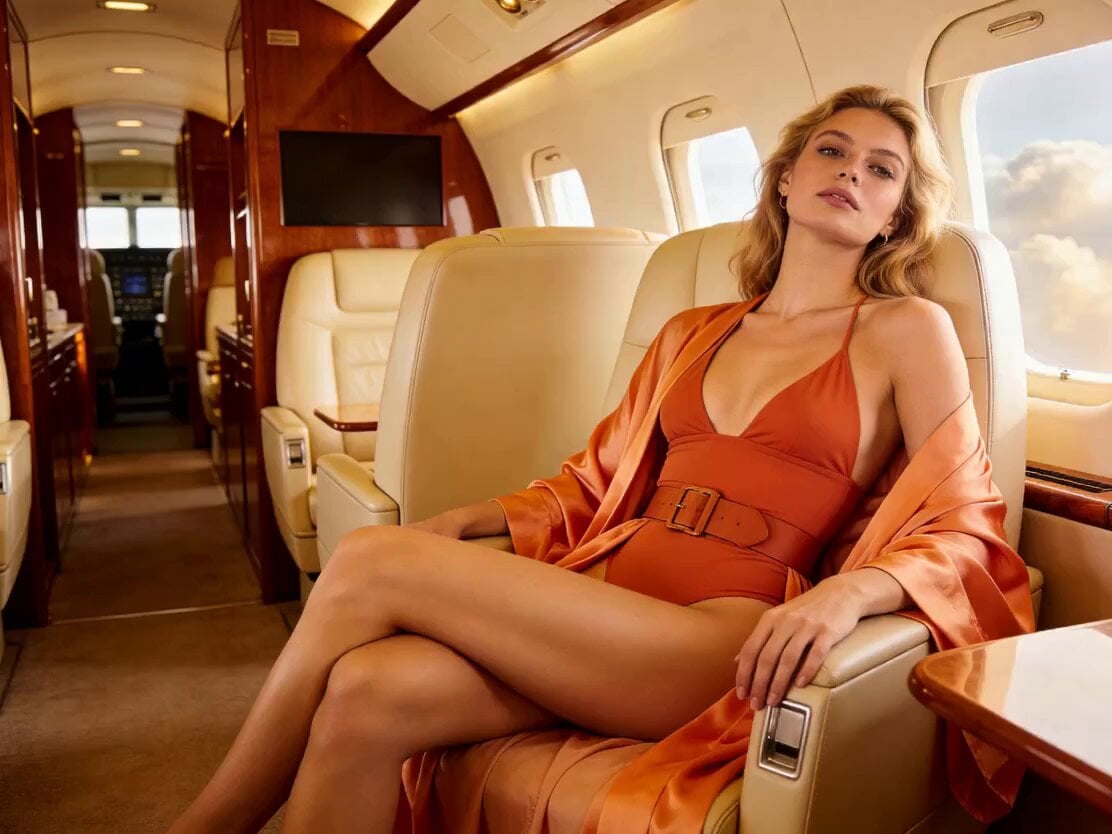
Action Movie Plane Scene
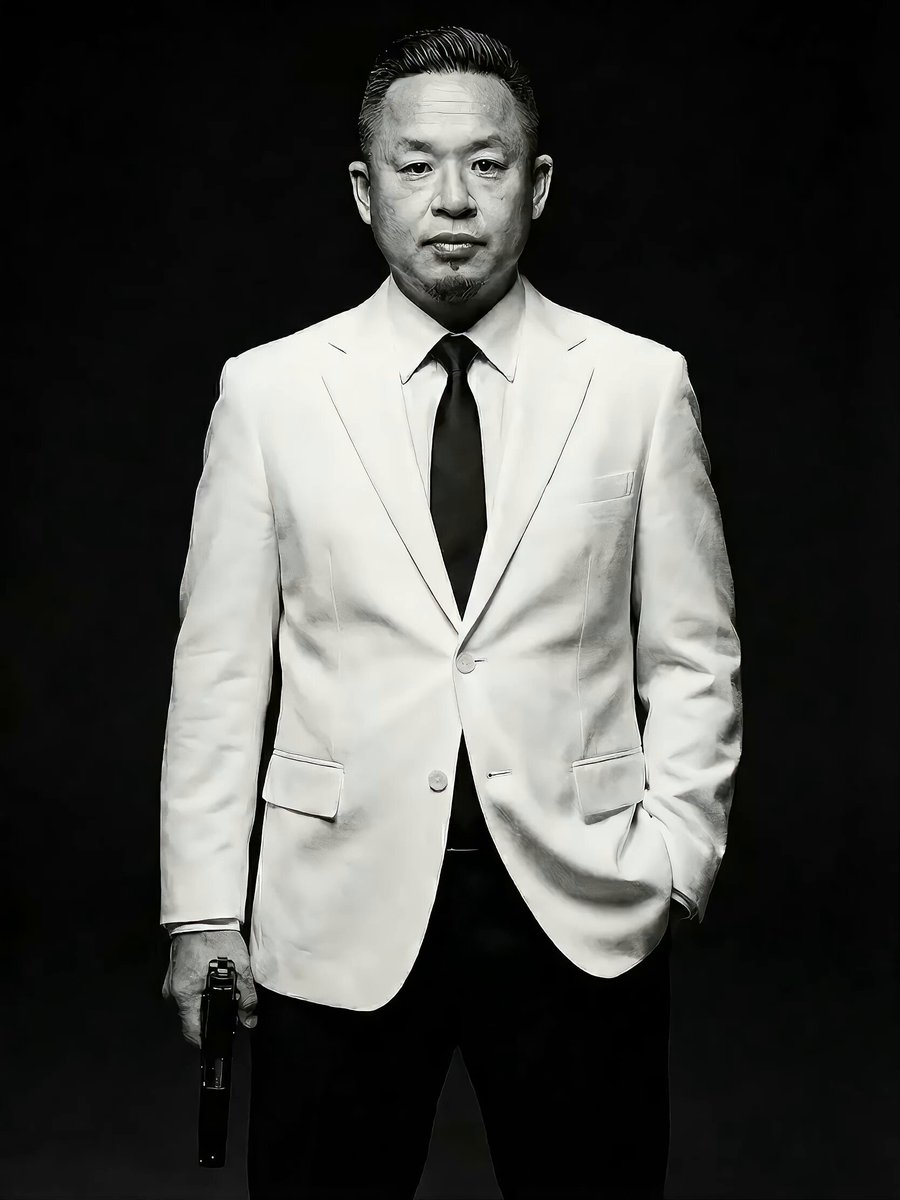
Action Movie Scene Prompt with Cinematic Style
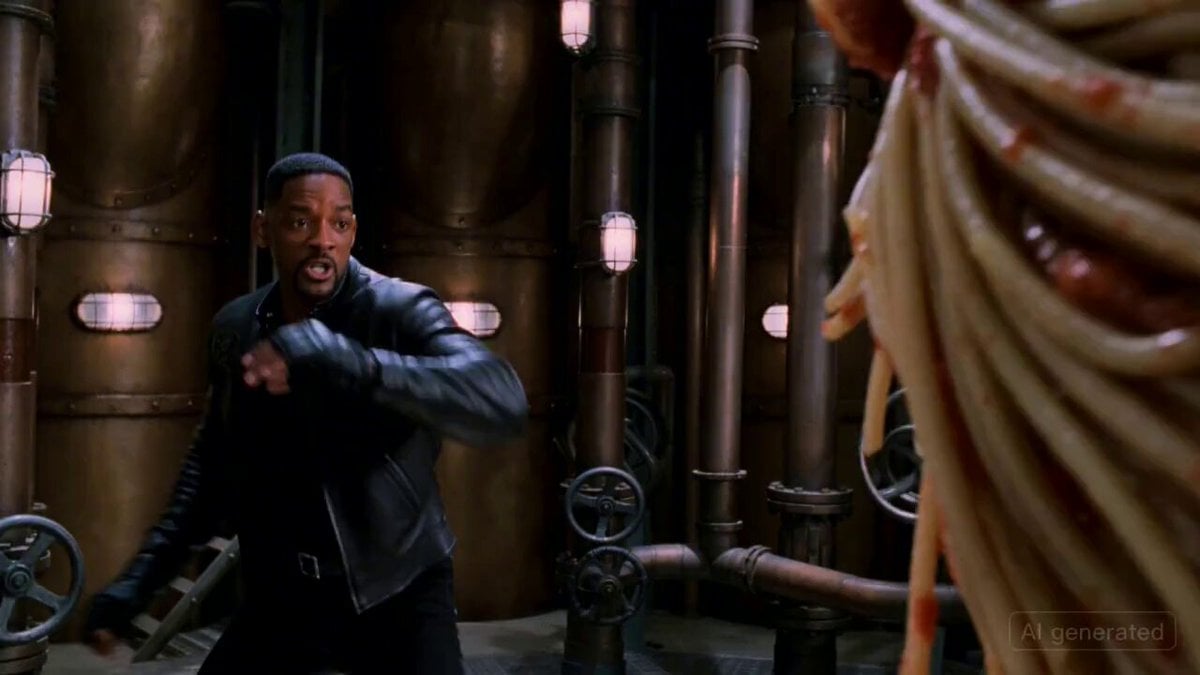
Will Smith Fighting a Spaghetti Monster in an 80s Action Movie Style
Real Movie Texture to Anime Action Transition Prompt
Make it yours
Cinematic Action Movie Scene Prompt works as-is. These are the safest ways to change it without losing the look.
Change one field
Copy a single group, rewrite it, and generate again so you can see what that field is doing.
Keep the frame, change the subject
Hold the composition and light of Cinematic Action Movie Scene Prompt, then swap wardrobe, props or the person for a new take.
| If the result… | Why | Fix |
|---|---|---|
| The result drifts from the preview | Too many fields changed at once. | Reuse Cinematic Action Movie Scene Prompt as-is first, then change one group — subject, light, or setting. |
| The model over-stylizes the scene | The prose prompt leaves finish and camera underspecified. | Add one camera or lighting sentence and stay on Seedance 2.0. |
More Seedance 2.0 templates
Other prompts made for Seedance 2.0.

Comical Martial Arts Punch Scene

Maglev Train Action Sequence

Martial Arts Fight Sequence

Wuxia Protection and Trust Script

Vintage Korean Arcade MiniDV Vlog

Mercedes 190 SL Luxury Ad

Rainy Night Supernatural Reverse Comedy Video Script

Amazon Civilization Discovery

Futuristic South Asian City Transformation

Cozy Luxury Cafe Commercial
More video prompts
Fresh picks from across the catalog.
Dynamic Martial Arts Fight Sequence
Race Her
Cinematic Mountain Trekking Identity Lock
Nostalgic DV Camcorder Fairground Video
Magical Girl Transformation Sequence

Ethereal Angel in Pastel Clouds
Arctic Ice Queen Transformation
Sapphire Storm Inverted Sumi-e Short
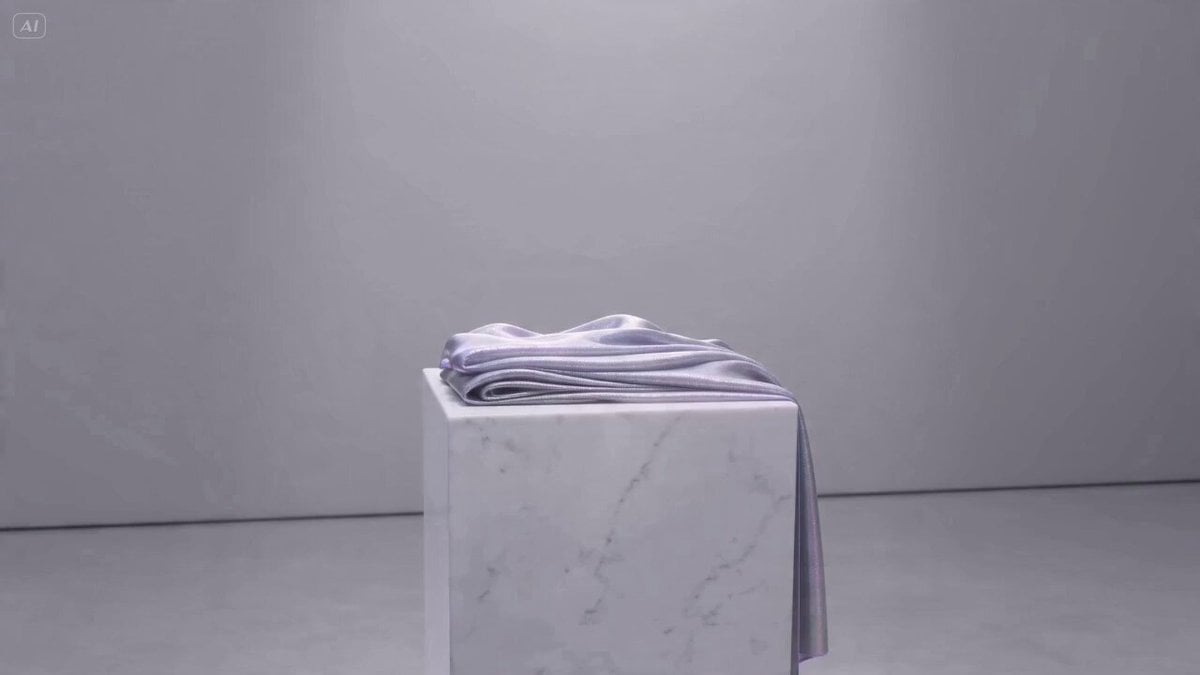
Pixar-style 3D animation of iridescent fabric on a marble pedestal
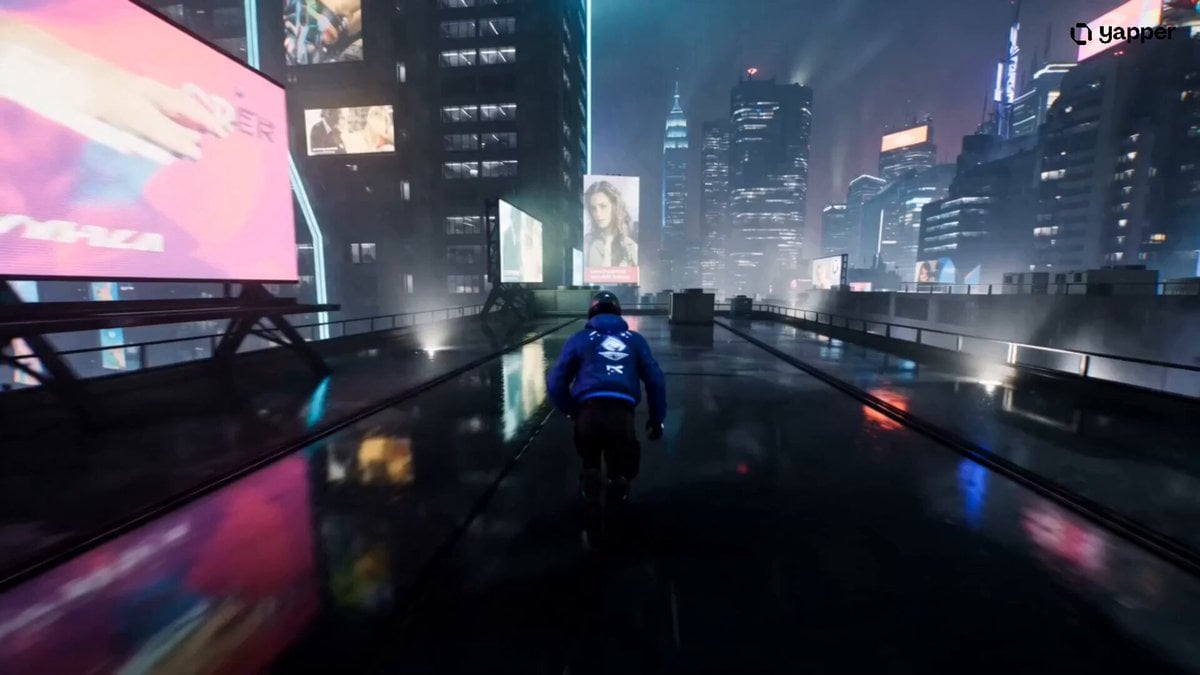
Cyberpunk Rooftop Chase Cinematic Prompt
Browse template categories
Cinematic Action Movie Scene Prompt questions
How do I use the Cinematic Action Movie Scene Prompt template?
Add your photo if the template asks for one, edit the prompt if you like — the template's model and format are already selected — and press Generate. Your version opens in PicX Studio.
Can I customize the Cinematic Action Movie Scene Prompt template?
Yes. You can change the subject, setting, lighting, mood, format, and available model controls before creating your video.
Is the Cinematic Action Movie Scene Prompt template free?
Opening and editing this template is free. Generating uses credits, shown on the Generate button when you are signed in.
Which AI model should I use?
Start with Seedance 2.0, which is the model associated with this template. You can compare another compatible model for a different finish.
Looking for something else? Browse all templates.

Your photo, any look
Thousands of ready templates for every top image and video model, from one credit balance.