
Magical Girl Transformation Sequence
A cinematic multi-shot prompt for a magical girl transformation, moving from a realistic living room to a fantasy moonlit flower sea with high-contrast lighting and 8K detail.
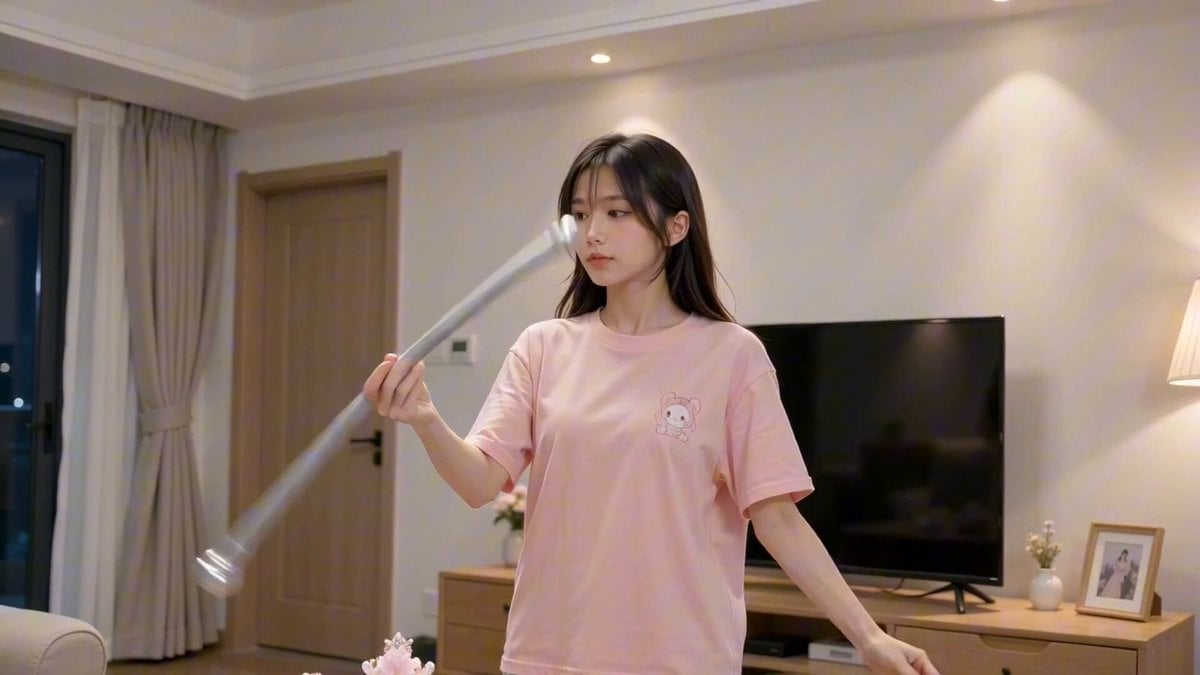
- Prompt included
- Model and format preset
- Free template
The prompt behind this video
Copy the exact prompt behind Magical Girl Transformation Sequence, or open it in the studio and make it yours.
【风格】真人魔法变装卡点(Live-Action Magical Transformation),梦幻奇幻大片质感(Dark Fantasy Dreamcore),8K超清,柔焦氛围,高对比月光影调,无塑料感 【时长】15秒 【场景】前1秒为真实居家客厅(白墙木柜+电视),1秒后切入幻想夜空:深蓝紫星空、巨大满月为唯一光源,结尾展开为夜间紫蓝色花海,中央有白色发光魔法阵 【角色】变装女主(黑长直发、粉色休闲T恤,变身后为红粉魔法战斗服与粉色礼服两种形态) [00:00-00:01] 镜头1:日常起手(Hook - Reality Shot) 中景固定机位:身穿粉色休闲T恤的年轻女性站在客厅电视机前,右手持灰银色长棍在身前快速转花棍,左手顺向摆动协调,眼睛紧盯棍身旋转轨迹。 手机实拍质感,自然室内光。 [00:01-00:03] 镜头2:白光变身·凝神开眼(Transformation Flash) 白光顶帧硬切(Hard Cut):同一女性瞬变红粉色泡泡袖魔法战斗服、粉色贝雷帽、白手套、背后一对小白翼,右手高举粉色宝石魔杖,左手斜下伸展,身体侧倾,双眼微闭。 随后双臂收回,双手交叠握杖立于胸前,双眼缓缓睁开,眼神清澈坚定直视镜头前方。 背景巨大满月悬于右上,冷蓝月光打亮发丝边缘。 [00:03-00:05] 镜头3:挥杖释放(Power Release) 中近景缓慢推进:她双手握杖,将杖头从胸前向左前上方用力刺出挥动,肩线转开,眼神锐利凝视杖尖前方的发光点。 特效:杖尖白光急速增亮,满月爆发强光,白色辉光在第5秒吞没整个画面。配蓄力嗡鸣+破空音效。 [00:05-00:08] 镜头4:裙纱绽放·回眸变装(Dress Bloom + Reveal) 特写:粉色层叠蓬蓬裙与白色轻纱受能量气流带动向四周猛烈展开翻飞,织物半透明、悬浮感。 切换:变装完成——粉色双马尾长卷发、露背淡粉纱质礼服,背对镜头双臂平展,随后以双脚为轴顺时针缓缓转身回眸,双眼微垂后抬起看向镜头,气质清冷优雅。 背景满月充满画面,樱花瓣开始飘入。 [00:08-00:11] 镜头5:俯拍旋舞(Top-down Spin) 高空正俯拍:她立于发光魔法阵中央,双臂平展顺时针高速自转,巨大粉色裙摆受离心力完全张开如圆形花朵,花瓣绕旋转中心环流。 旋转渐减速,裙摆顺余劲摆动后平整散落在魔法阵地面。配裙纱掠风声。 [00:11-00:15] 镜头6:双形态同框·拉远定格(Final Pull-back) 镜头匀速后拉升高至大远景:花海中央魔法阵上,穿红白战斗服、持粉色魔杖的形态侧身立于前景,杖头斜指地面;粉裙礼服形态直立其后半步,双臂向两侧优雅张开呈守护姿态。 两人保持定格,仅发丝裙纱随夜风微动,满天樱花瓣飘落,满月悬于画面正上方。 结尾定格于大远景构图,配夜风+花瓣沙沙声收束。
How to use Magical Girl Transformation Sequence in 3 steps
- 1
Open
The prompt is already in the box next to the preview, with the template's model and format selected.
- 2…a portrait of your subject in softgolden-hour light, 85mm…
Personalize
Edit the subject and creative details for your destination.
- 3Generate
Generate
Press Generate — your video is created in PicX Studio, so you can compare it with the original and refine one variable at a time.
More like this
Templates with the same subject, style or setup. Open one to see its prompt.
Magical Girl Anime Transformation Sequence

Magical Room Transformation - Seedance 2.5
Anime Magical Girl Transformation Sequence
Magical Transformation Sequence

Dark Tokusatsu Transformation - Seedance 2.5

RX-7 to Mech Transformation Cyberpunk
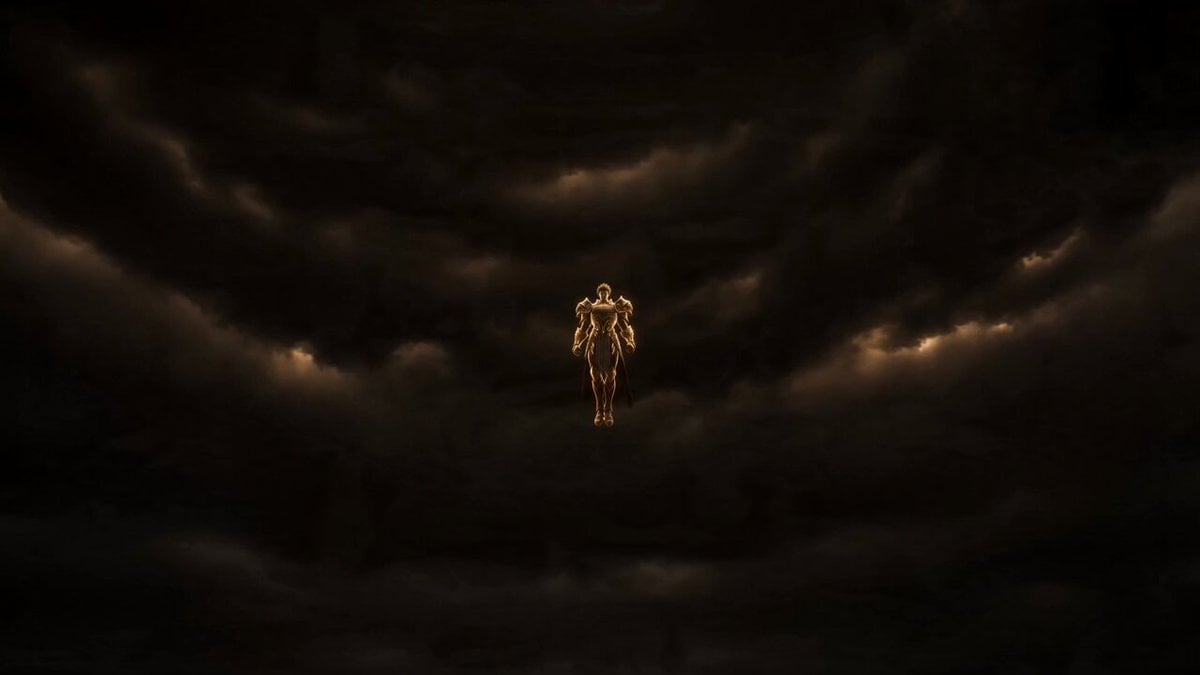
Gold Storm Paladin Magical Transformation
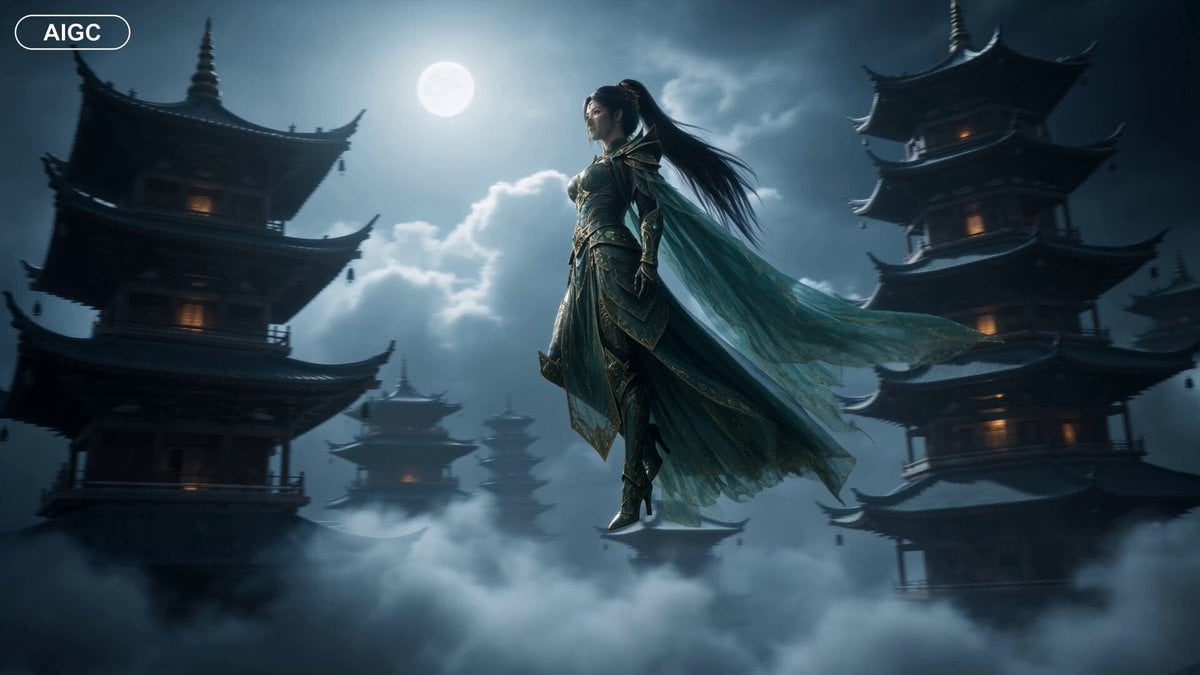
Fantasy Warrior Transformation Sequence
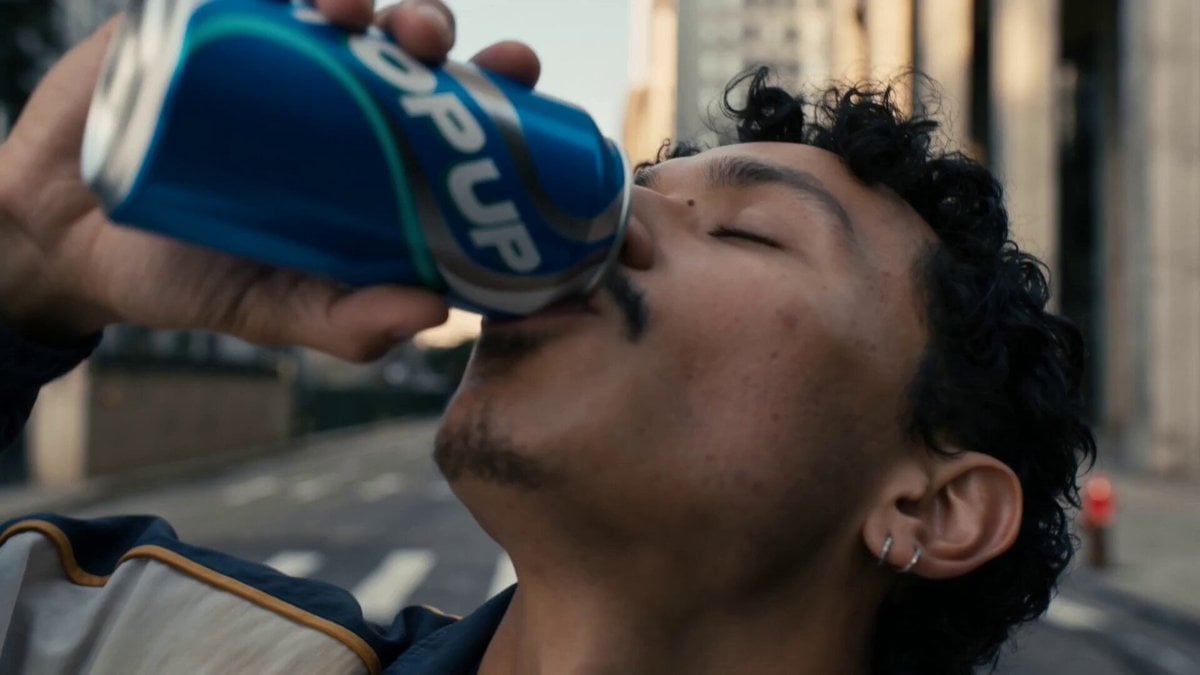
Neon Armor Epic Transformation Sequence

Anime Girl Wall Running Escape Sequence
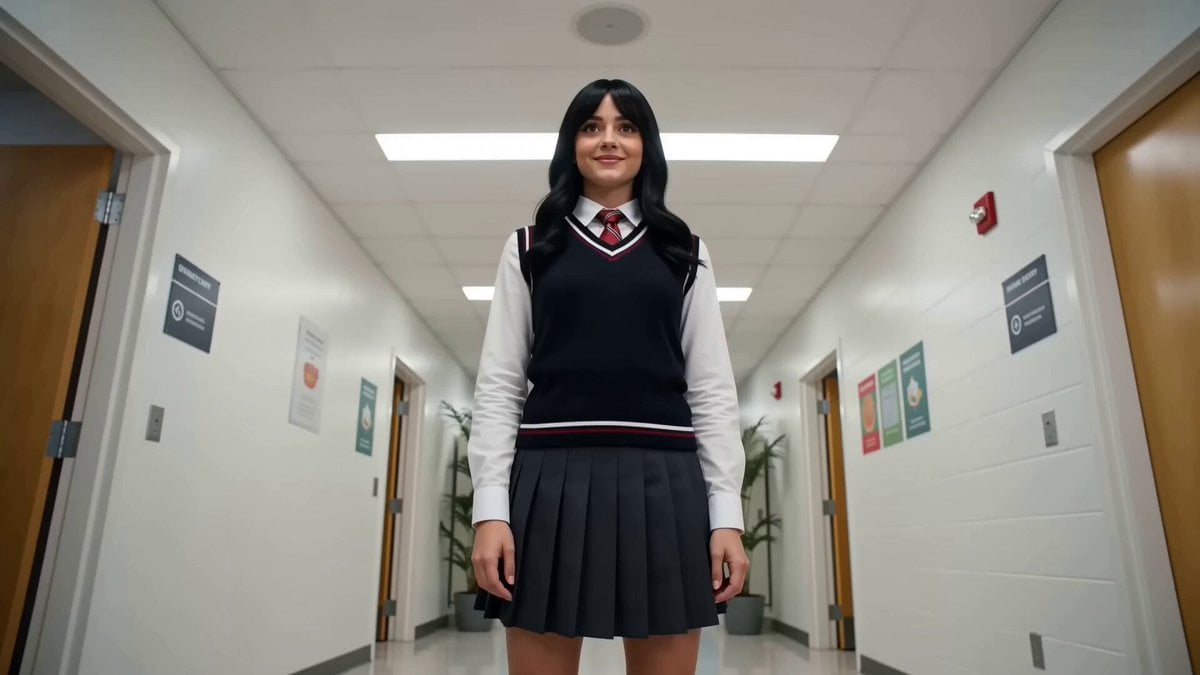
Magical Vending Machine Transformation
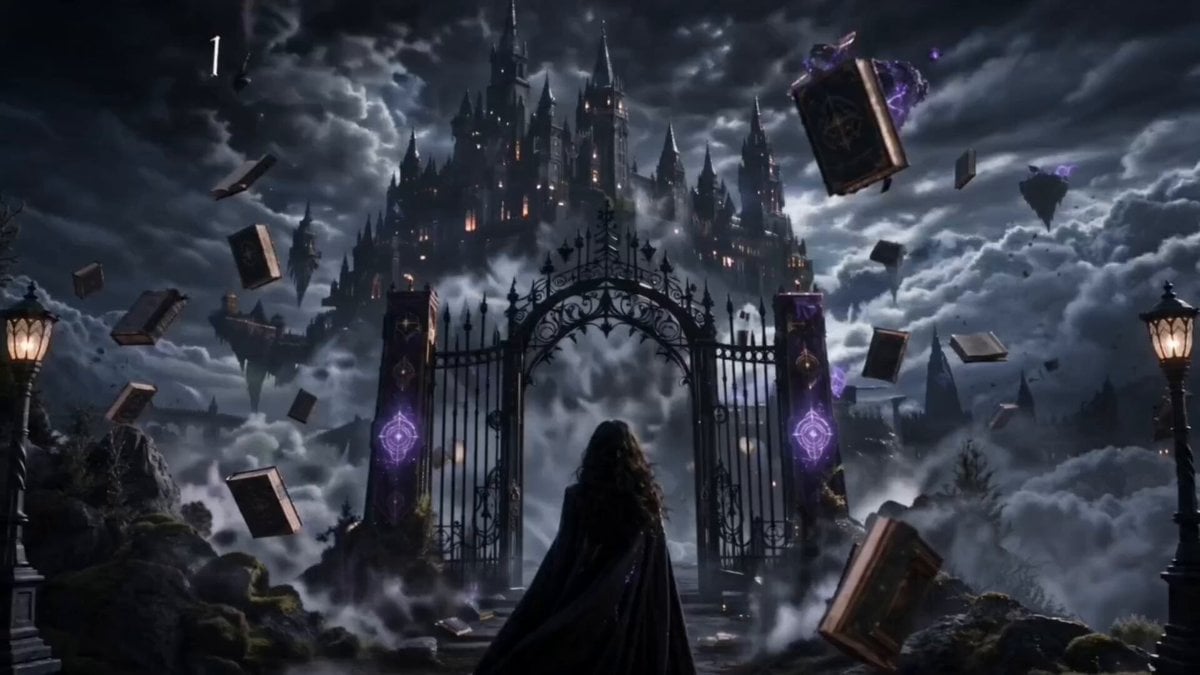
Magical Academy Storyboard Sequence
Make it yours
Magical Girl Transformation Sequence works as-is. These are the safest ways to change it without losing the look.
Change one field
Copy a single group, rewrite it, and generate again so you can see what that field is doing.
Keep the frame, change the subject
Hold the composition and light of Magical Girl Transformation Sequence, then swap wardrobe, props or the person for a new take.
| If the result… | Why | Fix |
|---|---|---|
| The result drifts from the preview | Too many fields changed at once. | Reuse Magical Girl Transformation Sequence as-is first, then change one group — subject, light, or setting. |
| The model over-stylizes the scene | The prose prompt leaves finish and camera underspecified. | Add one camera or lighting sentence and stay on Seedance 2.0. |
More Seedance 2.0 templates
Other prompts made for Seedance 2.0.

Comical Martial Arts Punch Scene

Maglev Train Action Sequence

Martial Arts Fight Sequence

Wuxia Protection and Trust Script

Vintage Korean Arcade MiniDV Vlog

Mercedes 190 SL Luxury Ad

Rainy Night Supernatural Reverse Comedy Video Script

Amazon Civilization Discovery

Futuristic South Asian City Transformation

Cozy Luxury Cafe Commercial
More video prompts
Fresh picks from across the catalog.
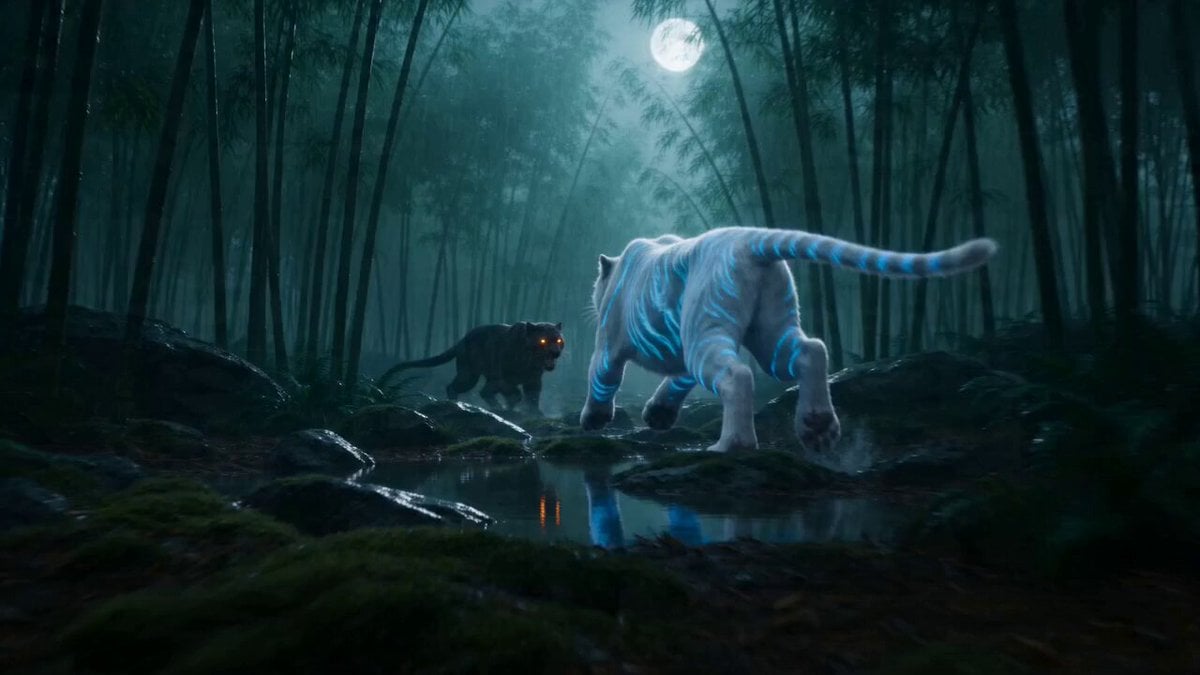
Spirit Tiger vs Void Panther Combat Video Prompt
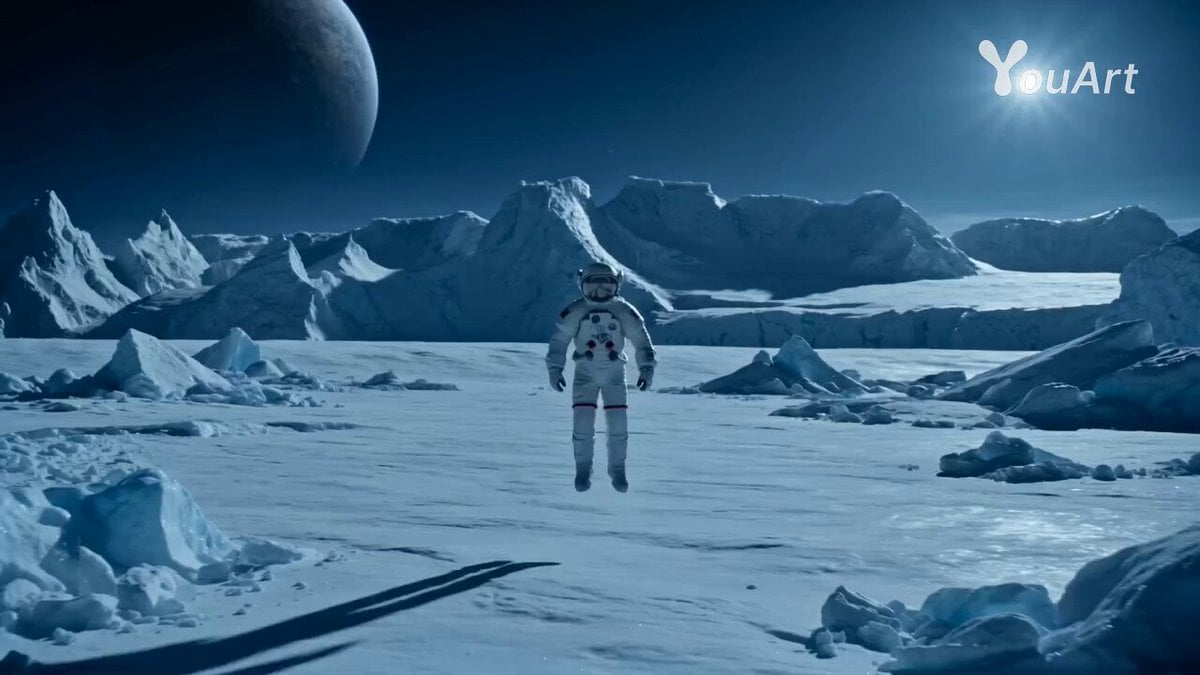
Astronaut Transforms into Ice-Adapted Humanoid on Frozen Exoplanet
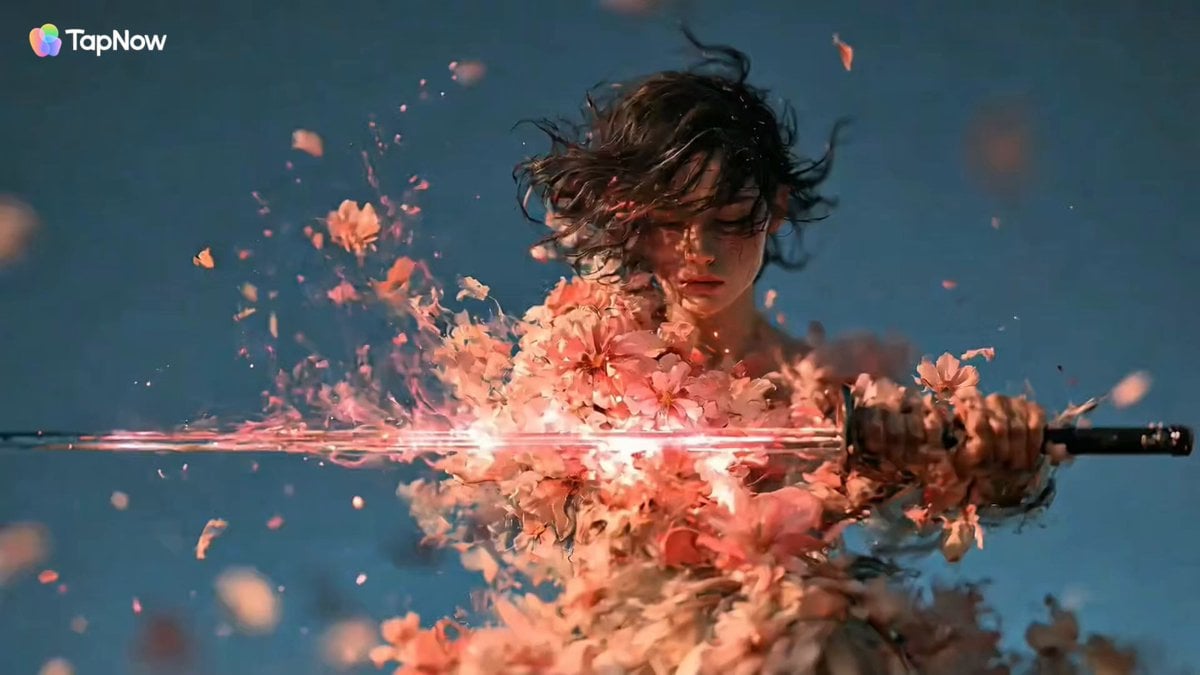
Swordswoman Cherry Blossom Strike
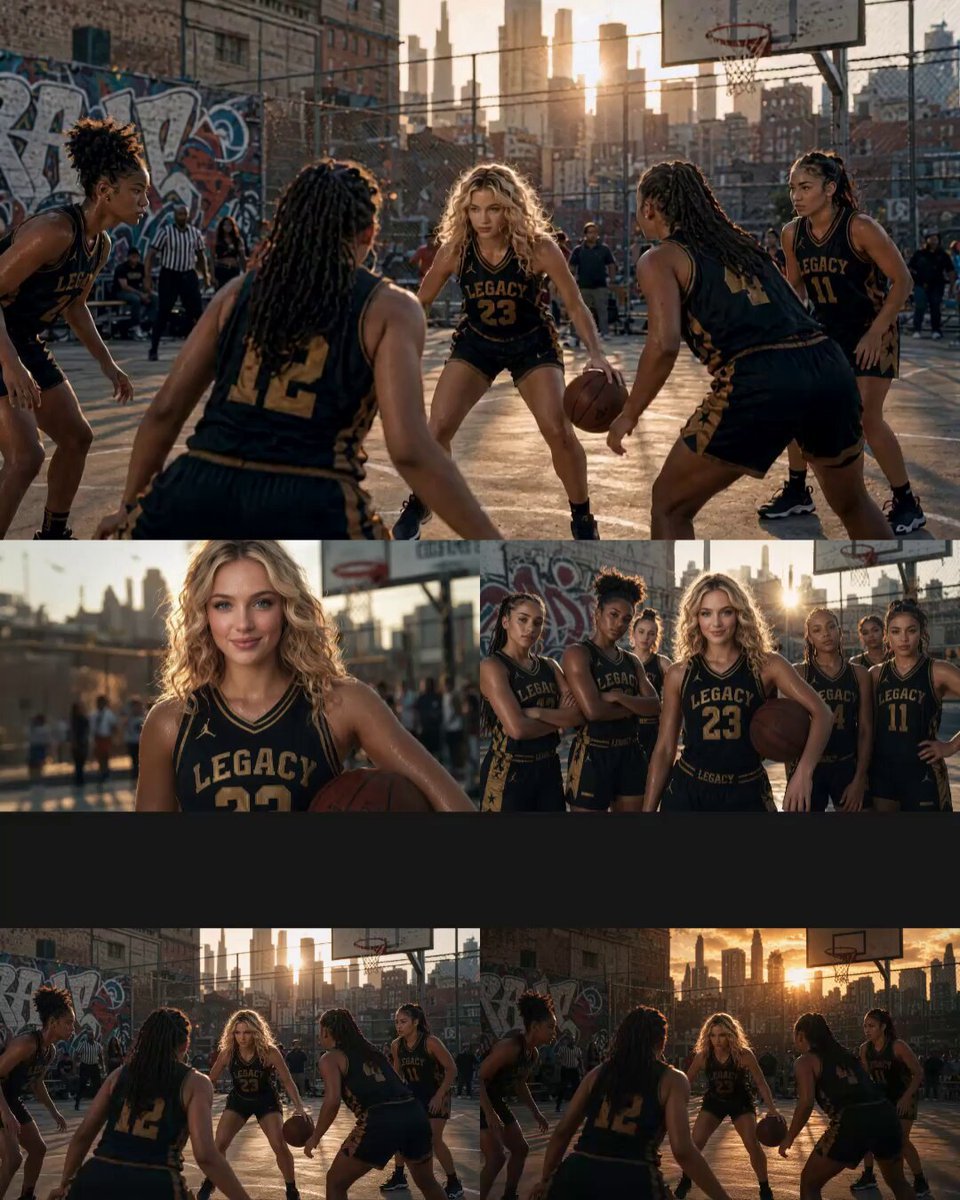
Cinematic Basketball Movie Sequence
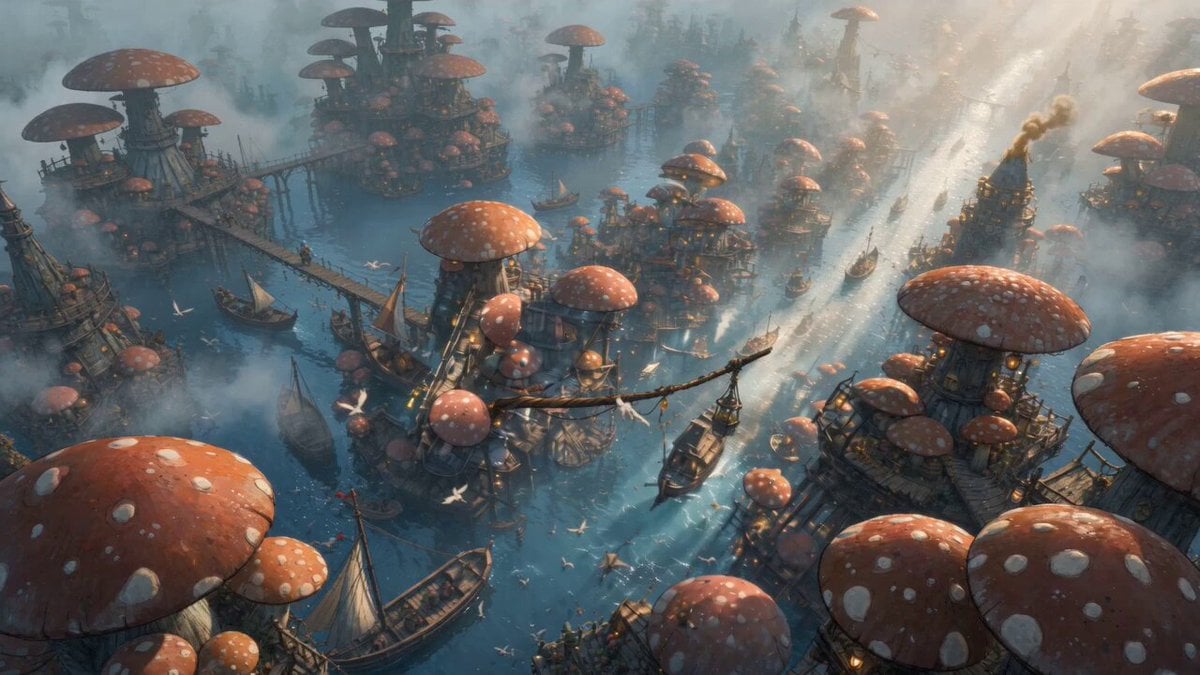
Mushroom Port Town Anime Escape
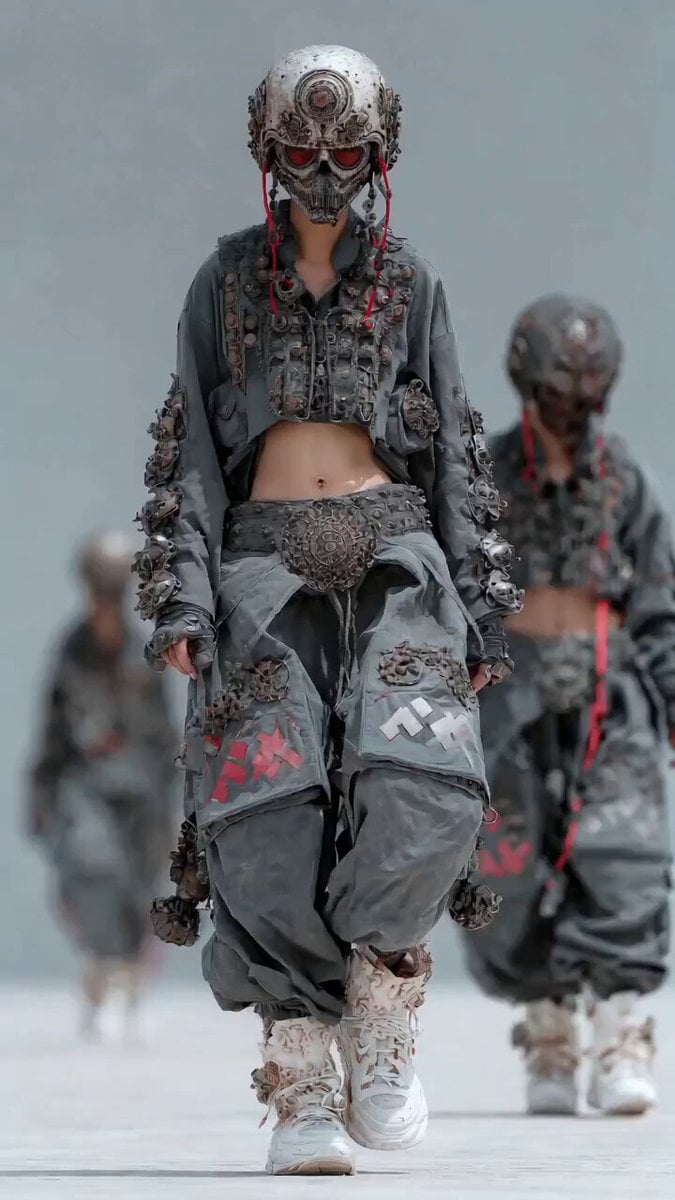
Dynamic Cinematic Hip-Hop Dance Video
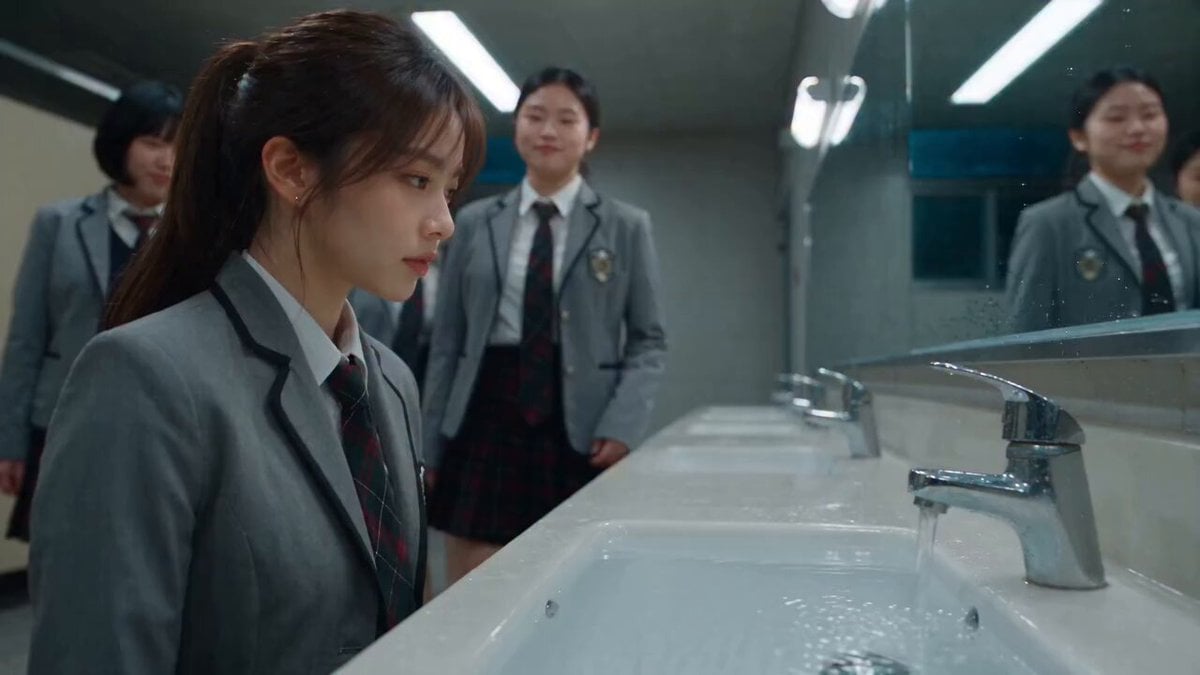
Dramatic School Bathroom Water Fight
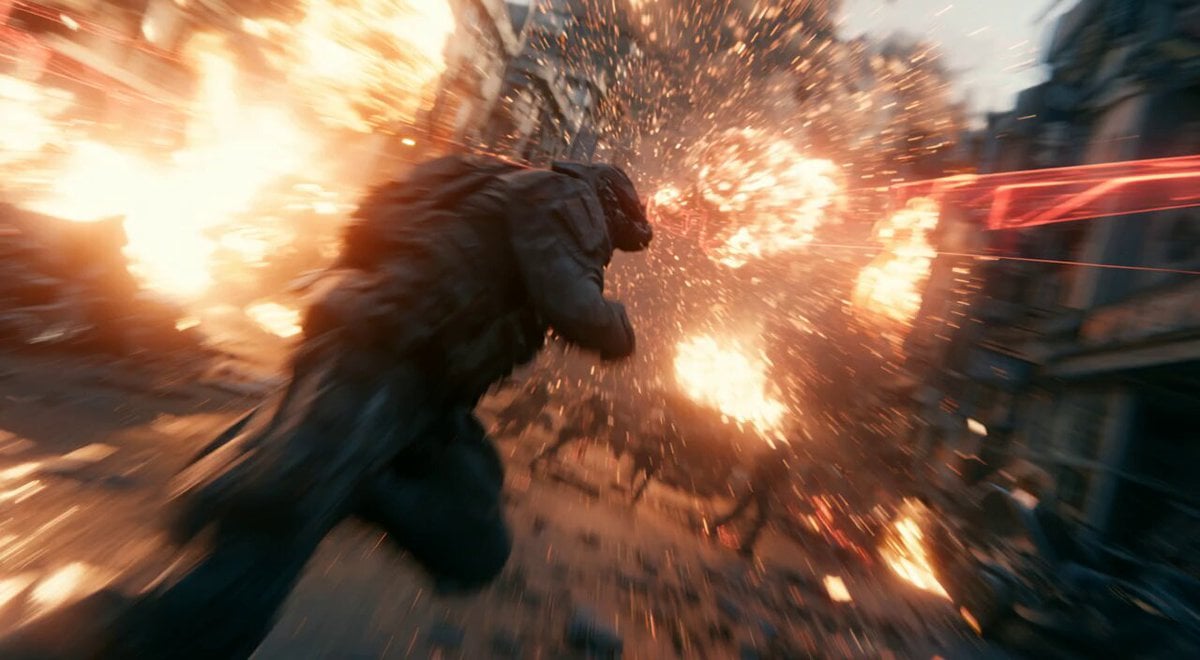
Modern Warfare Action Trailer JSON
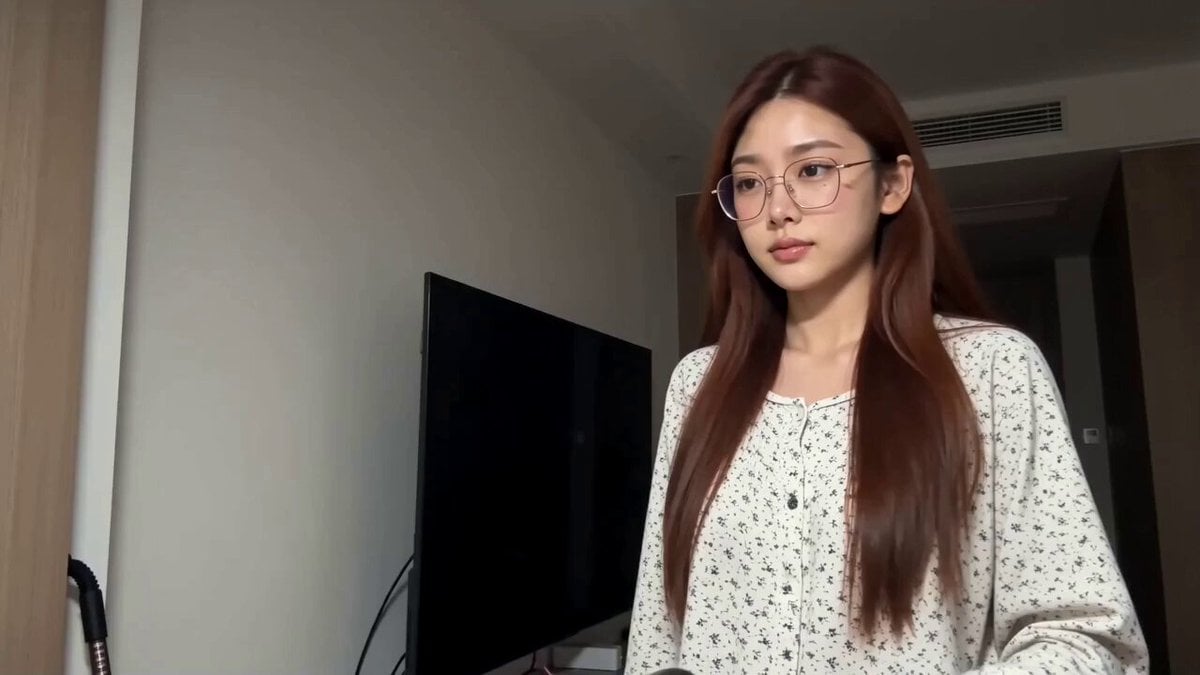
CD Transition Lifestyle Poster Video

Explorer discovering a hidden valley in the snow
Browse template categories
Magical Girl Transformation Sequence questions
How do I use the Magical Girl Transformation Sequence template?
Add your photo if the template asks for one, edit the prompt if you like — the template's model and format are already selected — and press Generate. Your version opens in PicX Studio.
Can I customize the Magical Girl Transformation Sequence template?
Yes. You can change the subject, setting, lighting, mood, format, and available model controls before creating your video.
Is the Magical Girl Transformation Sequence template free?
Opening and editing this template is free. Generating uses credits, shown on the Generate button when you are signed in.
Which AI model should I use?
Start with Seedance 2.0, which is the model associated with this template. You can compare another compatible model for a different finish.
Looking for something else? Browse all templates.

Your photo, any look
Thousands of ready templates for every top image and video model, from one credit balance.