
Cinematic Basketball Movie Sequence
A highly detailed multi-shot prompt for a basketball game, using multiple reference images for characters and environment.
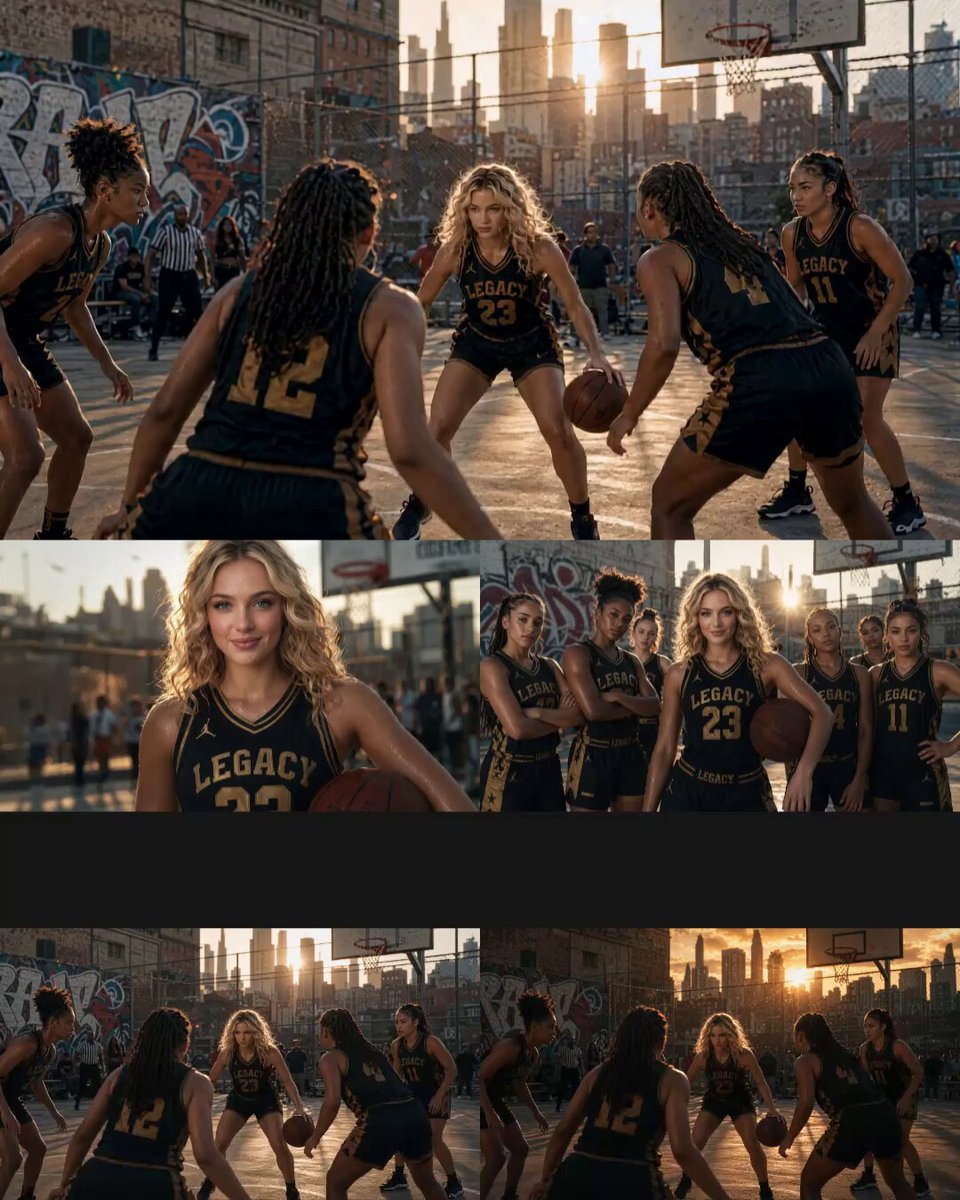
- Prompt included
- Model and format preset
- Premium template
The prompt behind this video
Copy the exact prompt behind Cinematic Basketball Movie Sequence, or open it in the studio and make it yours.
Create a cinematic basketball movie using Image1 as the main player, Image2 as teammates, Image3 as the outdoor urban basketball court, and Image4 as the golden-hour lighting atmosphere. Hyper-realistic sports broadcast aesthetic, dynamic handheld camera movement, cinematic depth of field, realistic sweat and jersey physics, smooth shot transitions, natural body proportions, photorealistic 8K quality. 0–2s: Wide sunset shot. The main player dribbles aggressively past defenders while teammates spread out. Low-angle tracking camera follows fast footwork and bouncing ball, energetic crowd in background. 2–5s: Medium tracking shot. Fast chest pass to teammate, followed by a smooth no-look behind-the-back return pass. Quick whip-pan camera movement follows the ball, defenders react late. 5–7s: Cinematic close-up. The main player catches the ball and performs a hesitation dribble, intense focus toward the hoop, sneaker scrape sounds, dramatic sunset rim lighting, shallow depth of field. 7–10s: Slow-motion finale. The main player jumps for a game-winning three-pointer. Orbit camera and slow dolly-in follow the ball into the net with realistic crowd reaction and cinematic sports-commercial ending. No onscreen text.
How to use Cinematic Basketball Movie Sequence in 3 steps
- 1
Open
The prompt is already in the box next to the preview, with the template's model and format selected.
- 2…a portrait of your subject in softgolden-hour light, 85mm…
Personalize
Edit the subject and creative details for your destination.
- 3Generate
Generate
Press Generate — your video is created in PicX Studio, so you can compare it with the original and refine one variable at a time.
More like this
Templates with the same subject, style or setup. Open one to see its prompt.

Sci-Fi Disaster Movie Scene - Seedance 2.5
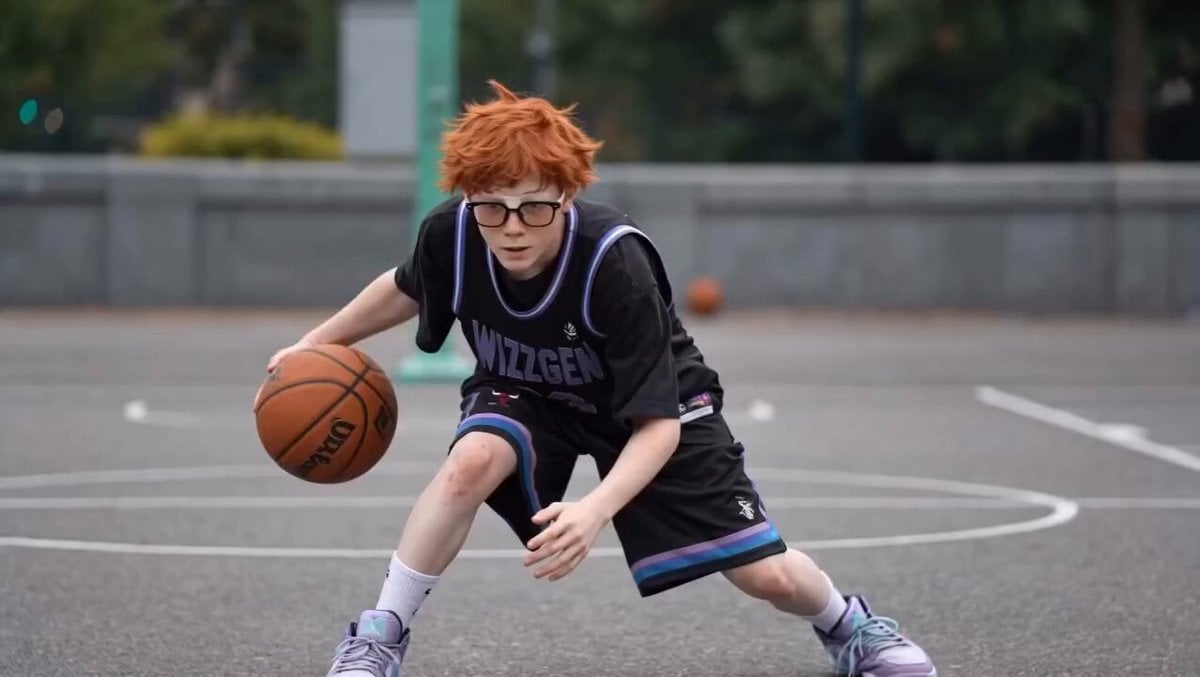
Basketball Player Action Sequence
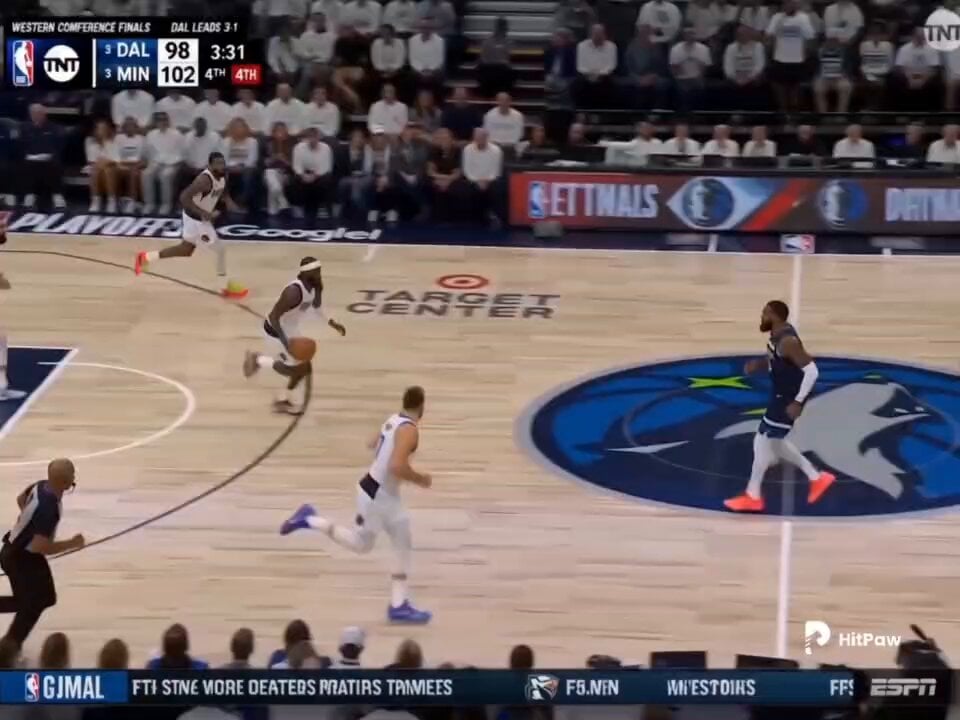
Basketball Broadcast Motion Sequence
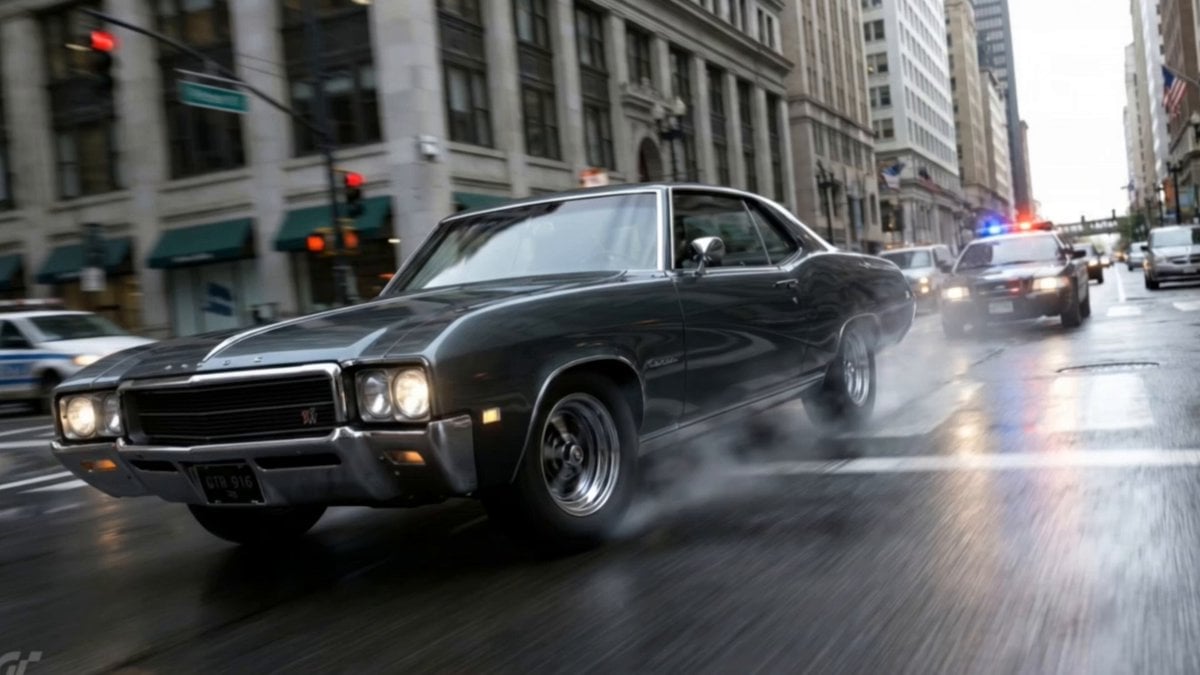
Action Movie Car Chase Sequence
Action movie end credits sequence

Maglev Train Action Sequence

Martial Arts Fight Sequence
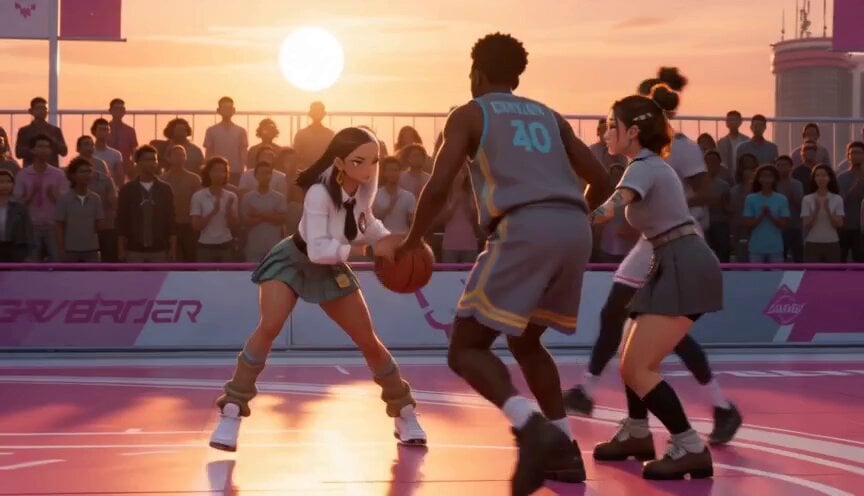
Anime and Live-Action Basketball Mix
Cinematic Samurai Duel Sequence
Cinematic Swordswoman Action Sequence
Cinematic Phoenix Summon Sequence
Martial Arts Warehouse Combat Sequence
Make it yours
Cinematic Basketball Movie Sequence works as-is. These are the safest ways to change it without losing the look.
Change one field
Copy a single group, rewrite it, and generate again so you can see what that field is doing.
Keep the frame, change the subject
Hold the composition and light of Cinematic Basketball Movie Sequence, then swap wardrobe, props or the person for a new take.
| If the result… | Why | Fix |
|---|---|---|
| The result drifts from the preview | Too many fields changed at once. | Reuse Cinematic Basketball Movie Sequence as-is first, then change one group — subject, light, or setting. |
| The model over-stylizes the scene | The prose prompt leaves finish and camera underspecified. | Add one camera or lighting sentence and stay on Seedance 2.0. |
More Seedance 2.0 templates
Other prompts made for Seedance 2.0.

Comical Martial Arts Punch Scene

Wuxia Protection and Trust Script

Vintage Korean Arcade MiniDV Vlog

Ancient Roman Celestial Flight

Mercedes 190 SL Luxury Ad

Rainy Night Supernatural Reverse Comedy Video Script

Amazon Civilization Discovery

Futuristic South Asian City Transformation

Cozy Luxury Cafe Commercial

Cyber Ronin Nanotech Transformation Video
More video prompts
Fresh picks from across the catalog.
1990s Horror Zombie Outbreak

DV Camcorder POV Gym Montage — Seedance 2.5
Continuous Planet Collapse Escape Sequence
Tokyo Urban Ink Splash Montage
Luxury Crimson Suede Heel Construction
Rousseau AI Talking Head
Ancient Book Stormy Sea Diorama

Red Dress Flower Field Dance Prompt
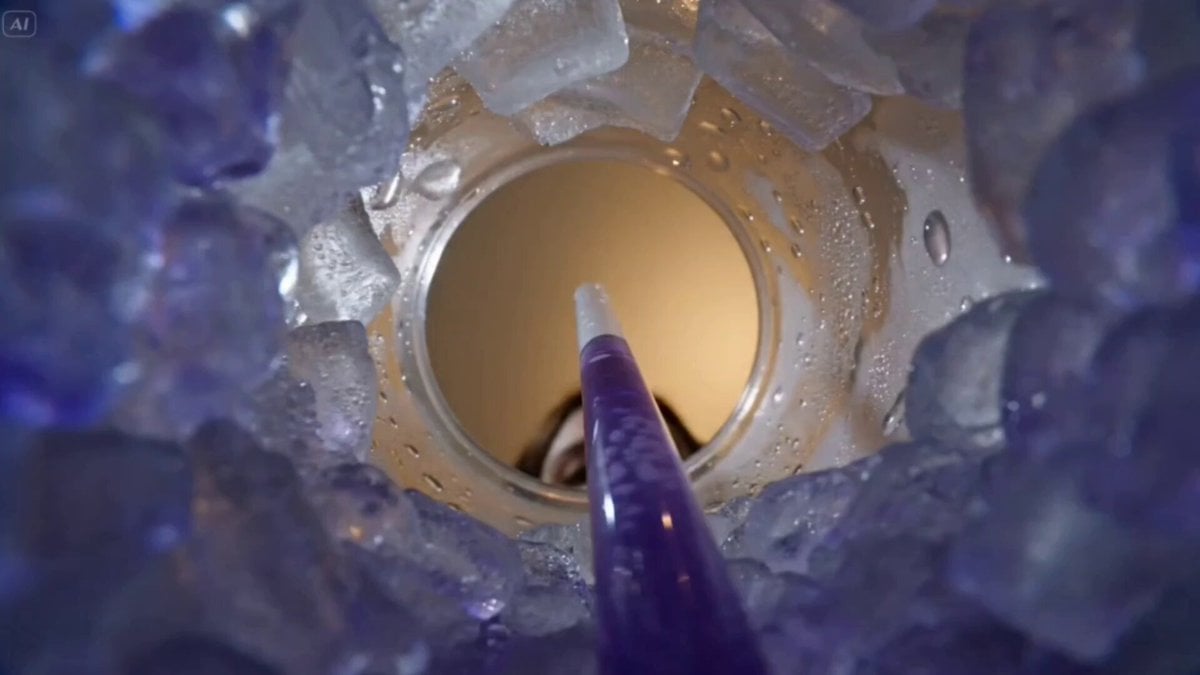
POV Shot from Inside Slushy Cup
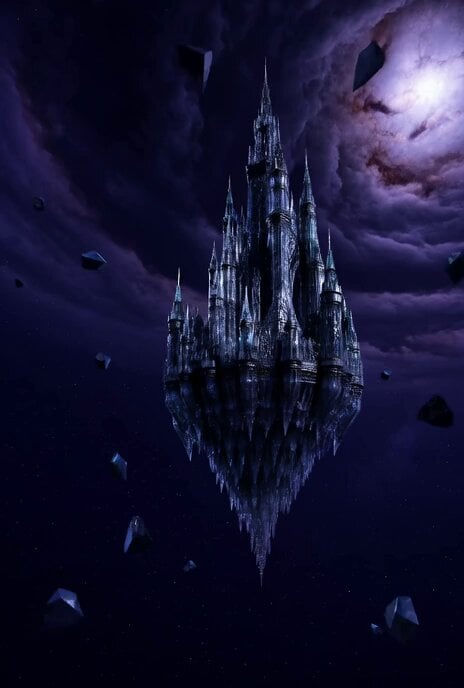
Floating Glass Castle in Cosmic Storm
Browse template categories
Cinematic Basketball Movie Sequence questions
How do I use the Cinematic Basketball Movie Sequence template?
Add your photo if the template asks for one, edit the prompt if you like — the template's model and format are already selected — and press Generate. Your version opens in PicX Studio.
Can I customize the Cinematic Basketball Movie Sequence template?
Yes. You can change the subject, setting, lighting, mood, format, and available model controls before creating your video.
Is the Cinematic Basketball Movie Sequence template free?
Opening and editing this template is free. Generating uses credits, shown on the Generate button when you are signed in.
Which AI model should I use?
Start with Seedance 2.0, which is the model associated with this template. You can compare another compatible model for a different finish.
Looking for something else? Browse all templates.

Your photo, any look
Thousands of ready templates for every top image and video model, from one credit balance.