How do I use the Anime and Live-Action Basketball Mix template?
Edit the prompt in the box under the preview — the template's model and format are already selected — and press Generate. Your version appears right on this page.
A mixed-media prompt integrating 2D anime characters into a photorealistic outdoor urban basketball court during sunset.
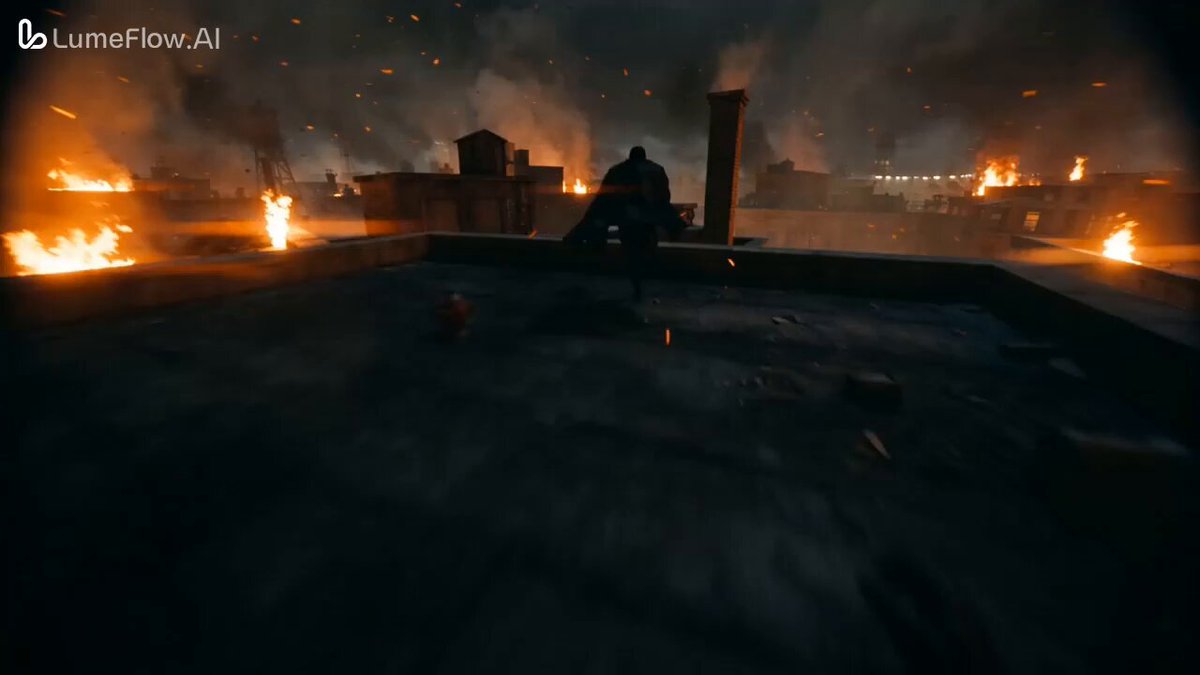
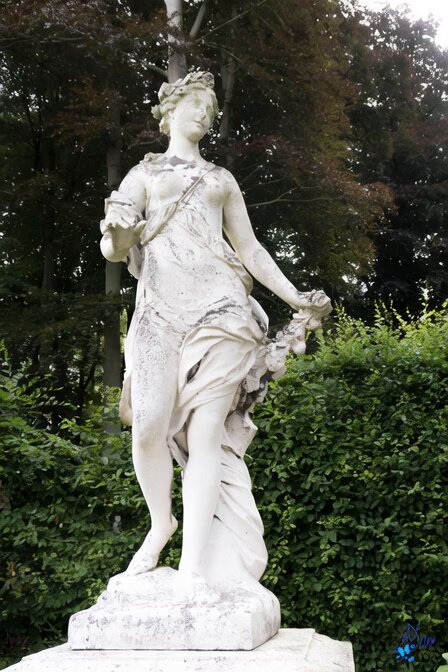
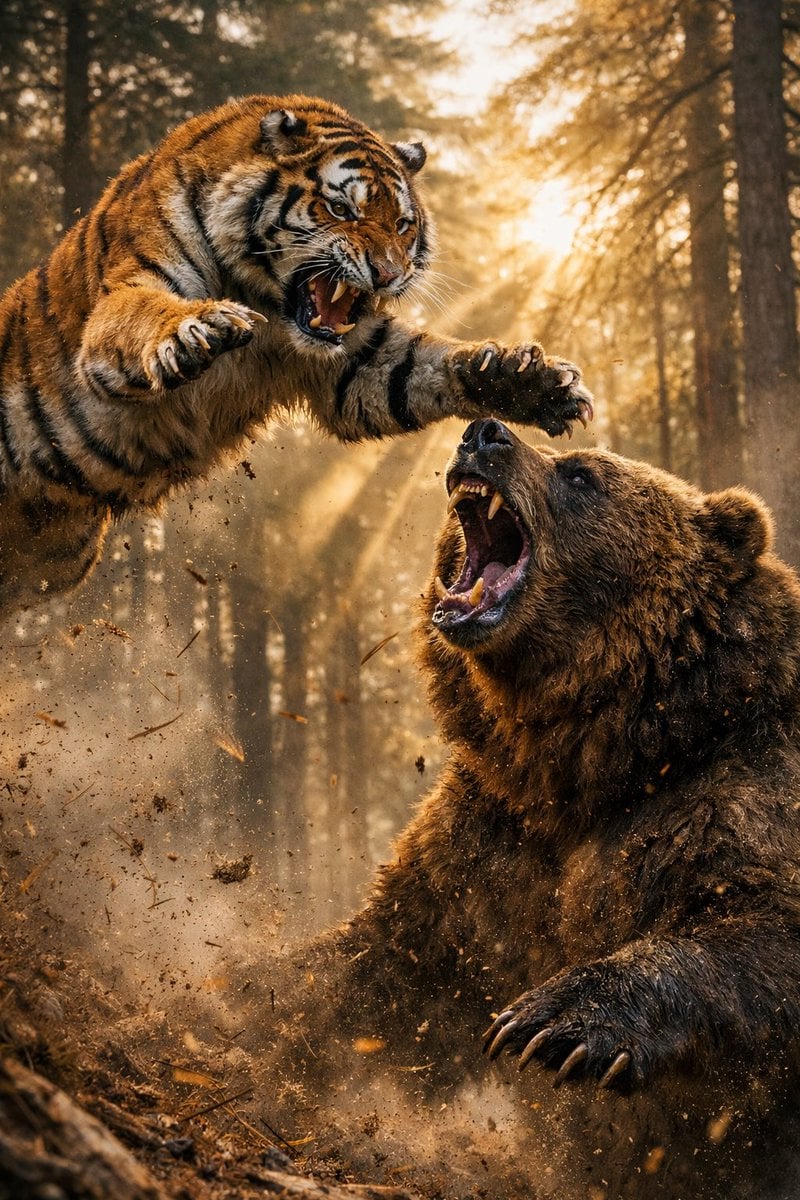
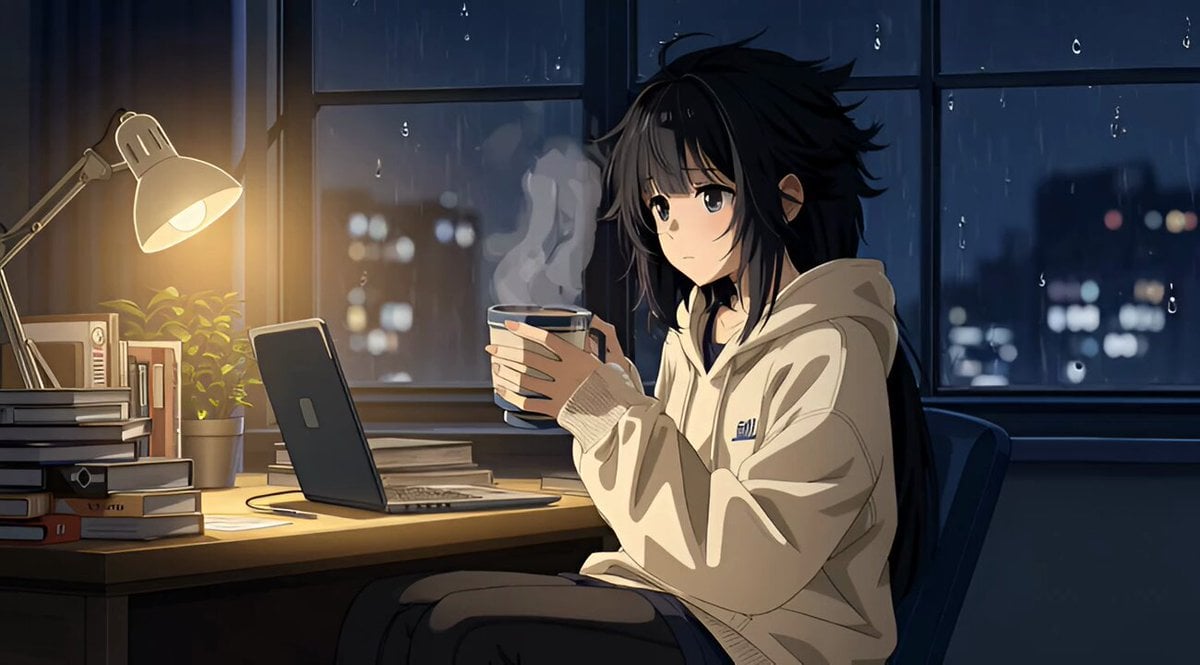
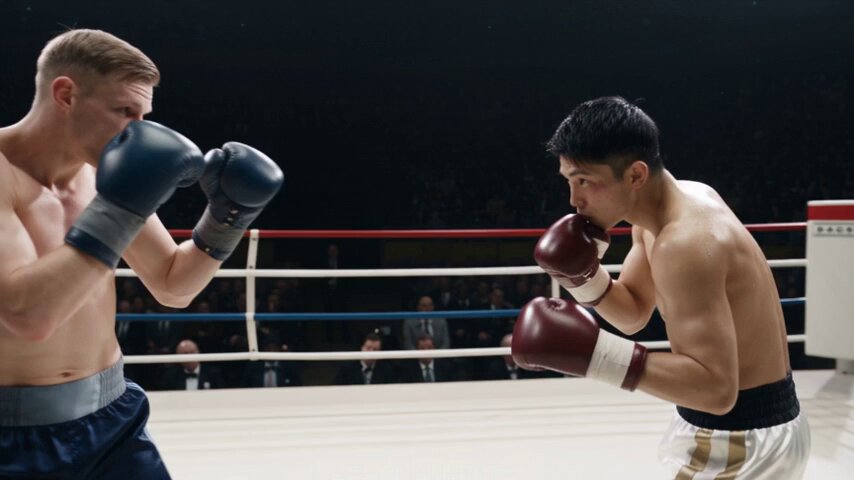
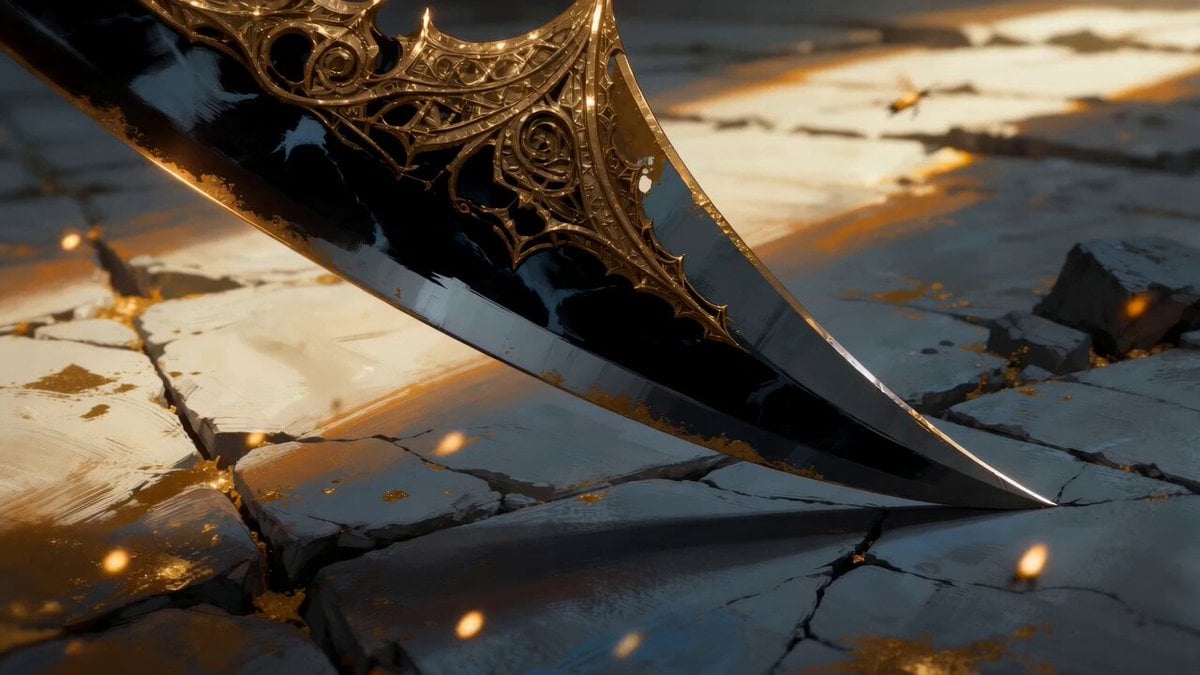
A mixed-media video featuring 2D anime characters @image1 @image2 and ultra-realistic live-action backgrounds @image3. Create a cinematic basketball movie using @image1 as the main player, @image2 as teammates, @image3 as the outdoor urban basketball court, and @image3 as the golden-hour lighting atmosphere. Hyper-realistic sports broadcast aesthetic, dynamic handheld camera movement, cinematic depth of field, realistic sweat and jersey physics, smooth shot transitions, natural body proportions, photorealistic 8K quality. Shot 1 (0-2s): Wide sunset shot. The main player dribbles aggressively past defenders while teammates spread out. Low-angle tracking camera follows fast footwork and bouncing ball, energetic crowd in background. Shot 2 (2-5s): Medium tracking shot. Fast chest pass to teammate, followed by a smooth no-look behind-the-back return pass. Quick whip-pan camera movement follows the ball, defenders react late. Shot 3 (5-7s): Cinematic close-up. The main player catches the ball and performs a hesitation dribble, intense focus toward the hoop, sneaker scrape sounds, dramatic sunset rim lighting, shallow depth of field. Shot 4 (7-10s): Slow-motion finale. The main player jumps for a game-winning three-pointer. Orbit camera and slow dolly-in follow the ball into the net with realistic crowd reaction and cinematic sports-commercial ending. No onscreen text.
A mixed-media video featuring 2D anime characters @image1 @image2 and ultra-realistic live-action backgrounds @image3. Create a cinematic basketball movie using @image1 as the main player, @image2 as teammates, @image3 as the outdoor urban basketball court, and @image3 as the golden-hour lighting atmosphere. Hyper-realistic sports broadcast aesthetic, dynamic handheld camera movement, cinematic depth of field, realistic sweat and jersey physics, smooth shot transitions, natural body proportions, photorealistic 8K quality. Shot 1 (0-2s): Wide sunset shot. The main player dribbles aggressively past defenders while teammates spread out. Low-angle tracking camera follows fast footwork and bouncing ball, energetic crowd in background. Shot 2 (2-5s): Medium tracking shot. Fast chest pass to teammate, followed by a smooth no-look behind-the-back return pass. Quick whip-pan camera movement follows the ball, defenders react late. Shot 3 (5-7s): Cinematic close-up. The main player catches the ball and performs a hesitation dribble, intense focus toward the hoop, sneaker scrape sounds, dramatic sunset rim lighting, shallow depth of field. Shot 4 (7-10s): Slow-motion finale. The main player jumps for a game-winning three-pointer. Orbit camera and slow dolly-in follow the ball into the net with realistic crowd reaction and cinematic sports-commercial ending. No onscreen text.
Edit the prompt in the box under the preview — the template's model and format are already selected — and press Generate. Your version appears right on this page.
Yes. You can change the subject, setting, lighting, mood, format, and available model controls before creating your video.
Opening and editing this template is free. Generating uses credits, shown on the Generate button when you are signed in.
Start with Seedance 2.0, which is the model associated with this template. You can compare another compatible model for a different finish.
Follow a topic to a crawlable collection of related PicX Studio templates.