
Korean Motorbike Delivery Action Video Prompt
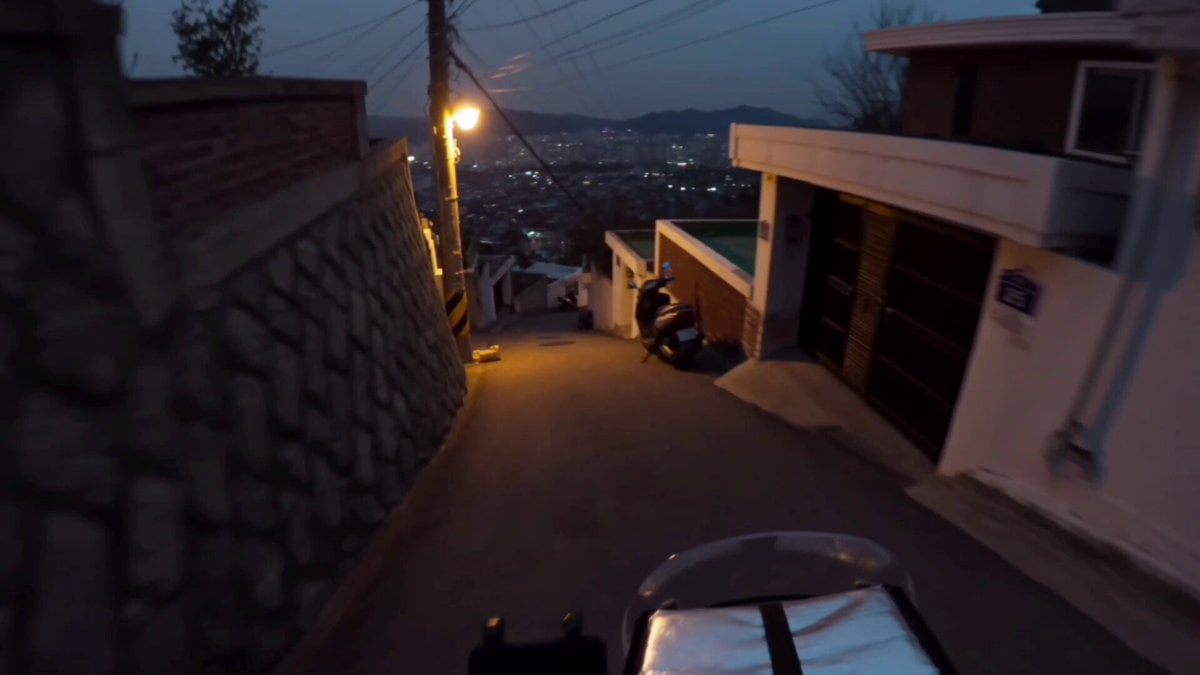
A fast-paced, urban delivery dash prompt set in Korean hillside streets, using an early 2010s action-cam aesthetic with heavy bike vibrations and realistic dialogue.
- Prompt included
- Model and format preset
- Free template
The prompt behind this video
Copy the exact prompt behind Korean Motorbike Delivery Action Video Prompt, or open it in the studio and make it yours.
Main Subject: Young Korean woman, early 20s, delivery helmet with visor up, windbreaker uniform jacket, fingerless gloves, focused determined energy, quick reflexes. Location: Narrow winding hillside streets in a Korean city at dusk, delivery route. Steep alleys, glowing streetlamps flickering on, scooters parked along walls, distant city lights below. No heavy traffic. Visual Style: Fast-paced realistic documentary tone, urgent urban energy, dusky transitional lighting. Camera Style: Early 2010s action-mounted camcorder feel but handheld, heavy shake from bike vibration, motion blur on turns, exposure shifting rapidly between streetlights and shadow. No stabilization. Timeline (15 sec, each slot = 2 compressed beats): 00:00–00:03 → She revs the scooter, then speeds off down a steep alley, engine whining. 00:03–00:06 → She leans hard into a sharp turn, then narrowly avoids a parked bicycle, laughing nervously after. 00:06–00:09 → She glances at a delivery bag on the back seat, then mutters "늦으면 안 되는데!" ("I really can't be late!"). 00:09–00:12 → She speeds up a final hill, then screeches to a stop in front of a doorway. 00:12–00:15 → She grabs the bag, running to the door, then turns back grinning "배달 완료!" ("Delivery complete!"), as the scene cuts. Audio: Engine revving, wind rushing past, tires skidding, distant city dusk ambience. Her dialogue as noted above. No music. Goal: A fast, urgent delivery dash thrilling, focused, alive with motion.
How to use Korean Motorbike Delivery Action Video Prompt in 3 steps
- 1
Open
The prompt is already in the box next to the preview, with the template's model and format selected.
- 2…a portrait of your subject in softgolden-hour light, 85mm…
Personalize
Edit the subject and creative details for your destination.
- 3Generate
Generate
Press Generate — your video is created in PicX Studio, so you can compare it with the original and refine one variable at a time.
More like this
Templates with the same subject, style or setup. Open one to see its prompt.
3D Animated Newspaper Delivery Short - Seedance 2.5
Korean Night Market Bullet-Time Scene - Seedance 2.5
Iced Coffee Dog Good-News Montage
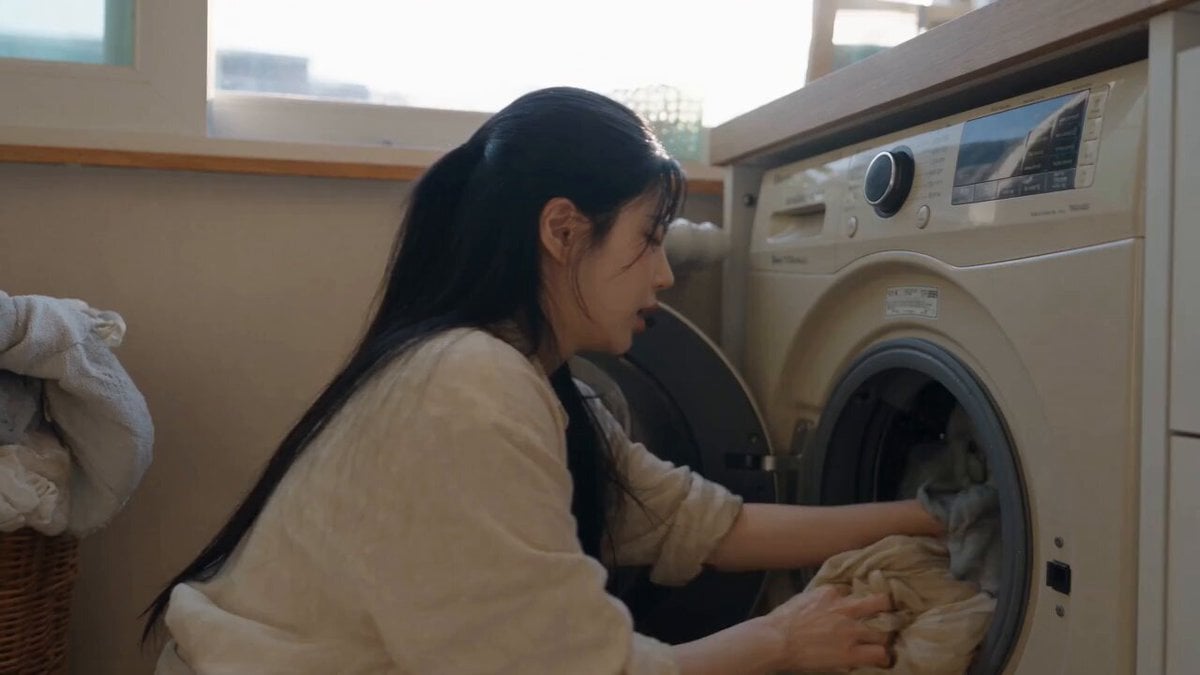
Sunny Morning Laundry Vlog
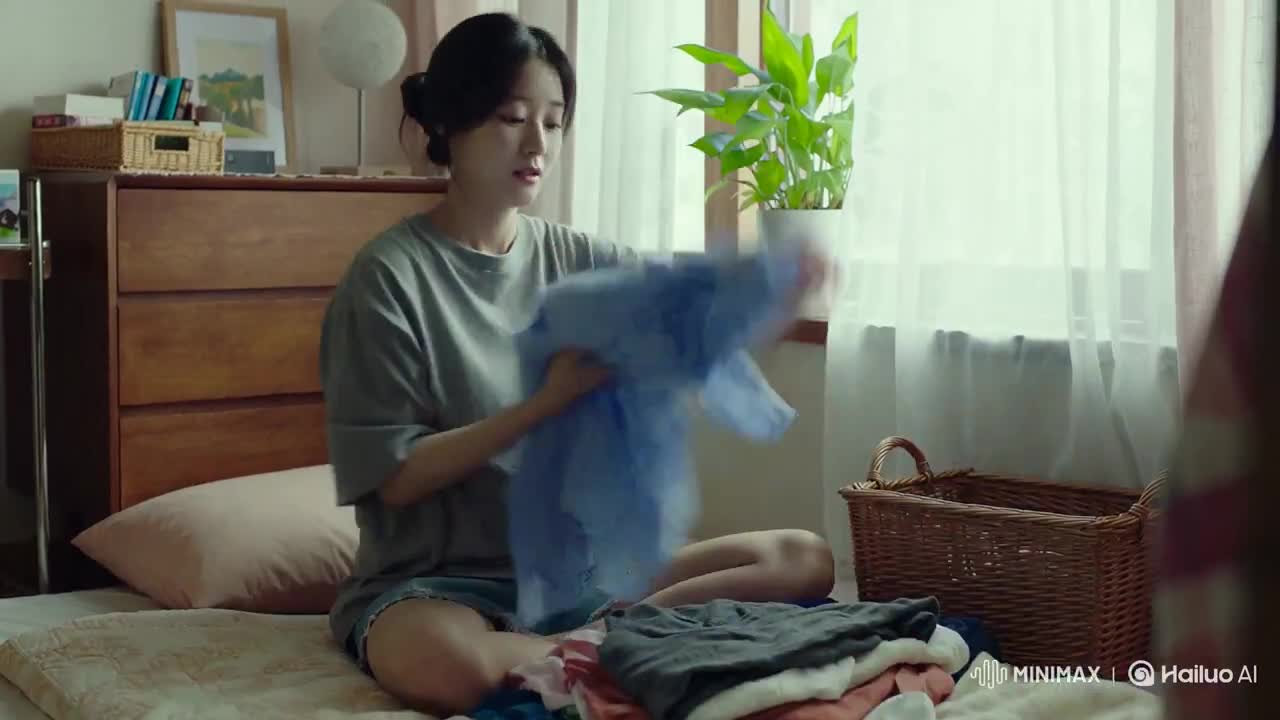
Korean Woman Laundry Folding DV Camcorder Morning
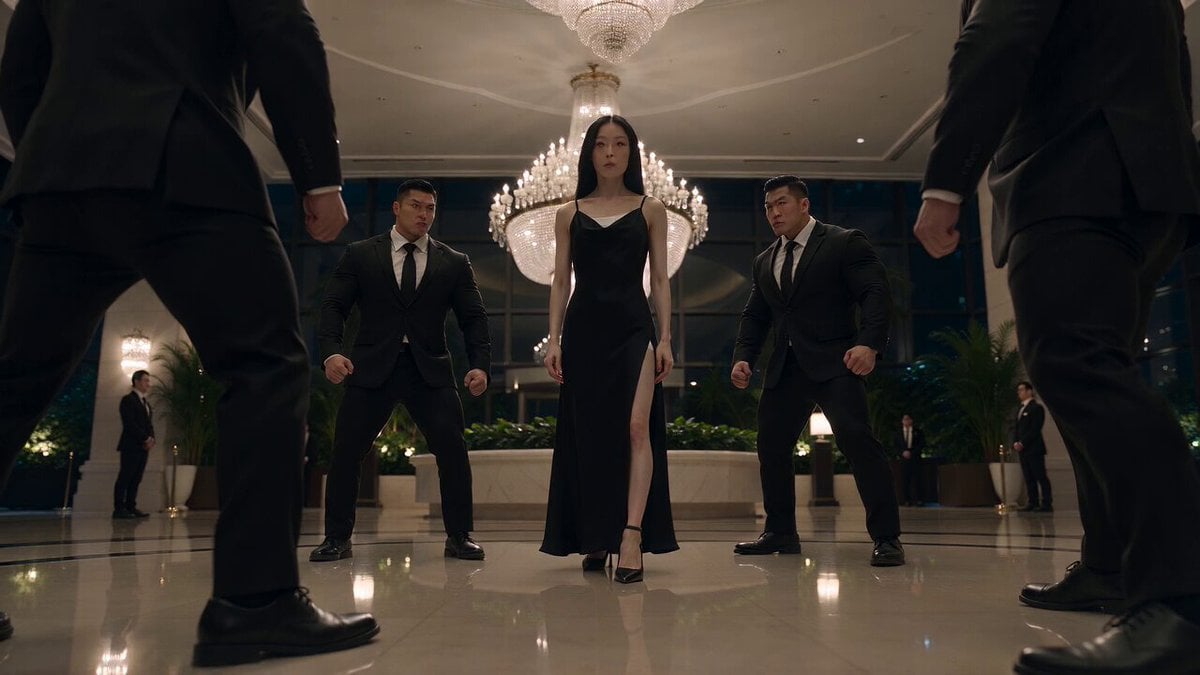
Cinematic Korean Action Stunt Sequence

Walking Factory with Rebel on Hoverbike - Wasteland
Thornmaw Monarch — Crimson Glass Desert Beast
Warhorse Sprint on Cliff Aqueduct
Parametric Fight Scenes Seedance
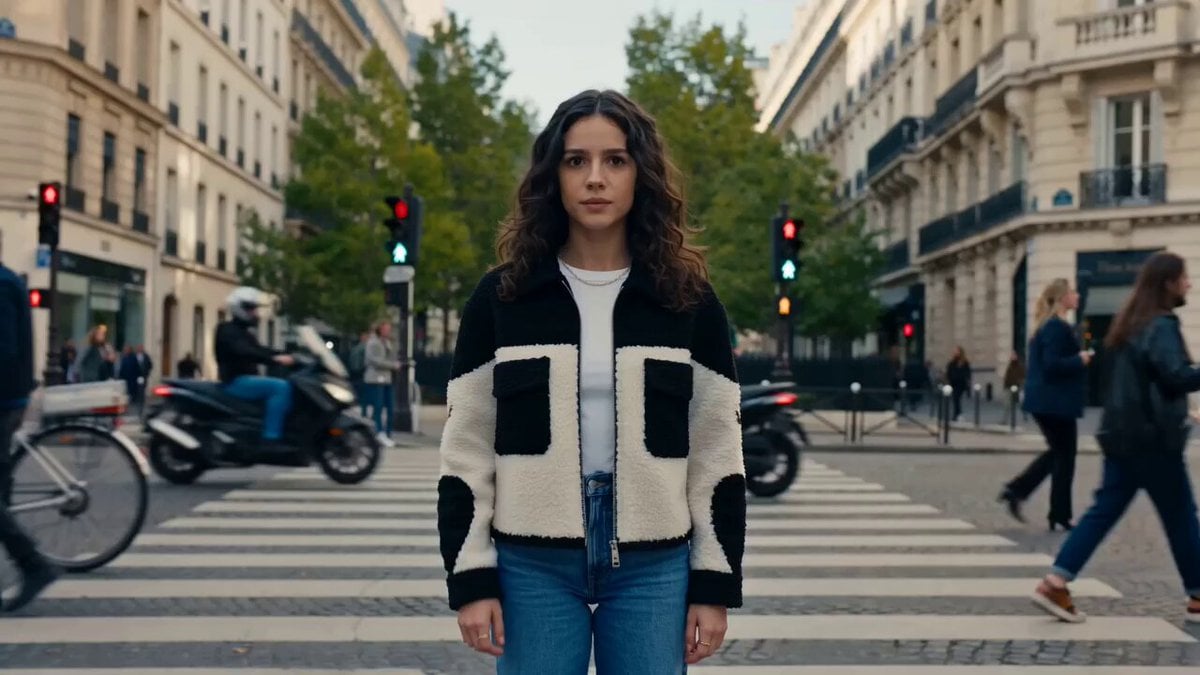
Nano Banana Seedance Time Control Streets
Colossal Sea Creature — Stormy Shore Charge (Seedance)
Make it yours
Korean Motorbike Delivery Action Video Prompt works as-is. These are the safest ways to change it without losing the look.
Change one field
Copy a single group, rewrite it, and generate again so you can see what that field is doing.
Keep the frame, change the subject
Hold the composition and light of Korean Motorbike Delivery Action Video Prompt, then swap wardrobe, props or the person for a new take.
| If the result… | Why | Fix |
|---|---|---|
| The result drifts from the preview | Too many fields changed at once. | Reuse Korean Motorbike Delivery Action Video Prompt as-is first, then change one group — subject, light, or setting. |
| The model over-stylizes the scene | The prose prompt leaves finish and camera underspecified. | Add one camera or lighting sentence and stay on Seedance 2.0. |
More Seedance 2.0 templates
Other prompts made for Seedance 2.0.

Comical Martial Arts Punch Scene

Maglev Train Action Sequence

Martial Arts Fight Sequence

Wuxia Protection and Trust Script

Vintage Korean Arcade MiniDV Vlog

Mercedes 190 SL Luxury Ad

Rainy Night Supernatural Reverse Comedy Video Script

Amazon Civilization Discovery

Futuristic South Asian City Transformation

Cozy Luxury Cafe Commercial
More video prompts
Fresh picks from across the catalog.
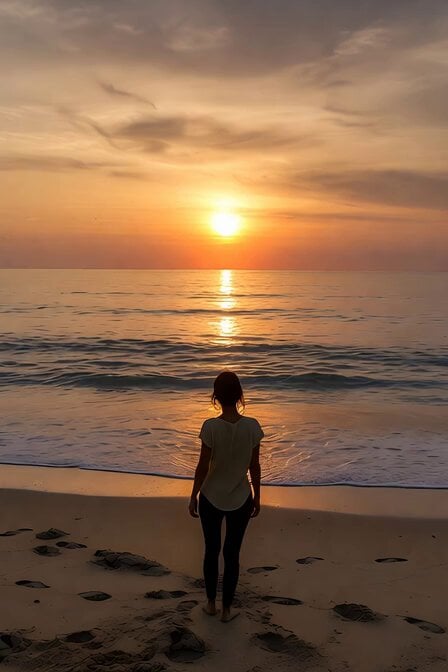
Serene Sunset Beach Scene
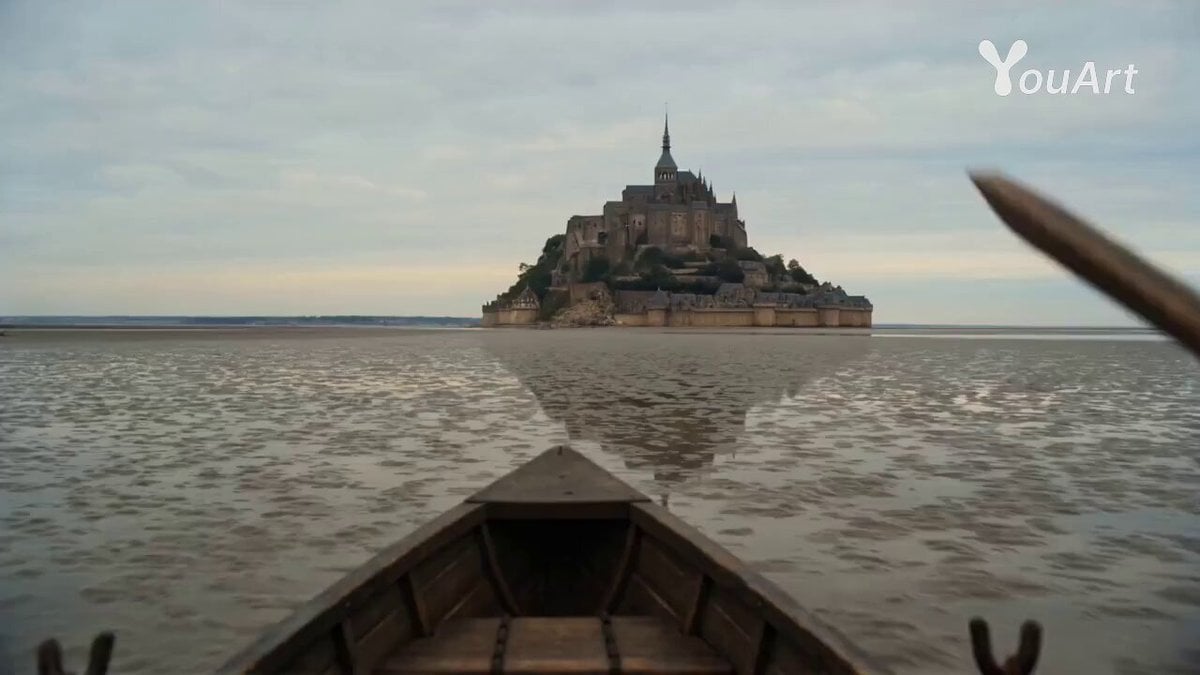
POV: Main Character in Mont Saint Michel
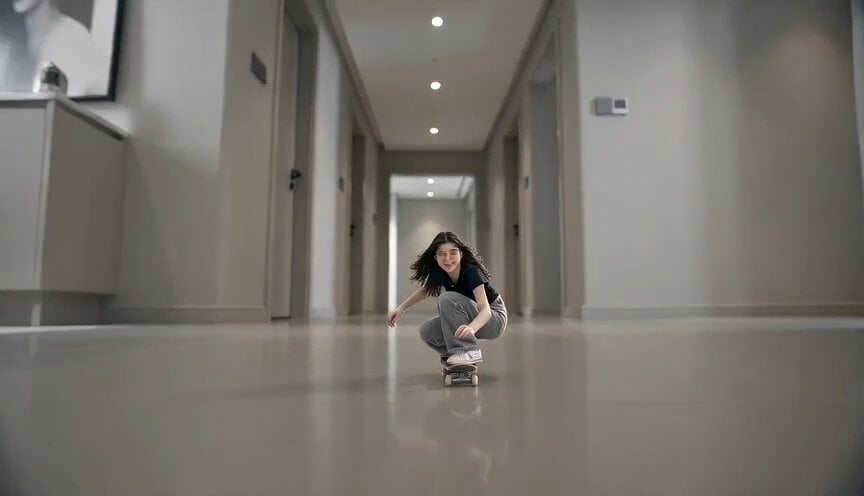
Miniature Skateboarder Bedroom Chase
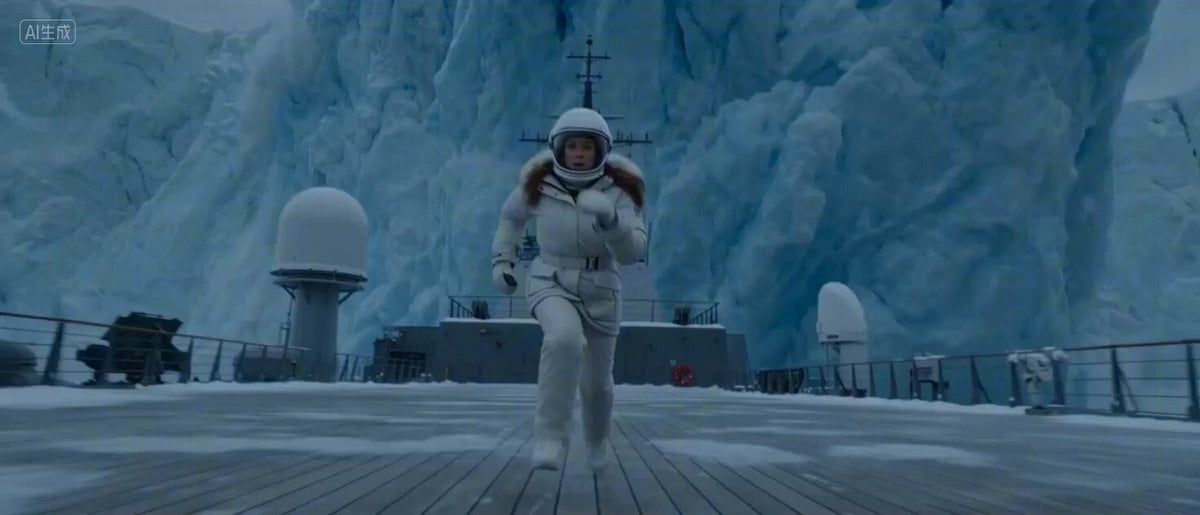
Arctic Glacier Collapse and Snowmobile Escape
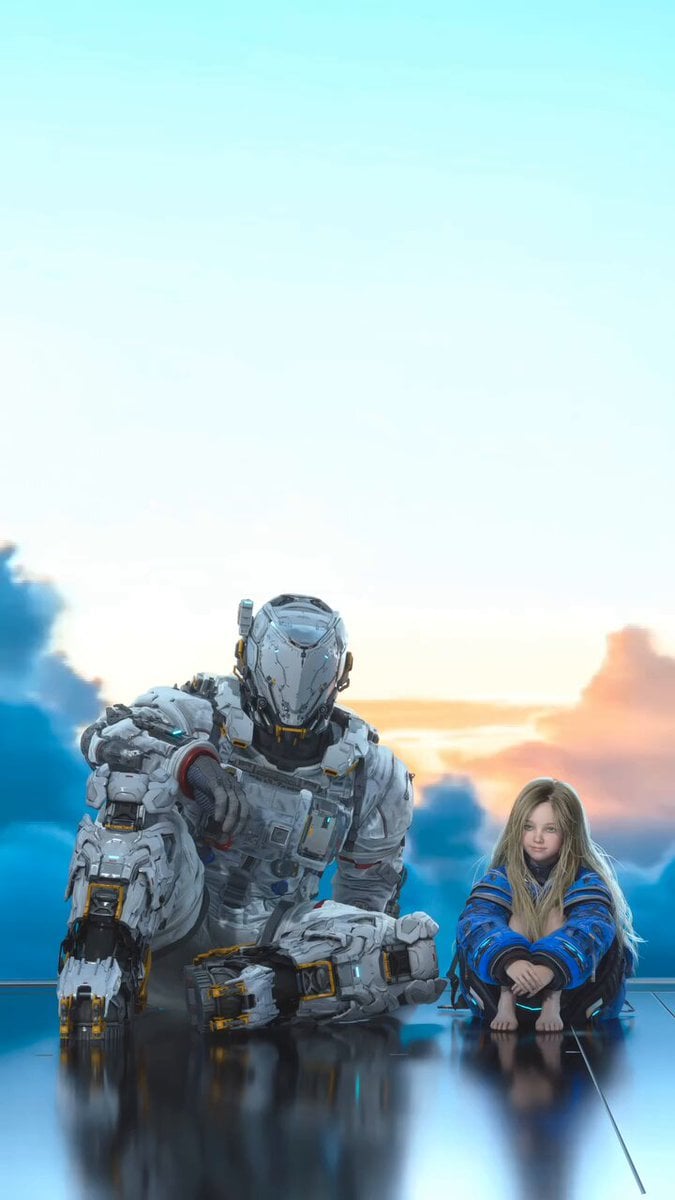
Robot and Girl at Sunset

Art Deco desert goddess scene video prompt
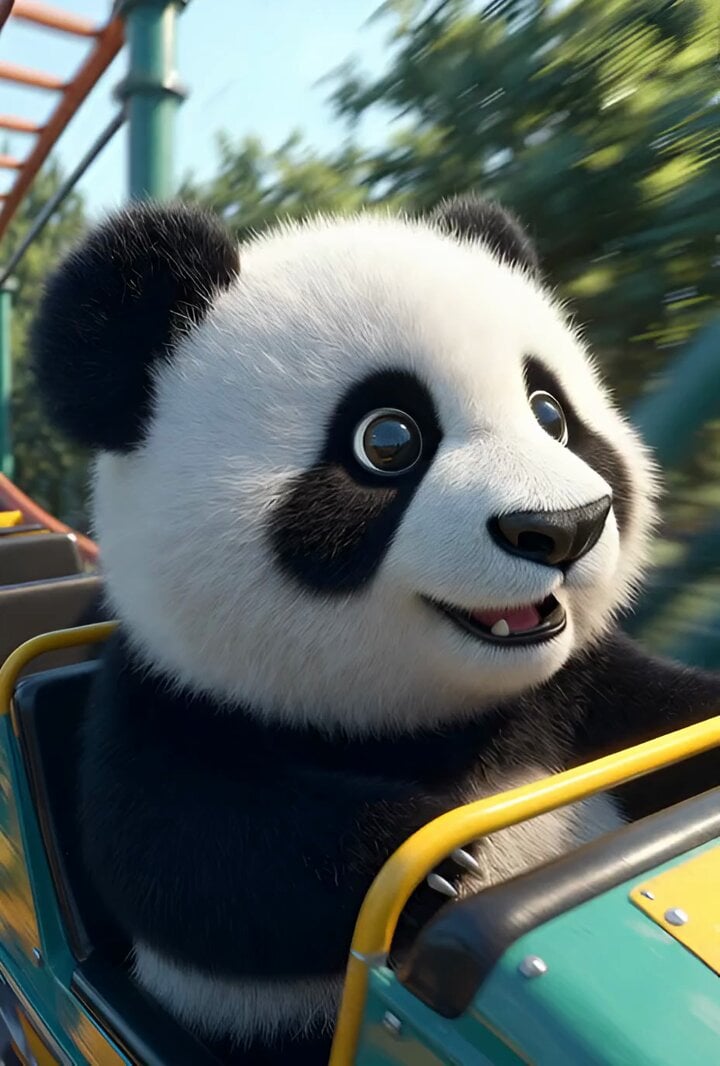
Cartoon panda on a roller coaster
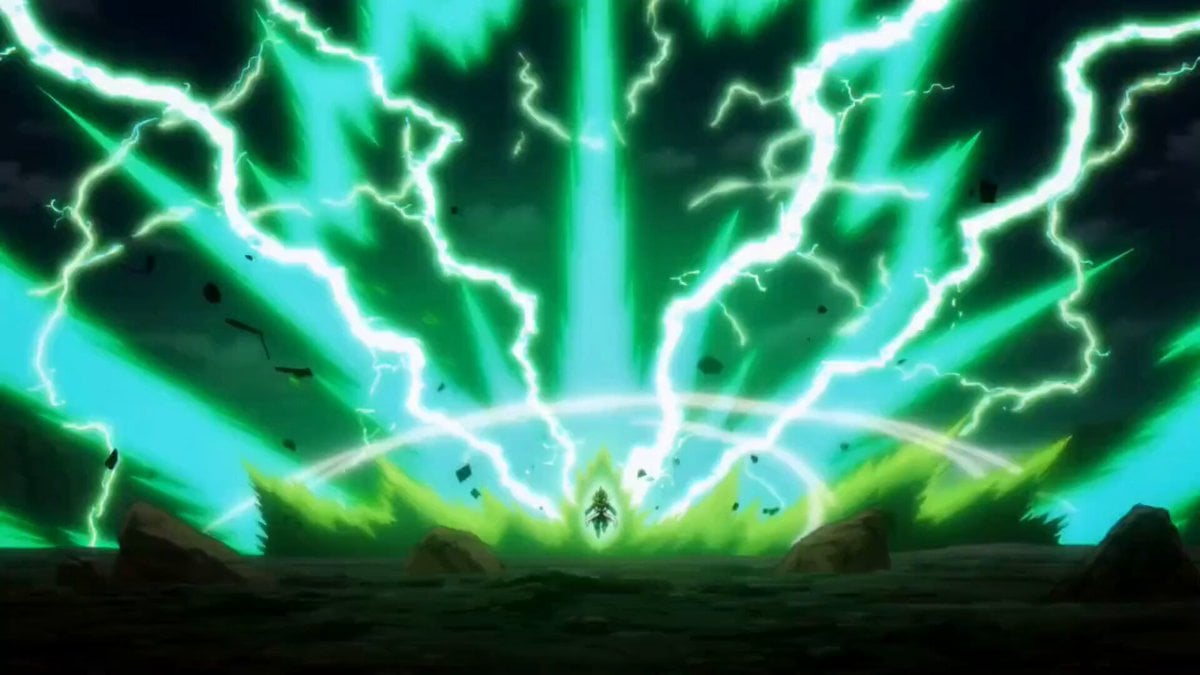
Vegeta Super Saiyan 100 vs Base Goku Prompt
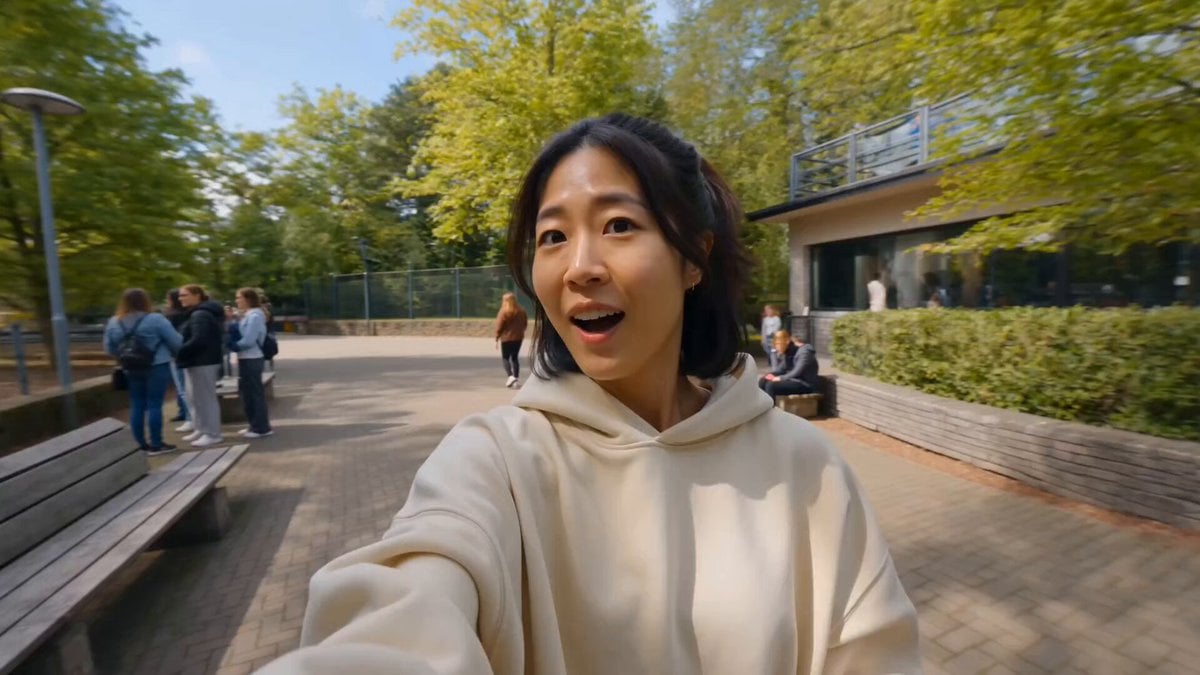
Tiger Zoo Selfie Vlog
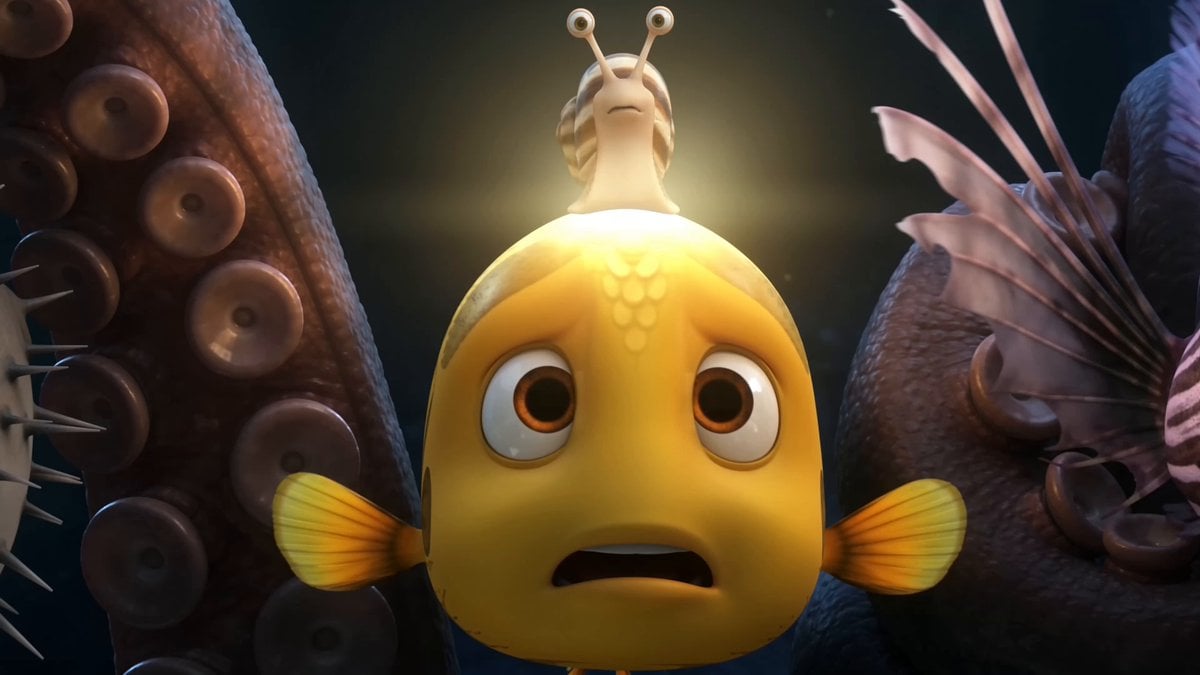
Pixar Style Underwater Squid Animation
Browse template categories
Korean Motorbike Delivery Action Video Prompt questions
How do I use the Korean Motorbike Delivery Action Video Prompt template?
Add your photo if the template asks for one, edit the prompt if you like — the template's model and format are already selected — and press Generate. Your version opens in PicX Studio.
Can I customize the Korean Motorbike Delivery Action Video Prompt template?
Yes. You can change the subject, setting, lighting, mood, format, and available model controls before creating your video.
Is the Korean Motorbike Delivery Action Video Prompt template free?
Opening and editing this template is free. Generating uses credits, shown on the Generate button when you are signed in.
Which AI model should I use?
Start with Seedance 2.0, which is the model associated with this template. You can compare another compatible model for a different finish.
Looking for something else? Browse all templates.

Your photo, any look
Thousands of ready templates for every top image and video model, from one credit balance.