
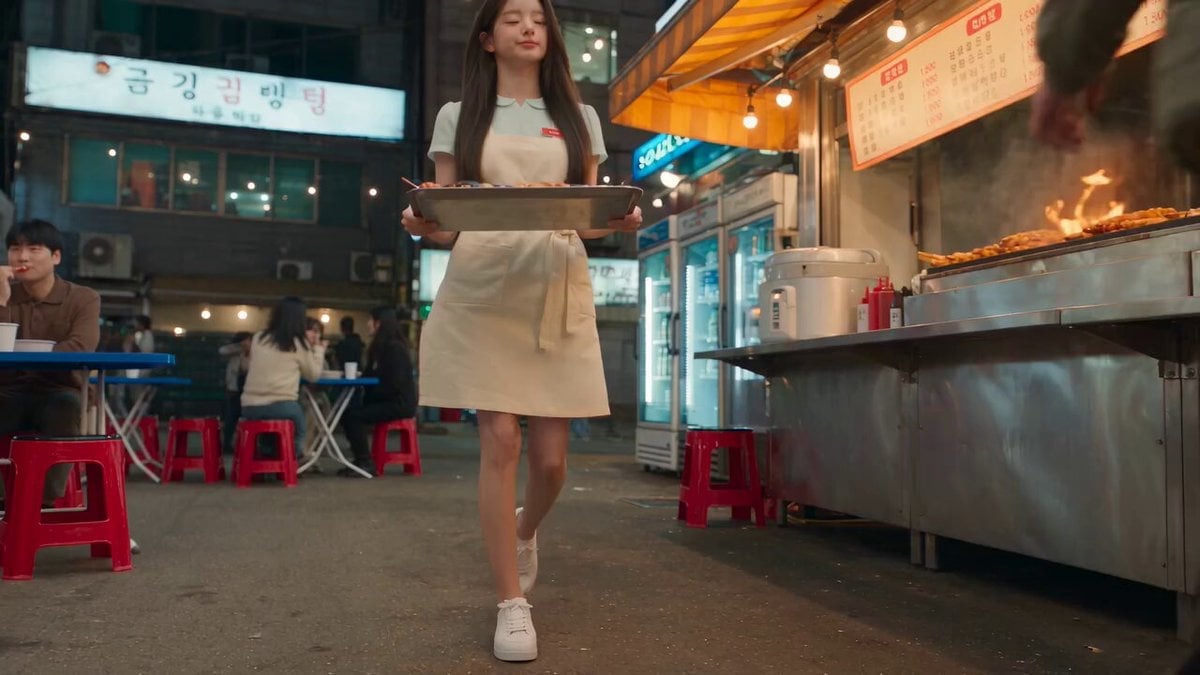
Korean Night Market Bullet-Time Scene - Seedance 2.5
An action-oriented video prompt describing a food stall collision that shifts into dramatic ultra-slow motion with cinematic lighting.
- Prompt included
- Model and format preset
- Free template
The prompt behind this video
Copy the exact prompt behind Korean Night Market Bullet-Time Scene - Seedance 2.5, or open it in the studio and make it yours.
A young Korean woman wearing a light teal collared top, white apron, and name tag ("LUMI") walks through a busy, brightly lit night street market holding a metal tray of street food skewers and tteokbokki. She bumps into a passerby, sending the metal tray and colorful skewers exploding into mid-air. As the food spills, time suddenly slows into ultra-slow motion. She turns around startled, but then smoothly regains her composure. Watching the floating skewers in dramatic matrix-style slow motion, she casually plucks a piece of food out of mid-air, pops it into her mouth, and walks off-camera smiling. Time resumes instantly, and the food crashes violently onto the pavement behind her. Cinematic lighting, warm street stall ambiance, dramatic bullet-time effect.
How to use Korean Night Market Bullet-Time Scene - Seedance 2.5 in 3 steps
- 1
Open
The prompt is already in the box next to the preview, with the template's model and format selected.
- 2…a portrait of your subject in softgolden-hour light, 85mm…
Personalize
Edit the subject and creative details for your destination.
- 3Generate
Generate
Press Generate — your video is created in PicX Studio, so you can compare it with the original and refine one variable at a time.
More like this
Templates with the same subject, style or setup. Open one to see its prompt.
Late Night Kitchen Phone Recording - Seedance 2.5

Wholesome Puppy and Kitten Story - Seedance 2.5

Mysterious Home Exploration Vlog - Seedance 2.5
Dark Tokusatsu Transformation - Seedance 2.5

Cinematic Xinjiang Drone Landscapes - Seedance 2.5
3D Animated Cat and Old Man - Seedance
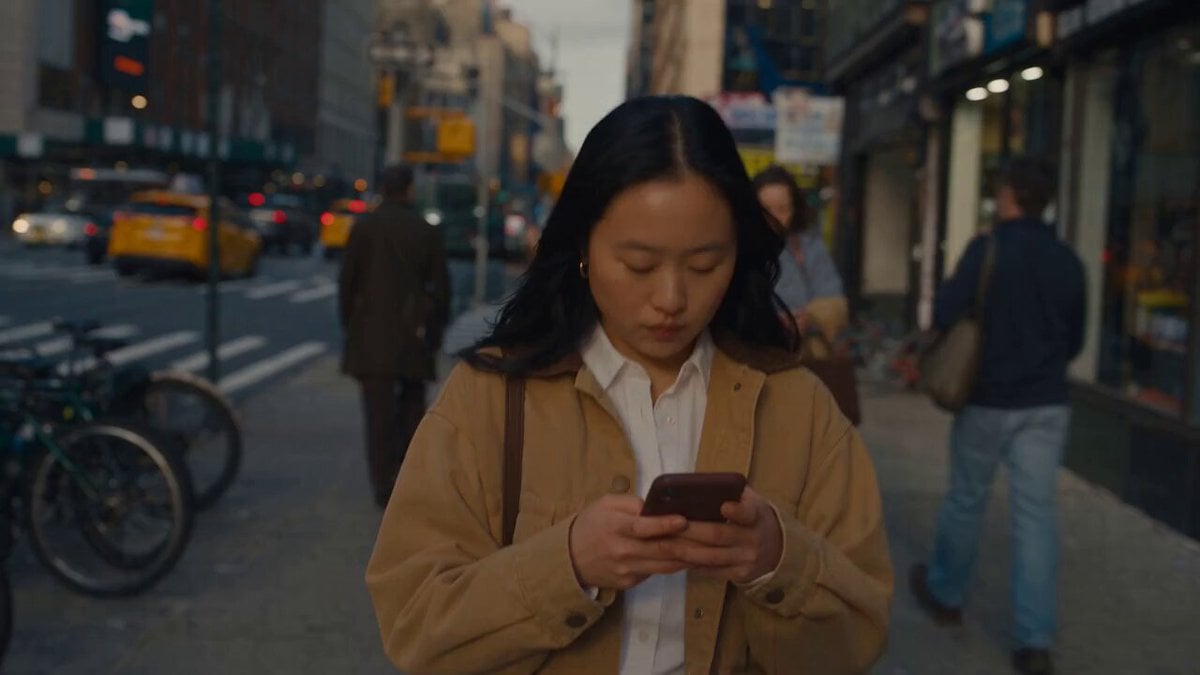
Realistic City Street Story Cinematic Video - Seedance
Bullet Time Selfie — Modular Parameter Template (Seedance)
Rainforest Thriller — Searching the Unseen
Civilization Timelapse — Centuries in One Shot
Asteroid Impact City Destruction

Neon Night Market Time Travelers
Make it yours
Korean Night Market Bullet-Time Scene - Seedance 2.5 works as-is. These are the safest ways to change it without losing the look.
Change one field
Copy a single group, rewrite it, and generate again so you can see what that field is doing.
Keep the frame, change the subject
Hold the composition and light of Korean Night Market Bullet-Time Scene - Seedance 2.5, then swap wardrobe, props or the person for a new take.
| If the result… | Why | Fix |
|---|---|---|
| The result drifts from the preview | Too many fields changed at once. | Reuse Korean Night Market Bullet-Time Scene - Seedance 2.5 as-is first, then change one group — subject, light, or setting. |
| The model over-stylizes the scene | The prose prompt leaves finish and camera underspecified. | Add one camera or lighting sentence and stay on Seedance 2.5. |
More Seedance 2.5 templates
Other prompts made for Seedance 2.5.
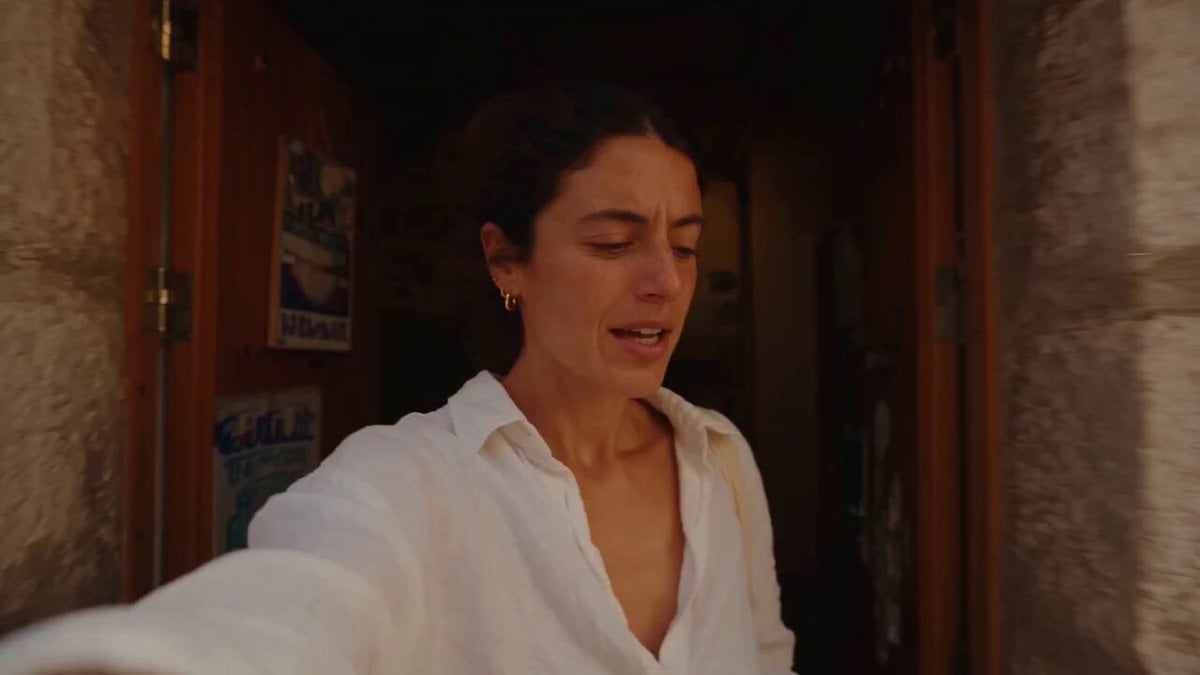
Mediterranean Coffee Run Vlog - Seedance 2.5
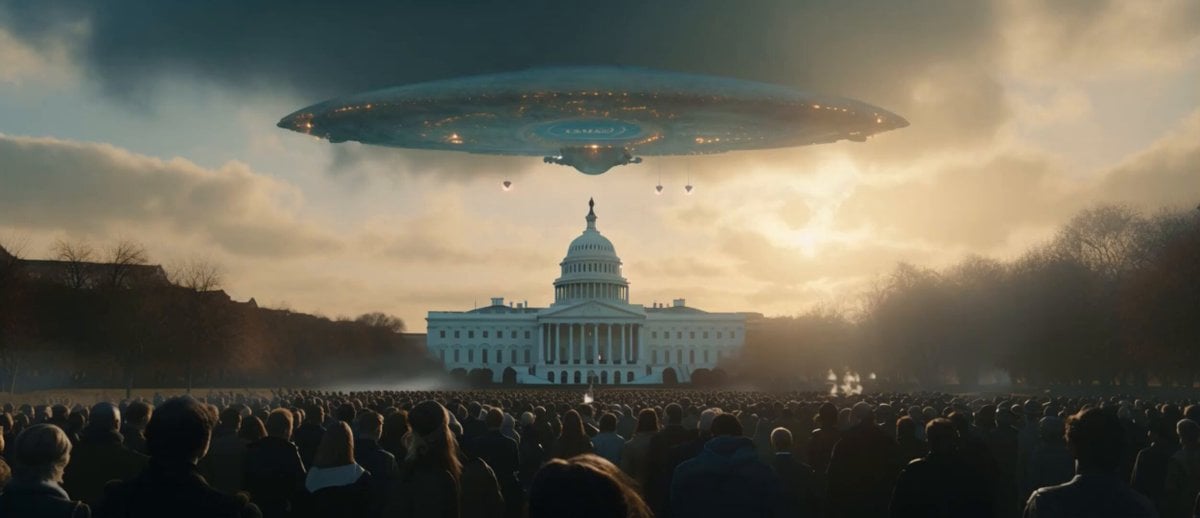
Sci-Fi Disaster Movie Scene - Seedance 2.5
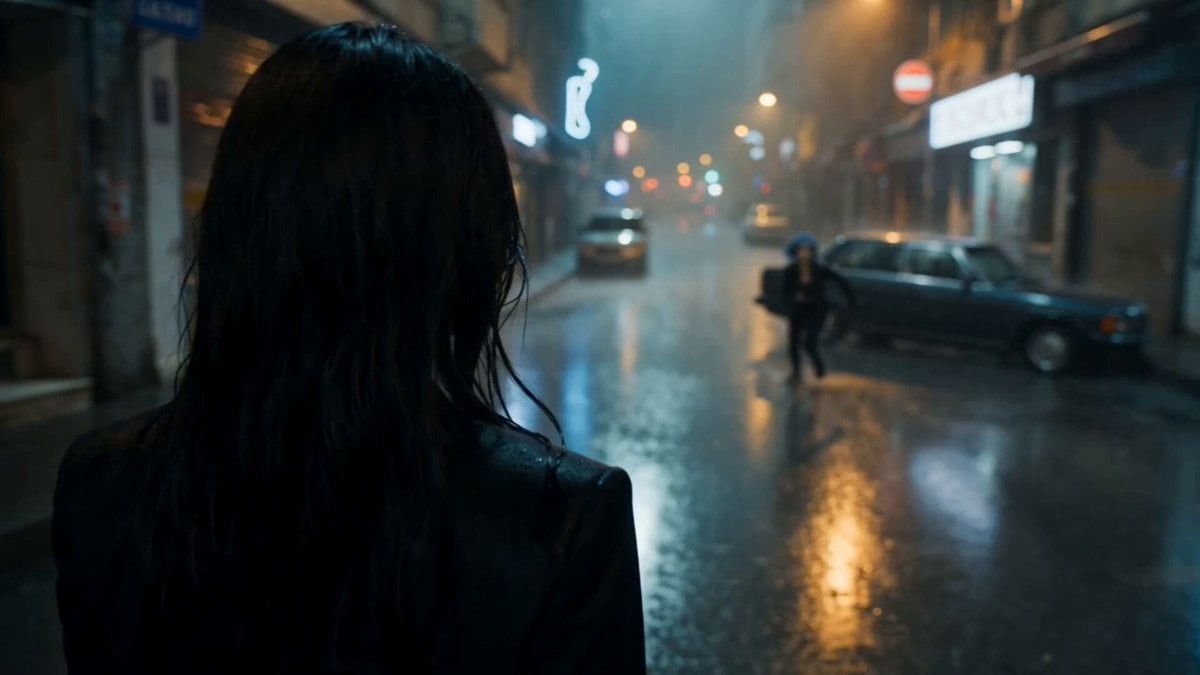
Cinematic Istanbul Night Fight - Seedance 2.5
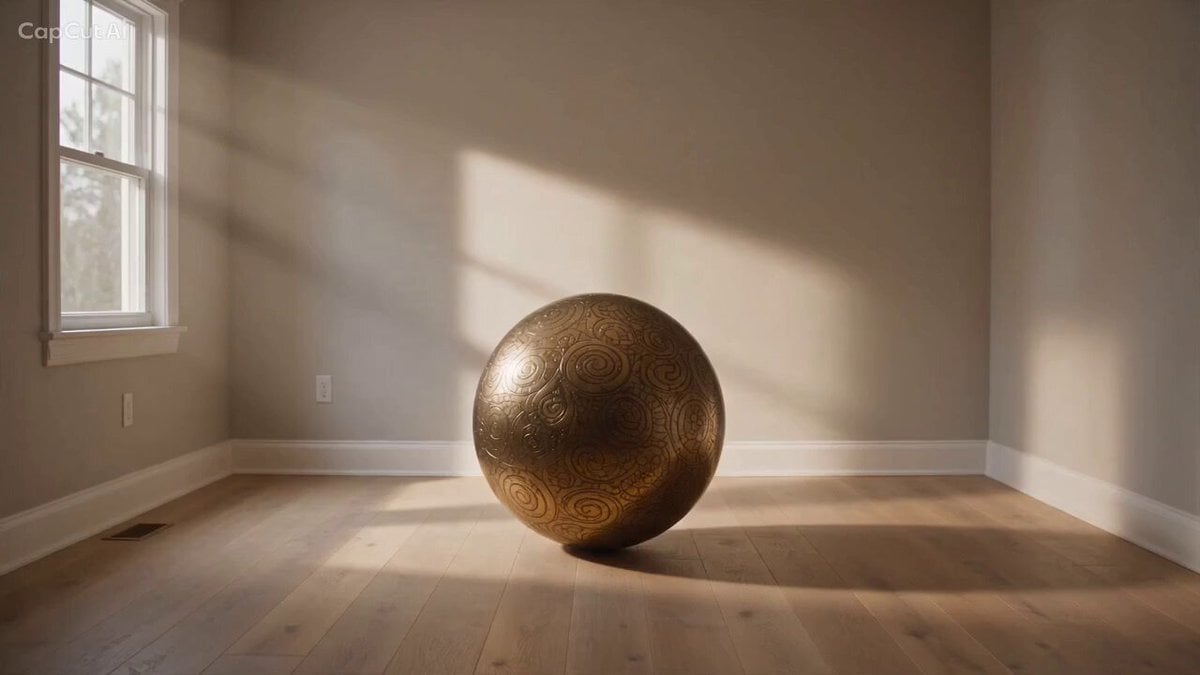
Magical Room Transformation - Seedance 2.5

Realistic UGC Cleanser Review - Seedance 2.5
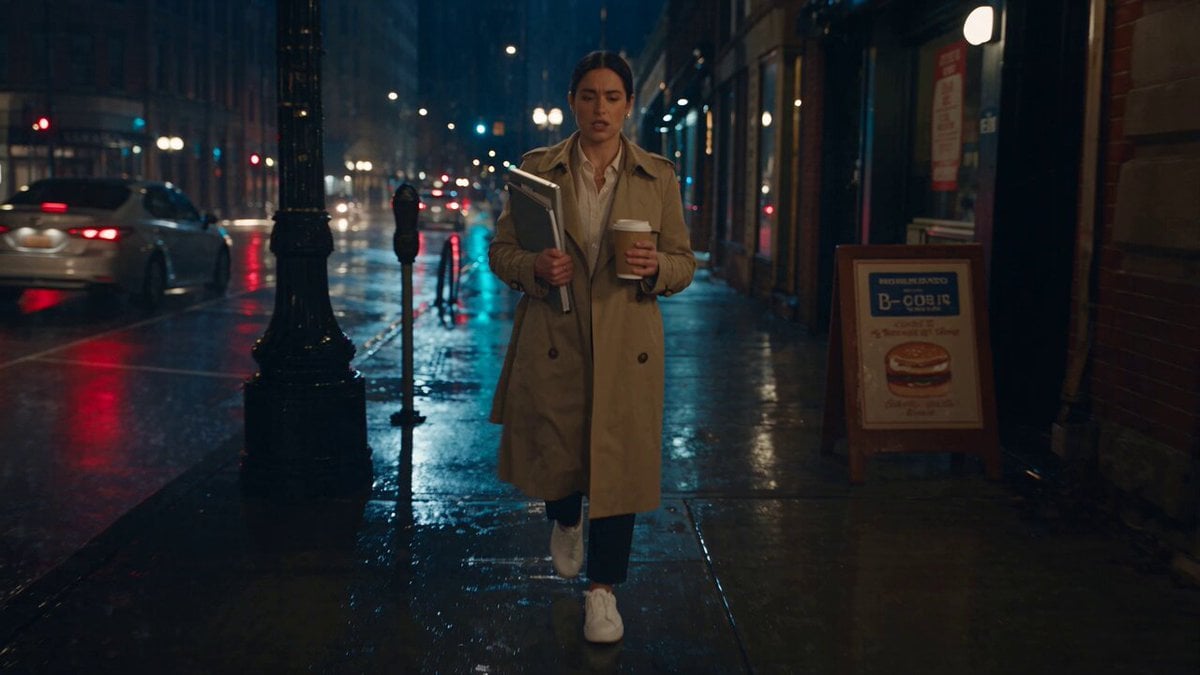
Viking in Modern America Comedy - Seedance 2.5
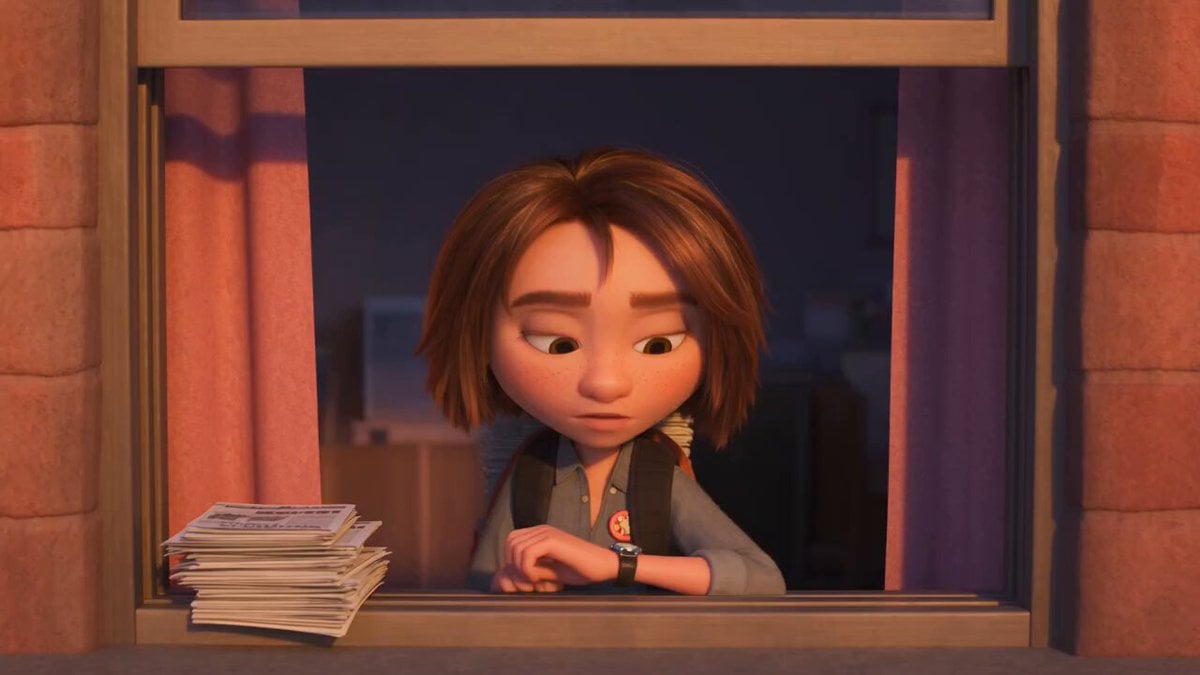
3D Animated Newspaper Delivery Short - Seedance 2.5
Cyberpunk Holographic Dance Performance - Seedance 2.5
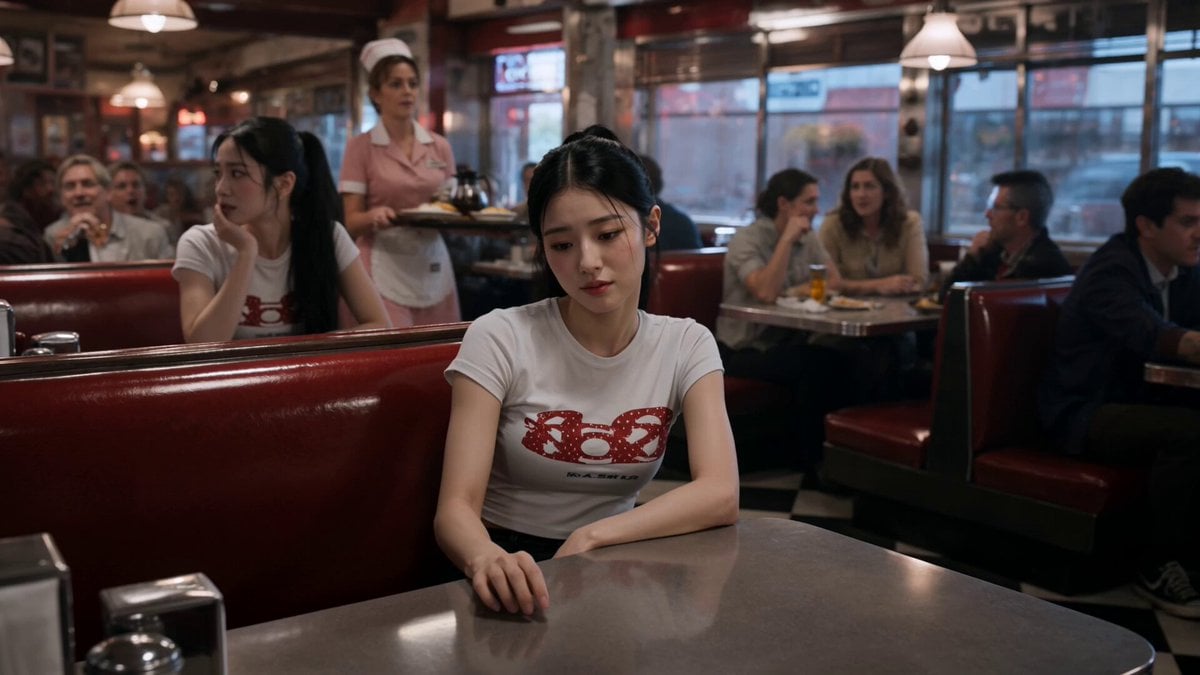
Slow-Motion 90s Diner Explosion - Seedance 2.5
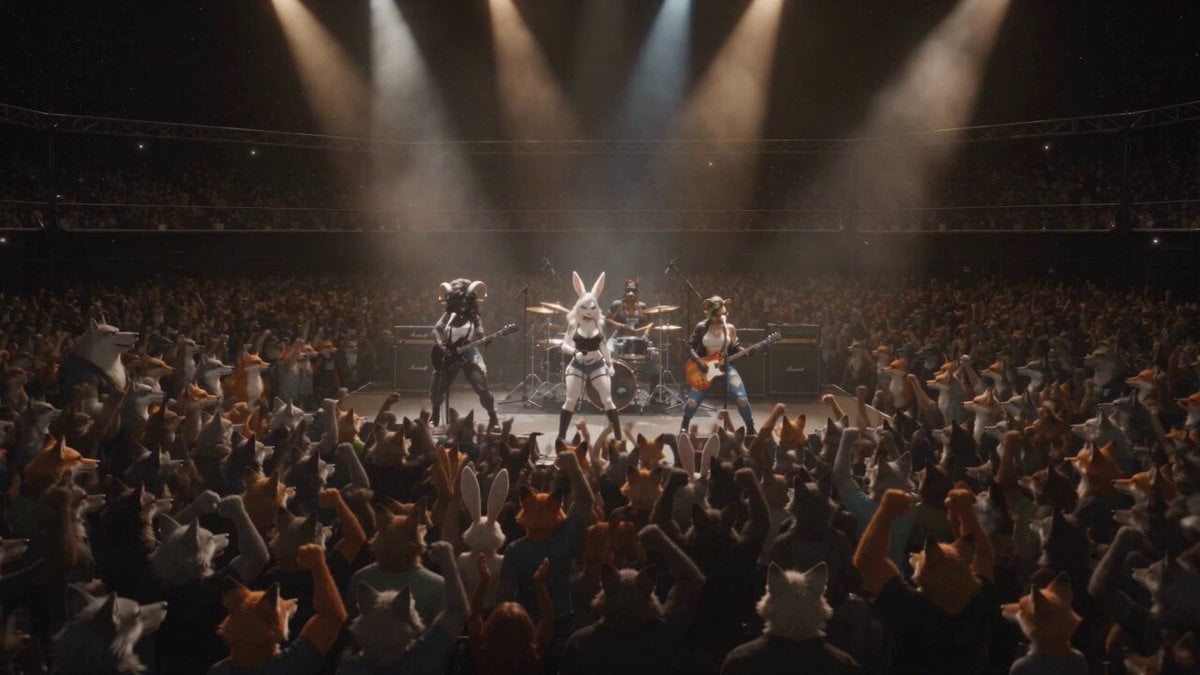
Anthropomorphic Rock Band Live Concert - Seedance 2.5
More video prompts
Fresh picks from across the catalog.
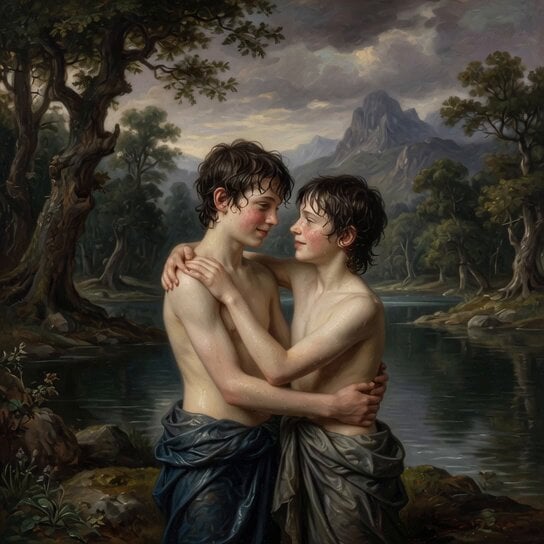
Rococo Painting of Teen Boys

Gothic Lolita Character Running Loop
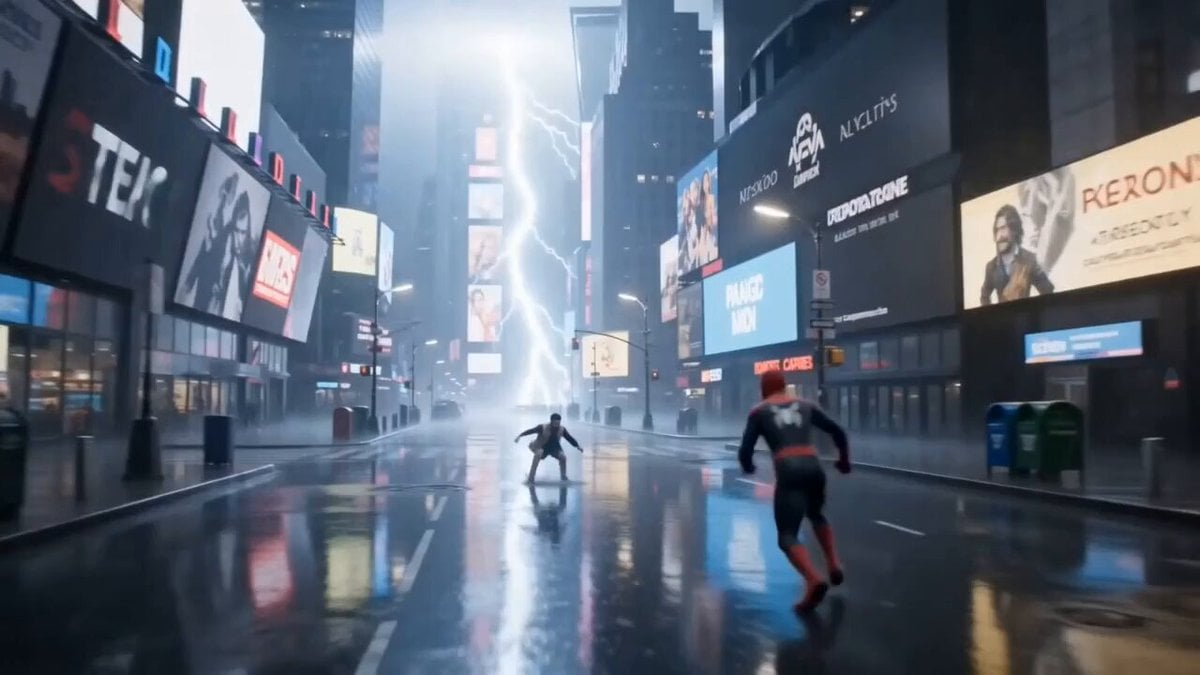
Cinematic Spider-Man NYC Action Scene

Scarlet Priestess Time Freeze Fantasy
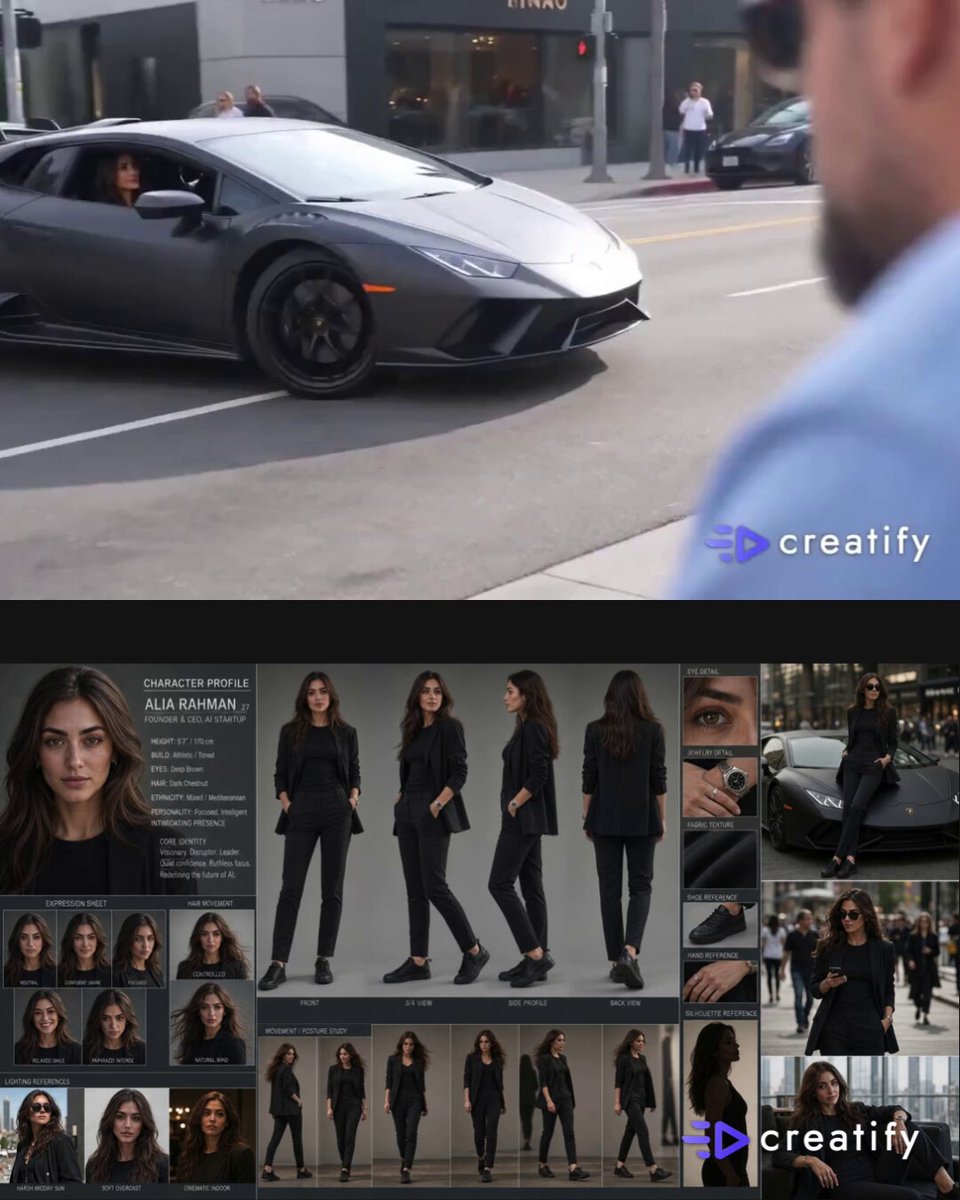
Rodeo Drive Supercar Paparazzi POV

Historical Siege Scene Prompt (Part 1)
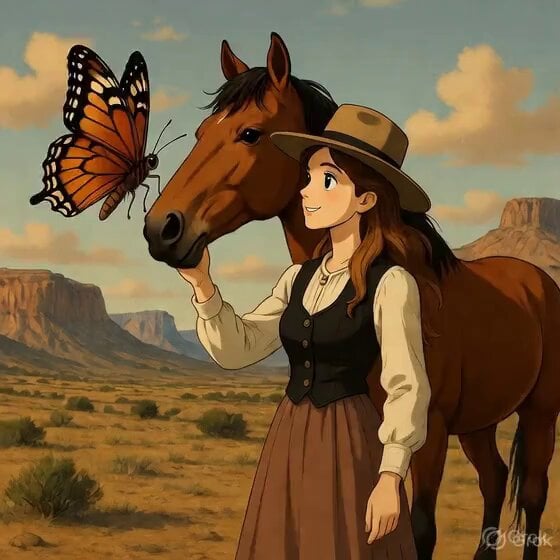
Ghibli style Wild West woman and butterfly video prompt
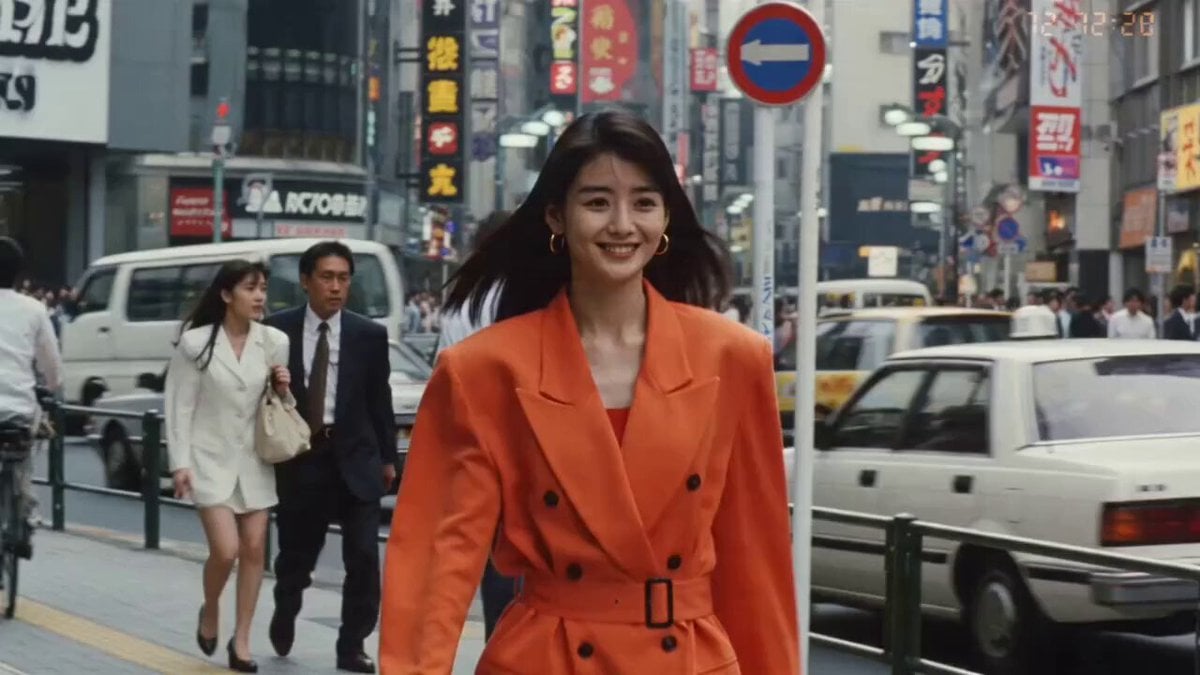
1980s Tokyo Bubble Era VHS Video Prompt
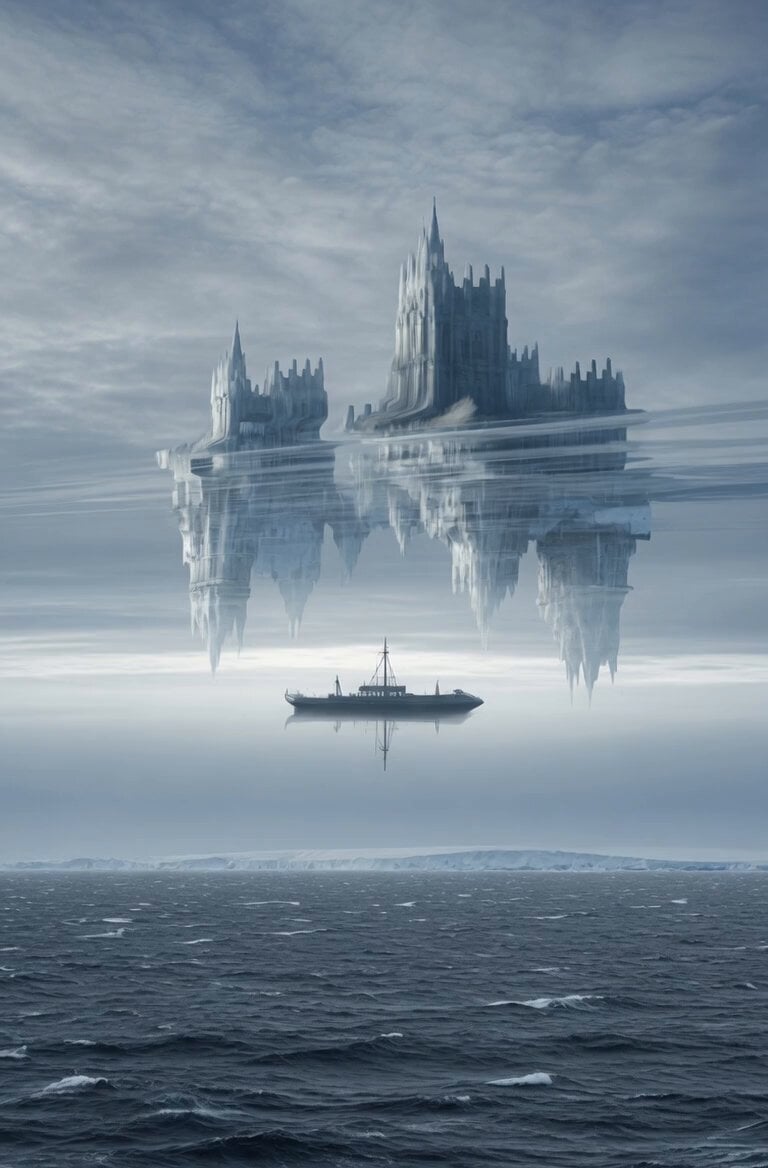
Superior Mirage Arctic Sea Video

Mechanical Steam Engine Pocket Watch
Browse template categories
Korean Night Market Bullet-Time Scene - Seedance 2.5 questions
How do I use the Korean Night Market Bullet-Time Scene - Seedance 2.5 template?
Add your photo if the template asks for one, edit the prompt if you like — the template's model and format are already selected — and press Generate. Your version opens in PicX Studio.
Can I customize the Korean Night Market Bullet-Time Scene - Seedance 2.5 template?
Yes. You can change the subject, setting, lighting, mood, format, and available model controls before creating your video.
Is the Korean Night Market Bullet-Time Scene - Seedance 2.5 template free?
Opening and editing this template is free. Generating uses credits, shown on the Generate button when you are signed in.
Which AI model should I use?
Start with Seedance 2.5, which is the model associated with this template. You can compare another compatible model for a different finish.
Looking for something else? Browse all templates.

Your photo, any look
Thousands of ready templates for every top image and video model, from one credit balance.