
1980s Tokyo Bubble Era VHS Video Prompt
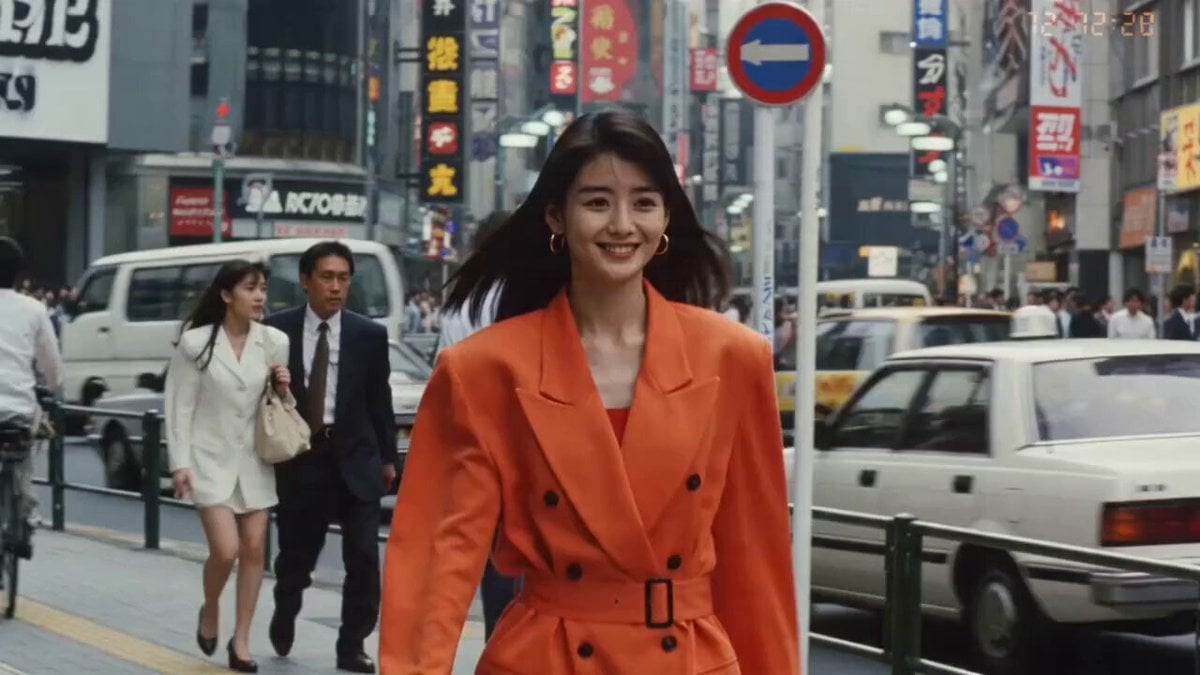
A comprehensive cinematic prompt designed for Seedance, creating a nostalgic 1980s Tokyo street scene with a distinct VHS home-video aesthetic and detailed character movement across multiple time-coded segments.
- Prompt included
- Model and format preset
- Free template
The prompt behind this video
Copy the exact prompt behind 1980s Tokyo Bubble Era VHS Video Prompt, or open it in the studio and make it yours.
Main subject: a beautiful young Japanese woman, early 20s, delicate pretty features, sleek glossy black hair, long and smooth with soft side-swept bangs (NOT permed, NOT frizzy), tasteful natural makeup. 1980s Tokyo street fashion — a bright oversized blazer over a high-waisted skirt, gold hoop earrings, charming warm expression. Maintain the exact same identity, hairstyle, and outfit throughout. Visual Style: authentic 1980s VHS home-video look — heavy tape grain, visible scanlines, chromatic color bleeding, blooming highlights, warm faded nostalgic colors, a small on-screen date stamp in the corner, occasional soft tracking wobble. Strong retro-vintage feeling. Camera Style: 1980s camcorder held by a friend, MOSTLY STEADY with only a gentle natural float — light sway, no violent shaking, no fast whip movements. Slow casual reframing. FIRST HALF — DAYTIME (bustling bubble-era Tokyo streets): 00:00–00:02 A busy 1980s Shibuya daytime street. She walks toward the camera through period pedestrians, boxy cars and hand-painted shop signs behind her, smiling. HARD CUT. 00:02–00:04 Outside a record shop, she flips through vinyl records, then grabs a canned drink from a retro vending machine. HARD CUT. 00:04–00:06 A quiet Showa backstreet with potted plants and a pay phone; she crouches to pet a stray cat. HARD CUT. 00:06–00:08 A wide crosswalk under an elevated train line, city-pop energy, she waits and glances at the camera. HARD CUT. SECOND HALF — NIGHT (dazzling Shinjuku / Roppongi neon): 00:08–00:10 A neon-drenched Shinjuku Kabukicho alley, glowing kanji signboards everywhere, she walks looking up at the bright lights. HARD CUT. 10:10–00:12 A Roppongi crossing at night, dazzling neon, taxis passing, she laughs toward the camera as light reflections wash over her face. HARD CUT. 00:12–00:13 Close shot under a huge glowing neon sign, colorful light on her face. HARD CUT. 00:13–00:15 She walks away down a vibrant neon street, glances back with a small warm smile, then the recording cuts to VHS static and black. Environment details throughout: retro vending machines, glowing neon kanji signboards, pay phones, boxy 1980s taxis and kei cars, elevated trains, arcade lights, izakaya paper lanterns, dense overhead wires — nostalgic bubble-era Tokyo. Audio: natural ambient only — city crowd, passing trains, traffic, arcade beeps, faint 1980s city-pop drifting from a storefront, footsteps. No narration, no added soundtrack. Goal: a beautiful, nostalgic 1980s Tokyo day-to-night street video that feels like a treasured VHS home movie from Japan's bubble era.
How to use 1980s Tokyo Bubble Era VHS Video Prompt in 3 steps
- 1
Open
The prompt is already in the box next to the preview, with the template's model and format selected.
- 2…a portrait of your subject in softgolden-hour light, 85mm…
Personalize
Edit the subject and creative details for your destination.
- 3Generate
Generate
Press Generate — your video is created in PicX Studio, so you can compare it with the original and refine one variable at a time.
More like this
Templates with the same subject, style or setup. Open one to see its prompt.

Handheld Tokyo Travel Vlog - Seedance 2.5

Forgotten 1980s High School Documentary Seedance

Smartphone Travel Vlog Tokyo Trip Identity Preserved

Video Generation Prompt: JSON Format for Cute Kitten Bubble Chase
Johnnywang Tokyo Time Freeze
Kyoto 1987 VHS Slice of Life
1984 Showa Era Home Video
1980s Retro Sci-Fi Comedy Scene
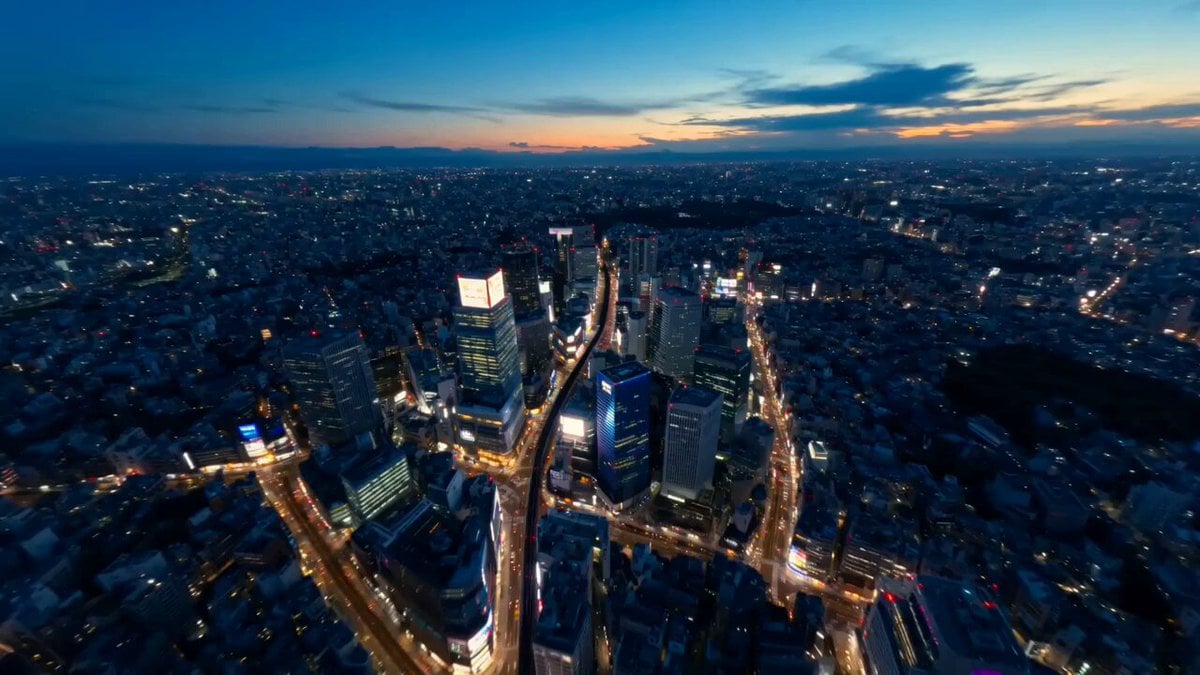
Tokyo Street Style Travel Film
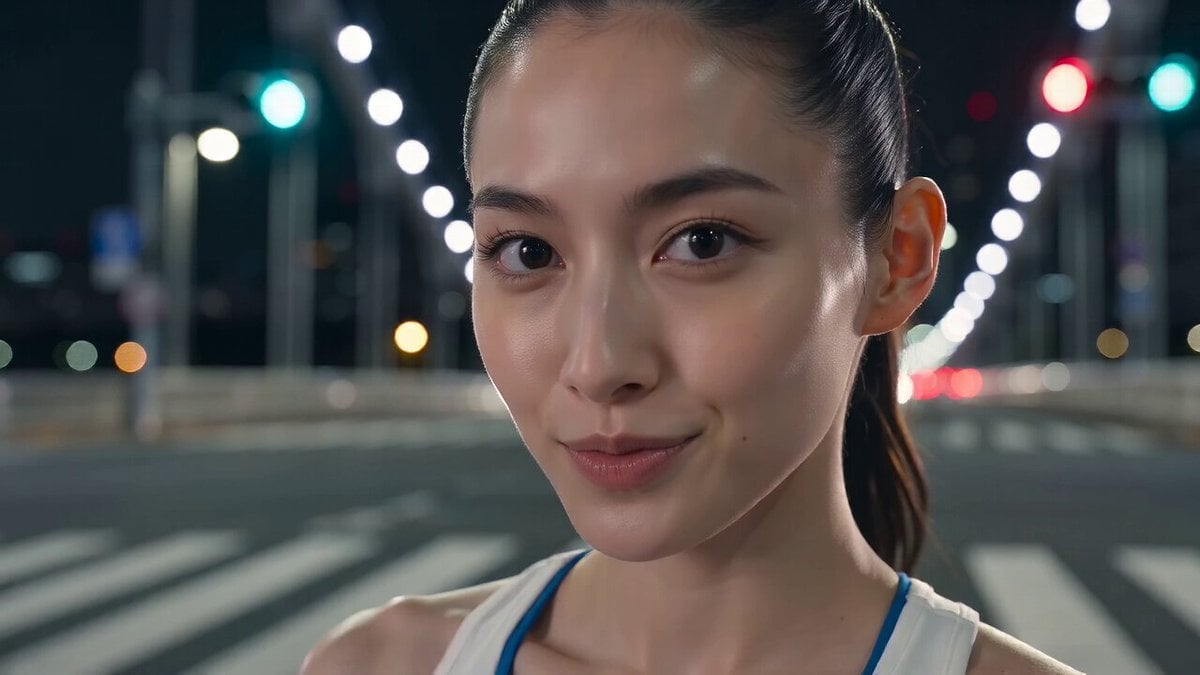
Tokyo Tower Parkour Leap
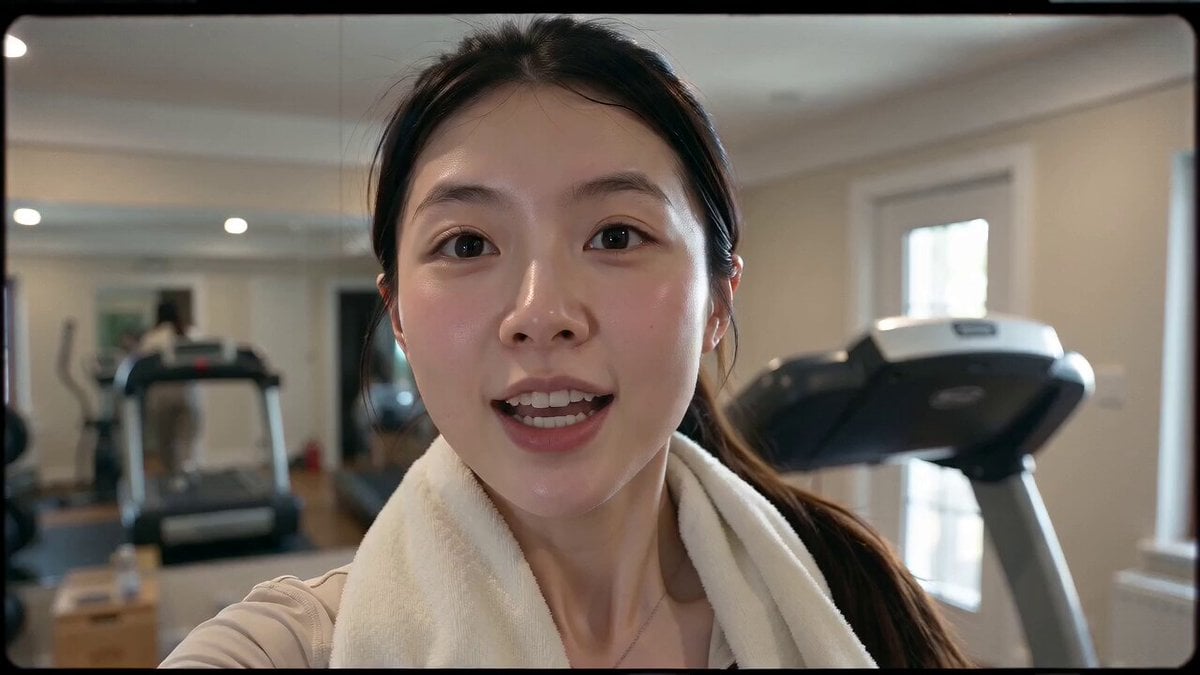
Retro 90s VHS Fitness Vlog
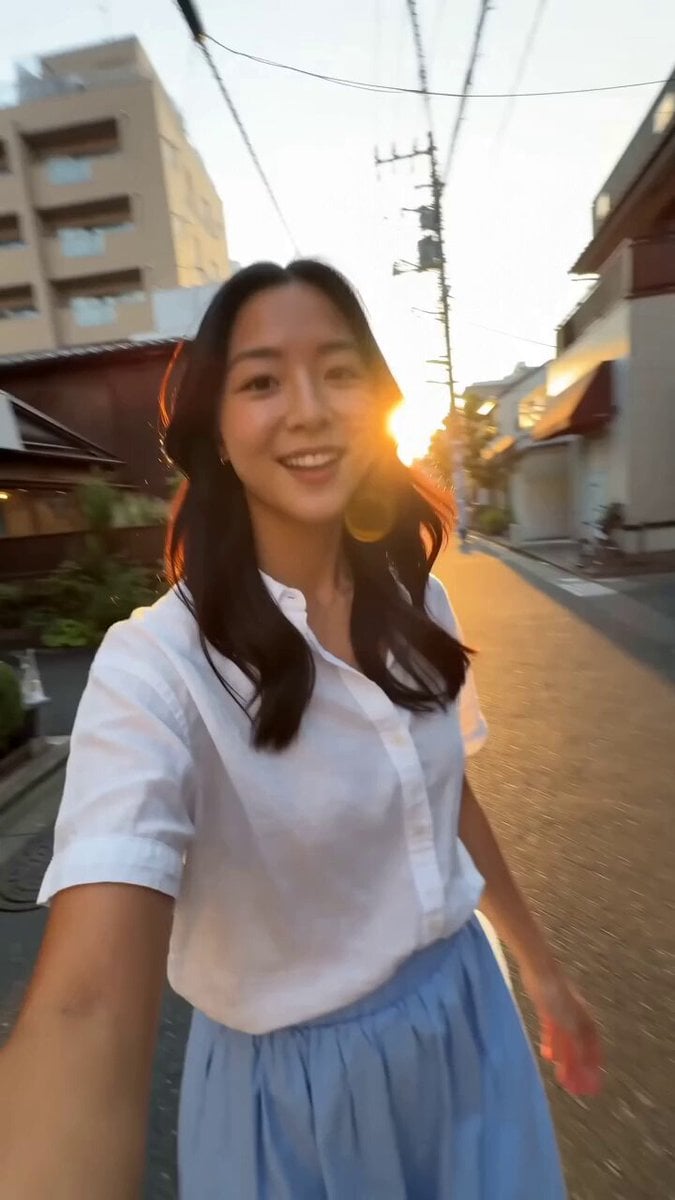
Tokyo Morning Coffee Smartphone Vlog
Make it yours
1980s Tokyo Bubble Era VHS Video Prompt works as-is. These are the safest ways to change it without losing the look.
Change one field
Copy a single group, rewrite it, and generate again so you can see what that field is doing.
Keep the frame, change the subject
Hold the composition and light of 1980s Tokyo Bubble Era VHS Video Prompt, then swap wardrobe, props or the person for a new take.
| If the result… | Why | Fix |
|---|---|---|
| The result drifts from the preview | Too many fields changed at once. | Reuse 1980s Tokyo Bubble Era VHS Video Prompt as-is first, then change one group — subject, light, or setting. |
| The model over-stylizes the scene | The prose prompt leaves finish and camera underspecified. | Add one camera or lighting sentence and stay on Seedance 2.0. |
More Seedance 2.0 templates
Other prompts made for Seedance 2.0.

Comical Martial Arts Punch Scene

Maglev Train Action Sequence

Martial Arts Fight Sequence

Wuxia Protection and Trust Script

Vintage Korean Arcade MiniDV Vlog

Mercedes 190 SL Luxury Ad

Rainy Night Supernatural Reverse Comedy Video Script

Amazon Civilization Discovery

Futuristic South Asian City Transformation

Cozy Luxury Cafe Commercial
More video prompts
Fresh picks from across the catalog.

Premium Hair Color Beauty Commercial
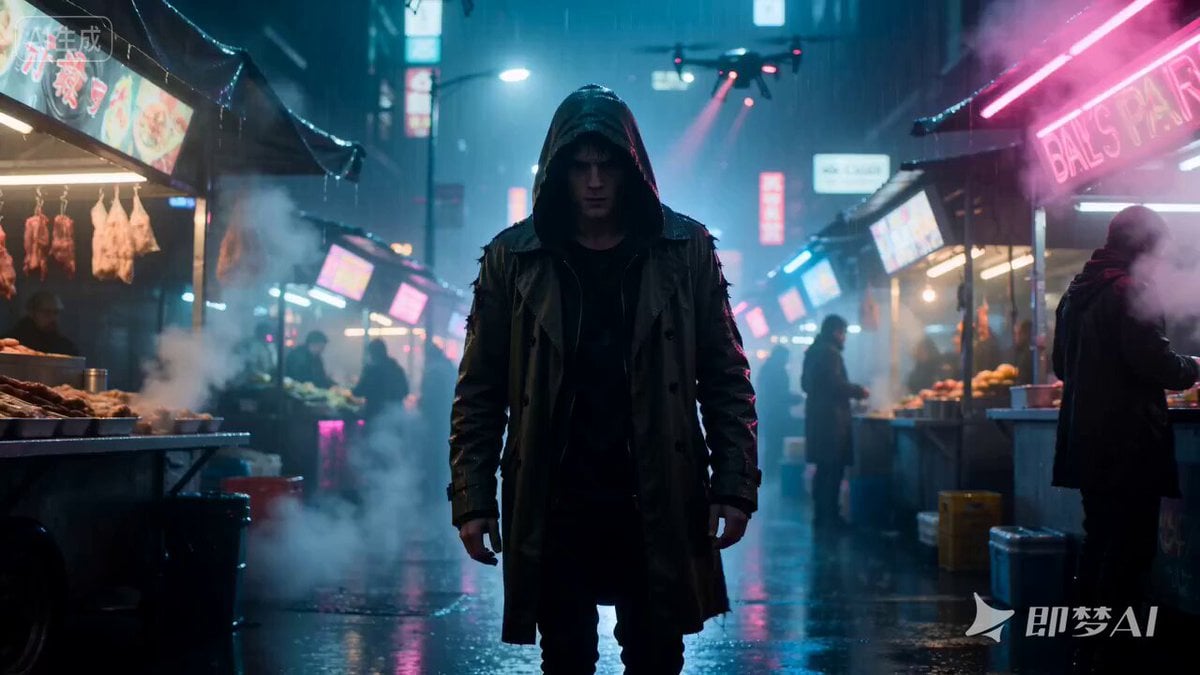
Cyberpunk Hacker in Rain Night Scene
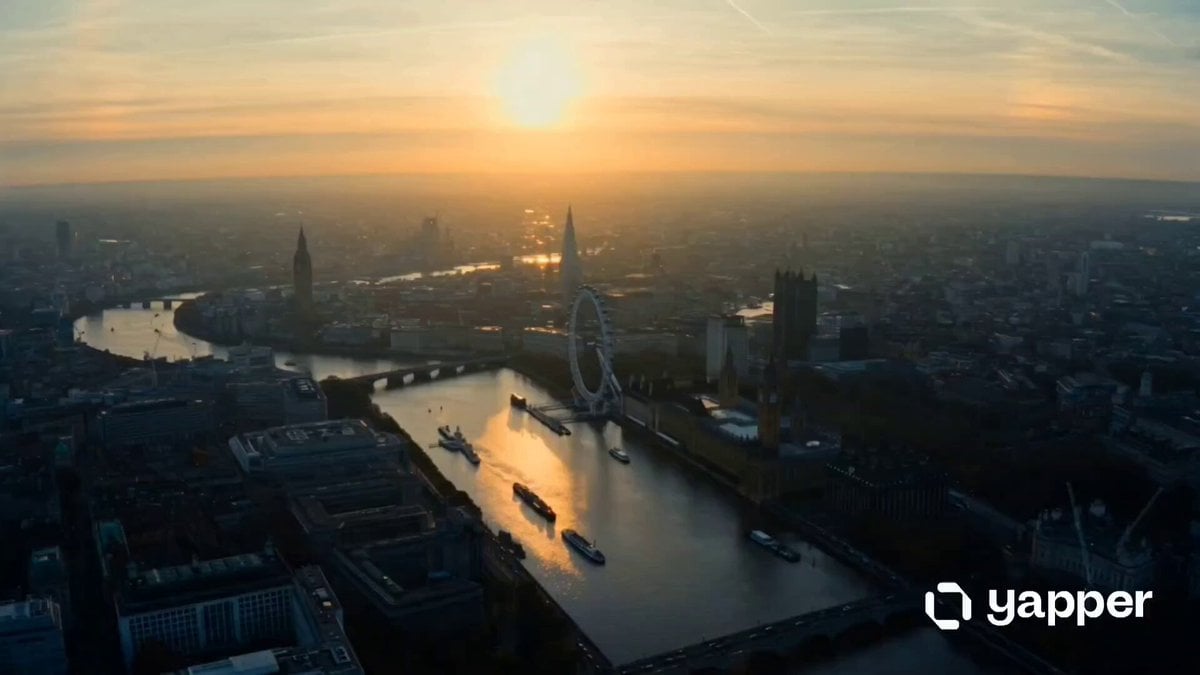
London Eye 15-shot cinematic sequence
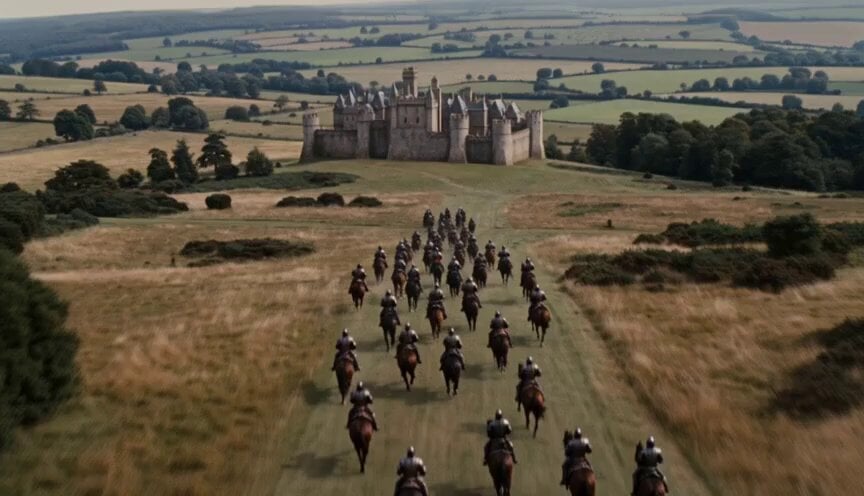
Walking Castle Medieval Siege Prompt

High-Speed Motorcycle Action Sequence
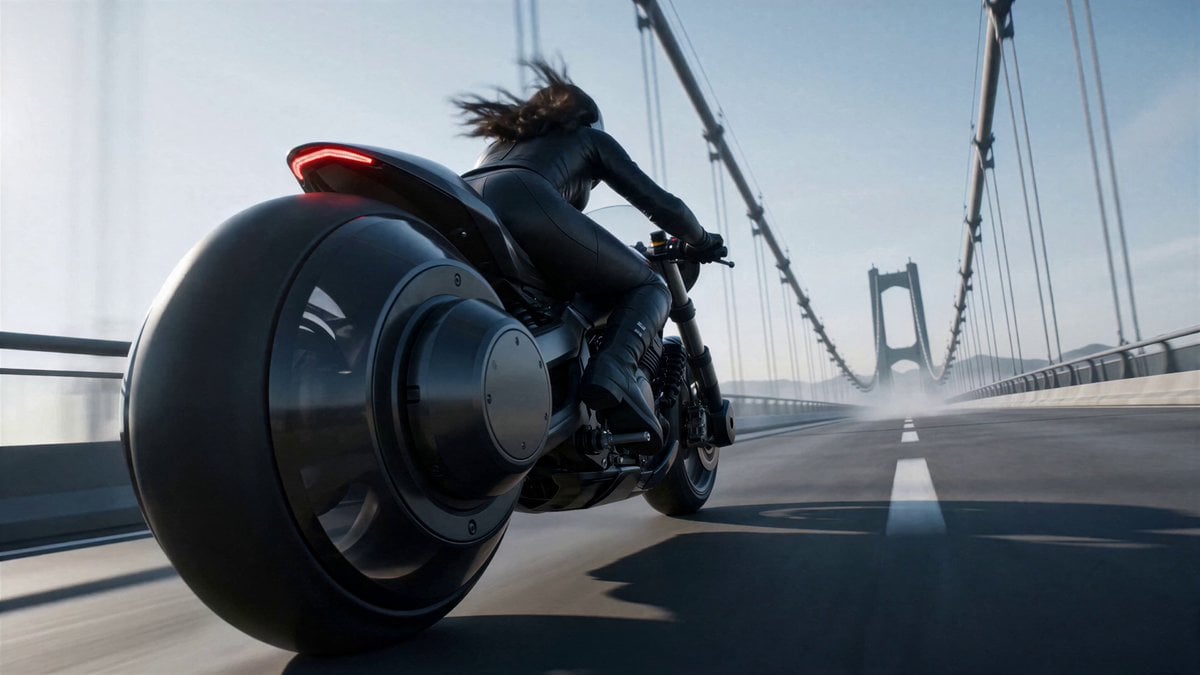
Futuristic Motorcycle Courier Action
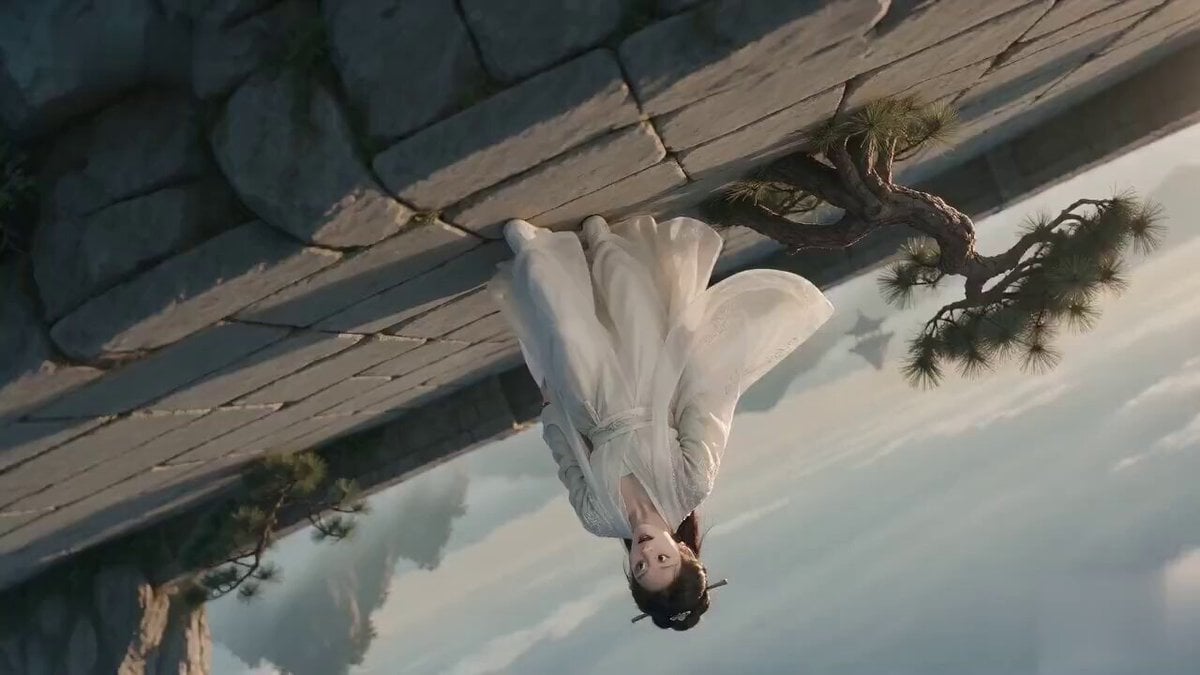
Poetic Xianxia Visual Illusion Comedy Video
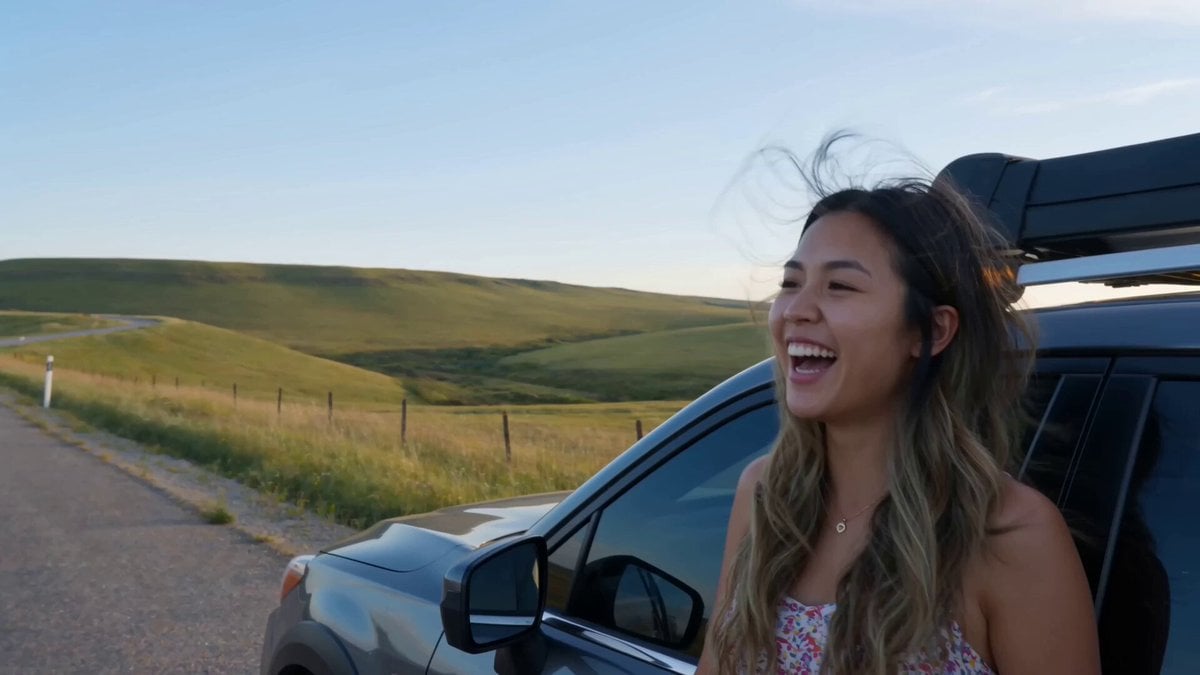
Handheld Smartphone Road Trip Montage

Ancient Costume Time-Travel Drama Trailer Generation
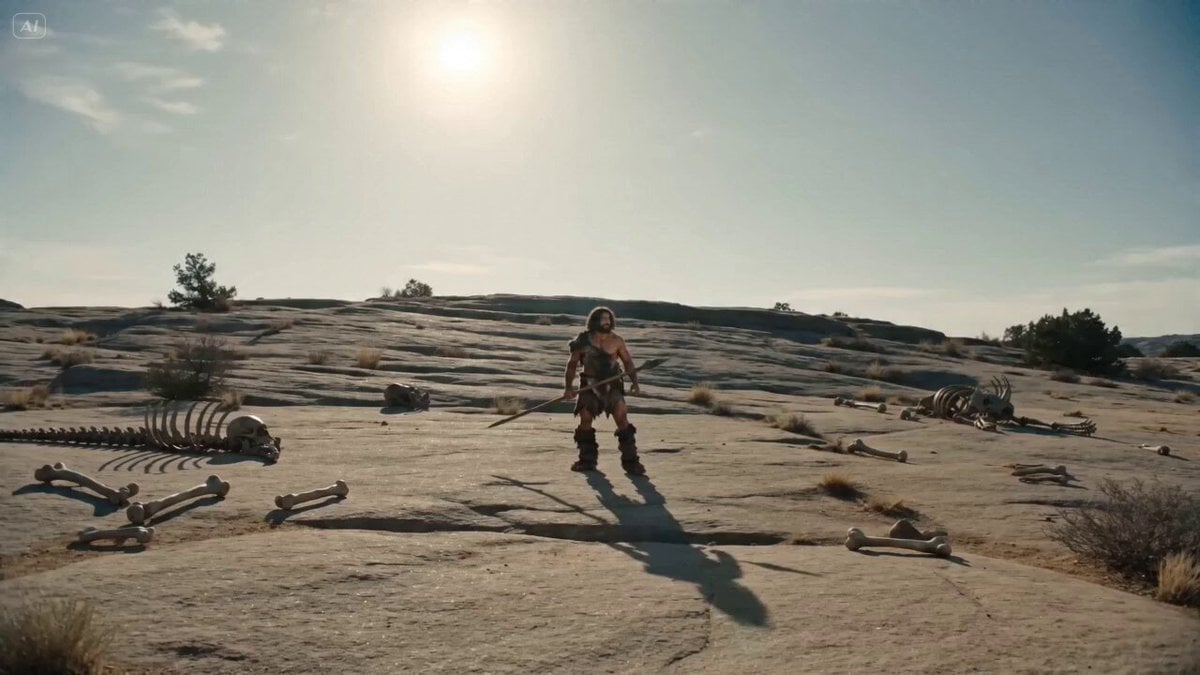
Bullet Time Selfie - Primitive Caveman
Browse template categories
1980s Tokyo Bubble Era VHS Video Prompt questions
How do I use the 1980s Tokyo Bubble Era VHS Video Prompt template?
Add your photo if the template asks for one, edit the prompt if you like — the template's model and format are already selected — and press Generate. Your version opens in PicX Studio.
Can I customize the 1980s Tokyo Bubble Era VHS Video Prompt template?
Yes. You can change the subject, setting, lighting, mood, format, and available model controls before creating your video.
Is the 1980s Tokyo Bubble Era VHS Video Prompt template free?
Opening and editing this template is free. Generating uses credits, shown on the Generate button when you are signed in.
Which AI model should I use?
Start with Seedance 2.0, which is the model associated with this template. You can compare another compatible model for a different finish.
Looking for something else? Browse all templates.

Your photo, any look
Thousands of ready templates for every top image and video model, from one credit balance.