
Video Generation Prompt: JSON Format for Cute Kitten Bubble Chase
A detailed JSON-formatted prompt for Grok Imagine specifying a 12-second video titled 'BUBBLE CHASE' featuring cute kittens, soft pastel colors, dreamy effects, and specific scene breakdowns with instructions for native…
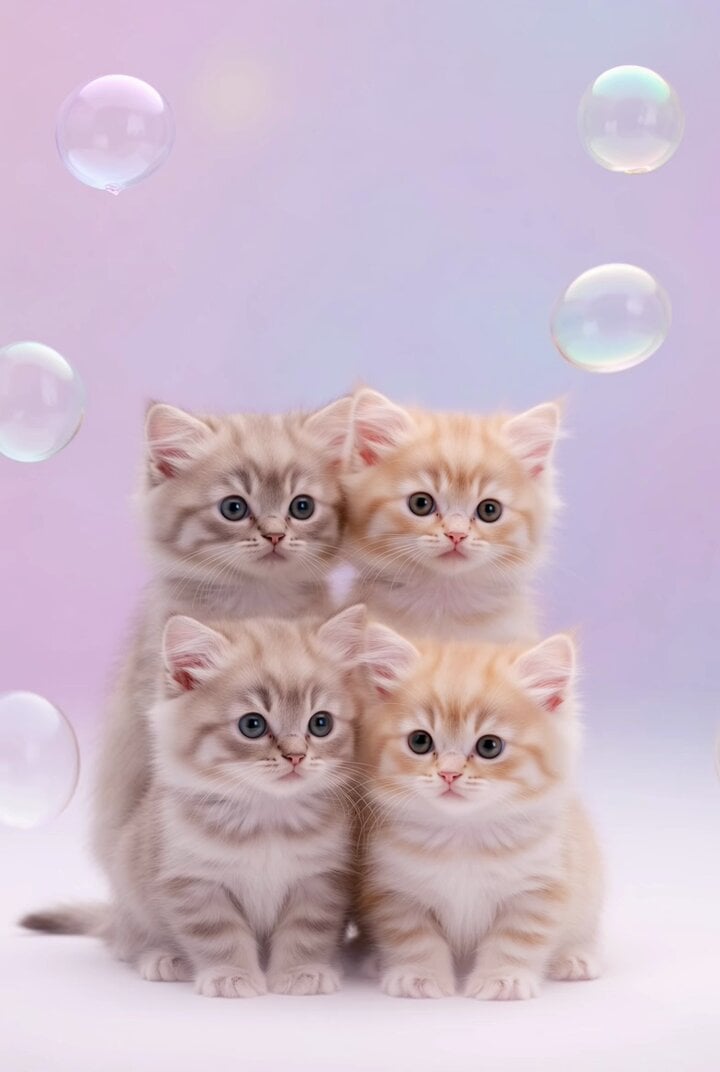
- Prompt included
- Model and format preset
- Premium template
The prompt behind this video
Copy the exact prompt behind Video Generation Prompt: JSON Format for Cute Kitten Bubble Chase, or open it in the studio and make it yours.
- Title
- BUBBLE CHASE 🐱🫧
- Description
- 12-second simple cute kitten AI slop video WITH FULL CUTE AUDIO
- Duration Seconds
- 12
- Style
- AI slop meme, soft pastel colors, gentle glow, dreamy glitch effects
- Music
- light playful tune + gentle purring + bubble pop sounds + tiny meows
- Scenes › 0 › Start Sec
- 0
- Scenes › 0 › End Sec
- 4
- Scenes › 0 › Visual Prompt
- kittens gently chasing floating pastel bubbles
- Scenes › 1 › Start Sec
- 4
- Scenes › 1 › End Sec
- 8
- Scenes › 1 › Visual Prompt
- bubbles landing on kitten noses and paws
- Scenes › 2 › Start Sec
- 8
- Scenes › 2 › End Sec
- 12
- Scenes › 2 › Visual Prompt
- kittens lying down surrounded by popping bubbles
- Final Instructions
- vertical 9:16, soft pastel glow overlay, MUST ENABLE NATIVE AUDIO GENERATION – perfectly synced cute relaxing sounds with purring, tiny meows, lullaby music and soft effects, maximum adorable energy
Raw JSON
{
  "title": "BUBBLE CHASE 🐱🫧",
  "description": "12-second simple cute kitten AI slop video WITH FULL CUTE AUDIO",
  "duration_seconds": 12,
  "style": "AI slop meme, soft pastel colors, gentle glow, dreamy glitch effects",
  "music": "light playful tune + gentle purring + bubble pop sounds + tiny meows",
  "scenes": [
    {"start_sec": 0, "end_sec": 4, "visual_prompt": "kittens gently chasing floating pastel bubbles"},
    {"start_sec": 4, "end_sec": 8, "visual_prompt": "bubbles landing on kitten noses and paws"},
    {"start_sec": 8, "end_sec": 12, "visual_prompt": "kittens lying down surrounded by popping bubbles"}
  ],
  "final_instructions": "vertical 9:16, soft pastel glow overlay, MUST ENABLE NATIVE AUDIO GENERATION – perfectly synced cute relaxing sounds with purring, tiny meows, lullaby music and soft effects, maximum adorable energy"
}How to use Video Generation Prompt: JSON Format for Cute Kitten Bubble Chase in 3 steps
- 1
Open
The prompt is already in the box next to the preview, with the template's model and format selected.
- 2…a portrait of your subject in softgolden-hour light, 85mm…
Personalize
Edit the subject and creative details for your destination.
- 3Generate
Generate
Press Generate — your video is created in PicX Studio, so you can compare it with the original and refine one variable at a time.
More like this
Templates with the same subject, style or setup. Open one to see its prompt.
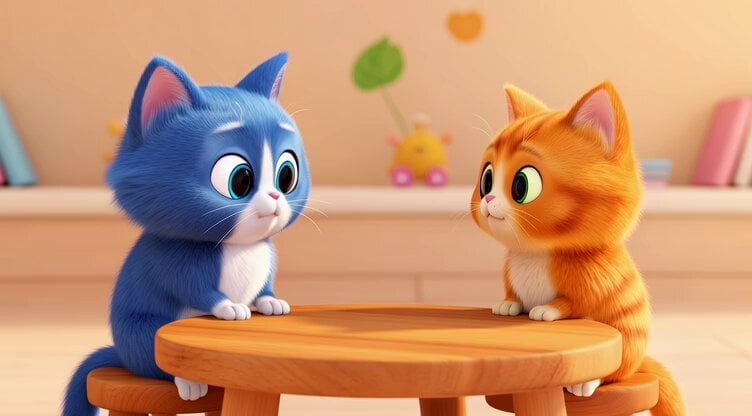
Grok Imagine prompt for a healing animation short video of two cute kittens talking
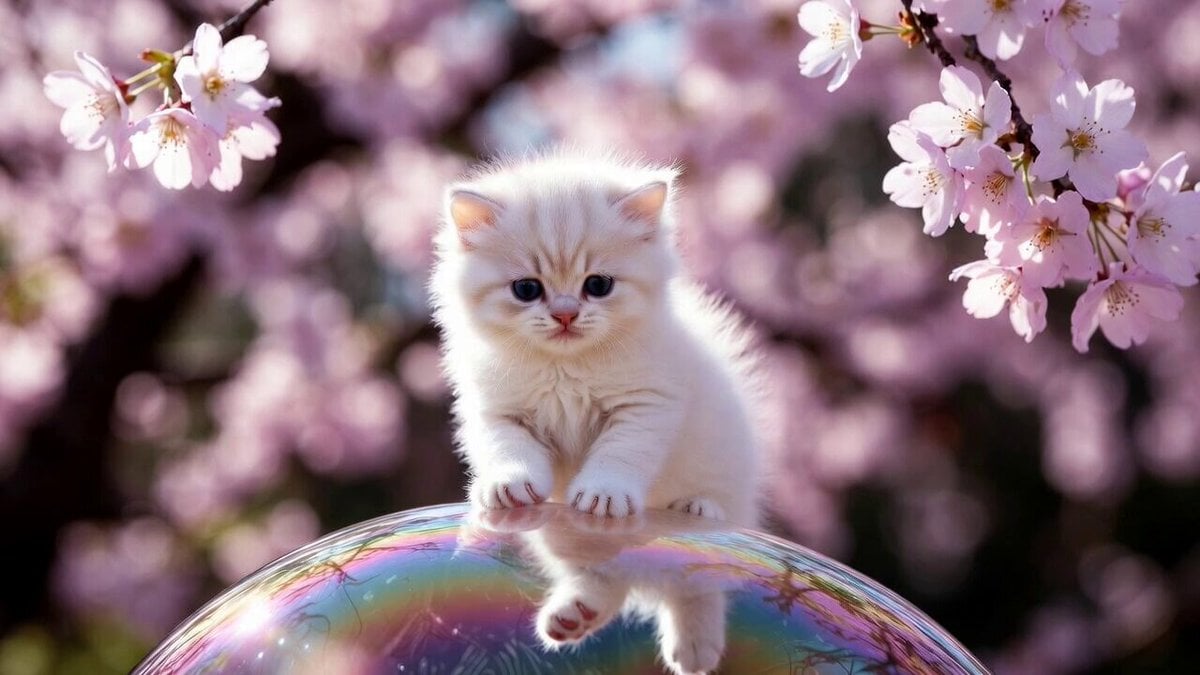
Cute Kitty on Soap Bubble Video Prompt
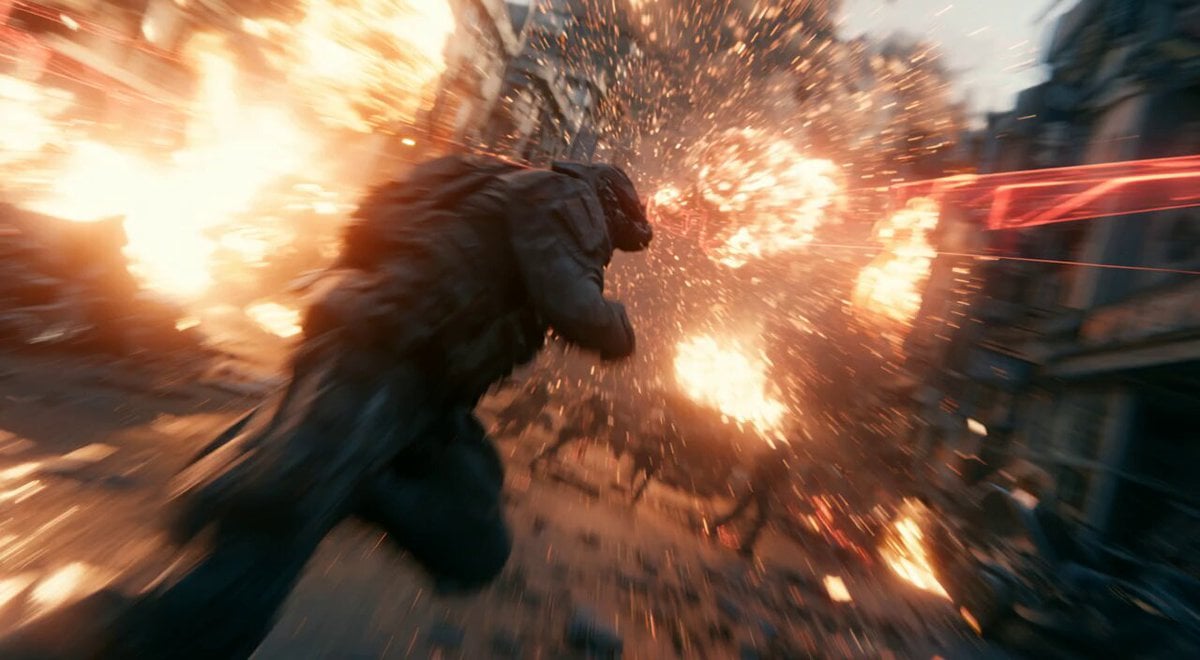
Modern Warfare Action Trailer JSON

Rococo Superman Kitten Rescue
Hyper-Realistic Dune-Style Character Transformation
Cinematic Kitten Motion
Playful Orange Tabby Kitten in Meadow
Dancing Kittens with Mittens

Pterodactyl Transformation Journey
Cute Bear Swimming and Diving
Cute Star Wars Fantasy Meadow

Cyberpunk Guerrilla Girl Video Generation
Make it yours
Video Generation Prompt: JSON Format for Cute Kitten Bubble Chase works as-is. These are the safest ways to change it without losing the look.
Change one field
Copy a single group, rewrite it, and generate again so you can see what that field is doing.
Keep the frame, change the subject
Hold the composition and light of Video Generation Prompt: JSON Format for Cute Kitten Bubble Chase, then swap wardrobe, props or the person for a new take.
| If the result… | Why | Fix |
|---|---|---|
| The result drifts from the preview | Too many fields changed at once. | Reuse Video Generation Prompt: JSON Format for Cute Kitten Bubble Chase as-is first, then change one group — subject, light, or setting. |
| Grok Imagine ignores part of the JSON | Some models flatten or skip nested keys. | Keep the same values and paste them as a short paragraph instead. |
More Grok Imagine templates
Other prompts made for Grok Imagine.

Kaleidoscopic Cosmic Dolphin Video

Horror Daffy Duck Video Transition

America 250th Anniversary Celebration

Glowing Water Forest Night Prompt

Soft Pink Roses Dreamer Prompt

Ninja Wizard Levitation Jump

Coffee Cup Interaction Motion

Voice Controlled Water Animation

Candle Mandala Mirror Video

Psychedelic Purple Disc World Video
More video prompts
Fresh picks from across the catalog.

Golden Hour Cinematic Desert Journey
Anime Character Book Catch
Comedic ADHD Cat Teacher Short Film
Vampire Martial Arts Combat
Miniature Fantasy Action Short Film Prompt
Cowboy Playing Harmonica Technique
Tennis Sports Commercial Prompt
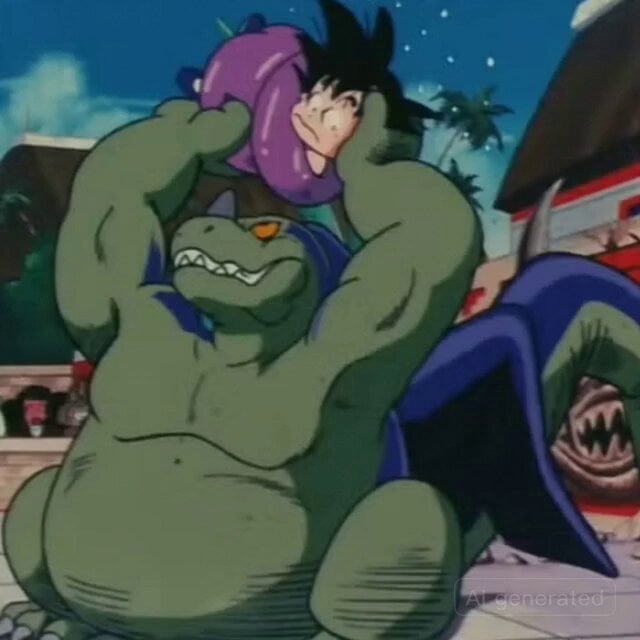
Retro Anime Style Dragon Tickling Story
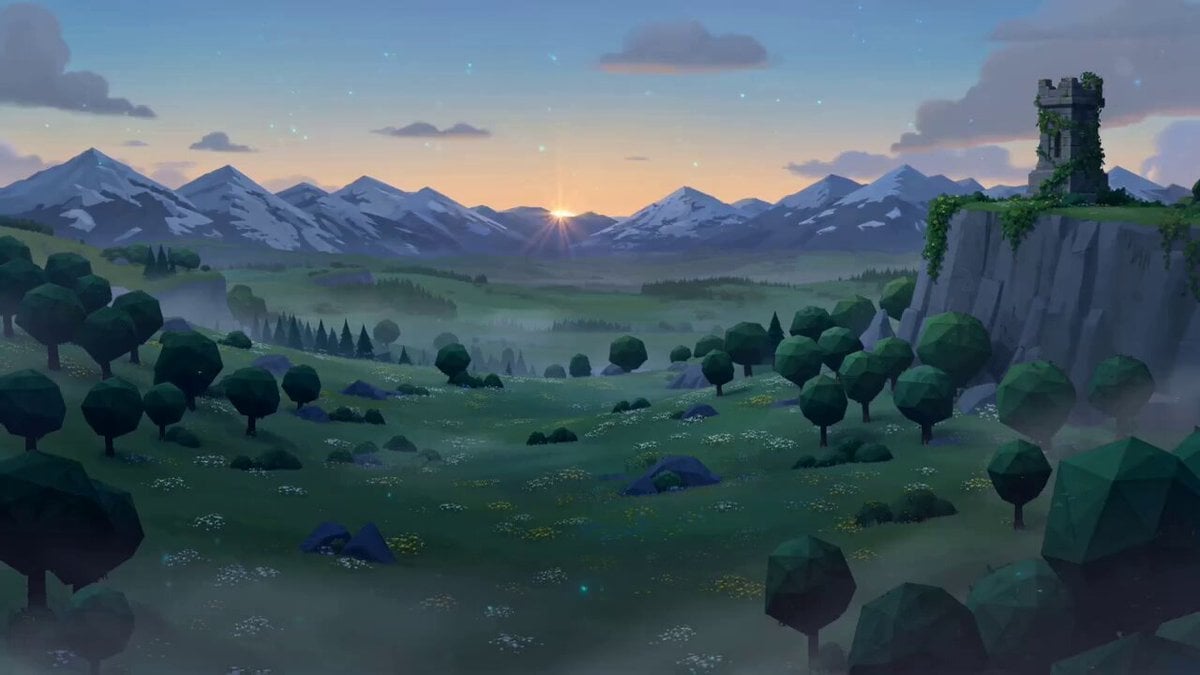
Zelda: Breath of the Wild - Hyrule Dawn Cinematic Prompt
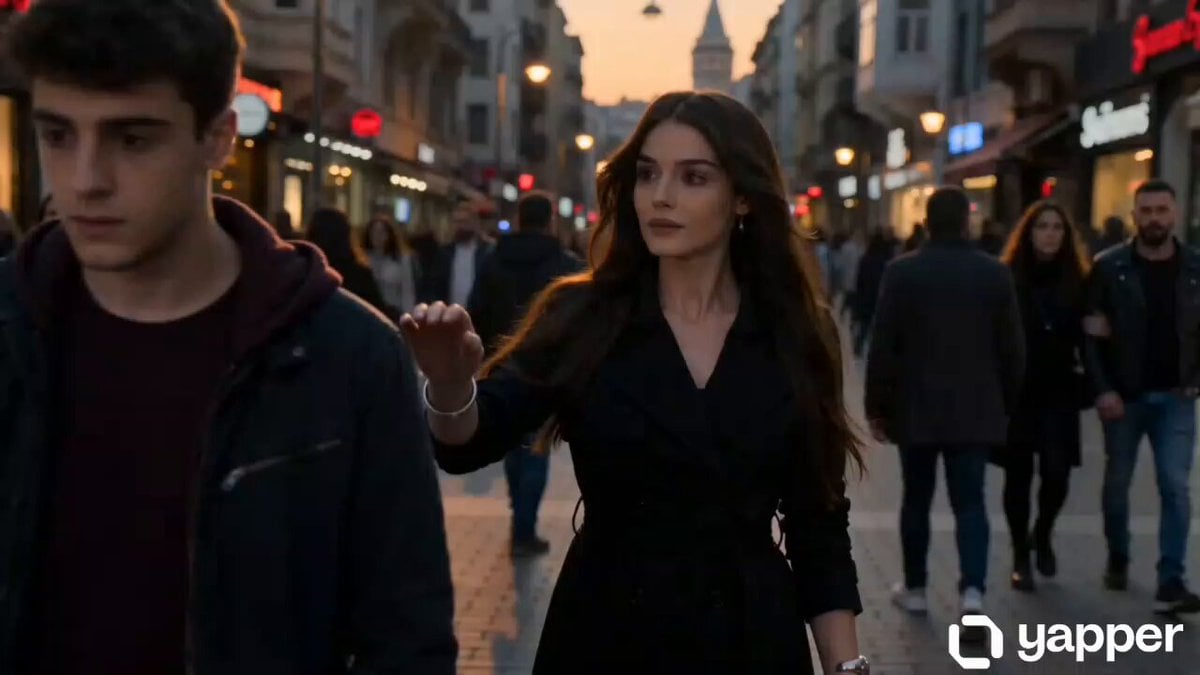
Time-distorting woman cinematic sequence
Browse template categories
Video Generation Prompt: JSON Format for Cute Kitten Bubble Chase questions
How do I use the Video Generation Prompt: JSON Format for Cute Kitten Bubble Chase template?
Add your photo if the template asks for one, edit the prompt if you like — the template's model and format are already selected — and press Generate. Your version opens in PicX Studio.
Can I customize the Video Generation Prompt: JSON Format for Cute Kitten Bubble Chase template?
Yes. You can change the subject, setting, lighting, mood, format, and available model controls before creating your video.
Is the Video Generation Prompt: JSON Format for Cute Kitten Bubble Chase template free?
Opening and editing this template is free. Generating uses credits, shown on the Generate button when you are signed in.
Which AI model should I use?
Start with Grok Imagine, which is the model associated with this template. You can compare another compatible model for a different finish.
Looking for something else? Browse all templates.

Your photo, any look
Thousands of ready templates for every top image and video model, from one credit balance.