
Hyper-Realistic Dune-Style Character Transformation
A highly detailed prompt to transform a character from a reference into a photorealistic male in his 40s with a cinematic sci-fi aesthetic inspired by Denis Villeneuve's Dune.
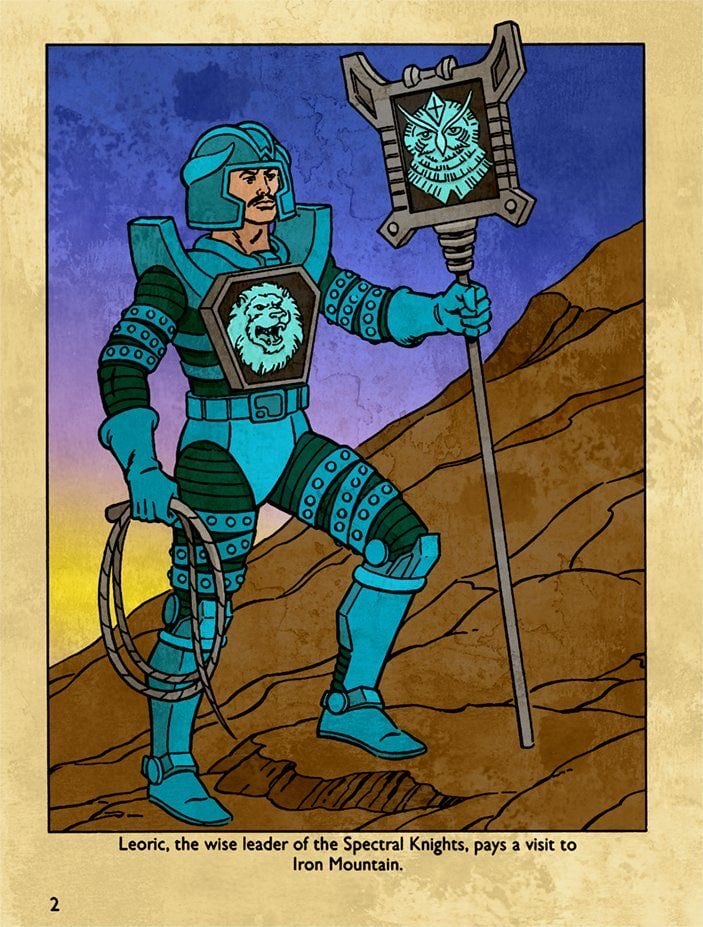
- Prompt included
- Model and format preset
- Premium template
The prompt behind this video
Copy the exact prompt behind Hyper-Realistic Dune-Style Character Transformation, or open it in the studio and make it yours.
Transform the character from the reference image into a hyper-realistic, photorealistic human male in his early-to-mid 40s with visible skin pores, subtle facial stubble, detailed skin texture, realistic eye details, and natural skin imperfections. Use realistic human body proportions — do not strictly follow the proportions or stylized anatomy of any original drawing; prioritize accurate, naturalistic human anatomy and realistic scale. Keep the helmet on his head at all times — a sleek, form-fitting high-tech helmet in metallic teal and black matching the armor, with visor area revealing his face clearly. He wears the exact same sleek high-tech futuristic suit and armor as the reference character: matte black and metallic teal armor plating with intricate mechanical details, realistic reflective metal textures, subtle wear, scuffs, and weathering. Do not change the armor design, color scheme, or style to match the Dune stillsuit in the photo — strictly preserve the original high-tech teal and black armor and helmet. Keep the exact same confident pose: standing on rocky desert terrain, left hand holding a coiled rope/whip at his side, right hand gripping a tall staff. Convert the staff into a high-tech holographic emitter staff with glowing cyan holographic projections forming the owl-like emblem at the top — make the emblem a luminous, translucent hologram with realistic light bloom and energy particles. Retain the lion emblem on his chest but render it as a glowing holographic projection seamlessly integrated into the high-tech suit. Style and cinematography must exactly match this reference photo: epic wide cinematic movie still from Denis Villeneuve’s Dune, hyper-realistic photorealism with premium big-budget film production quality. Bright desert daylight under a vivid blue sky with scattered white clouds, strong natural sunlight creating realistic highlights, deep shadows, and subtle lens flare. Warm sandy tones contrasting with cool blue atmospheric sky, high dynamic range, rich color grading with desaturated yet vibrant cinematic palette typical of Dune. Ultra-detailed textures on armor, fabric, skin, and rocky terrain — visible dust, fabric weave, metal patina, and environmental grit. Volumetric light rays, soft rim lighting, shallow depth of field with sharp focus on the foreground character and slight background bokeh. Film grain, anamorphic lens characteristics, professional color timing, and authentic large-format movie still feel. 8k resolution quality, photorealistic, no cartoon or illustration artifacts.
How to use Hyper-Realistic Dune-Style Character Transformation in 3 steps
- 1Upload ImagePNG, JPG or paste
Add your photo
Upload the photo the template builds on. The prompt, model and format are already set.
- 2…a portrait of your subject in softgolden-hour light, 85mm…
Personalize
Edit the subject and creative details for your destination.
- 3Generate
Generate
Press Generate — your video is created in PicX Studio, so you can compare it with the original and refine one variable at a time.
More like this
Templates with the same subject, style or setup. Open one to see its prompt.

Pterodactyl Transformation Journey
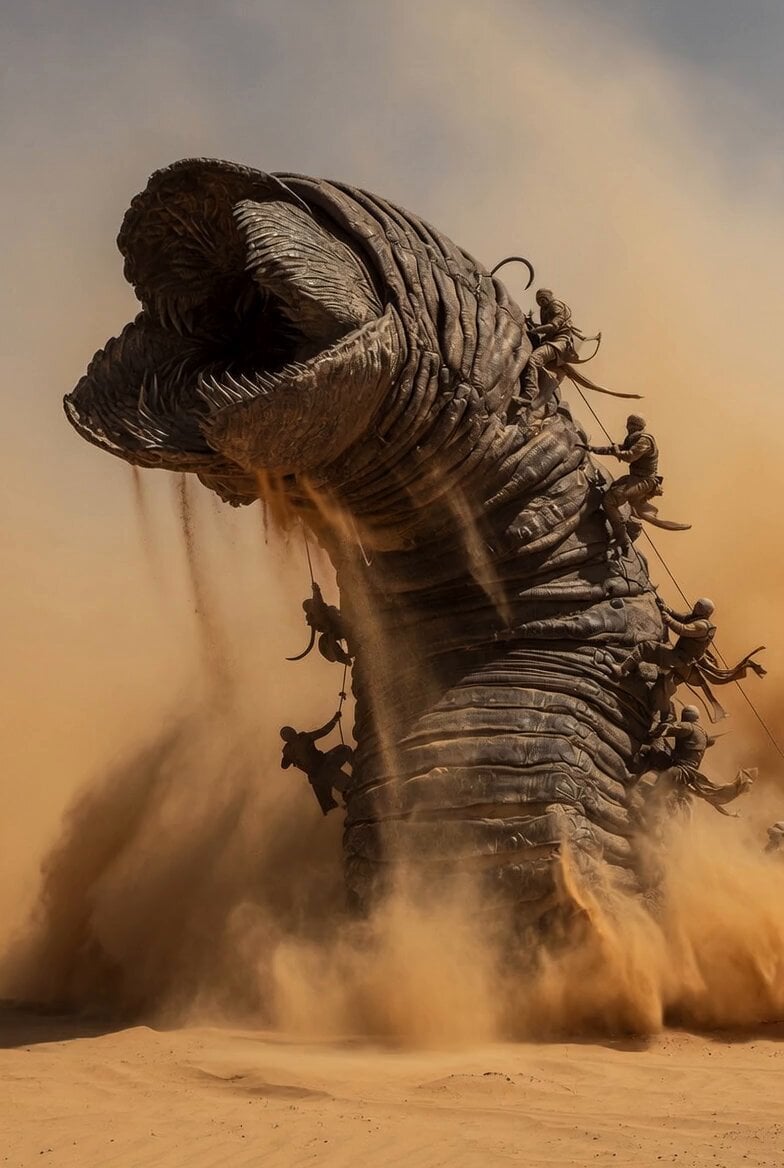
Dune Sand Worm Movement
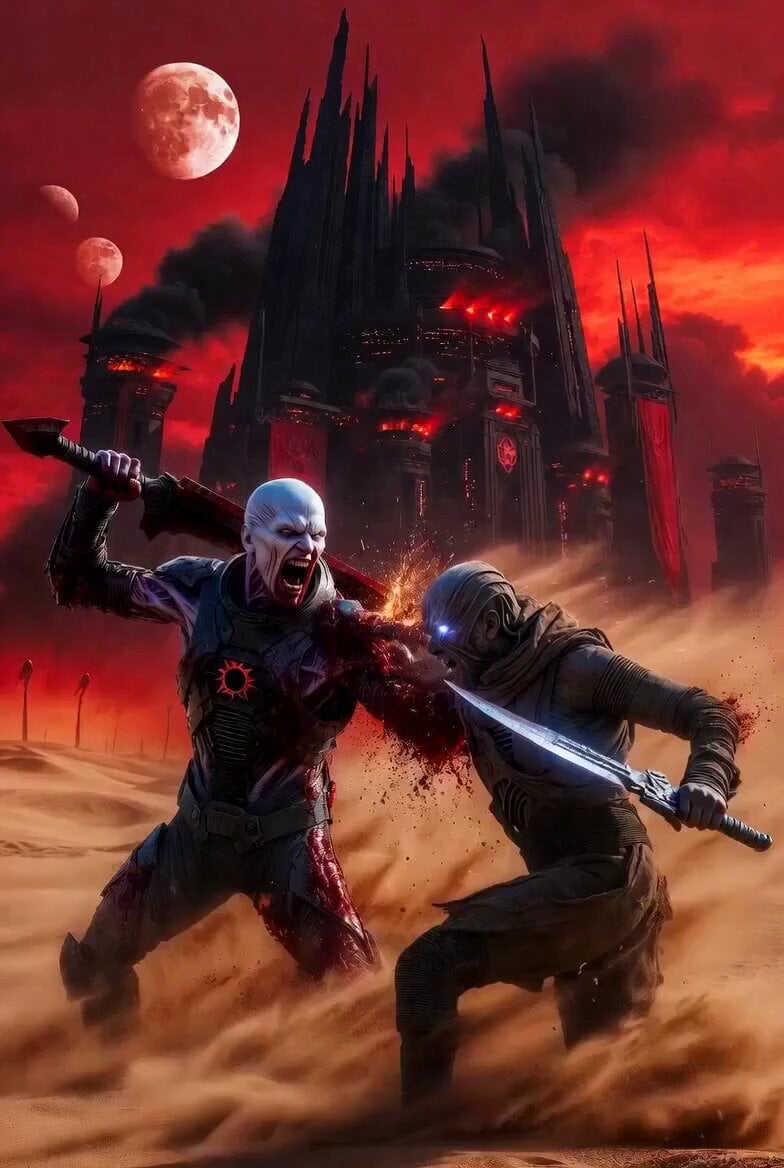
Dune Desert Battle
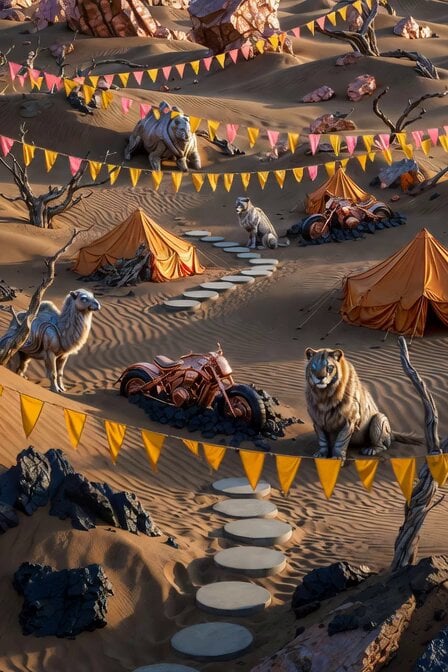
Futuristic Nomadic Dune Festival

Kaleidoscopic Cosmic Dolphin Video

Horror Daffy Duck Video Transition

America 250th Anniversary Celebration

Glowing Water Forest Night Prompt

Soft Pink Roses Dreamer Prompt

Ninja Wizard Levitation Jump

Coffee Cup Interaction Motion

Voice Controlled Water Animation
Make it yours
Hyper-Realistic Dune-Style Character Transformation works as-is. These are the safest ways to change it without losing the look.
Change one field
Copy a single group, rewrite it, and generate again so you can see what that field is doing.
Keep the frame, change the subject
Hold the composition and light of Hyper-Realistic Dune-Style Character Transformation, then swap wardrobe, props or the person for a new take.
| If the result… | Why | Fix |
|---|---|---|
| The result drifts from the preview | Too many fields changed at once. | Reuse Hyper-Realistic Dune-Style Character Transformation as-is first, then change one group — subject, light, or setting. |
| The model over-stylizes the scene | The prose prompt leaves finish and camera underspecified. | Add one camera or lighting sentence and stay on Grok Imagine. |
More Grok Imagine templates
Other prompts made for Grok Imagine.

Mecha Runway Tap Dance Video Prompt

Emotional Angry Couple Drama
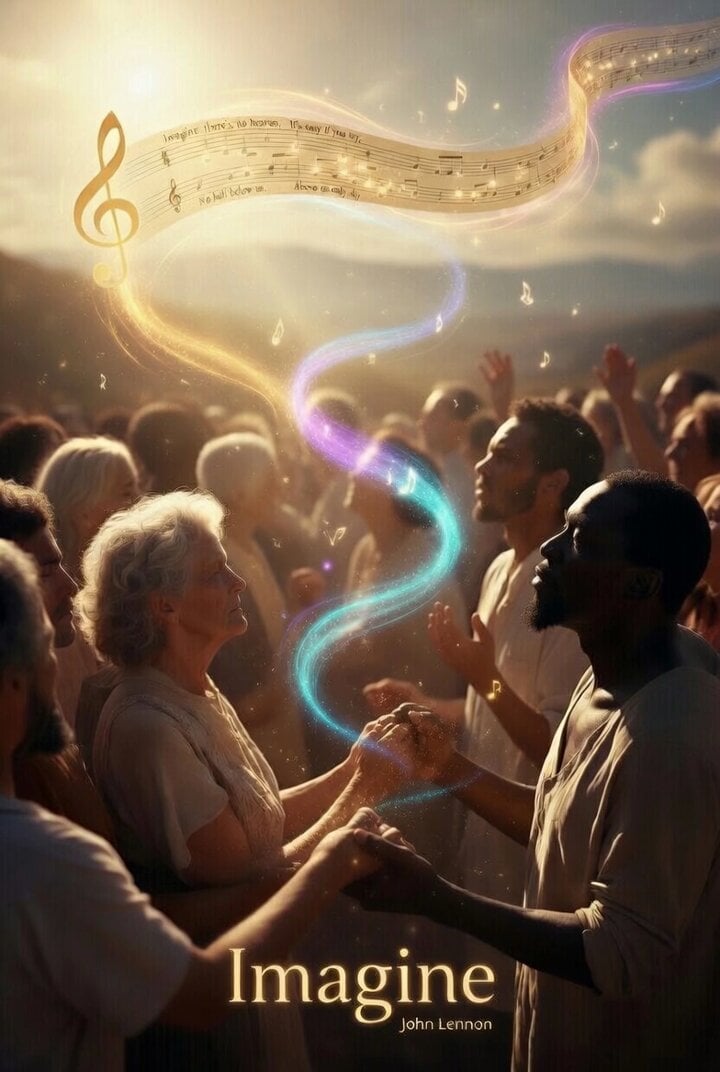
Utopian World of Harmony and Peace
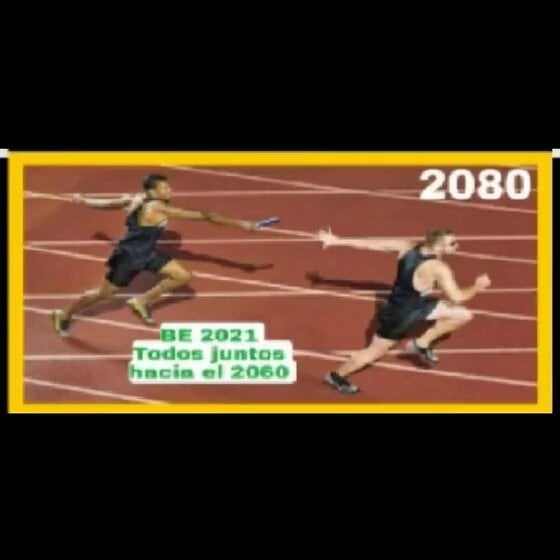
Runner with BE 2060 i inscription passing through sequential doors video prompt
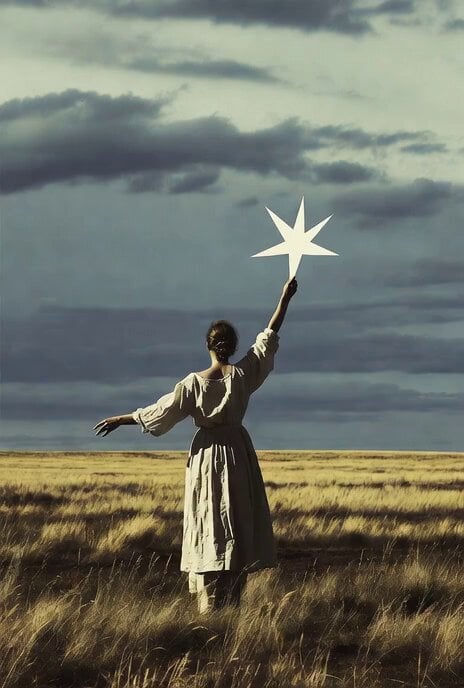
Wind Blows Paper, Camera Follows
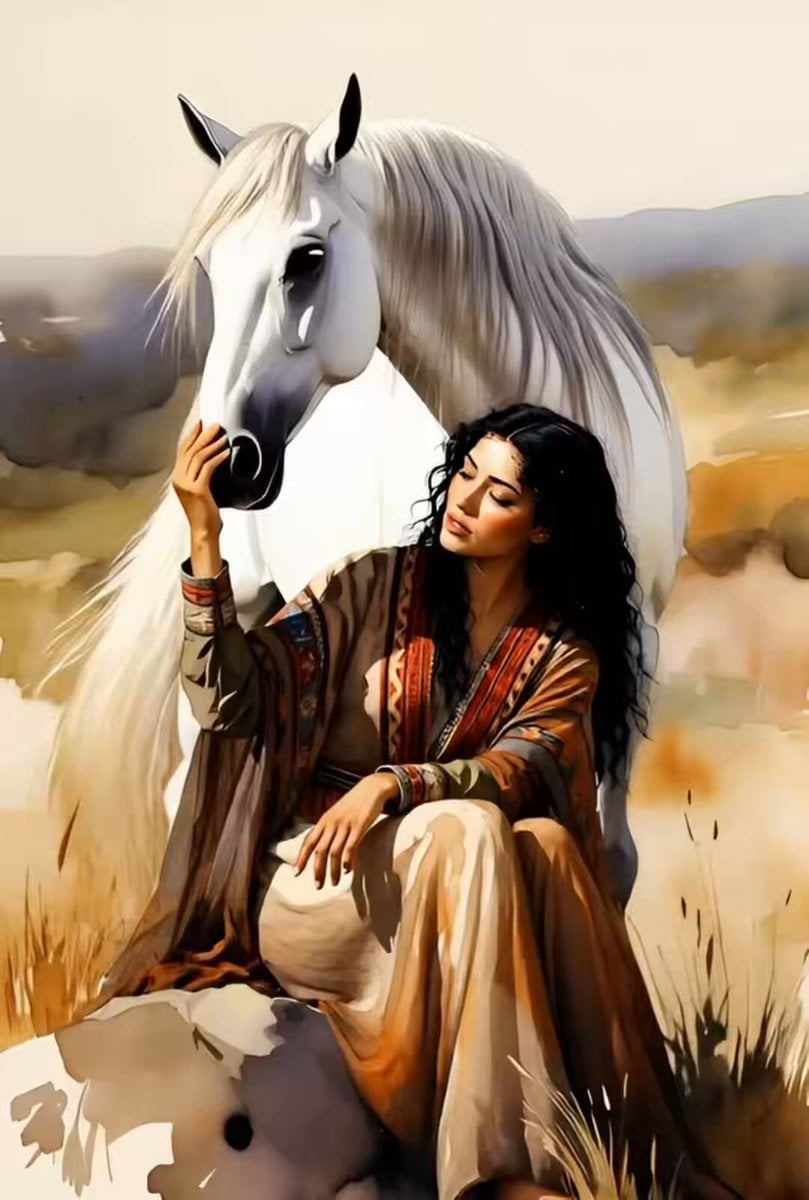
Watercolor Painting of Gypsy Woman and White Horse
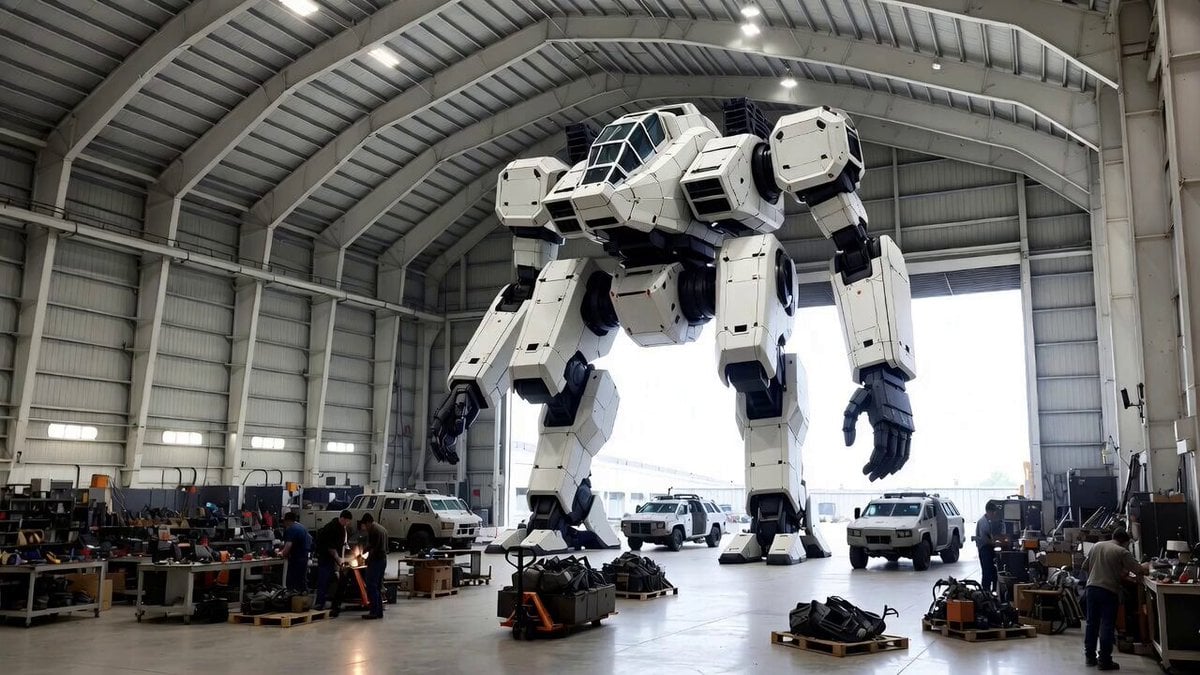
Video Generation Prompt: Mech in Aircraft Hangar
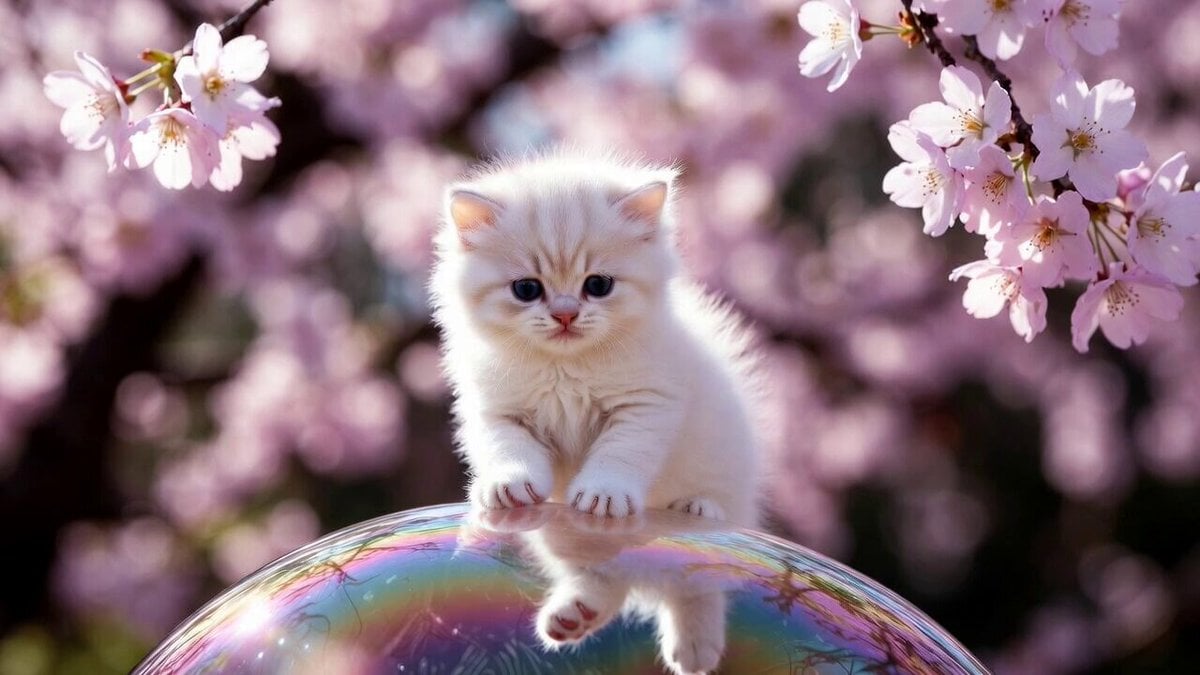
Cute Kitty on Soap Bubble Video Prompt
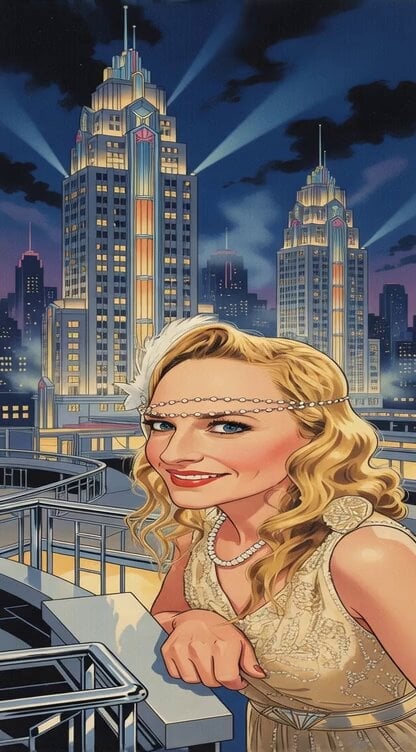
Transform image into Art Deco metropolis scene
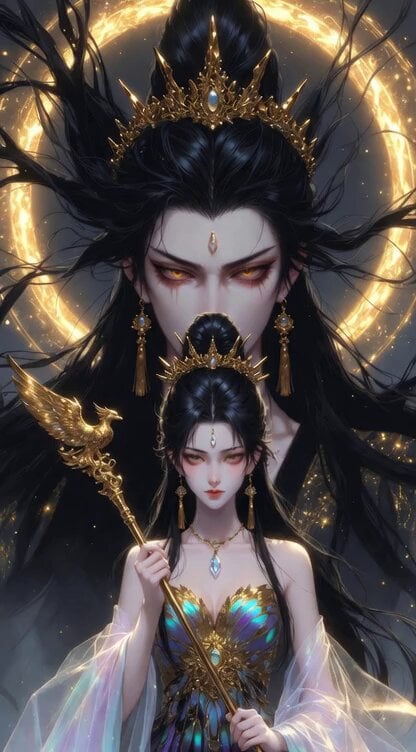
Chinese Xianxia Goddess Twin Statue Video
More video prompts
Fresh picks from across the catalog.
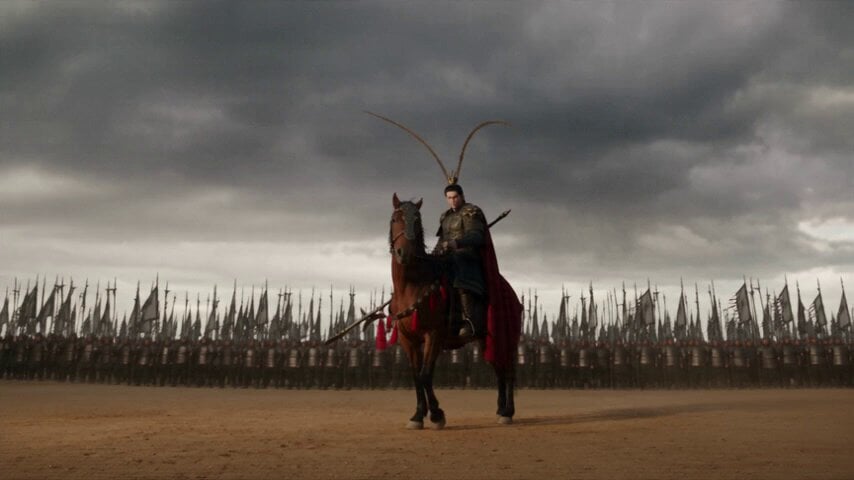
Hulao Pass Historical Battle
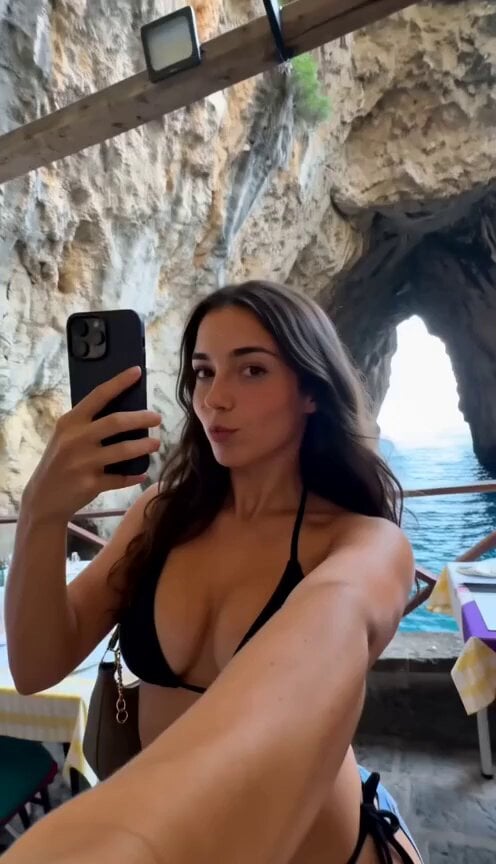
Authentic Italy Travel Vlog Collage
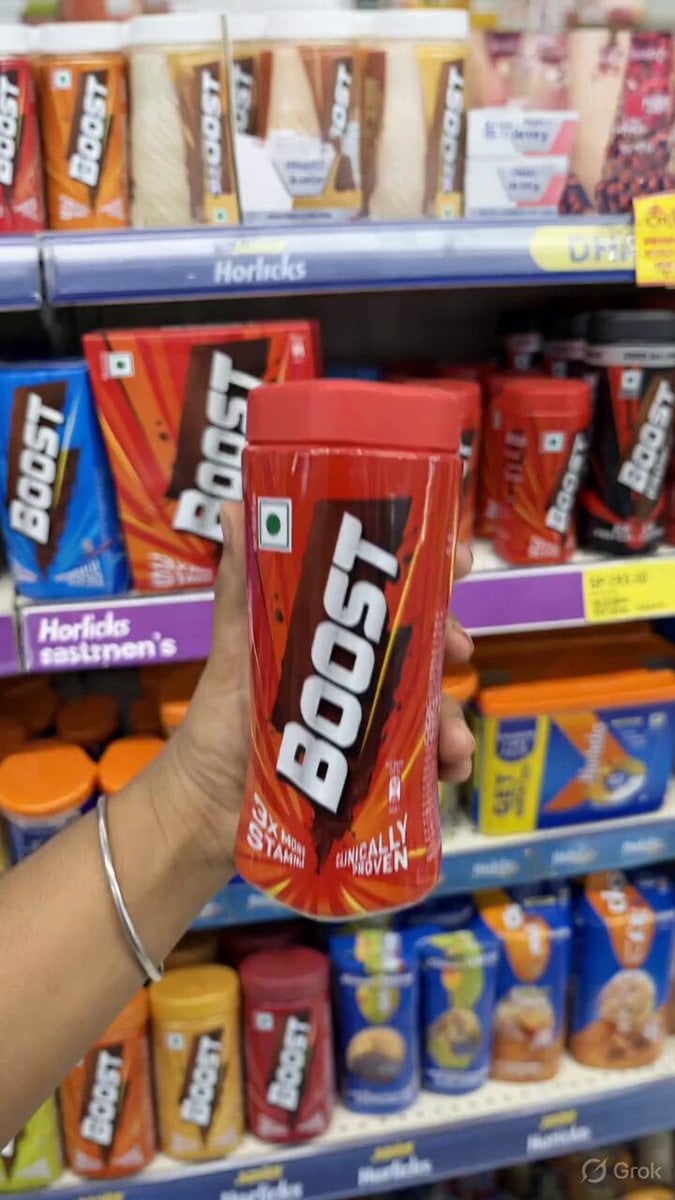
Dissolving Hand and Floating Jar Video Prompt
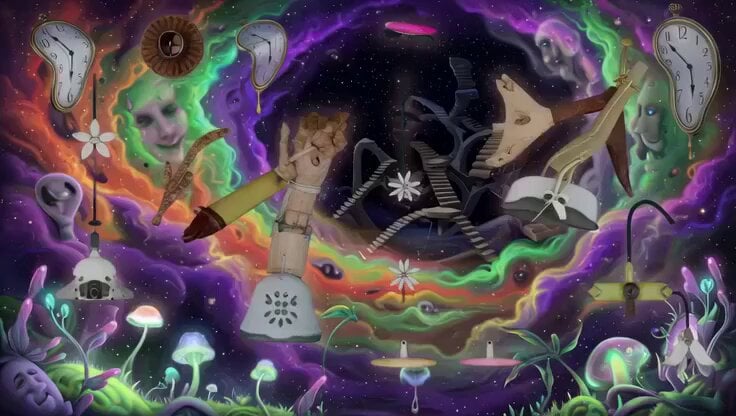
Psychedelic Surreal Cosmic Meltdown
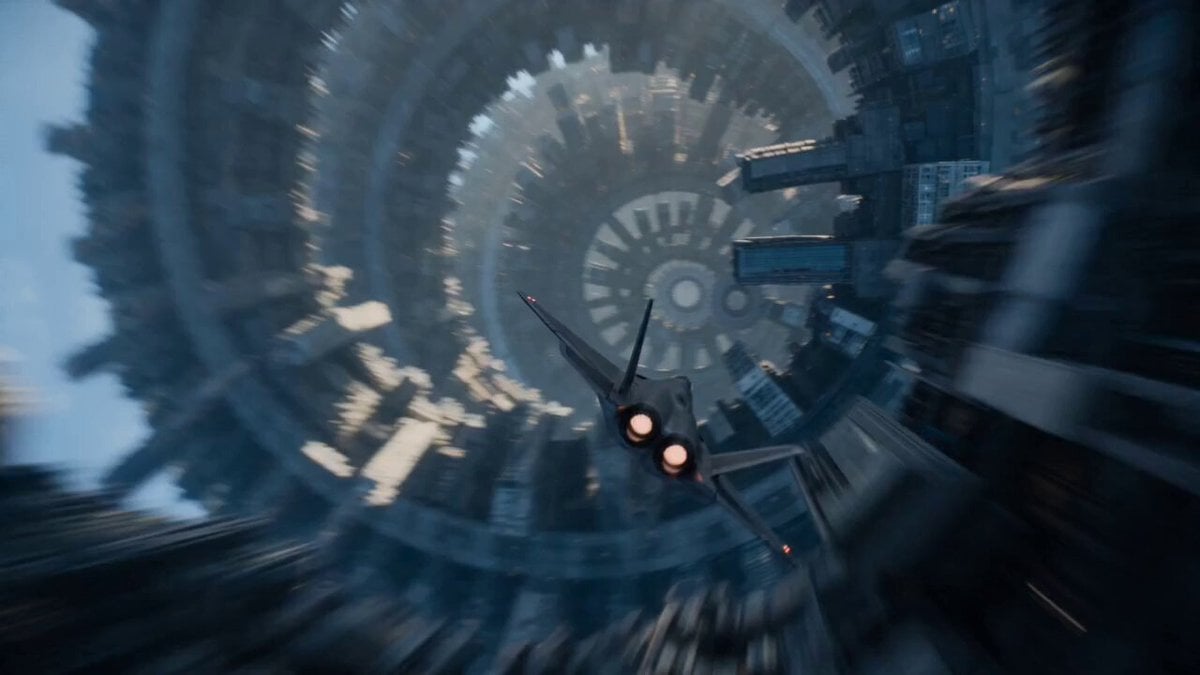
Sci-Fi Fighter Ring World Escape
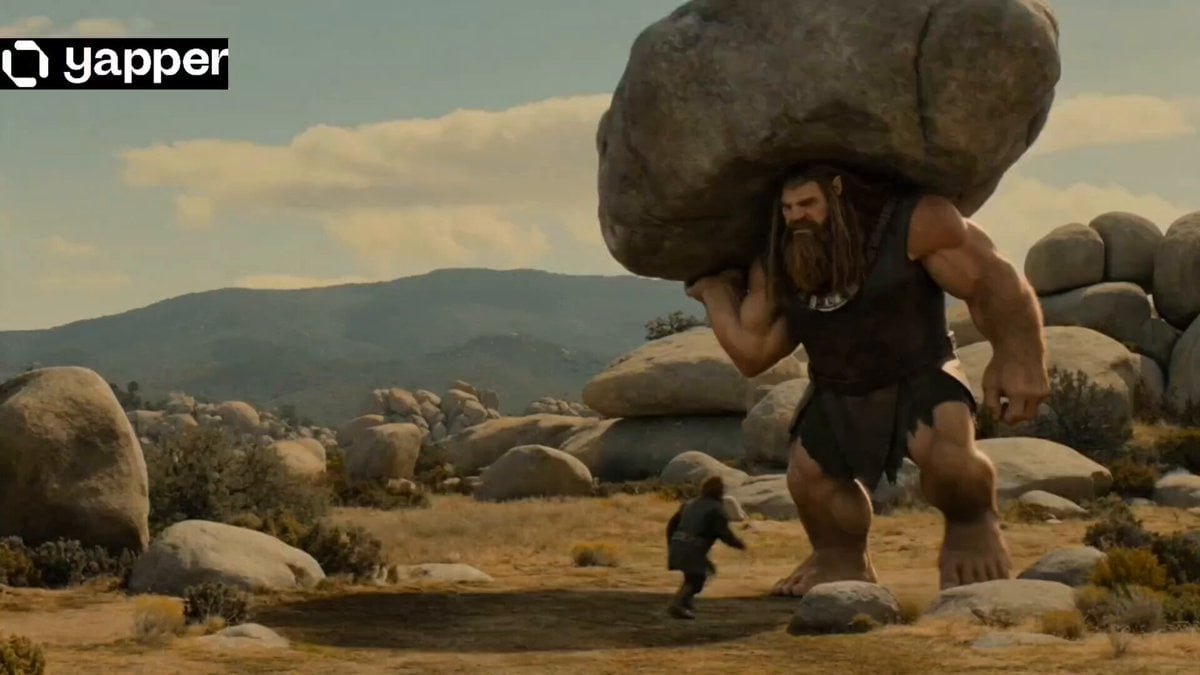
Epic Fantasy Giant Encounter
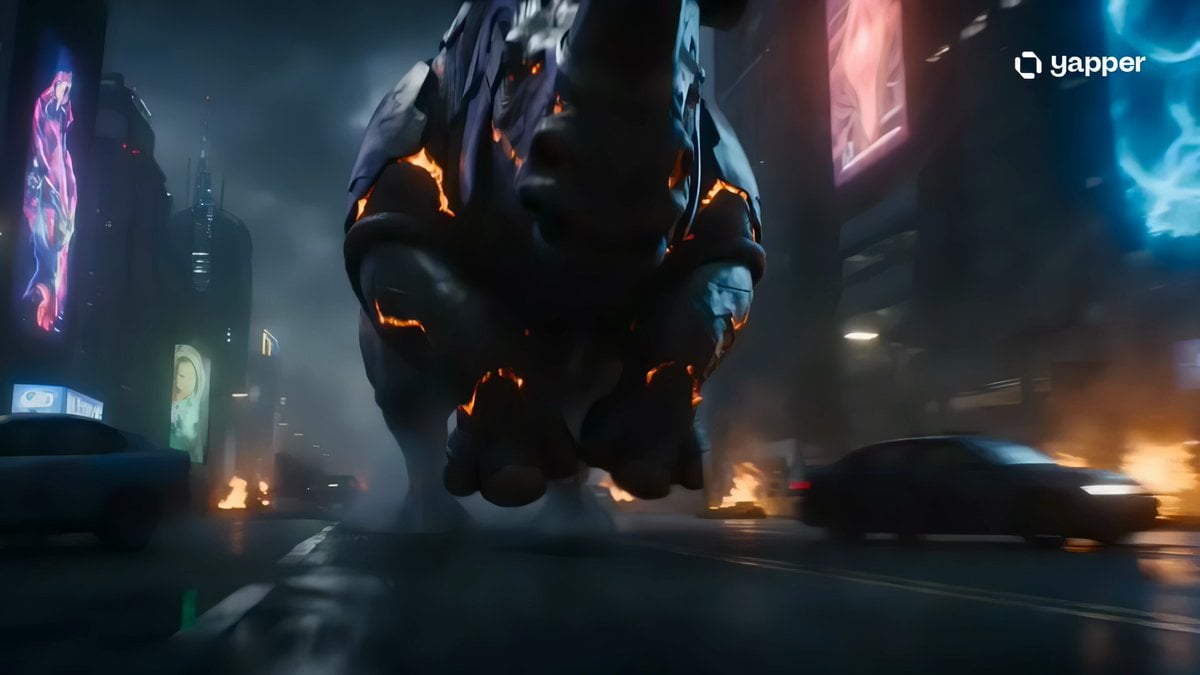
Colossal Armored Rhino Rampage
X Johnagi168 Work Seedance Video
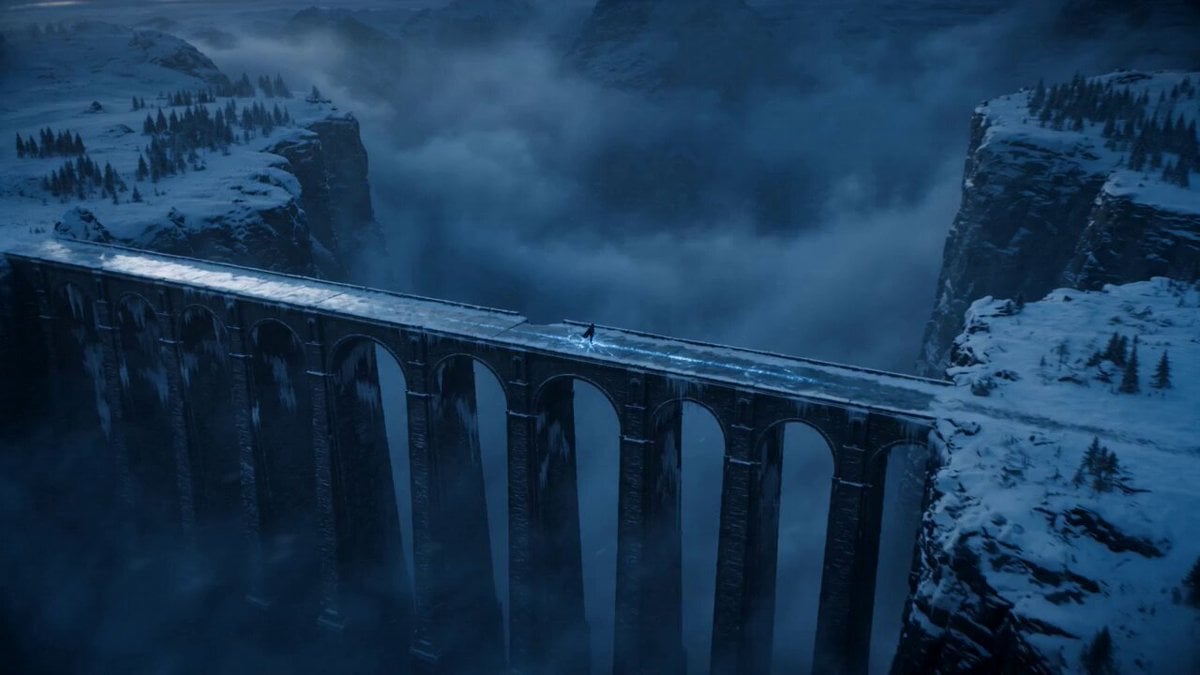
Dark Fantasy Frozen Bridge
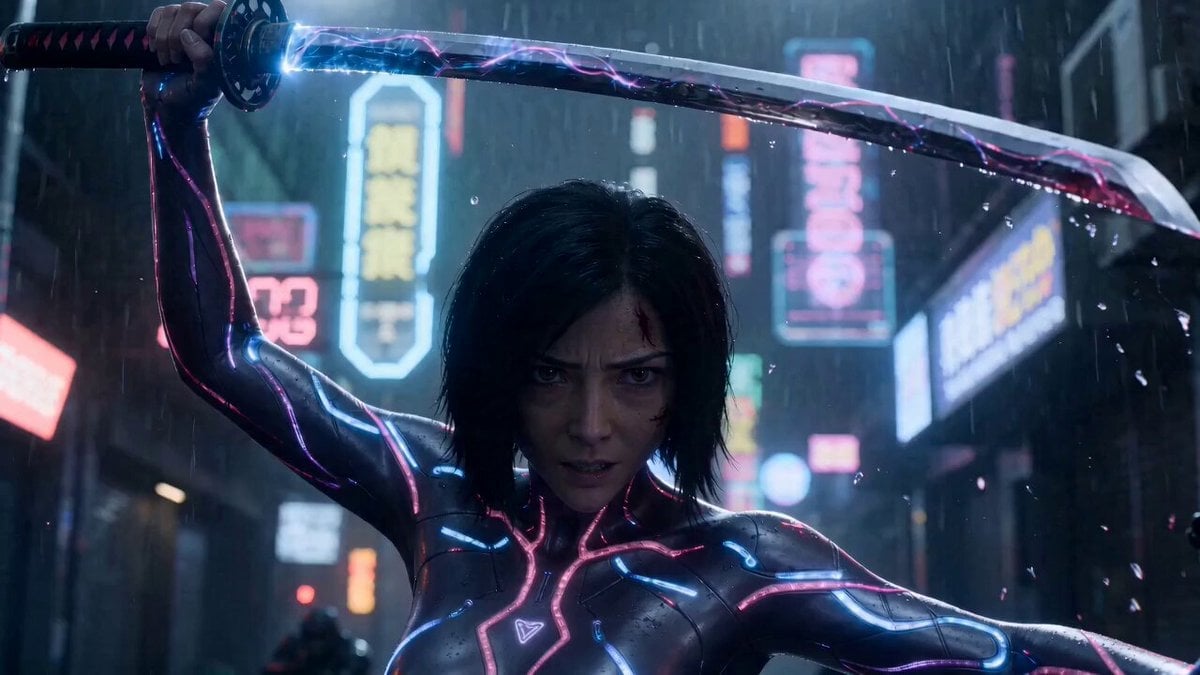
Cyber Ronin Cinematic Fight Scene
Browse template categories
Hyper-Realistic Dune-Style Character Transformation questions
How do I use the Hyper-Realistic Dune-Style Character Transformation template?
Add your photo if the template asks for one, edit the prompt if you like — the template's model and format are already selected — and press Generate. Your version opens in PicX Studio.
Can I customize the Hyper-Realistic Dune-Style Character Transformation template?
Yes. You can change the subject, setting, lighting, mood, format, and available model controls before creating your video.
Is the Hyper-Realistic Dune-Style Character Transformation template free?
Opening and editing this template is free. Generating uses credits, shown on the Generate button when you are signed in.
Which AI model should I use?
Start with Grok Imagine, which is the model associated with this template. You can compare another compatible model for a different finish.
Looking for something else? Browse all templates.

Your photo, any look
Thousands of ready templates for every top image and video model, from one credit balance.