
Zelda: Breath of the Wild - Hyrule Dawn Cinematic Prompt
A detailed, multi-scene prompt for Seedance 2.0 designed to generate a 15-second cinematic trailer in the style of Zelda: Breath of the Wild, using a blend of cel-shading and watercolor aesthetics.
- Prompt included
- Model and format preset
- Premium template
The prompt behind this video
Copy the exact prompt behind Zelda: Breath of the Wild - Hyrule Dawn Cinematic Prompt, or open it in the studio and make it yours.
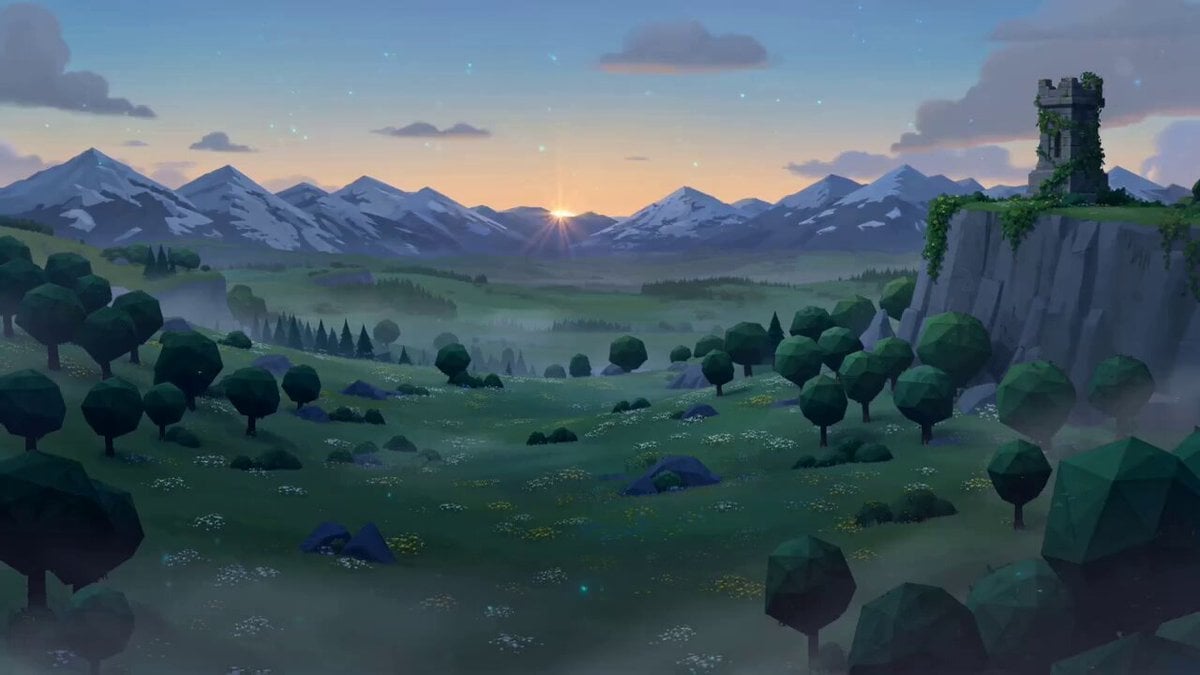
16:9 widescreen, an open-world game visual style blending cel-shaded rendering with hand-painted watercolor, bright, clear colors, soft outline strokes, 15-second fantasy continent adventure. 0-4s: extreme wide shot, at dawn, golden morning light slowly rises from behind a distant snow-capped mountain ridge, the light gradually spreading across a vast green plain dotted with stylized low-poly trees and wildflowers, in the distance an ancient stone tower wrapped in vines stands at the edge of a cliff, pale blue light particles drifting in the air, the camera slowly pushes down from a high angle through the clouds, morning birdsong and wind sounds; 5-9s: tracking shot, a blond-haired boy wearing a blue adventurer's overcoat stands at the cliff's edge looking out over the land, his cape snapping in the wind, he leaps off the cliff and deploys a cloth paraglider, the camera tracks him from the side as he glides on the air currents, below him a sweeping cel-shaded landscape — winding rivers, dense forest, ruined castles, a distant volcano puffing orange-red smoke, sunlight casting translucent light and shadow on the paraglider's canopy; 10-15s: the boy folds up his paraglider and lands on a patch of grass, casually pulling a rusty sword up from the ground, a round, jelly-like blue little monster suddenly bounces out of the grass ahead, the boy turns sideways into a fighting stance, the monster bounces furiously toward him, the boy nimbly dodges and with a light swing of his sword sends the monster flying, dissolving into purple smoke, the boy sheathes his sword and looks toward the outline of the massive castle ruins in the distance, the wind blowing the grass into rolling waves like a green ocean. Audio: morning wind and birdsong at the opening, the whooshing sound of air currents and the fabric's vibration while gliding, the rustle of grass on landing, the metallic scrape of drawing the sword, crisp impact sound effects during the fight, an upbeat orchestral and piano melody layered throughout. Prohibited: any text, subtitles, logos, or watermarks.
How to use Zelda: Breath of the Wild - Hyrule Dawn Cinematic Prompt in 3 steps
- 1
Open
The prompt is already in the box next to the preview, with the template's model and format selected.
- 2…a portrait of your subject in softgolden-hour light, 85mm…
Personalize
Edit the subject and creative details for your destination.
- 3
 Generate
Press Generate — your video is created in PicX Studio, so you can compare it with the original and refine one variable at a time.
More like this
Templates with the same subject, style or setup. Open one to see its prompt.
Zelda: Breath of the Wild - Temple Awakening Cinematic Prompt
Breathing Skyscraper Night Surrealism
Cinematic Wuxia holding breath challenge
Cinematic Knight at Dawn
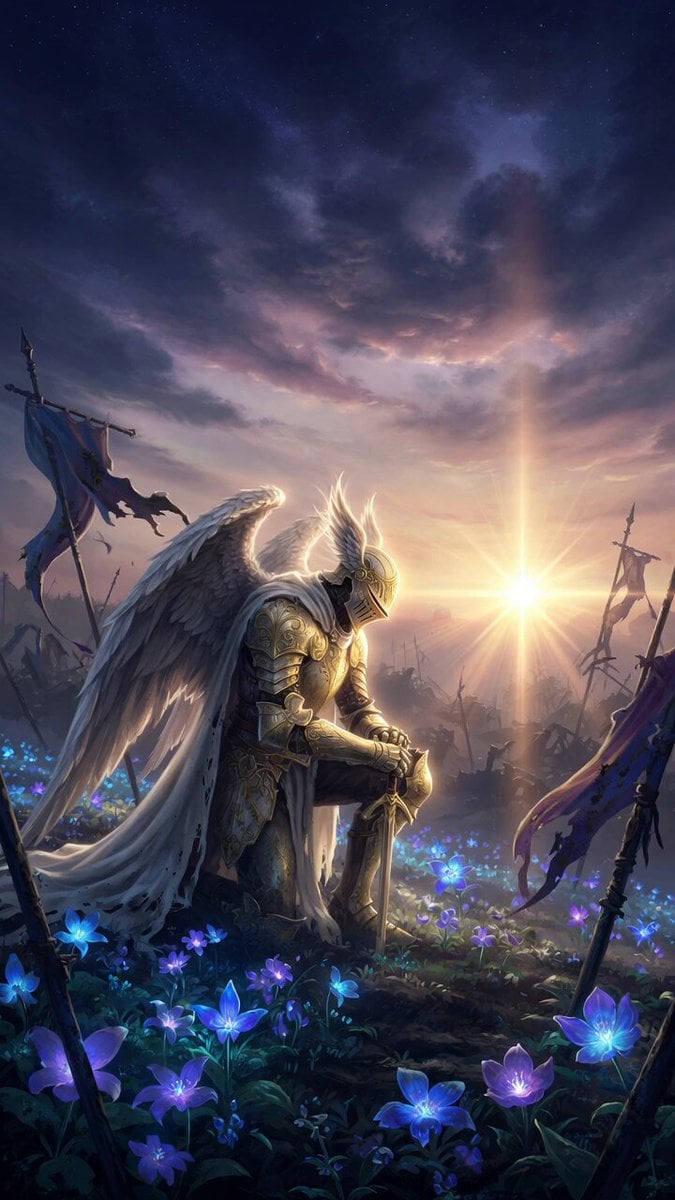
Bioluminescent Dawn Fantasy Prompt
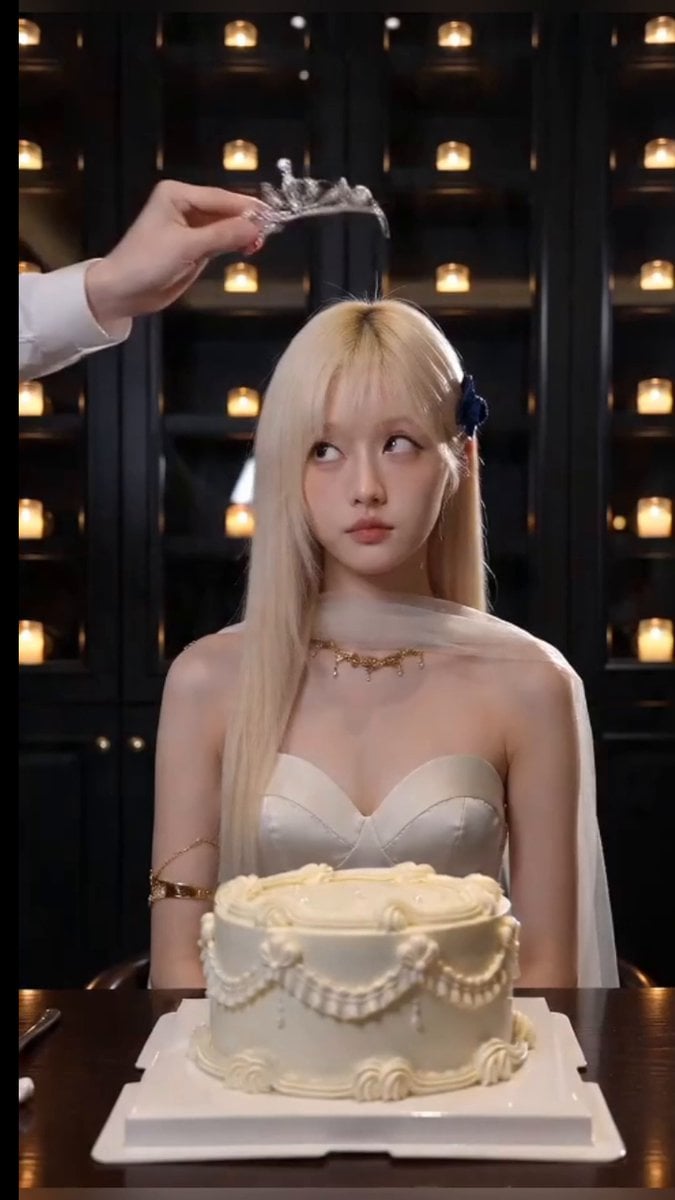
Cinematic Birthday Fire Breathing Video
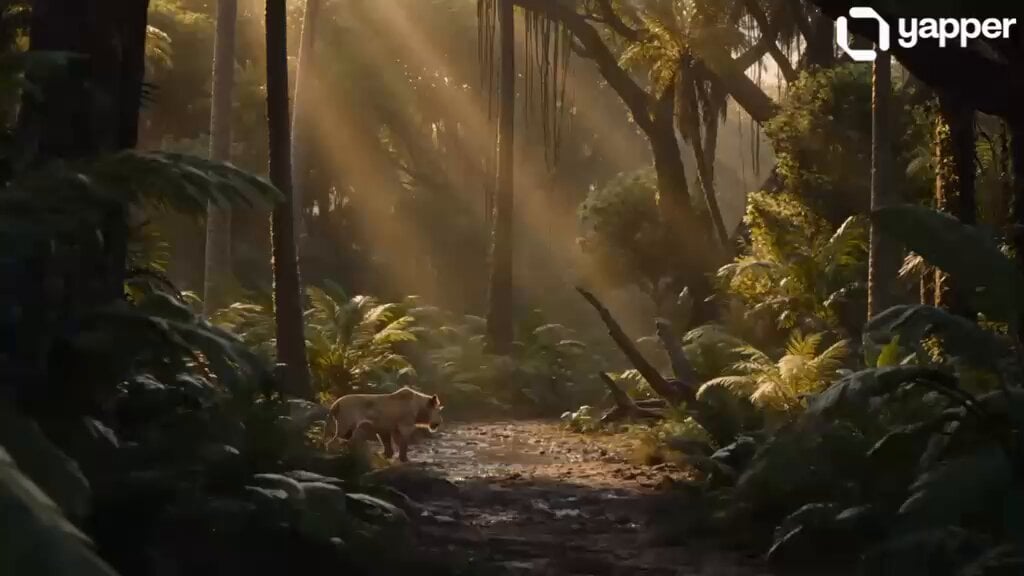
Wildlife Documentary: Lion and Elephant
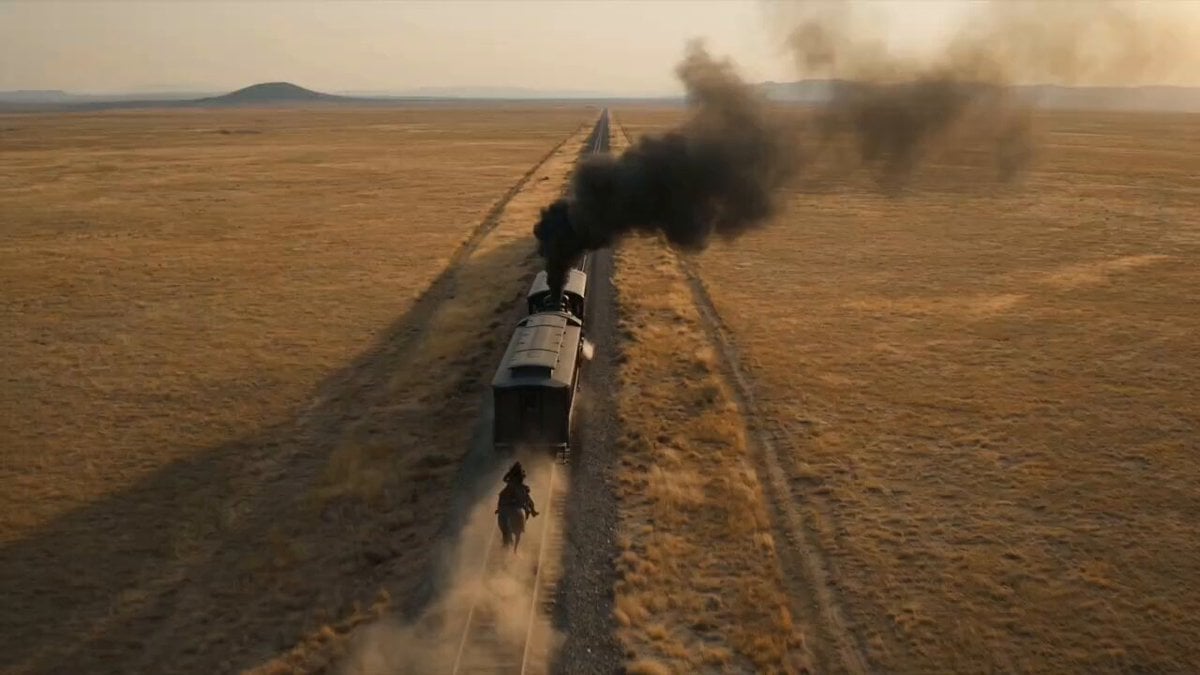
Wild West Gunslinger Train Stunt
Wild Horse Trainer Birthday Video Sequence Prompt
Ghibli style Wild West woman and butterfly video prompt
Volleyball in the Wild West video prompt
Epic fantasy dawn with elven archer
Make it yours
Zelda: Breath of the Wild - Hyrule Dawn Cinematic Prompt works as-is. These are the safest ways to change it without losing the look.
Change one field
Copy a single group, rewrite it, and generate again so you can see what that field is doing.
Keep the frame, change the subject
Hold the composition and light of Zelda: Breath of the Wild - Hyrule Dawn Cinematic Prompt, then swap wardrobe, props or the person for a new take.
| If the result… | Why | Fix |
|---|---|---|
| The result drifts from the preview | Too many fields changed at once. | Reuse Zelda: Breath of the Wild - Hyrule Dawn Cinematic Prompt as-is first, then change one group — subject, light, or setting. |
| The model over-stylizes the scene | The prose prompt leaves finish and camera underspecified. | Add one camera or lighting sentence and stay on Seedance 2.0. |
More Seedance 2.0 templates
Other prompts made for Seedance 2.0.

Comical Martial Arts Punch Scene

Maglev Train Action Sequence

Wuxia Protection and Trust Script

Vintage Korean Arcade MiniDV Vlog

Mercedes 190 SL Luxury Ad

Rainy Night Supernatural Reverse Comedy Video Script

Amazon Civilization Discovery

Futuristic South Asian City Transformation

Cozy Luxury Cafe Commercial
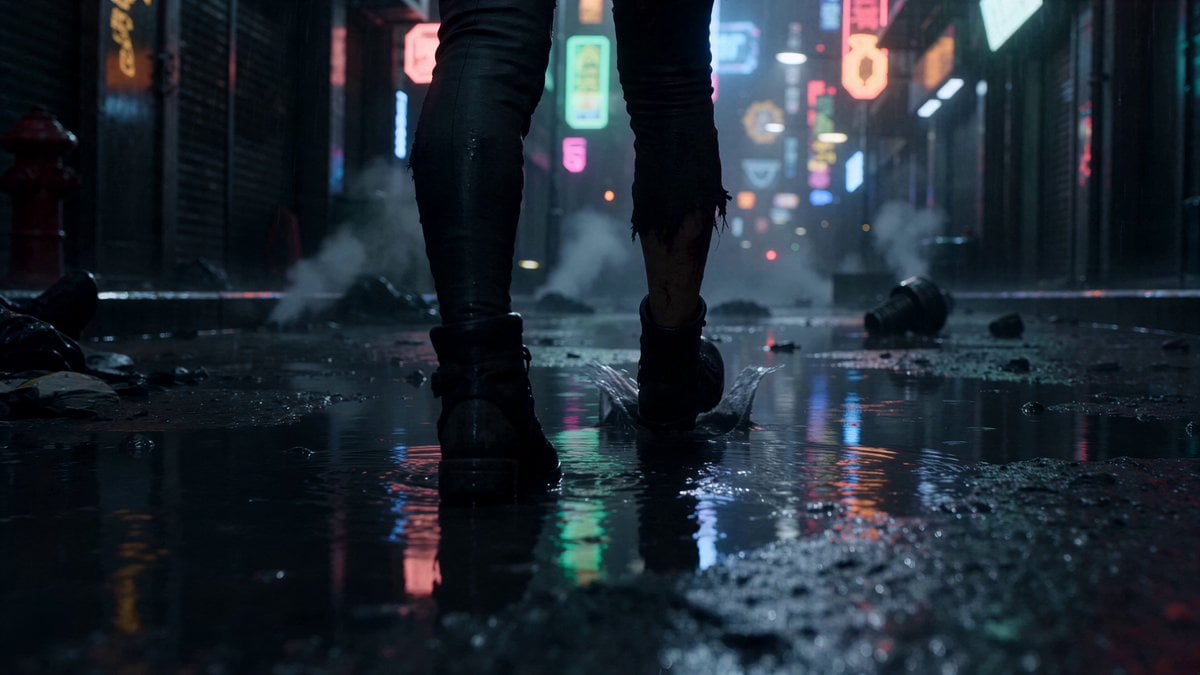
Cyber Ronin Nanotech Transformation Video
More video prompts
Fresh picks from across the catalog.
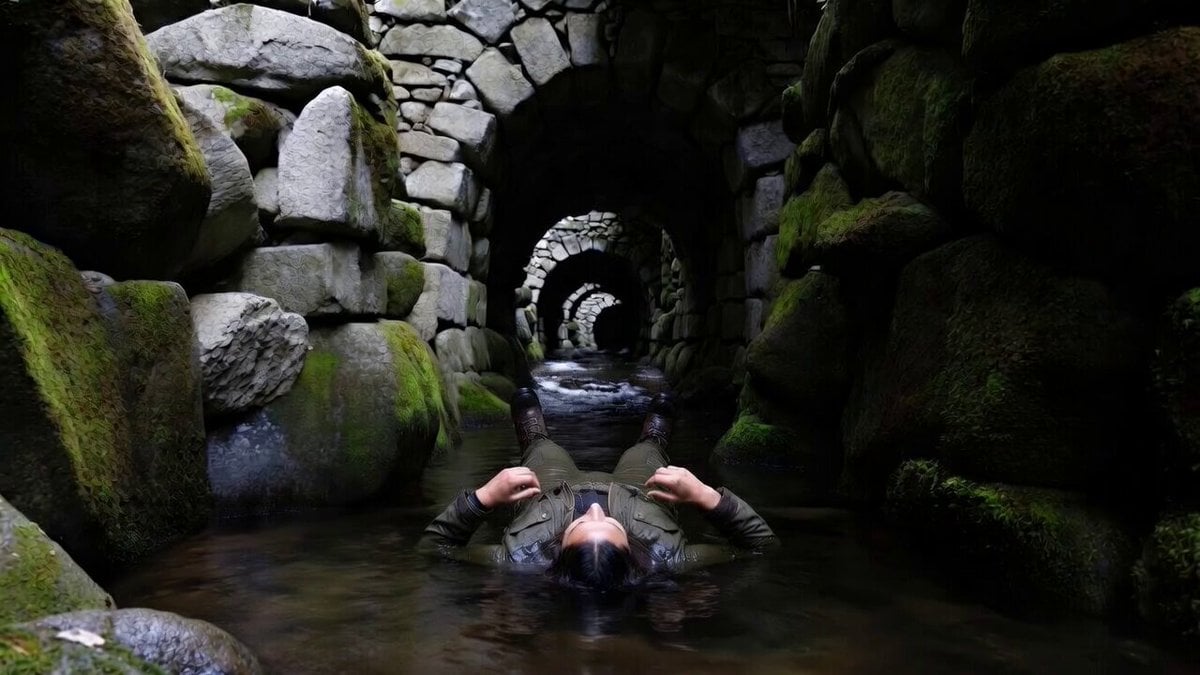
Woman Pulled Deep into a Winding Tunnel
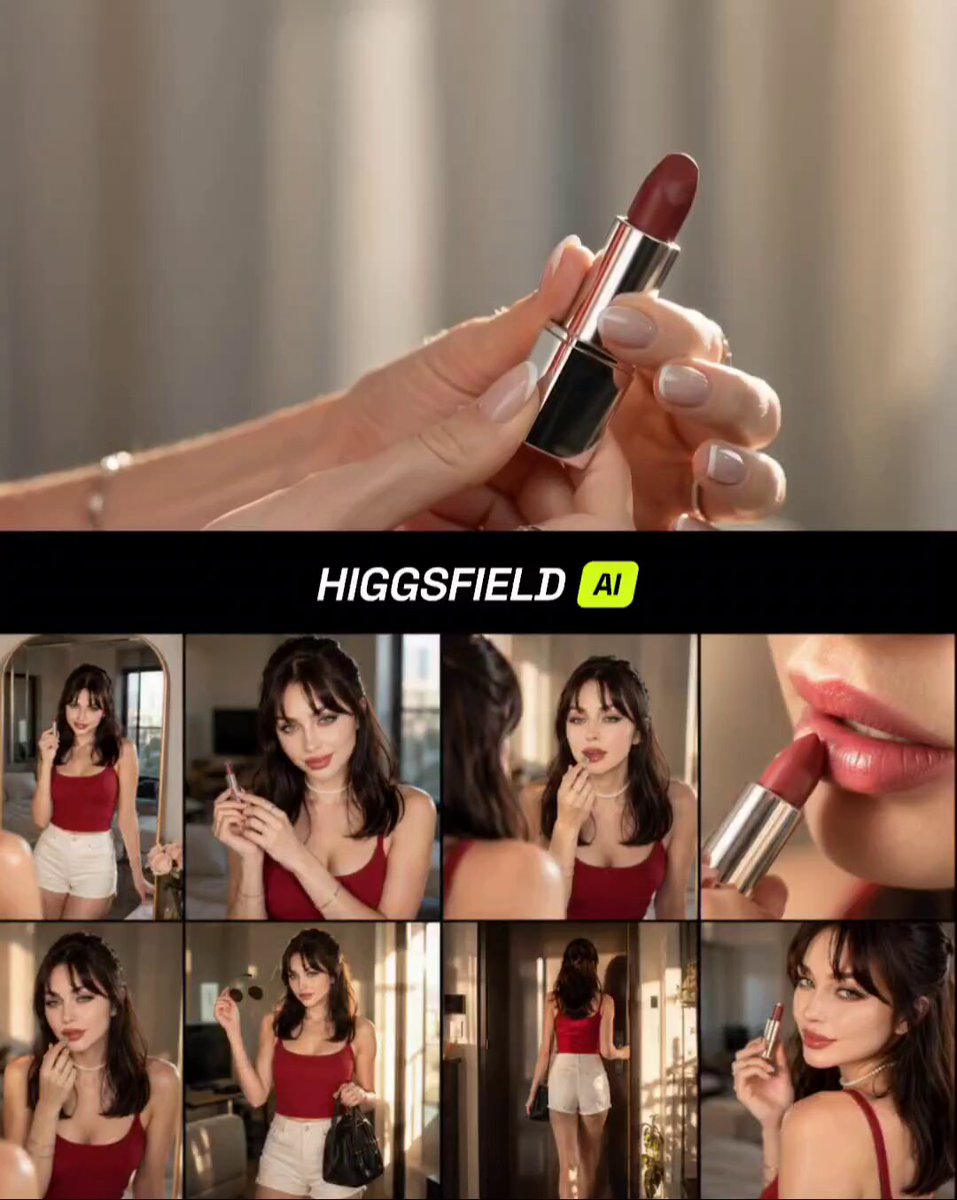
Premium Lifestyle Lipstick Commercial Video
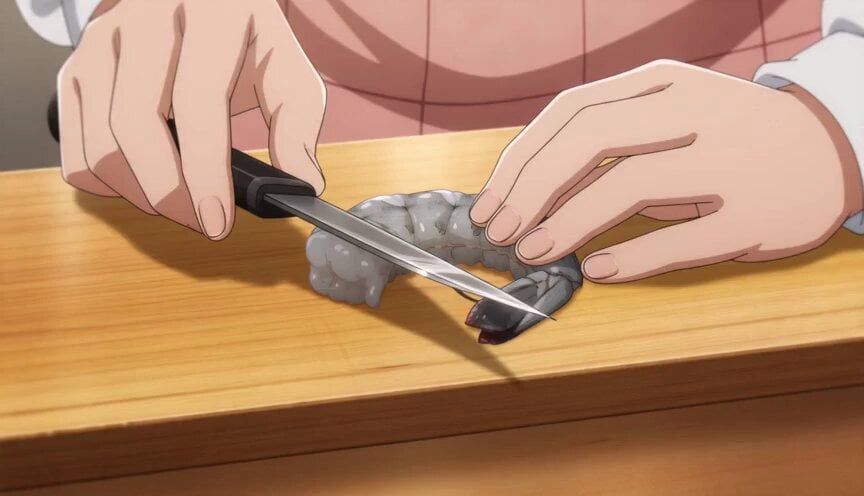
Anime Chef Shrimp Tempura Cooking
Rodeo Drive Supercar Paparazzi POV
Ancient Indian Kingdom FPV Flyover
Cyberpunk Cyber Blade Combat
Mayan Warrior Digital Codex
Fantasy Title Sequence Animation Prompt
Skeleton Riding Ram Mountain Quest
Complex Close Combat Sequence
Browse template categories
Zelda: Breath of the Wild - Hyrule Dawn Cinematic Prompt questions
How do I use the Zelda: Breath of the Wild - Hyrule Dawn Cinematic Prompt template?
Add your photo if the template asks for one, edit the prompt if you like — the template's model and format are already selected — and press Generate. Your version opens in PicX Studio.
Can I customize the Zelda: Breath of the Wild - Hyrule Dawn Cinematic Prompt template?
Yes. You can change the subject, setting, lighting, mood, format, and available model controls before creating your video.
Is the Zelda: Breath of the Wild - Hyrule Dawn Cinematic Prompt template free?
Opening and editing this template is free. Generating uses credits, shown on the Generate button when you are signed in.
Which AI model should I use?
Start with Seedance 2.0, which is the model associated with this template. You can compare another compatible model for a different finish.
Looking for something else? Browse all templates.

Your photo, any look
Thousands of ready templates for every top image and video model, from one credit balance.