
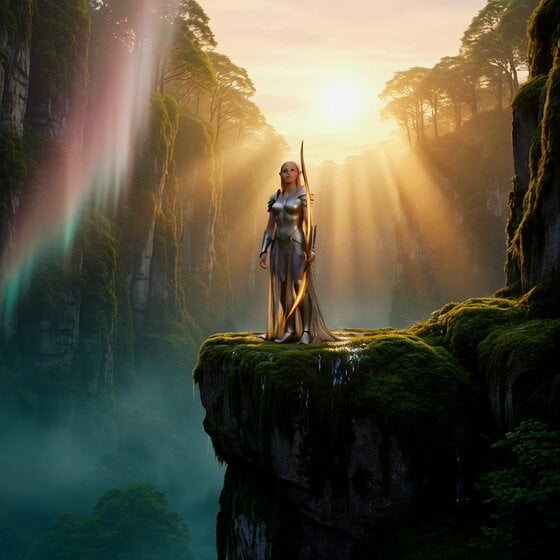
Epic fantasy dawn with elven archer
A highly detailed Grok Imagine video prompt for an epic fantasy scene featuring an ethereal elven archer at dawn on mist-shrouded cliffs, rendered in ultra-detailed 8K fantasy realism with specific cinematic and…
- Prompt included
- Model and format preset
- Free template
The prompt behind this video
Copy the exact prompt behind Epic fantasy dawn with elven archer, or open it in the studio and make it yours.
Epic fantasy dawn over mist-shrouded ancient forest cliffs, ethereal elven archer in flowing silver-leaf armor stands on the edge drawing a luminous longbow, golden sunrise rays piercing through towering emerald canopies, soft aurora wisps in pale lavender and rose, delicate dew on moss-covered stone, heroic low-angle cinematic shot rising slowly, palette of warm gold, deep forest green, and subtle teal mist, sweeping strings and distant wind chimes, ultra-detailed 8K fantasy realism
How to use Epic fantasy dawn with elven archer in 3 steps
- 1
Open
The prompt is already in the box next to the preview, with the template's model and format selected.
- 2…a portrait of your subject in softgolden-hour light, 85mm…
Personalize
Edit the subject and creative details for your destination.
- 3Generate
Generate
Press Generate — your video is created in PicX Studio, so you can compare it with the original and refine one variable at a time.
More like this
Templates with the same subject, style or setup. Open one to see its prompt.
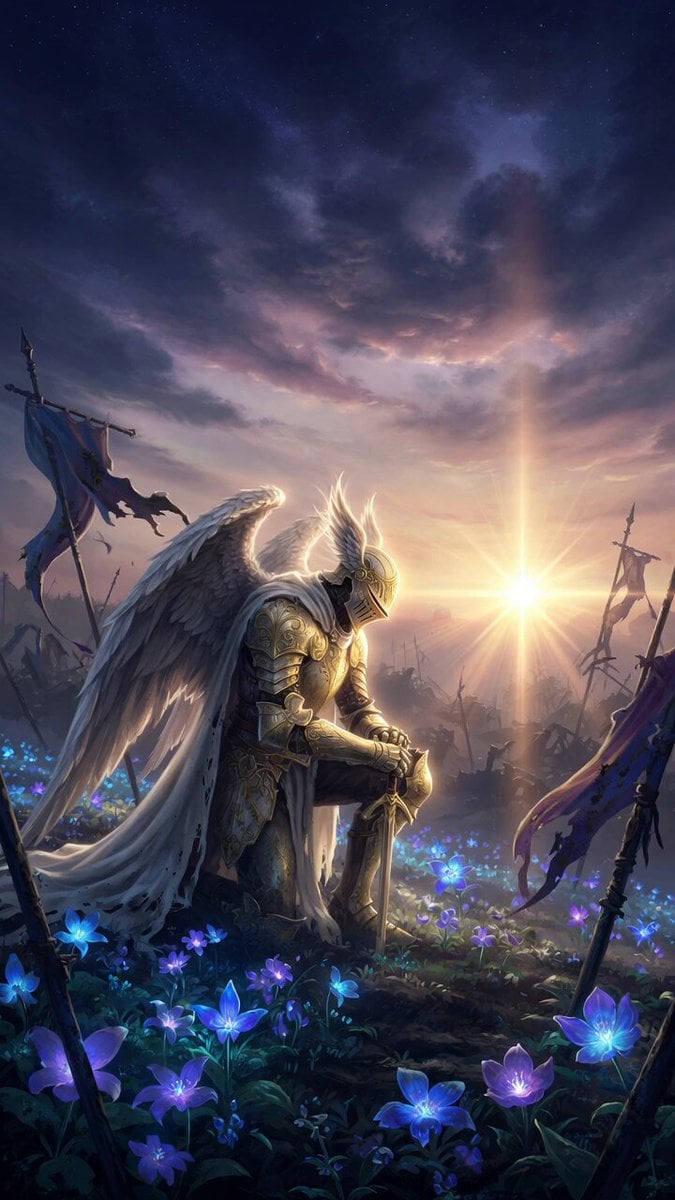
Bioluminescent Dawn Fantasy Prompt
Oceanic Civilization Epic Sci-Fi Film
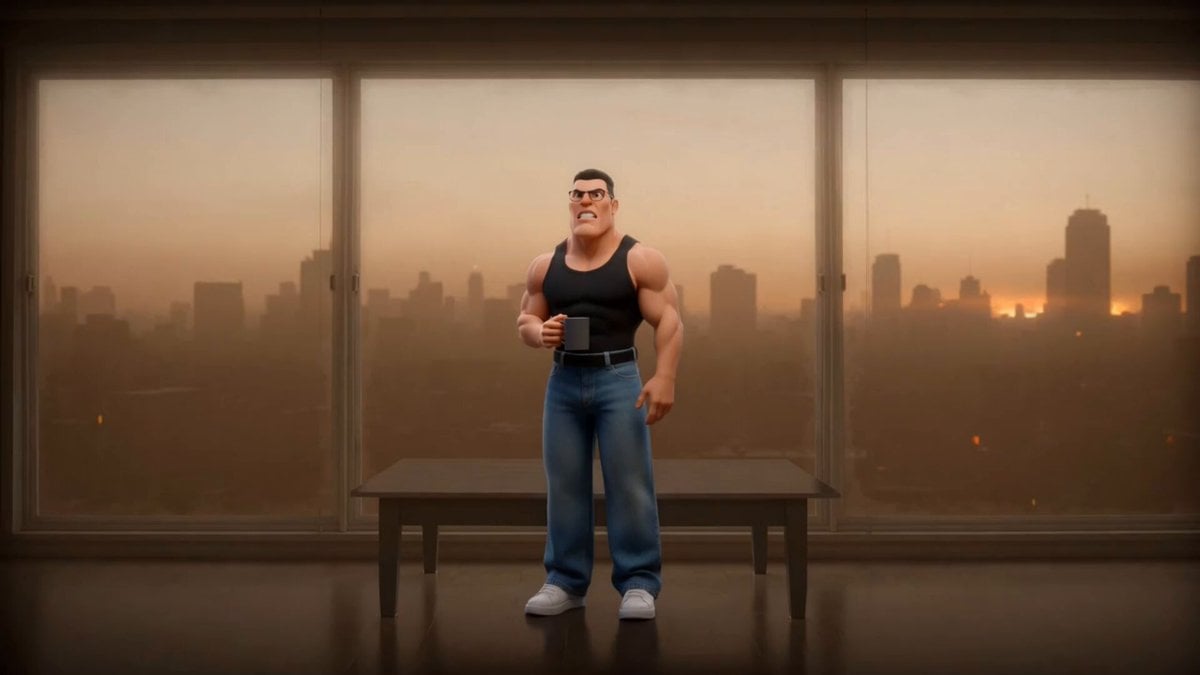
Cinematic CGI Trailer Scene: Smoggy Dawn
The Dawning of the Age of Aquarius
80s Fantasy Wizard and Lady
Celestial Phoenix Elven Empress
1800s Elven Cottage Scene

One Sword Breaks Dawn Video Prompt for Seedance 2.0 (Fantasy Action)

Kaleidoscopic Cosmic Dolphin Video

Horror Daffy Duck Video Transition

America 250th Anniversary Celebration

Glowing Water Forest Night Prompt
Make it yours
Epic fantasy dawn with elven archer works as-is. These are the safest ways to change it without losing the look.
Change one field
Copy a single group, rewrite it, and generate again so you can see what that field is doing.
Keep the frame, change the subject
Hold the composition and light of Epic fantasy dawn with elven archer, then swap wardrobe, props or the person for a new take.
| If the result… | Why | Fix |
|---|---|---|
| The result drifts from the preview | Too many fields changed at once. | Reuse Epic fantasy dawn with elven archer as-is first, then change one group — subject, light, or setting. |
| The model over-stylizes the scene | The prose prompt leaves finish and camera underspecified. | Add one camera or lighting sentence and stay on Grok Imagine. |
More Grok Imagine templates
Other prompts made for Grok Imagine.

Mecha Runway Tap Dance Video Prompt

Emotional Angry Couple Drama
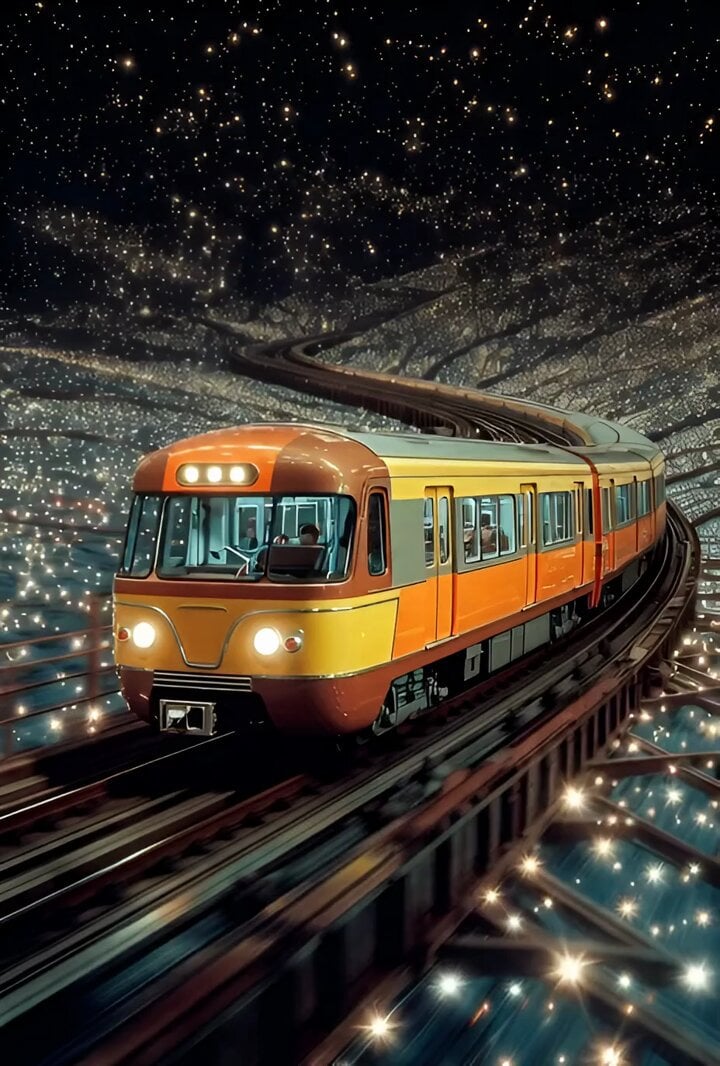
Train Zooming in Star Field Video Prompt

Cyberpunk Guerrilla Girl Video Generation

Detailed multi-part video prompt
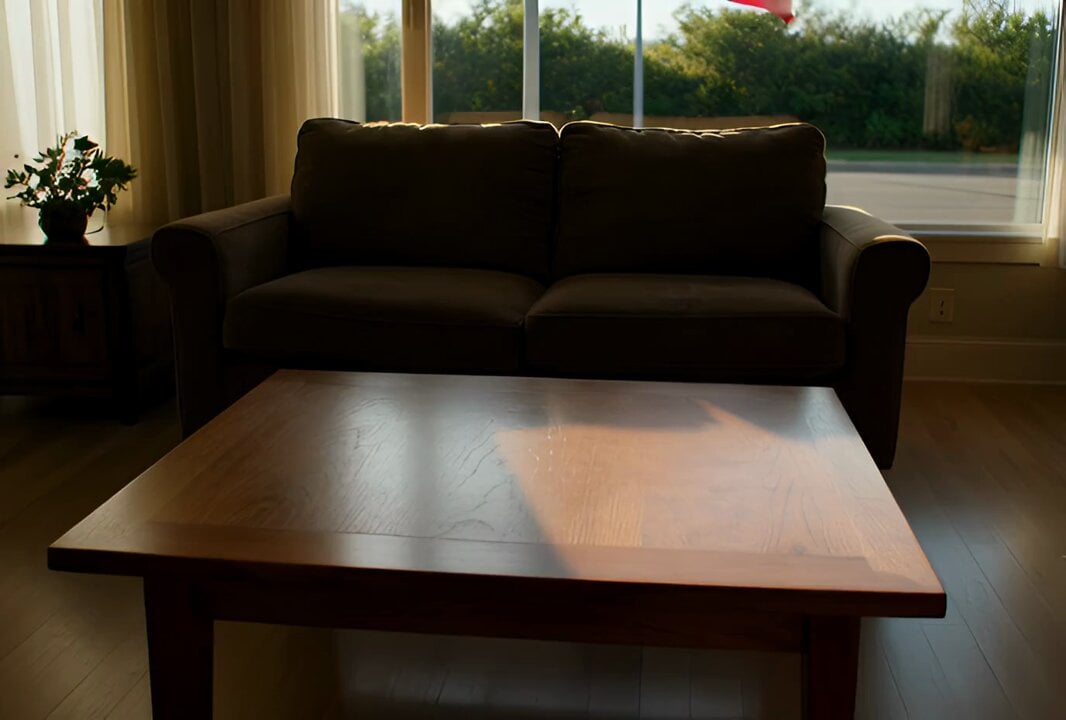
Interior View Video Generation Prompt
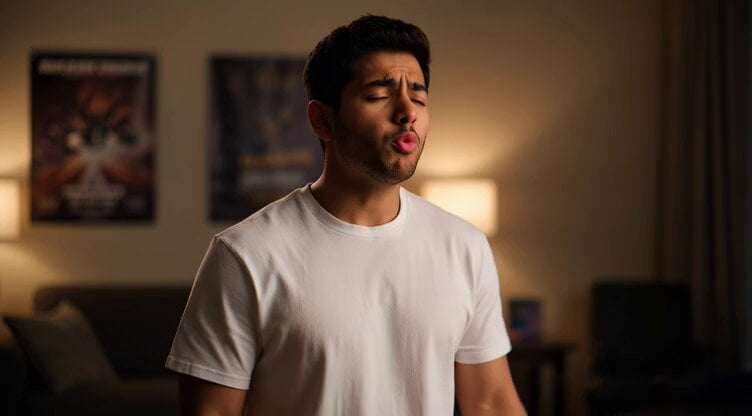
GTA 6 never came out in 1 million years

Bitcoin liferaft video prompt

Woman floating down, opening eyes and looking deeply into the viewer's eyes
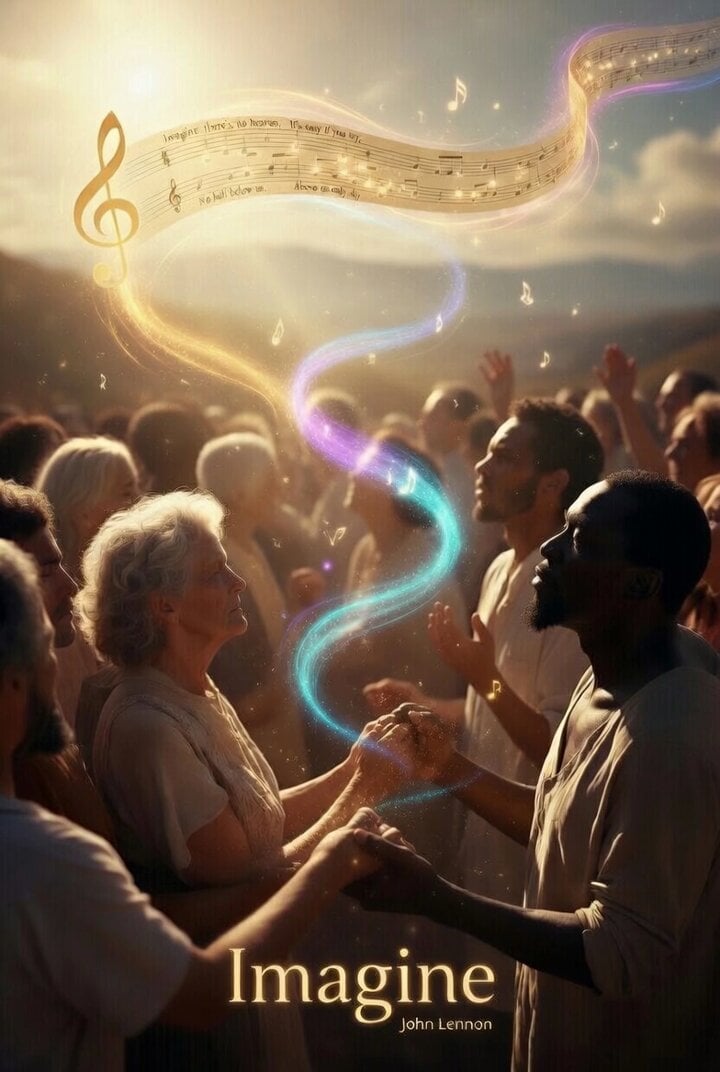
Utopian World of Harmony and Peace
More video prompts
Fresh picks from across the catalog.

Flooded Corridor Cinematic Film
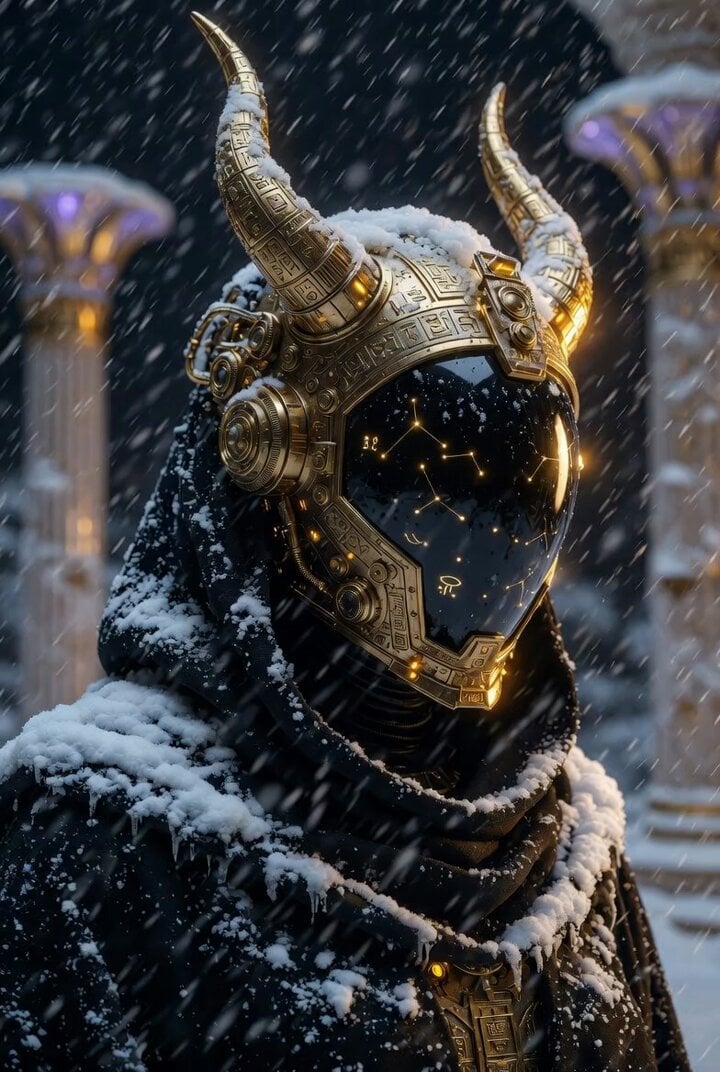
Grok Imagine Cyber-Egyptian Figure in Snow

Summer Festival Takoyaki Montage
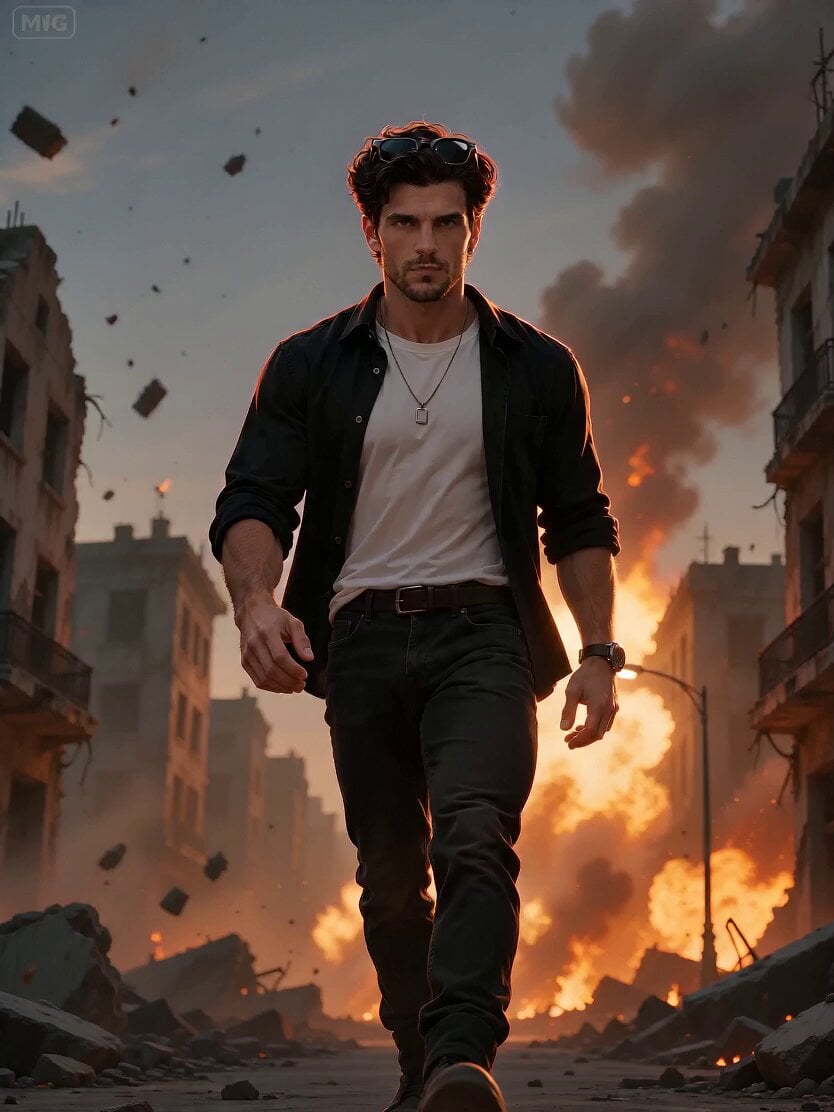
Cinematic Action Hero Combat Sequence

Pixar Style Pizzeria Animation

Time Traveler's Warning

Thrift Store Vlog Selfie
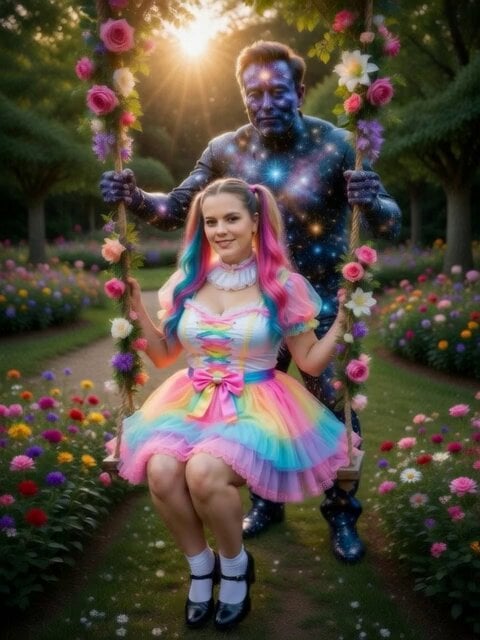
Exploding man and sad woman video prompt
Desert Base Alien Attack Cinematic Script
Blooming Fractal Flowers Video
Browse template categories
Epic fantasy dawn with elven archer questions
How do I use the Epic fantasy dawn with elven archer template?
Add your photo if the template asks for one, edit the prompt if you like — the template's model and format are already selected — and press Generate. Your version opens in PicX Studio.
Can I customize the Epic fantasy dawn with elven archer template?
Yes. You can change the subject, setting, lighting, mood, format, and available model controls before creating your video.
Is the Epic fantasy dawn with elven archer template free?
Opening and editing this template is free. Generating uses credits, shown on the Generate button when you are signed in.
Which AI model should I use?
Start with Grok Imagine, which is the model associated with this template. You can compare another compatible model for a different finish.
Looking for something else? Browse all templates.

Your photo, any look
Thousands of ready templates for every top image and video model, from one credit balance.